-
-
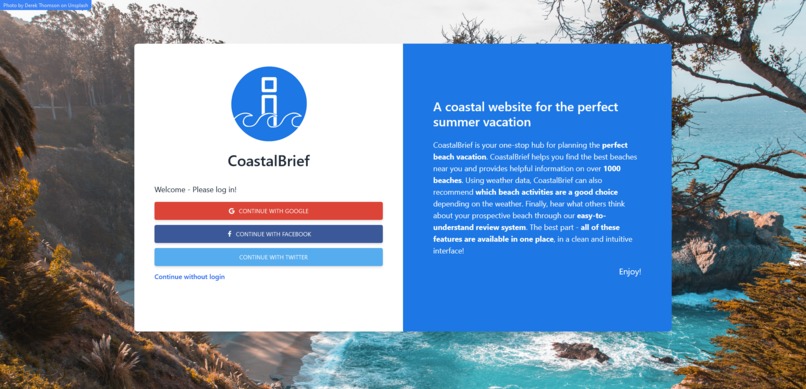
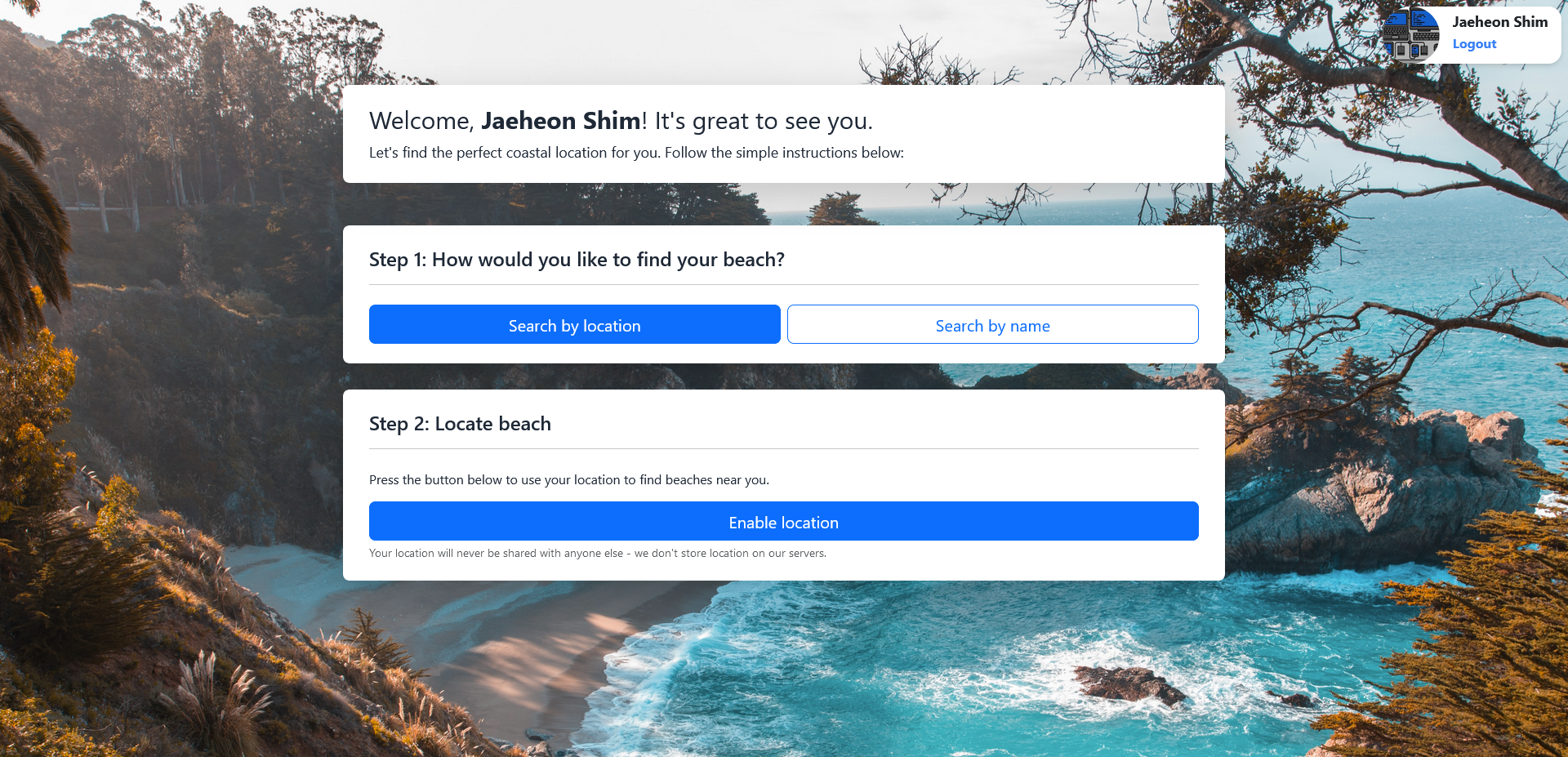
Homepage
-
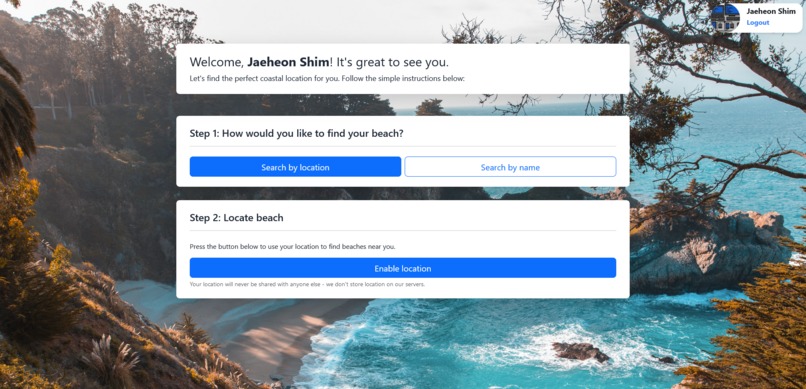
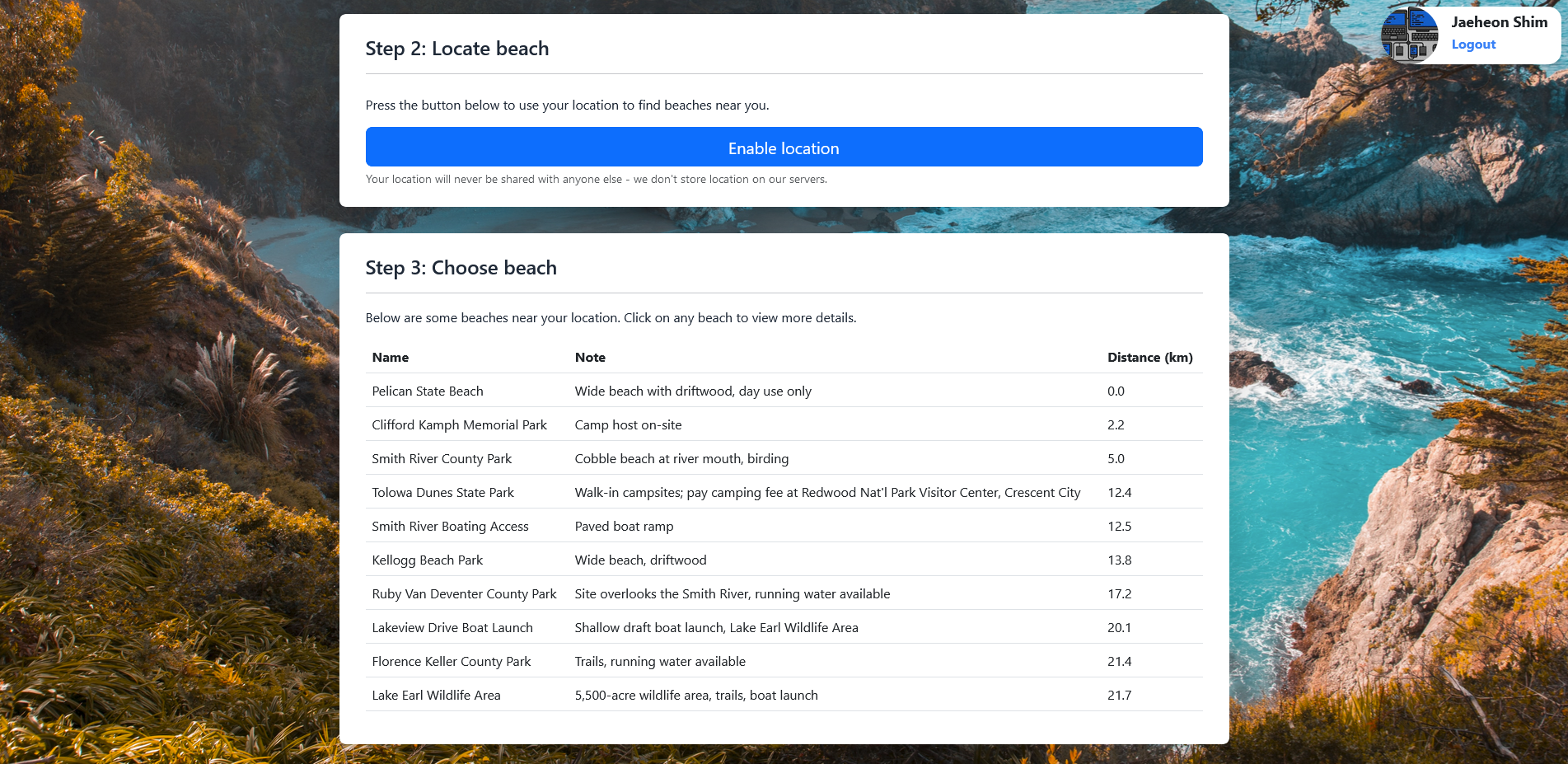
Search for beaches by GeoLocation
-
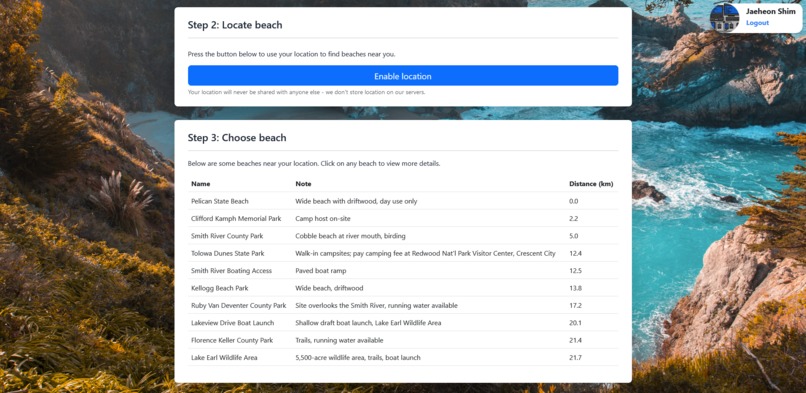
List of beaches around a certain location
-
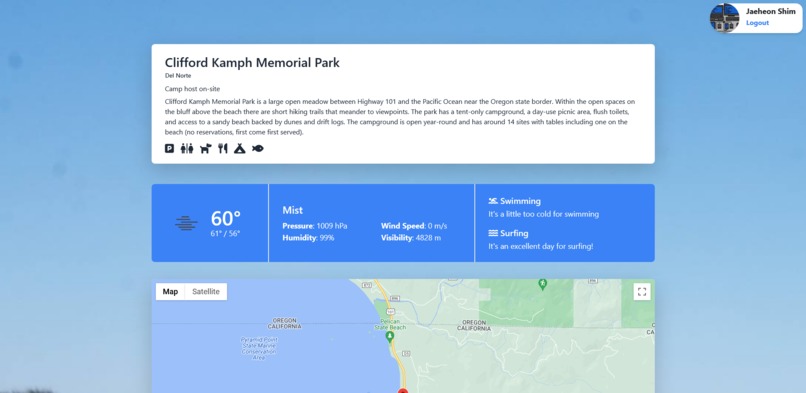
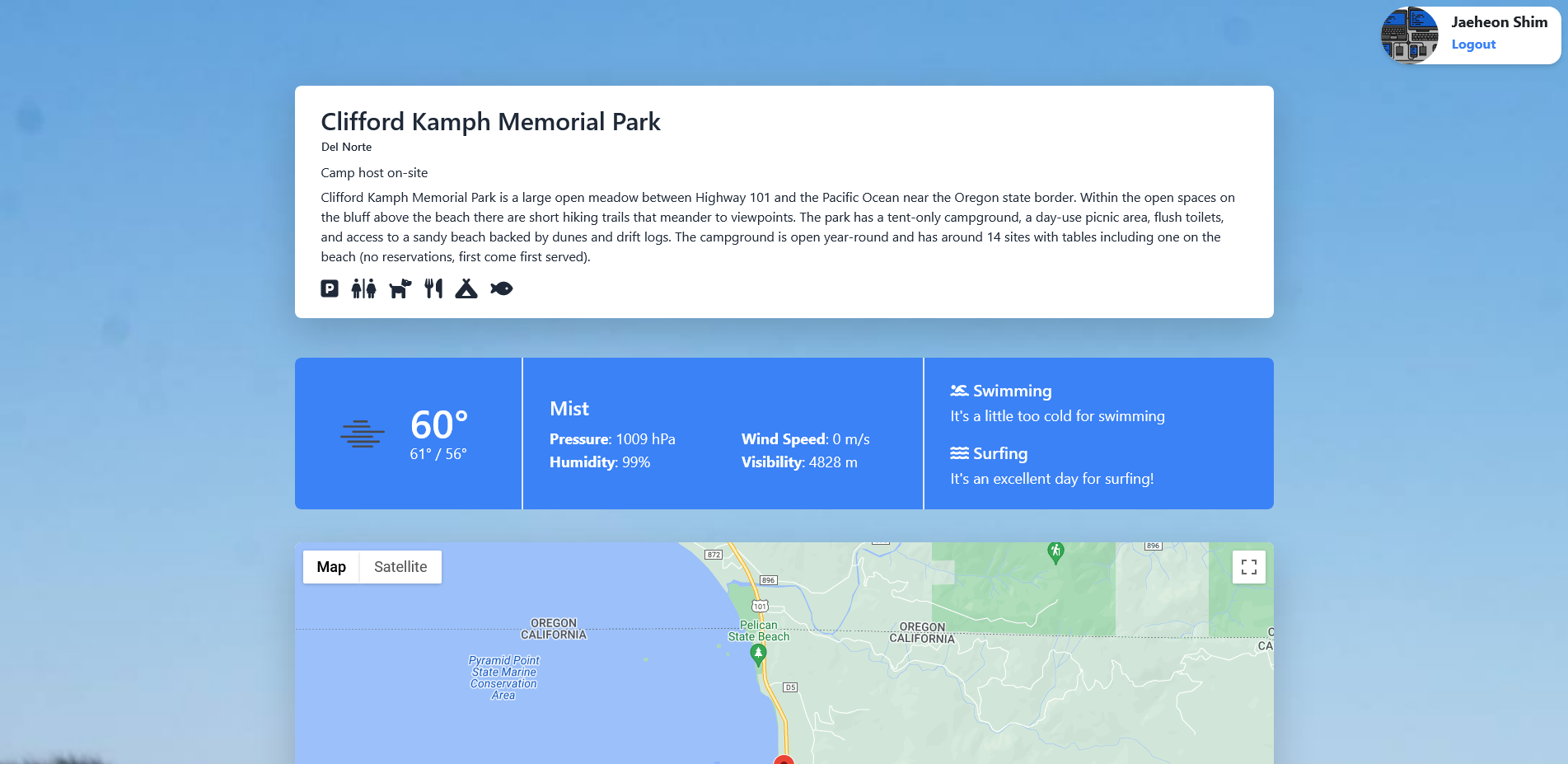
Beach overview page
-
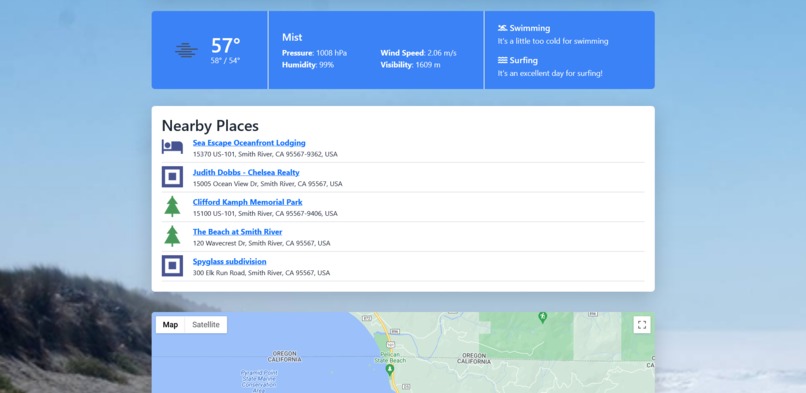
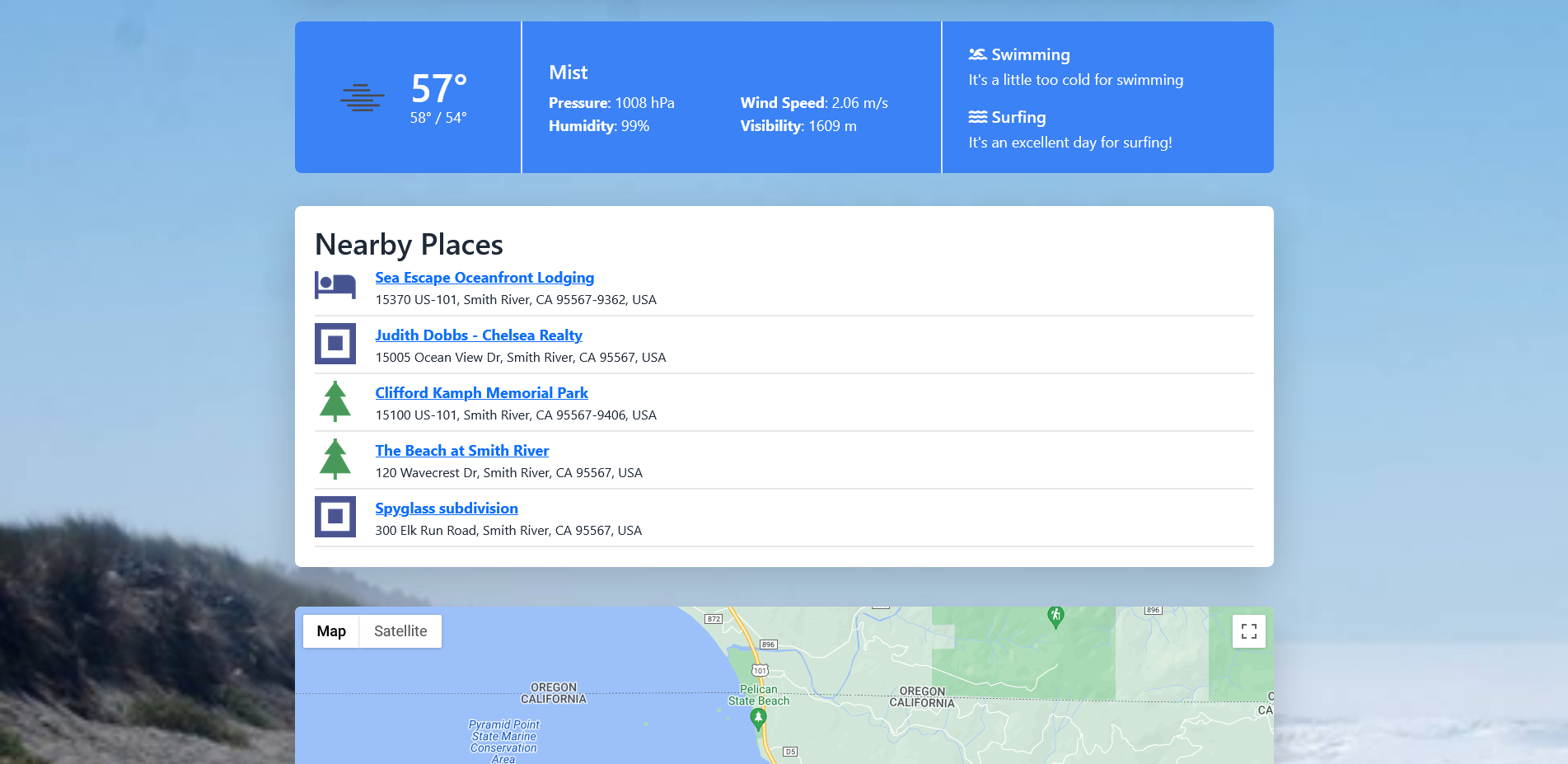
Nearby places (recently added)
-
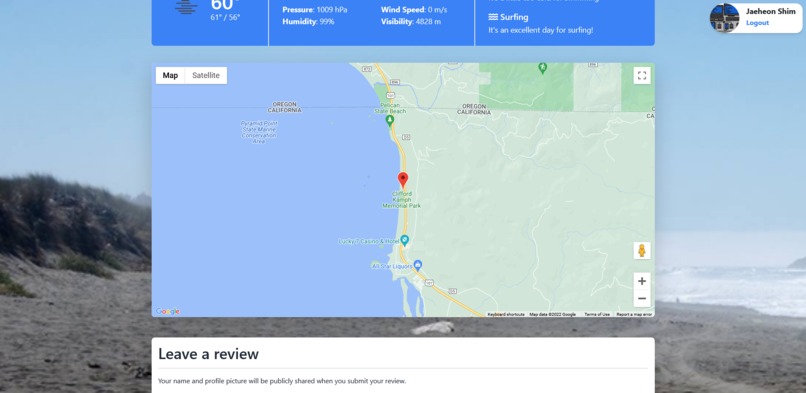
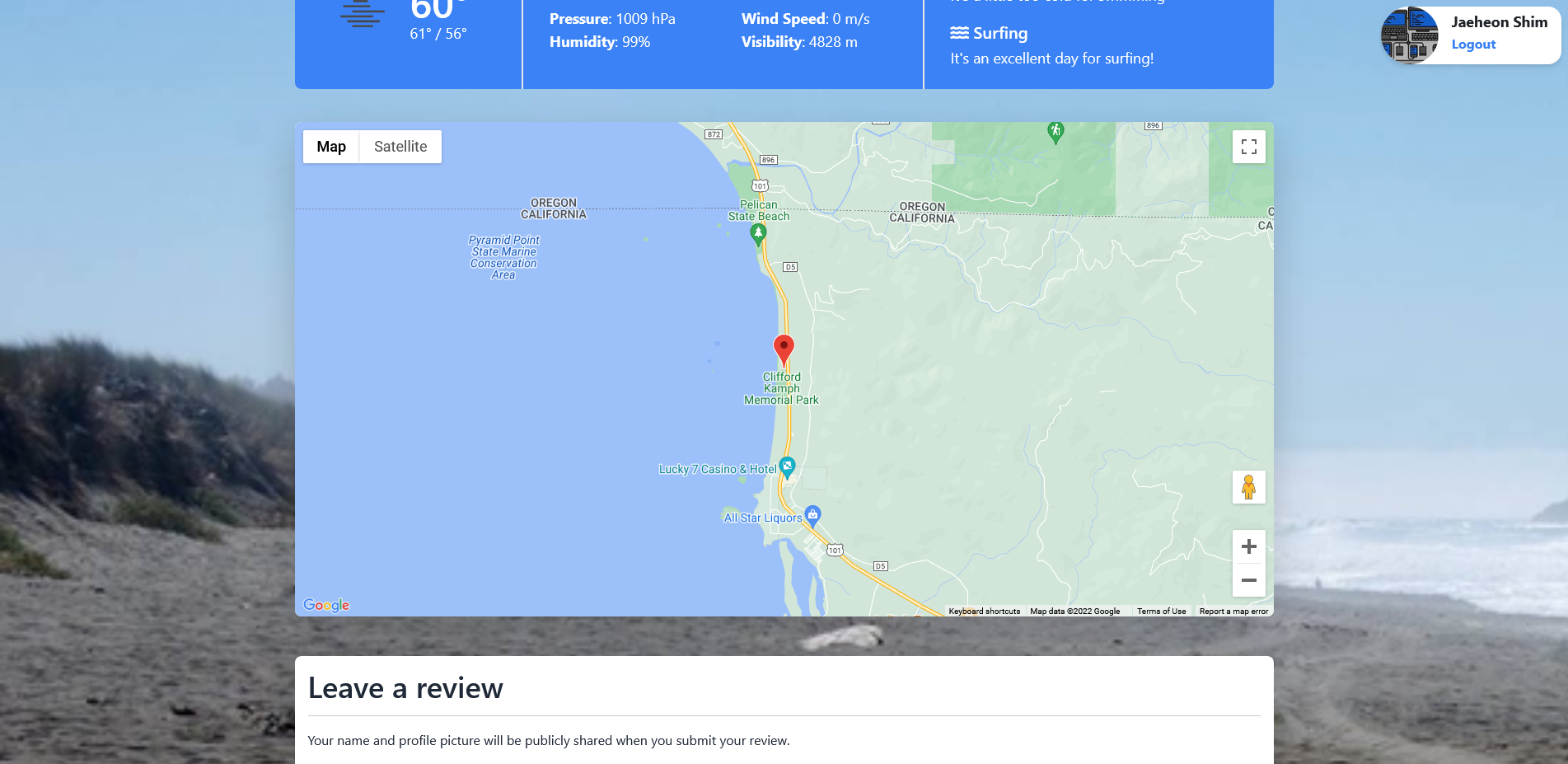
Google Maps integration
-
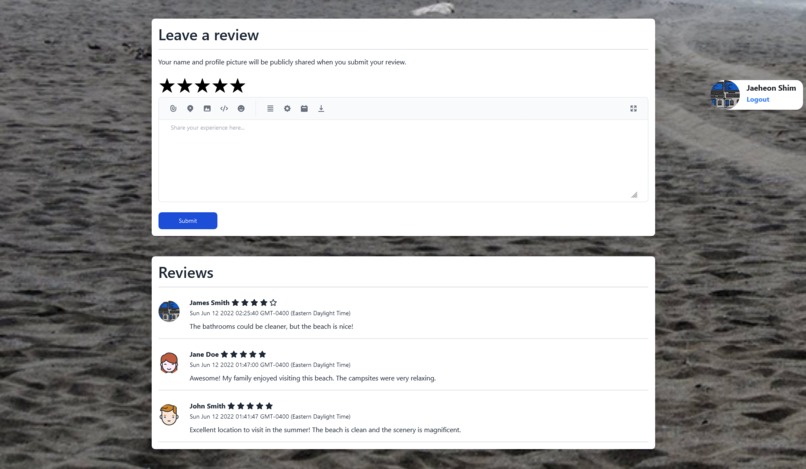
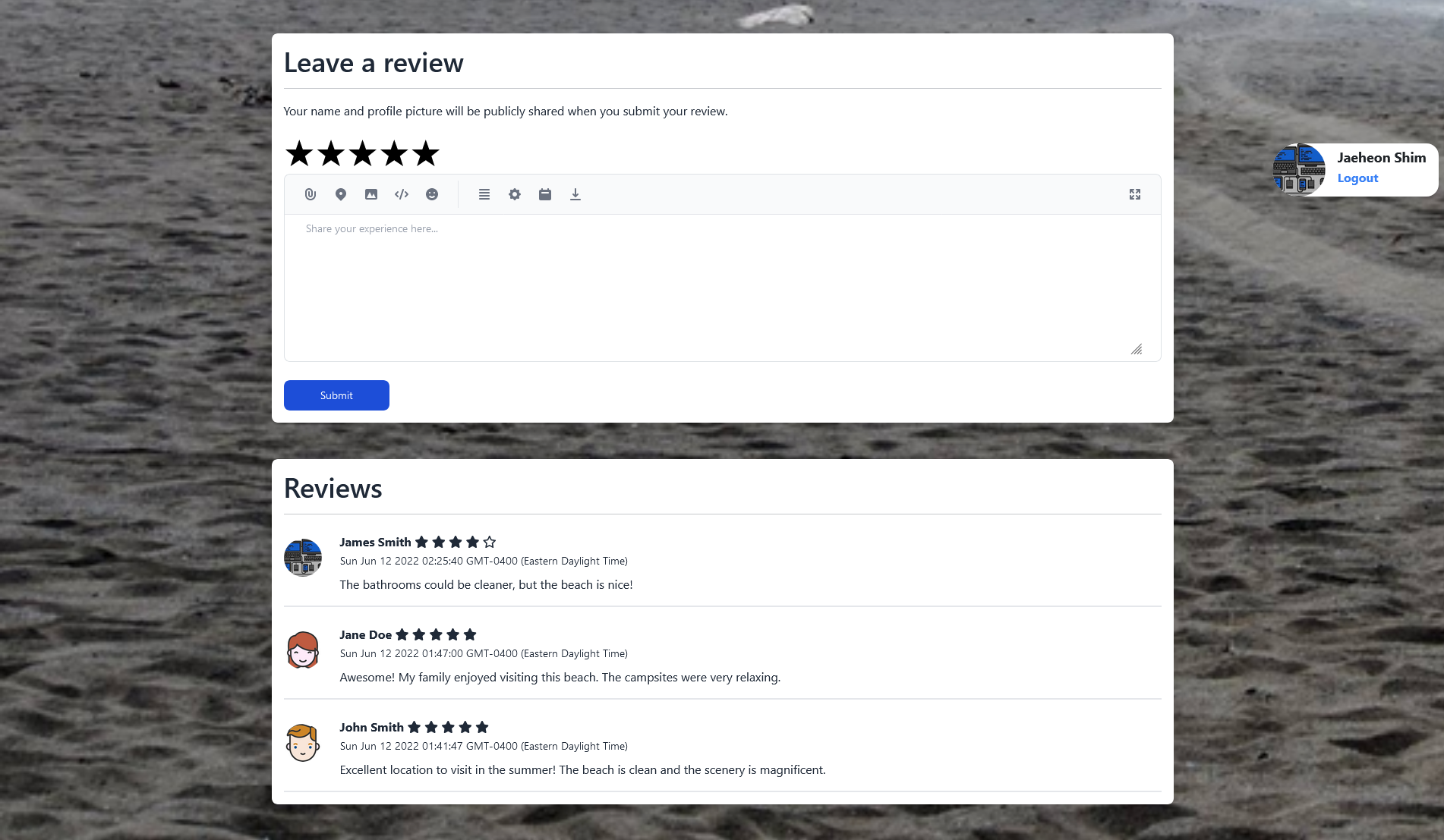
Review system
Inspiration
When I first saw the theme for this hackathon, I was immediately reminded of taking vacations, and having to search on numerous websites for planning details. I wanted to create a website that could help you easily plan a beach vacation by including all of the information related to a beach in one place, in a clean and easy-to-view format.
What it does
This hackathon project is my attempt to gather data about beaches from around the internet and display it one place. CoastalBrief includes details, weather, maps, images and reviews in one place, making it easy to find all the information for a perfect vacation.
CoastalBrief allows users to use their browser's geolocation to automatically find beaches near them from a database of 900+ California coastal locations. Once a beach is selected by the user, CoastalBrief provides numerous details:
- Name, location and description of the beach
- Details about the beach (fee, parking, campgrounds, picnic area, fishing, boating, etc.)
- Weather information as well as activity advice based on weather
- Precise Google Map on the location of the beach
- User submitted reviews and feedback about the beach
- Nearby attractions
The background of each beach page is a picture taken from the beach itself!
How we built it
The real gem behind this project is the California Coastal API. This API provides details on hundreds of beaches, making it possible for us to include custom details for so many beaches. Although this API only provides information about beaches in California, we hope to add beaches from around the world in the future.
The data from the coastal API is queried by our server hourly, and saved into our MongoDB database (to avoid overloading their API). This database can be queried by name and location (latitude, longitude).
Another big part of our project is weather. We use OpenWeatherMap to retrieve live weather data about a beach's geographical location. Weather data is retrieved on demand from the API and is cached into our MongoDB database (this is required as the API has tight rate limits). Our web application defines it's own API for retrieving weather location about a specific beach, and also provides advice on swimming/surfing based on temperature and wind speed.
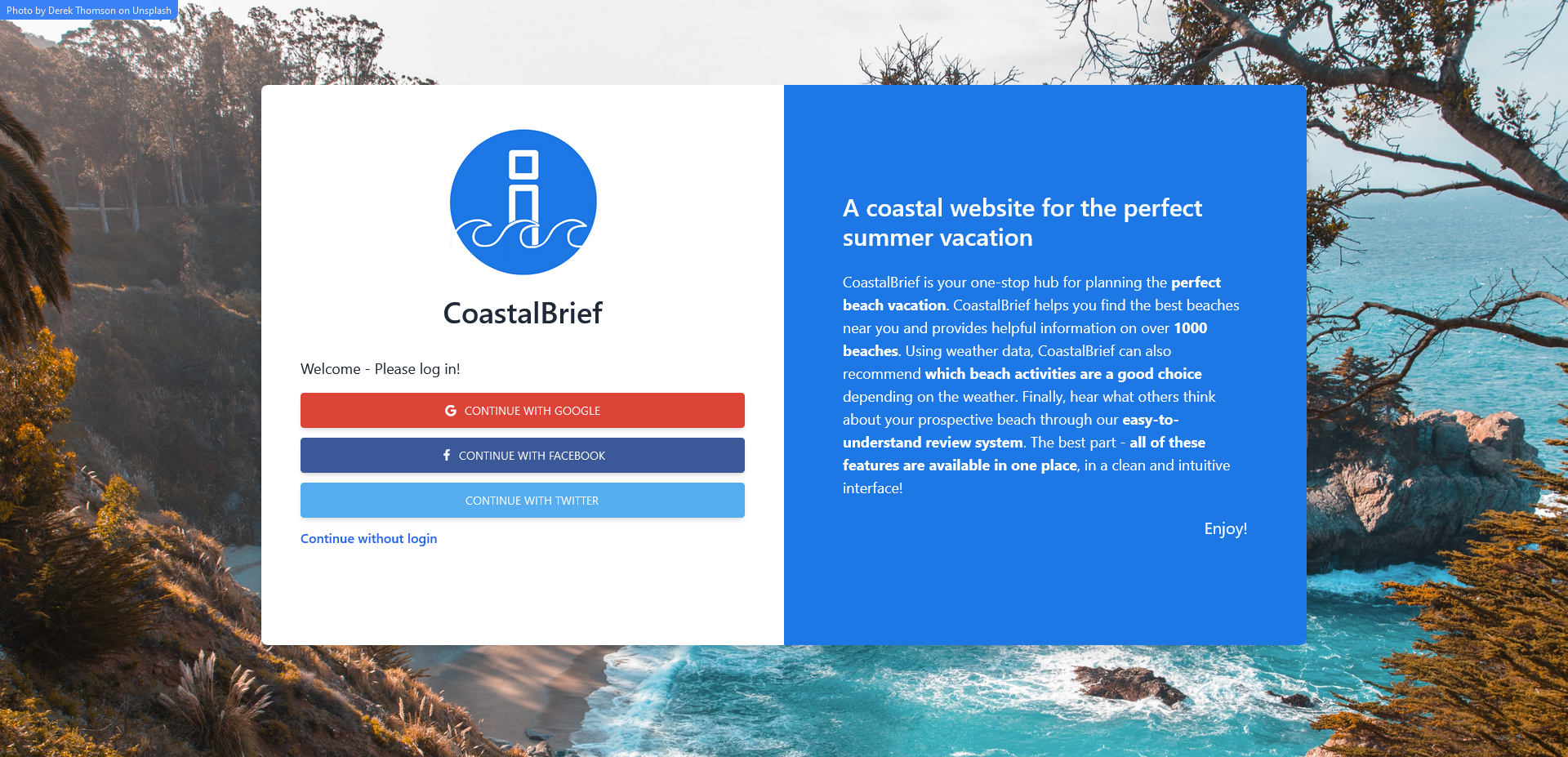
The last major part of our project are user reviews. We have our own simple in-house implementation for reviews. Users are identified by Google OAuth, and reviews are saved in our MongoDB database. Reviews are displayed on each beach information page. Users can access our website without logging in, but in order to leave reviews they must sign into their Google account. Once signed in, users have the option to leave reviews on any beach information page.
Our tech stack
Frontend
- Bootstrap
- jQuery
- TailwindCSS
Backend
- NodeJS
- Express.js: For web server and API
- EJS: For webpage templating
- Axios: For making requests to external APIs
- MongoDB: For storing all of our data
- Mongoose: For querying MongoDB fromJavascript
- Passport.js: Authentication middleware for Google OAuth
APIs used
- California Coastal API
- OpenWeatherMap
- Google Maps API
- Google Places API
Challenges we ran into
We overcame several challenges to bring this project to life. One of the main challenges that we have no control over is the pricing on the OpenWeatherMap API. In order to access historical and forecasted weather information, we were required to pay a fee to OpenWeatherMap, which we were unable to do. Therefore, we had to settle with only displaying current weather data on our website.
There was also the challenge of formatting data from the external APIs. The APIs returned data (temperature units, detail data, latitude/longitude, etc.) in a different format than we would like it to be in, so we were required to convert all of this data before putting it in our database / serving it to the user. To solve this issue, we organized our backend to include numerous services for processing data from each API.
Organization on the frontend was a big concern, as with user submitted reviews our layout could quickly grow out of hand. Thankfully, EJS provides useful templating features that allowed the server to efficiently generate front-end code. We split up our HTML files into smaller files called "partials" in order to organize our code.
Finally, we encountered issues any developer must handle when working on a nontrivial project: incorrect dependencies, formatting issues, issues with querying MongoDB, spelling issues, the list goes on and on. But that's just part of coding :)
Accomplishments that we're proud of
We were able to accomplish each goal we laid out at the beginning of the project in its entirety, which is an accomplishment we're really pround about. We are also very proud of how the frontend design turned out - in our opinion, we believe the UI looks fantastic!
Personally, I'm (Jaeheon Shim) proud that I was able to complete my first ever Hackathon successfully. Creating a project from beginning to end brought about an awesome feeling of satisfaction.
What we learned
We learned several things over this weekend, making every second we spent on this hackathon fully worthwhile. I learned how to use MongoDB's Geolocation feature to index documents by coordinates. I also learned how to use EJS for static server-side rendering. Finally, the hackathon was a great way for me to brush up on my node.js skills, and helped me gain familiarity with libraries such as mongoose and express.js.
What's next for CoastalBrief
First and foremost, we would like to gather data on beaches around the world. In the future, we hope to have user submitted data not only for reviews, but also for tourist attraction recommendations and advice. We would also like to display weather summary for 10 days rather than 1 day. Finally, it would be nice to have a feature where staff at a certain beach can modify their beach details page.


Log in or sign up for Devpost to join the conversation.