Inspiration
Several of our team members remember when we needed to print magazine size color memes for a school project when we realized we could not locate the closest printer to satisfy our needs. We tried to use the cryptic CMU Printing Services website but were only confused even further. The map and website are hard to read, and the location descriptions are unclear. This is when we decided to create the CMUPrinter app.
What it does
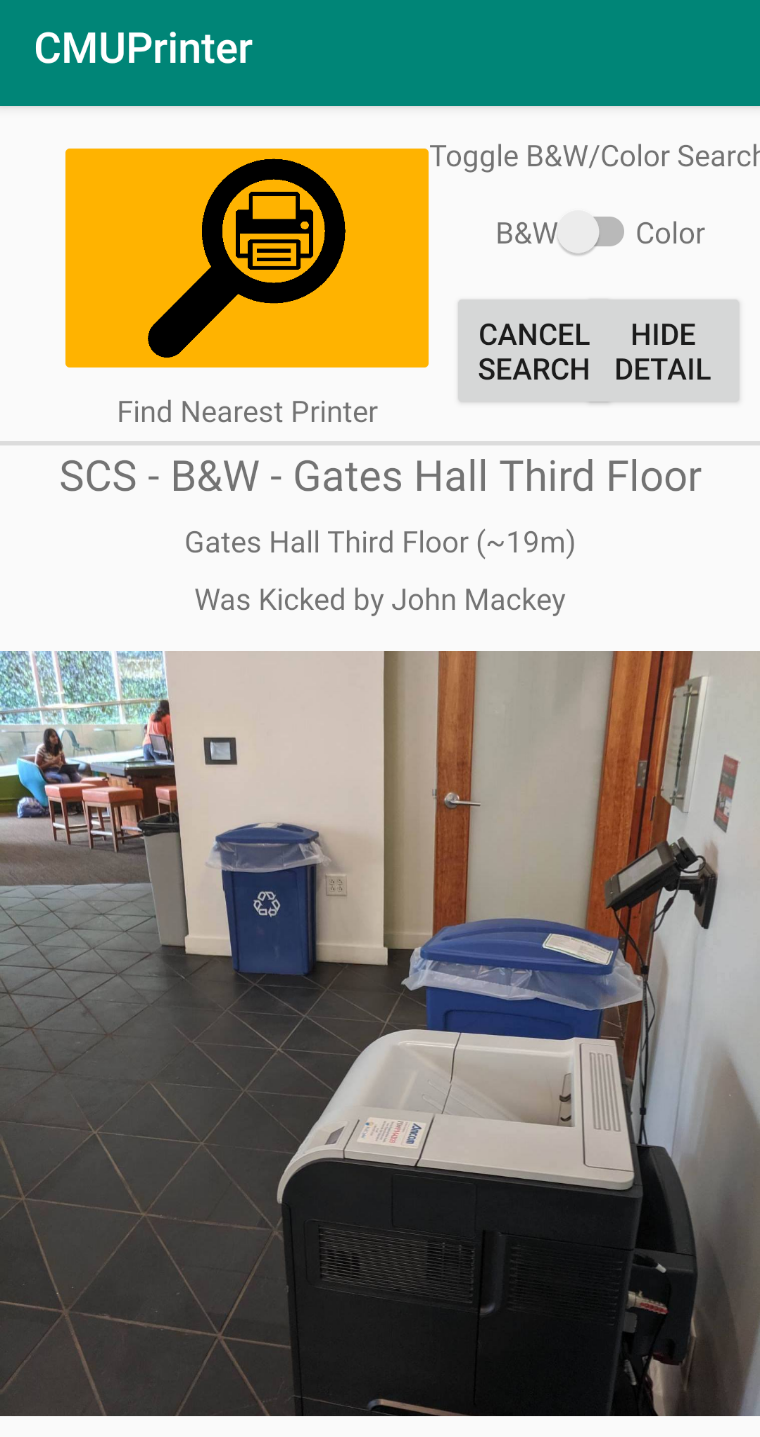
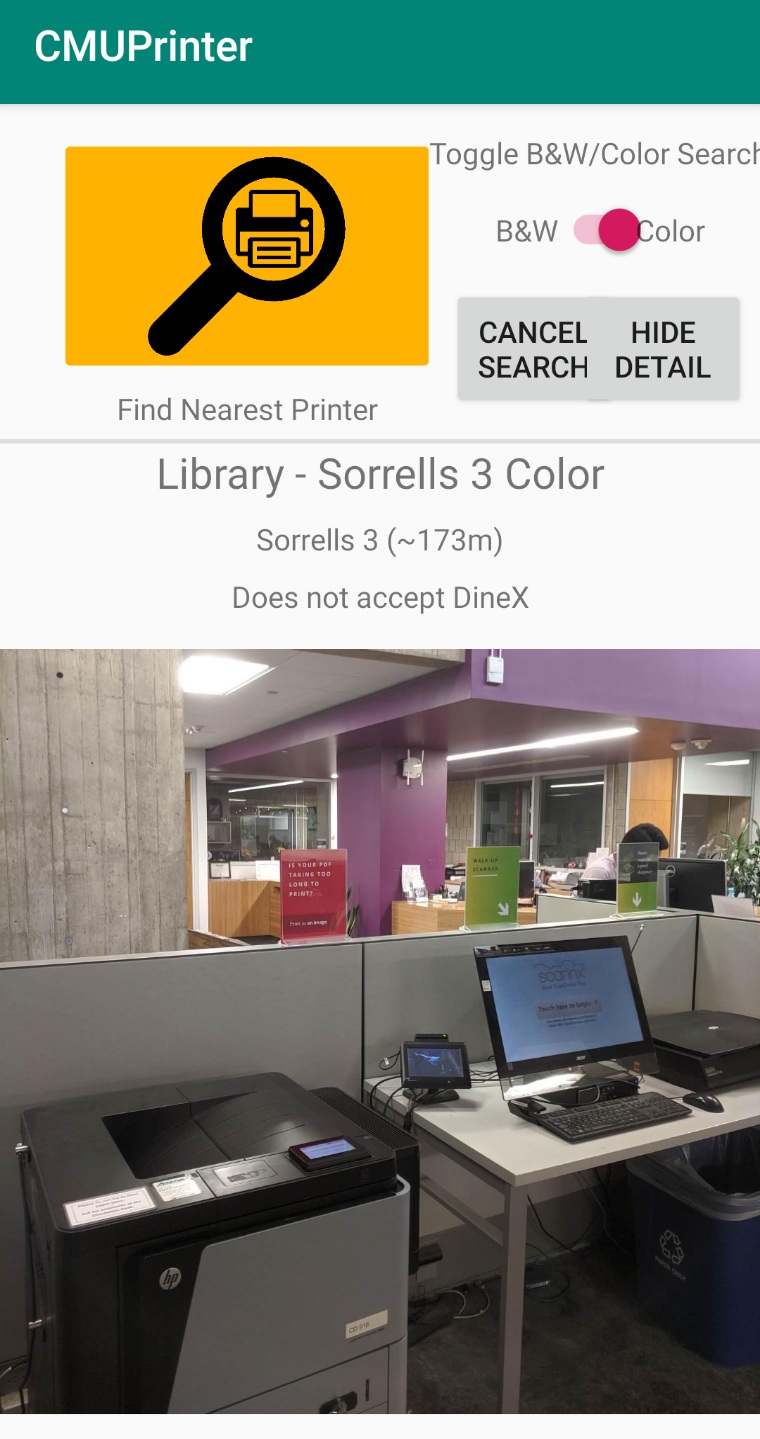
Our app uses GPS location services to locate the closest printer that meets the student's specifications. It shows the name of the printer, a description of its location, a picture of the printer, and fun facts about the printer's history. It even tells you the approximate distance the student would have to walk to get to the printer.
How we built it
We used Android Studio and Java to create our amazing product.
Challenges we ran into
As beginner developers, the entire process was a challenge, but we learned a lot about the development process.
What's next for CMUPrinter
We have many ideas for the future of the CMUPrinter app
- Indoor navigation for even more detailed instructions on how to access the printers
- Andrewid integration to show printing balance
- Built-in timer so students know how long before their printing job expires
- Printing rating system so students can locate the most reliable printers
- 24-hour hotline for printer location support

Log in or sign up for Devpost to join the conversation.