-
-
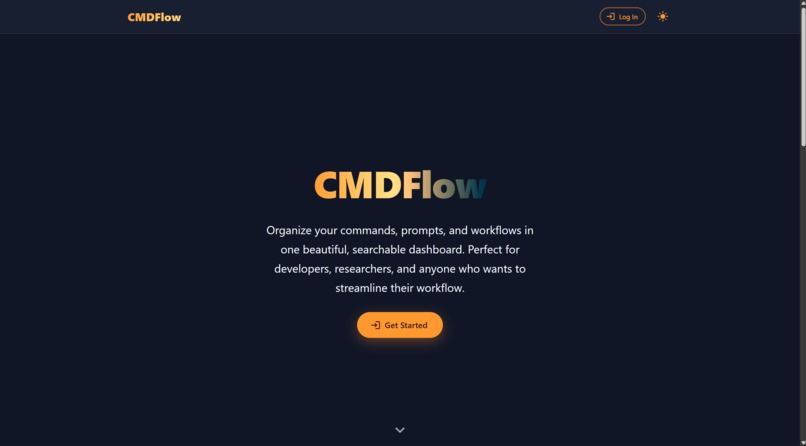
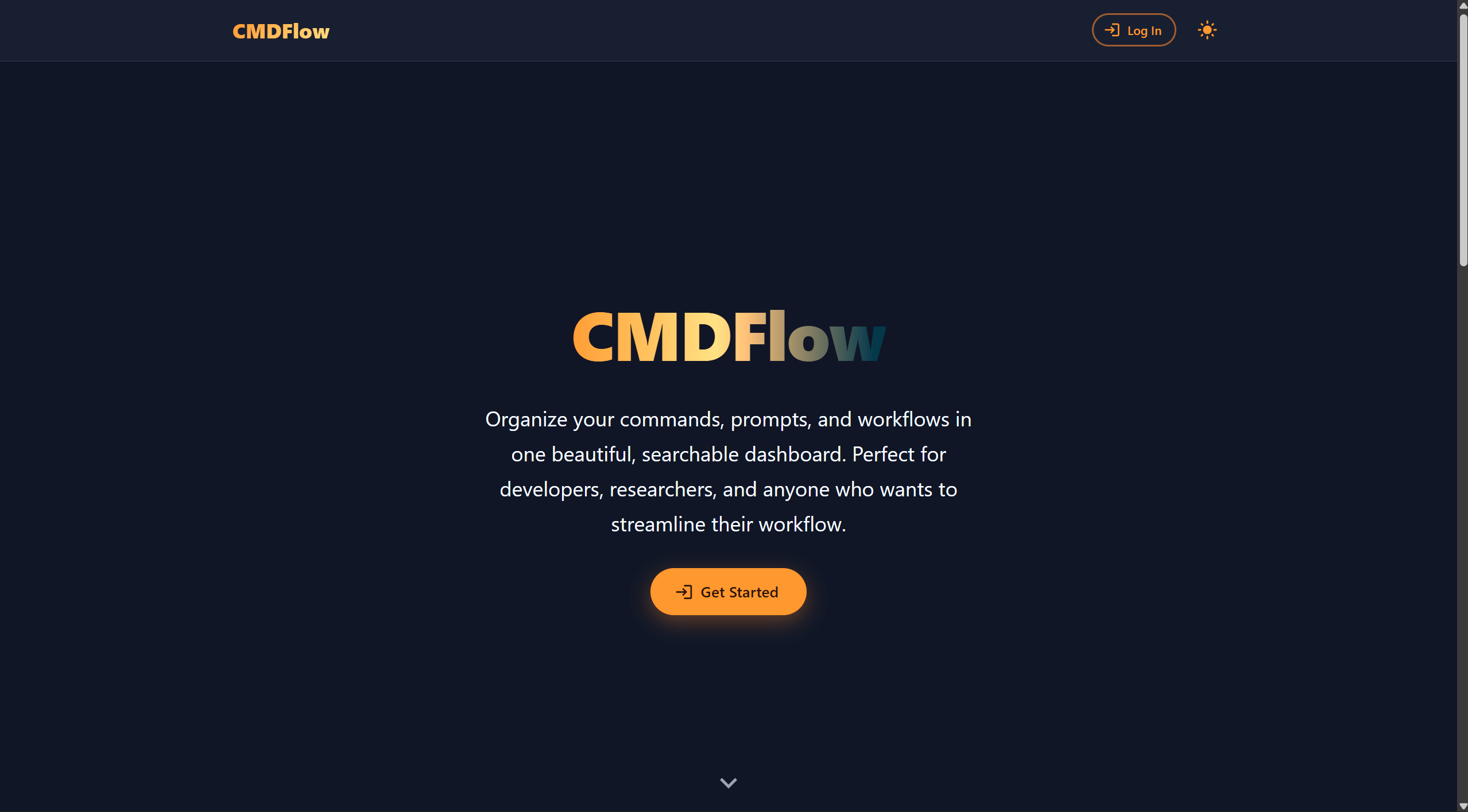
CMDFlow Homepage
Inspiration
We’re constantly copy-pasting shell one-liners or rummaging through history trying to remember what worked. At hackathons that pain compounds—teams can’t see each other’s commands, debugging steps disappear, and onboarding slows. We wanted a shared clipboard for the terminal.
What it does
CMDFlow pairs a personalized capture script with a FastAPI + React dashboard. Source the script in bash or zsh and every command—timestamp, directory, raw text—streams to the backend where it’s scrubbed, summarized, and organized into folders. The UI lets teammates search, tag, and re-run commands instantly.
How we built it
- Backend: FastAPI with MongoDB (Motor) for async CRUD, JWT/cookie auth, and routes for commands, folders, and the script download. An OpenAI-powered summarizer adds human-friendly titles.
- Capture script: A templated bash/zsh helper injected with each user’s ObjectId that hooks into
PROMPT_COMMAND/preexecand POSTs JSON payloads to/scripts/<userId>. - Frontend: React + Vite + MUI, plus a lightweight API layer that handles auth tokens, polling for updates, and the “Download Script” workflow (blob + object URL).
- Dev tooling: Vite proxy for API calls, Dockerized backend, eslint for React.
Challenges we ran into
- Safely templating the shell script (escaping JSON inside
PROMPT_COMMAND/preexec) without breaking user environments. - Ensuring Vite dev requests for
/scripts/downloaddidn’t fall through to the SPA—required explicit proxy wiring. - Balancing real-time polling with rate limits; we implemented adaptive backoff and batching to avoid flooding the backend.
- Normalizing auth between cookies and Bearer tokens so downloads work both in browser and via
fetch.
Accomplishments that we're proud of
- Delivering a zero-config capture experience: users click “Download Script,” run
start, and everything just streams in. - Automatic summaries/tags that make a wall of commands feel curated rather than raw history dumps.
- A dashboard that’s genuinely useful on desktop with dark-mode support and instant search across folders.
- Keeping the entire system lightweight—no shell patches, just
curland a short script.
What we learned
- Small UX cues (snackbars reminding users to
chmod +x, cache-control headers forcing downloads) make or break onboarding. - FastAPI + Motor can comfortably handle high-frequency inserts when indexes are tuned early.
- Writing secure shell templates requires thinking like both a user and an attacker; even simple env exports need guardrails.
What’s next for CMDFlow
- Real-time WebSocket streaming so commands appear without polling.
- Richer analytics (top commands per folder, anomaly detection for long-running scripts).
- VS Code/JetBrains extensions that surface the same history inside editors.
- Sharing/permission controls so hackathon teams can invite mentors or export a sanitized log for Devpost write-ups.


Log in or sign up for Devpost to join the conversation.