The project is hosted here:
GitHub Repo
Live Demo
Inspiration
Middle school students often struggle to grasp abstract computer science concepts due to lack of engagement and age-appropriate tools. We wanted to create something that not only teaches but excites. CMD PLAY was inspired by a love for retro tech, classic arcade games, and a desire to make coding feel like an adventure, not a chore.
What it does
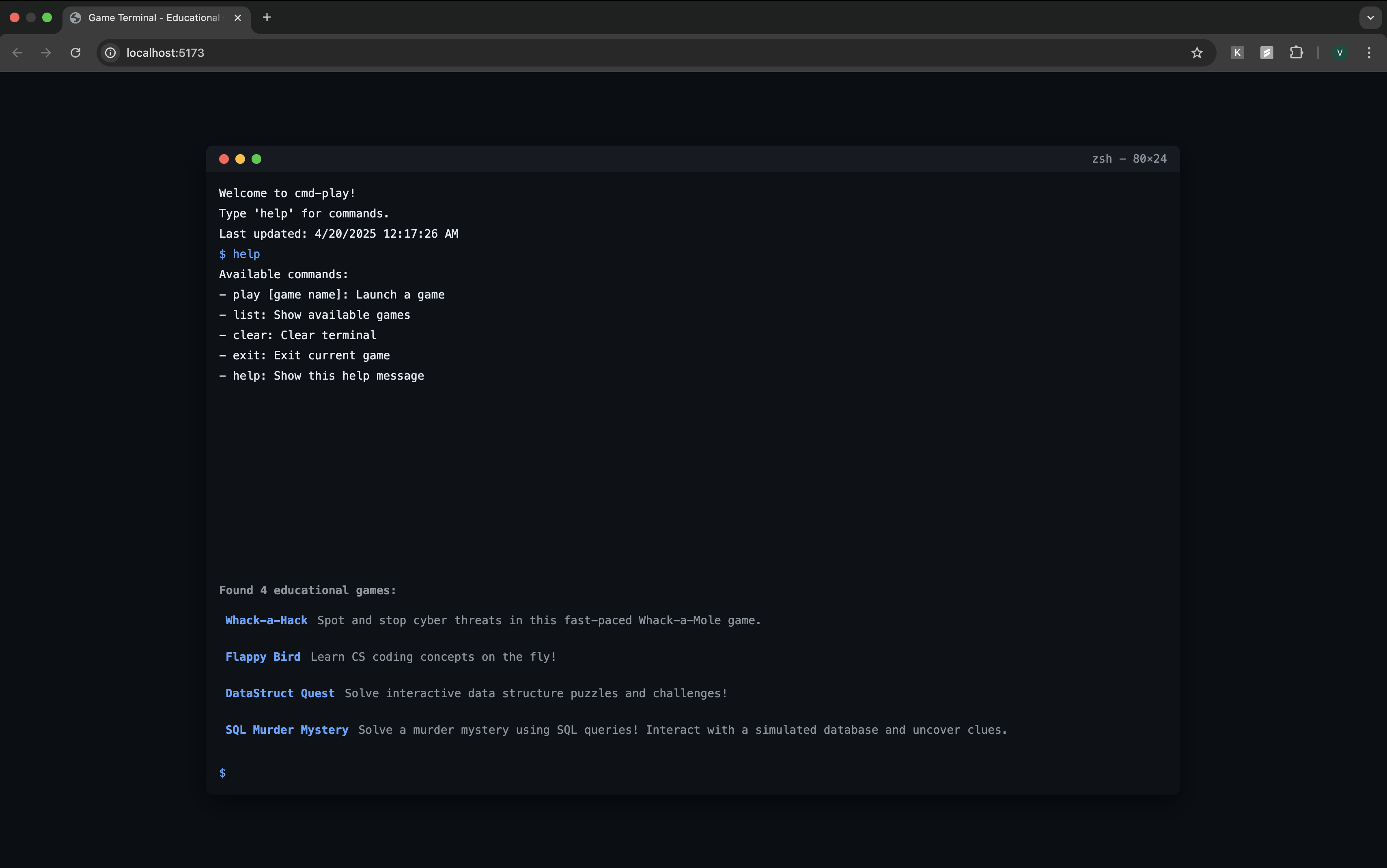
CMD PLAY is an interactive, terminal-themed learning platform where students explore the world of computer science through mini-games. Each game teaches a key concept:
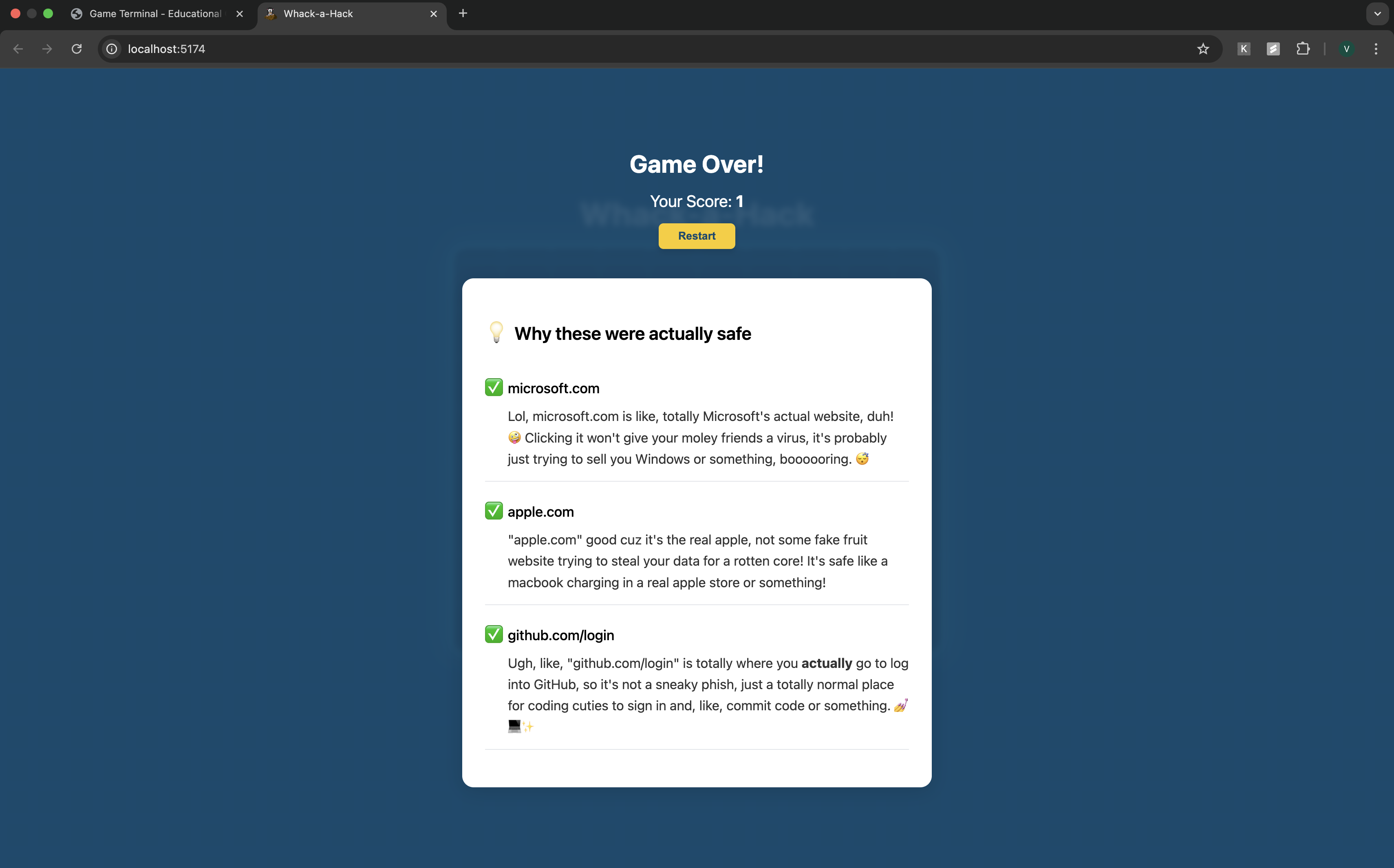
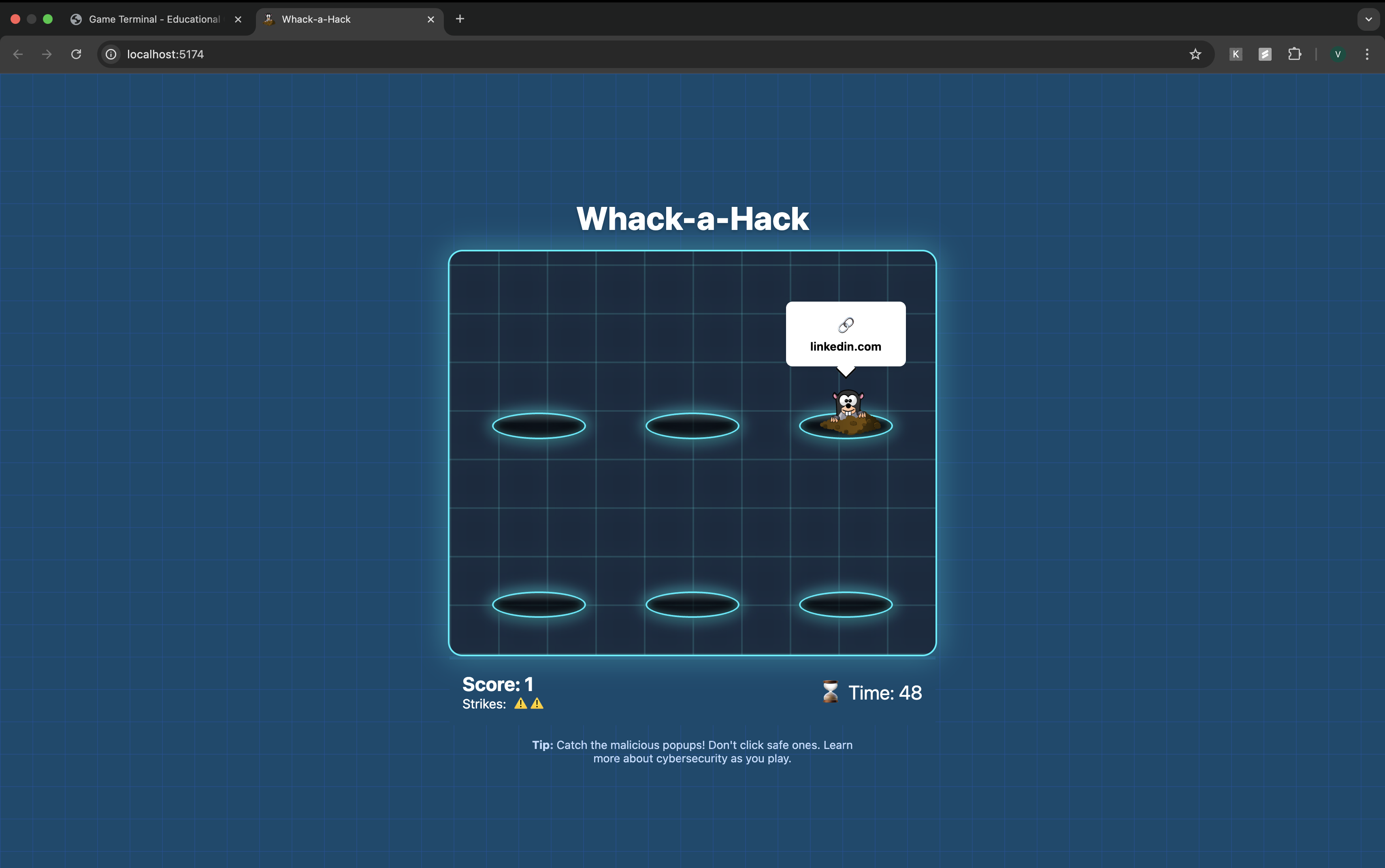
- Whack-a-Hack: Learn cybersecurity by spotting phishing attacks and weak credentials.
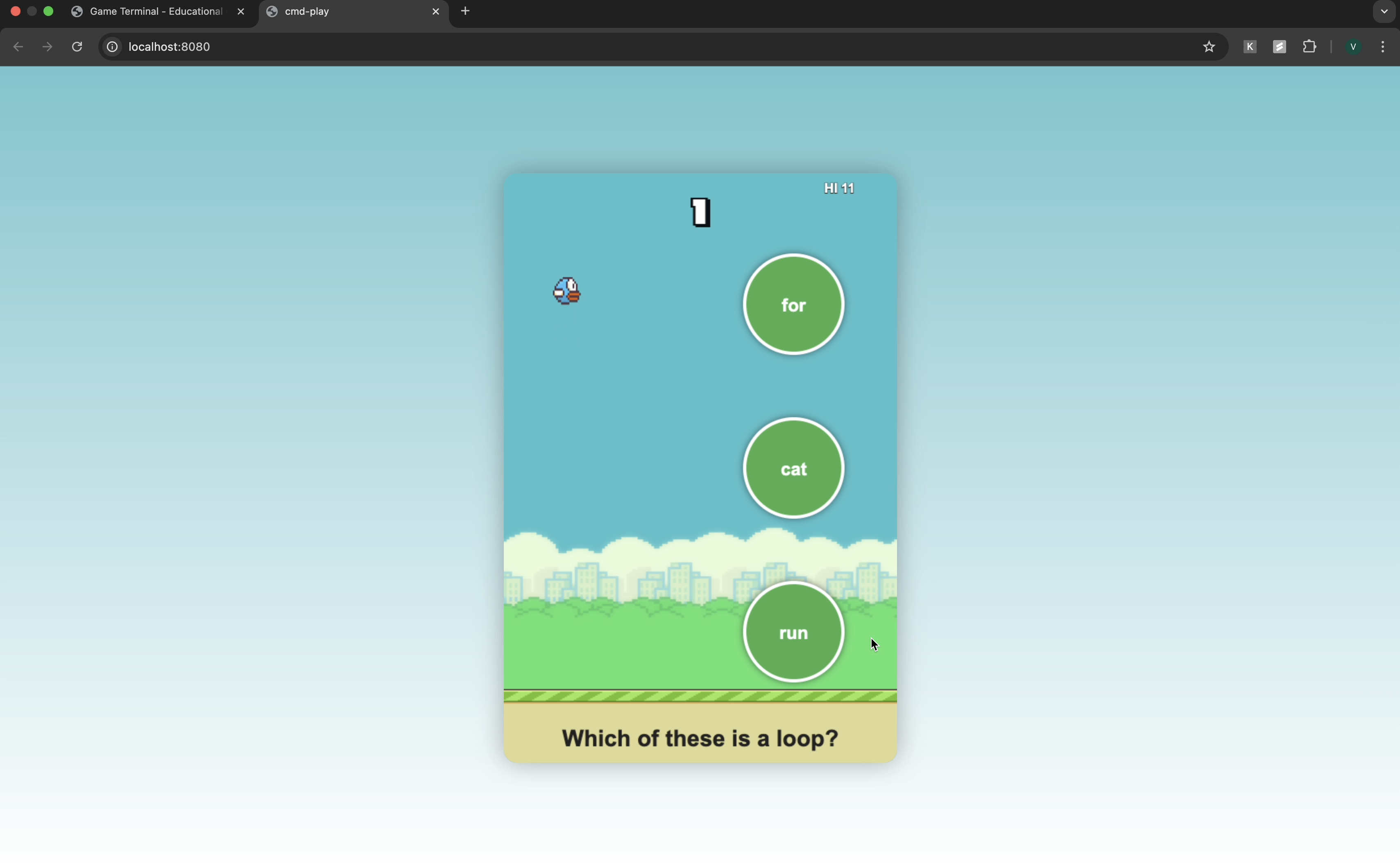
- Flappy Bird: CS Edition: Answer CS questions while dodging obstacles.
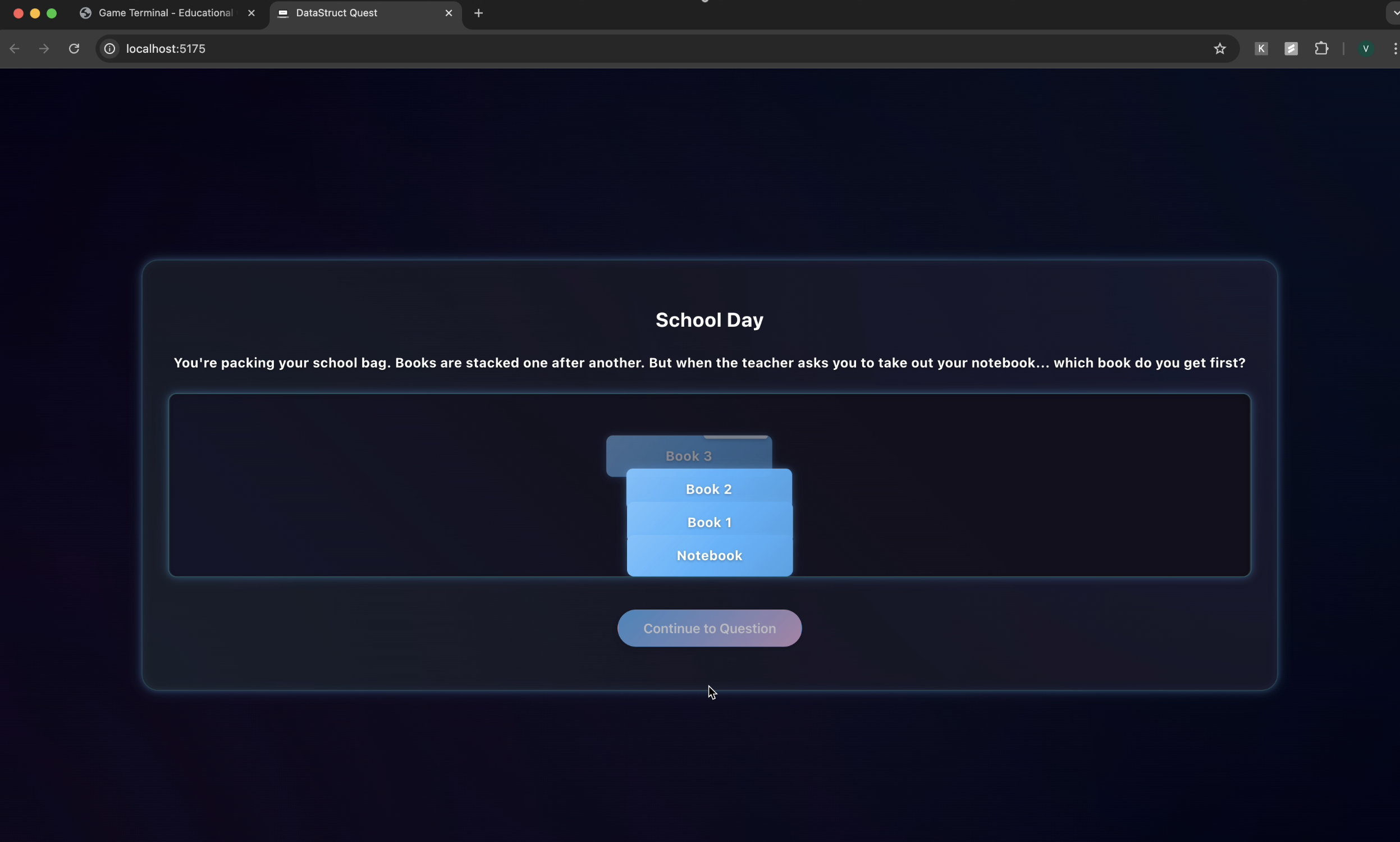
- DataStruct Quest: Solve puzzles using data structures like stacks and trees.
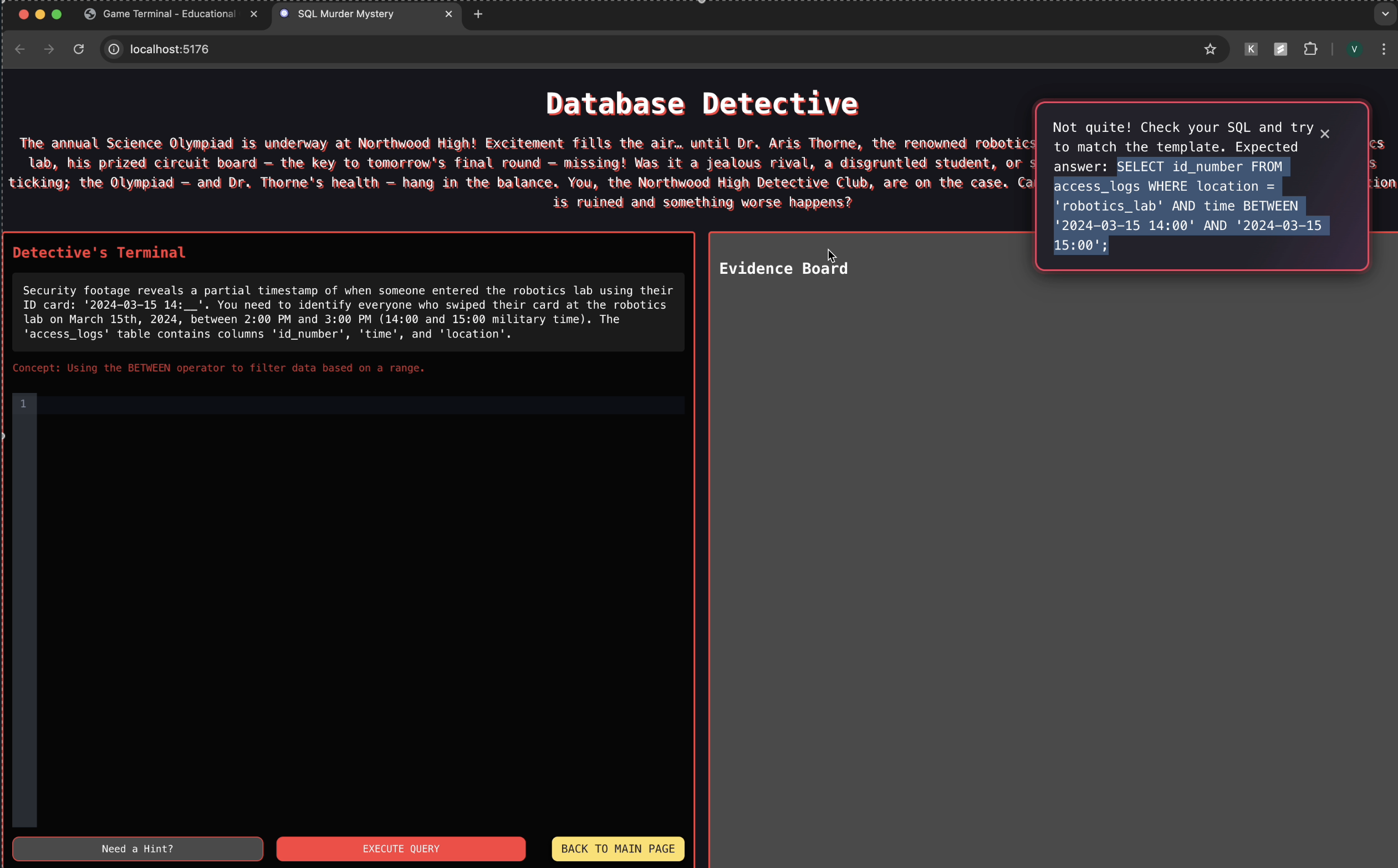
- Database Detective: Use SQL to crack a mystery case with real queries.
How we built it
We used:
- React.js to build the responsive, component-based frontend
- HTML/CSS to replicate a retro terminal look and feel
- JavaScript for the core game logic
- Vercel for deploying the live site
- GitHub for version control and collaboration
Challenges we ran into
- Designing games that are both educational and fun was a balancing act.
- Creating a terminal-style interface that is intuitive for young users.
- Making sure each game scales in difficulty while still providing meaningful feedback.
- Ensuring cross-browser compatibility and smooth performance across devices.
Accomplishments that we're proud of
- Built a fully functional, multi-game educational platform from scratch.
- Designed experiences that make complex CS topics accessible to younger audiences.
- Delivered a polished, nostalgic UI that resonates with users of all ages.
- Got positive feedback from students and teachers who tested it!
What we learned
- How to apply UI/UX design principles for a non-traditional audience.
- The power of gamification in learning retention.
- Improved skills in React development, state management, and game logic.
- The importance of testing and refining based on user feedback.
What's next for CMD Play
- Add new games focusing on algorithms and debugging.
- Implement user progress tracking and gamified achievements.
- Create a teacher dashboard for assigning games and monitoring class performance.
- Translate the platform into multiple languages to increase accessibility.
- Expand curriculum alignment for broader classroom integration.


Log in or sign up for Devpost to join the conversation.