-
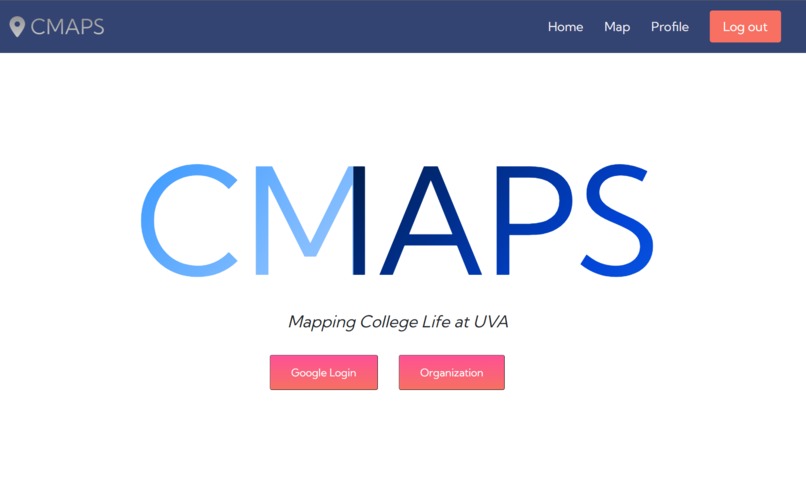
Home Page
-
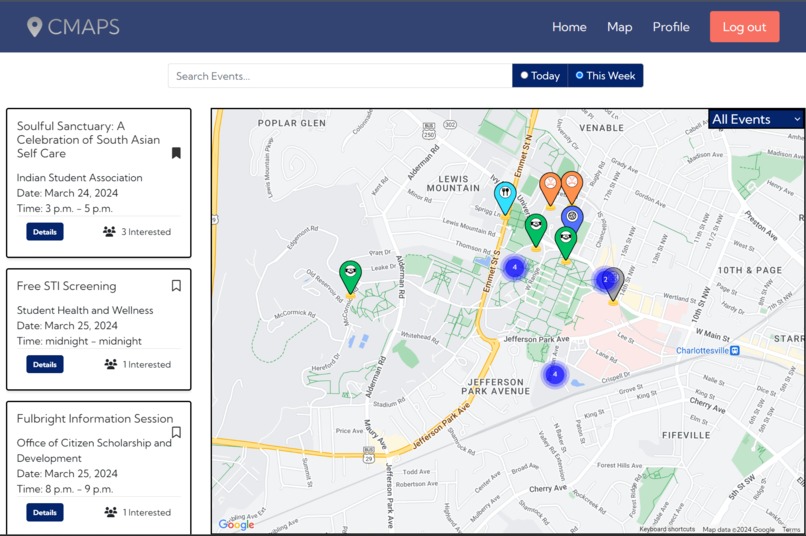
Map Page
-
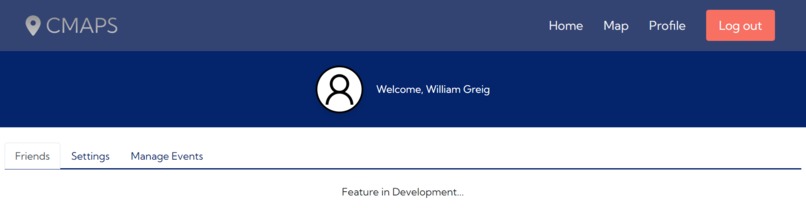
Profile/User Page
Inspiration
During our four years at the University of Virginia, our team recognized that many events go unnoticed or are underpromoted. The problem we identified was a lack of a centralized distribution platform that users could use to explore events. We noticed that many events at UVA are only listed within specific newsletters (which not all students might be subscribed) or on certain websites such as UVA's official calendar or Presence.io. Our objective for CMaps was to build an "all-in-one" platform that included all these events and promote community engagement through an accessible, visually-driven web platform!
You can find more information and explore our platform https://campus-maps.us
What it does
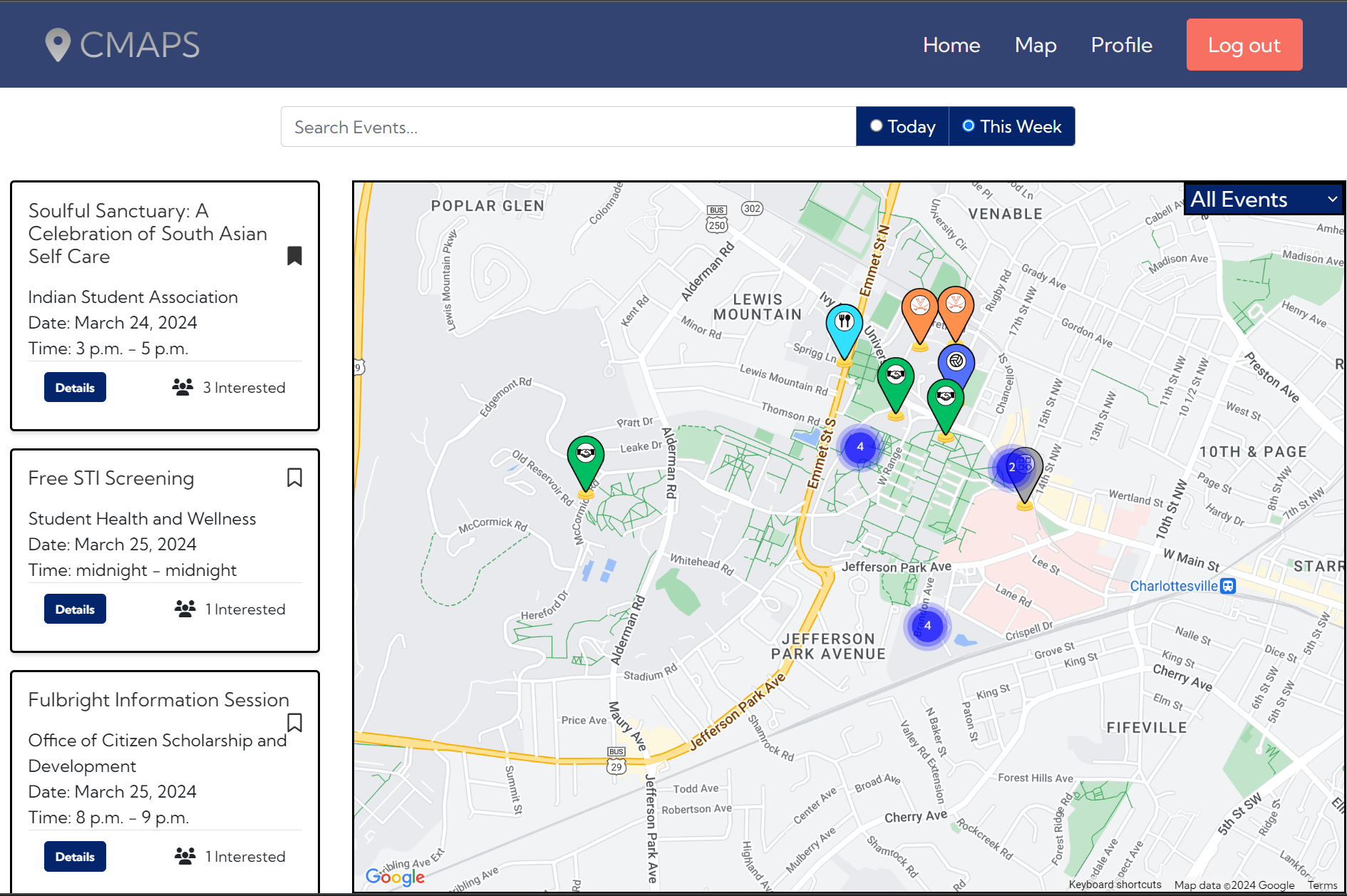
CMaps is an online community engagement platform enabling users to explore events and opportunities around Charlottesville. More specifically, it enumerates all of the events collected on the platform and overlays their location/information on a Google map. In this way, users can see what events are around them and where they are. Users can filter using a search bar and drop-down menu of the event type. There are various markers on the map, each denoting the type or genre of the event. Users can click "Details" on the event card within the event list to find more information about a specific event! Users can show interest in certain events by clicking the Bookmark icon, increasing the interest count for the particular event. Aside from users, organizations, such as clubs or departments, can log in and create events to be published for users to find. CMaps also leverages an artificial intelligence web scraping solution to help generate and collect events from certain websites, ensuring the database stays current.
How we built it
We built CMaps using Python and Django. Python enabled us to quickly develop our website using Django's quick and easy web framework. We hosted our server on Heroku and used a PostgreSQL database to host our information. We utilized Google Cloud Console to help with Google authentication and manage Google Map API requests. For web scraping, we used Browse.ai to automatically retrieve information from a collection of websites that post UVA events. This was incredibly helpful in generating our database and allowed us to find and include events much quicker than manually adding them.
Challenges we ran into
Webscraping is difficult, especially if the website being webscraped is not great. In particular, we spent a lot of time figuring out how to scrape properly from Presence. Their platform is, at times, not responsive or quick enough to be automated from efficiently. We had to find workarounds and post-process the data we received to utilize their data properly.
On the technical side, we had a lot of difficulty making the front-end reactive. For instance, certain elements--like the map or form pages--didn't automatically resize when using the website on mobile. We spent a lot of time trying to reformat the HTML/CSS pages to ensure that the website is useable on both desktop and mobile browsers.
Accomplishments that we're proud of
We are very proud of the way our application looks! Our application looks presentable and the map page is fun and interactive, which is exactly what we were aiming for. The web scraping workflow needs a bit of work (in terms of additional post-processing and accuracy tweaking) but we were happy with the result we achieved in such a short time span. We also are proud of the fact that our web application loads quickly and usually without errors.
What we learned
In this project, we learned how to use the Google Maps API to help visualize events based on locations. We learned more about HTML and CSS, now having practical experience using these front-end languages. We also learned how to really persist through problems by employing a good team strategy for working efficiently. Specifically, we opted to have one person work while the other researched/took a break. When facing a bug or error that was difficult to resolve or causing a headache for one person, the other person would swap on and let the previous developer take a needed break!
What's next for CMaps
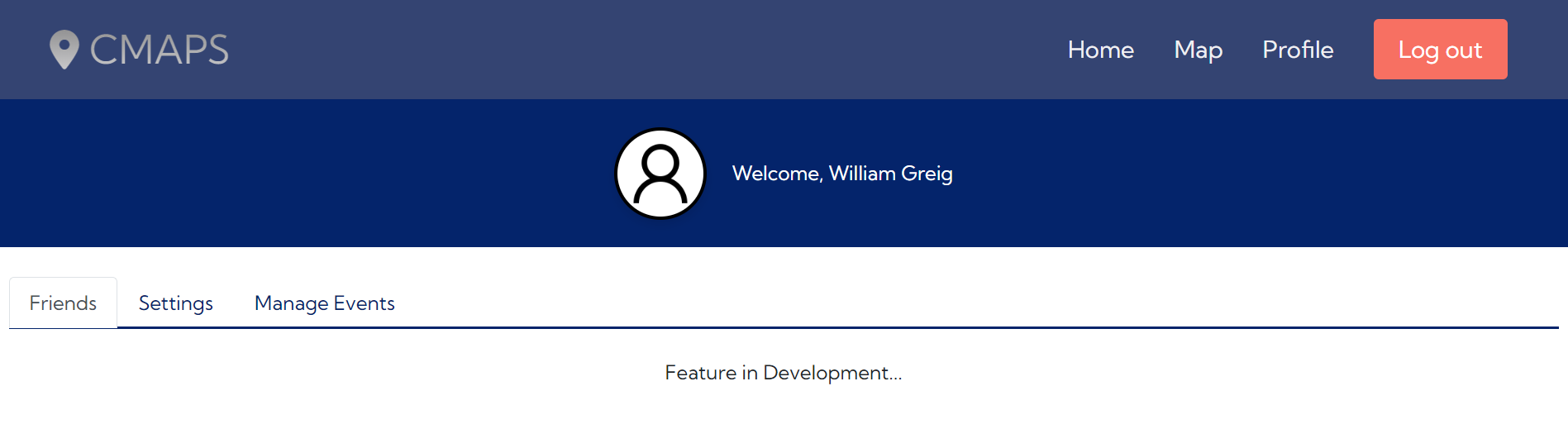
Future work for CMaps includes adding a social component to the platform. While discussing our idea with friends, they suggested adding a social component to increase people's engagement with the application. As such, we're planning to add the ability to add friends (other users on the platform) and indicate how many of your friends are interested in certain events.
Additionally, we'd like to add a feature to join certain organizations via CMaps to show private organization events. For example, HooHacks (as an organization) could include all the scheduled events on the map page but only disclose this information to registered attendees. Users could find these events more easily as they are tied to a visual guide!
Built With
- bootstrap
- chatgpt
- css
- django
- google-cloud-console
- google-maps
- heroku
- html
- postgresql
- python


Log in or sign up for Devpost to join the conversation.