-
-
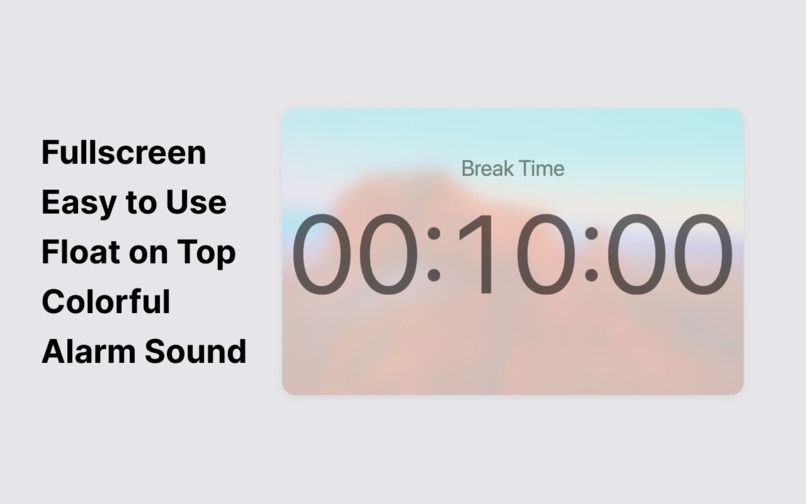
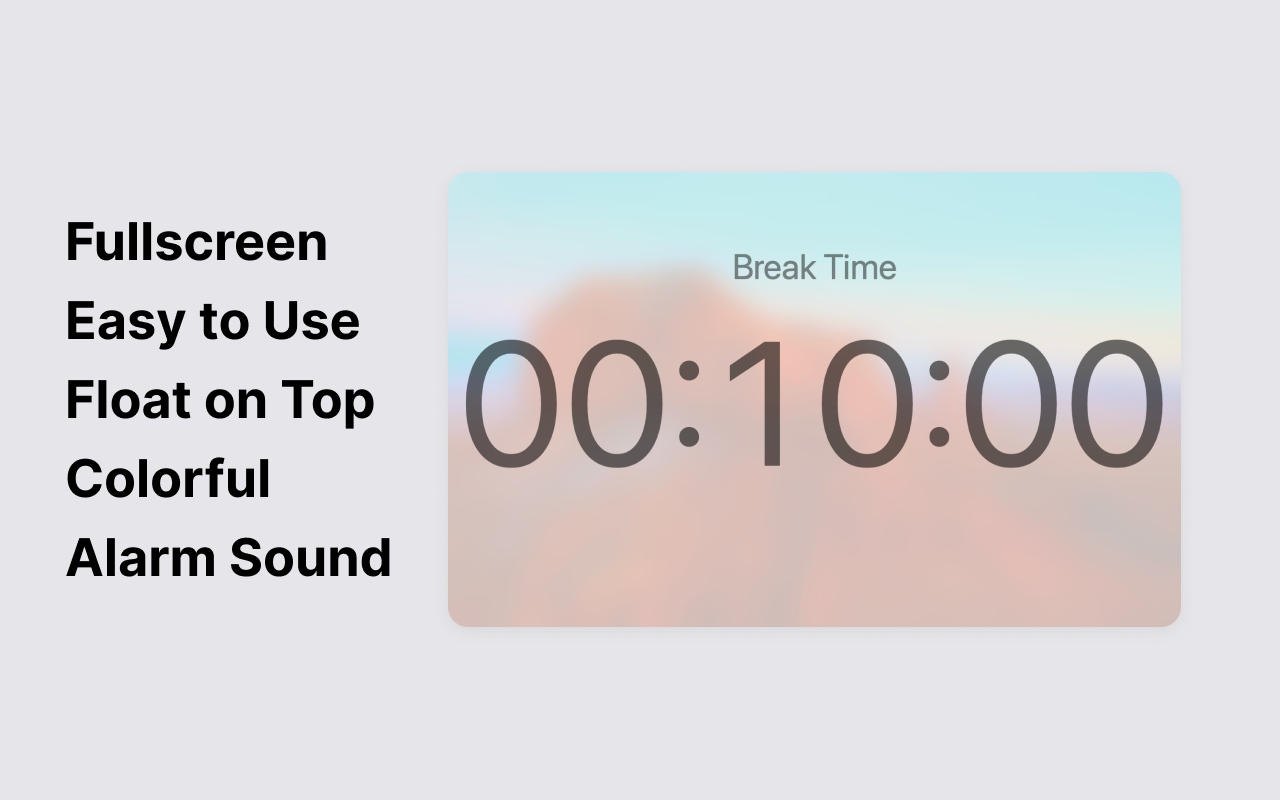
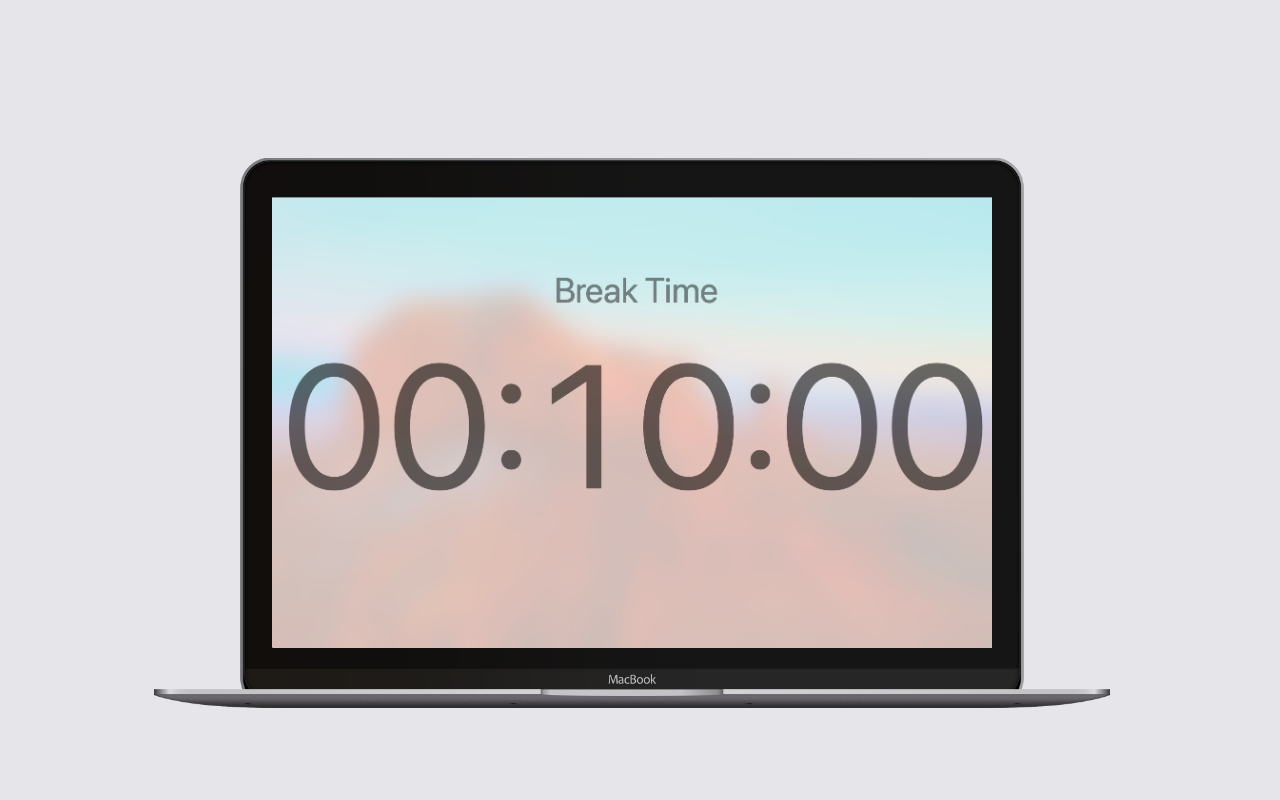
Fullscreen Countdown Timer
-
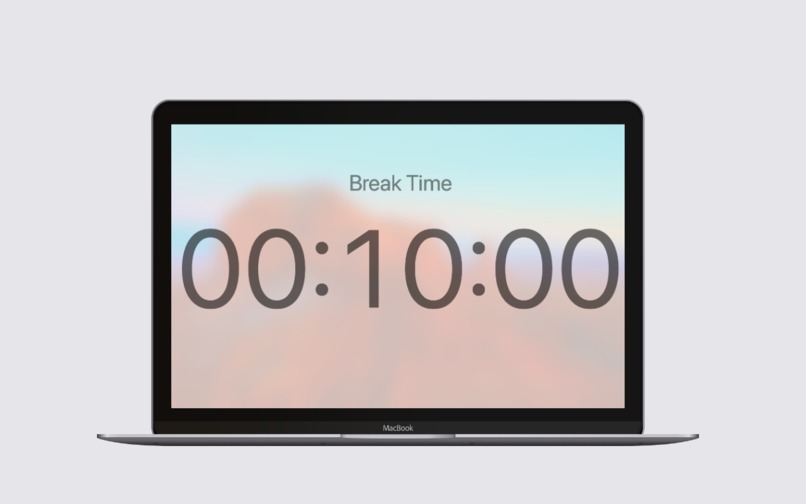
Fullscreen timer
-
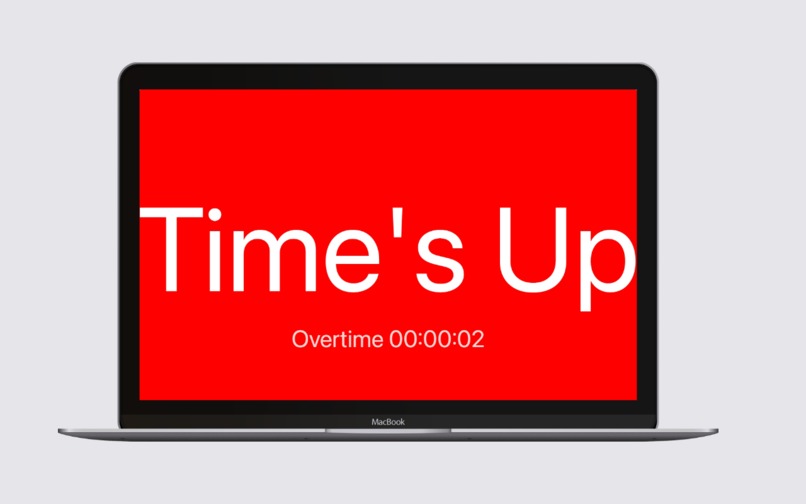
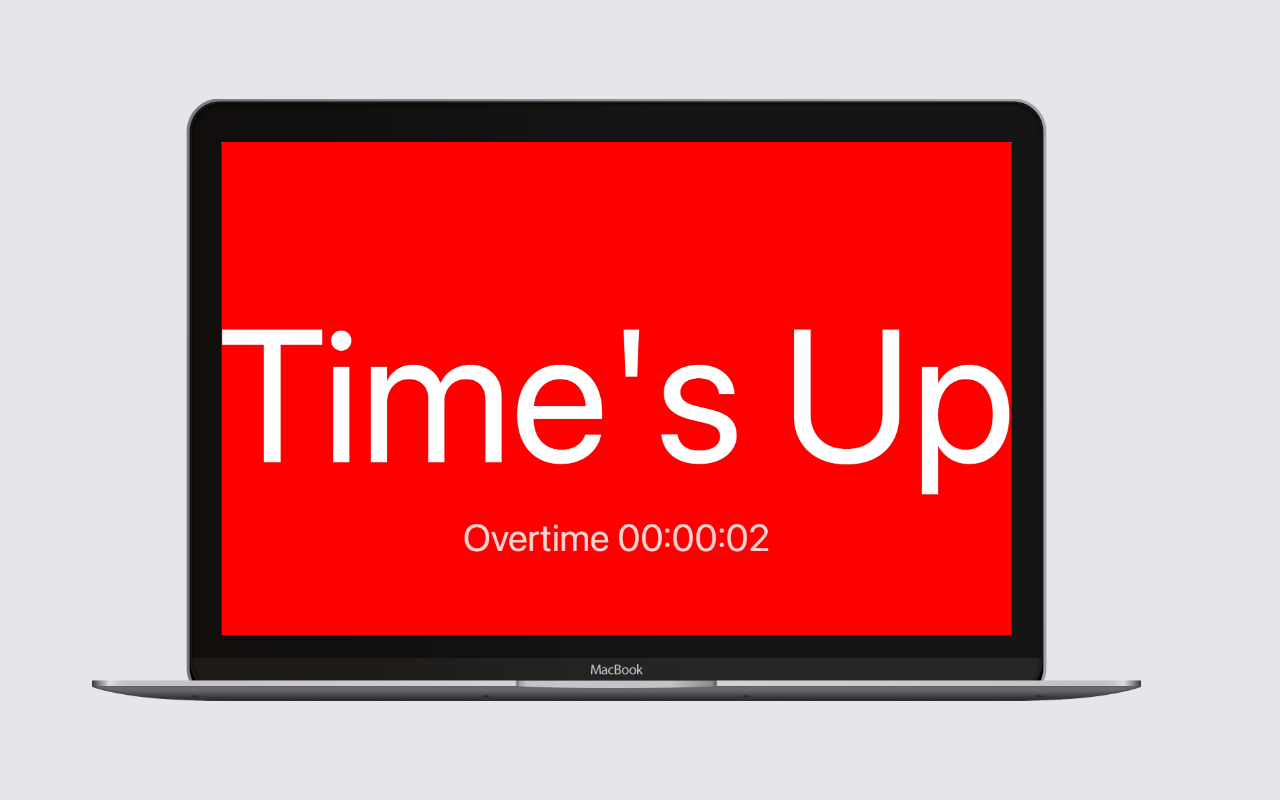
Time is up
-
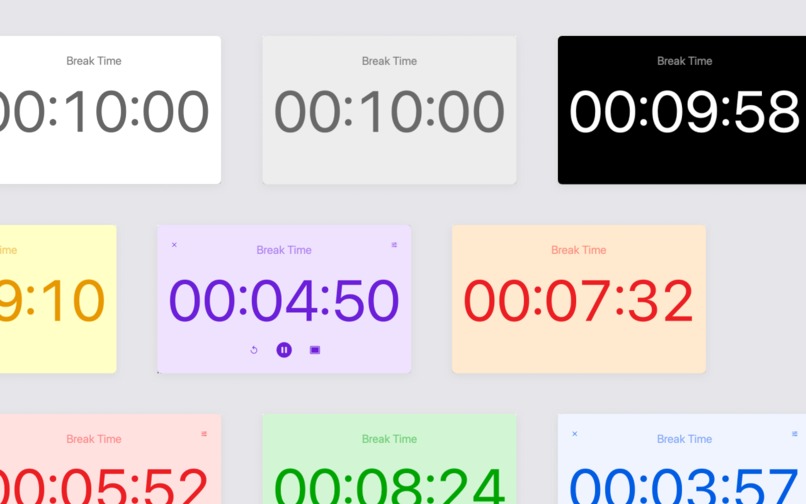
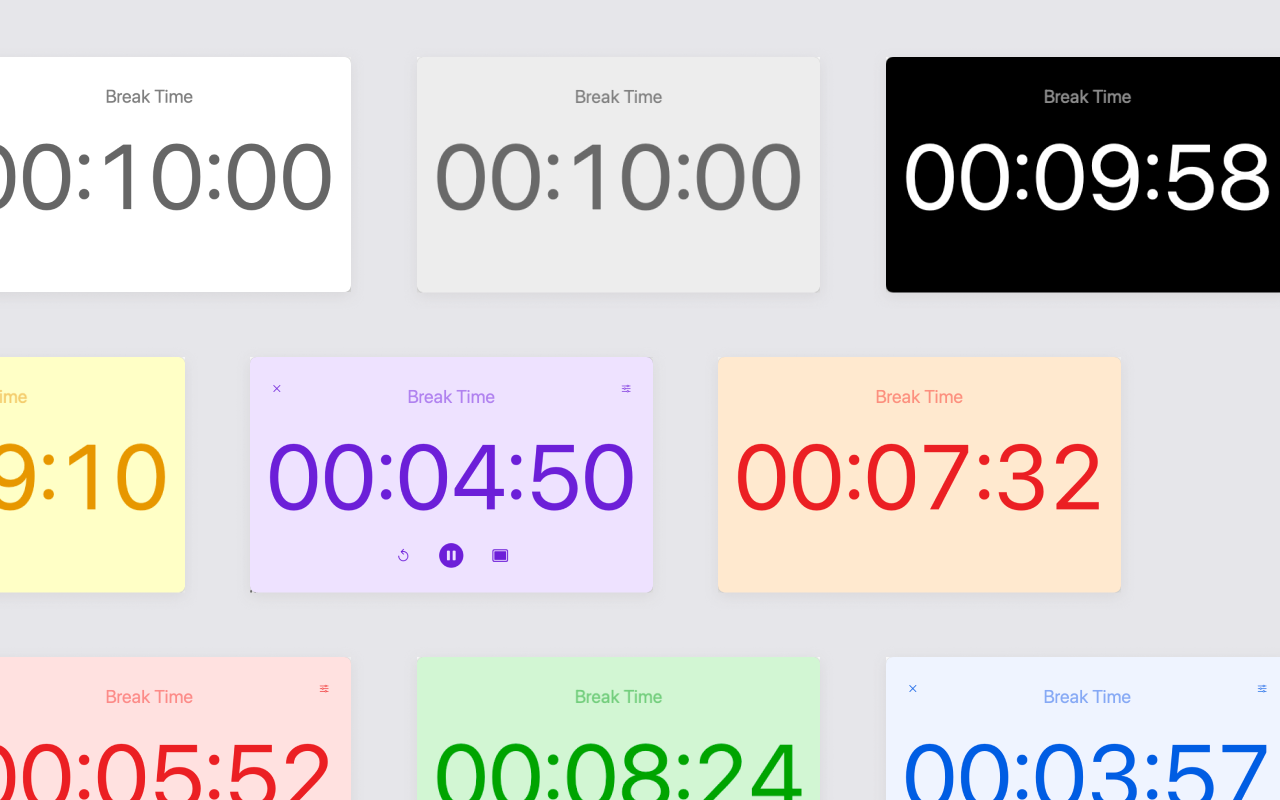
Colorful timer
Introducing ClyTimer: Your Ultimate Fullscreen Countdown Timer for Mac
Inspiration
The inspiration behind ClyTimer came from the need for a versatile and powerful timer app for Mac users. Whether for work, exercise, cooking, or other activities, we wanted to create a tool that offers more than just a simple countdown. We envisioned a timer that could handle multiple tasks simultaneously, be customizable, and integrate seamlessly with the Mac ecosystem.
What it Does
ClyTimer is a feature-rich countdown timer app designed for Mac. Here are its key features:
- Fullscreen and Resizable Timer: Offers a fullscreen mode for an immersive countdown experience, and can be resized to fit your preferences.
- Multiple Timers: Run multiple timers simultaneously without any limitations.
- Custom Text: Add custom text above your timer for reminders or notes.
- Customizable Timeout Text: Change the text displayed when the timer reaches zero.
- Theme Customization: Personalize your timer with custom background and foreground colors.
- Notch Support: Quickly create a new timer by clicking in the notch area of your Mac.
- Notification Sounds: Stay alert with customizable timeout and notification sounds.
- Flash Effect: A flash effect grabs your attention in the last 10 seconds.
- Persistent Alarm: The alarm sound will keep playing until you move your mouse.
- Dynamic Time Adjustment: Easily increase or decrease the time on the fly.
- Count Up Mode: Supports count up mode for tracking elapsed time.
How I Built It
ClyTimer was built using modern macOS development tools and frameworks. The development process involved:
- Design: Creating an intuitive user interface that is both functional and aesthetically pleasing.
- Development: Coding the app using Swift and integrating various macOS APIs for handling notifications, sounds, and UI elements.
- Testing: Thoroughly testing the app to ensure it performs well under different scenarios and meets the needs of users.
Challenges I Ran Into
Developing ClyTimer wasn't without its challenges. Some of the key hurdles included:
- UI Design: Ensuring the app's interface is user-friendly and looks great in both fullscreen and windowed modes.
- Multi-Timer Management: Implementing a robust system for managing multiple timers simultaneously.
- Customization Options: Providing extensive customization options without complicating the user experience.
- Notification and Sound Handling: Ensuring reliable and customizable notification sounds that work seamlessly with macOS.
Accomplishments That I'm Proud Of
I am particularly proud of the following accomplishments:
- User-Friendly Interface: Creating a simple yet powerful interface that users love.
- Feature-Rich Functionality: Successfully implementing all the planned features, making ClyTimer one of the most versatile timer apps for Mac.
- Positive Feedback: Receiving positive feedback from users who appreciate the app's design and functionality.
What I Learned
Throughout the development of ClyTimer, I learned:
- MacOS Development: Gained deeper insights into macOS development and the capabilities of its APIs.
- User Experience Design: Enhanced my skills in designing user-friendly interfaces.
- Problem-Solving: Developed creative solutions to overcome various development challenges.
What's Next for ClyTimer, Fullscreen Countdown Timer for Mac
The future of ClyTimer looks promising. Here are some plans for the next steps:
- Additional Features: Adding more features based on user feedback, such as more sound options and advanced timer settings.
- Performance Improvements: Continuously optimizing the app for better performance and stability.
- Cross-Platform Support: Exploring the possibility of bringing ClyTimer to other platforms.
- User Community: Building a community of users to share tips, feature requests, and feedback.
Ready to take control of your time? Download ClyTimer now and discover the ultimate timer app for Mac. Experience unparalleled functionality, customization, and convenience all in one app. Visit ClyTimer.com to learn more and start your journey to better time management today.


Log in or sign up for Devpost to join the conversation.