-
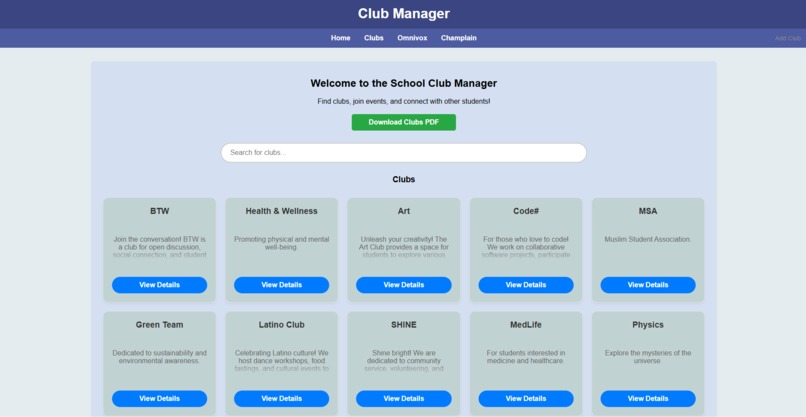
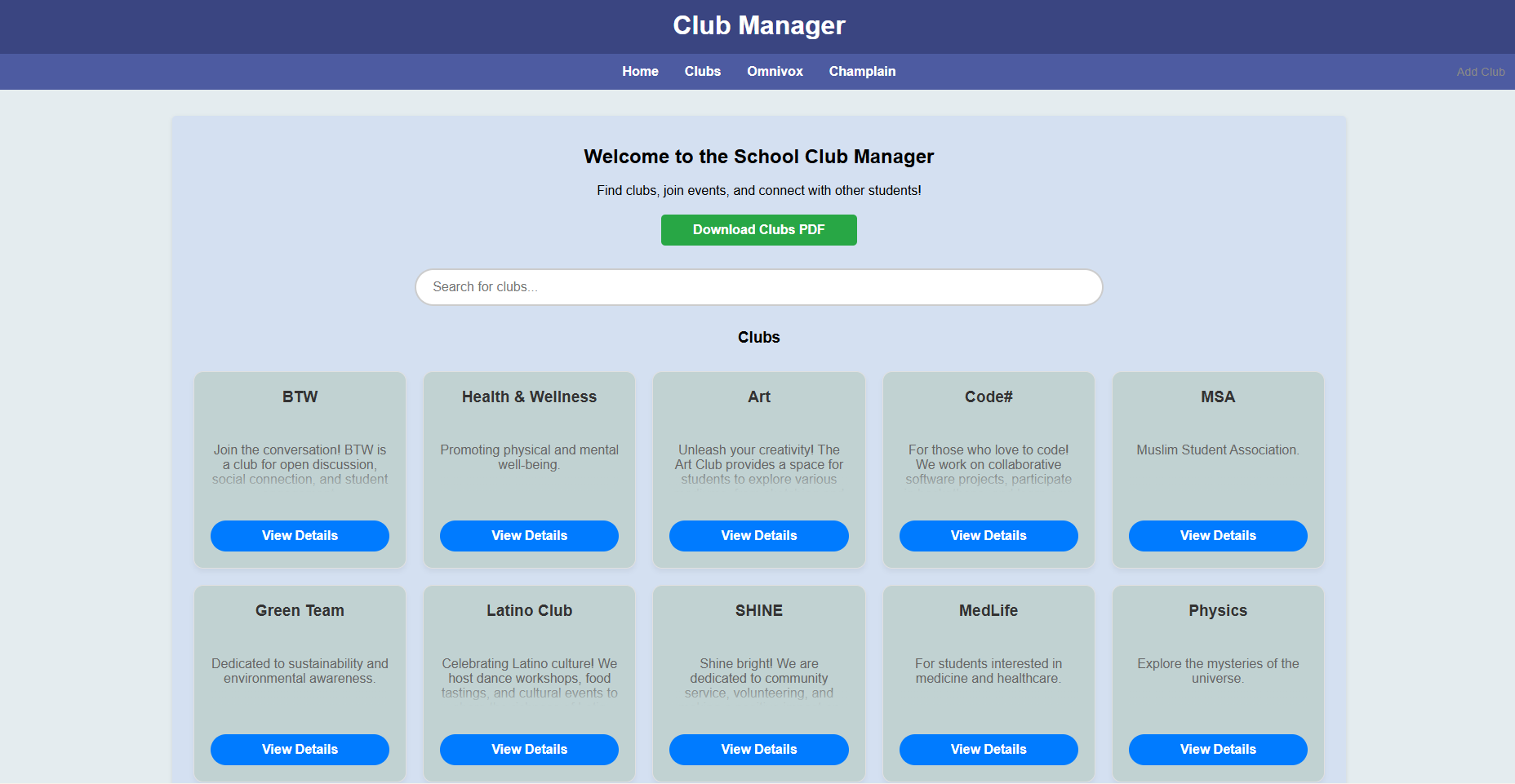
Main page
-
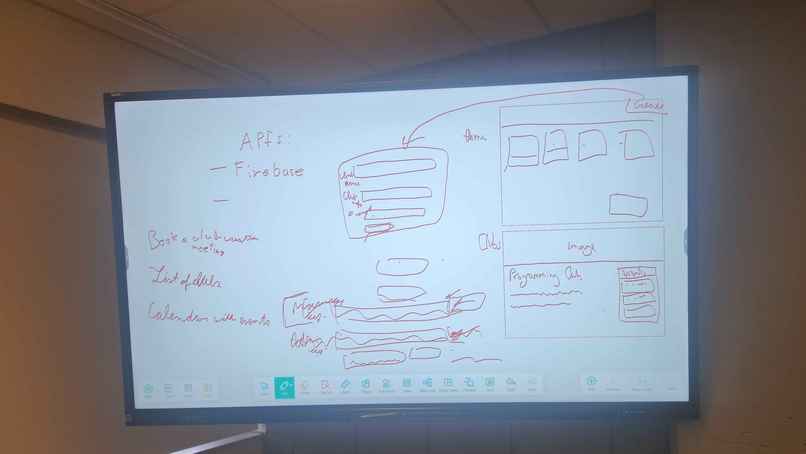
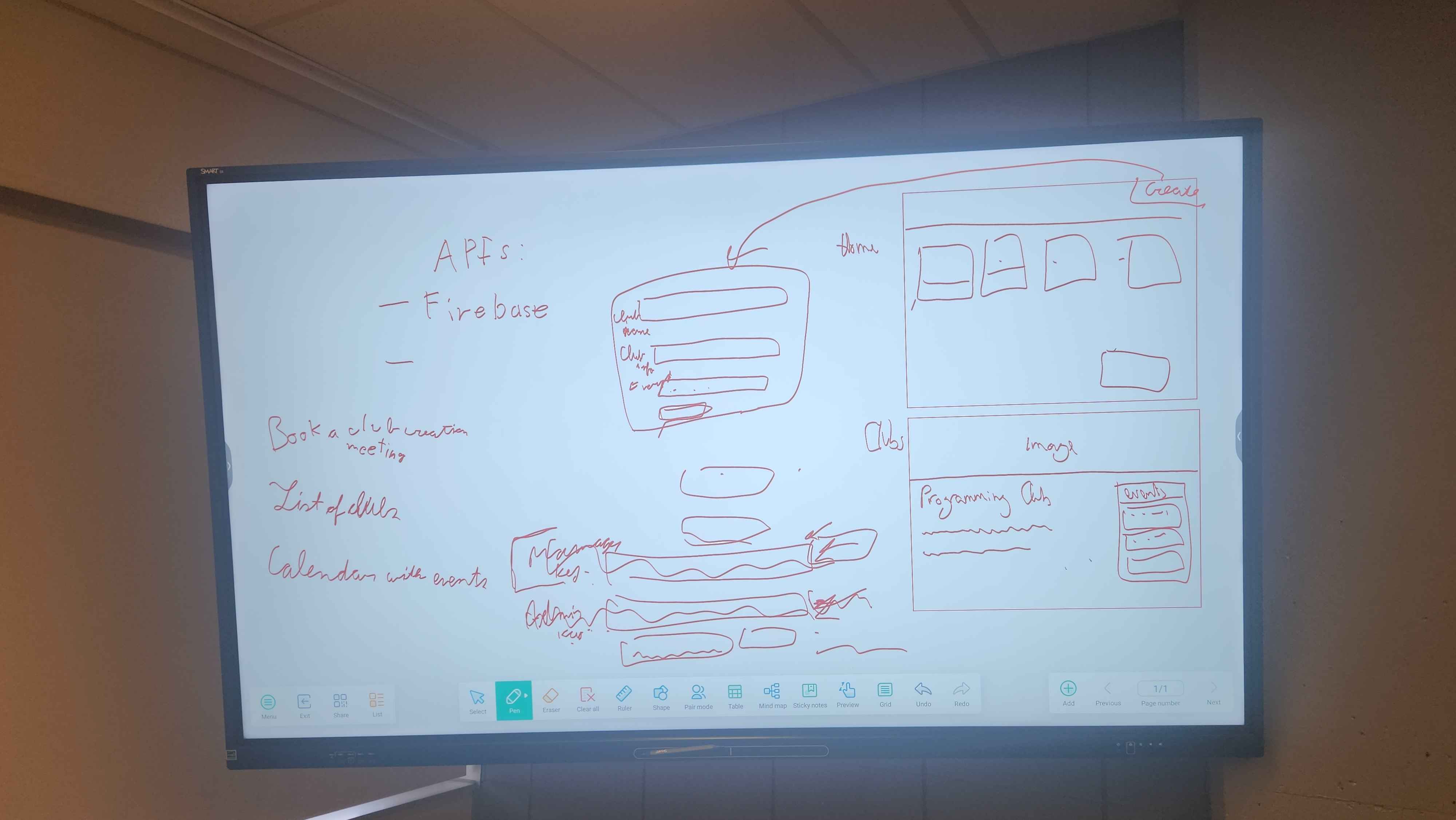
Design Brainstorm
-
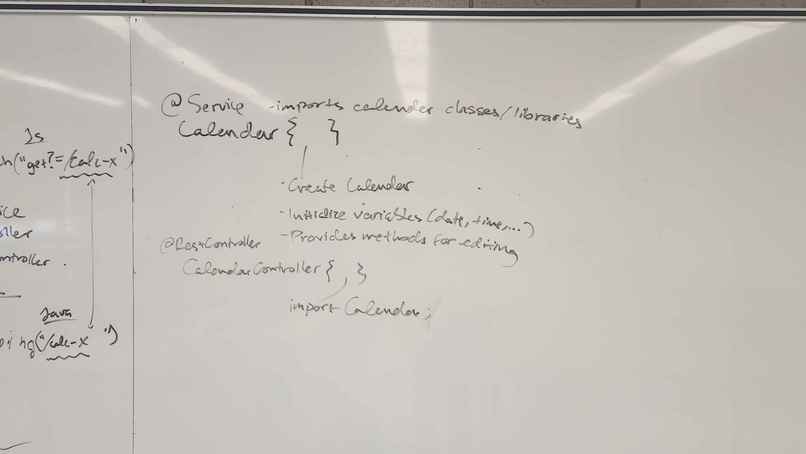
Idea Brainstorm 1
-
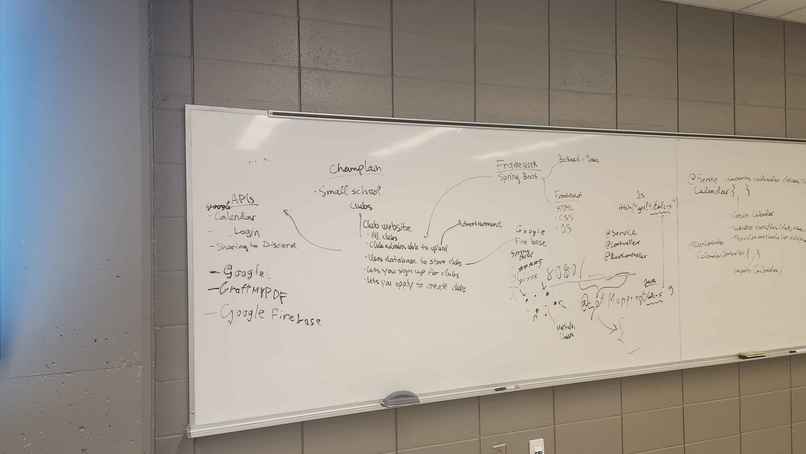
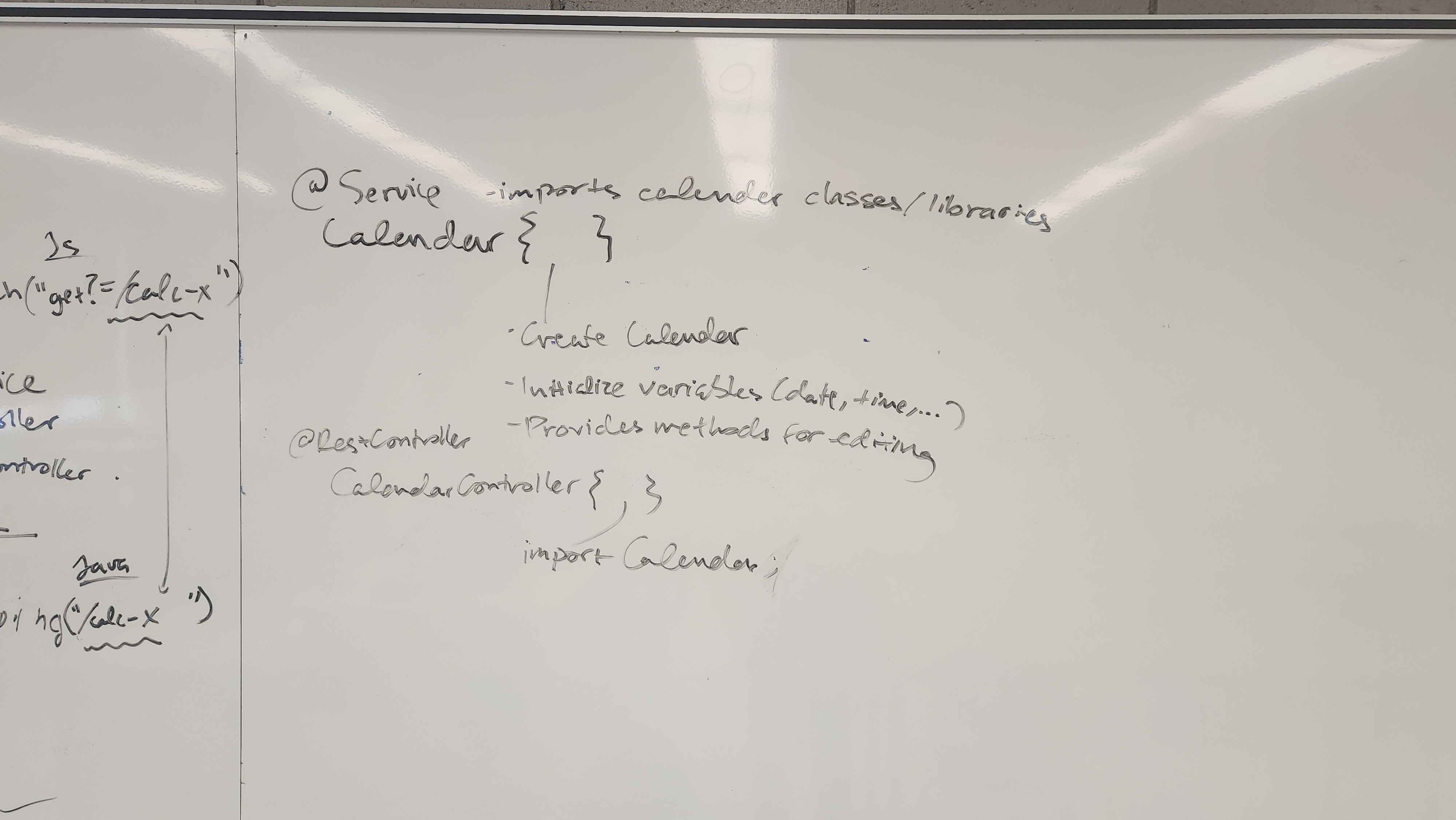
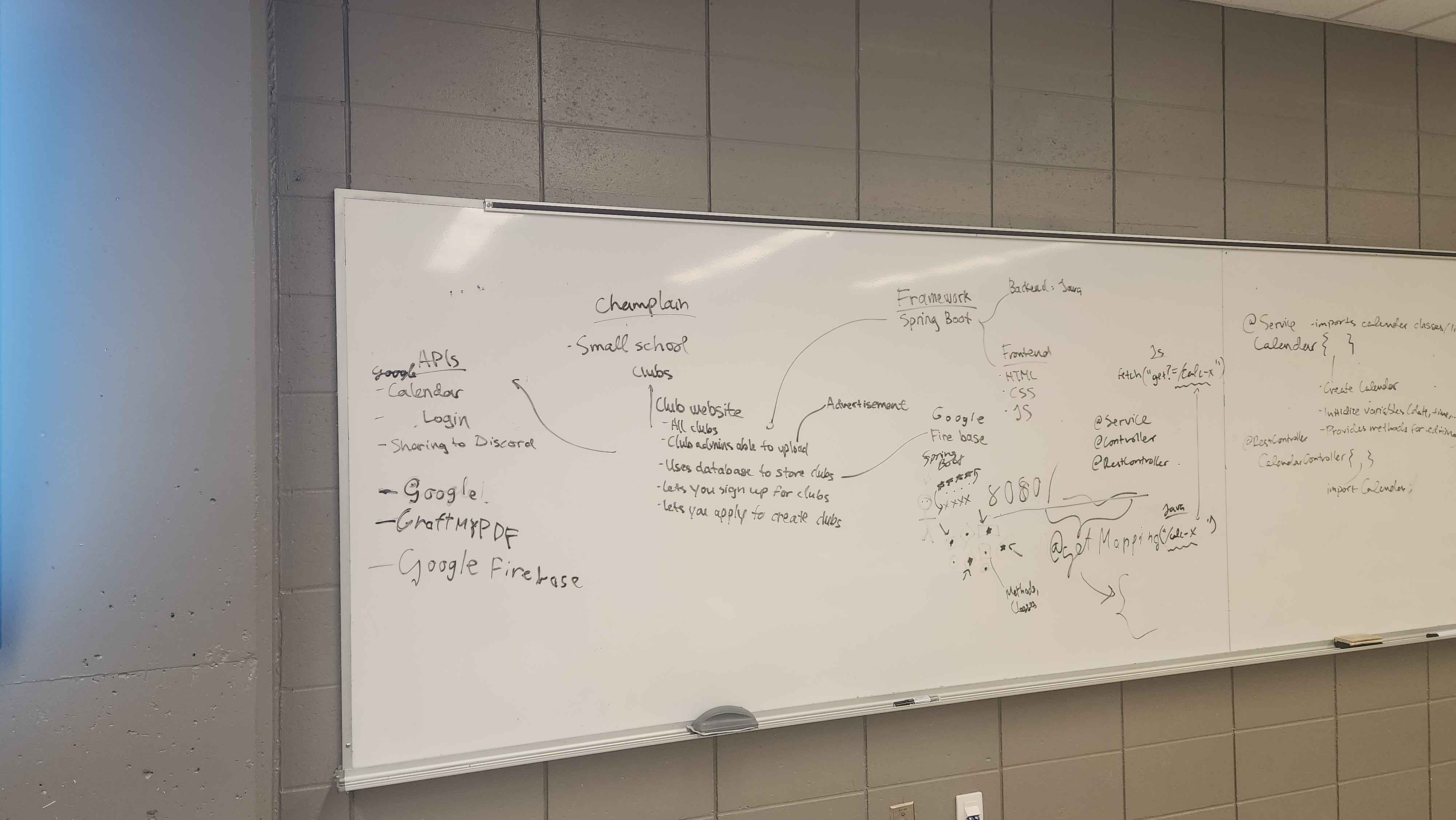
Idea Brainstorm 2
-
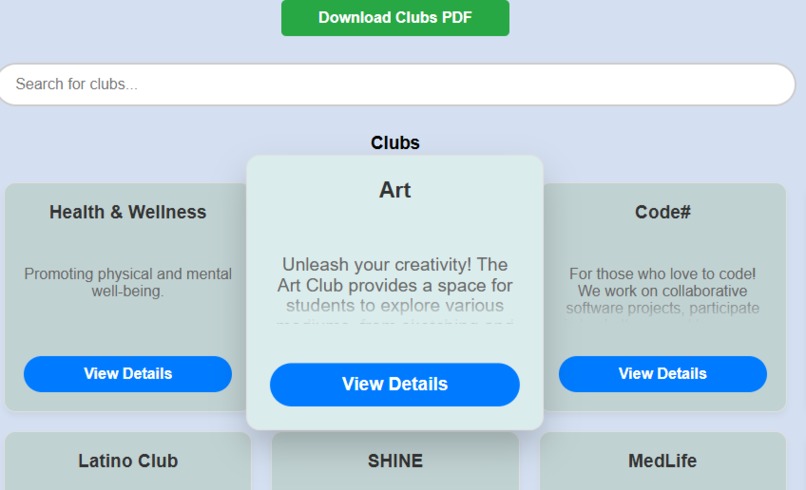
When selecting an item
-
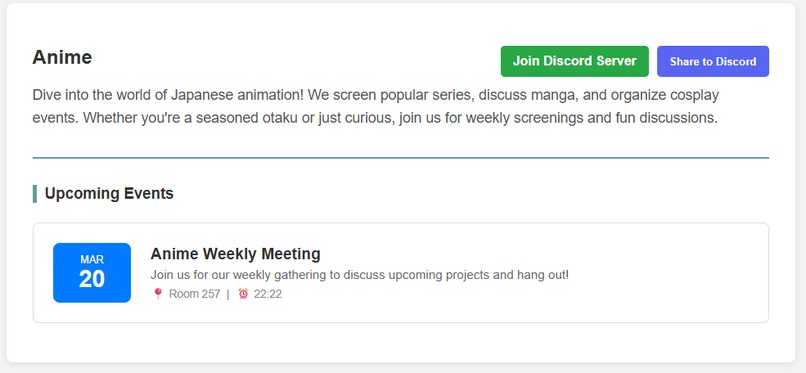
An example of the club page
-
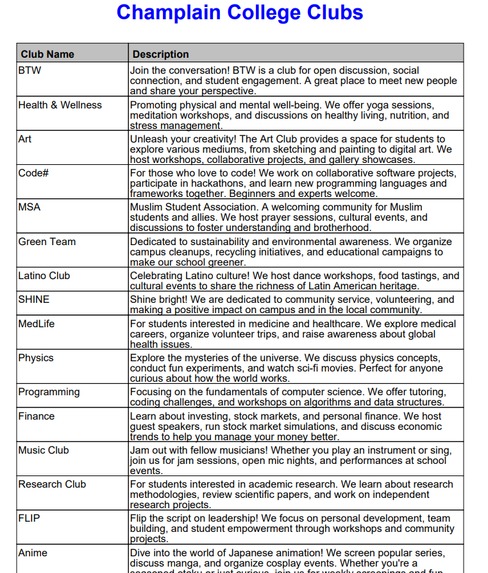
The downloadable PDF
-
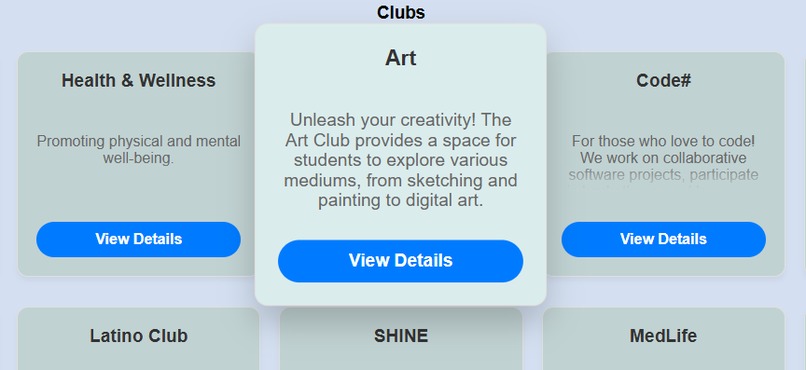
When clicking on a club card to read more
Inspiration
For our project, we are mostly inspired by the fact that there is no clear common basis for clubs at our school. Instead, club advertisements is dispersed not only between real-life posters/word-of-mouth and internet, but also between different social media applications. Some clubs advertise on Discord, others on Instagram, other on Omnivox, others on a combination of the three, etc. We find that clubs are the most refreshing type of activity in college because they not only allow making new friends/contacts, but allow you to find your place and passions. Being in a club is one of the most efficient way to distract ourselves from the constant workload that college provides. Thus, we want to make a common meeting point for every club so that people can find clubs easily, share those clubs, see their upcoming events, and join them (through a button that leads you to their discord server).
What it does
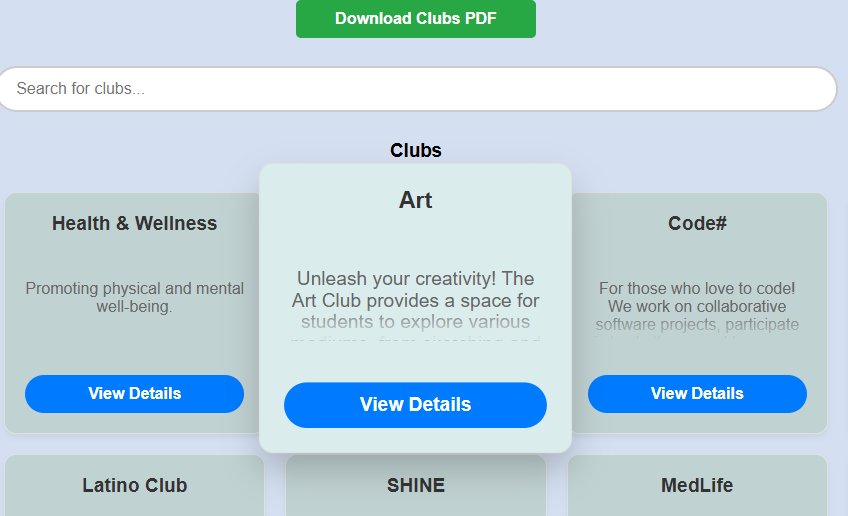
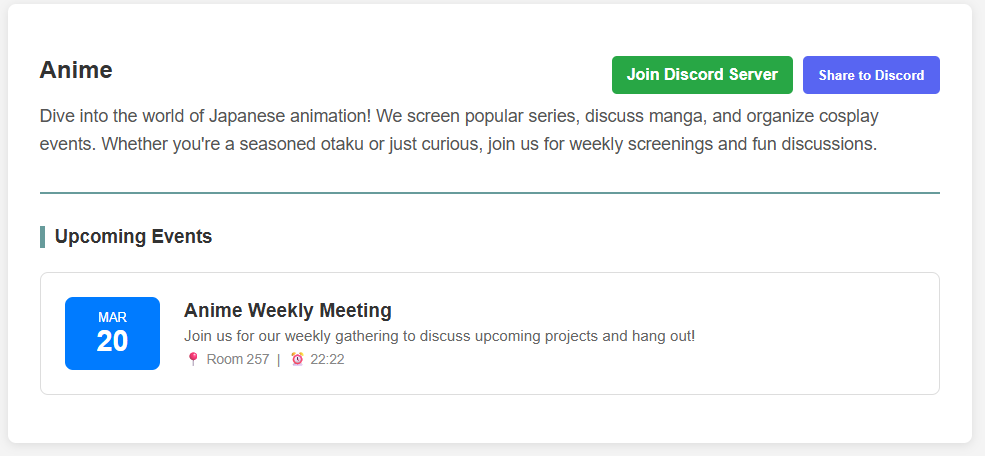
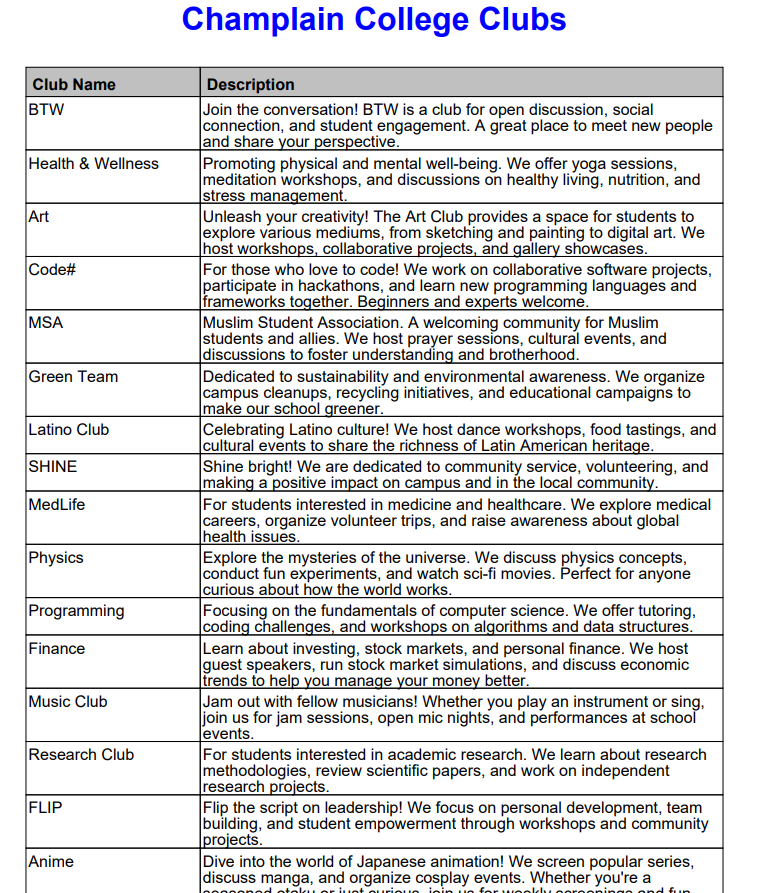
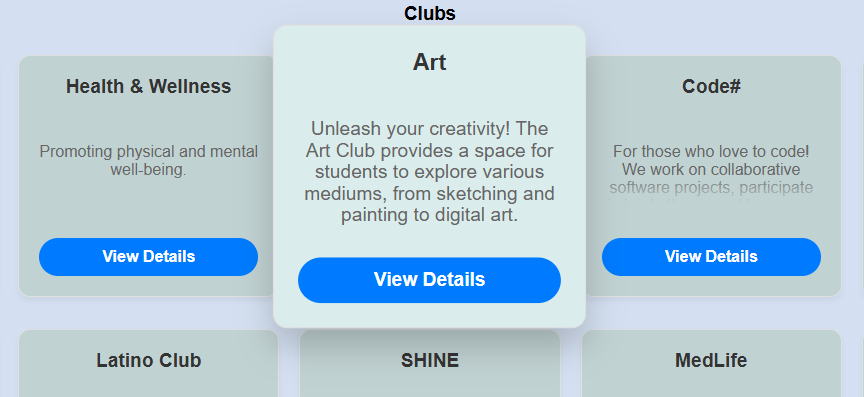
It provides a general section for all clubs. You can scroll through the main page to find all the clubs that are registered on the CSA. If you are interested in creating a club that does not exist, you may apply using the "add club" button in the corner. Every club has a club card that displays its general information and has a button that leads you to its own page. If you click on the card itself, the text space widens and allows you to read the entire description (especially for clubs with a longer description). The main page also allows you to download a PDF with the information about all the clubs by clicking a single button (which is super cool!). There are also buttons that lead to the Champlain Omnivox page and the Champlain Saint Lambert webpage. When clicking on the description for each website, it leads you to a page where you can not only view its entire description, but also its upcoming events, its Discord server link (which only has placeholders for now) and a "share to Discord" button that shares your club to a specific Discord server that we have created for now. There is also a search bar that lets you search for a specific club.
How we built it
We initially brainstormed ideas for the project. We had several ideas: a cybersecurity project that improved login security on school websites, an Omnivox revamp, and this idea. After choosing this idea, we expanded on it by detailing everything that would be on the website, then choosing which interfaces/frameworks/apis we would use. We then used artificial intelligence (Gemini) to generate the basic structure for the project, and added our implementation from there.
Challenges we ran into
- At some point, we encountered a problem committing to github because we accidentally committed the private key (which is insanely stupid, but happens to the best of us), so we had to revert those changes, and then IntelliJ kept crashing lmao.
- We didn't know whether we should make accounts for people and make them apply to be admins or simply give them a private key from the beginning. Since we're just streamlining the project and not really completing it completely today, we weren't sure whether we should go as far as making user accounts and an application system. Maybe in the future.
Accomplishments that we're proud of
We managed to integrate many APIs and further our knowledge of web development and spring boot. We also managed to fully accomplish our idea.
What we learned
We learned how to use Spring Boot, how to edit styles in HTML and CSS, how to code JavaScript, how to integrate APIs in our project, the difference between Framework and API, how localhost works, and how to use a database to store information about a project.
What's next for Club Manager
We are actually thinking of further developing this for it to be implemented in Omnivox later on. We truly believe this is an interface that would greatly improve student life because of its accessibility to clubs, which are literally a corner stone of development and fun in college.
Built With
- css
- discord-webhook
- firebase
- html
- java
- javascript
- openpdf
- spring-boot
- thymeleaf

Log in or sign up for Devpost to join the conversation.