-
-
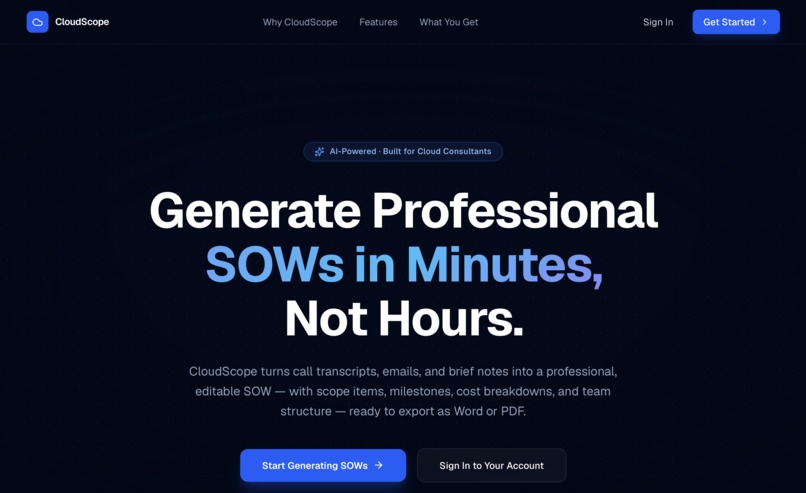
Landing Page
-
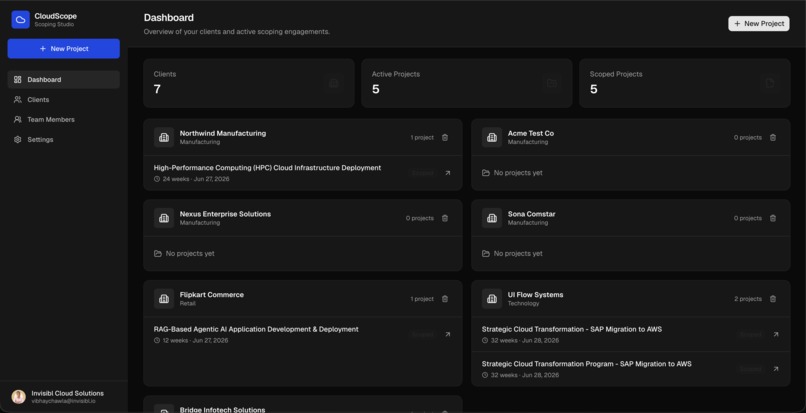
Dashboard
-
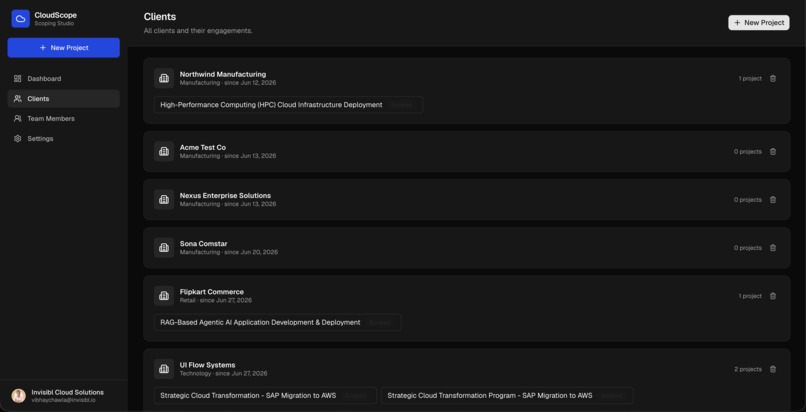
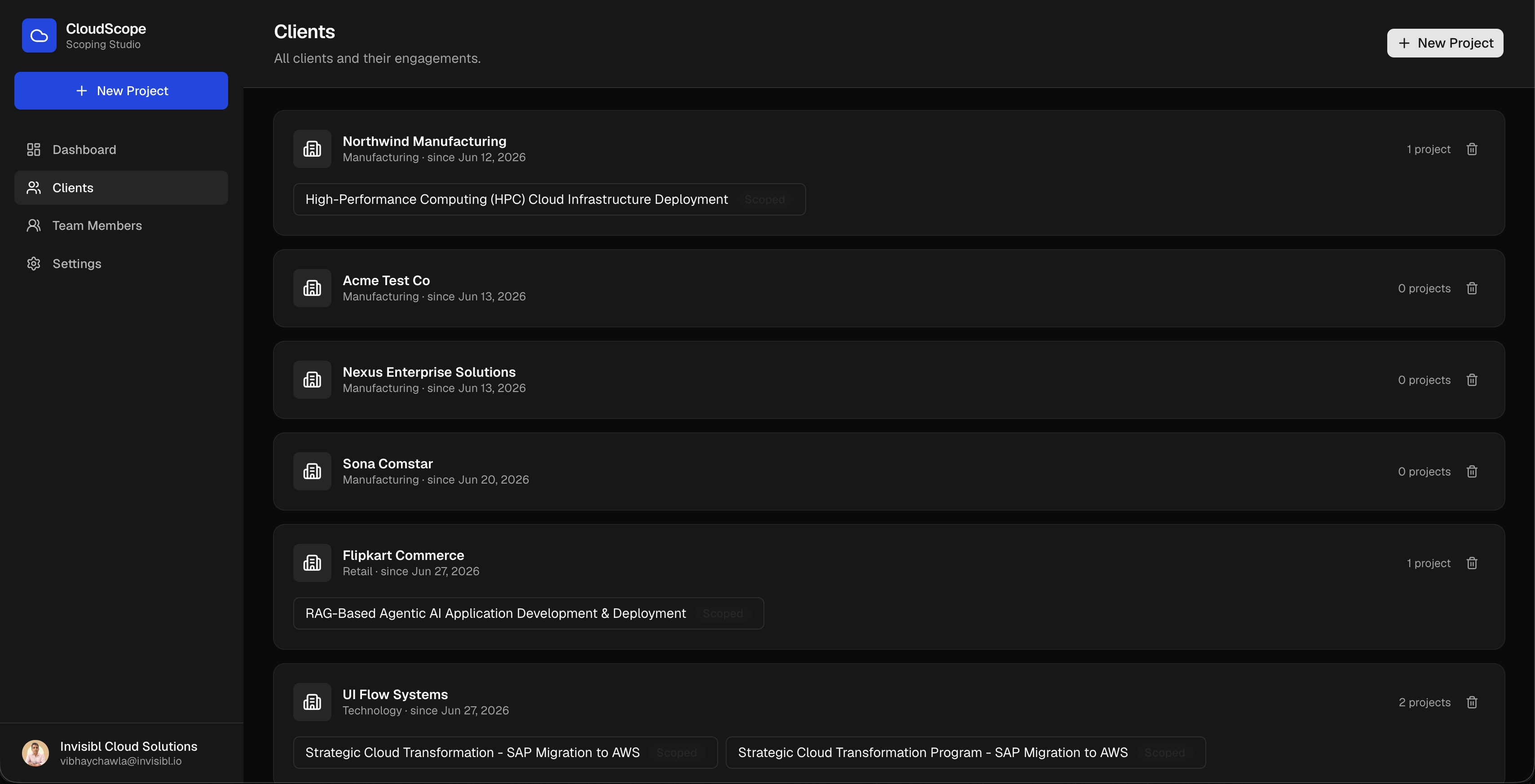
Clients Page
-
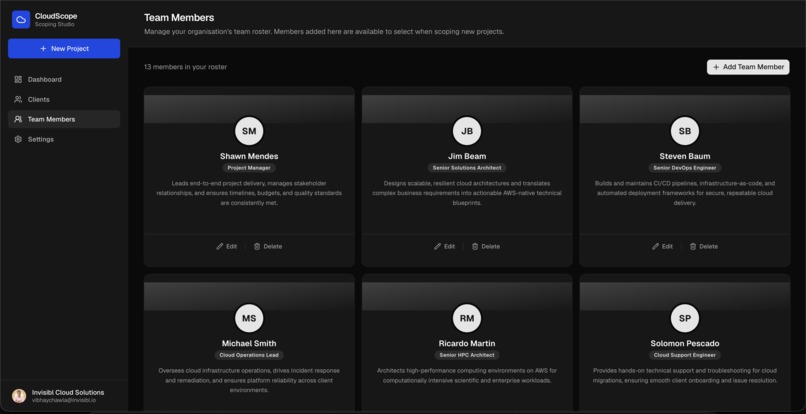
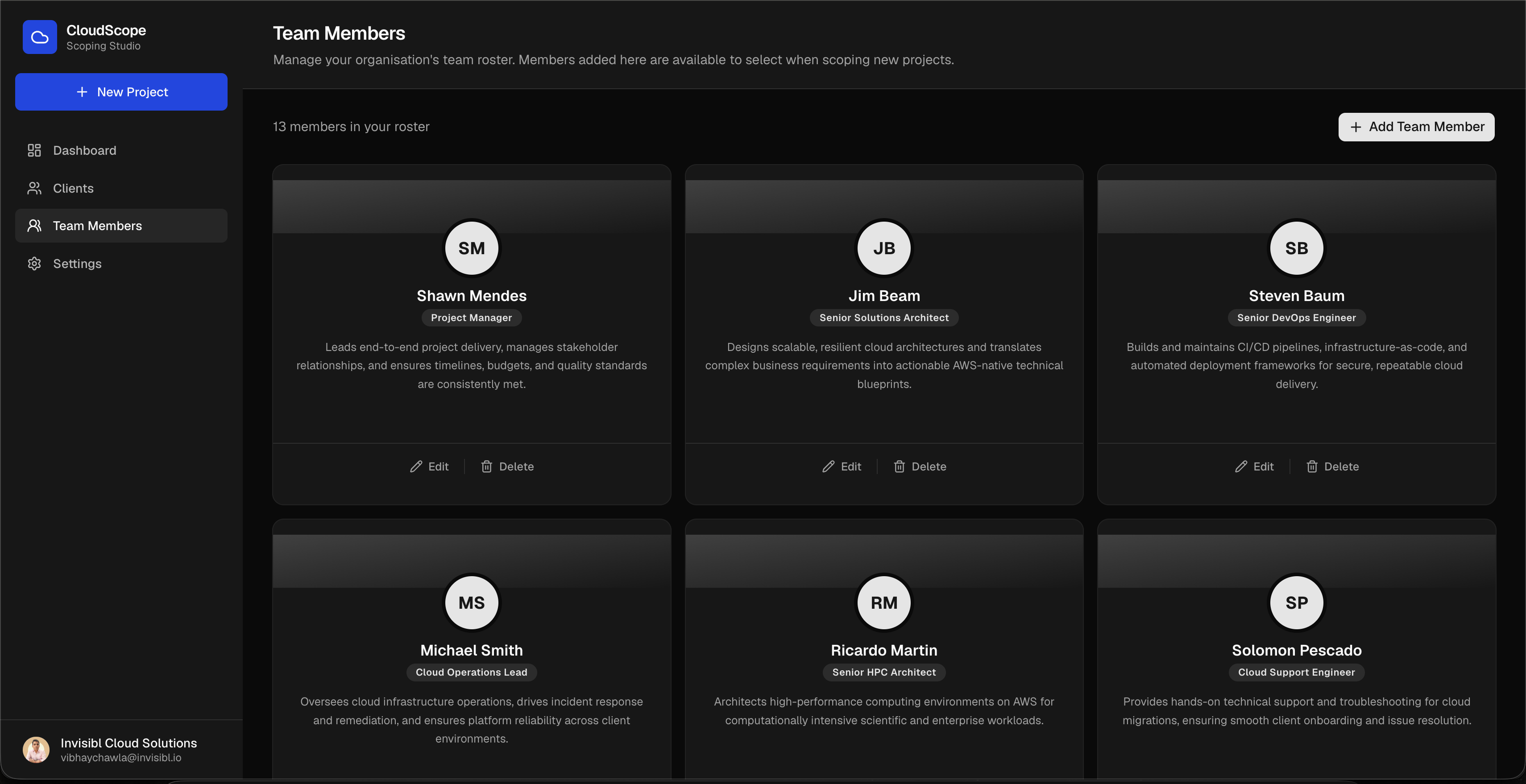
Team Members Page
-
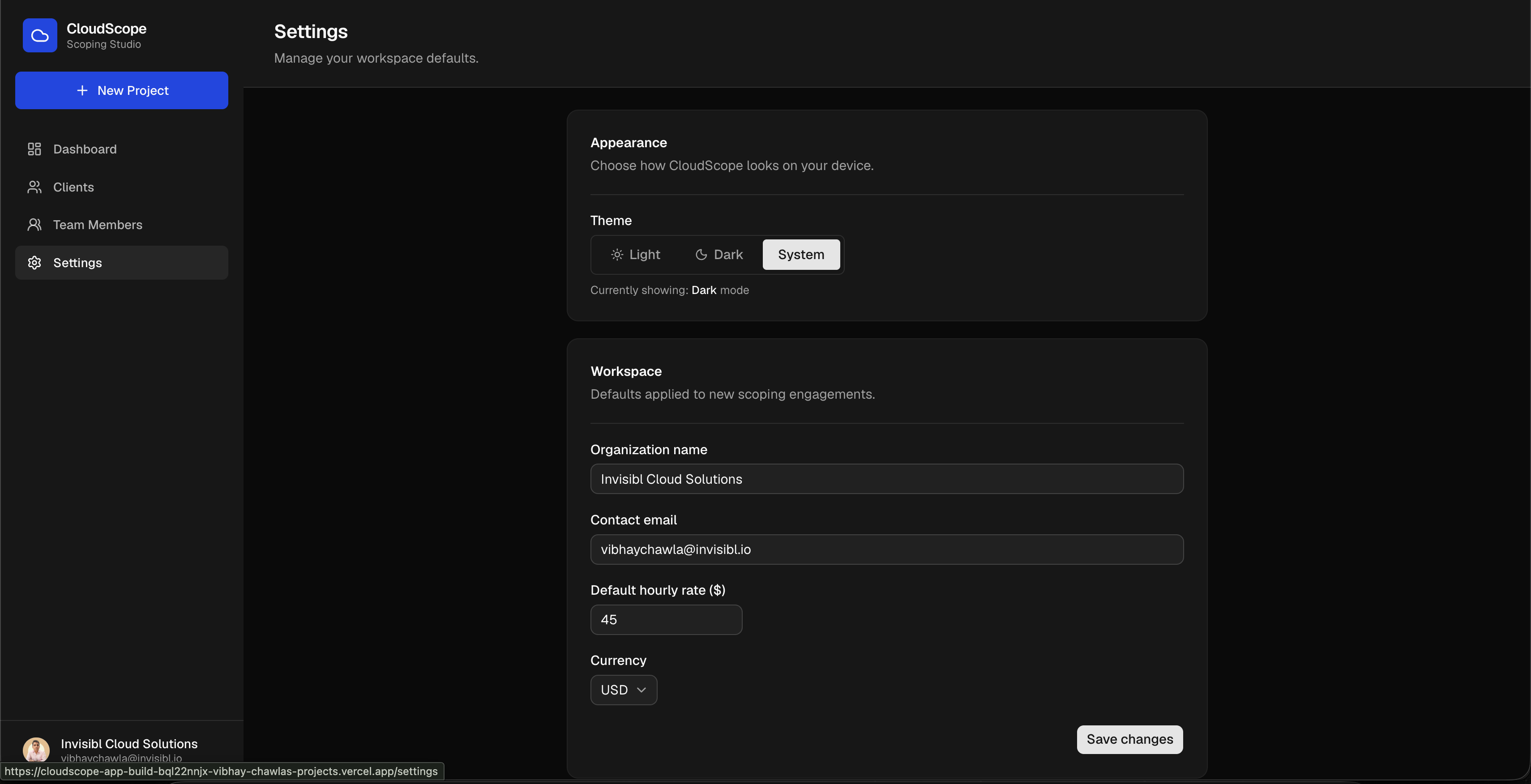
Settings Page
-
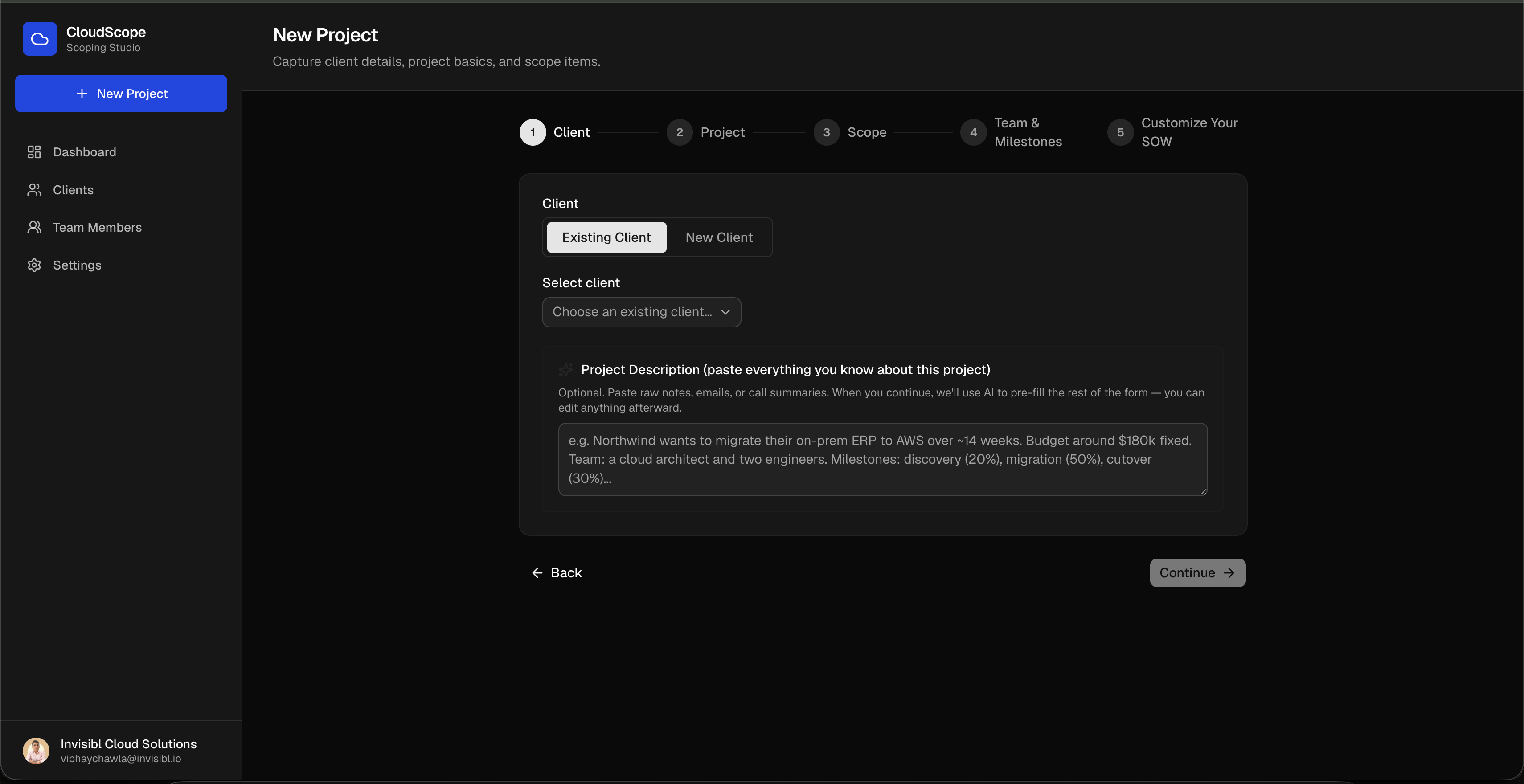
New Project Step One
Inspiration
The pain I wanted to solve is the one I have experienced first hand being a Director - Solutions Architecture at an AWS Advanced consulting firm. We work in the niche domain of building products for High Performance Computing, Bioinformatics and custom Agentic AI solutions. Every client engagement starts the same way: a requirements gathering call, a long list of rough notes and call transcripts, requirements document shared by client and then hours converting them into a Statement of Work to be submitted to the client before any actual delivery begins.
Here is the honest truth about technical people: solution architects will happily spend an evening sketching an architecture diagram, debating the right AWS service for a data pipeline, or walking a client through how agents orchestrate across services. That part never feels like work. What every technically strong person I know quietly tries to avoid is writing the document that wraps around all of it. Not because the solution is unclear, but because translating deep technical thinking into a client-ready Statement of Work means opening a blank Word template and grinding through section after section that feels purely administrative: Project Overview, Business Requirements, Success Criteria, Scope of Work, Out of Scope, Assumptions. Most of us have passed that task to a colleague at least once rather than face it ourselves.
And the first draft is never the end of it. Internal review, senior management sign-off, the AWS account team's feedback, the client's round of changes. Each iteration means reopening the Word file, editing manually, reformatting, resaving, resharing. A single SOW can absorb two+ hours in a day before the actual project work has even started.
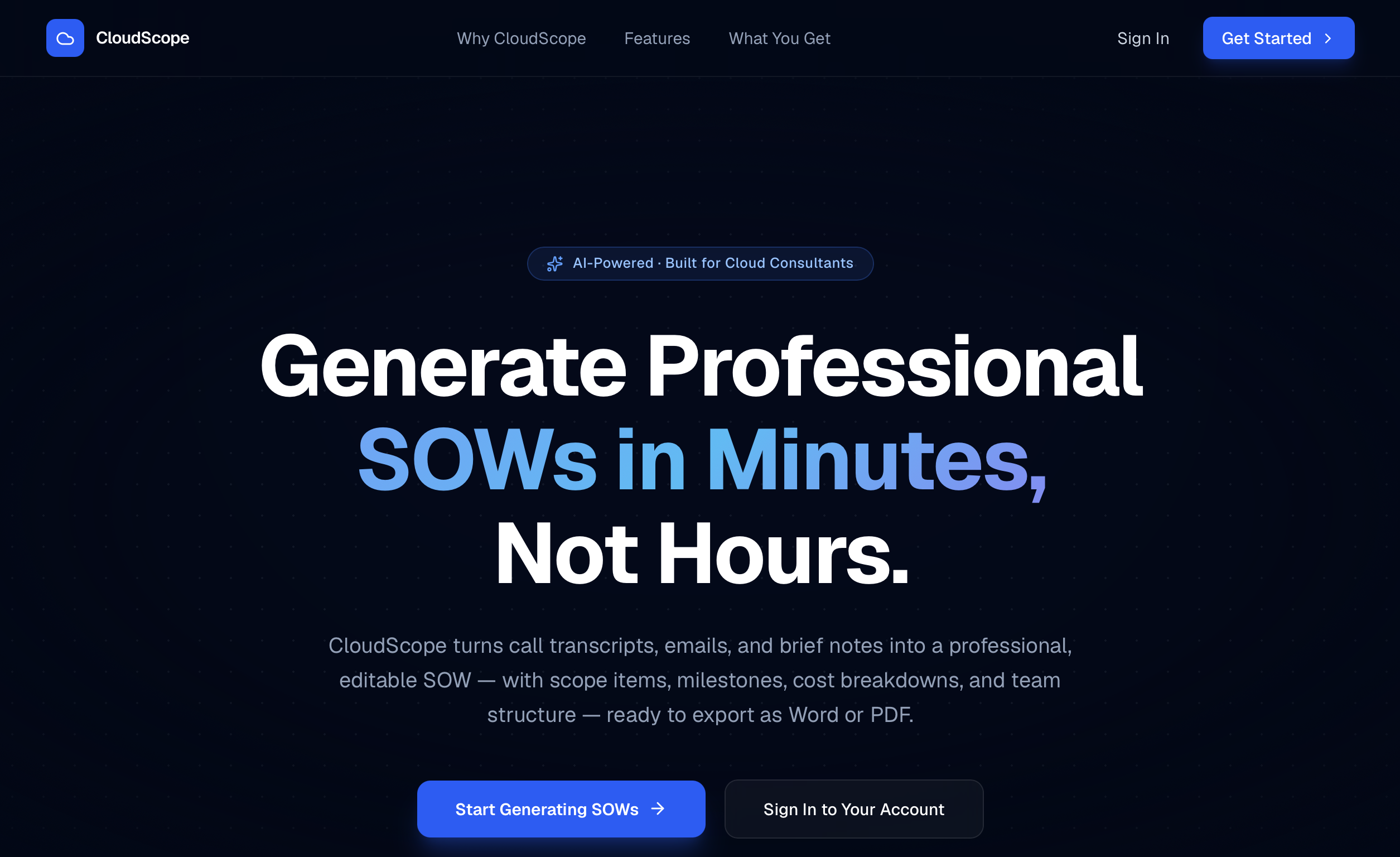
CloudScope cuts that to less than TEN minutes. The people who understand the solution best can now draft it in well formatted, organised and professional looking documents, without it becoming the hardest, most time-consuming part of the engagement.
What it does
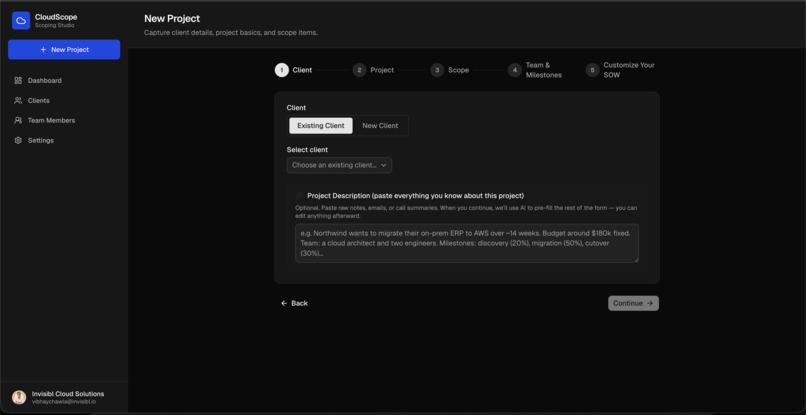
CloudScope is an AI-powered scoping tool for cloud consulting teams. You paste a project brief - your notes, email thread, a call summary - and the AI extracts the structure automatically: project name, executive summary, success criteria, scope items grouped by category, team members, milestones with payment terms, and cost estimates.
You review and adjust the pre-filled form across five steps, select which SOW sections to include, and generate a structured Statement of Work. The output is fully editable in the browser, then exports directly to Word or PDF, client-ready.
How we built it
Stack: Next.js 16 on Vercel, Amazon Aurora PostgreSQL (IAM auth via OIDC), Claude API (Haiku + Sonnet), Clerk for authentication.
Intake parsing.
- The first screen accepts a free-text project description.
- Claude Haiku parses the raw text in a single stateless API call - no database reads or writes - and returns a structured JSON object covering project name, executive summary, success criteria, scope items with categories, team assignments, milestones, and a
financialNotesblock carrying AWS funding and infrastructure cost details invisibly through the rest of the wizard. - That JSON pre-fills all five steps.
- Team member names are reconciled against the org roster: matches are pre-checked, unrecognised names become custom entries below the checklist.
Relational data capture. The schema has eight Aurora tables. Tables 1–5 are written in a single BEGIN / COMMIT transaction at project creation; scope item hours and rates aggregate upward through the schema to produce the Investment Summary in the final document.
| # | Table | Description |
|---|---|---|
| 1 | clients |
Top-level entity. Every project belongs to a client via foreign key. |
| 2 | projects |
Core entity for each consulting engagement, carrying all wizard fields, pricing model, status, and selected SOW sections as JSONB. |
| 3 | scope_items |
Line items with category, estimated hours, and hourly rate. Written in the intake transaction. |
| 4 | team_members |
Per-project assignments copied from the org roster at project creation, or added as custom one-off entries. |
| 5 | milestones |
Payment milestones with due dates and payment terms. Written in the intake transaction. |
| 6 | org_team_members |
Org-level reusable team roster, seeded on first use and surfaced as a checkbox list in the project wizard. |
| 7 | generated_documents |
Stores every SOW version for a project. Supports versioning - multiple document generations per project ordered by creation time. |
| 8 | workspace_settings |
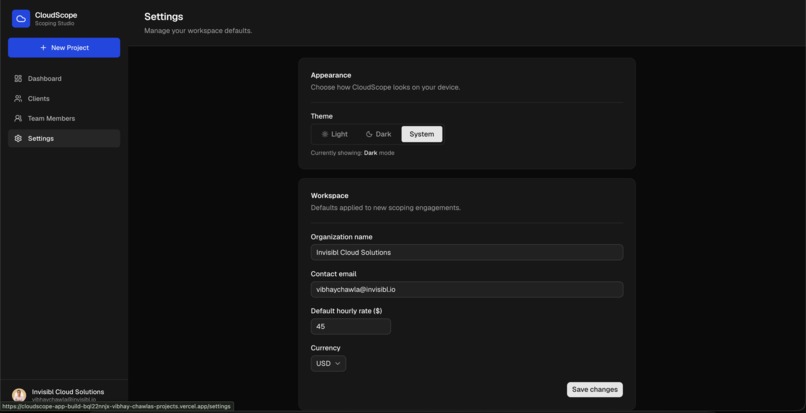
Singleton configuration row cached server-side for 24 hours. Supplies org name, default hourly rate, and currency to the wizard and SOW generator. |
SOW generation.
- A single Claude Sonnet call generates all prose sections at once - Executive Summary, Scope of Work, Architecture Components, Project Plan, Team Structure, Cost sections, and Authorization - returning a typed JSON object keyed by section ID.
- The org name from
workspace_settingsis injected into the system prompt so the SOW reads as written by the consulting firm, not by CloudScope. - A third dedicated Sonnet call (1,000-token budget, kept isolated so it cannot compete with the main call) fires only when the milestones section is selected but the user provided no milestones, generating an assumed payment schedule.
- The Investment Summary (cost breakdown) is fully deterministic: grouped by category and summed from scope item hours and rates in Aurora with no AI involved.
- All output lands in
sections_dataJSONB in Aurora, which becomes the single source of truth for the browser editor and both export formats.
Export. Word and PDF exports read sections_data directly from Aurora. The database is the single source of truth - edit a section in the browser, save it, re-export and the file reflects it immediately.
Aurora auth. I used Vercel's OIDC token exchange to authenticate to Aurora with short-lived AWS IAM tokens. No database credentials are stored anywhere in the stack.
Challenges we ran into
IAM authentication. The documentation for Vercel OIDC plus Aurora assumes fluency with IAM trust policies. The token exchange happens at connection time, which means a misconfigured trust policy and a wrong password produce identical-looking connection errors. Reading CloudWatch logs carefully is how you tell them apart.
Structured output from Claude. Getting the model to return JSON that maps precisely to the Aurora schema - correct field names, typed payment_type values, scope items nested by category with numeric hours and rates - required treating the schema definition as a first-class part of the system prompt. Prompt engineering for structured relational output is meaningfully different from prompt engineering for prose.
Cost rollup consistency. The cost breakdown in the generated SOW has to reconcile with the scope items in Aurora. Line items sum to category subtotals which sum to a grand total, and that total must match whether a user is reading the browser editor or downloading the Word file. Keeping Aurora as the only source of truth for all three views required discipline to implement consistently across every rendering path.
Accomplishments that we're proud of
Three-call AI strategy with deliberate budget isolation.
- Claude Haiku handles intake parsing (5,000-token ceiling, fully stateless).
- Claude Sonnet generates all SOW prose sections in a single call (8,000-token ceiling).
- A third dedicated Sonnet call (1,000 tokens, kept separate so it cannot starve the main generation budget) fires only when the user provided no milestones and an assumed payment schedule needs to be produced.
- Each call has a distinct model, a distinct role, and a distinct token budget.
- The Investment Summary is computed deterministically from Aurora data with no AI involved at all.
IAM auth with no stored credentials. CloudScope uses short-lived IAM tokens via Vercel OIDC. It was the right call architecturally and it was not significantly harder to implement than the alternative.
A production-quality SOW output. The exported documents have a full table of contents, 15 structured sections, phase-based project plans with deliverables, milestone payment schedules, team composition tables, and cloud infrastructure MRR/ARR estimates. These are documents you can send to a real client.
Aurora as semantic layer, not filing cabinet. The SOW is rendered from structured relational data, not retrieved as a stored blob. That means every section is independently editable, every line item is queryable, and the Word and PDF exports are always consistent with each other.
What we learned
Don’t enable the “scale down to 0 ACUs when idle” setting for your Amazon Aurora Serverless database, because then there will be a lag of few seconds in data being fetched and populated in your application. Unless your application logic is built in such way that a few seconds lag is justifiable. I had to keep my Aurora PostgreSQL database to 0.5 ACUs, which automatically disabled the pausing after inactivity feature. Otherwise, I was experiencing lag in data being populated in the application when opened in a new browser or incognito window.
The second thing: IAM authentication with short-lived tokens is not significantly harder to implement than a connection string, and it is meaningfully better in every dimension that matters for production. There is no reason to store database passwords in a modern Vercel-to-Aurora stack.
What's next for CloudScope
Multi-tenant org support. Right now CloudScope is single-org per deployment. The natural extension is a proper multi-tenant architecture where each consulting firm gets its own isolated Aurora schema, managed through Clerk's org model.
SOW versioning with diff view. The History button already tracks generated documents. The next step is a side-by-side diff between versions so teams can see exactly what changed between a draft and the version sent to a client.
Template library for common AWS engagement types. MAP 2.0 Documents (Assess-Mobilize-Migrate), POC engagements, production migrations, and competency-driven projects all follow similar patterns. Pre-defined official templates for each type would cut scoping time further.
Direct SOW delivery to stakeholders. Right now users download the Word or PDF and manually attach it to emails for internal review, senior management sign-off, the AWS account team, and the client. The next version will let users send the SOW as an attachment directly from CloudScope, selecting recipients by role and triggering the review cycle without leaving the app. This closes the loop on the exact pain point that inspired the project: the download, attach, send, wait, edit, repeat cycle that eats hours before a project even starts.
Built With
- amazon-aurora-postgresql
- anthropic-claude-api
- aws-iam-authentication
- aws-rds-signer
- claude-haiku
- claude-sonnet
- clerk
- docx
- lucide-react
- next-themes
- next.js-16
- node-postgres
- node.js
- react-19
- react-markdown
- react-pdf
- shadcn
- tailwind-css-v4
- typescript
- vercel
- vercel-ai-sdk
- vercel-oidc

Log in or sign up for Devpost to join the conversation.