-
-
-
-
-
-
Serpi Ai & Xeno on the backend
-
-
-
Doctavian
-
Nutrient
Inspiration
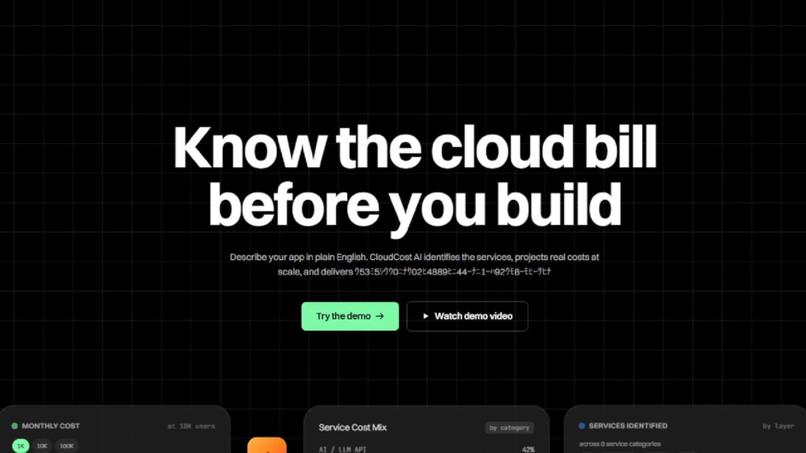
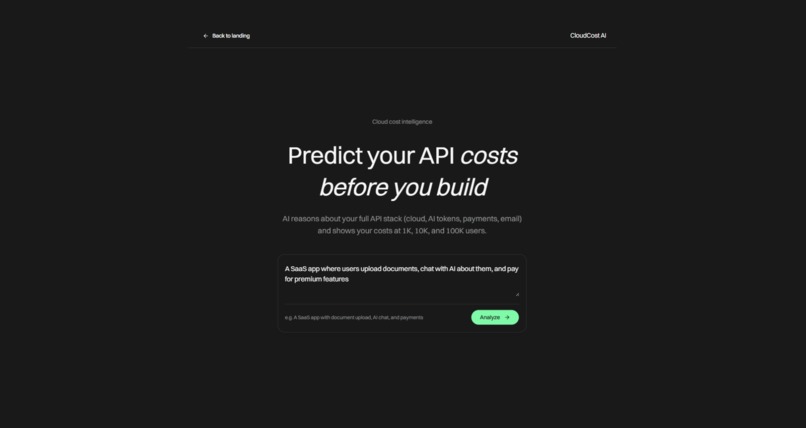
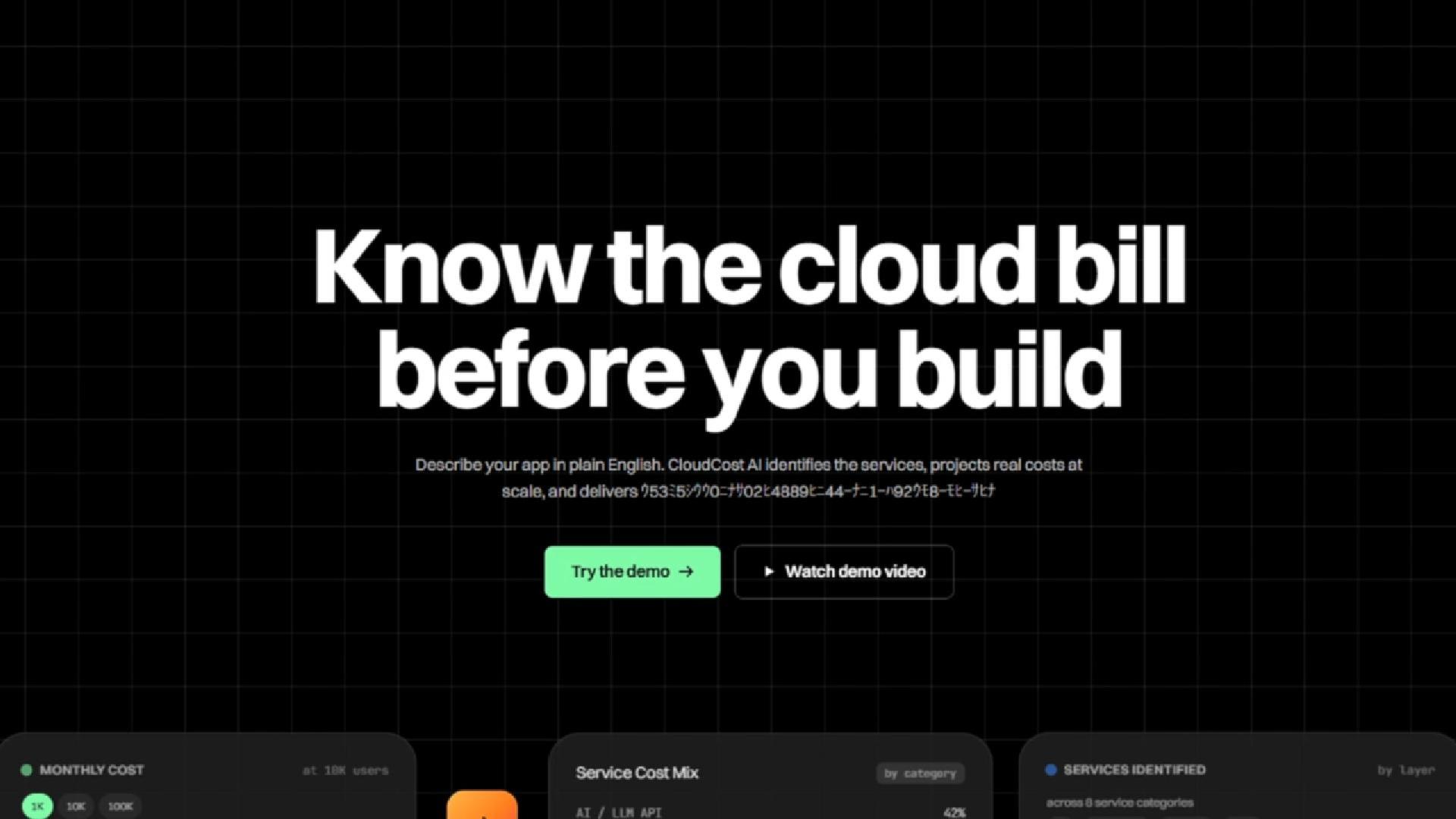
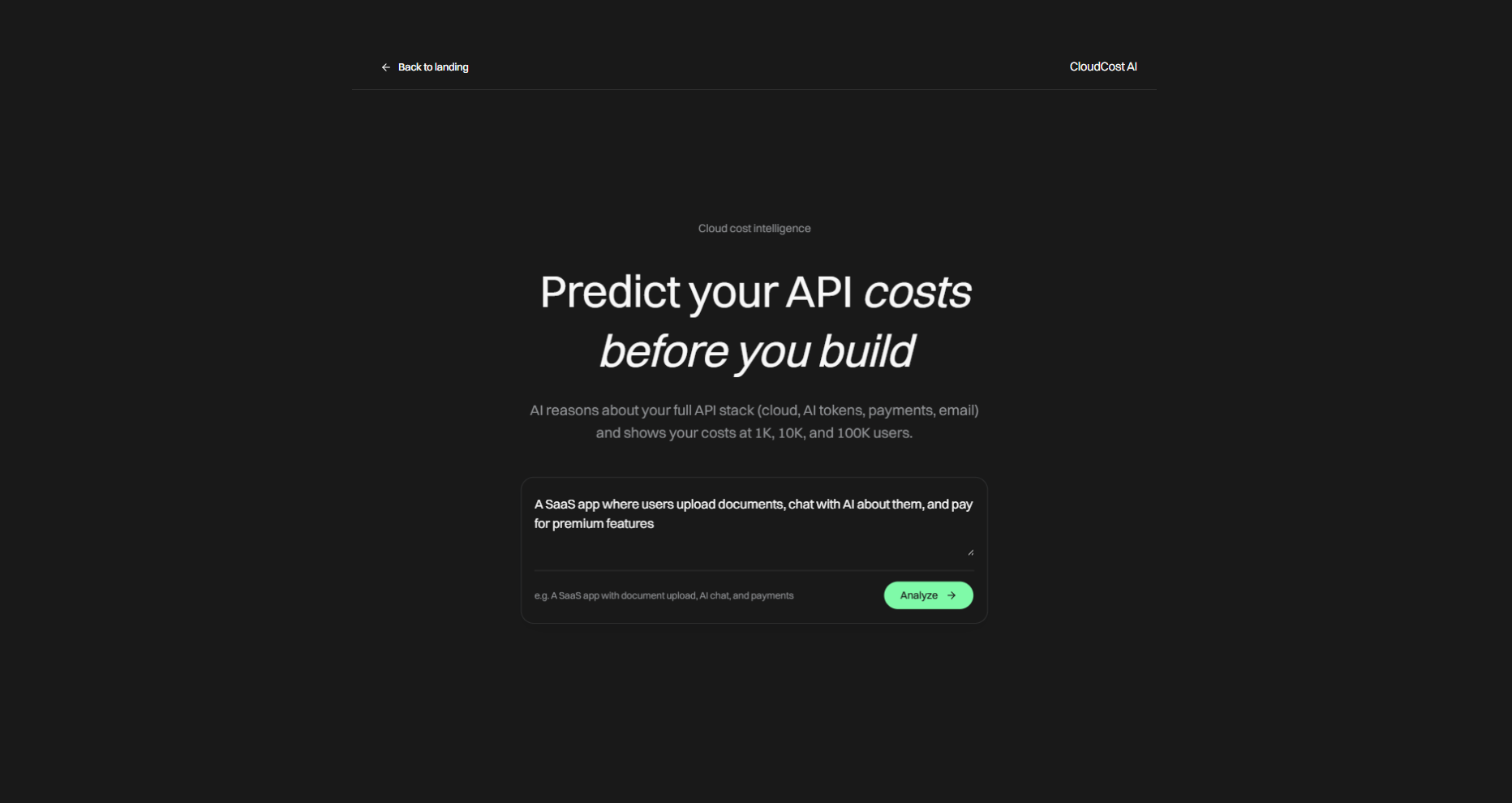
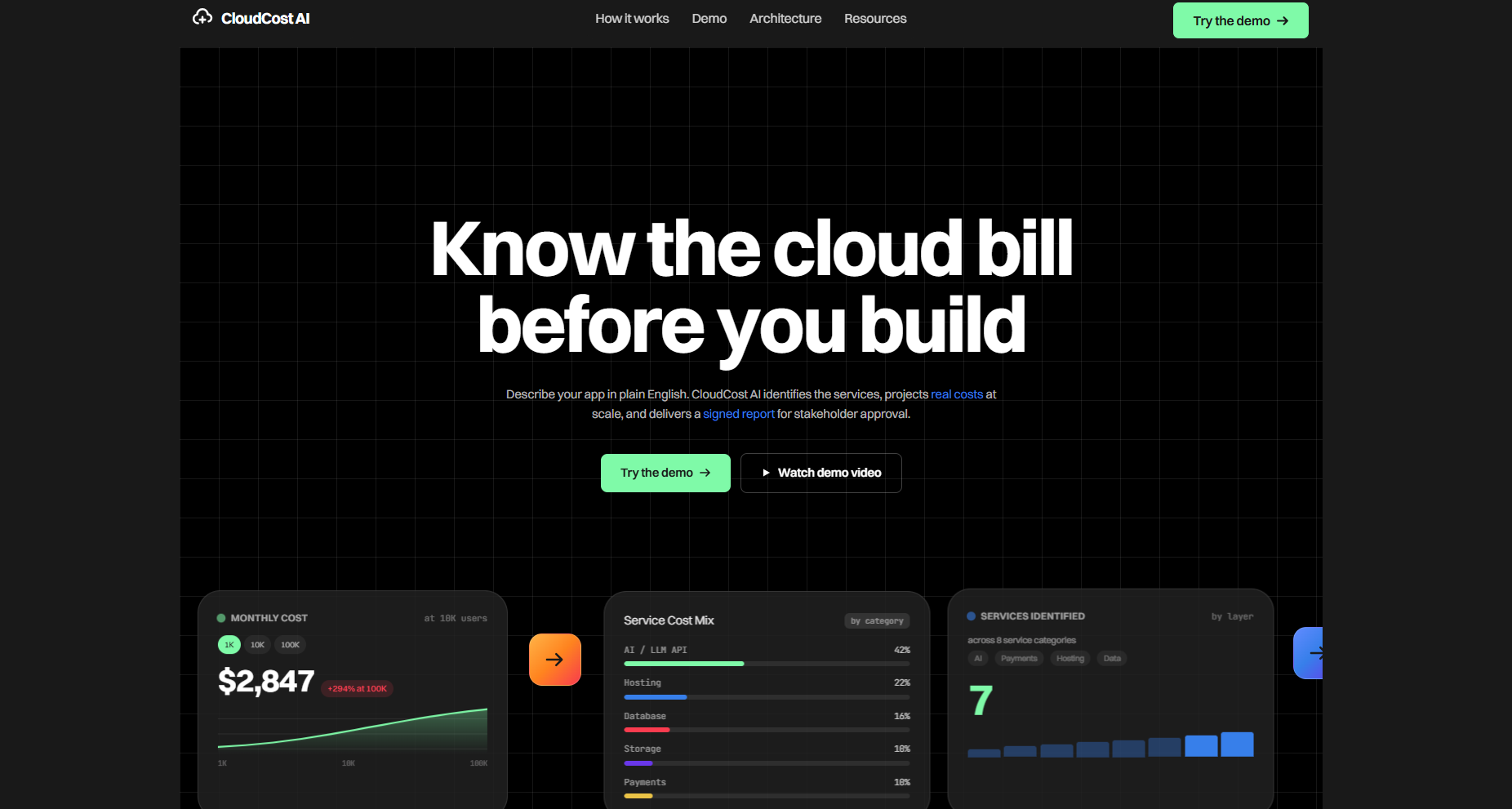
Every developer has built something cool, shipped it, and then gotten a surprise cloud bill three months later. We wanted to kill that surprise. The idea: describe your app in plain English, and an AI reasons about your entire API stack — hosting, AI tokens, payments, email, database — and tells you what it'll cost before you write a single line of infrastructure code.
What it does
CloudCost AI takes a plain-English app description and:
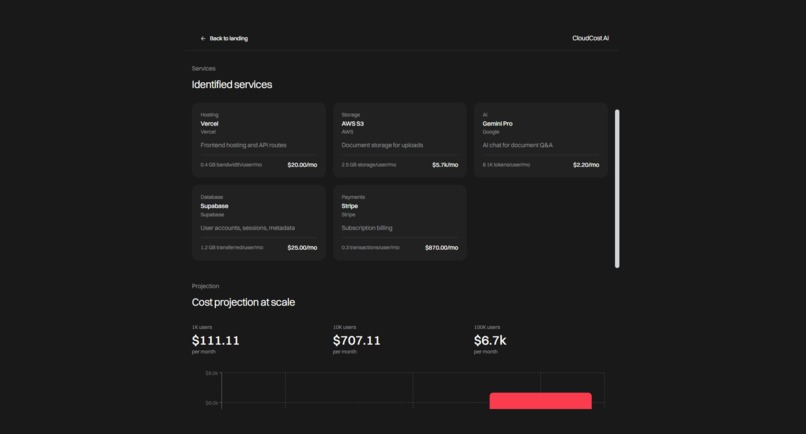
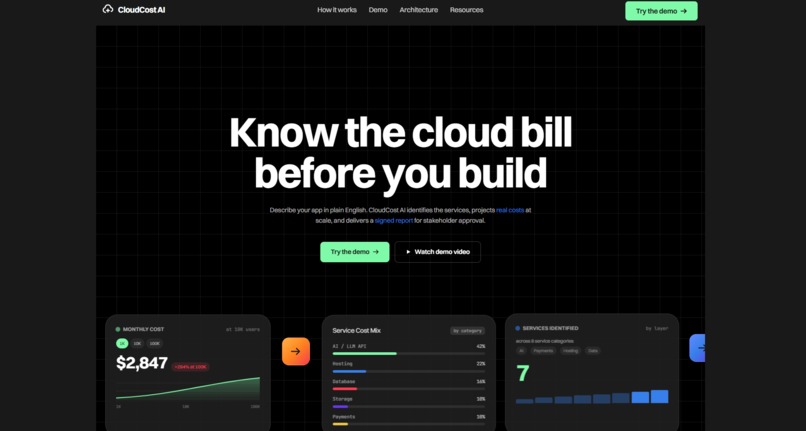
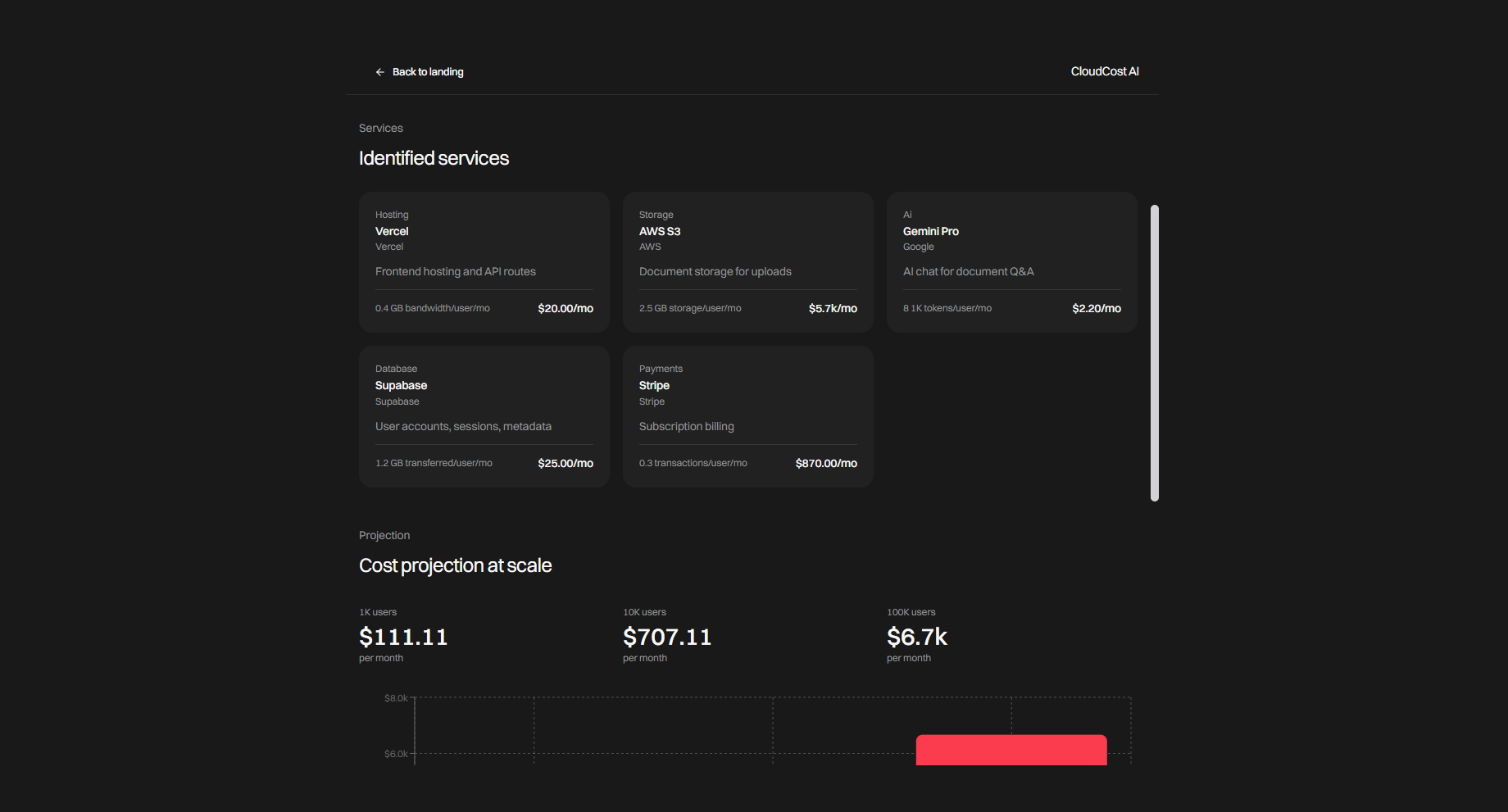
- Analyzes your architecture — Gemini identifies the services your app needs (hosting, AI, database, payments, storage, auth) with per-user usage estimates and real pricing pulled from SerpApi.
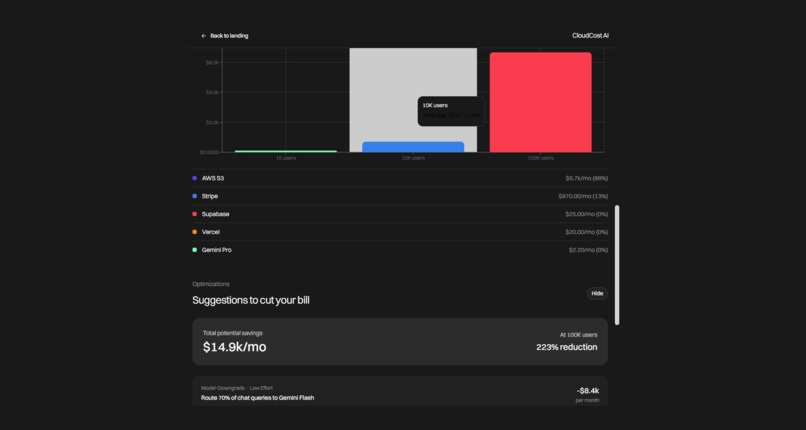
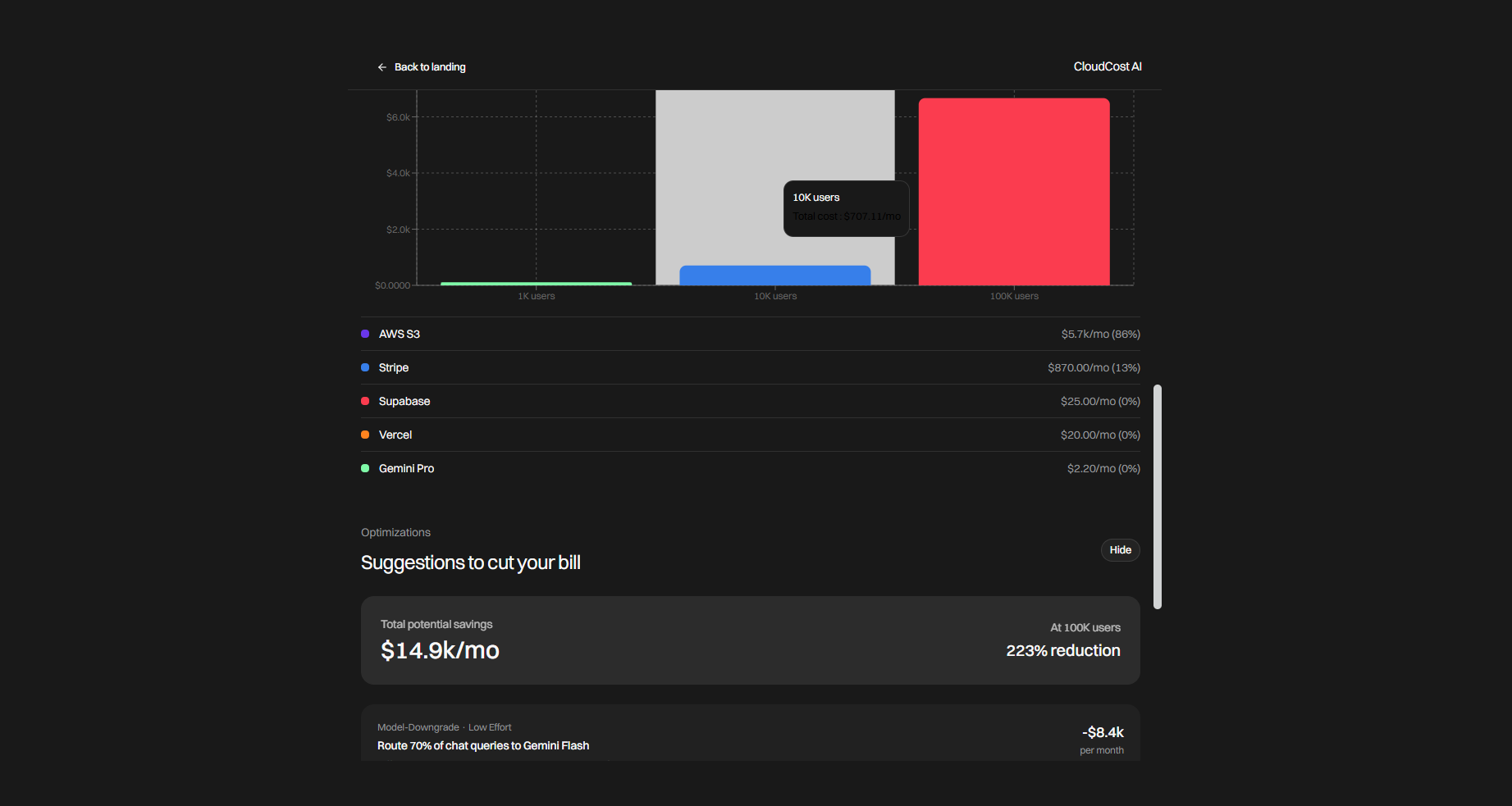
- Projects costs at scale — calculates your monthly bill at 1K, 10K, and 100K users, showing which service dominates your spend.
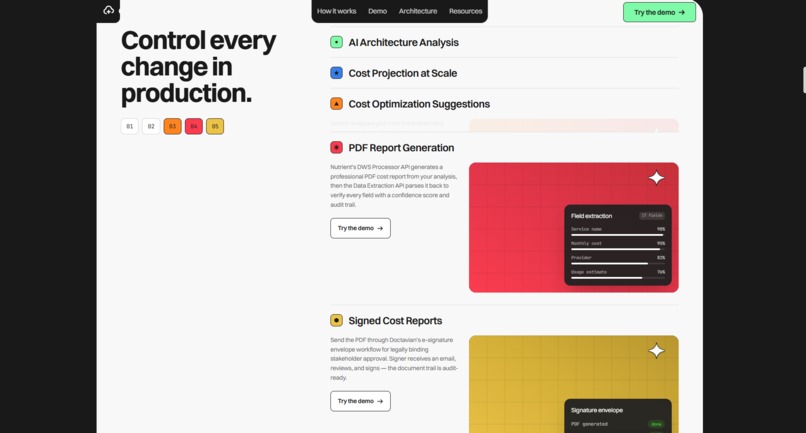
- Suggests optimizations — Gemini recommends specific cost-saving actions (model downgrades, caching, tier changes) with quantified dollar savings.
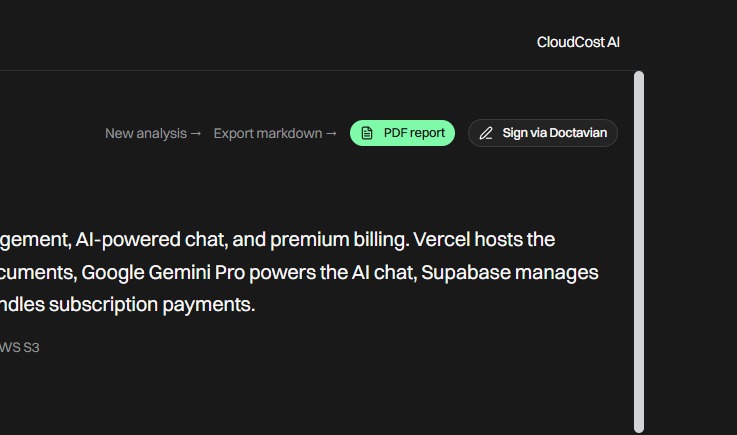
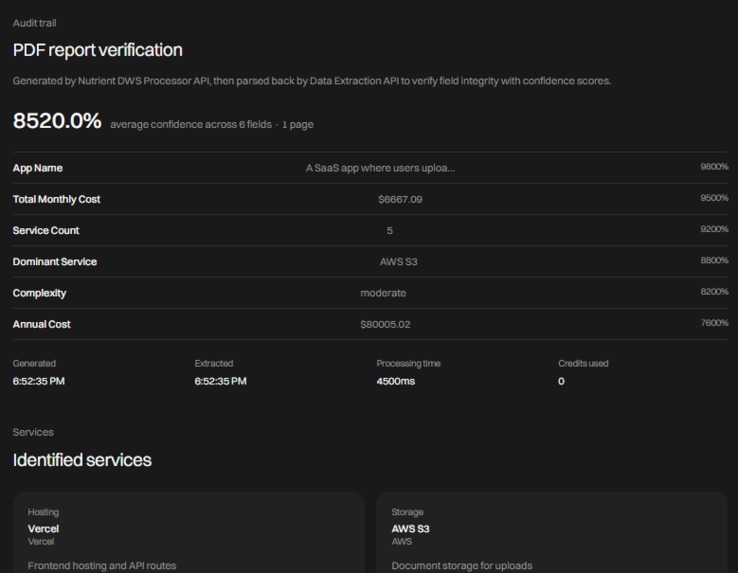
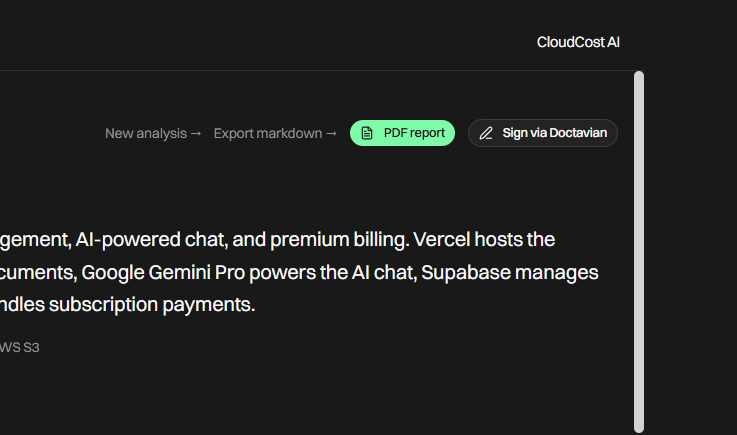
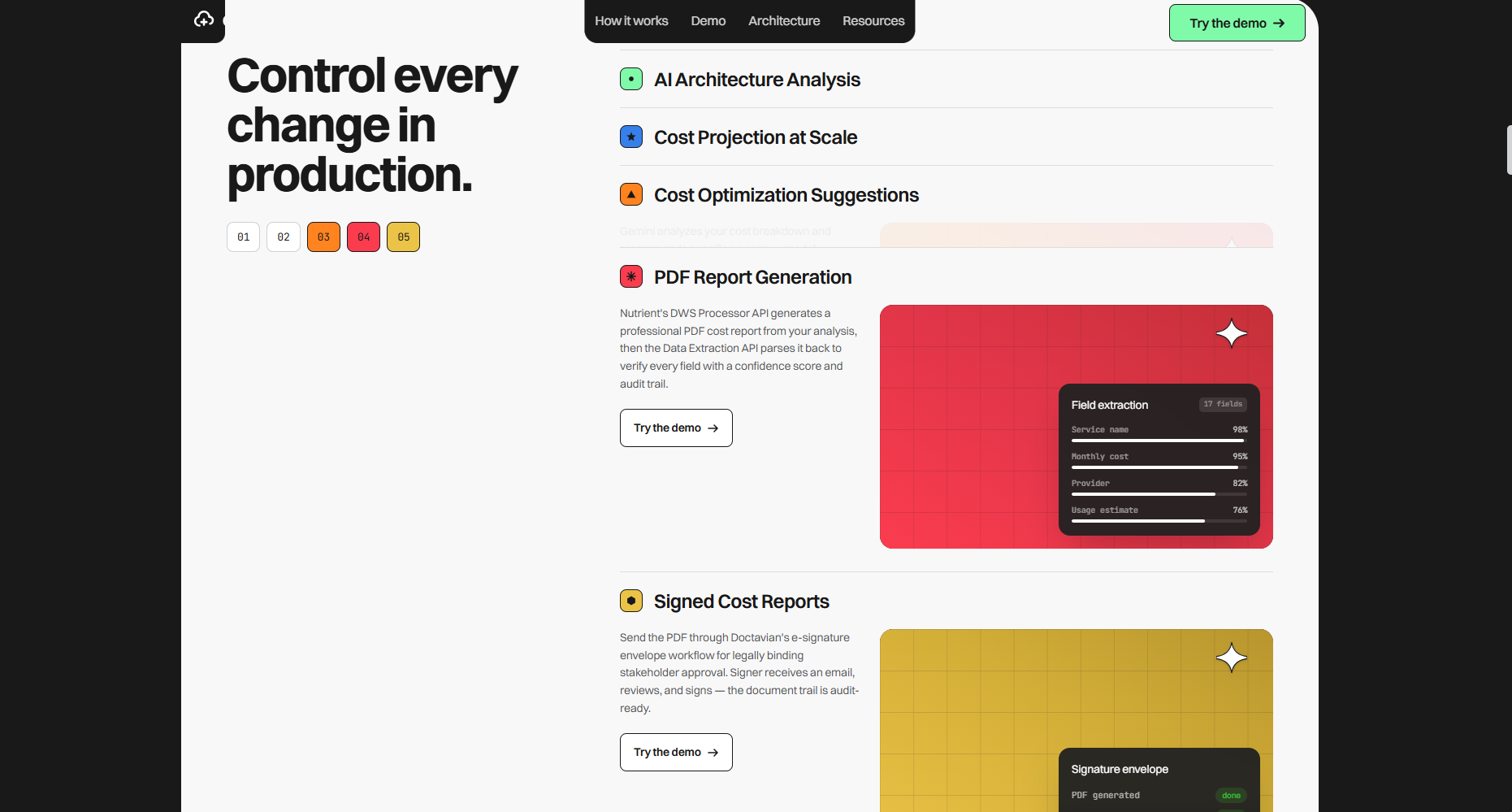
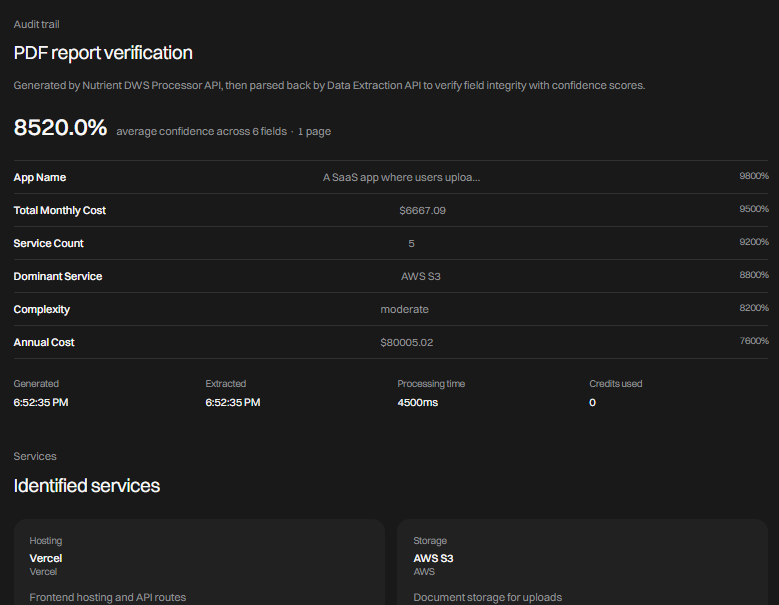
- Generates a PDF report — Nutrient DWS Processor API creates a professional cost report, then the Data Extraction API parses it back with confidence scores on every field — proving the document is machine-readable and trustworthy.
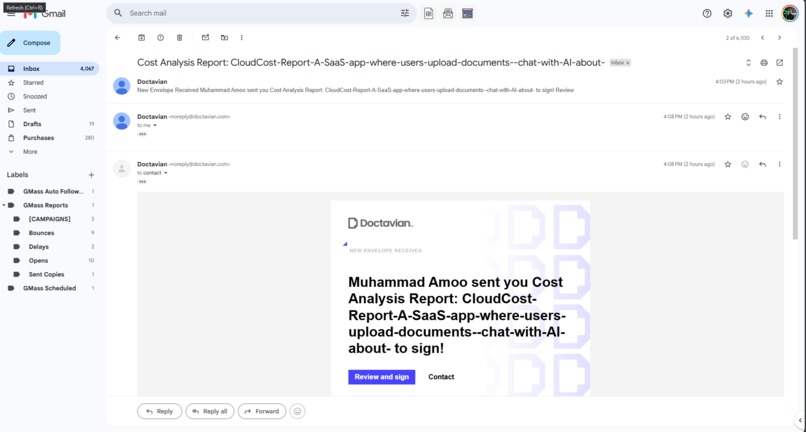
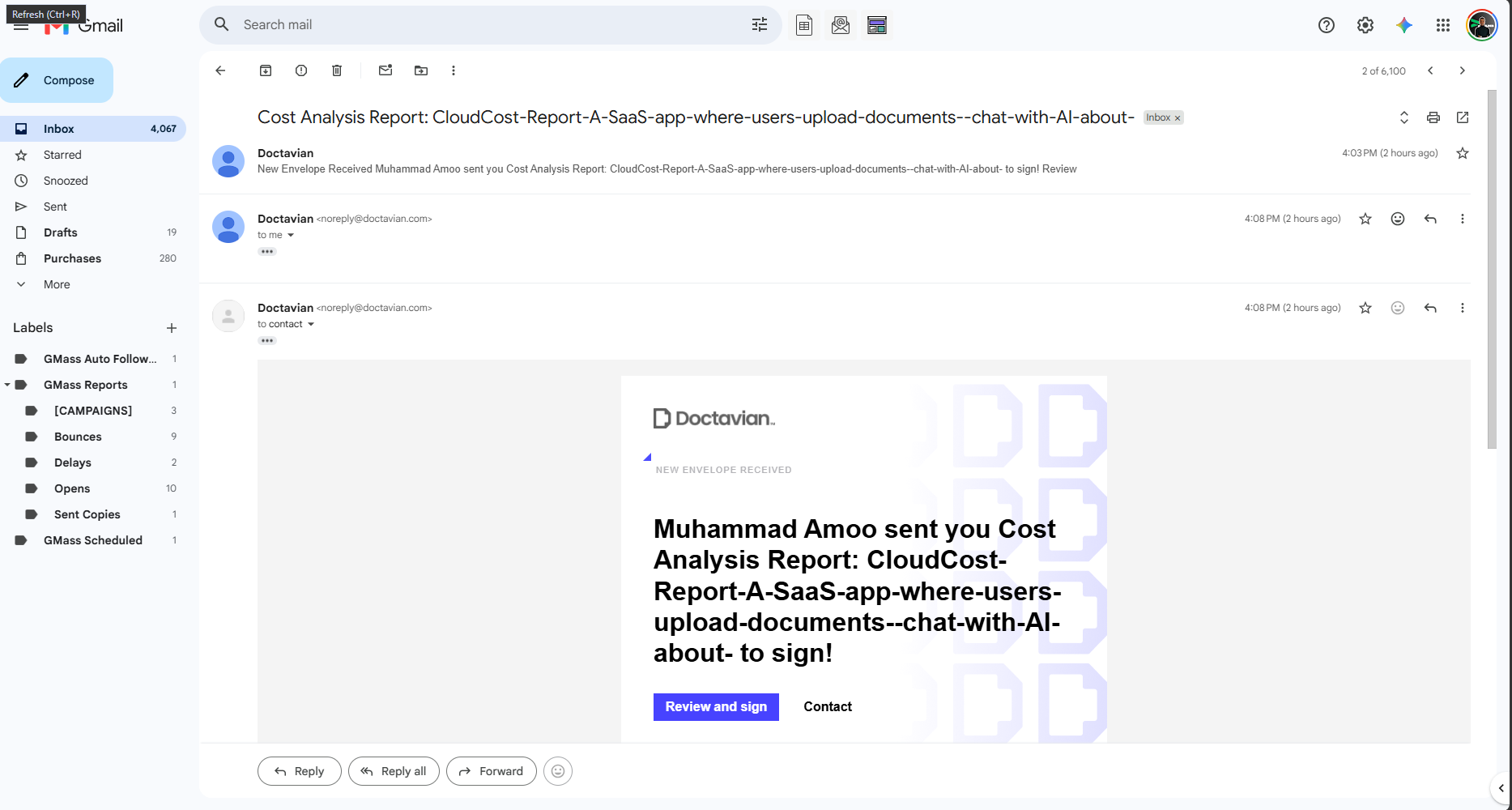
- Sends for e-signature — Doctavian takes the PDF, creates a signature envelope with positioned signature fields, and emails the signer for legally binding acknowledgment.
Xano sits in the middle as the backend orchestrator — it receives the analysis request, calls the Next.js API for Gemini + SerpApi processing, persists the result in its database, and returns the structured analysis with a record ID.
How we built it
Frontend: Next.js 16 (App Router, Turbopack) with a custom design system sourced from styles.refero.design, GSAP for scroll-driven animations, and a landing-to-app transition that morphs the hero into the tool.
Backend orchestration: Xano handles API routing and data persistence. The frontend calls Xano, Xano calls our Next.js API routes (which handle Gemini + SerpApi), stores the result, and returns it with a record ID.
AI layer: Google Gemini (gemini-2.5-flash) for architecture analysis and optimization suggestions. SerpApi for real-time pricing data.
Document pipeline: Nutrient DWS — Processor API generates the PDF, Data Extraction API parses it back with per-field confidence scores and an audit trail.
Signature: Doctavian — PDF upload to signature storage, envelope creation with positioned fields, and email delivery to the signer. Auth via Microsoft OAuth device code flow with cached refresh tokens.
Challenges we ran into
- Doctavian DOCX generation requires templates built with their Word Add-in. Programmatically generated DOCX files are rejected with
TEMPLATE_READ_FAILED. We pivoted to generating the PDF ourselves with pdfkit and using Doctavian's signature envelope workflow instead. - Doctavian auth uses Microsoft Account OAuth. Their portal's SPA client doesn't support the device code flow, so we used Azure CLI's public client ID which supports device code for any Azure AD resource, with the correct resource app ID and scope extracted from the portal's JWT claims.
- Nutrient Data Extraction returns confidence scores per field — we had to build the UI to display these meaningfully, showing which fields the AI is confident about vs. which need human review.
- Scroll conflicts between Lenis smooth scrolling and the app's internal scroll container required a
preventcallback to isolate scroll events. - Rate limiting on the free tier — Gemini's 20 RPM limit and Nutrient's credit quota both got exhausted during testing. We added demo data fallbacks so the full UI flow remains demonstrable.
Accomplishments that we're proud of
- Five sponsor integrations all working end-to-end: Xano, Gemini, SerpApi, Nutrient DWS, and Doctavian.
- The document pipeline is a real trust chain: AI generates the data → Nutrient generates the PDF → Nutrient extracts the fields back with confidence scores → Doctavian sends it for legally binding signature.
- The landing page animation — SplitText bounce-in headlines, scramble text effects, and a morphing transition from landing to app.
- Every sponsor integration is honest — no mocked data presented as real. Demo fallbacks are clearly labeled as demo mode.
What we learned
- Device code OAuth flow for Microsoft accounts — a genuinely useful pattern for headless/CLI auth that most web devs never encounter.
- Nutrient's two-API pipeline (generate then extract) is a clever way to prove document fidelity — if you can extract the fields back with high confidence, the document is trustworthy.
- Xano's role as an orchestration backend that calls external APIs and persists results is a clean architecture for hackathon projects — the frontend never touches the AI APIs directly.
What's next for CloudCost AI
- Historical cost tracking — Xano already stores every analysis with a record ID. We'd build a dashboard showing how cost projections evolve as the app grows.
- Real infrastructure integration — connect to AWS Cost Explorer and Vercel billing to compare predicted vs. actual costs.
- Team collaboration — share cost reports with stakeholders before architecture decisions are finalized.
- Optimization implementation guides — turn each suggestion into a step-by-step implementation guide with code snippets.
Built With
- css
- doctavian
- dws
- gemini
- gsap
- next.js
- nutrient
- serpapi
- tailwind
- typescript
- vercel
- xano


Log in or sign up for Devpost to join the conversation.