Inspiration
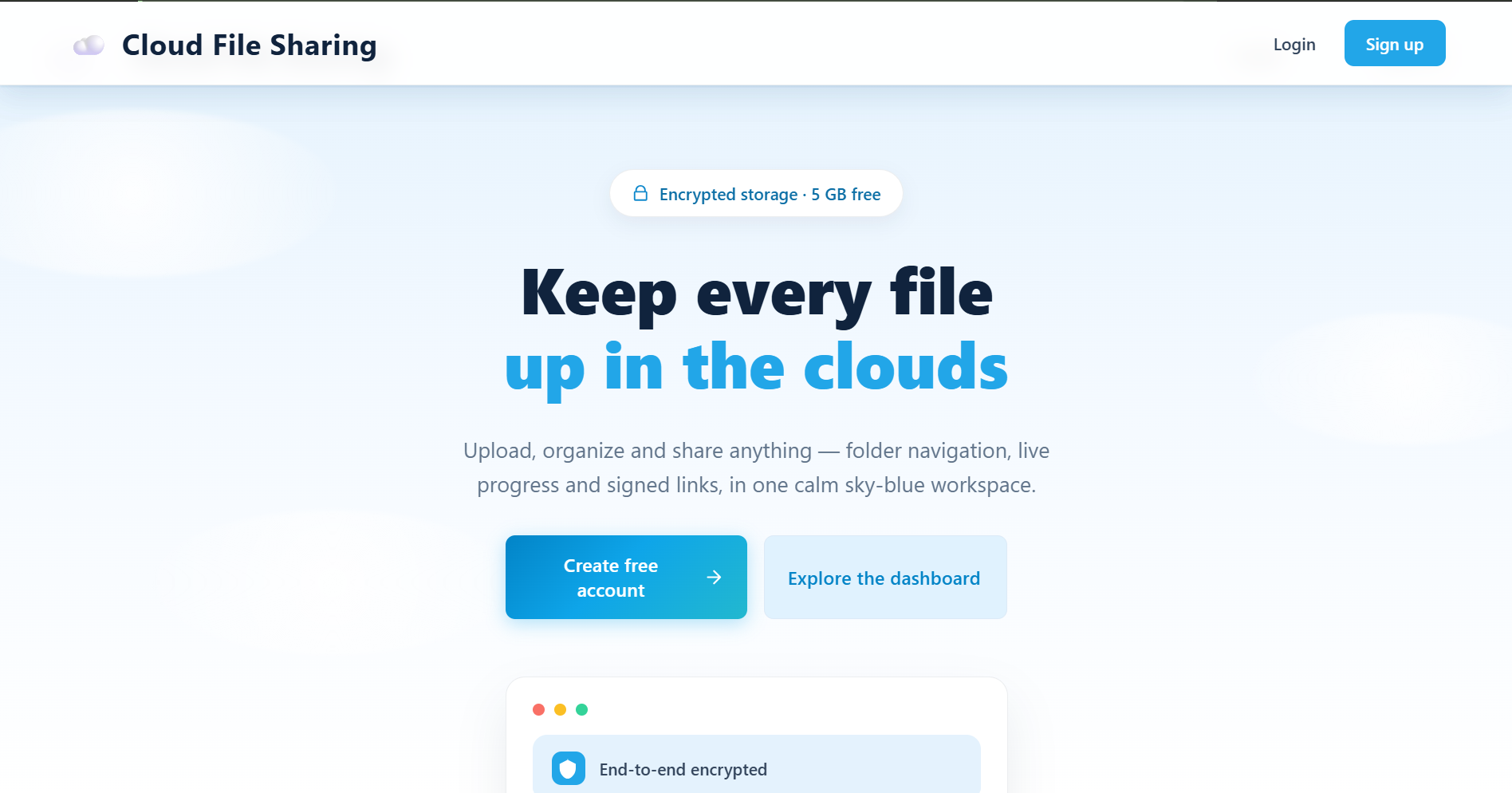
I'm a BCA student, and I wanted to build something real instead of just another college assignment. File sharing is something everyone needs, but many tools are either bloated or tie you to one ecosystem. I wanted a clean, simple app where you can upload a file, organize it, and share it with anyone through a link. Cloud File Sharing started as my college project, and I'm building it to launch as a real product.
What it does
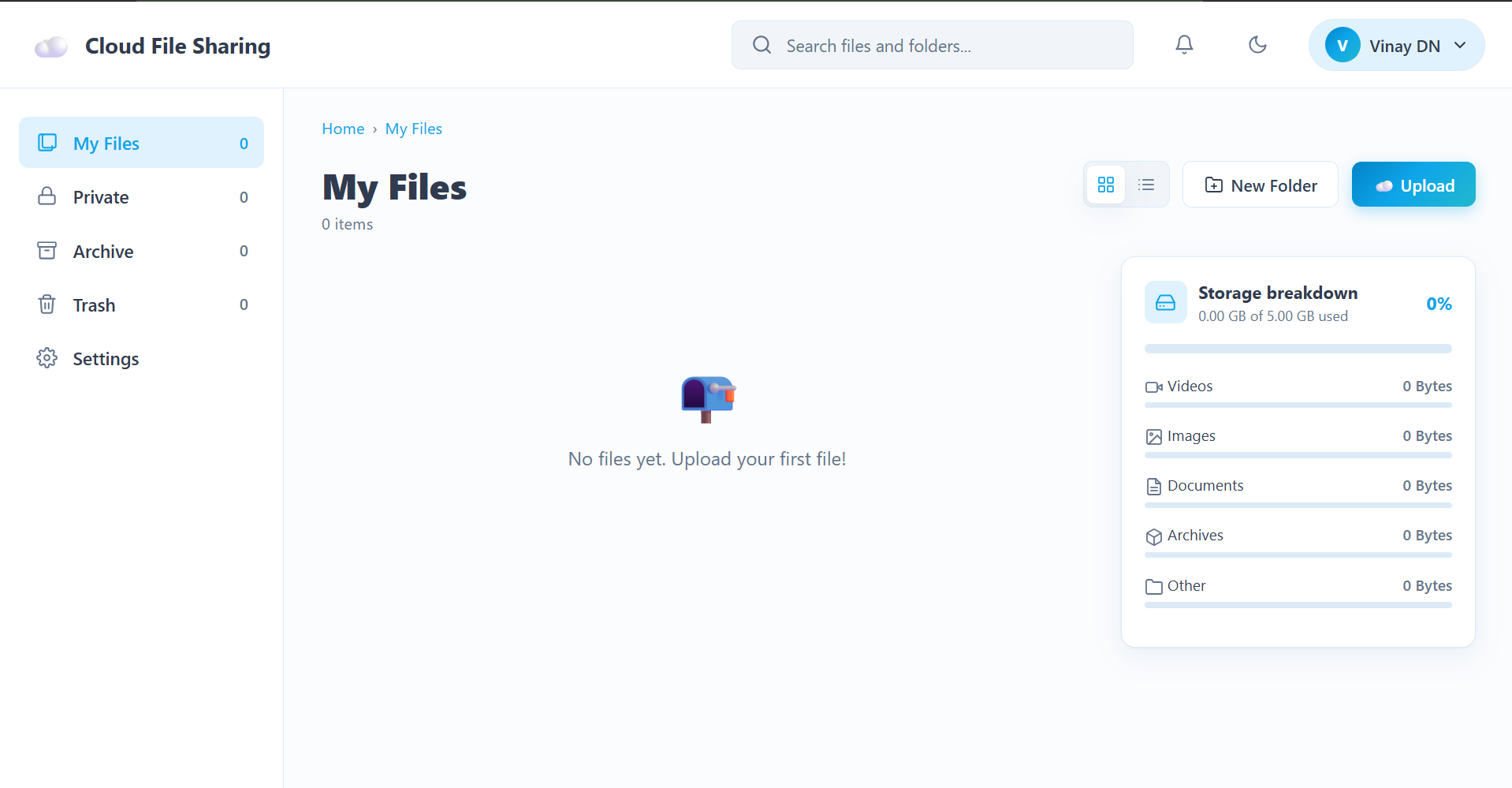
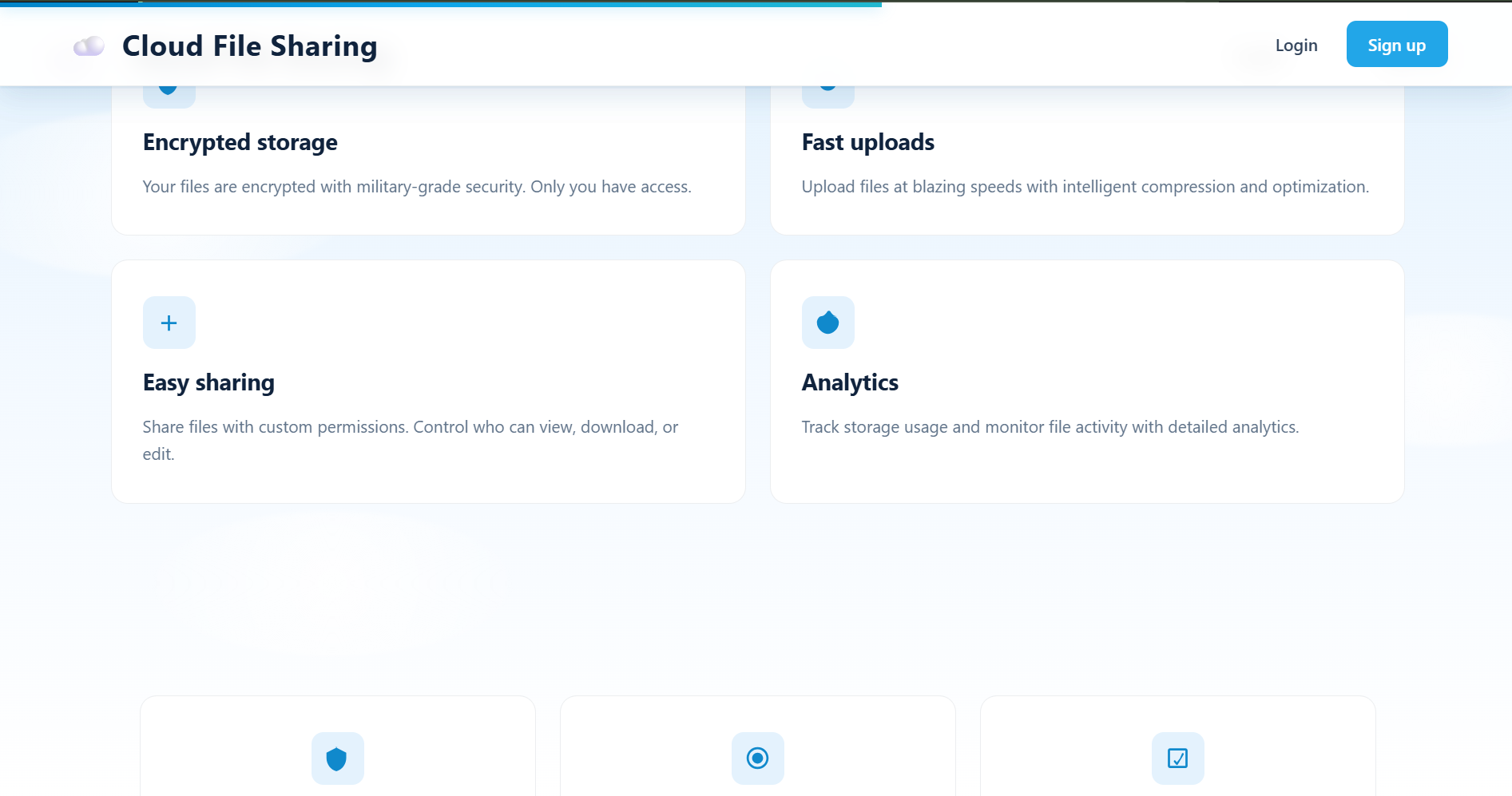
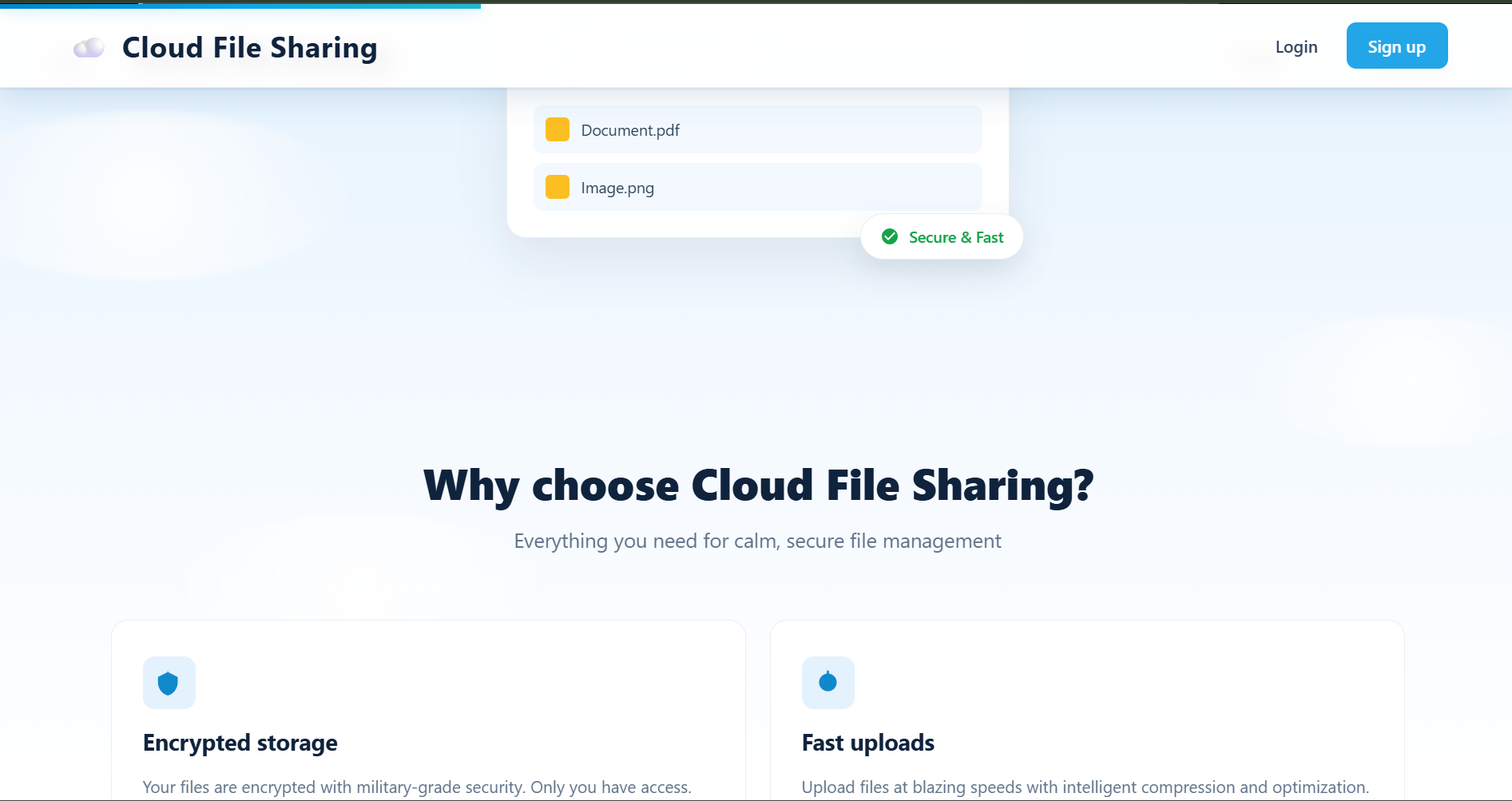
Cloud File Sharing lets users store and share files securely from anywhere:
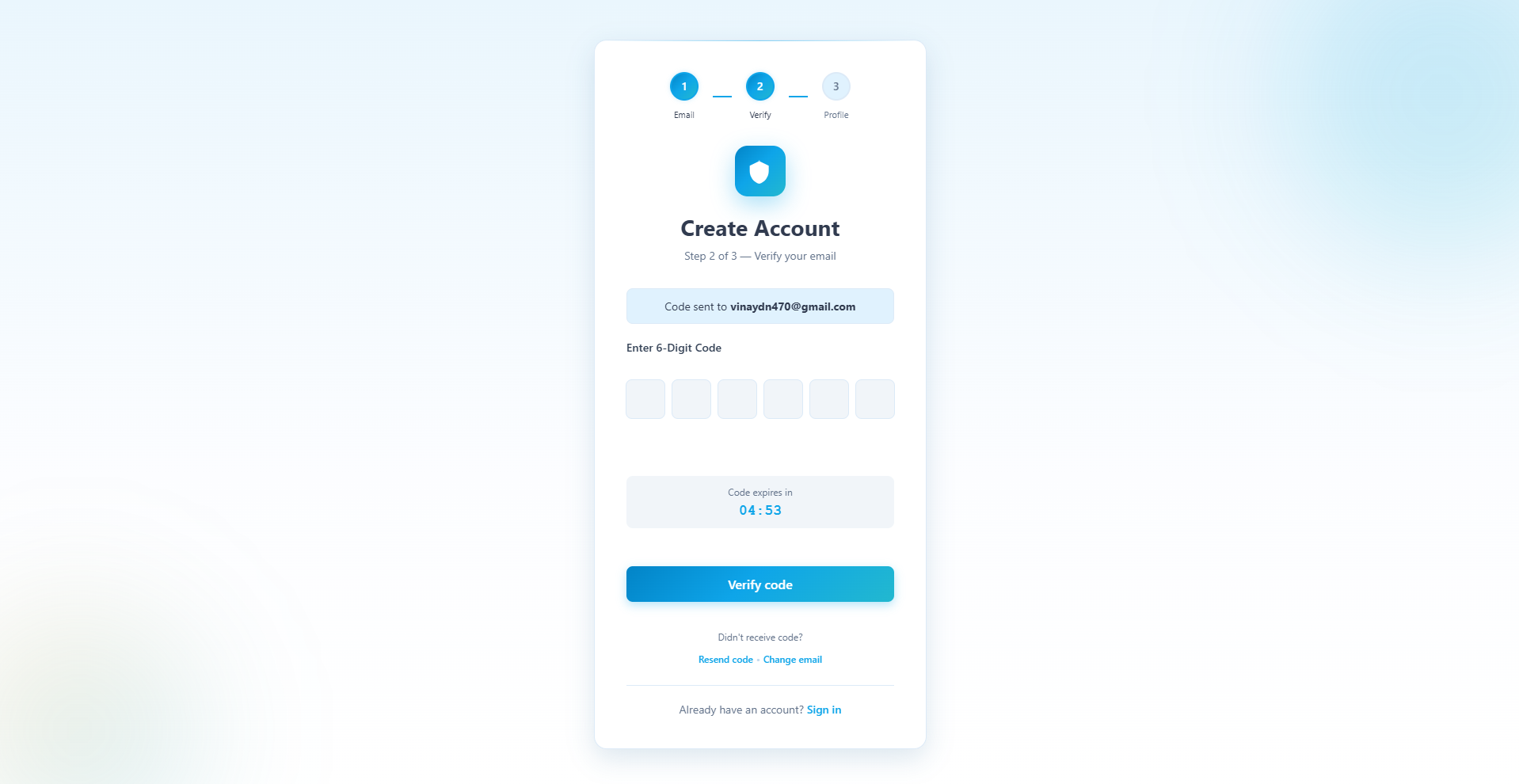
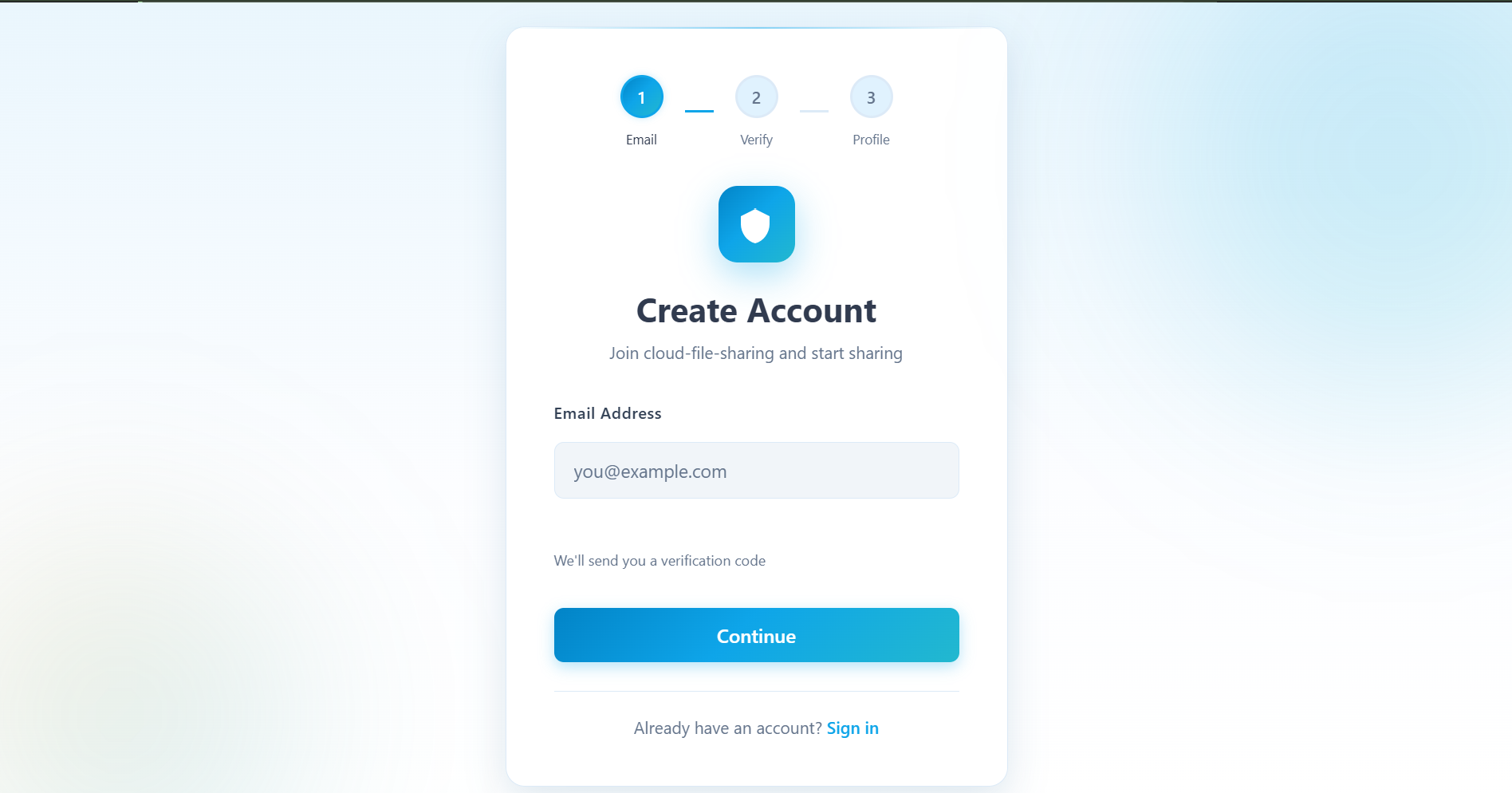
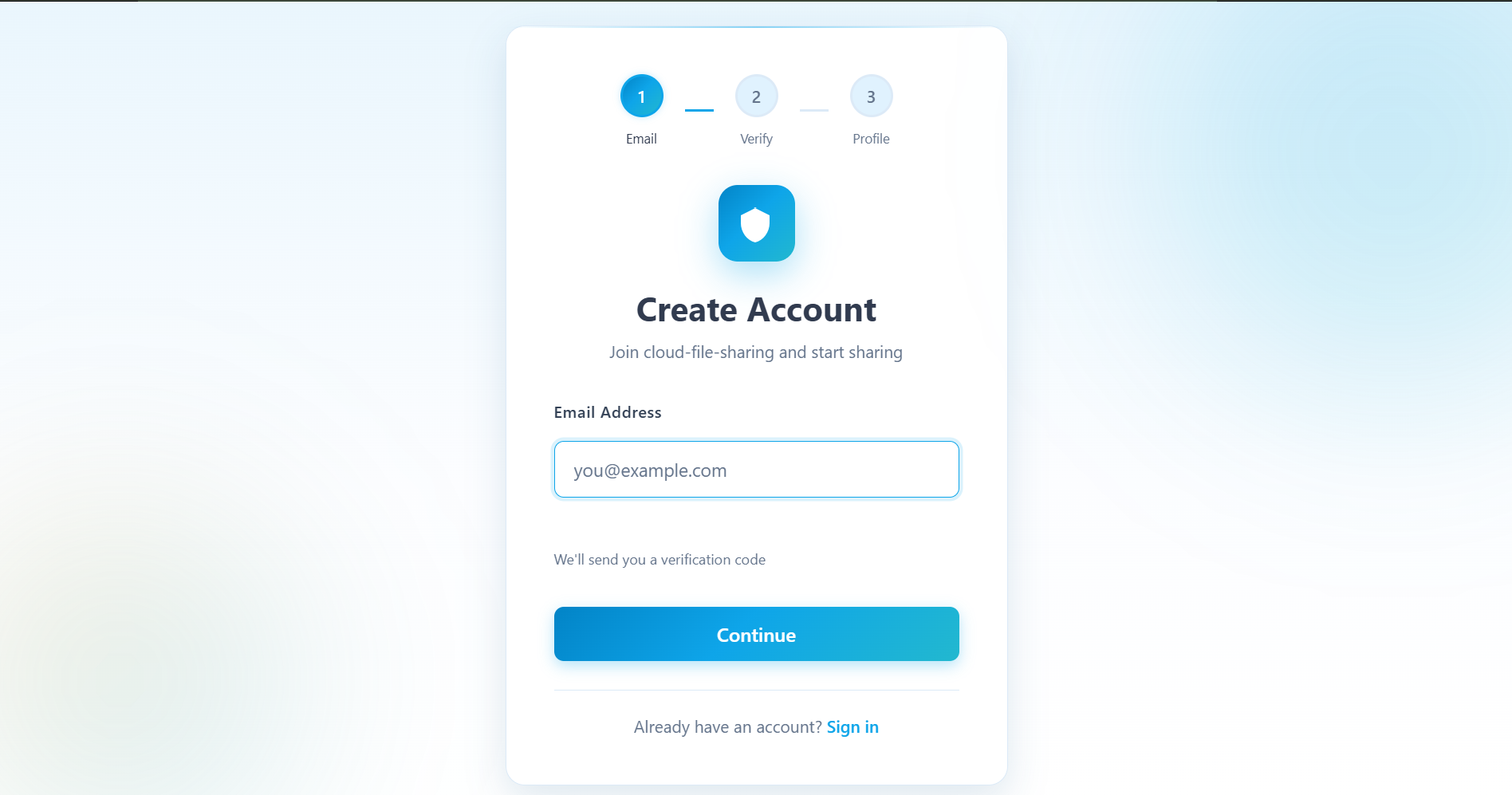
- Secure accounts: sign up with email verification (OTP), log in, and reset a forgotten password
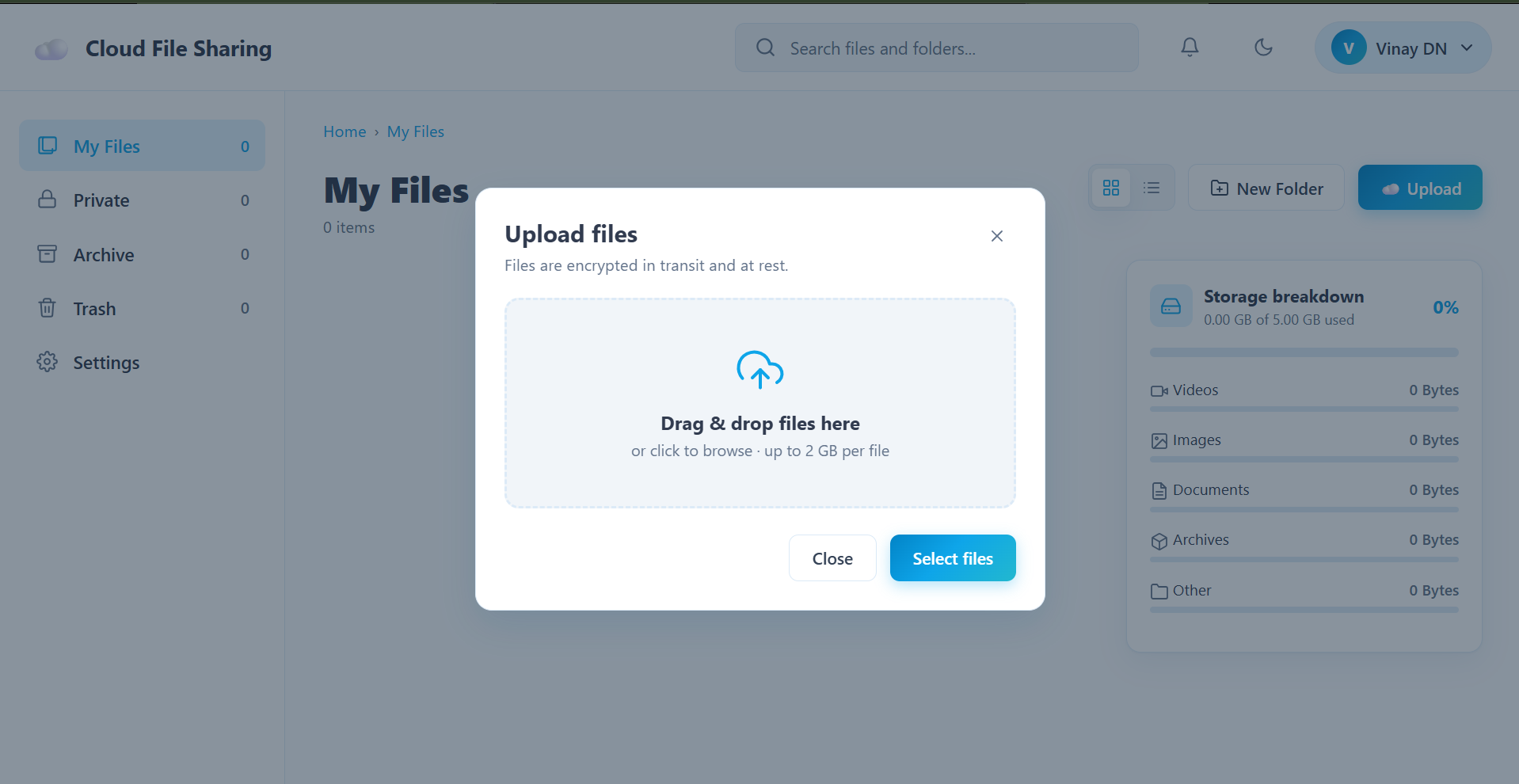
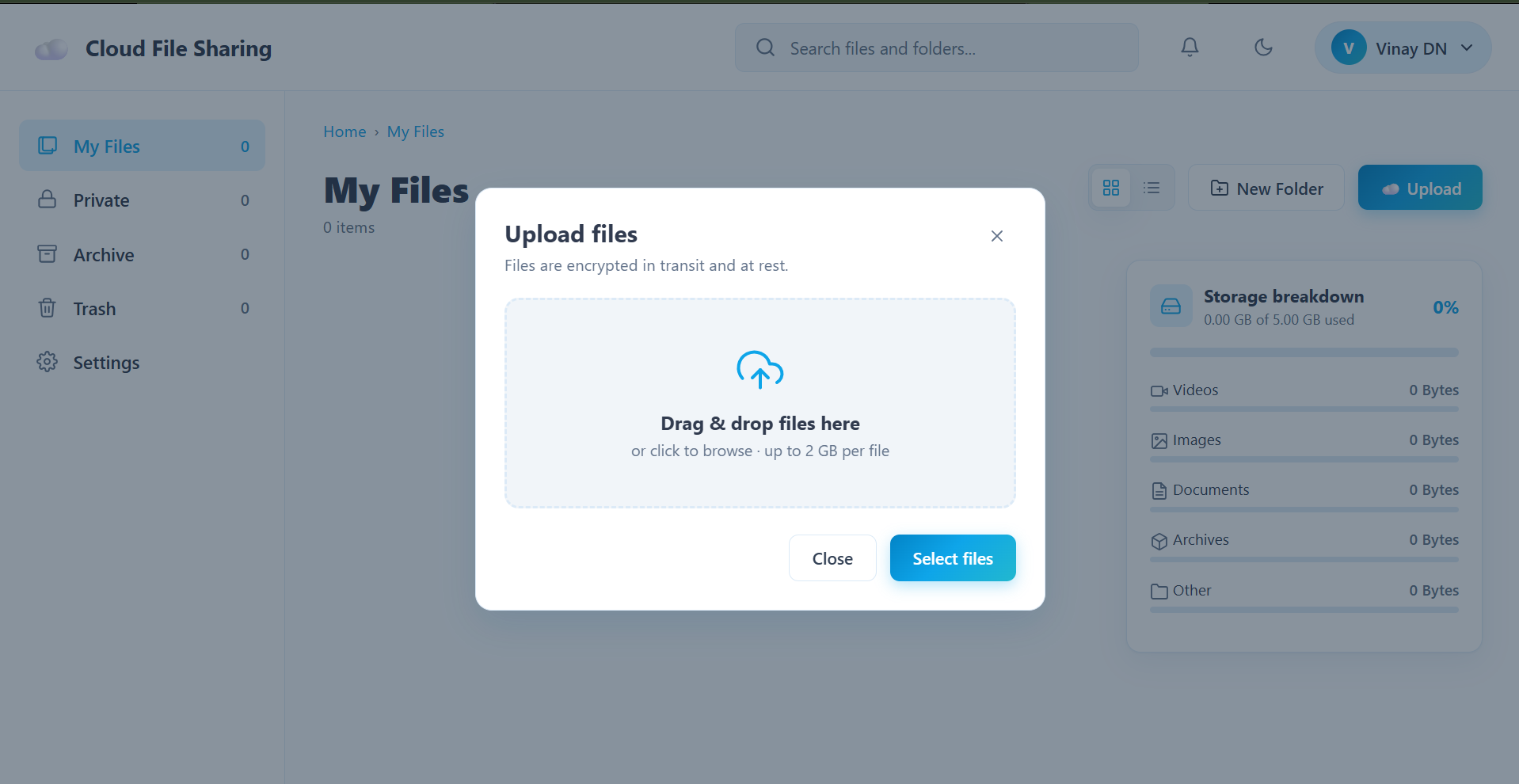
- File upload with real upload progress tracking
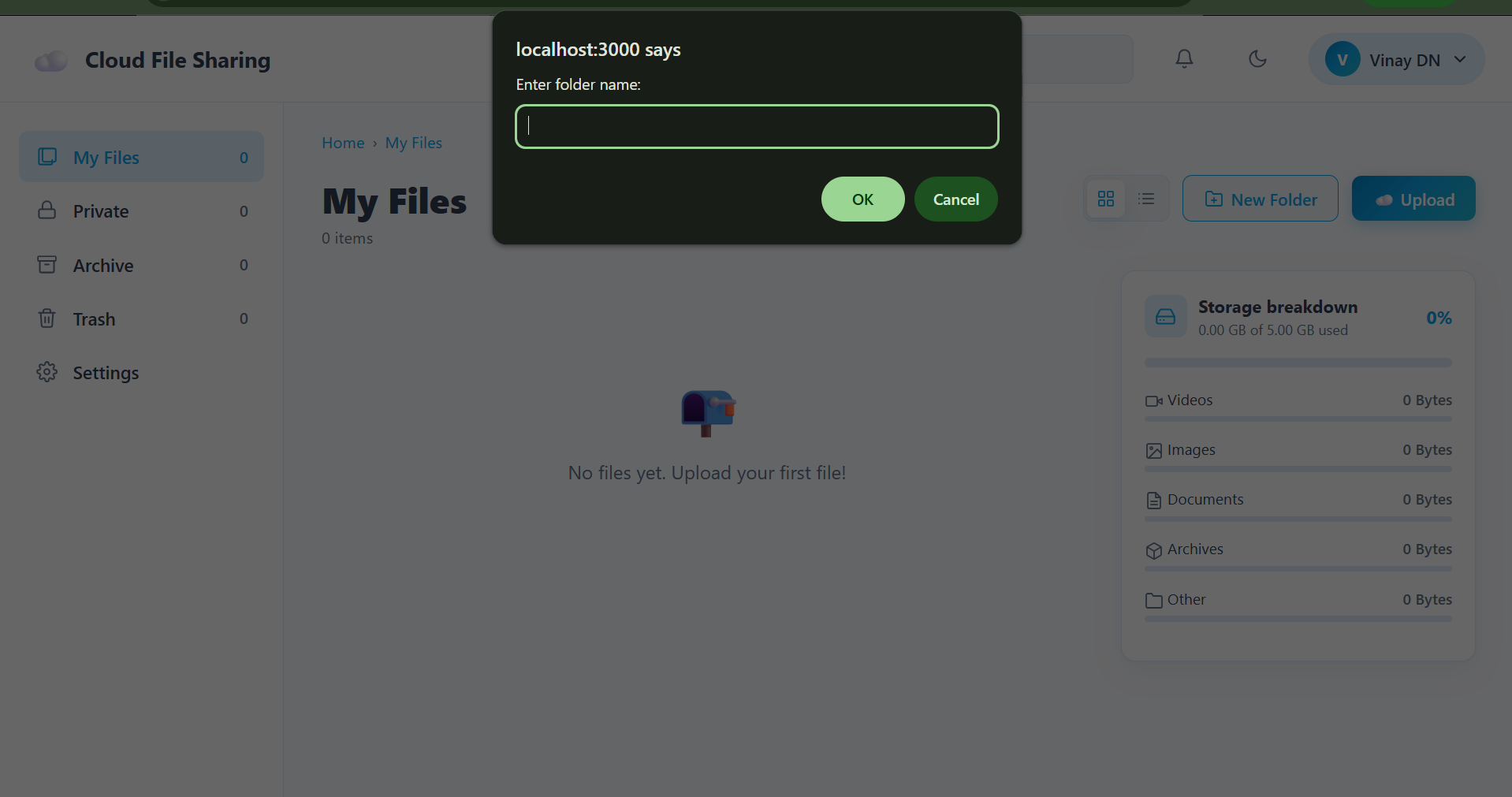
- Folders with breadcrumb navigation to keep files organized
- File preview for images, PDFs and videos without downloading them
- Public sharing: share any file through a link that anyone can open
- File management: rename, archive/unarchive, and delete
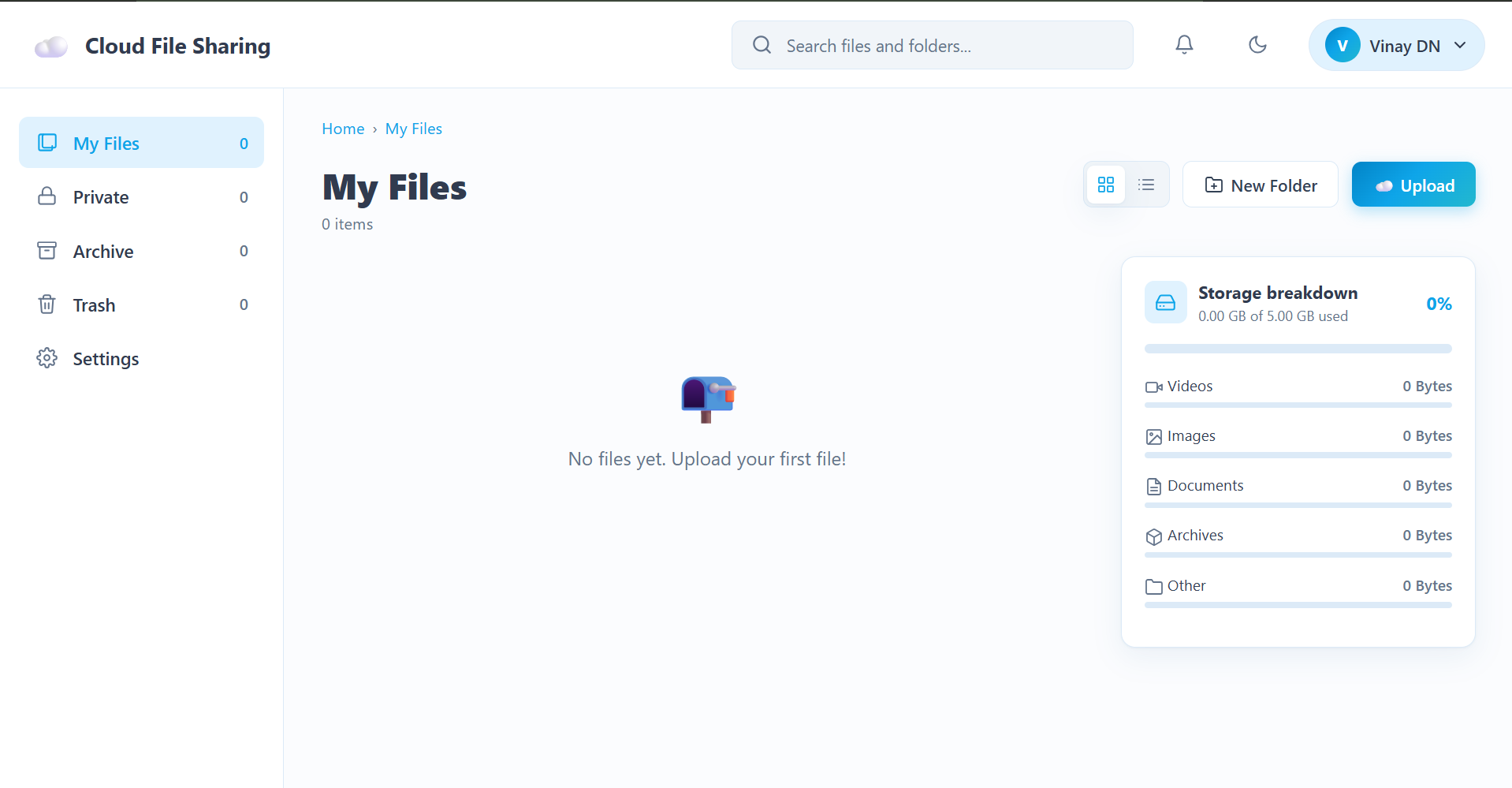
- Storage breakdown cards so users can see how their space is used
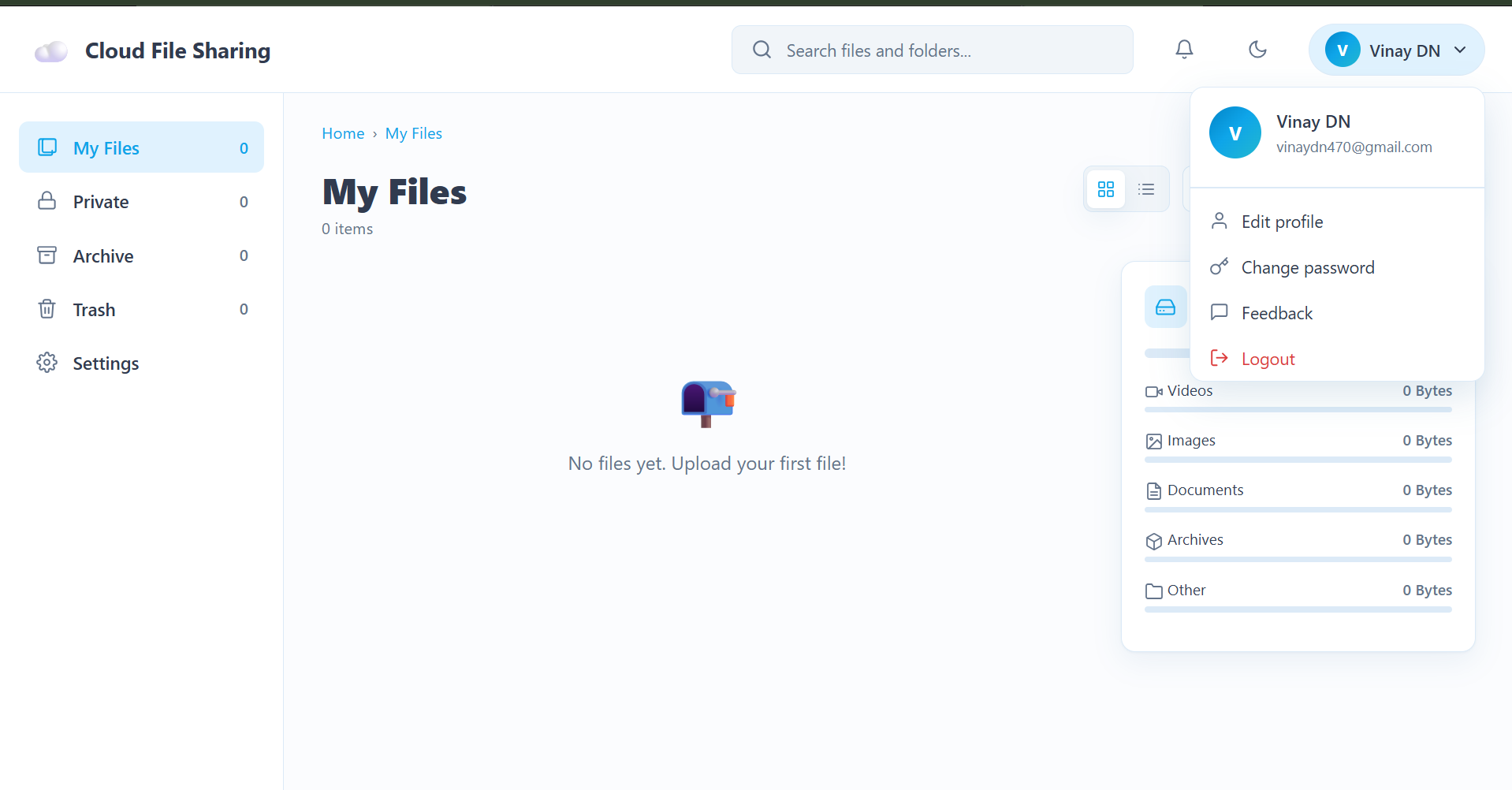
- Profile management: edit profile, change password, and send feedback
How we built it
- Frontend: React
- Backend: Node.js and Express with modular routes, controllers and auth middleware
- Database: started on MongoDB Atlas, then migrated to Supabase
- File storage: AWS S3, with signed URLs for secure previews and downloads
- Deployment: Vercel (frontend) and Railway (backend)
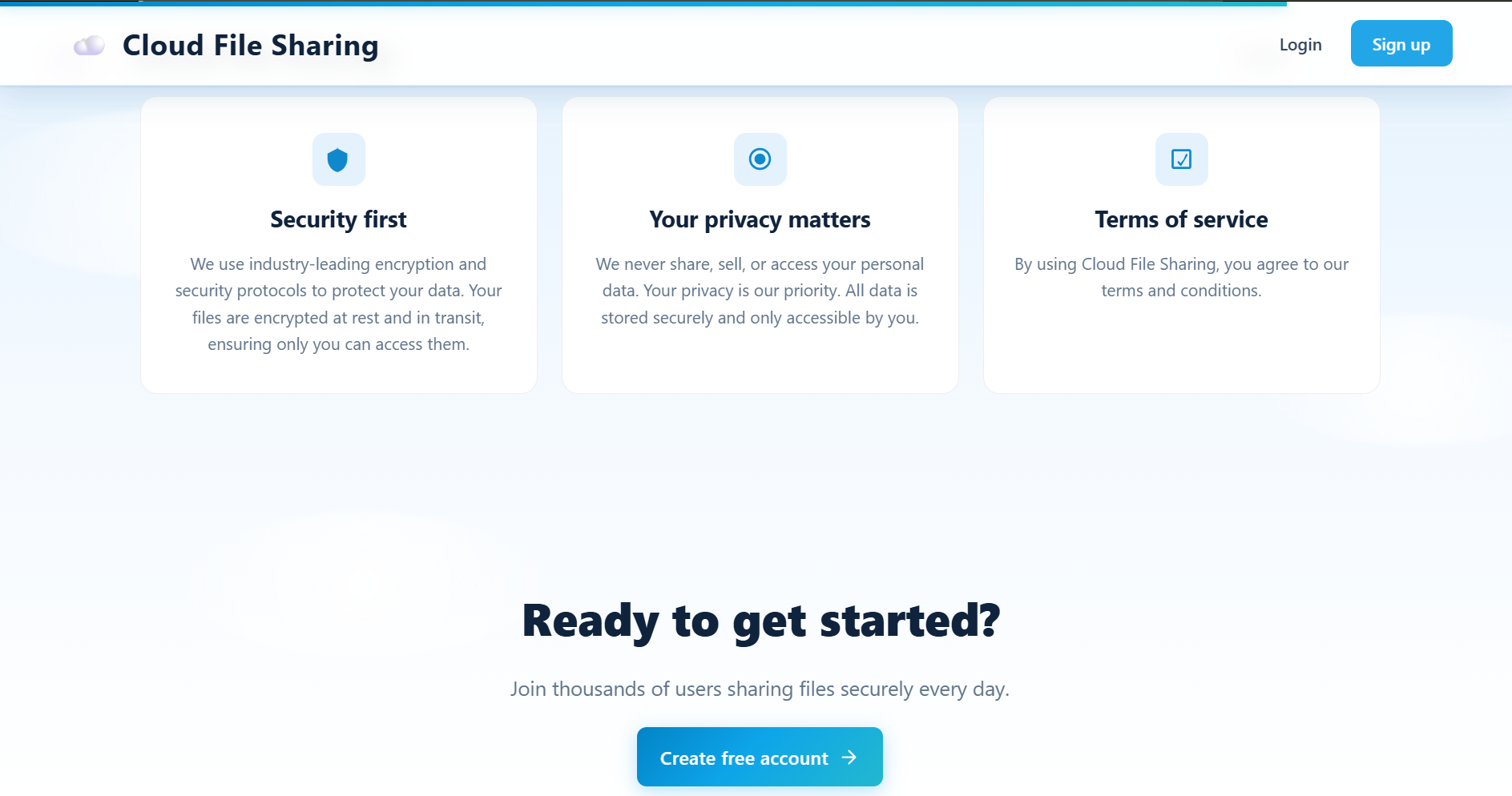
I started by designing HTML mockups for every page (landing, signup with OTP, login, forgot password, dashboard) before writing any code. Then I built the backend (user and file models, authentication, S3 service, folder system) and finally redesigned the dashboard using layout principles like the Golden Ratio, Rule of Thirds, F-pattern and a 12-column grid.
Challenges we ran into
- Database connectivity: MongoDB connections were repeatedly blocked on college WiFi and mobile networks, which pushed me to migrate the whole backend to Supabase.
- The migration itself: merging the migration branch back into main meant resolving many Git conflicts and rewiring the data layer.
- UI bugs: a flickering three-dot file menu took a long time to debug across CSS (
overflow: hidden) and JavaScript (event listeners and re-renders). - Upload progress: fixing the progress bar showing
NaN%and making folder-based file filtering work correctly. - Tooling conflicts: Tailwind CSS clashed with Create React App's PostCSS setup, so I had to change my styling approach.
Accomplishments that we're proud of
- Building a complete full-stack app, from authentication to AWS S3 storage, as a beginner developer
- A working upload, folder, preview and public-sharing flow
- Successfully migrating the database from MongoDB to Supabase without starting over
- Designing and redesigning the dashboard into a clean, usable interface
What we learned
- How to design and structure a full-stack application (models, controllers, middleware, routes)
- Working with AWS S3 and signed URLs for secure file access
- Debugging real-world problems: network issues, Git merge conflicts, and React re-render bugs
- Why planning with mockups first saves a lot of time later
- The importance of keeping secrets and credentials out of source control
What's next for Cloud File Sharing
- Fix the remaining dashboard polish issues and ESLint warnings
- Add expiring and password-protected share links
- Add file versioning and bulk upload/download
- Improve storage limits and add paid plans
- Launch publicly as a real product
Built With
- amazon-web-services
- css3
- express.js
- git
- html5
- javascript
- node.js
- postgresql
- railway
- react
- supabase
- vercel

Log in or sign up for Devpost to join the conversation.