Cloud Coach — About the Project
Inspiration
The AI revolution has done something quietly remarkable: it has given talented people the ability to translate their thoughts into tangible products.
For me, that shift has been genuinely enriching for my mental health. Being able to take an idea from imagination to something real—without years of formal technical training as a prerequisite—has opened doors I never expected to walk through.
But as I threw myself deeper into this world, I kept noticing an uncomfortable pattern in the communities where first-time builders go for help.
Someone would accidentally expose an API key, be understandably coy about it, and be met with ridicule. Someone else would ask a perfectly reasonable question and receive what I can only describe as a great British “tut.” People arrived wanting to understand what had gone wrong and left feeling as though they should never have asked.
That was heartbreaking to see. These are talented people showing up, trying things and building real products. They do not lack intelligence—they are missing an accessible frame through which all the unfamiliar pieces make sense.
That gap became the seed of Cloud Coach.
What It Does
Cloud Coach is for people who love building with technology but may never have wanted to learn JavaScript the hard way—and who should not have to choose between creating something and genuinely understanding it.
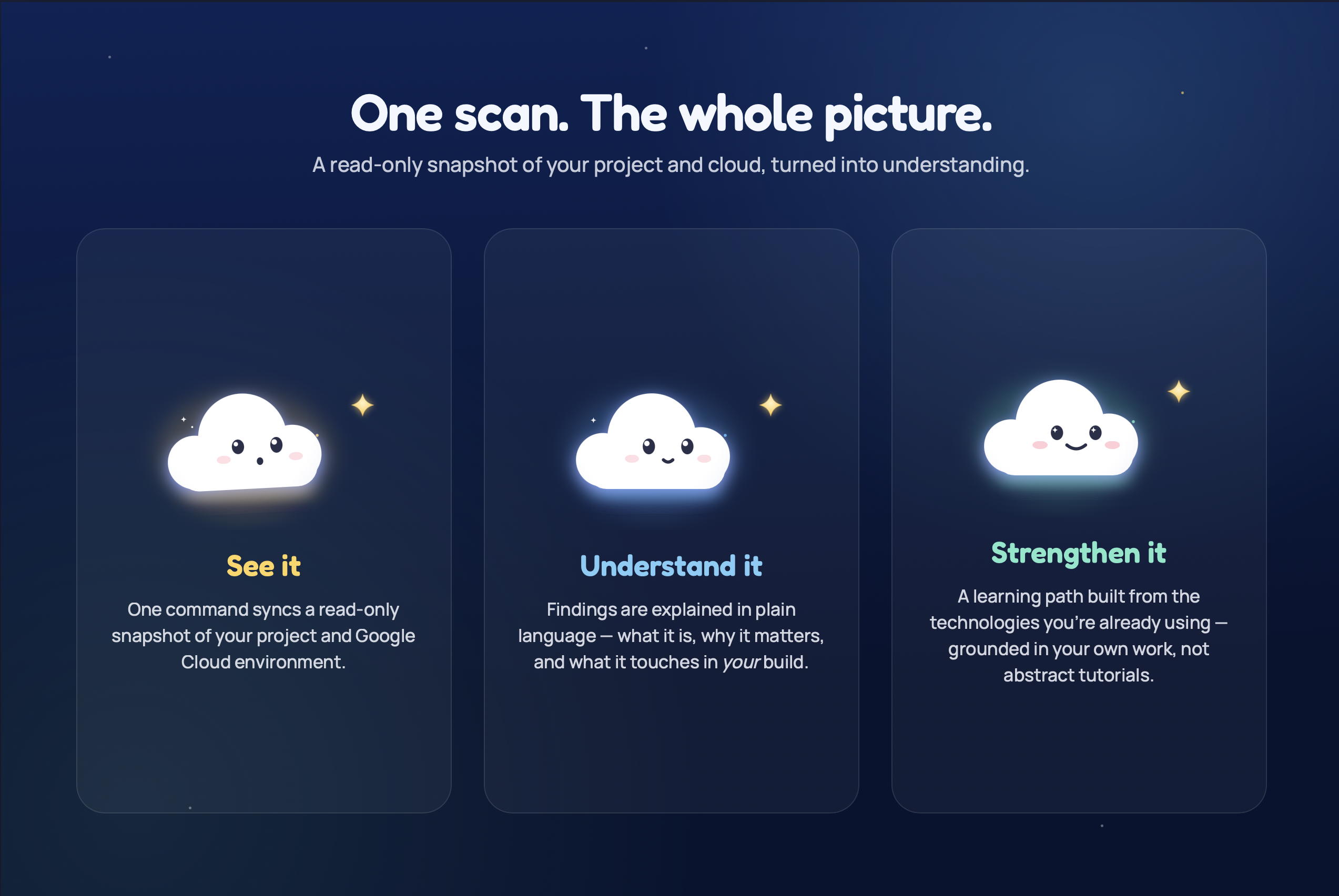
The core mechanic is simple: users run a single command to securely sync a read-only snapshot of their project and Google Cloud environment.
Cloud Coach analyses that snapshot for hardcoded API keys, common vulnerabilities, project dependencies and active cloud services. Instead of returning a wall of cold error codes, it explains:
- What was found?
- What does it mean?
- Why does it matter in this particular project?
- What should the builder do next?
The scanning experience combines structured project analysis with the GPT-5.6 API.
The runner gathers grounded information about the project and cloud environment. GPT-5.6 then uses that context to transform technical findings into accessible explanations, practical next steps and relevant learning recommendations.
This distinction was important to the design. Cloud Coach does not ask AI to guess what might be inside a project. The model is grounded in information collected from the actual environment, allowing it to explain findings within the context of what the user has genuinely built.
For example, detecting a potentially exposed secret is only the beginning. Cloud Coach can explain what that secret appears to control, why exposing it could be dangerous, how it might affect the surrounding application and what the builder should investigate next.
Alongside the security and infrastructure scan, Cloud Coach creates a contextual learning path based on the technologies it discovers.
If it detects 28 npm packages, for example, the user receives a module explaining Node and npm through tools they are already using. It is not a generic tutorial disconnected from their work; it is learning grounded in something they have already built.
Current learning modules cover:
- The tools your AI builds with—commands, files and packages that appear during agentic coding sessions
- Where code runs—browsers, servers, containers and background workers
- Who can do what—authentication, authorisation, permissions and security rules
- Where data lives—databases, storage, secrets and logs
- How applications talk—APIs, requests, public and authenticated endpoints, and rate limits
- How applications reach people—hosting, domains, CDNs and caching
- How cloud use becomes cost—billing, usage, quotas and budgets
Each module is scoped to what Cloud Coach can see in the project, so the material does not feel abstract or disconnected from the work the builder is already doing.
The guided interface and animated mochi cloud mascot keep the experience approachable without making the content feel childish. The aim is to provide enough “Oh, right—that makes sense” moments for someone to understand the shape of their system and confidently stand behind what they have built.
Cloud Coach currently supports Google Cloud Platform, with AWS and Azure support planned next.
How I Built It
GPT-5.6 played two distinct roles in the creation of Cloud Coach: it helped me build the product, and it became part of the product itself.
I began in ChatGPT with GPT-5.6, turning an enthusiastic brain dump into a feasibility assessment, product architecture and focused master specification.
This was where GPT-5.6 particularly shone. It helped me test whether the idea was technically credible, identify the boundaries of the first release and turn a broad ambition into something I could realistically build within the available time.
Within roughly six hours, I had the foundational structure and scaffolding in place.
Once the architecture was established, I locked it into a master specification and brought that into Codex in my IDE. That specification became the working source of truth across the implementation.
Codex helped me translate the architecture into product documentation, define build constraints and maintain context as the project moved across different development sessions. From there, I connected Firebase and Google Cloud to establish the authentication and database foundations, built the application scaffold, implemented the guided learning experience, and developed the GCP import runner and scanning tasklets.
Codex was particularly valuable when working across the different layers of the product. Cloud Coach is not simply a website, scanner or learning platform. The CLI, cloud permissions, scan pipeline, GPT-5.6 integration, learning system and interface all need to describe the same underlying project consistently.
Keeping the master specification available throughout the build meant decisions made in one part of the application could be carried into the others without losing the original intent.
Inside the completed product, the GPT-5.6 API powers the contextual layer of the scan experience. Structured findings from the import runner provide the grounding, while GPT-5.6 converts those findings into explanations, recommended actions and relevant learning guidance.
This allows the deterministic parts of the system to establish what exists, while GPT-5.6 handles the more human task of explaining why it matters.
I also used other agentic tools for contained implementation and creative tasks, including work on the animated mascot. Coordinating those different workflows reinforced the importance of clear specifications, documented decisions and deliberate handovers between agents.
This build taught me that successful agentic development is not about asking one tool to do everything. It is about giving each task the right context, setting clear constraints and verifying that the assembled product still follows the original intent.
GPT-5.6 helped me discover and structure Cloud Coach. Codex helped me turn that structure into a coherent implementation. The GPT-5.6 API then became part of the working product itself.
Challenges I Ran Into
The biggest challenge was scope and self-discipline.
GPT-5.6 helped me produce a focused initial specification, but once the build became real, it was tempting to keep enriching the platform with more capabilities. Some of those experiments improved the experience; others—particularly the unexpectedly deep rabbit hole of creating an animated mochi cloud—cost valuable time.
I initially challenged myself to complete more of the project within a single workflow, even though the specification did not require it. That pulled me away from my normal development rhythm and made it clear how important disciplined handovers and a stable source of truth are when working across agents.
The most important technical challenge was trust.
Cloud Coach asks people to inspect systems that may contain sensitive project information. People are rightly cautious about that. Designing the sync around read-only access, minimising the information collected and explaining those boundaries clearly was essential.
The product could not merely be functional. It had to feel safe enough for someone to use.
The other major challenge was educational. Technical accuracy often comes with caveats, but presenting every caveat immediately can make an explanation less useful.
I had to find the line between making a concept accessible and simplifying it so much that it became misleading. GPT-5.6’s explanations therefore needed to remain grounded in scan results while still speaking to the user like a coach rather than a compiler.
Accomplishments I’m Proud Of
I am proud that Cloud Coach became more than a static learning platform or another vulnerability scanner.
It connects three things that are normally separated: the product someone has built, the cloud environment supporting it, and the knowledge needed to understand both.
Rather than teaching abstract concepts and hoping users recognise them later, Cloud Coach begins with their own work. Rather than merely warning that something is wrong, it helps them build the mental model needed to understand why.
I am also proud of the way GPT-5.6 is integrated into the product. It is not present simply to add a chatbot. It has a defined role within a grounded workflow: turning structured technical evidence into useful, contextual teaching.
Taking Cloud Coach from an idea on Friday evening to a working, hosted product—with authentication, a secure import flow, contextual scanning, GPT-5.6-powered explanations and seven structured learning modules—is something I am enormously proud of.
What I Learned
Building Cloud Coach taught me that the hardest part of designing for beginners is resisting the urge to over-explain.
The temptation is to include everything: every edge case, every caveat and every technical nuance. But what a first-time builder initially needs is a clear and honest understanding of the shape of what they are looking at. Greater depth can follow once those foundations make sense.
I also learned that asking a “basic” question does not mean someone possesses only basic knowledge. Often, they already understand quite a lot—they simply have not been given the right frame to connect it all.
From a technical perspective, I learned how important grounding is when using AI for security and infrastructure guidance. The model should not be expected to invent an understanding of the environment. Giving GPT-5.6 structured project evidence produces an experience that is more relevant, explainable and useful.
Finally, I learned how much good agentic development depends on the quality of the context surrounding the agents. The master specification, build constraints and documented decisions were not administrative extras; they were part of the implementation.
My multi-platform workflow was not a weakness or a failure to commit to one toolchain. It was how I maintained momentum—but this project taught me that the quality of the handovers between those tools matters just as much as the tools themselves.
What’s Next
The immediate next step is to deepen Cloud Coach’s Google Cloud coverage and test the experience with more first-time AI-assisted builders.
After that, I want to add AWS and Azure support, expand the contextual remediation guidance and make the learning paths even more responsive to the architecture Cloud Coach discovers.
Future versions could also help builders track how their understanding changes alongside their projects, revisiting concepts when new services, permissions or cost risks appear.
The long-term ambition is not to turn every creative builder into a traditional developer. It is to make the knowledge gap small enough that talented people can understand, secure and control the technology they are already capable of creating.
If Cloud Coach can replace even one great British “tut” with an “Oh, right—that makes sense,” it has done its job.
Built With
- codex
- firebase
- google-cloud
- node.js
- openai


Log in or sign up for Devpost to join the conversation.