Inspiration
Honestly, the inspiration was laziness. But for programmers, laziness is efficiency. Instead of opening Google Maps and entering a destination, locals familiar with an area may find it more convenient to quickly check the bus arrival times for nearby bus stops with a web app in one click. And by using the Google Transit GTFS data format, this web app can be made to work with any area with publicly available transit data.
What it does
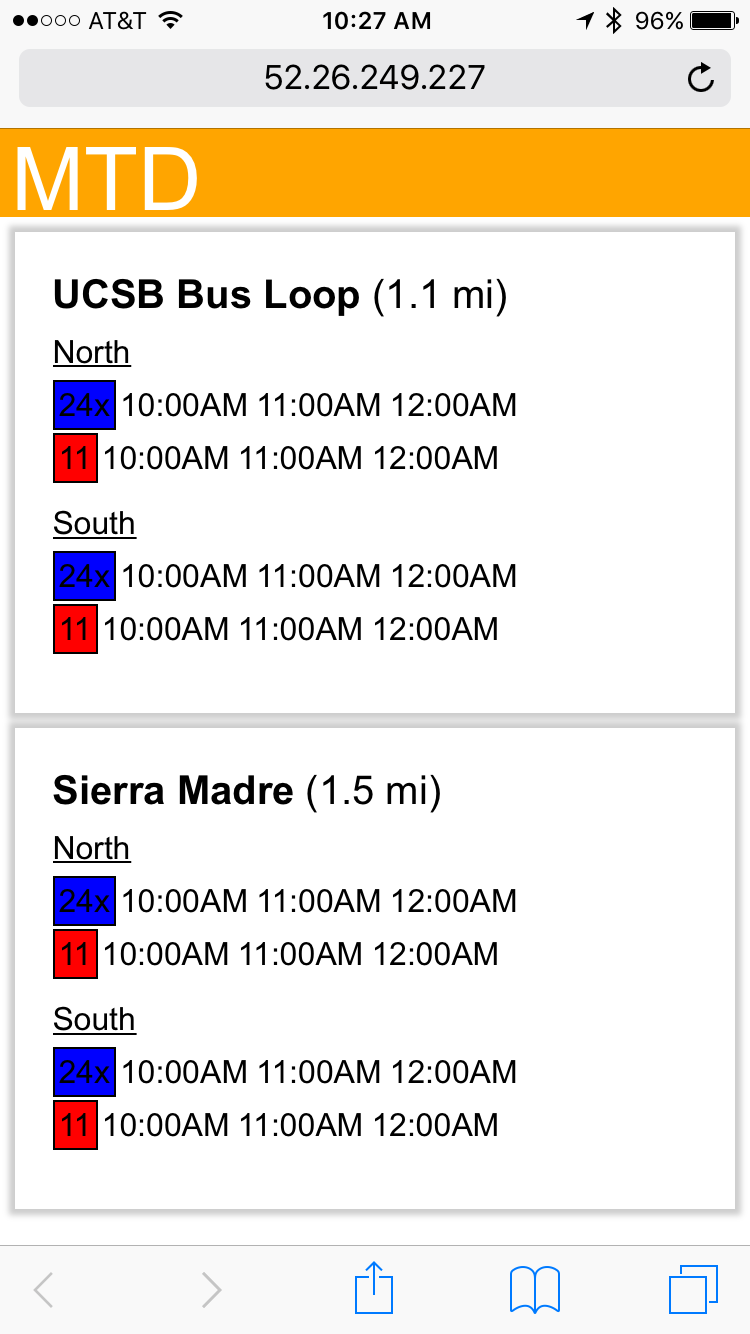
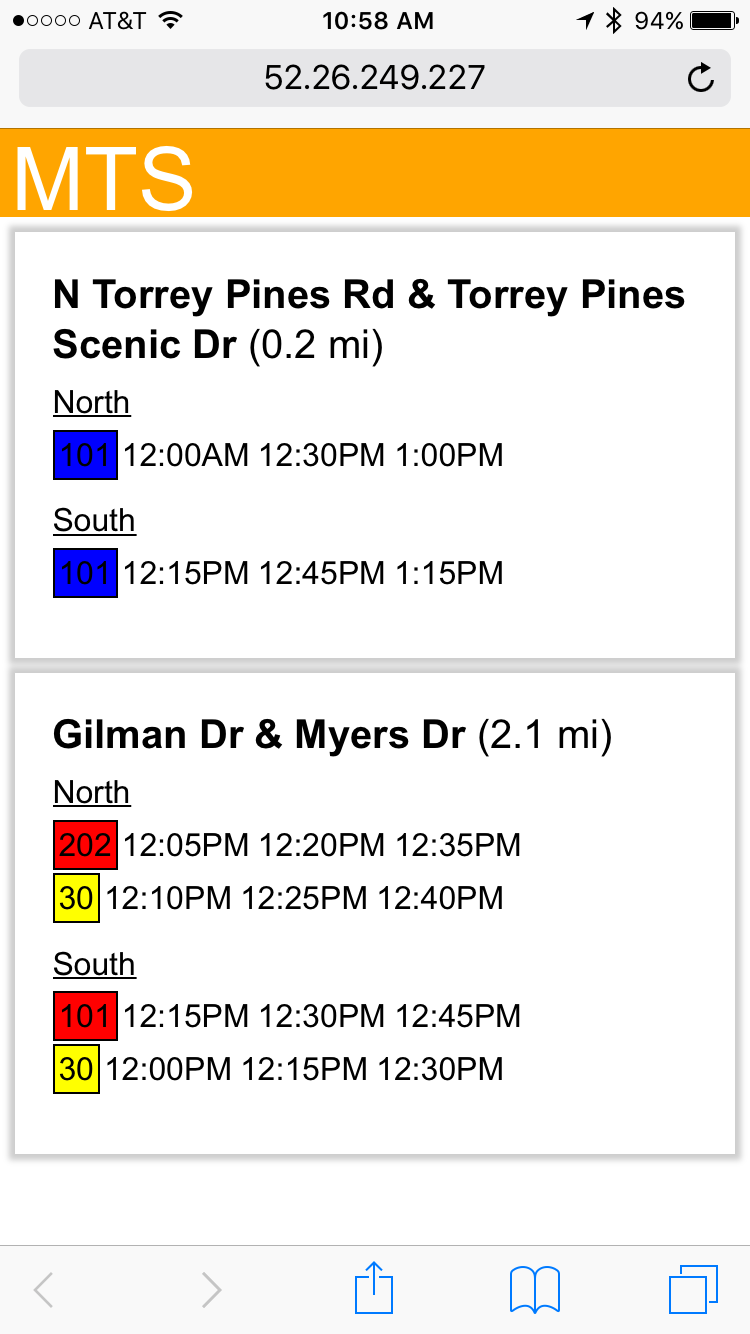
As soon as the web app opens, it sends the current time and your geolocation to a server, where GTSF files (transit data) published by the local transit agency are parsed and relevant information is sent back and displayed, including the closest three bus stops and the next three arrival times for each bus line that stop there in either direction.
How I built it
The standard HTML/CSS/JS was used for the front-end, and Node.JS/Socket.IO was used for the back-end. The front end-handles displaying the data and the back-end handles organizing and consolidating data.
Challenges I ran into
Parsing through the GTFS data was more complicated that we had imagined.
Accomplishments that I'm proud of
Putting together my first web app.
What I learned
How to use Node.js and Socket.io.
What's next for Cloud Bus Checker
Next would be the addition of a database to go along with Node.js in order to make data retrieval faster. This would also allow us to support multiple sets of transit data at once and give our app more coverage.

Log in or sign up for Devpost to join the conversation.