-
-
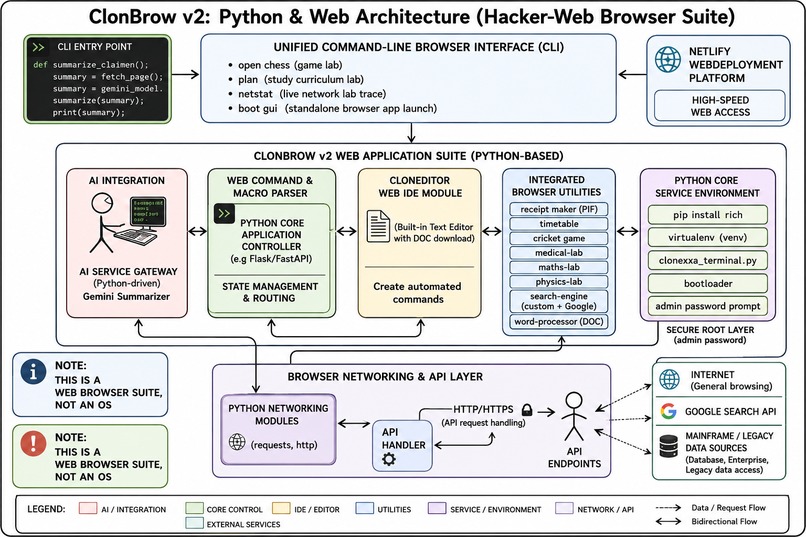
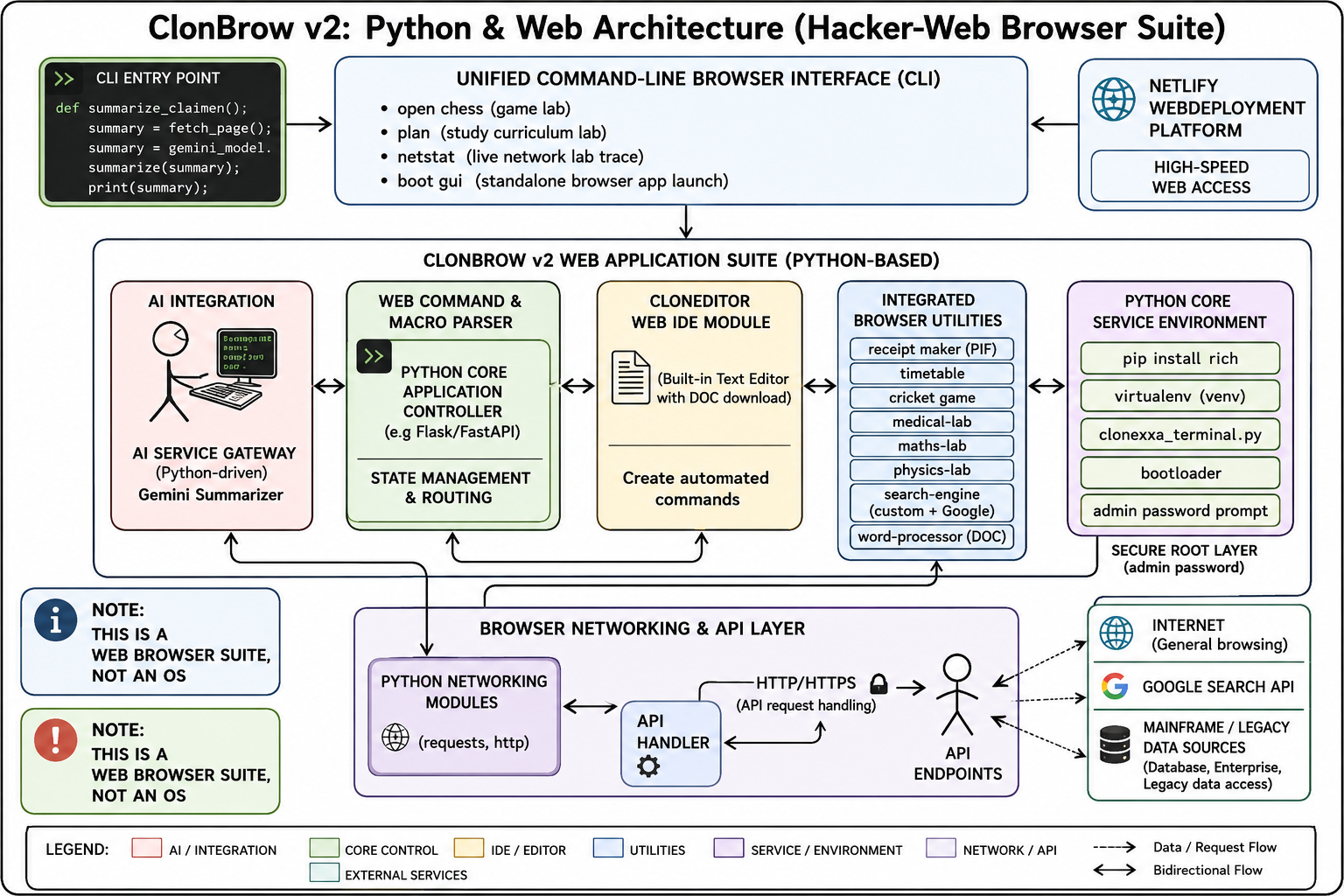
Architecture diagram
-
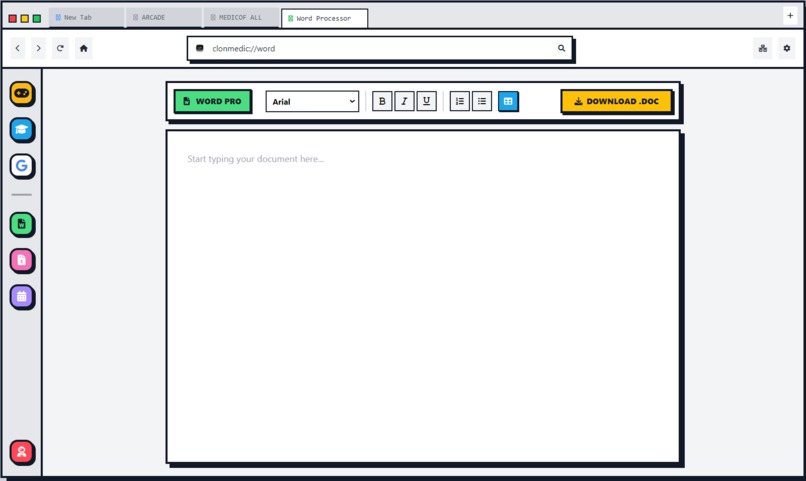
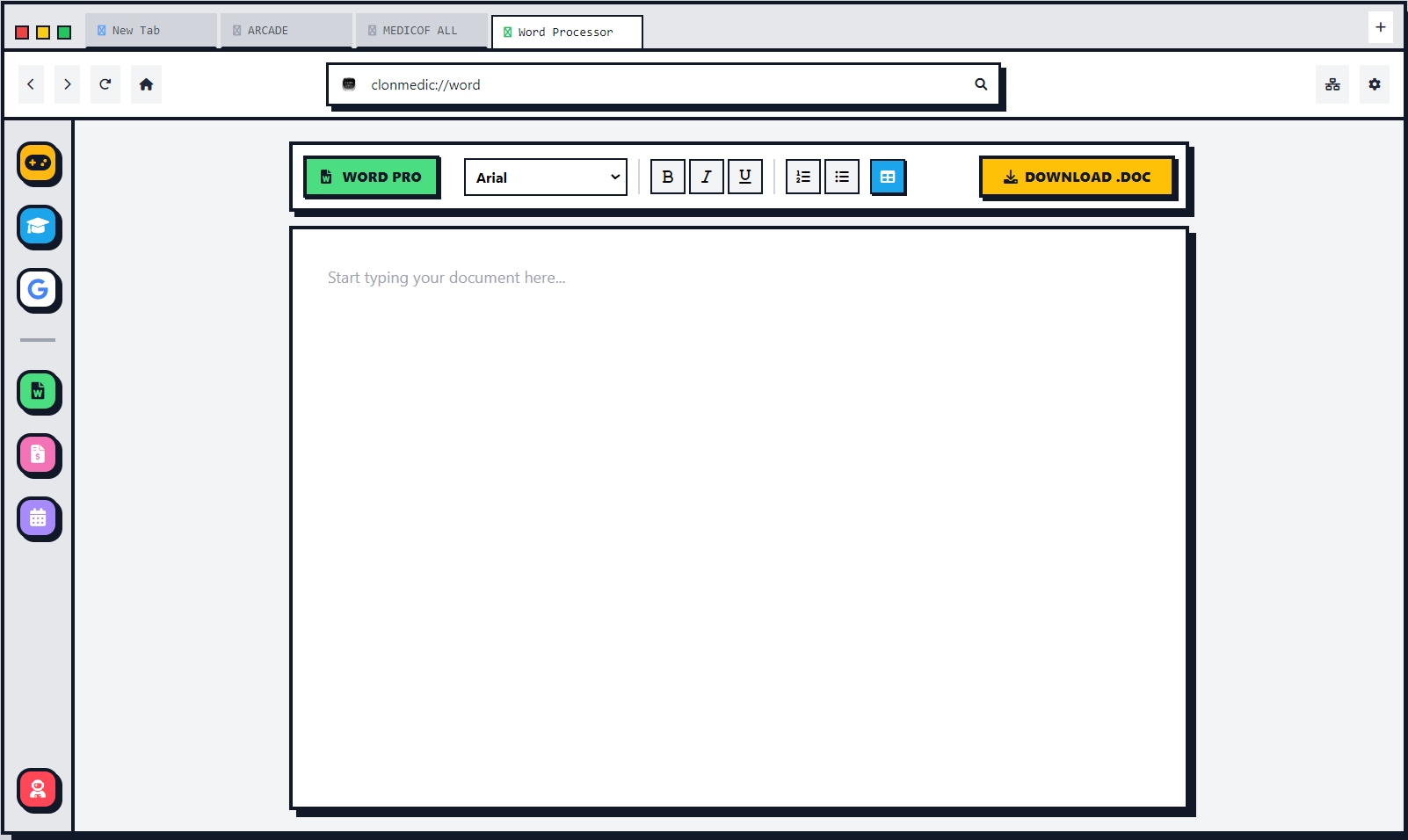
word processor
-
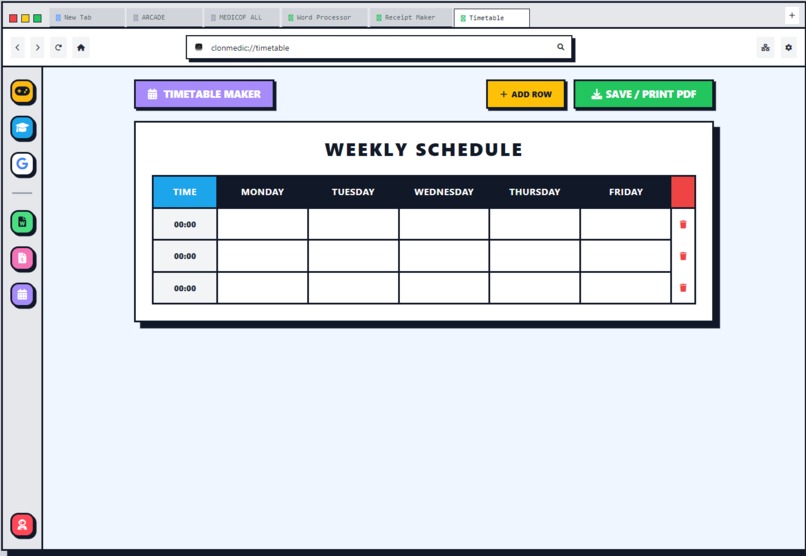
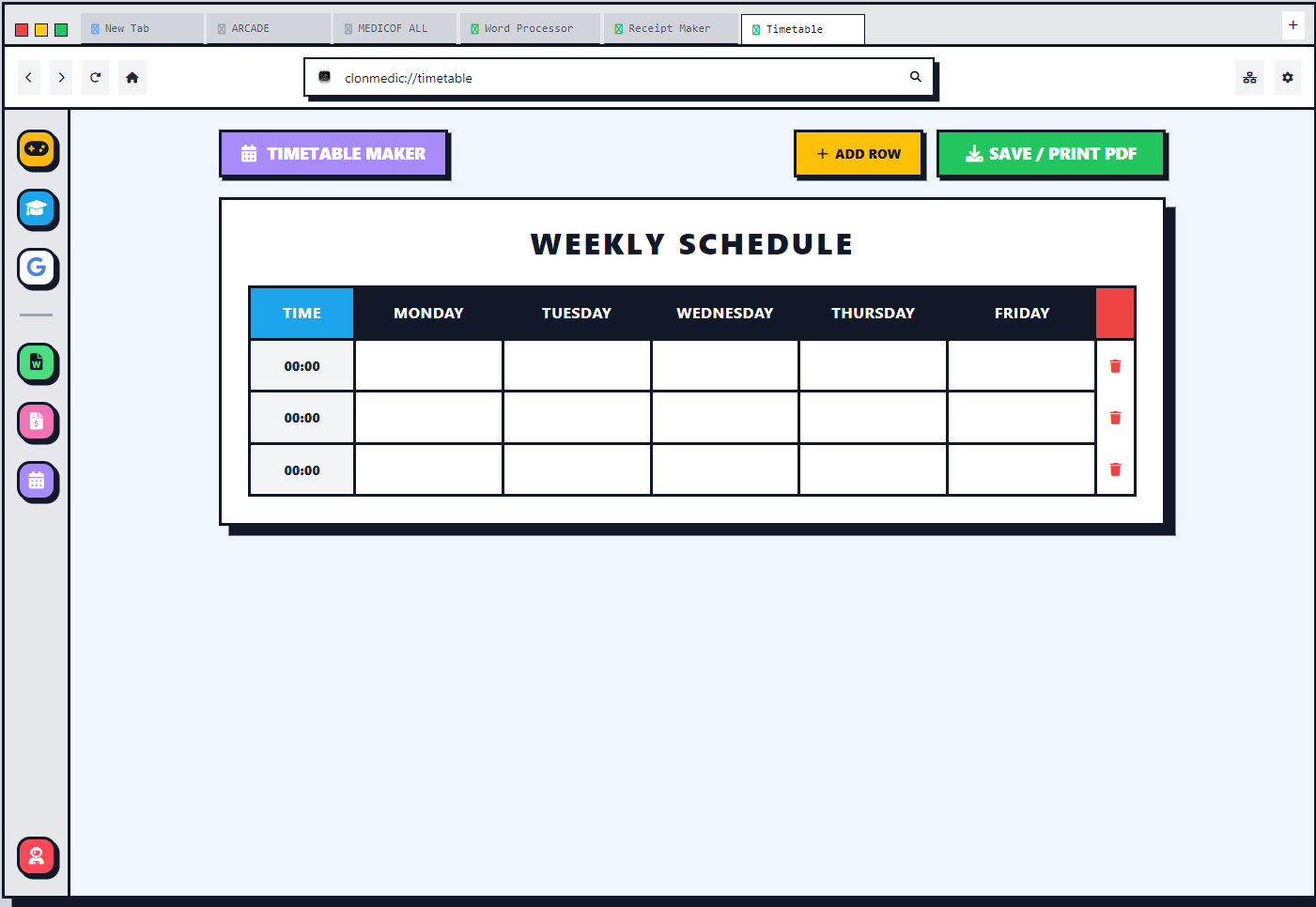
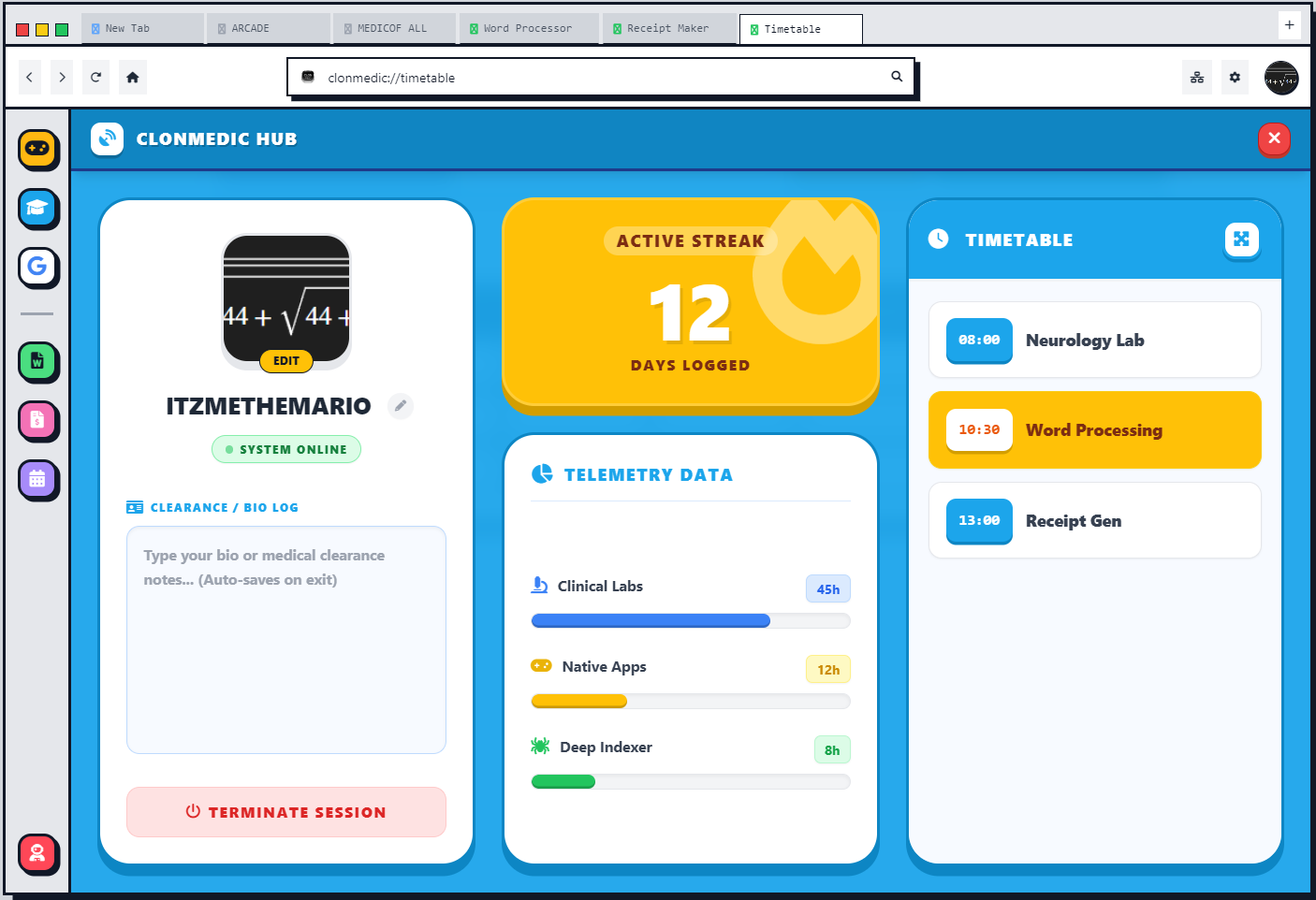
Timetable maker
-
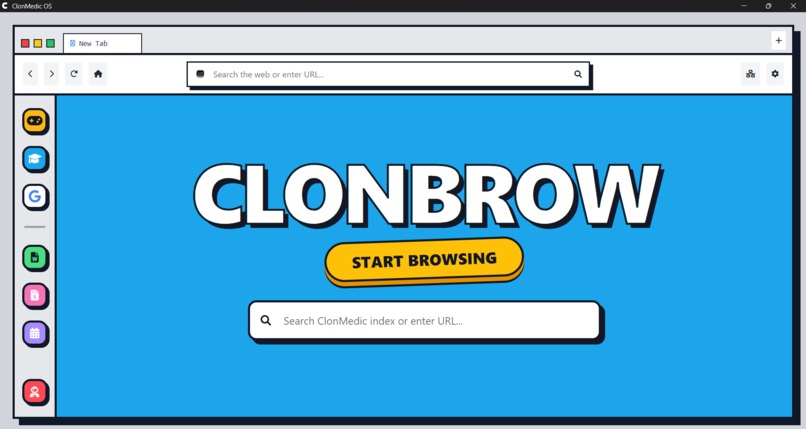
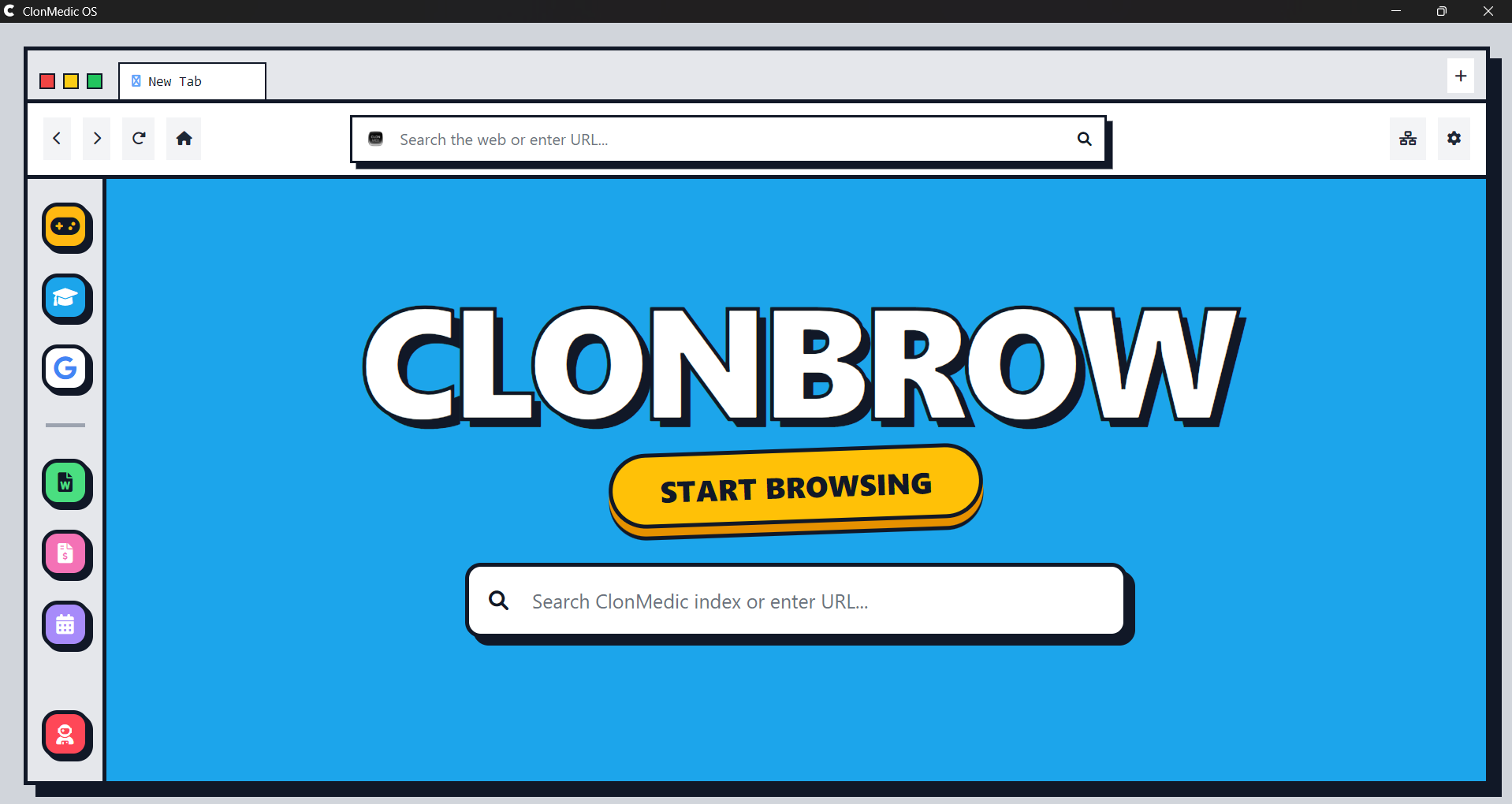
independent search engine
-
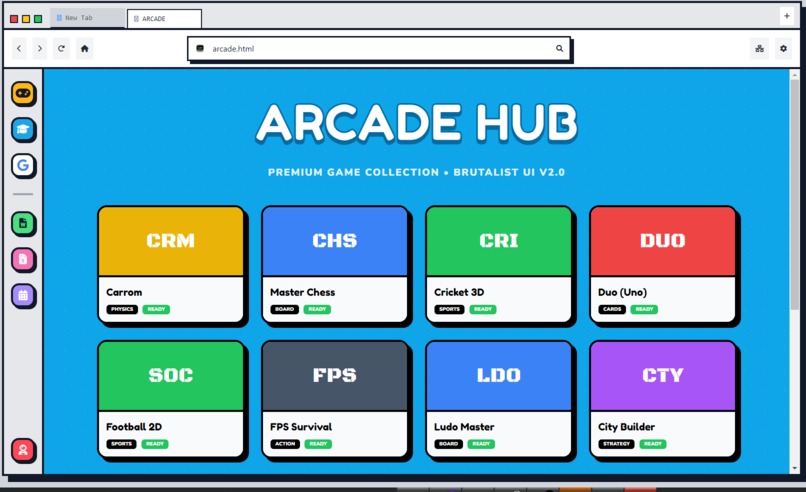
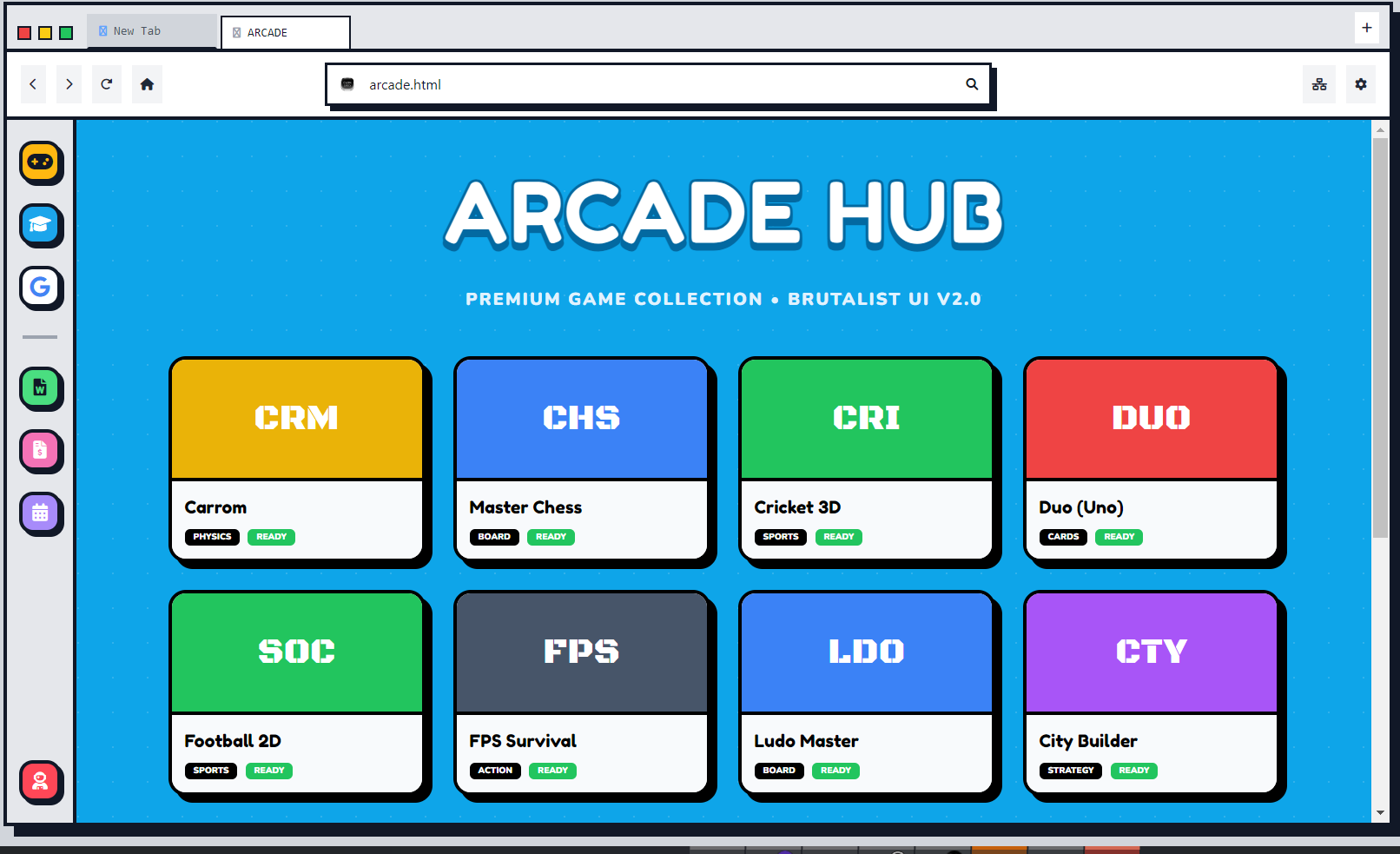
10+ games
-
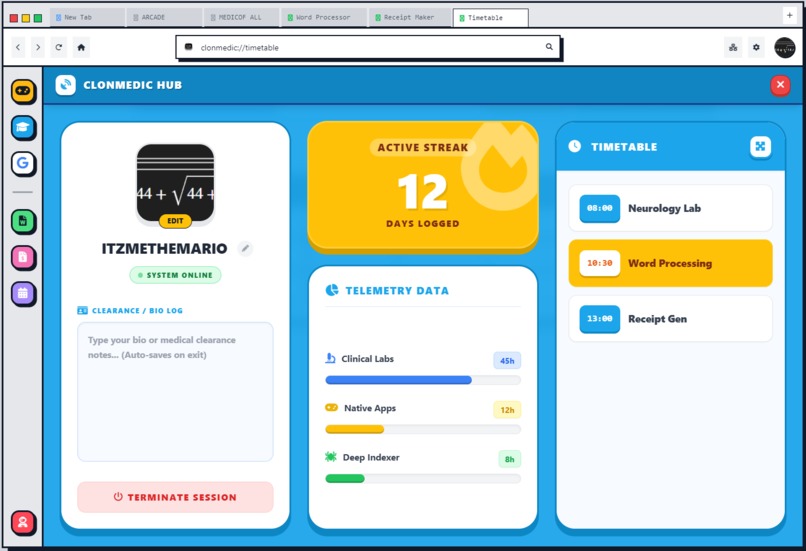
main dashboard
-
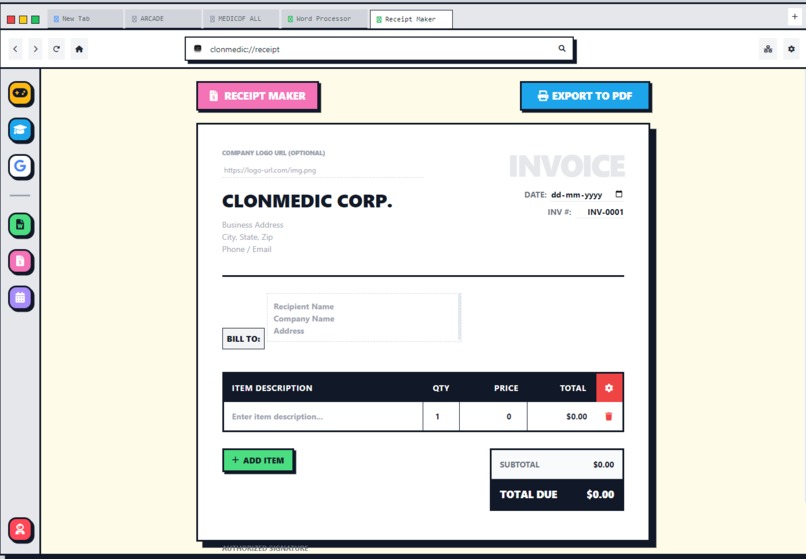
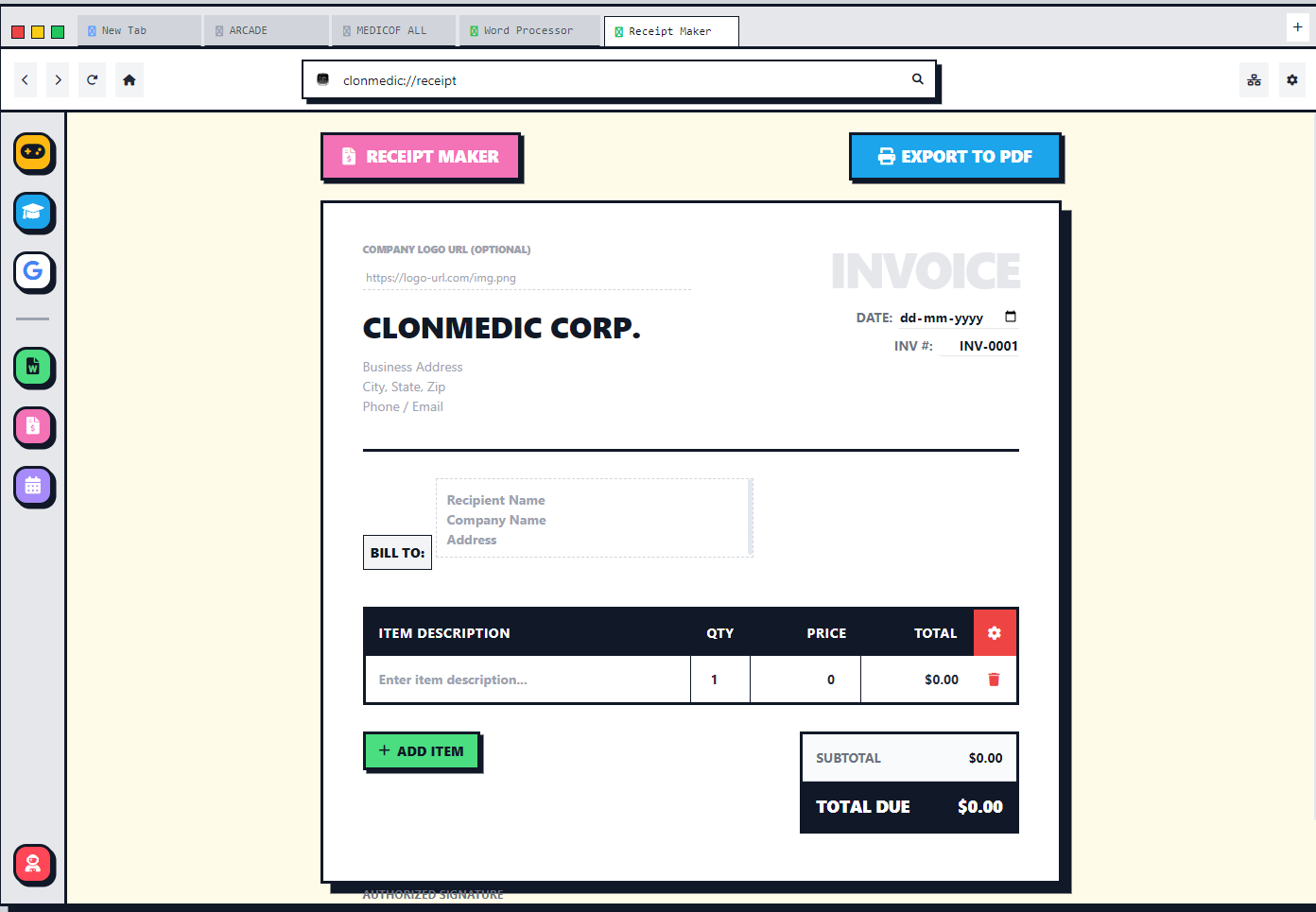
receipt maker
-
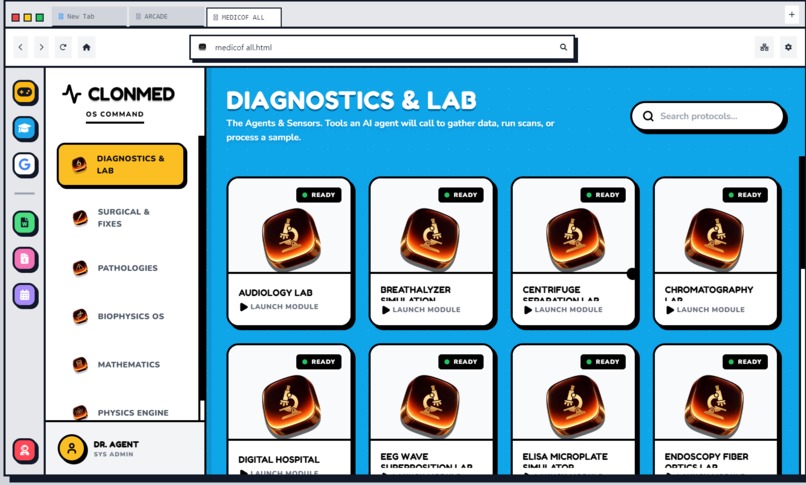
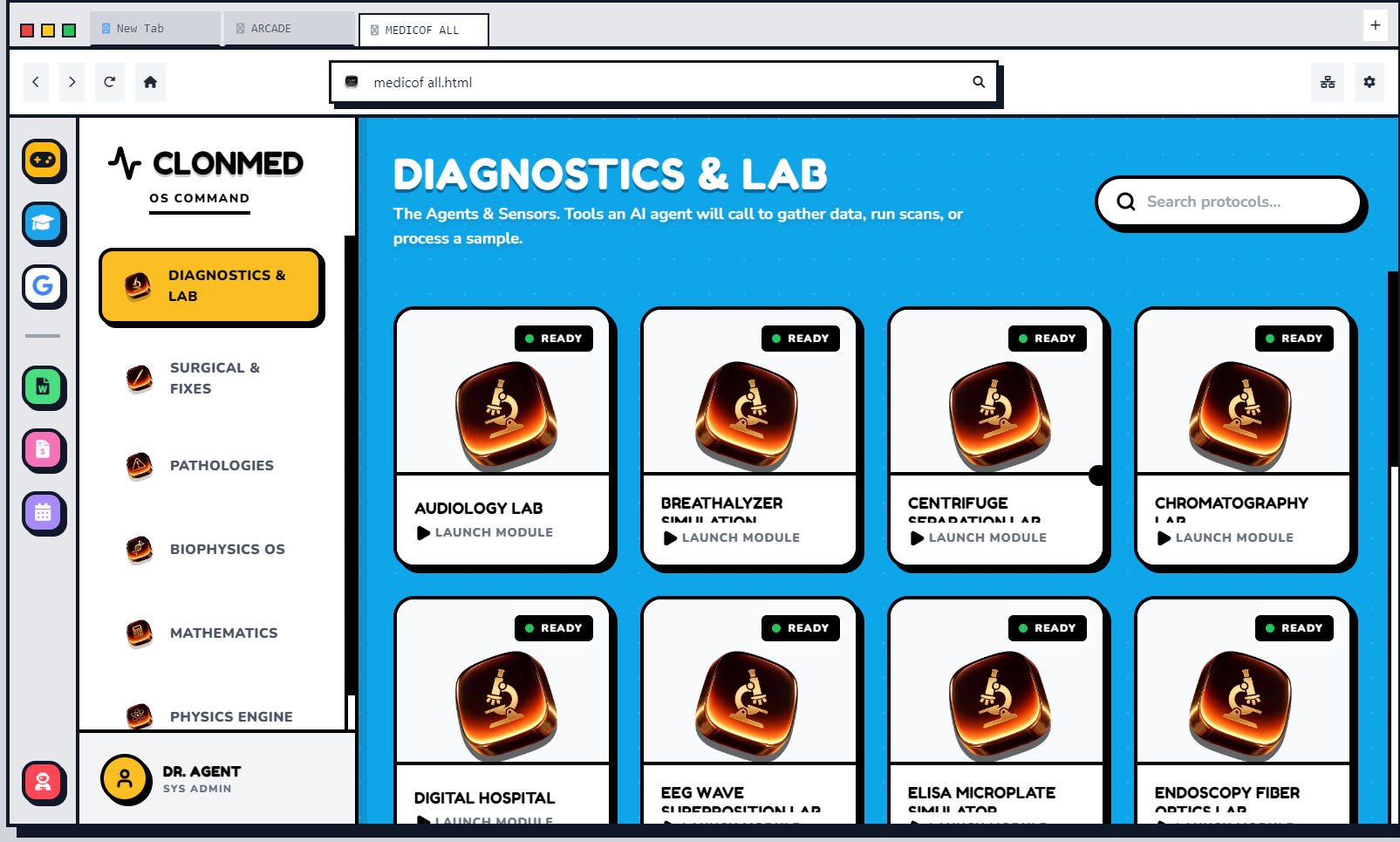
181+ interactive labs
-
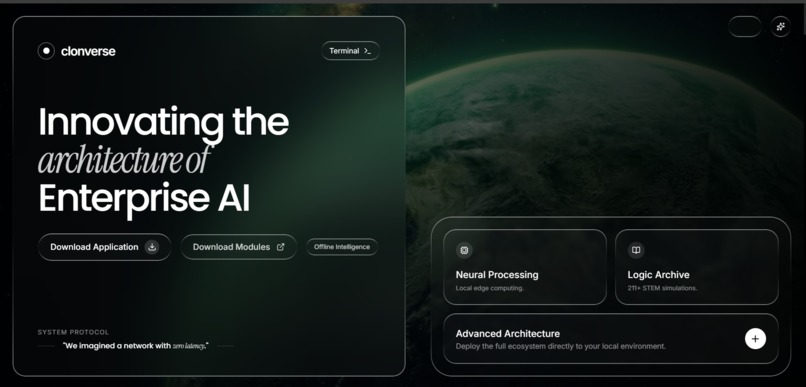
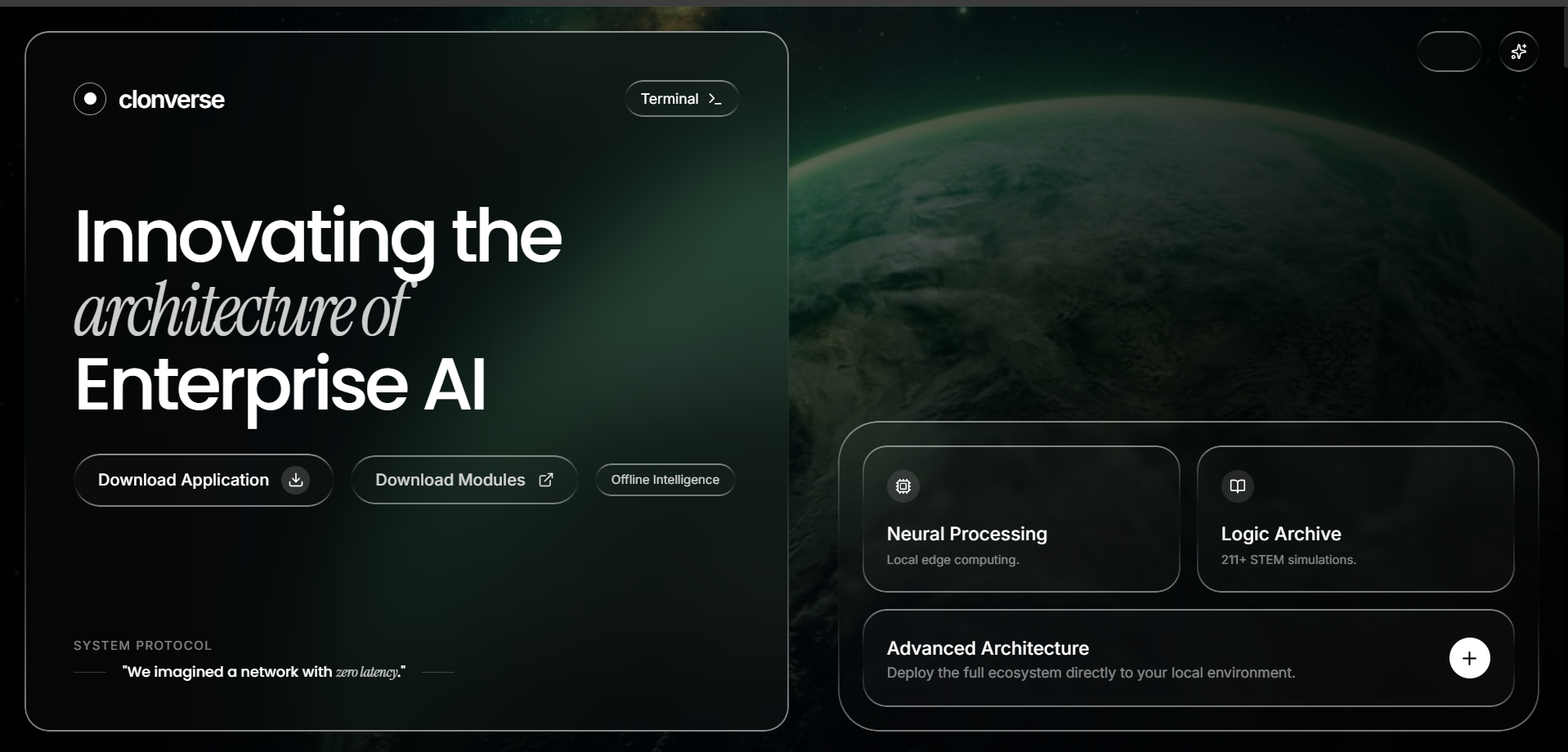
visuals of landing page
-
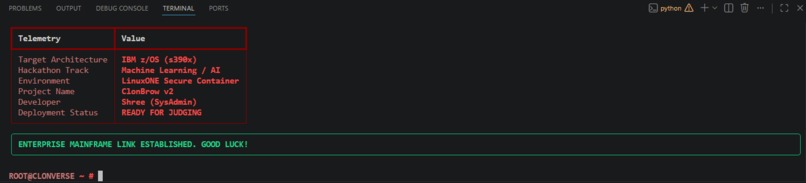
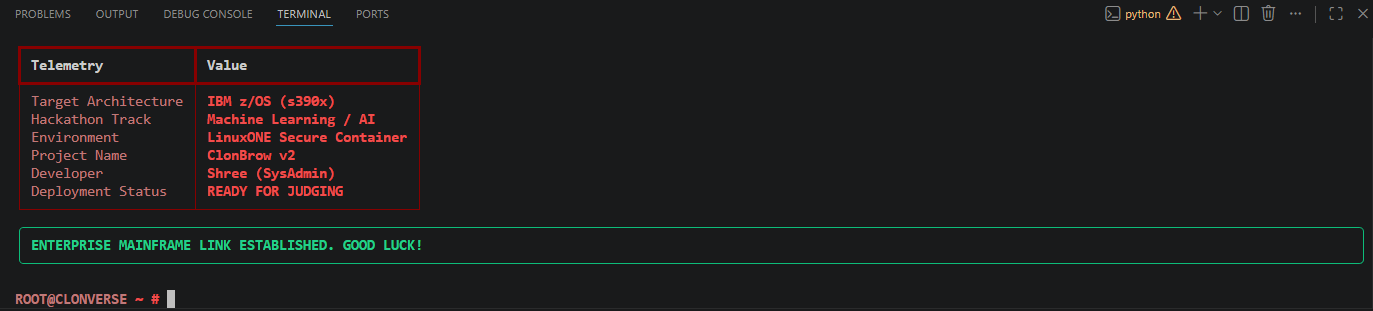
ibm x unsa clonverse terminal
-

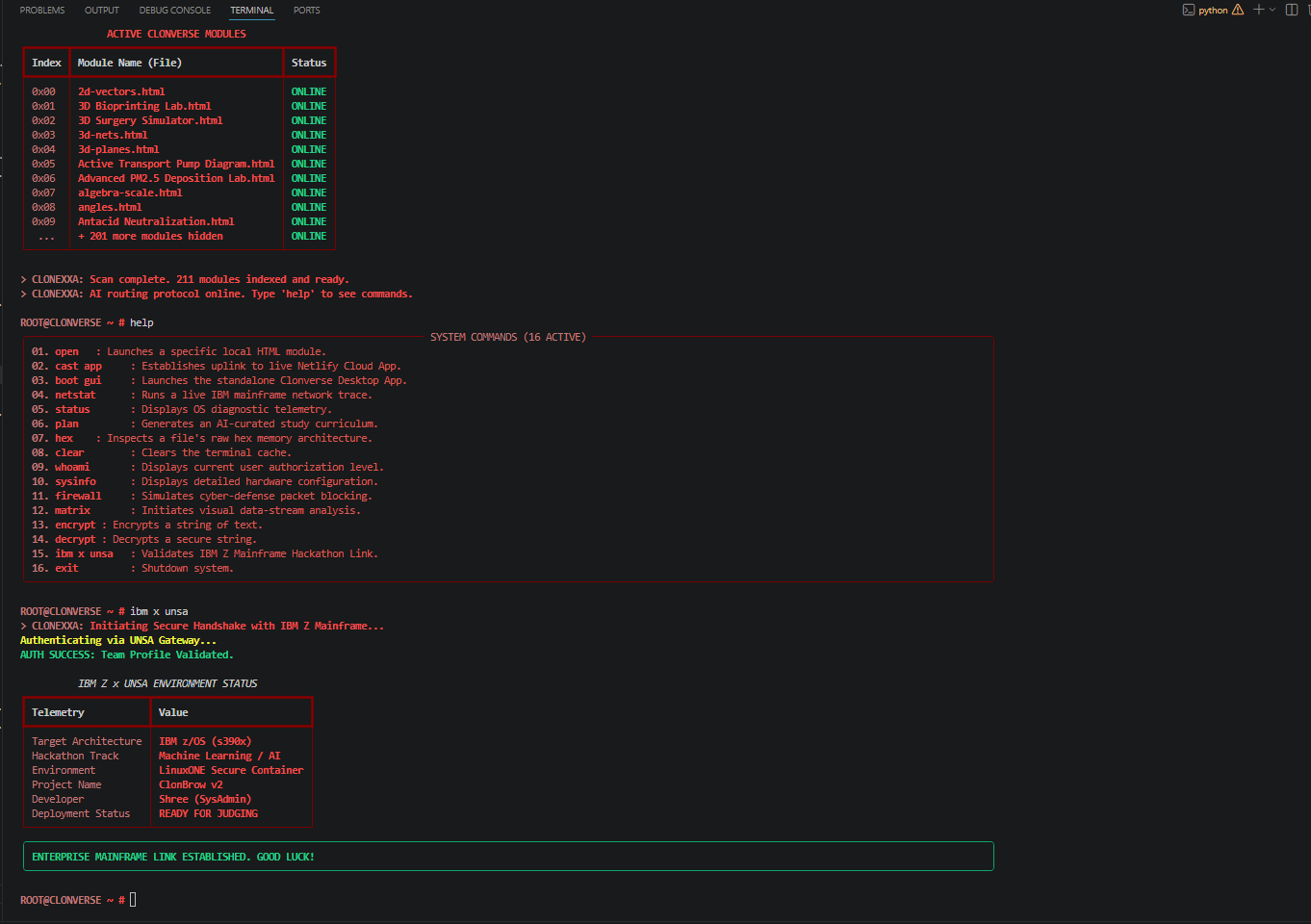
clonverse terminal
-
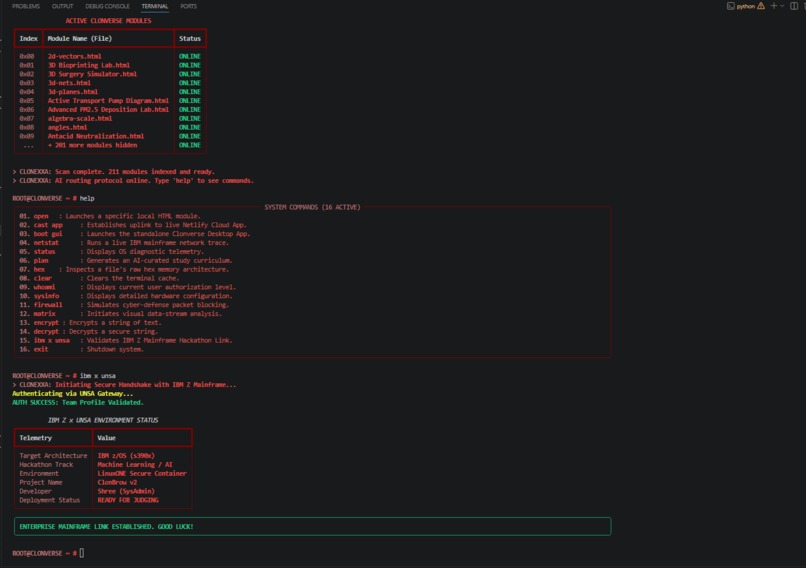
clonverse terminal commands

Problem Statement Modern digital productivity is fragmented. Users frequently find themselves switching between disjointed tools, including separate standard search engines, specific study portals, stand-alone word processors, and terminal-based command-line interfaces. This leads to context-switching inefficiency, a lack of focus, and a disjointed workflow across different tasks.
Solution Statement ClonBrow v2 addresses this fragmentation by providing a unified, immersive, "all-in-one" operating dashboard. It merges a stylized classic terminal interface with a fully-integrated, comprehensive graphical web browser. By centralizing essential tools such as educational labs, full-featured document editing, a Python terminal, and an intelligent multi-search engine under a single platform, ClonBrow v2 offers a seamless workspace for work, study, and research, eliminating unnecessary context-switching.
Inspiration The inspiration for ClonBrow v2 came from wanting to consolidate scattered web tools into a single, highly immersive environment. We noticed users frequently switch between standard search engines, study tools, word processors, and command-line interfaces. We wanted to build a unified workspace that bridges a classic terminal interface with a fully-featured graphical web browser, giving users a seamless, "all-in-one" operating dashboard.
What it does ClonBrow v2 operates as a dual-layer productivity environment:
The Python Terminal: A custom command-line interface (clonexxa_terminal.py) secured by a root password system, allowing users to execute system commands.
Dedicated IBM Z Mainframe Link: Features a built-in ibm x unsa command that initiates a simulated secure handshake, authenticating the user via the UNSA gateway and validating target telemetry against IBM z/OS (s390x) and LinuxONE secure container environments.
The Standalone Browser App: A comprehensive web-based graphical interface featuring:
A custom-built internal search engine alongside Google integration.
An educational hub with interactive STEM and medical study labs.
A built-in Word Processor (with .doc export) and a Receipt Maker (with .pdf export).
A Timetable maker and a fully customizable user profile dashboard.
An entertainment module featuring over 15 interactive games.
How we built it The project was engineered to be accessible both locally and over the web:
Frontend Web App: Built using core web technologies (HTML, CSS, JavaScript) to ensure a lightweight, fast, and cross-platform graphical user interface.
Backend & Terminal: The command-line environment was developed in Python, utilizing local environments and dependencies (like rich) to create a powerful, stylized CLI capable of rendering complex telemetry tables.
Deployment & Hosting: The main browser interface is hosted via Netlify for high-speed web access, while standalone application releases and source code modules are distributed through GitHub.
Challenges we ran into Module Integration: Combining such a wide variety of tools—from physics labs to receipt makers and text editors—into a single, unified dashboard without making the user interface feel cluttered.
Local Environment Setup: Ensuring that users could easily download the source code, isolate the Python environment (venv), and successfully boot the clonexxa_terminal.py script without dependency conflicts.
State Management: Building the logic for the customizable user dashboard so that profile data (name, bio) updates and persists correctly across the application.
Accomplishments that we're proud of Enterprise Mainframe Simulation: Successfully engineering the ibm x unsa command to render a secure environment handshake directly within our custom CLI, demonstrating an understanding of enterprise architecture tracking.
Massive Feature Suite: We are incredibly proud of the sheer volume of functional tools we built into the browser, especially the fully working Word Processor and the dedicated educational study labs.
Dual-Interface Experience: Successfully delivering both a "Hacker Style" local Python terminal and a clean, modern web application that users can download directly from our GitHub release page.
Custom Search Engine: Developing our own internal search routing alongside standard web querying to give users a unique browsing experience.
What we learned Building for the IBM Z hackathon taught us the importance of system architecture, enterprise deployment environments, and CI/CD pipelines. We learned how to effectively manage multiple web modules, handle user interface routing, simulate backend architecture handshakes, package downloadable applications, and structure a GitHub repository for seamless Netlify deployment.
What's next for ClonBrow v2 The future of ClonBrow focuses on bridging the gap between the terminal and the browser:
Direct CLI-to-GUI Execution: Allowing commands typed in the Python terminal to directly manipulate the state of the web application.
AI Integration: Embedding LLM functionality directly into our custom search engine to summarize complex educational labs.
Expanded Mainframe Tools: Transitioning our simulated ibm x unsa command into a live Zowe-compatible CLI module specifically tailored for enterprise network monitoring and IBM LinuxONE administration.

Log in or sign up for Devpost to join the conversation.