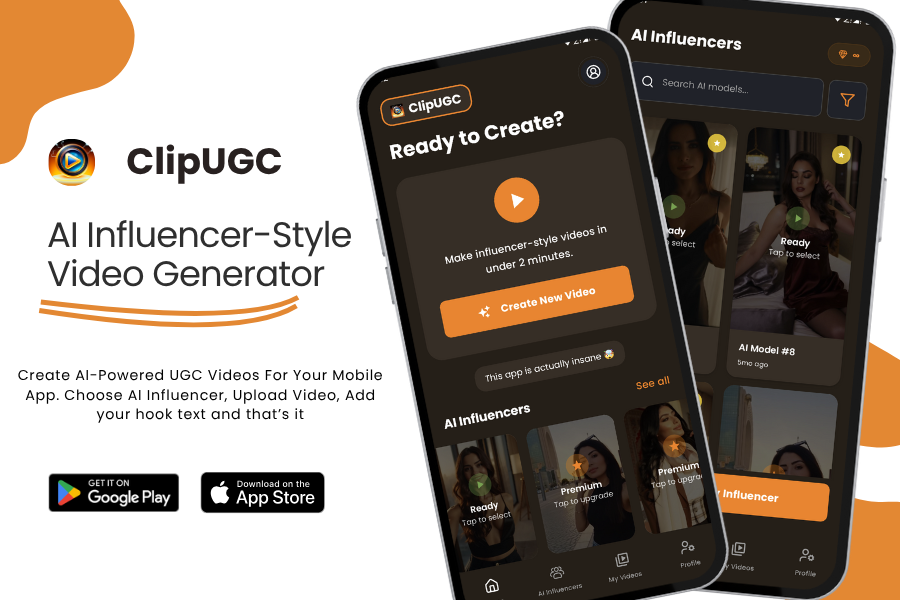
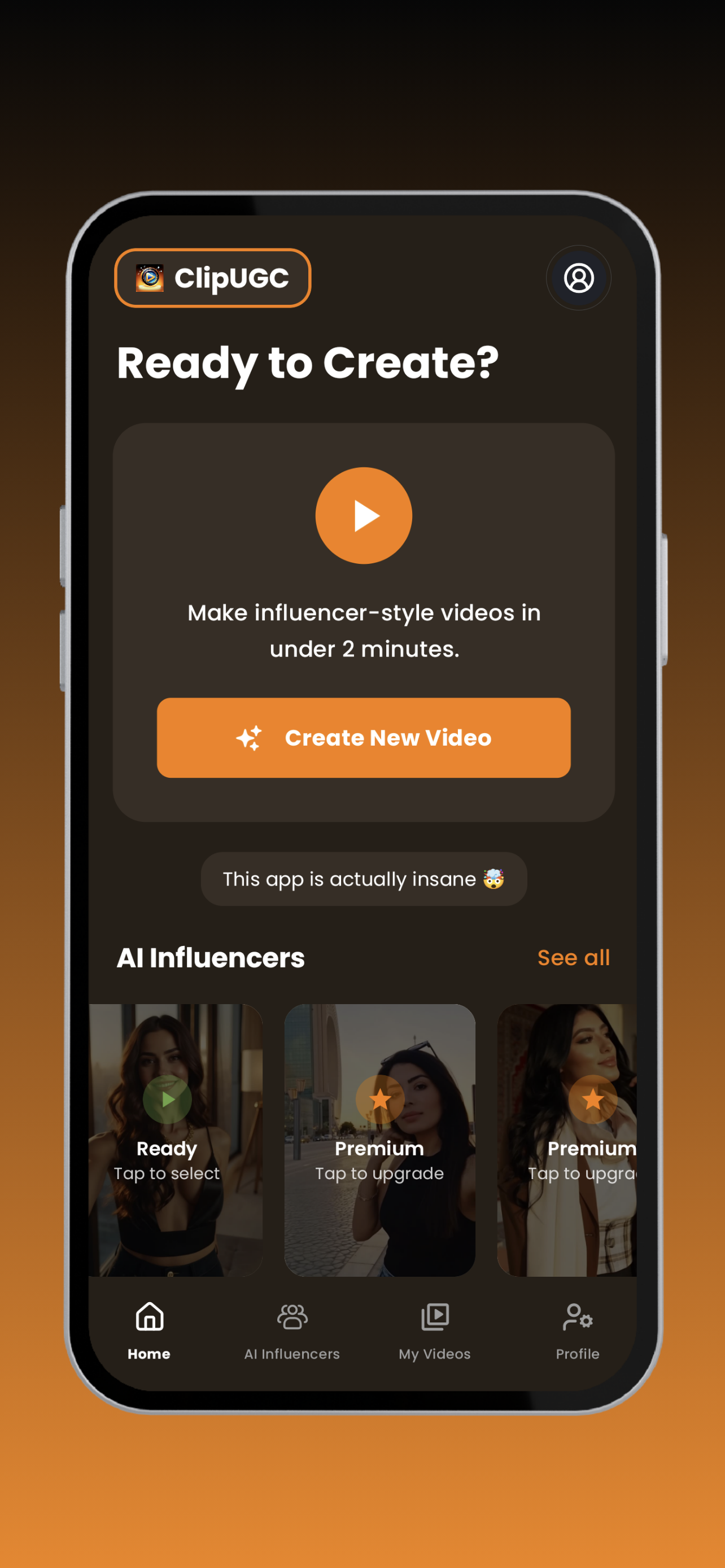
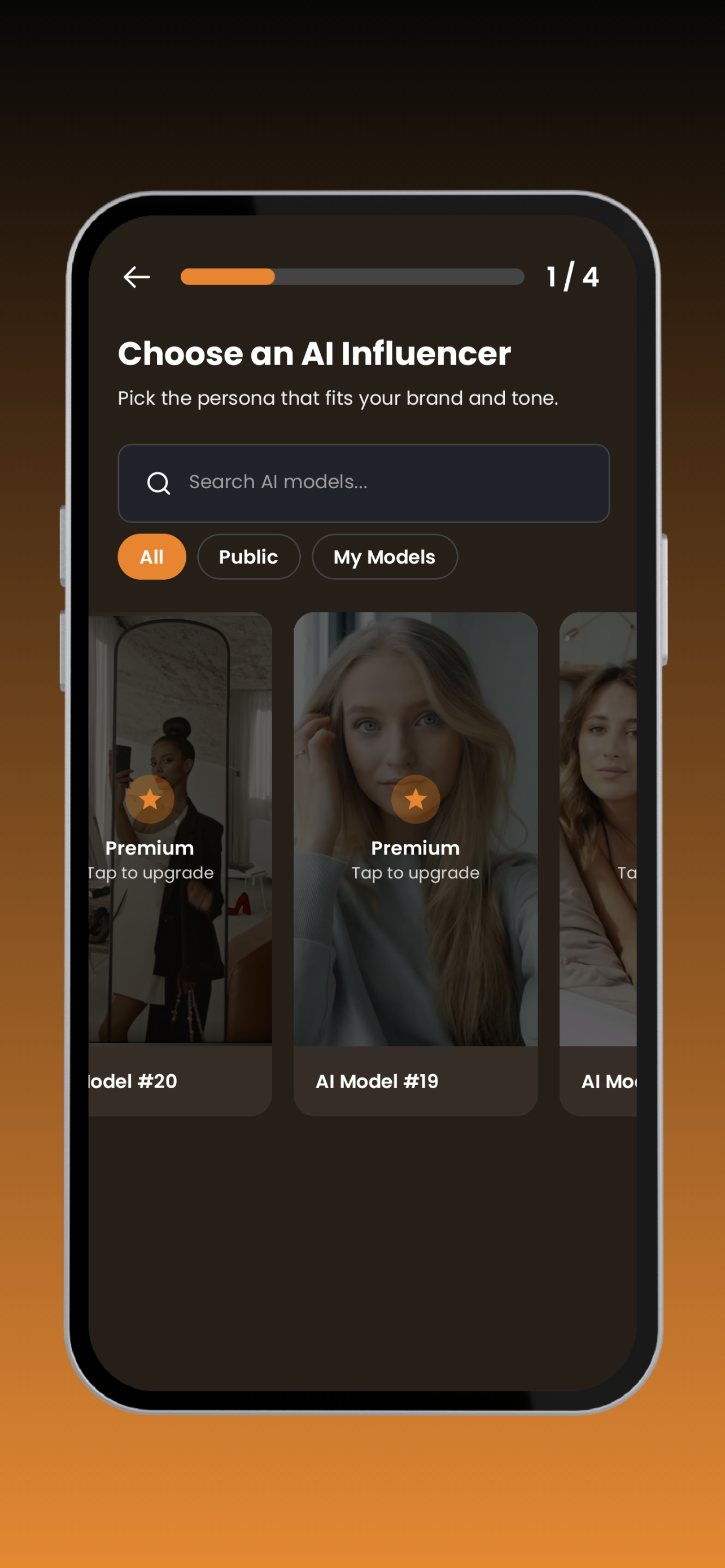
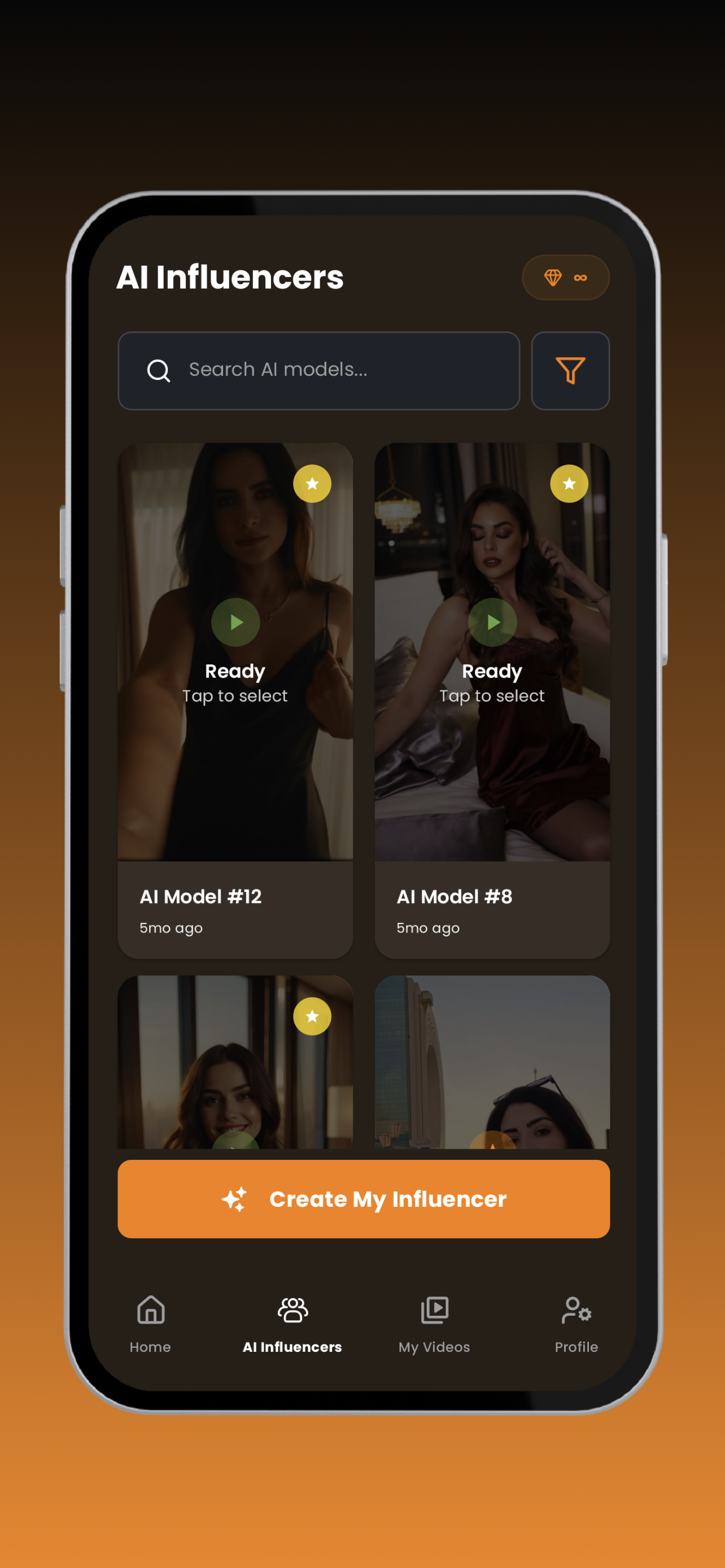
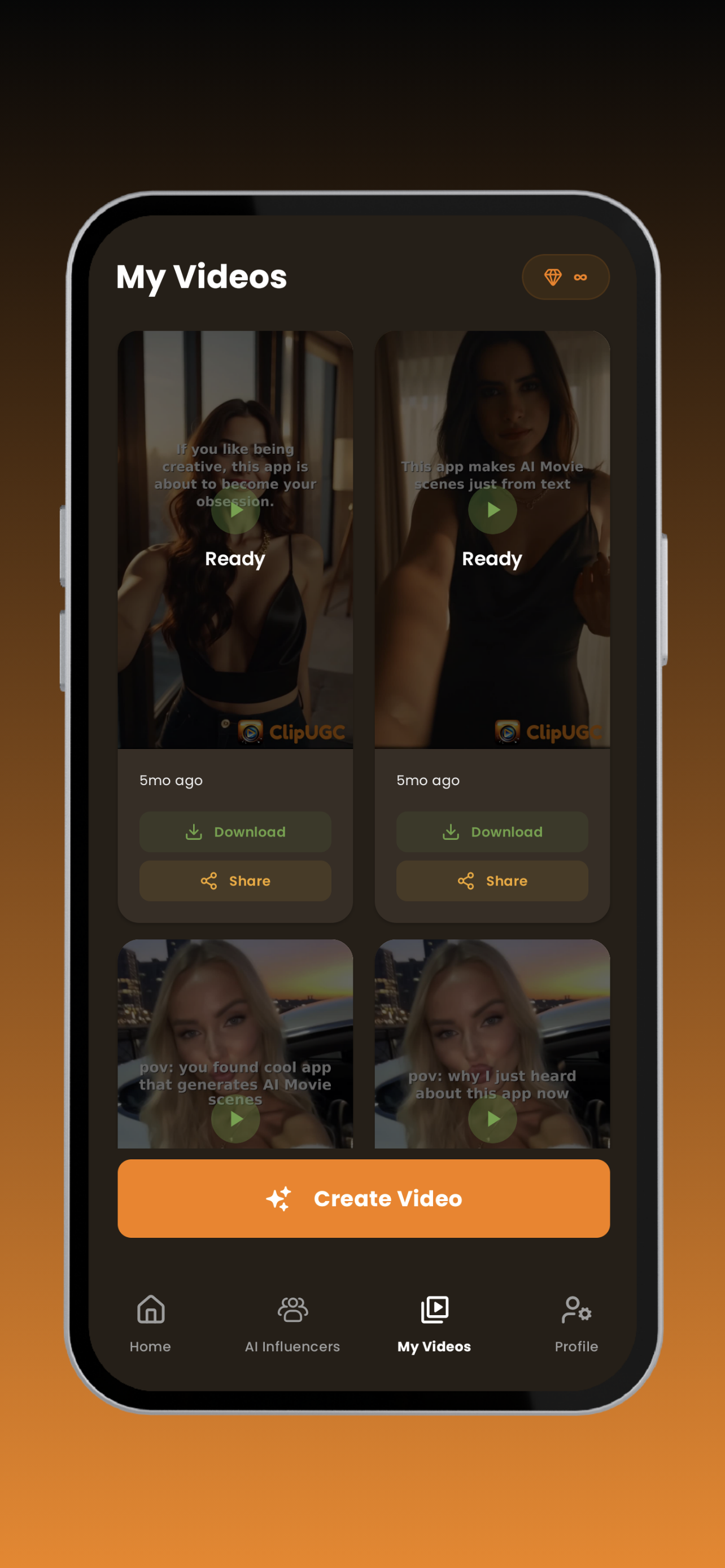
I’ve always loved building apps. But while I’ve gotten better and better at development, I’ve always known that marketing was my weak point. In the last few years, I kept noticing how almost every successful app launch had one thing in common: influencer-style hook videos. A short, authentic clip introducing the app, showing it in action, and making people curious. The problem? Getting those videos made was either expensive — hiring freelancers or agencies — or locked behind AI tools that were overloaded with corporate-focused features and high subscription costs.
What I really wanted was simple: a way to describe my AI influencer, give them my hook text, and then let the app do the rest — create that intro and combine it with my app promo video.
That frustration became the spark for ClipUGC. I decided to build it with Kotlin Multiplatform and Compose Multiplatform so it could work smoothly on Android, iOS. It wasn’t just about building another tool — it was about building something that indie creators and small businesses like me could actually afford and use.
I experimented a lot. It was two stage thing: AI Influencer generation and Video Generation. At first, I even tried doing video generation client-side with FFmpeg. But that quickly became messy: it added weight to the build and introduced too much complexity. So I moved the heavy lifting to the server side, keeping the app itself lightweight and fast.
For authentication, I used KMPAuth with Firebase. At first, every user starts with anonymous sign-in, and later they can upgrade by signing in with Apple or Google, so they can access their projects across multiple devices. For notifications, I integrated KMPNotifier, and for video playback, I went native — ExoPlayer on Android, AVPlayer on iOS — because performance really mattered here.
Step by step, the app came together:
- AI influencer clips ready to use.
- Custom AI influencer generation from text prompts.
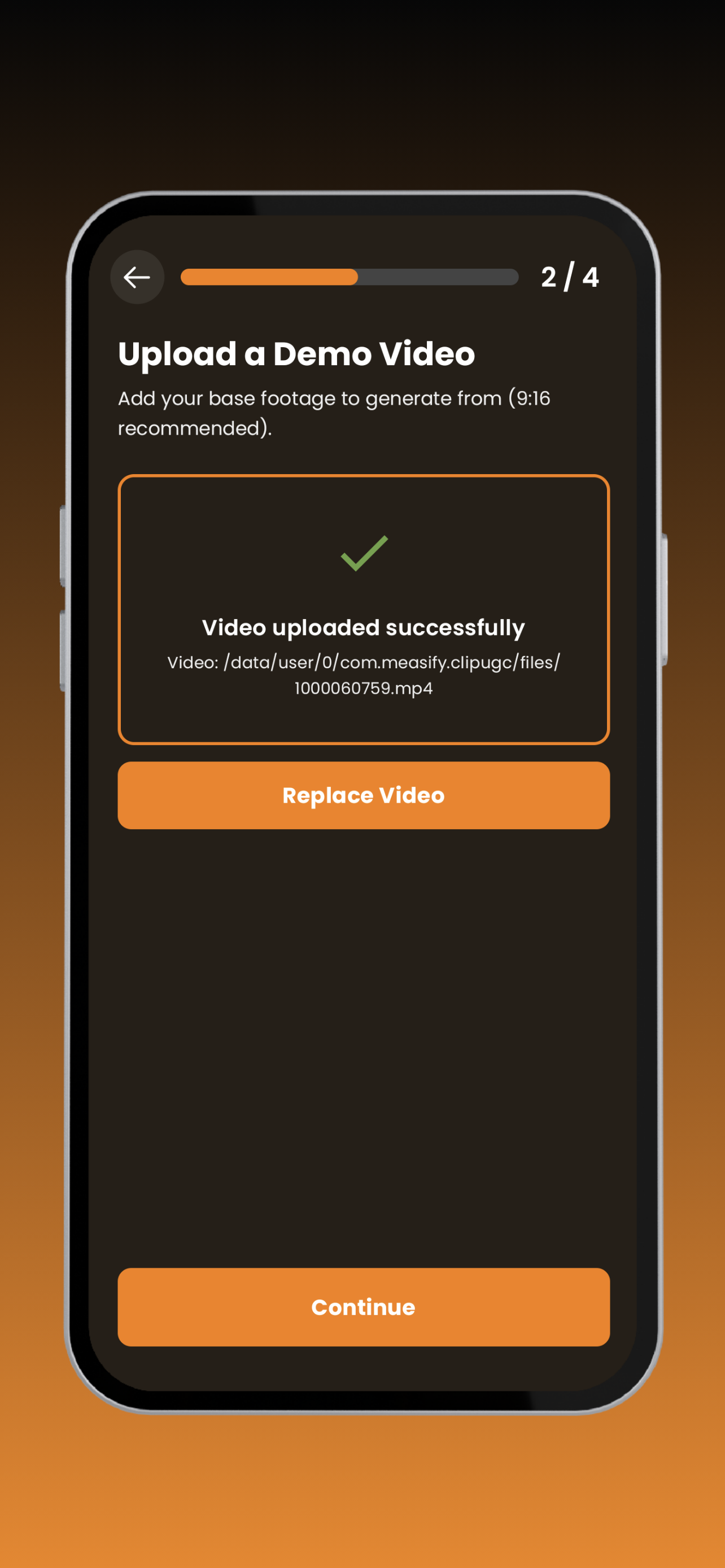
- Easy upload for demo videos.
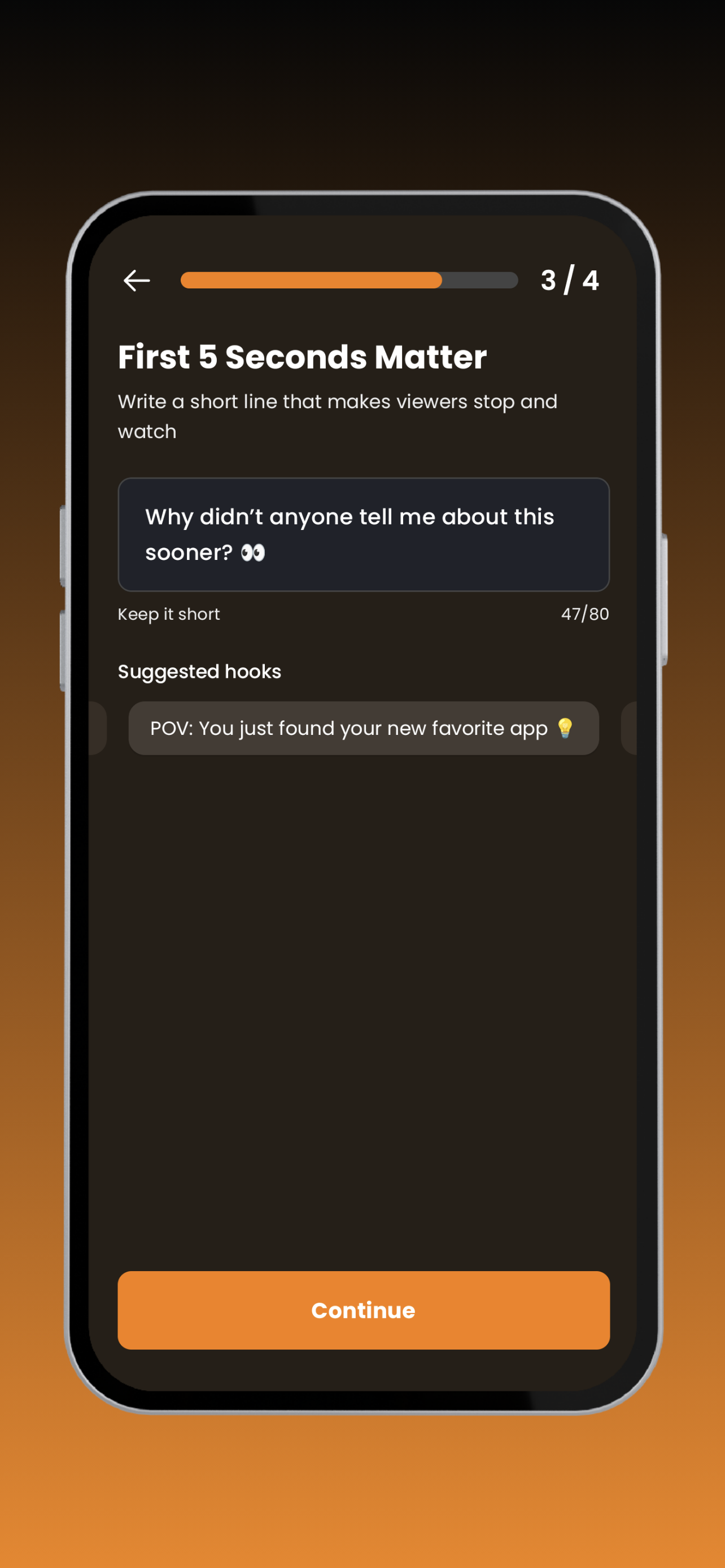
- Hook text integration.
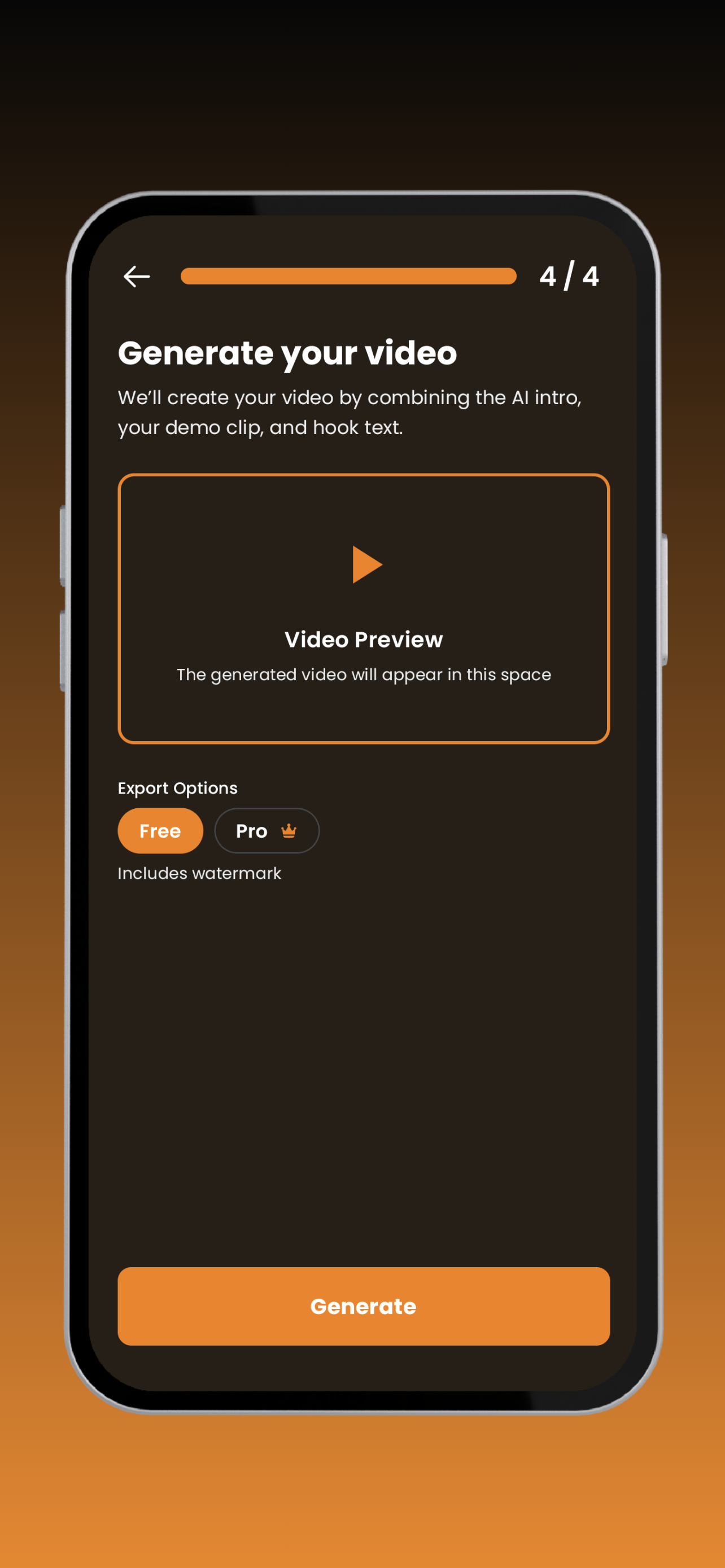
- Polished export with confetti animation when your AI influencer is ready.
And to make the experience playful, I added hidden touches: if you tap the person icon seven times during onboarding, a mini-game unlocks. The same works by tapping the ClipUGC logo seven times on the home screen.
It wasn’t easy. Cloud rendering, keeping exports fast, and balancing features with simplicity took time. But I kept going. Now ClipUGC is what I wanted from the start: a simple tool to make influencer-style videos in under 5 minutes. I began this because I wasn’t good at marketing. Now I’ve built an app that helps solve that problem for me, and for other indie devs, startups, and small businesses too.

Log in or sign up for Devpost to join the conversation.