-
-
Threshold Controls
-
Posting Choices
-
Project Thumbnail
-
Clips Kitty Instagram Example
-
Gaming and Models
Inspiration
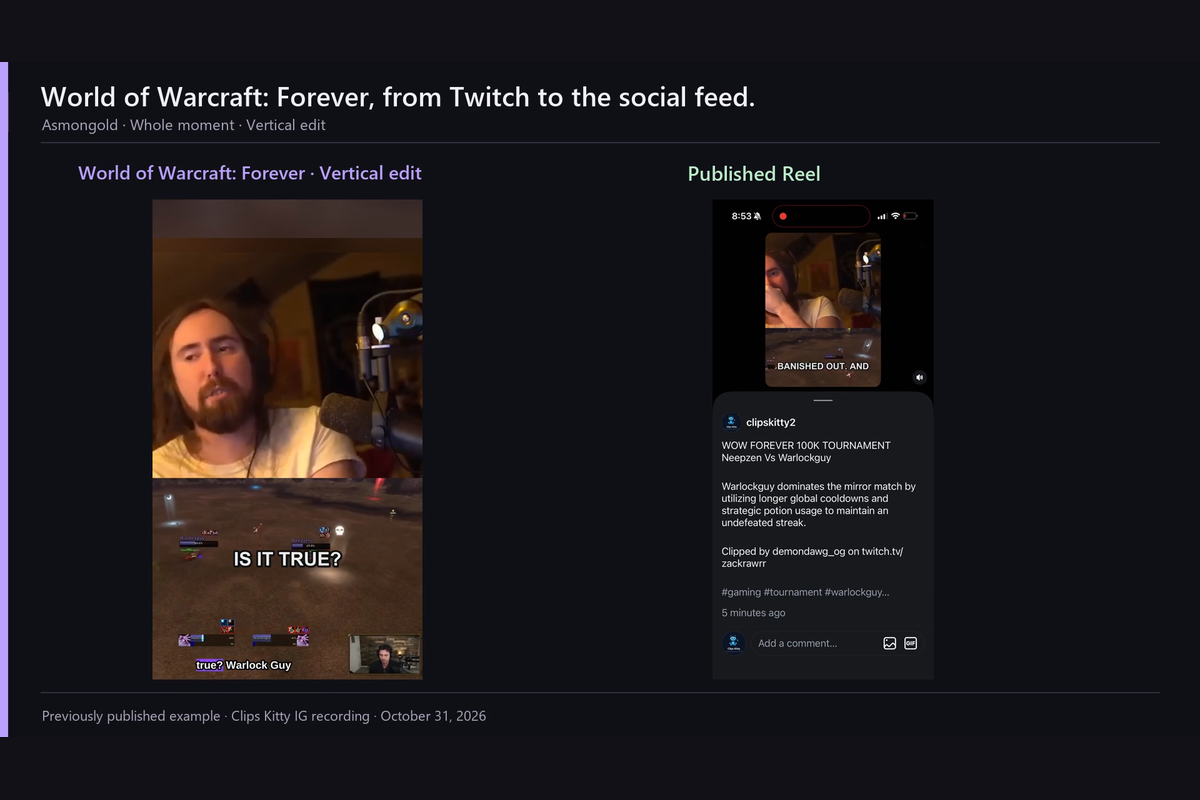
Viewers already choose great stream moments when they make and share Twitch clips. Turning those moments into social posts still takes time: downloading, reframing, captioning and scheduling.
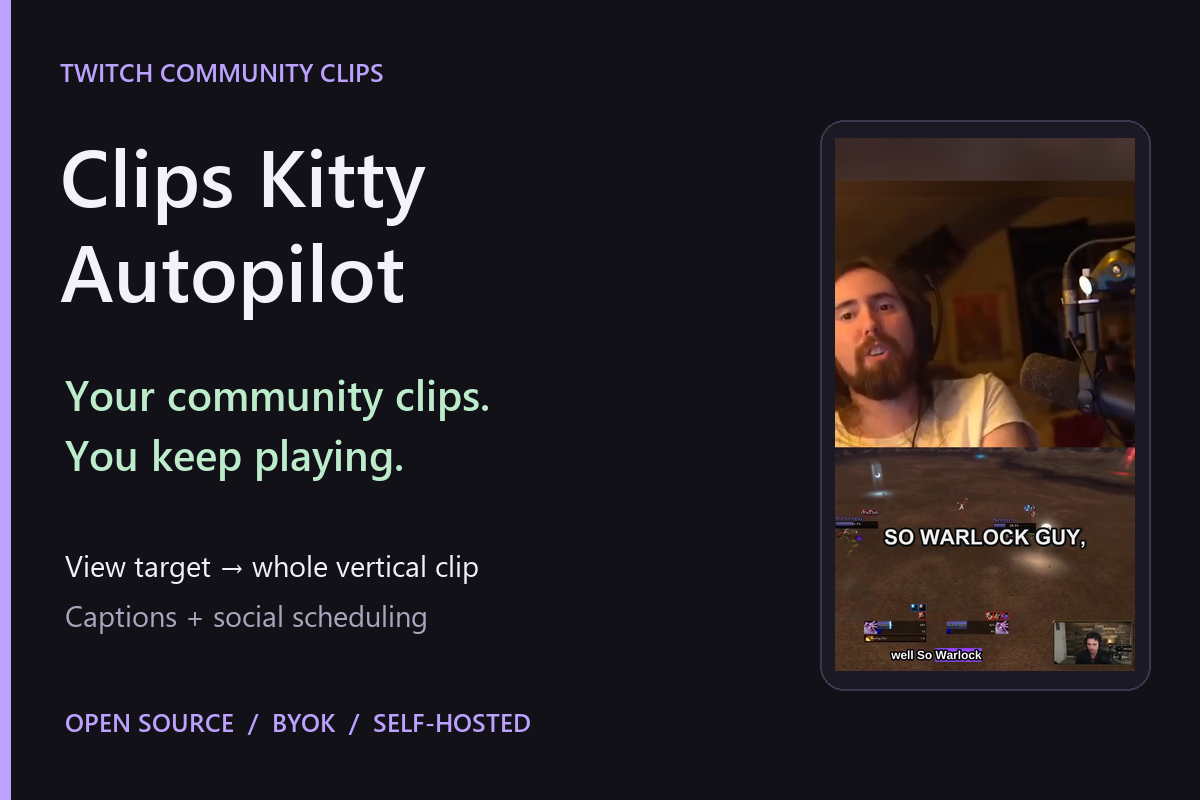
With games arriving for the holiday season, I wanted streamers to spend more time playing and less time managing social accounts. The idea behind Clips Kitty Autopilot is simple: the community picks the moments, and the streamer keeps playing.
What it does
Clips Kitty Autopilot is a self-hosted browser app that connects to Twitch and watches viewer-made clips.
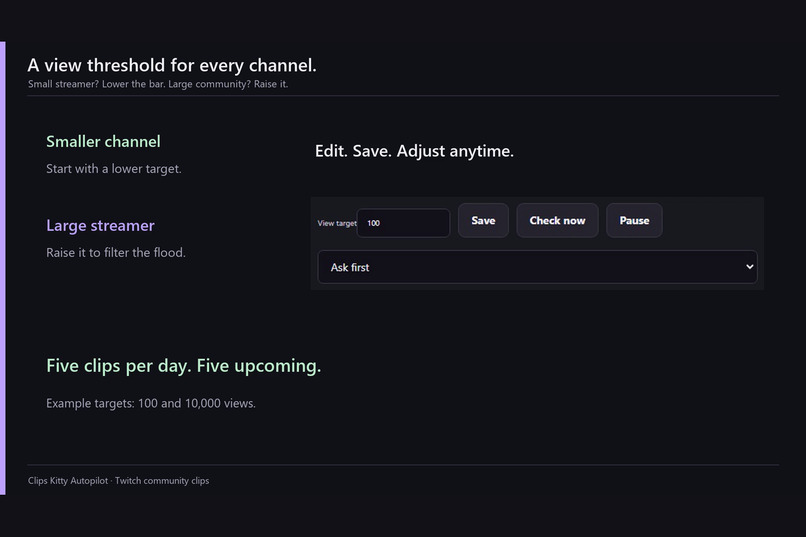
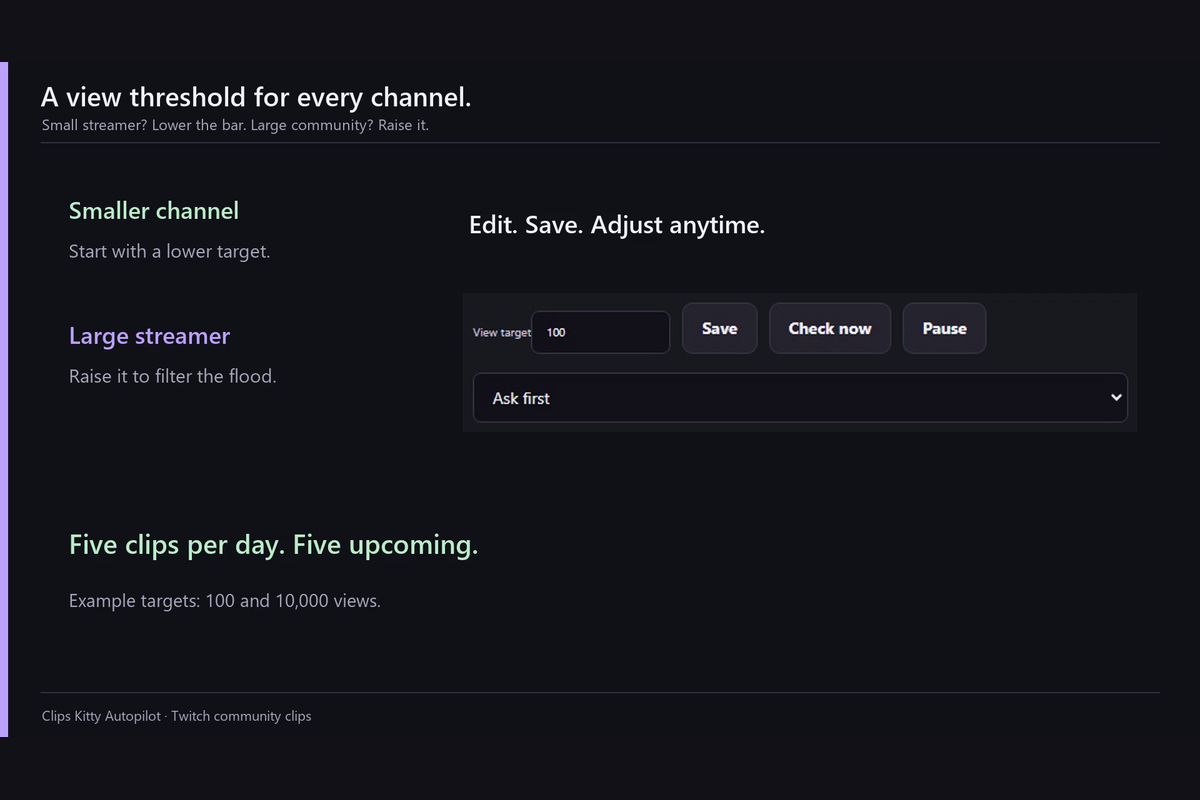
Set a clip-view threshold that fits your community. Smaller channels can start low, while busy channels can raise the target to filter the flood. Clips below the threshold are checked again on later polls. Clips already above it on the first check appear under Earlier clips unless backfill is enabled.
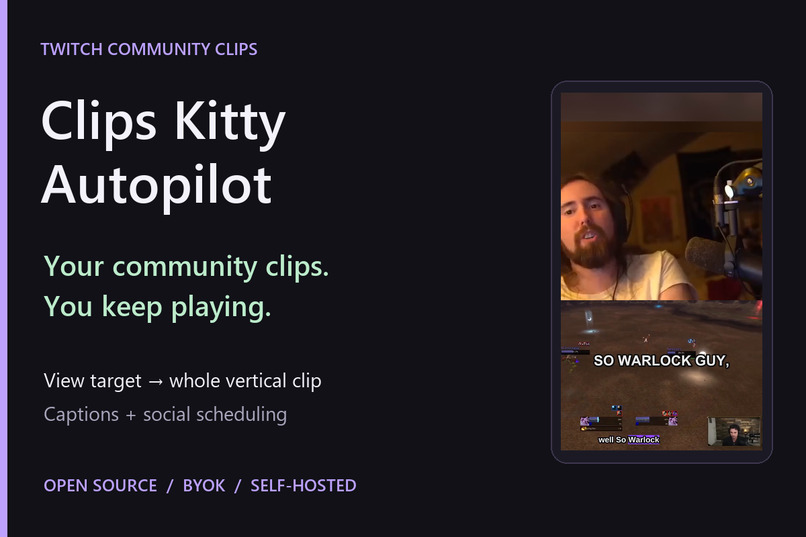
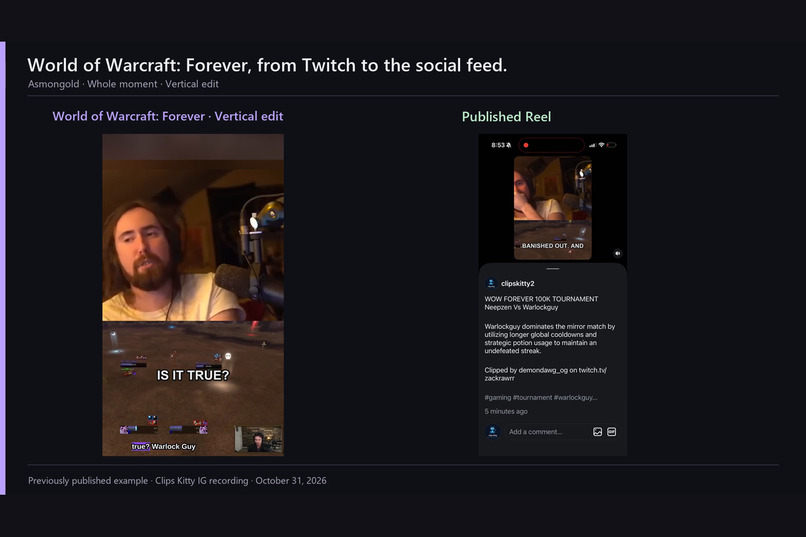
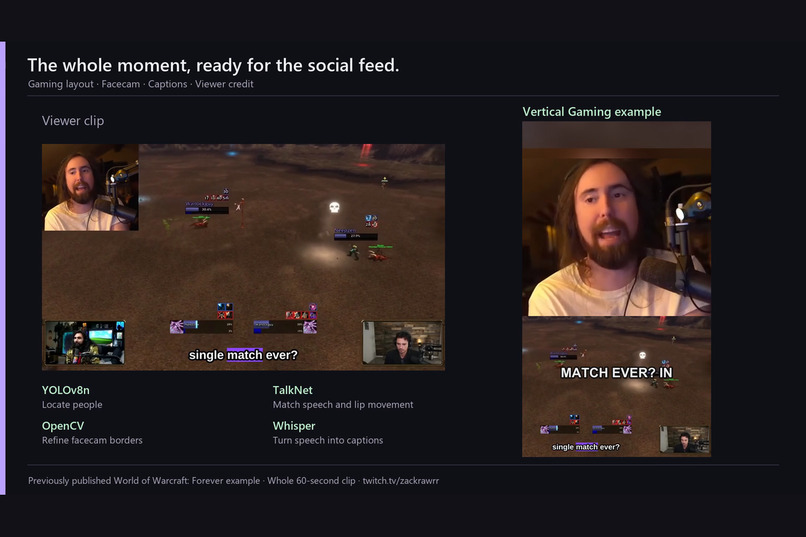
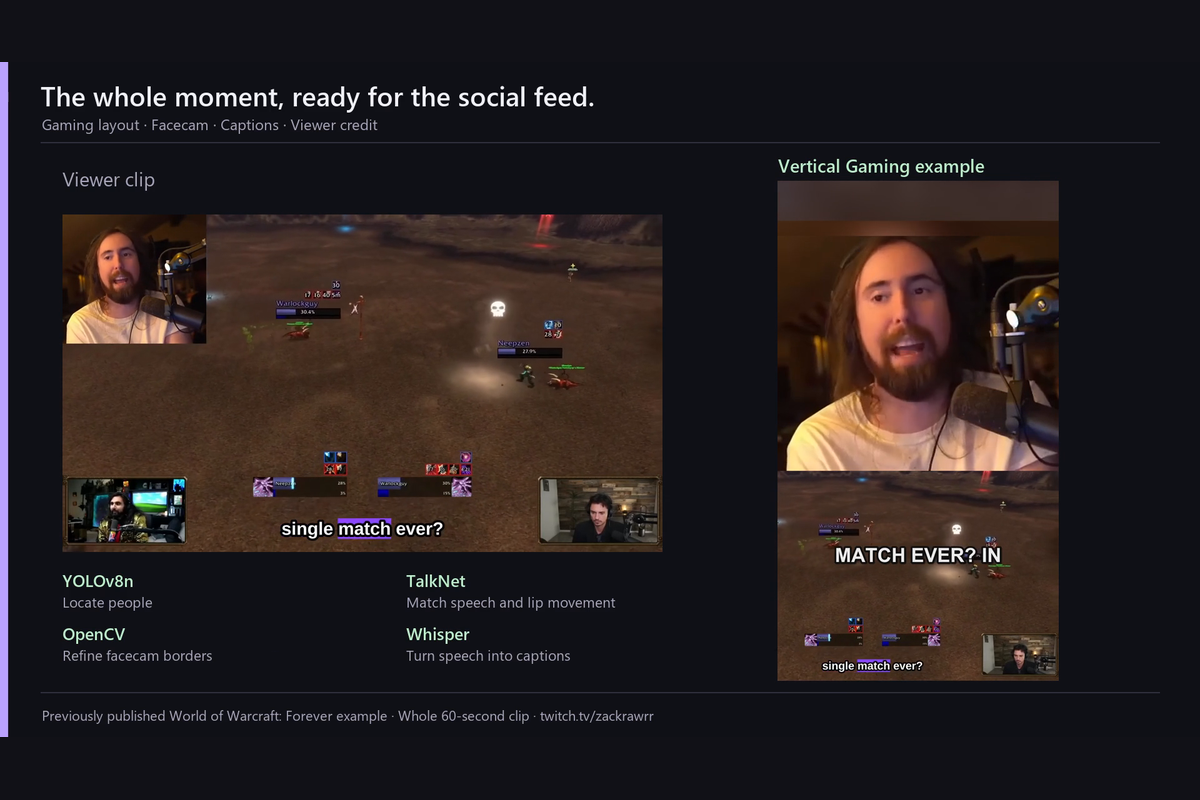
The viewer already chose the moment, so Clips Kitty preserves the whole clip. It creates a vertical Gaming video, adds optional captions and credits the viewer who clipped it.
The rendering pipeline uses:
- YOLOv8n to locate people.
- TalkNet to match speech and lip movement and help identify the speaking streamer.
- OpenCV to refine the facecam borders.
- Whisper to turn speech into captions.
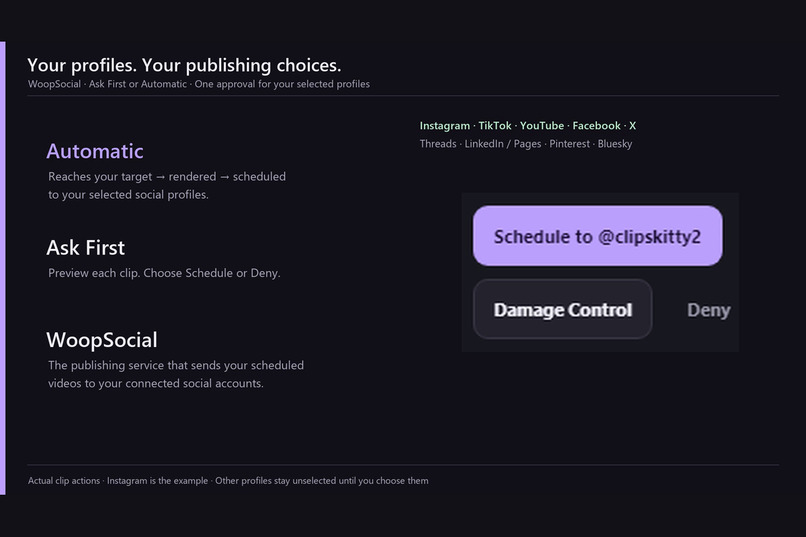
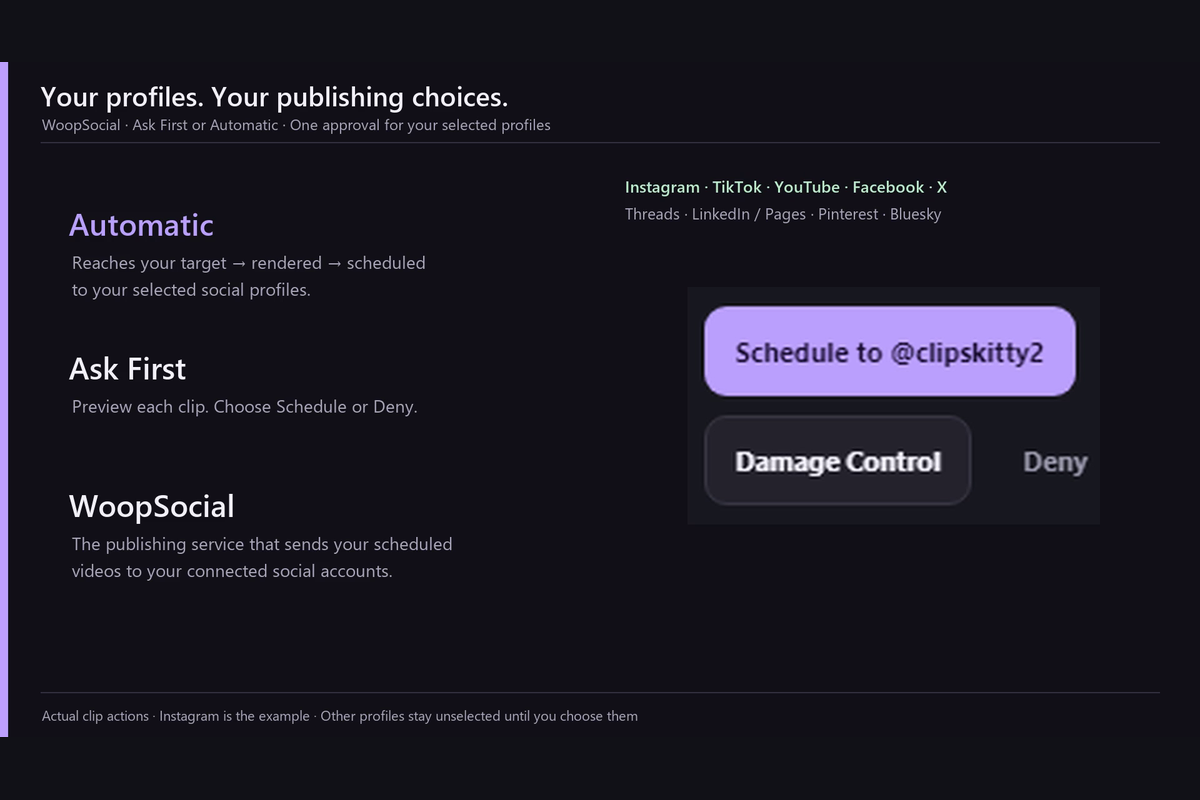
Choose Automatic to render and schedule qualifying clips, or Ask First to preview each clip and choose Schedule or Deny. WoopSocial handles publishing scheduled videos to the selected connected social profiles.
The defaults are five clips per day and five upcoming clips, shared across channels. Persistent storage retains work across restarts, duplicate and overlapping moments are filtered, and uncertain publishing attempts are held for inspection rather than blindly resent.
A Damage Control preview sits beside Schedule and Deny. It opens a dialog without deleting media, sending takedowns or contacting a lawyer.
The project is open source and BYOK: your keys, your accounts and your hosting. Local captions and rendering do not require an OpenAI API key or consume the project creator’s Codex allowance.
How we built it
I used Codex as my implementation and debugging partner for the FastAPI server, SQLite queue and publication outbox, browser dashboard, Twitch polling, publishing controls, tests and deployment documentation.
The app runs locally or in Docker. The demonstrated cloud deployment uses Ubuntu on AWS Lightsail, persistent storage and Caddy HTTPS. Detection, transcription and encoding run sequentially to reduce memory pressure on a CPU server.
This project builds on the pre-existing open-source Clips Kitty application as a disclosed starter foundation. Provider adapters, Gaming libraries, TalkNet source and parts of the regression suite were reused under their licenses. Twitch Autopilot work was developed October 30–31, 2026, and the independent browser application was assembled November 1 with its own dashboard, database, worker and deployment setup. Exact file origins are documented in PROVENANCE.md; reused components are not claimed as newly written.
Codex build session: 01a18b17-1906-7f23-b4c4-9a99fd010bd9.
Challenges we ran into
Selecting the streamer camera was harder than simply finding a face. The pipeline needed to distinguish a speaking streamer from game characters and other people visible in the source.
Real rendering checks also exposed duplicate webcam imagery and generated captions overlapping gameplay. Codex helped investigate those defects and verify the corrections using decoded output frames.
Publishing introduced another challenge: an interrupted request cannot safely be treated as a failed request. The app freezes approved destinations, stores publication state and holds ambiguous results for inspection to reduce duplicate sends.
Accomplishments that we're proud of
The standalone app ran on AWS with authenticated HTTPS, real Twitch reads on two channels and whole-clip Gaming rendering.
The project passes 217 automated checks, including real FFmpeg rendering and decoding cases. Windows, Linux and a memory-limited CPU container passed CI checks, including real model inference.
The demo includes actual interface footage and a clearly labeled, previously published Clips Kitty Instagram example.
What we learned
Reliable automation depends on persistent state and recoverable failures as much as on model output.
Combining detection, speech and image-processing signals produces better framing than relying on a single signal. Running model stages separately also makes a small CPU deployment more practical.
Clear publishing choices matter: creators should understand which profiles will receive a clip and whether it will publish automatically or wait for approval.
What's next for Clips Kitty Autopilot
I want to simplify onboarding, improve destination-specific validation messages, add media-retention controls and gather more end-to-end feedback across games and social networks.
The goal stays the same: let communities surface the moments worth sharing while streamers keep playing.

Log in or sign up for Devpost to join the conversation.