-
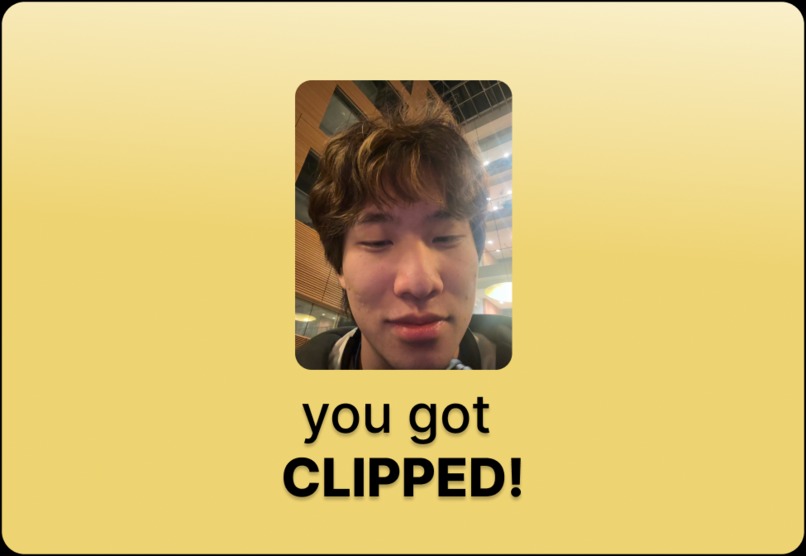
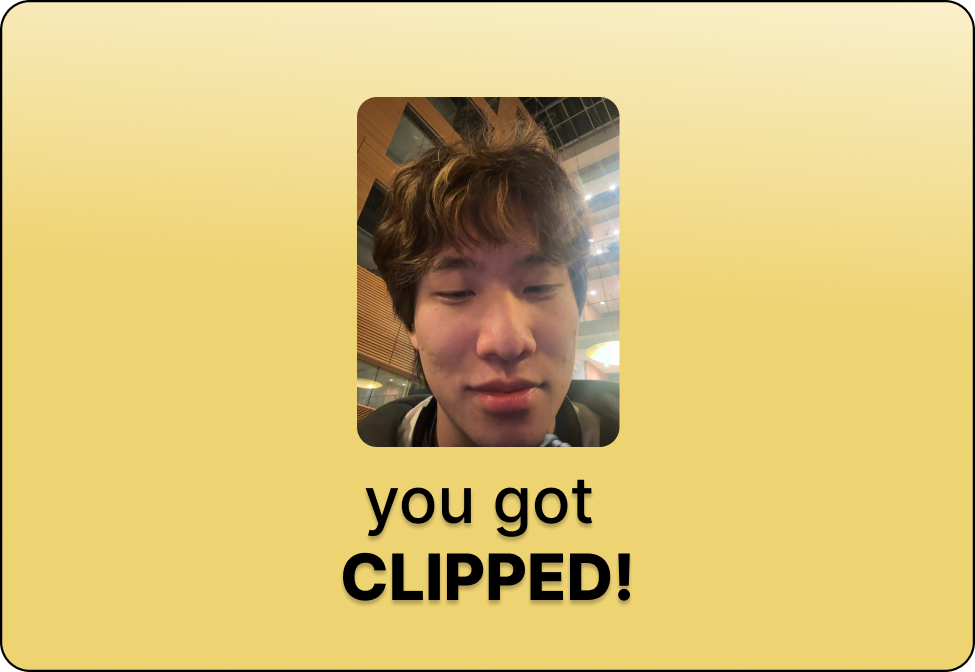
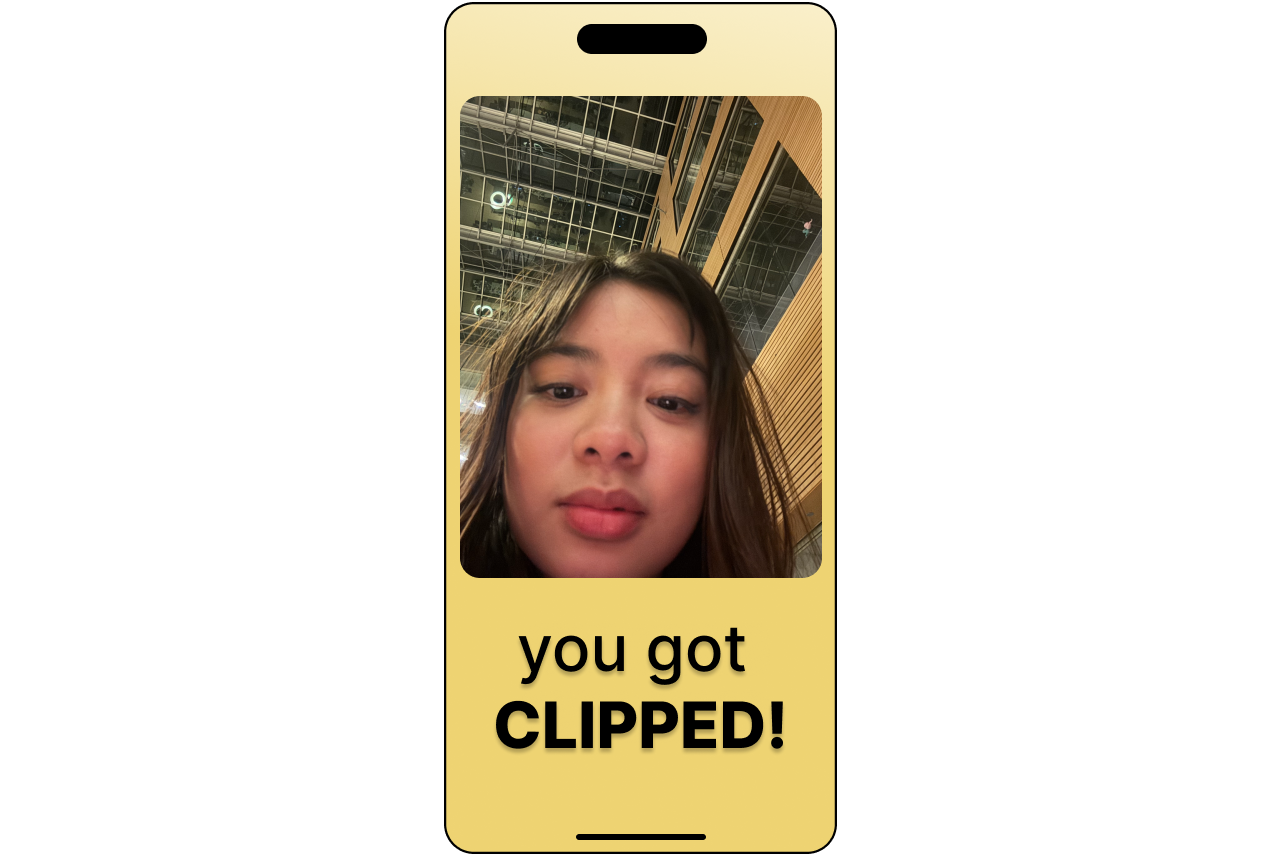
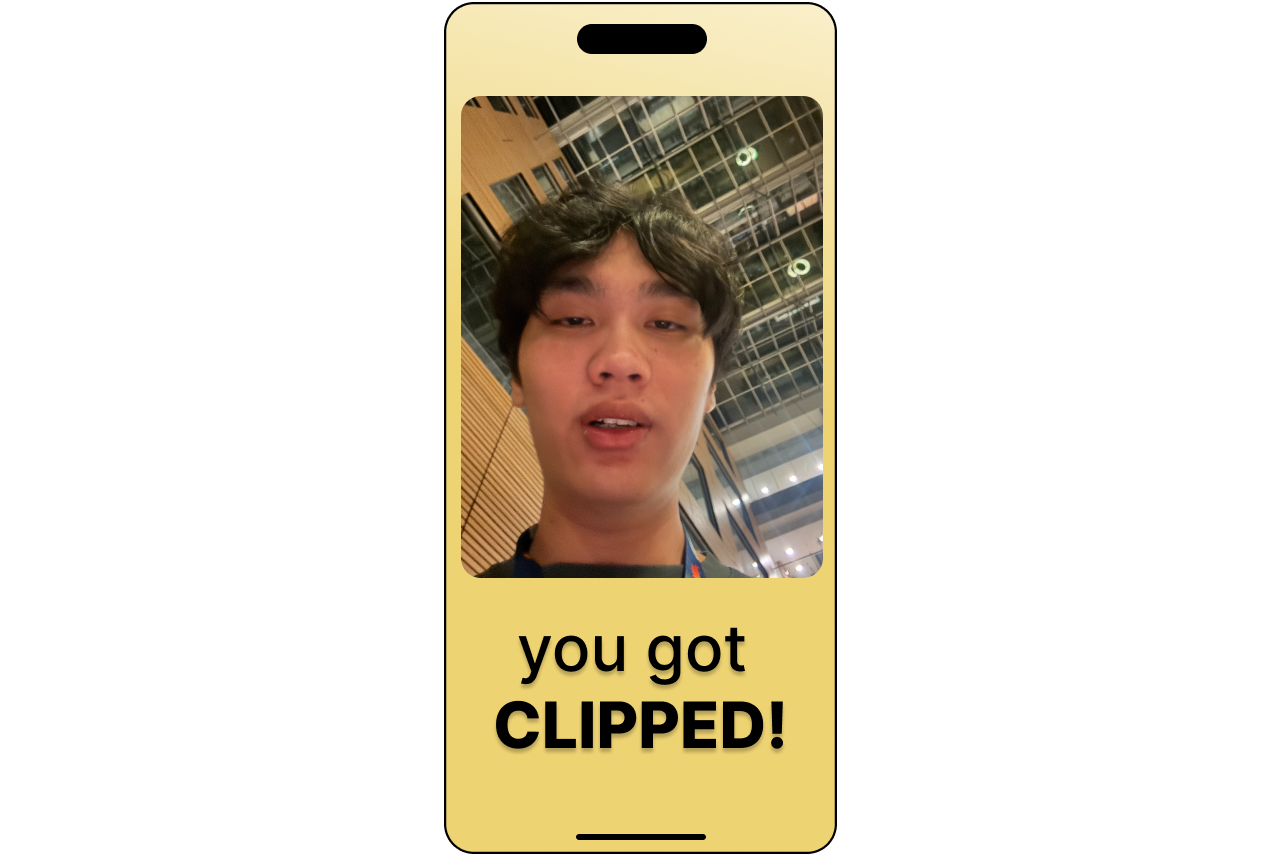
Getting clipped while taking a youtube break
-
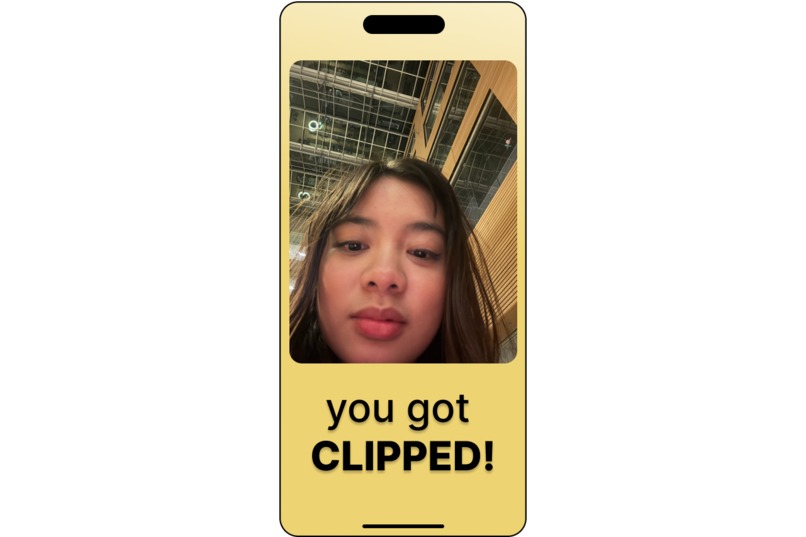
Doomscrolling = Getting Clipped!
-
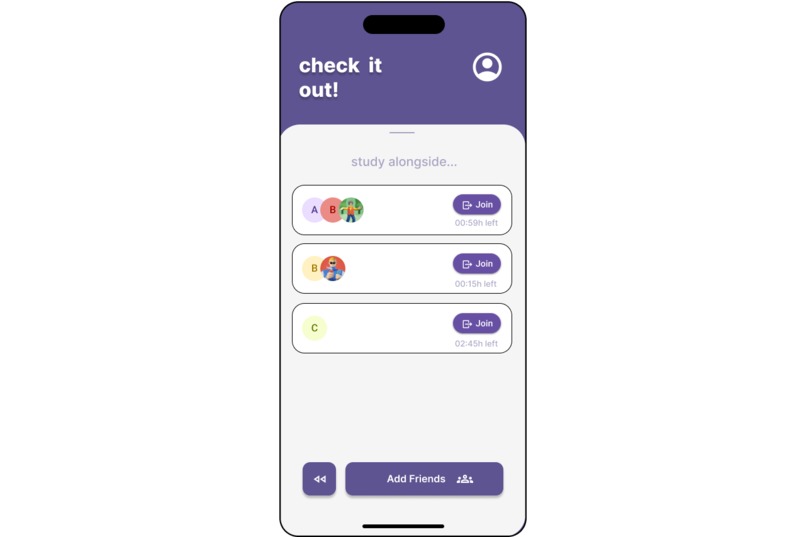
Watch your friends study and see their clips when they don't!
-
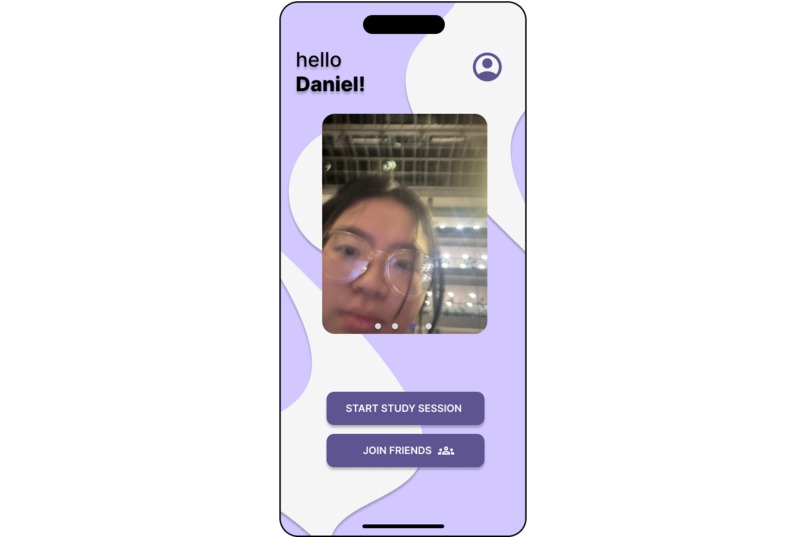
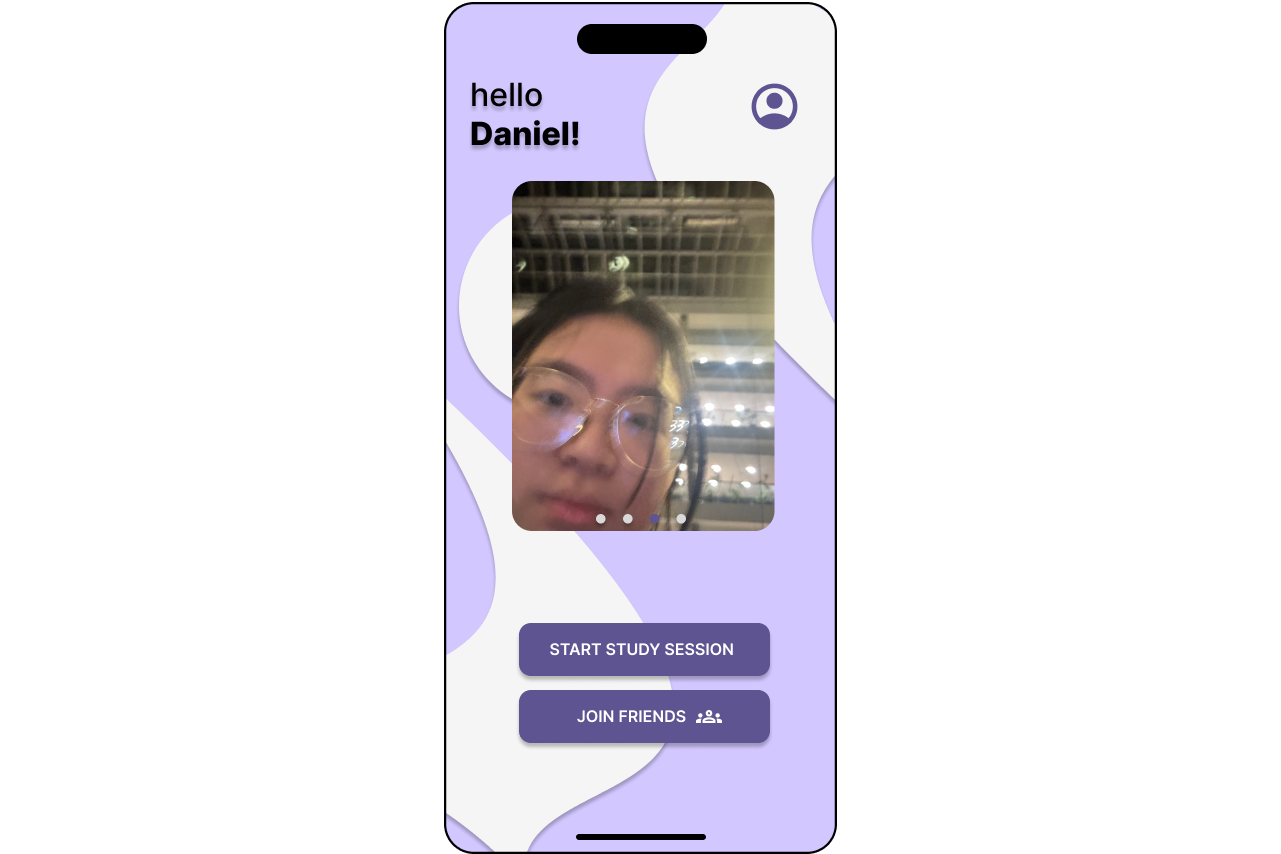
Homescreen, featuring all your friends' doomscrolling faces
-
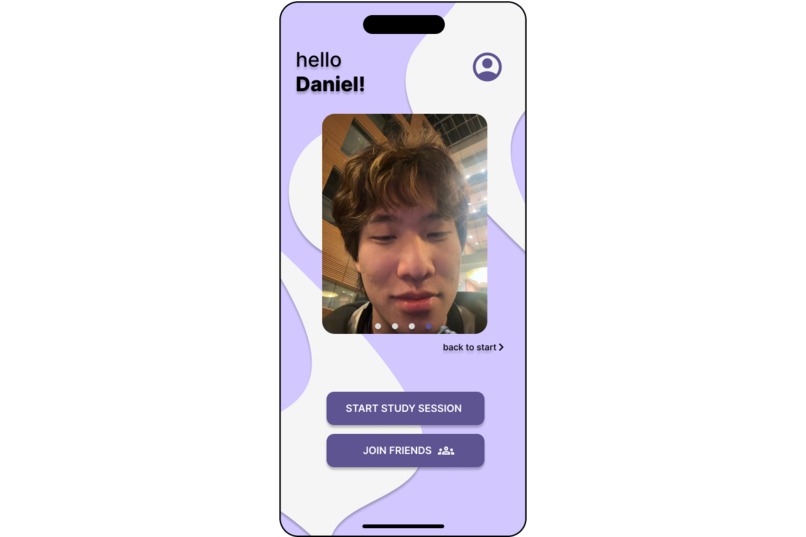
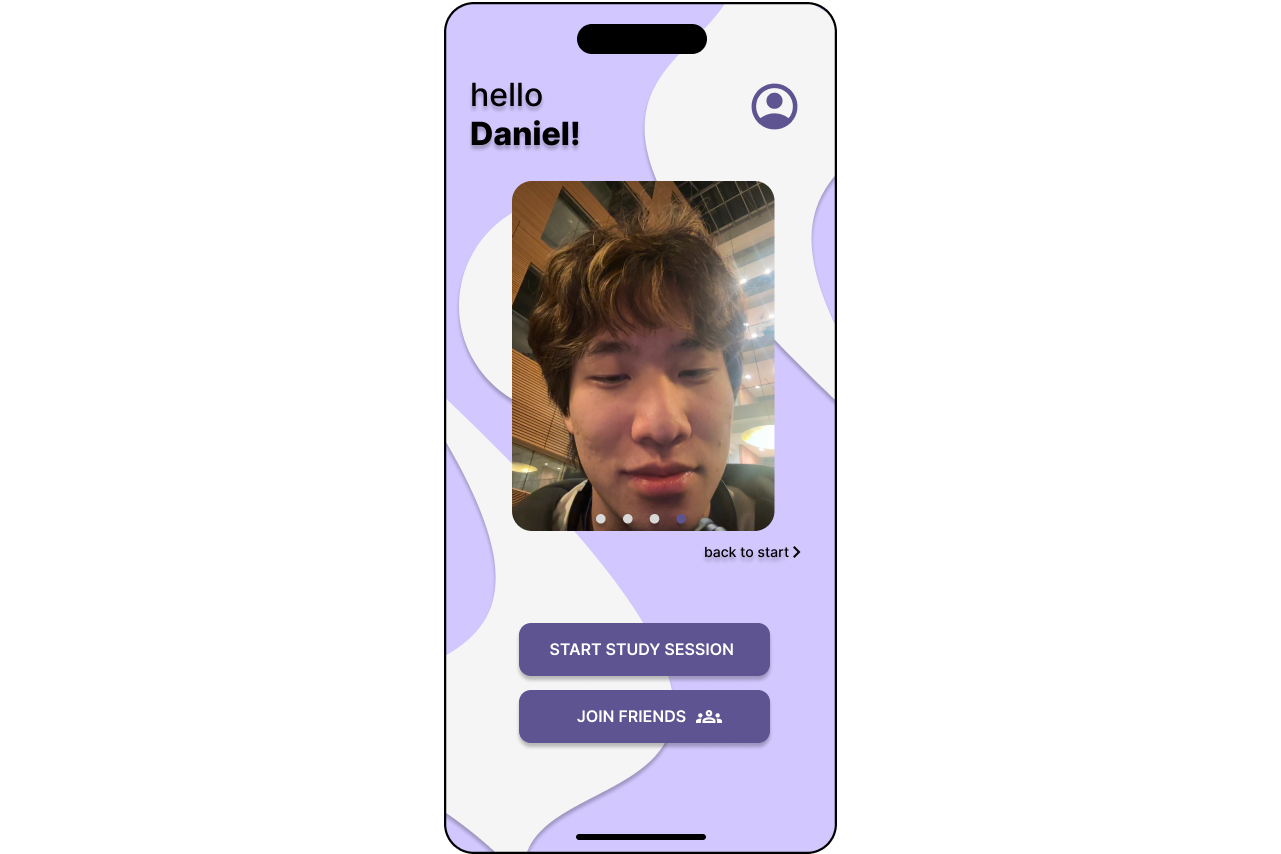
Homescreen, featuring all your friends' doomscrolling faces
-
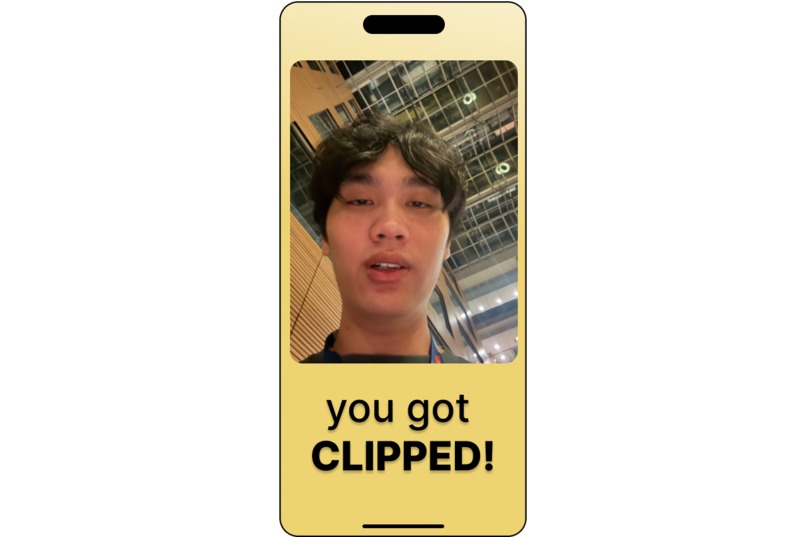
Getting Clipped again
-
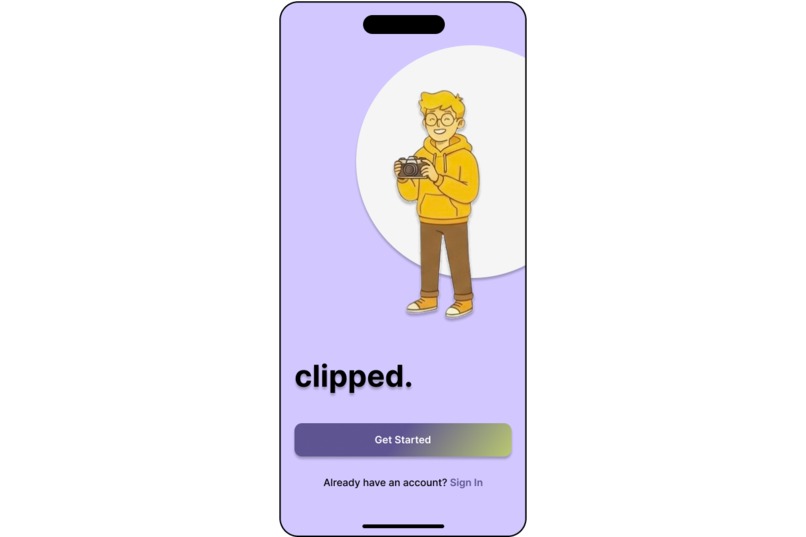
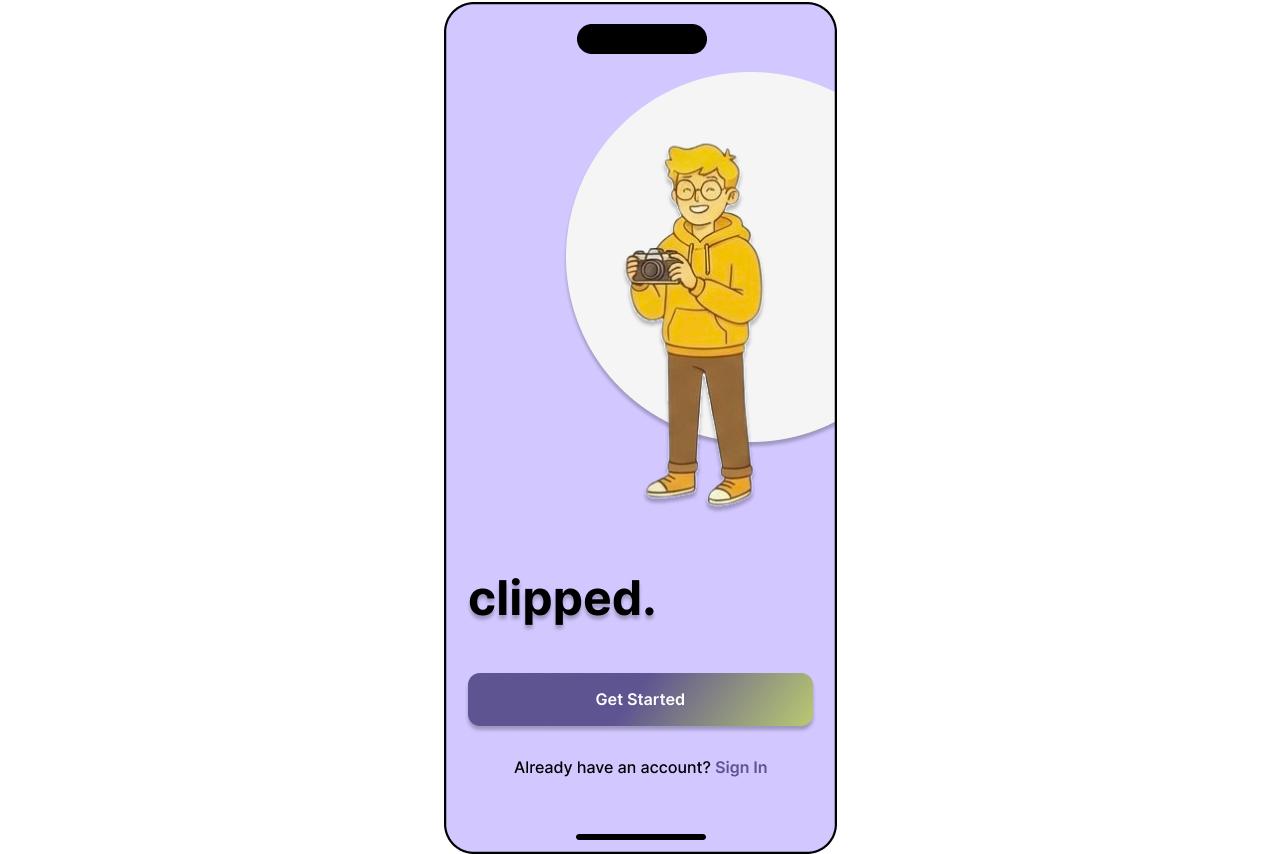
Welcome page
-
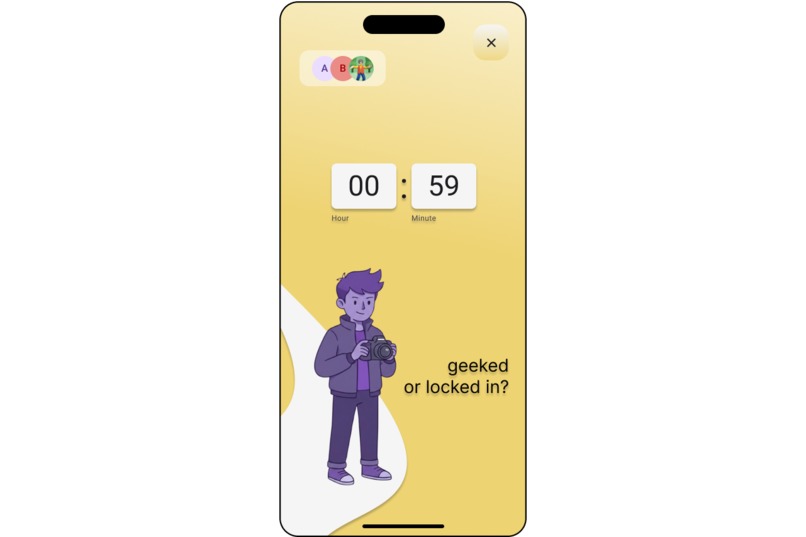
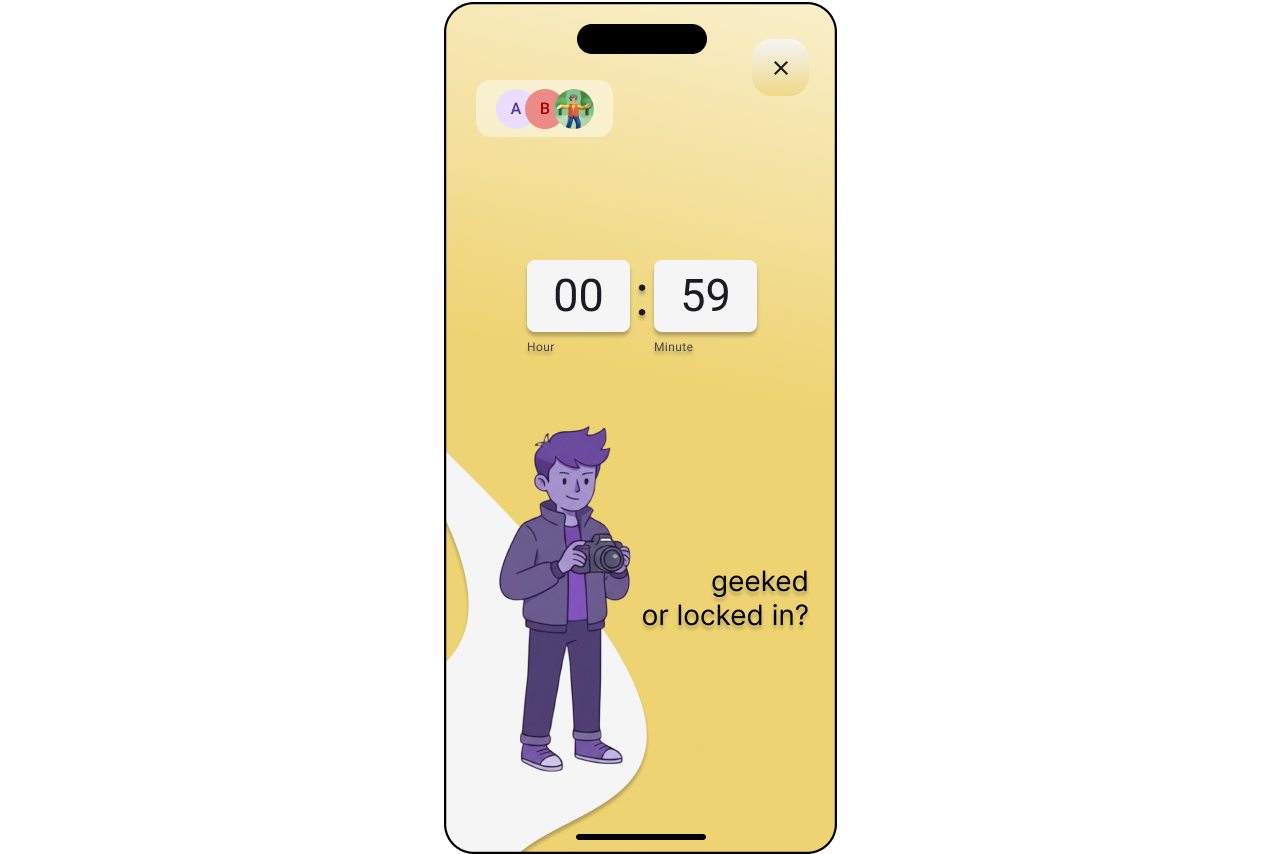
Study timer to keep you on track
-
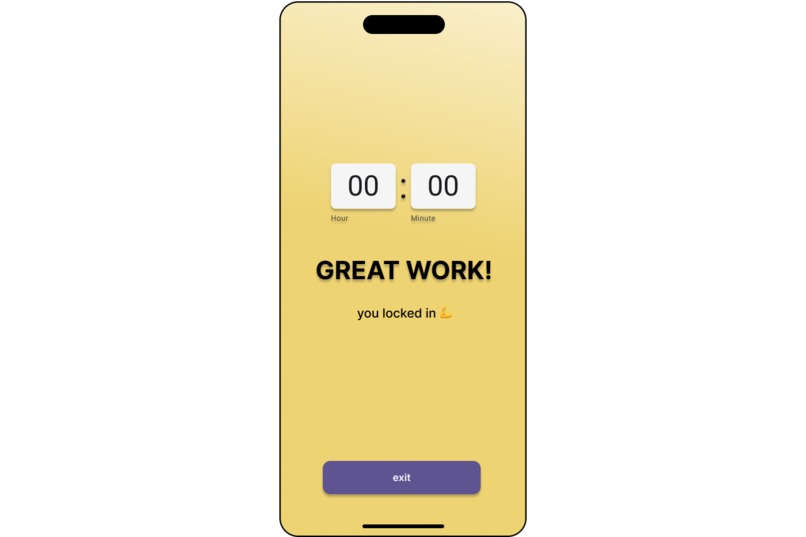
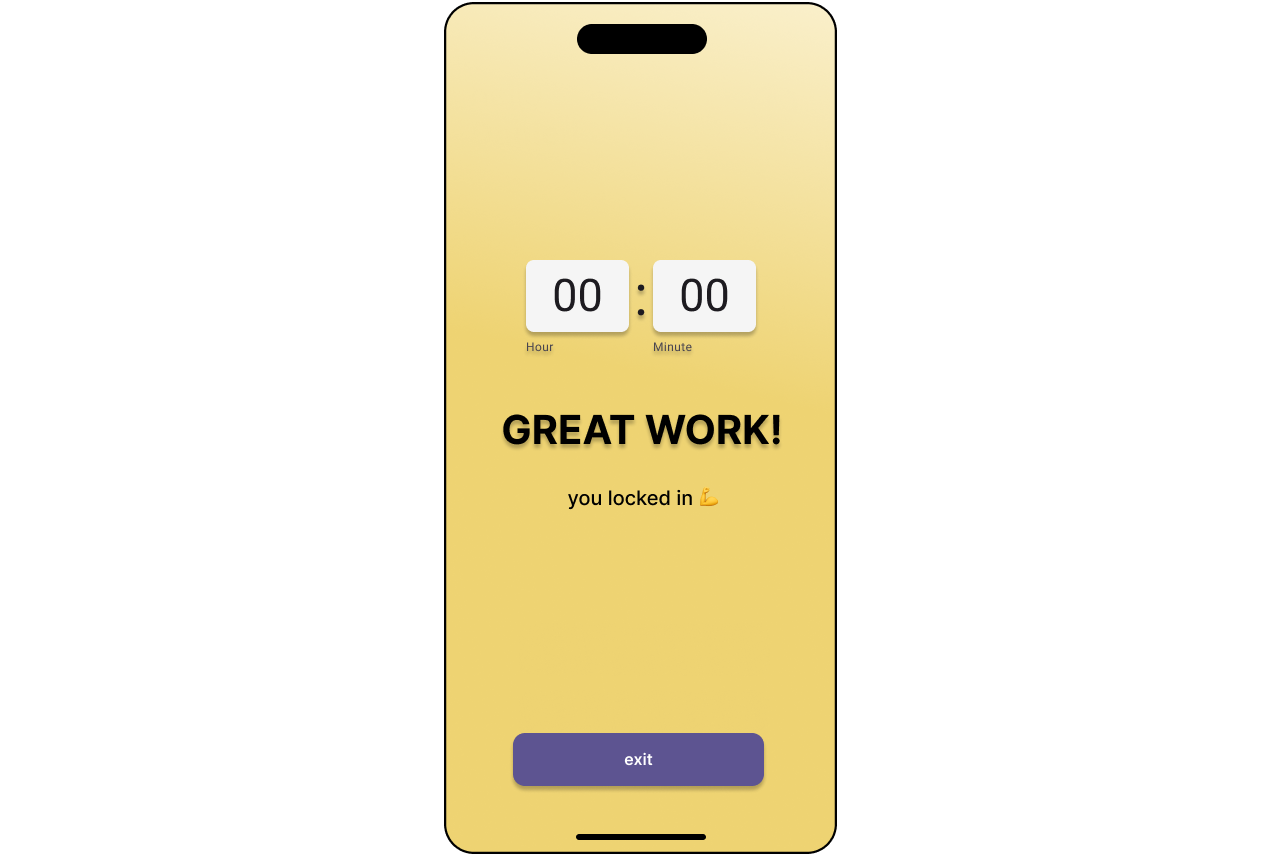
Study timer complete!
-
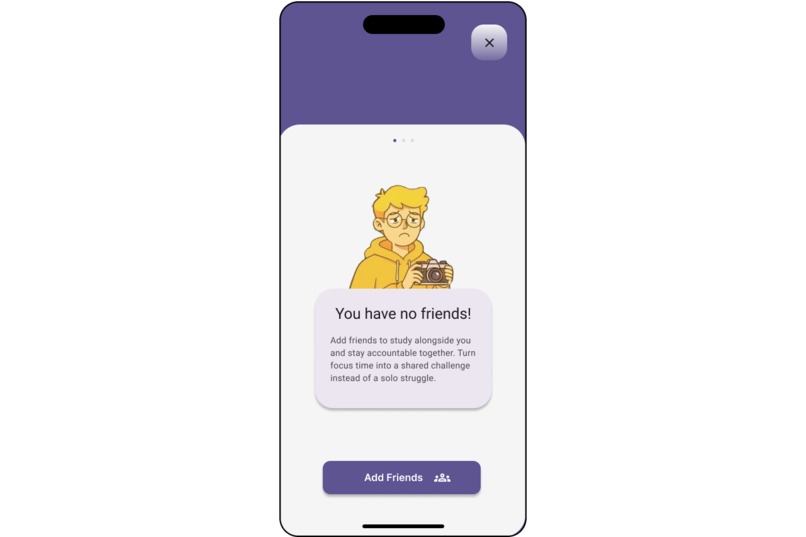
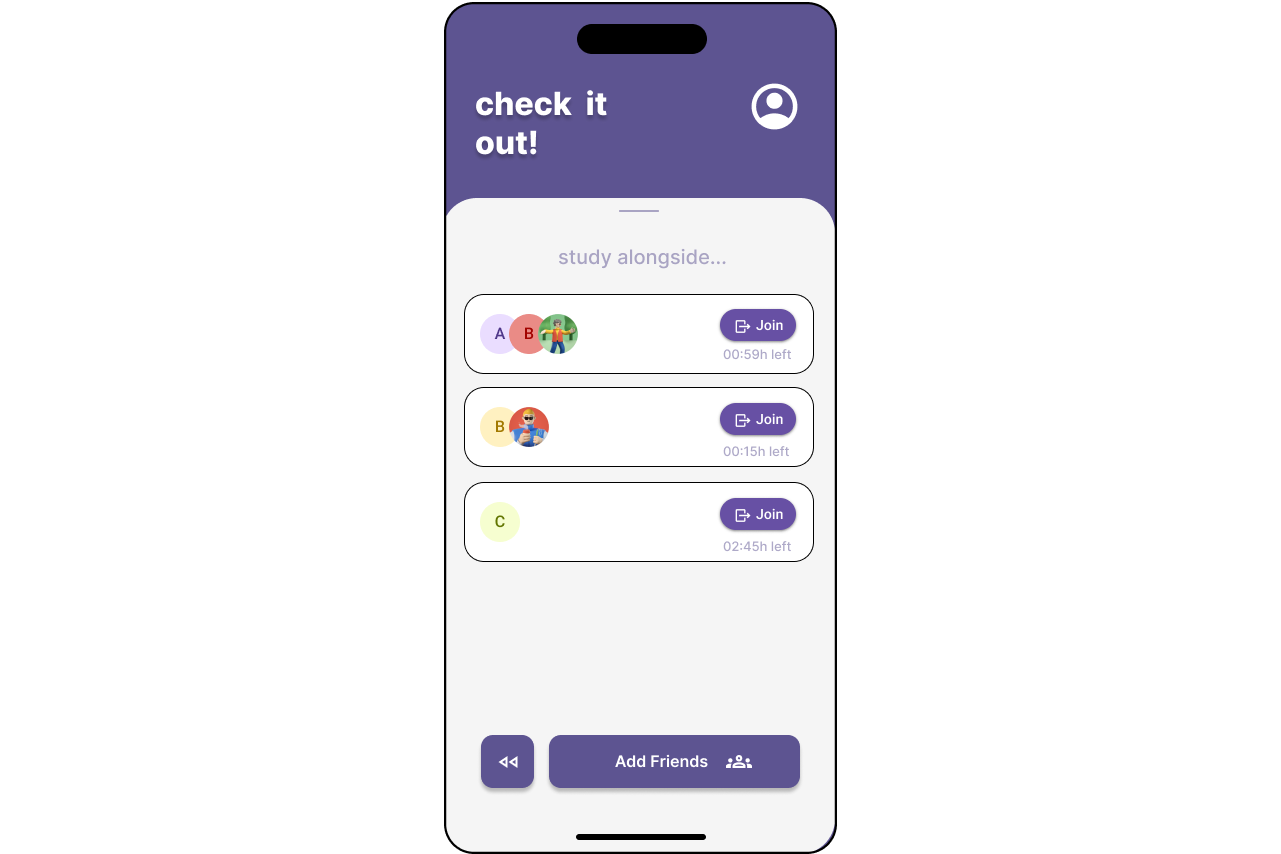
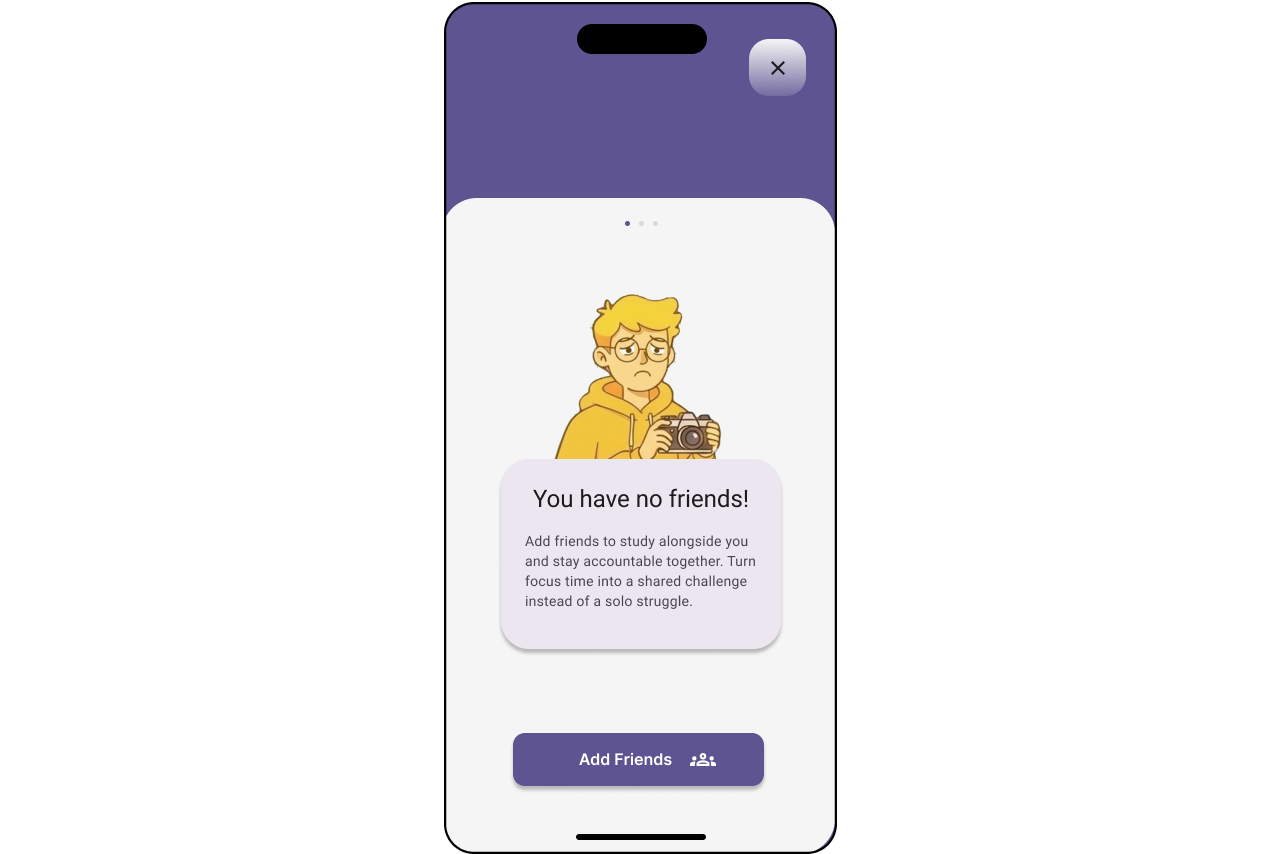
Adding friends
-
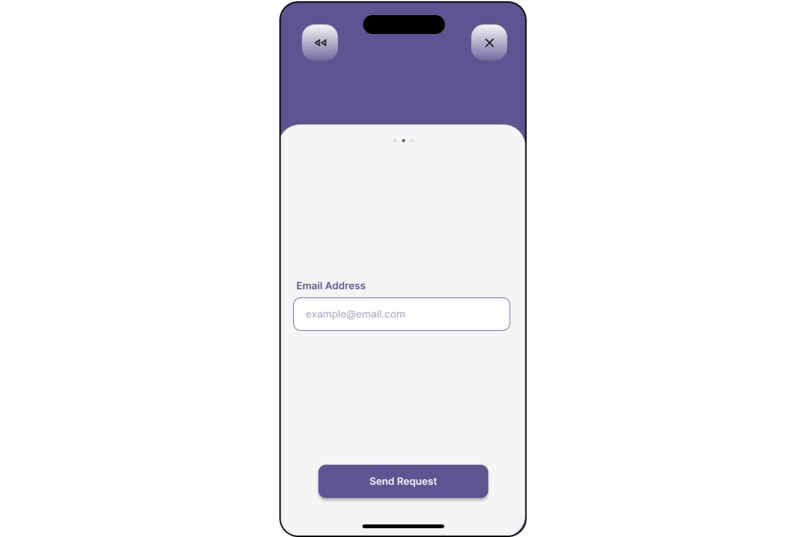
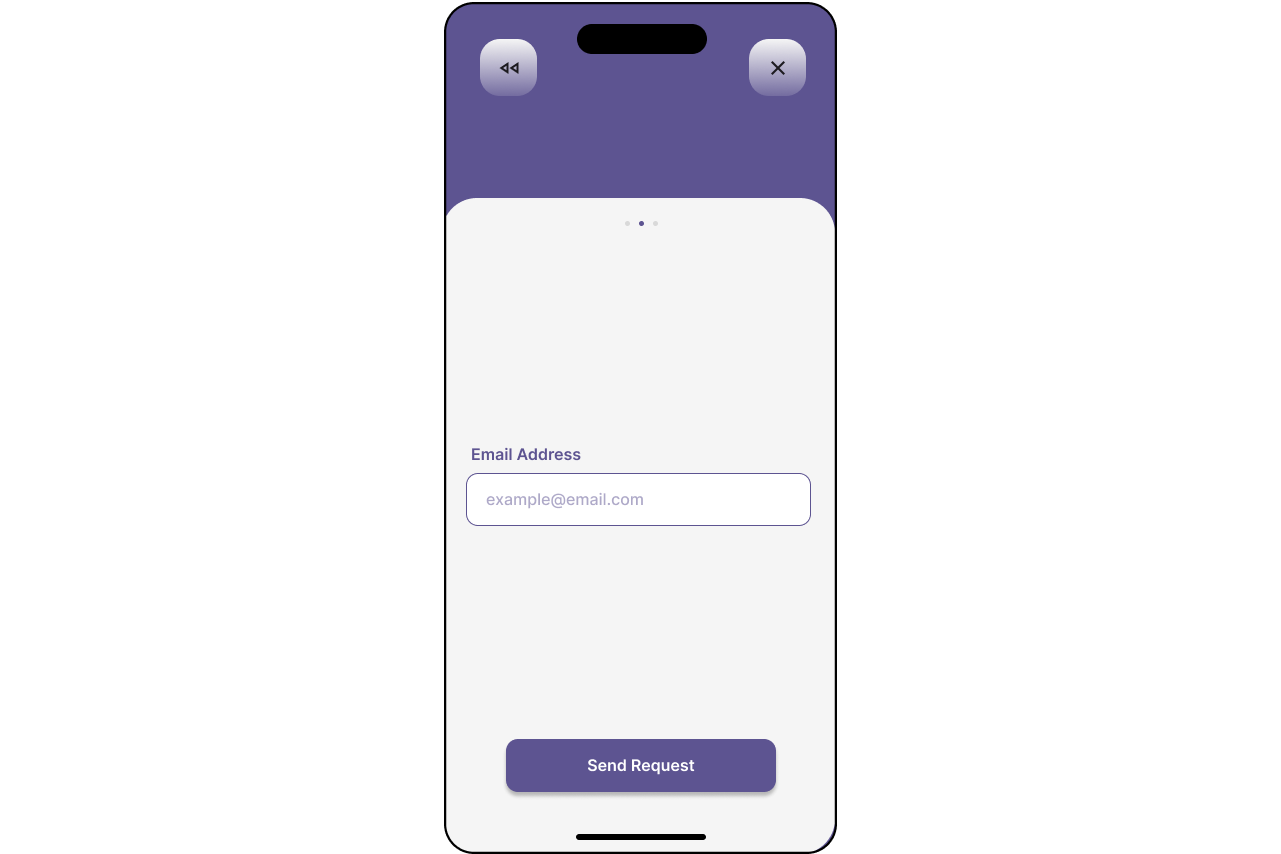
Email as friend id
Inspiration
We all have that one friend who says they’re "locked in" on studying, but five minutes later, they’re doomscrolling on TikTok. Nowadays, individual willpower isn't enough to stop the urge to check your phone.
We wanted to solve this in a unique and entertaining way. We realized that for some people, the best motivator isn't a productivity graph, but rather is the fear of getting exposed in front of your closest friends. Get Clipped turns a study session into a high-stakes standoff where if one person folds, everyone knows immediately and instantly get a clipped photo of the person who folded.
What it does
Users log in (via Firebase Auth) and add their friends to a study group.
Users can either start a study session, or join a friend's study session
When study mode is on, you cannot swipe away to check TikTok or Instagram. If you do, it instantly triggers the camera, snaps a photo of your face, and uploads it to Firebase Storage.
That photo is also immediately broadcasted via WebSockets to everyone else in the group, eventually populating the "Clip Feed" with proof of your failure to focus.
How we built it
We built a full-stack mobile application using a hybrid architecture:
Frontend: We used React Native (Expo Go) to build the mobile interface, making use of the AppState API for detecting when the user exits the app and the Camera API for the "clipping" mechanism
Backend: We built a custom Python (FastAPI) server to handle the logic. This server manages the real-time user connections
Real-Time Communication: We implemented WebSockets to achieve low-latency feedback. When a user fails, the server instantly pushes the new data to all connected clients without them needing to refresh!
Cloud Infrastructure: We integrated Firebase Authentication for secure user management and Firebase Storage to host the images and manage friends. The backend acts as a bridge, receiving the image from the phone, sending it to Firebase, and then distributing the download URL to the group.
Challenges we faced
Since our server was running locally on a laptop and the clients were on mobile phones (via Expo), we struggled with the localhost issue. We had to configure the FastAPI server to host on 0.0.0.0 and manually bridge the mobile devices to the server IP address to allow for API calls.
WebSockets: Implementing the WebSocket connections and ensuring they stay alive across different devices was tricky. We had to debug issues with initializing the WebSocket connection and with maintaining the connection when another API call is made.
Merge Conflicts: With multiple team members working on the same files (especially the main App.js and the frontend pages), we ran into several Git merge conflicts that required us to sit down and discuss how to recollect parts of the code.
Connecting roomIds: Figuring out the WebSocket connections that correspond to the same room was tricky. When attempting to make changes to all users in a room (share a roomId), there were many issues that we're very challenging to debug.
Expo Go: When testing the code, some devices were very glitchy and slow, causing confusing results.
Accomplishments that we're proud of
- Successfully integrating Firebase Auth and Storage into the frontend-backend flow
- Getting the WebSockets connection architecture to work, where seeing a photo taken on one phone appear on another phone's screen felt pretty cool.
- Building a functional tool that we plan on using with our friend groups!


Log in or sign up for Devpost to join the conversation.