-
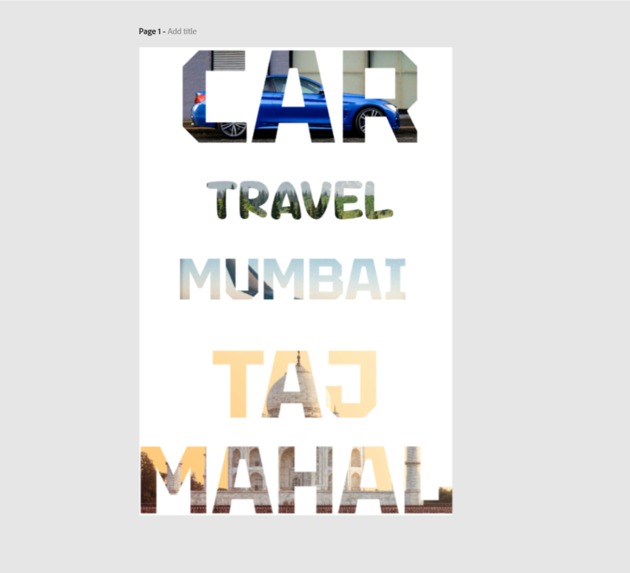
more demo image
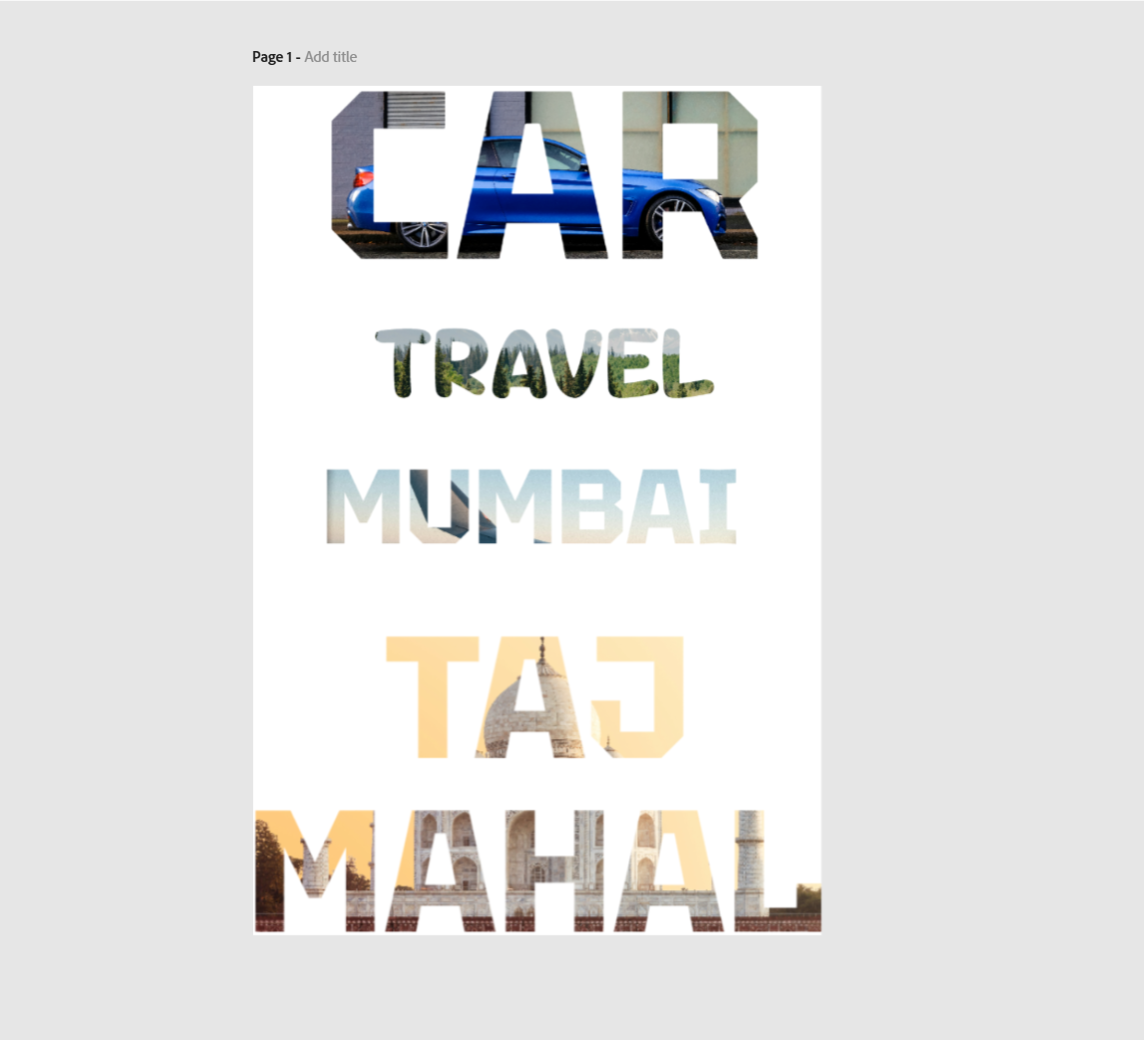
✨ Inspiration
I am fascinated by bold typography styles where images are clipped inside text—something you often see in high-end posters or magazine covers. But doing this manually in design tools takes effort and precision. We wanted to bring that magic to Adobe Express in just one click—making it accessible for everyone, even non-designers.
What it does
Clip It is an Adobe Express add-on that allows users to insert images inside text effortlessly. You type your word, pick an image, and the add-on automatically clips the image inside the letters using smart CSS tricks—no coding or manual masking needed. It creates stunning image-filled typography instantly.
How I built it
I used:
- Adobe Express Add-on SDK to integrate into the editor
- Spectrum Web Components for UI elements
- React to render UI
- CSS to handle the structure and clipping effect
Challenges I ran into
- Making the text responsive across different fonts and sizes while maintaining the image crop quality
- Ensuring the add-on preview inside Adobe Express matched the final export fidelity
Accomplishments that I'm proud of
- Successfully built a fully working design add-on with no external libraries
- Created a real-time preview mechanism for image-inside-text using just CSS
- Kept the experience smooth and minimal—users can go from plain text to stunning headline in seconds
What I learned
- How to work with Adobe Express Add-on SDK and its sandbox architecture
- Deeper understanding of advanced CSS properties
- Importance of balancing design control with simplicity in user experience
What's next for ClipIt
I plan to:
- Add support for gradient backgrounds inside text
- Enable draggable image positioning for better control
- Let users upload or browse stock images directly inside the tool
- Add presets (e.g. Nature, Neon, Paper, Fire) for quick design inspiration
Built With
- css
- html
- javascript
- react
- swc-react


Log in or sign up for Devpost to join the conversation.