Cliper — Devpost project page
Inspiration
I had a folder of long-form videos and no time to cut them. Every creator I talked to had the same problem in a different shape: a two-hour podcast, a webinar recording, a YouTube video that performed well — and no realistic way to turn any of it into the vertical clips that actually get watched.
Manual clipping is not hard, it is just slow. You scrub, you find a moment, you cut, you reframe to 9:16, you caption it, you export, and you do that ten times. The judgement part (which moment is good) takes seconds. The mechanical part takes an hour.
Cliper came out of wanting to remove the mechanical hour.
What it does
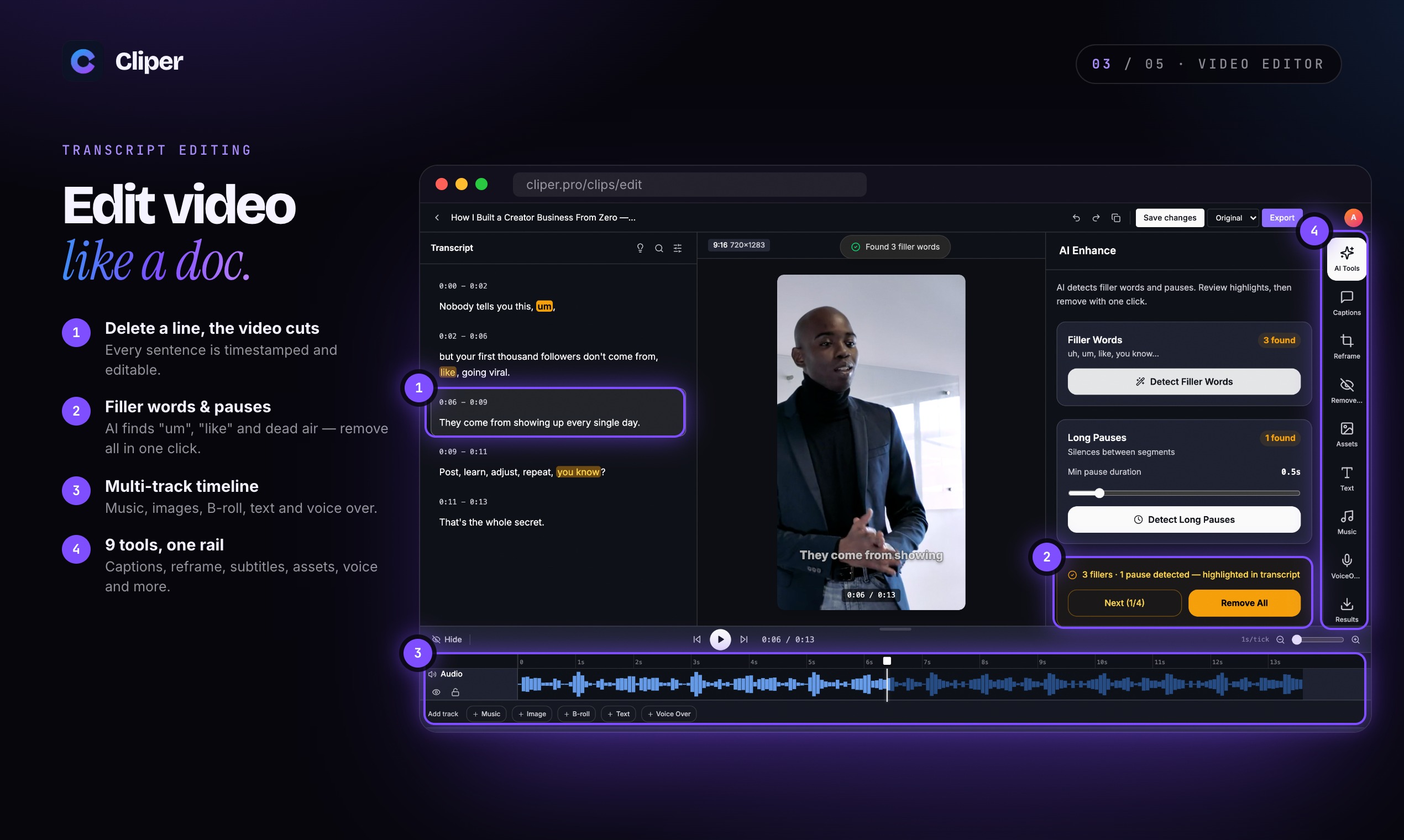
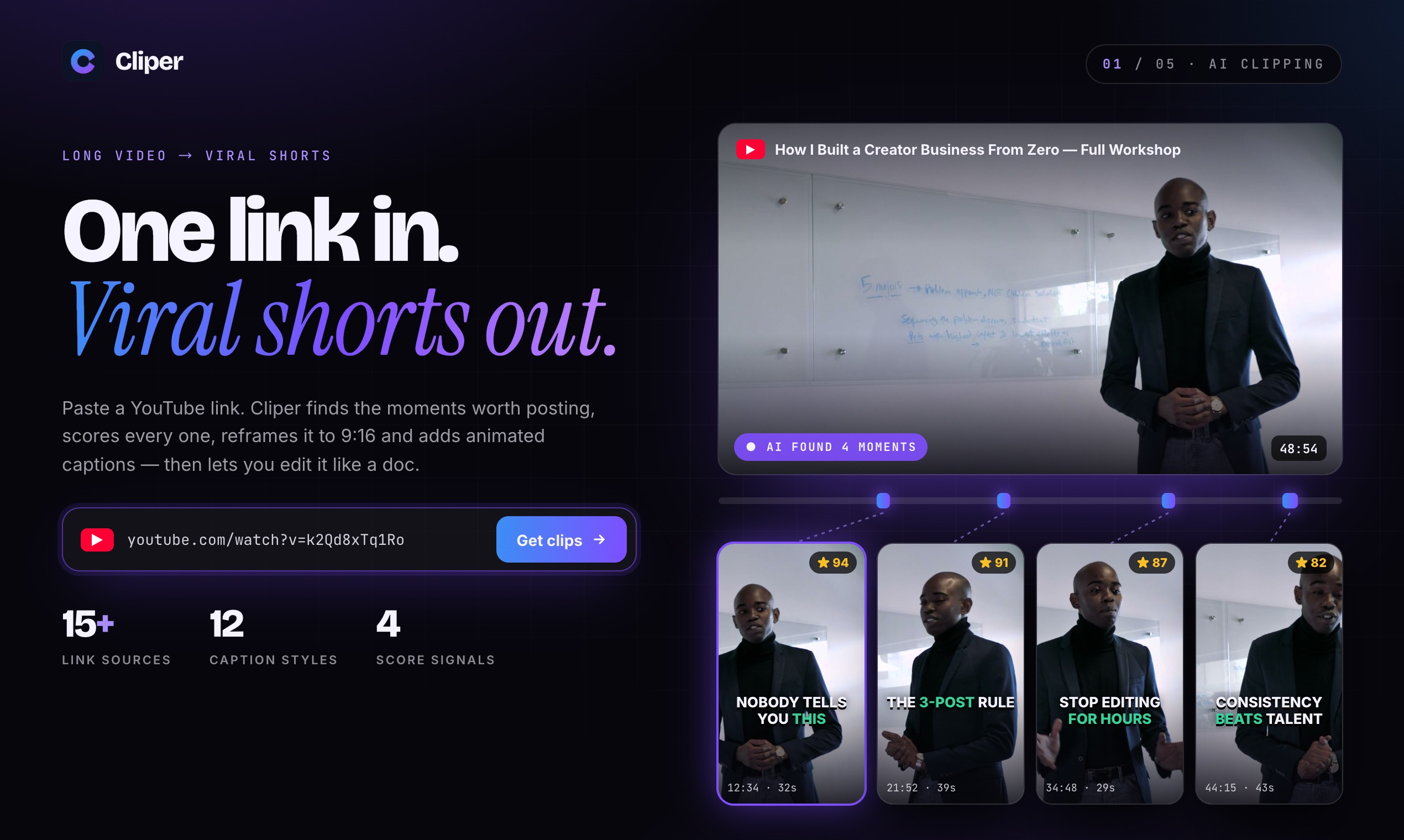
Paste a long video, get short vertical clips ready for TikTok, Reels, and Shorts.
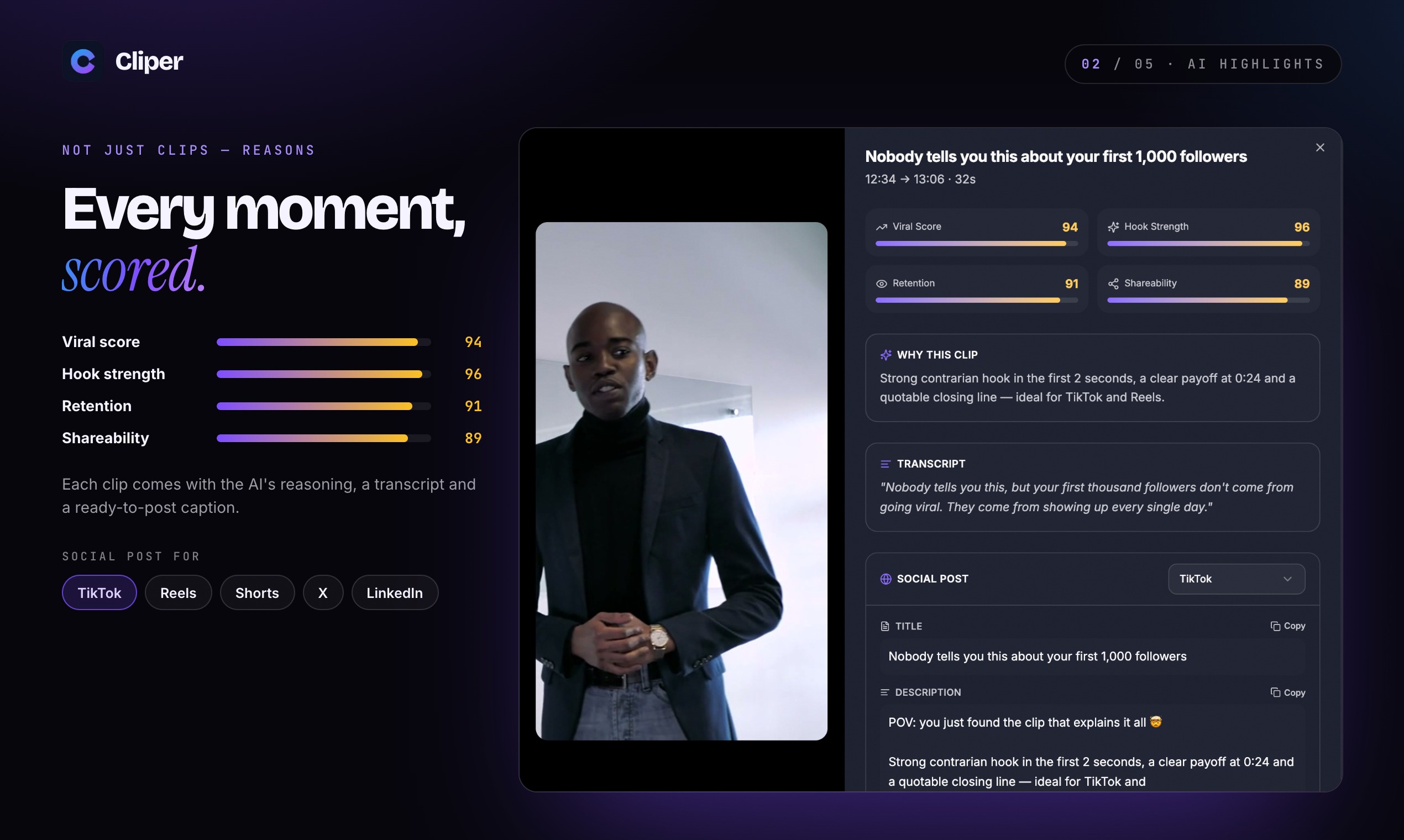
- Automatically finds the moments worth clipping
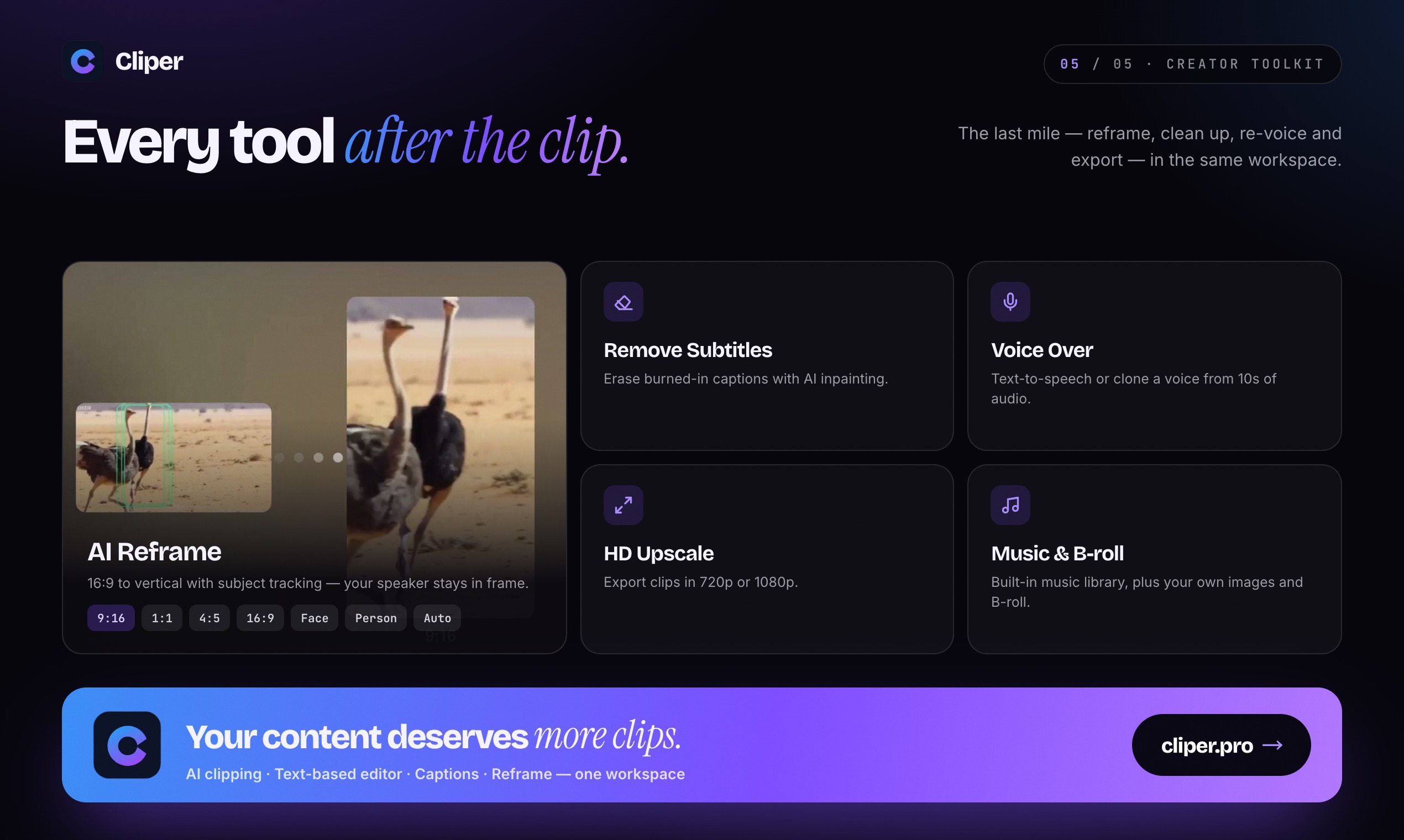
- Reframes horizontally-shot footage into 9:16
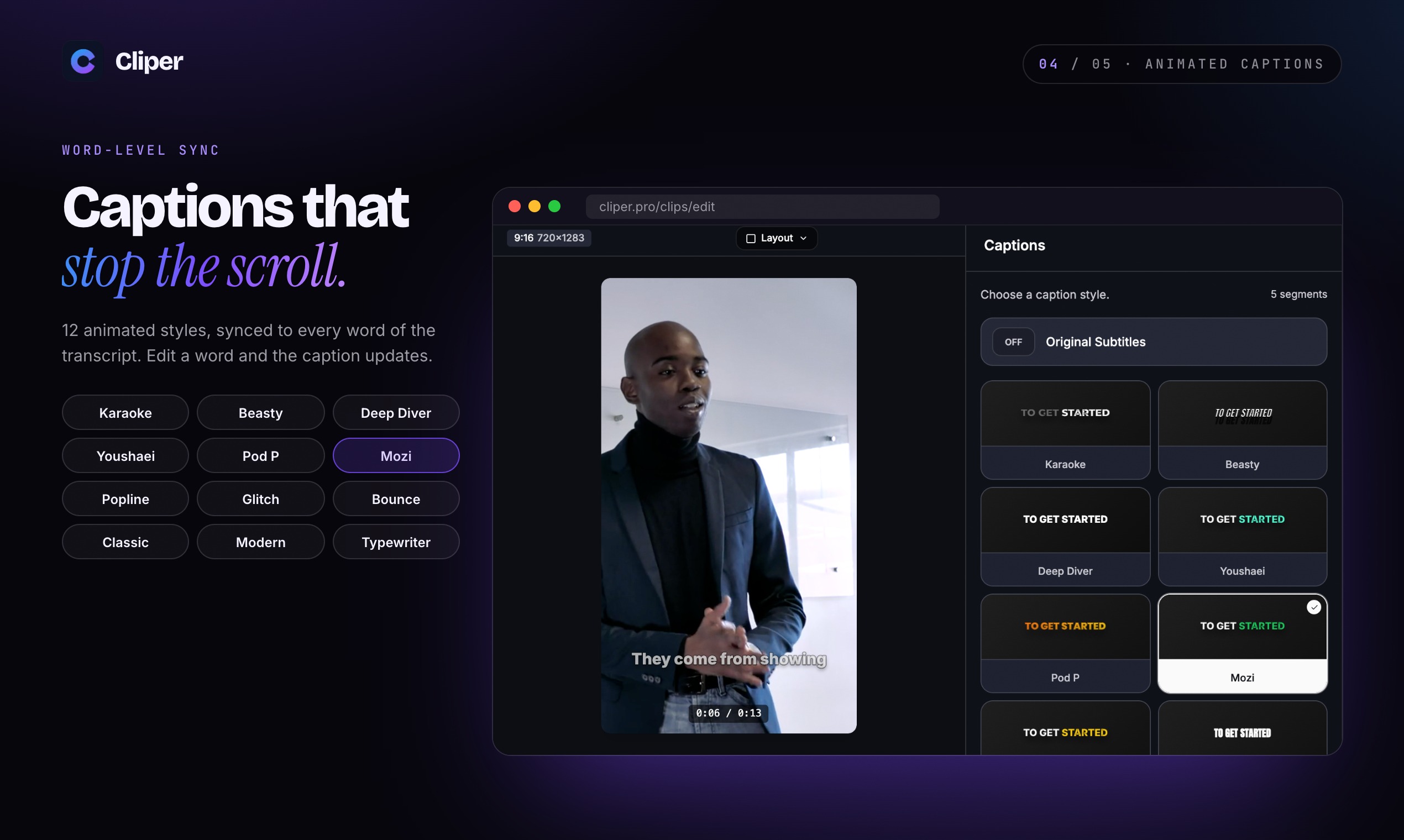
- Burns in captions and formats for each platform
- Processes in seconds rather than real time
How I built it
The architecture is a queue with four stages, each of which can fail and retry independently.
1. Ingest. Download the source with yt-dlp, or accept an upload. Probe it with ffprobe to get duration, resolution, and audio layout — everything downstream depends on knowing the real frame size rather than trusting the container metadata.
2. Candidate detection. This is the part that decides whether the product is any good. I extract audio, run speech-to-text with word-level timestamps, then score sliding windows on a few signals: speech density (dead air kills retention), presence of question-then-answer structure, and audio energy relative to the track's own median. The output is a ranked list of candidate windows, not clips yet.
3. Cutting and reframing. Each candidate becomes an ffmpeg job. The vertical reframe is the fiddly part: you cannot just centre-crop, because the speaker is rarely centred and sometimes moves. I use face detection per keyframe to build a crop path, then smooth it so the frame does not jitter. Two-pass: detect, then filter the path before encoding.
4. Caption burn-in. Transcribe the clip, group words into short lines with a fixed max width, and burn them in. Font size is a function of clip height, not width, because that is what survives platform re-encoding.
Jobs are idempotent — every stage keys off the source file hash, so a retry after a crash does not redo completed work.
Challenges I ran into
The ffmpeg re-encode is the whole cost. My first version re-encoded the full video before cutting, which meant a two-hour source took just as long regardless of how many clips you asked for. Cutting first and only encoding the segments changed the time complexity from "proportional to source length" to "proportional to output length."
Crop path jitter looked worse than a static crop. Frame-by-frame face following produces a camera that twitches. I had to smooth the path with a moving average and clamp how fast the crop window is allowed to move per second. A slightly static crop that keeps the speaker in frame beats a perfectly-following crop that feels shaky.
Captions were unreadable after platform compression. Text that looked fine in the export got destroyed by TikTok's re-encode. Larger font, thicker stroke, and less text per line fixed it. This is the kind of thing you only learn by looking at the output on the platform, not in the editor.
Accomplishments that I'm proud of
- Getting candidate detection to a hit rate where most of what it surfaces is actually usable. Selecting the right moments is the difference between a tool and a random slicer.
- The crop path smoothing. It took several iterations and it is invisible when it works.
- Keeping the pipeline idempotent, so a crashed job resumes instead of starting over.
What I learned
The hard part of video tooling is never the model. I assumed the intelligence would be the challenge. It was not — it was frame-accurate cutting, aspect ratio handling, and making text survive someone else's encoder. The "AI" part took less time than the ffmpeg part.
You have to judge the output where the user sees it. A clip that looks correct in a desktop player can look wrong on a phone with platform chrome covering the bottom third. I now check every formatting decision on an actual vertical video, not in a preview pane.
What's next for Cliper
- Local processing mode. Upload nothing, run the whole pipeline on the user's machine. Video files are large and people are rightly cautious about them.
- Speaker-aware cropping. Track multiple speakers and cut between them instead of keeping one in frame.
- Brand presets. Save caption style, font, and safe-area margins so a team produces consistent clips.
- Clip-level feedback. Let users mark a surfaced moment as good or bad, and use that to tune the scoring per channel.


Log in or sign up for Devpost to join the conversation.