-
-
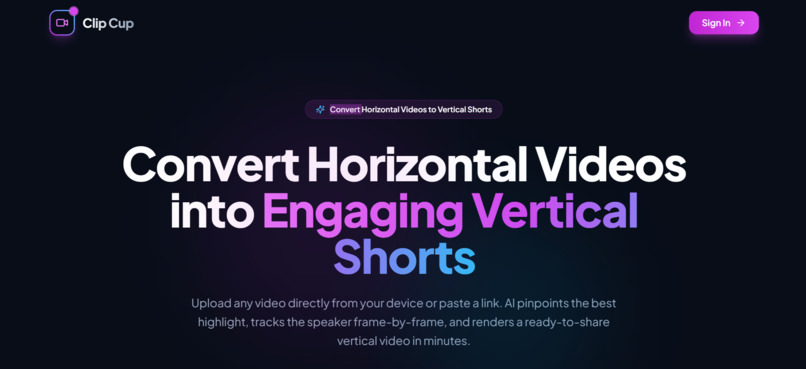
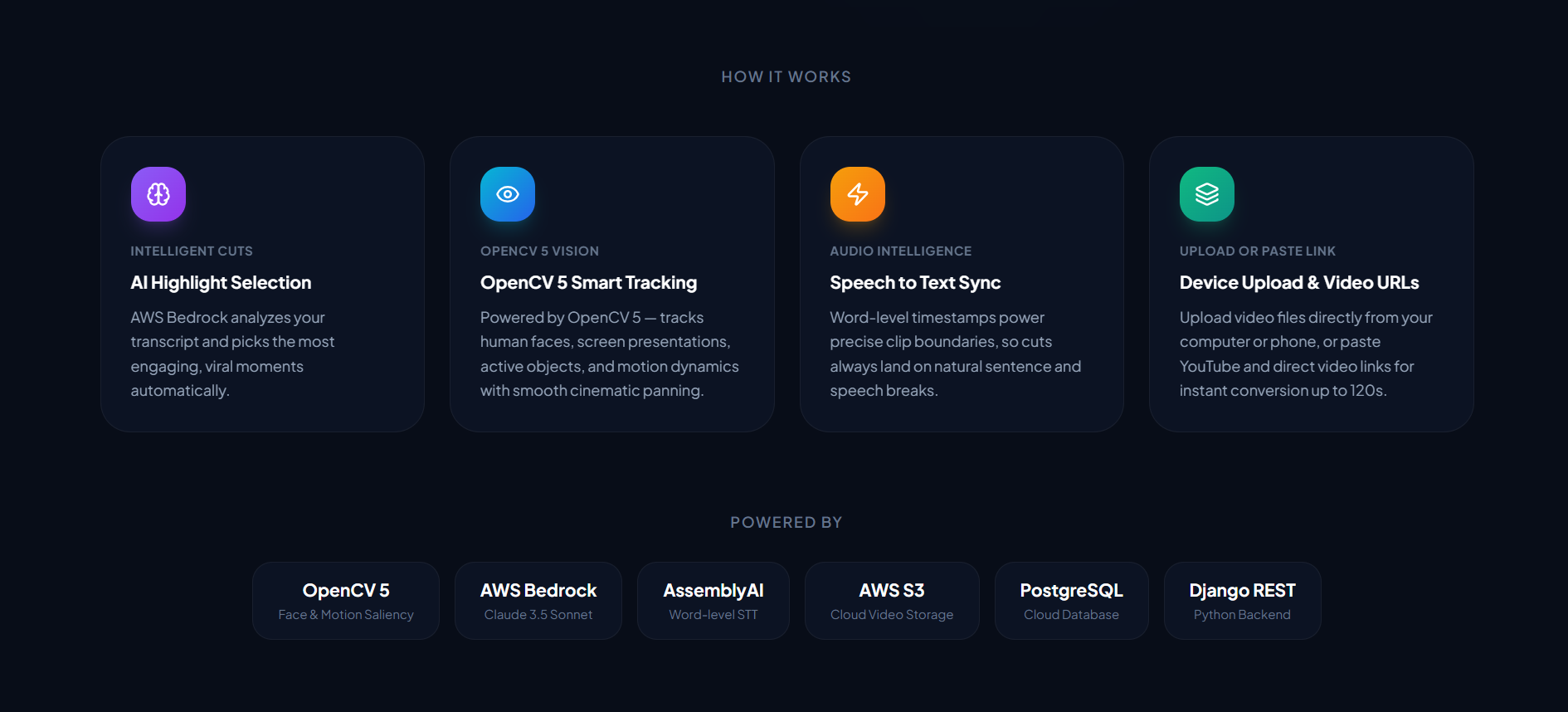
Landing Page
-
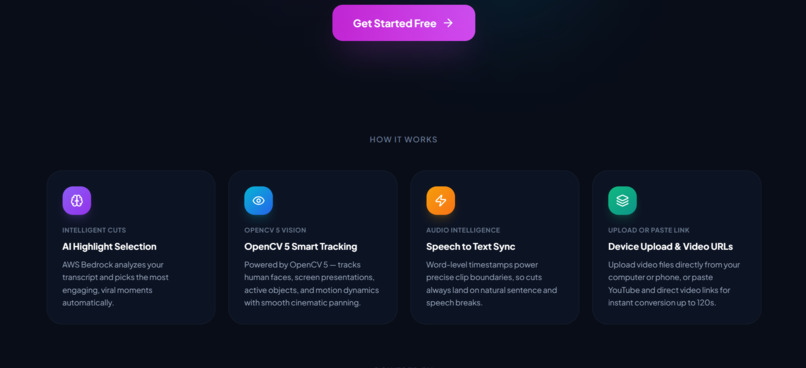
Landing Page
-
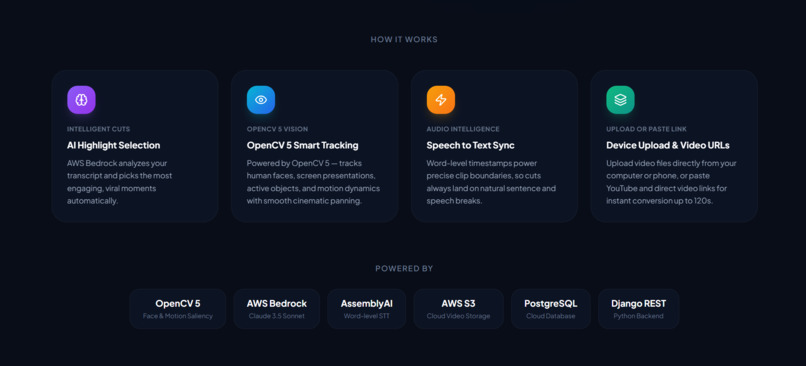
Landing Page
-
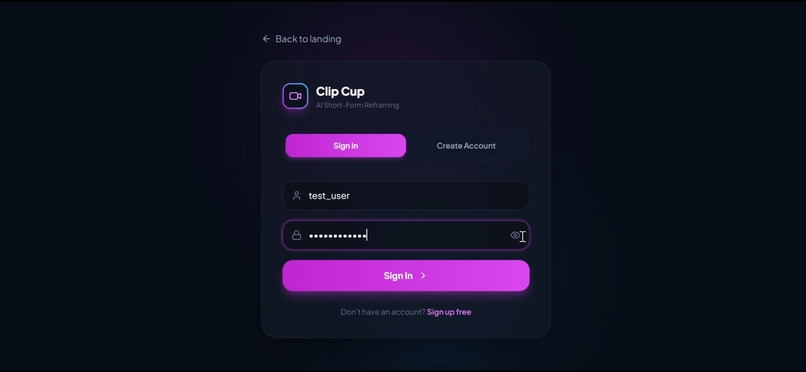
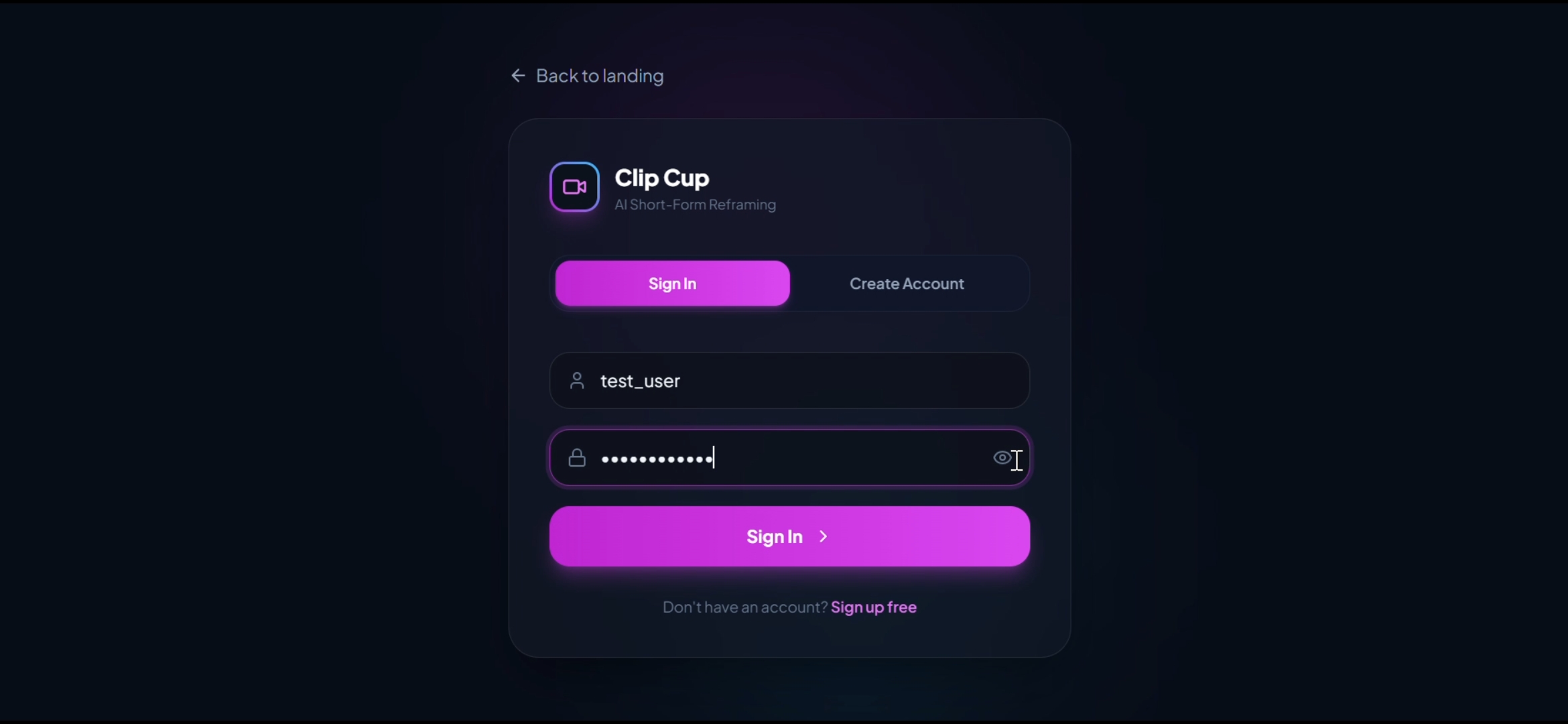
Sign in/Sign up Page
-
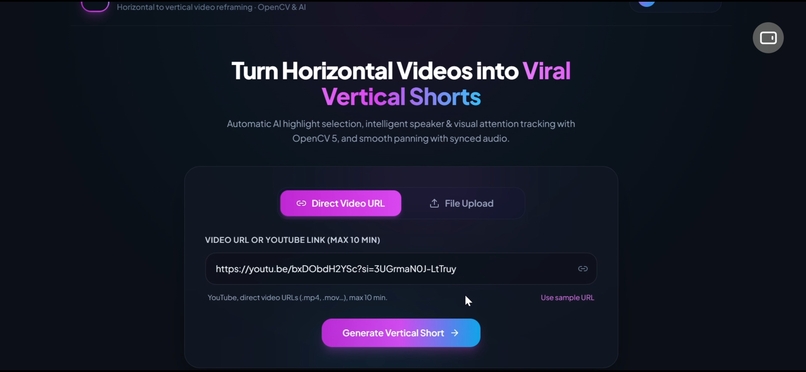
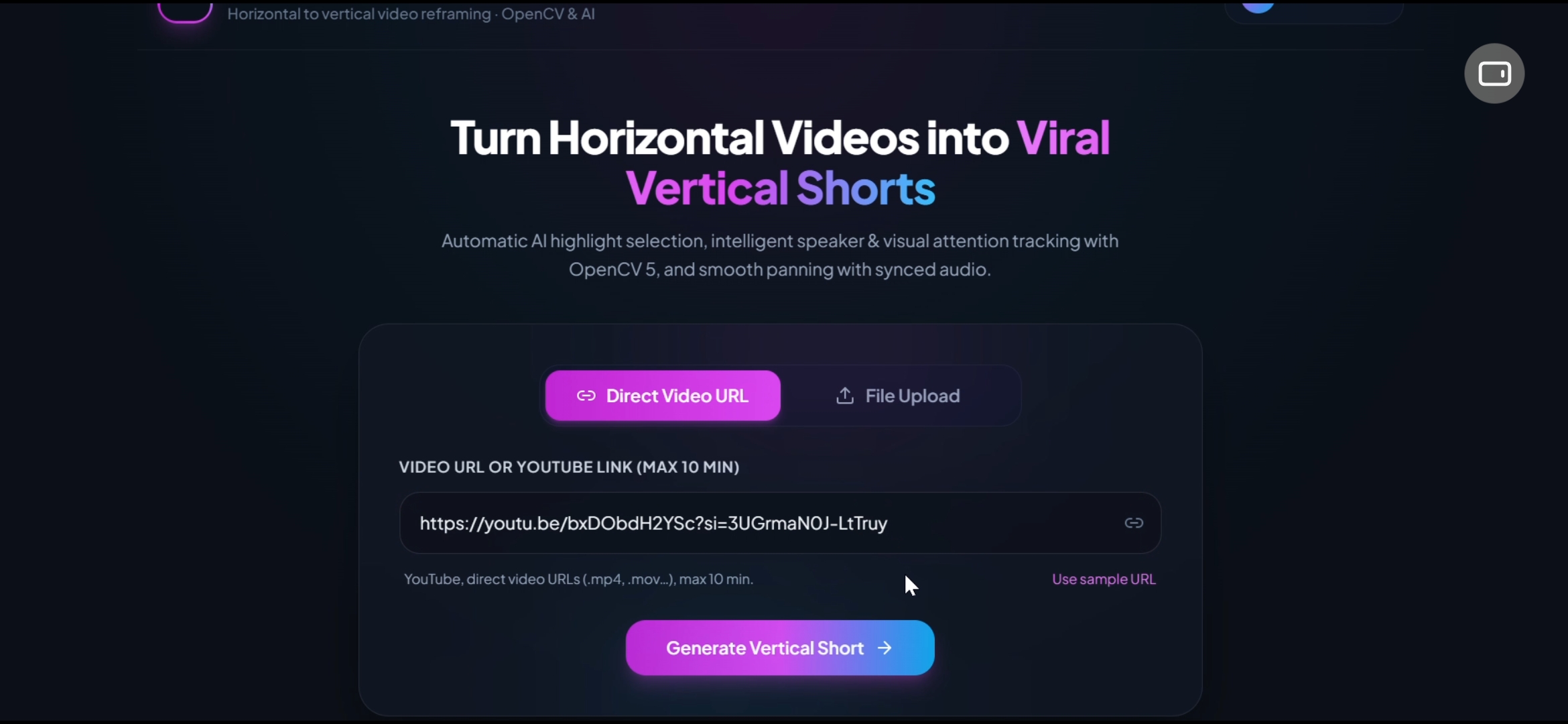
Main page after signing in (Process new videos or can see history)
-
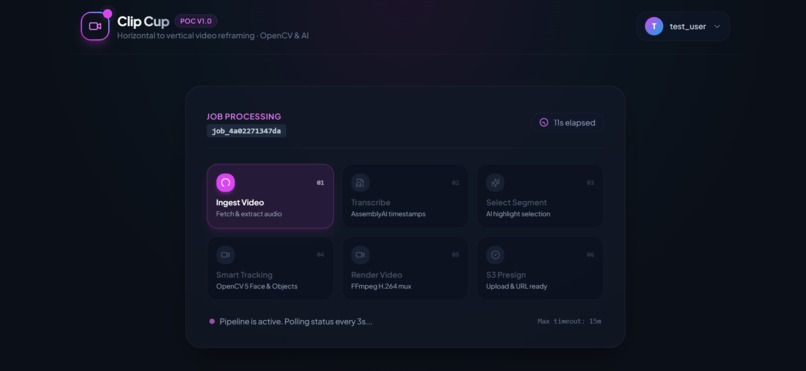
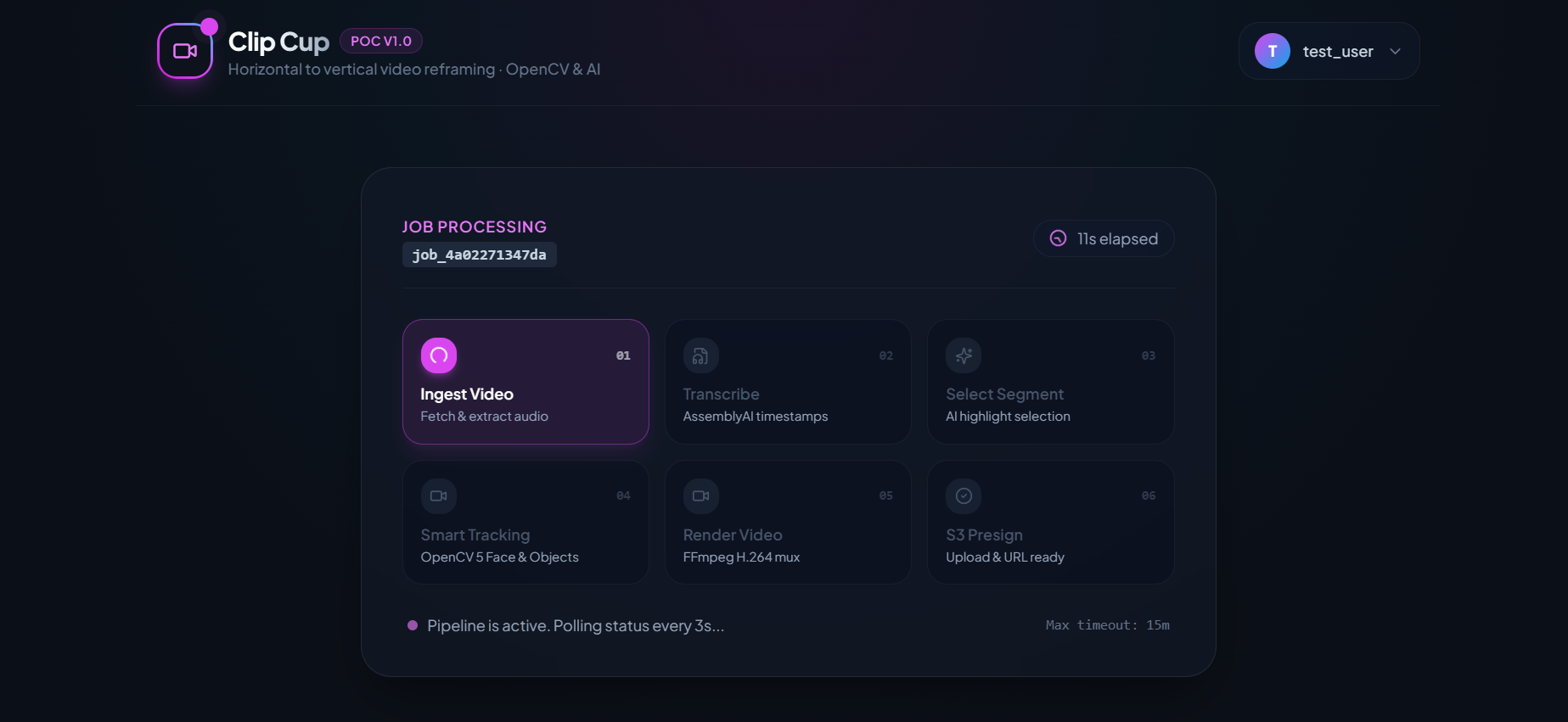
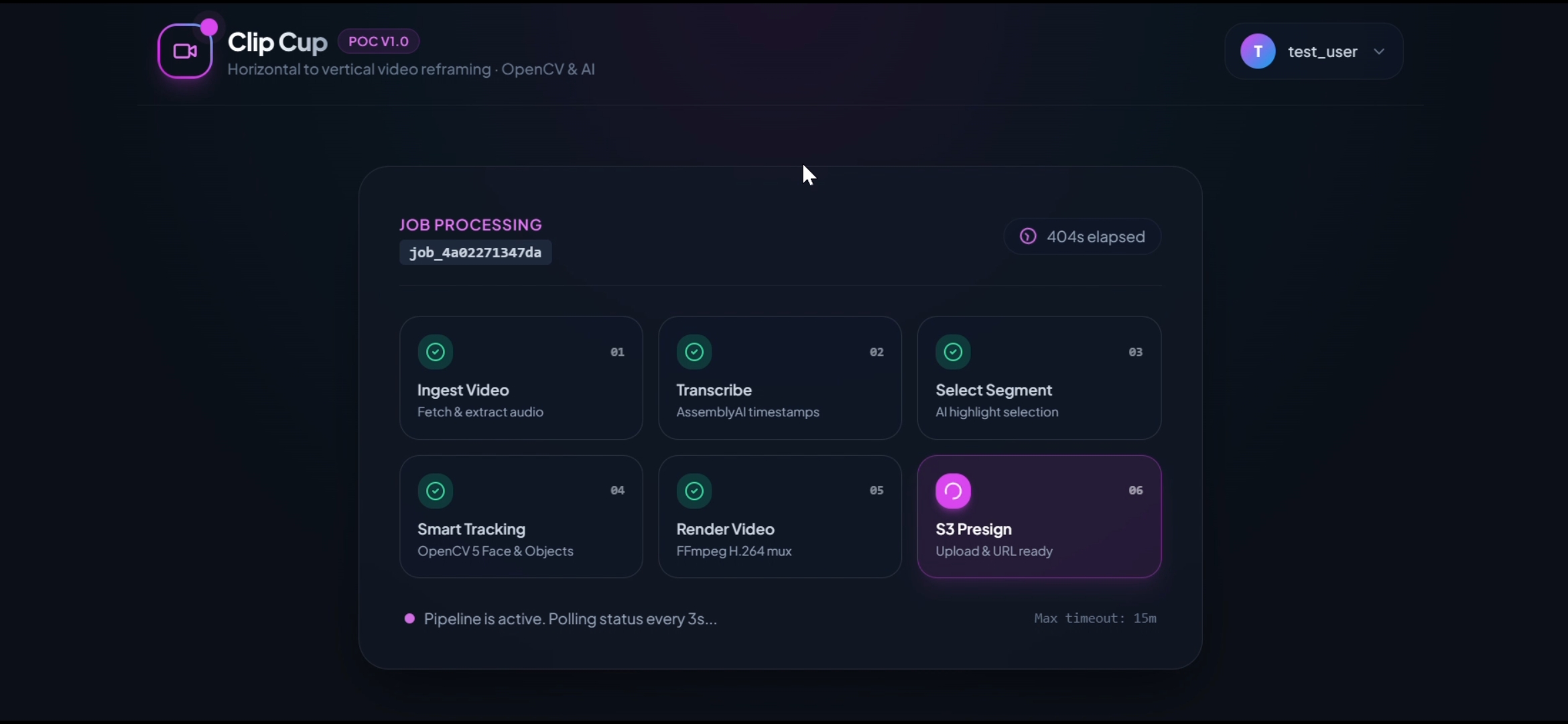
Processing Progress
-
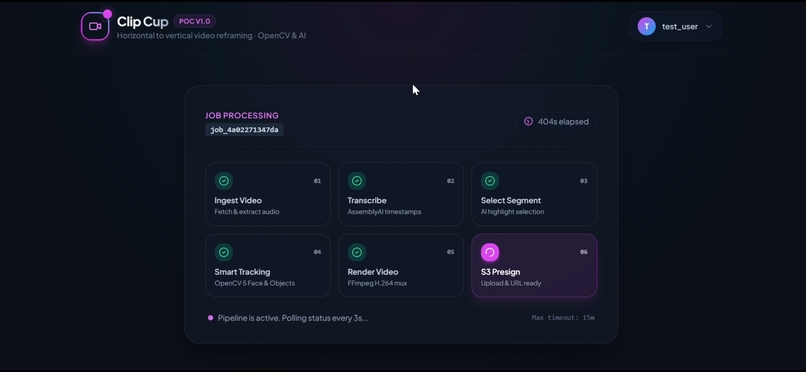
Processing Progress
-
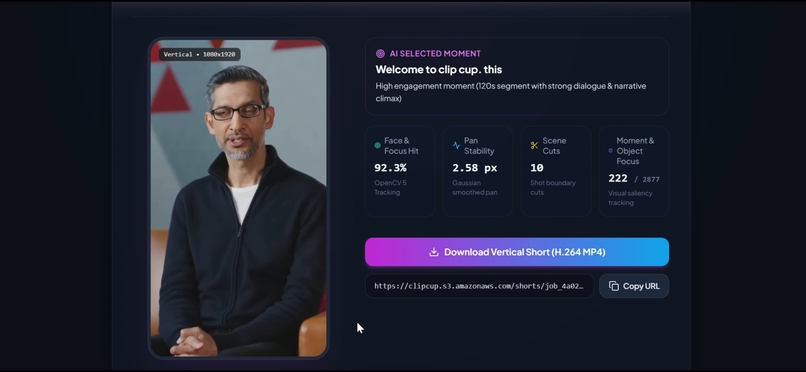
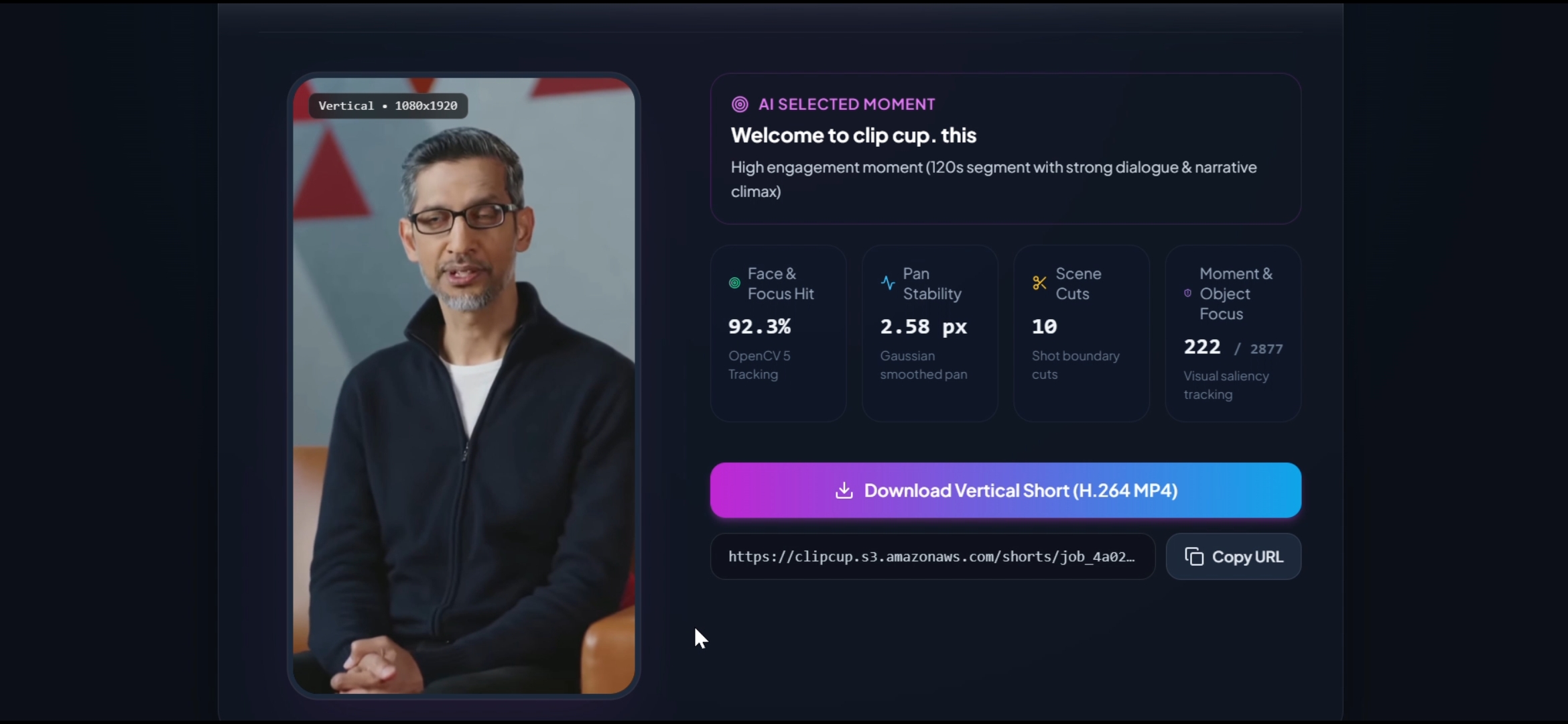
Results( Short Ready)
-

Actual (long video foe demo)
-
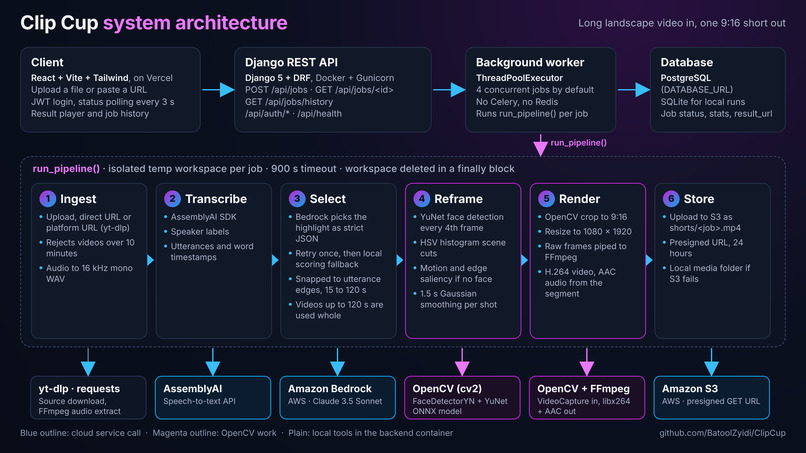
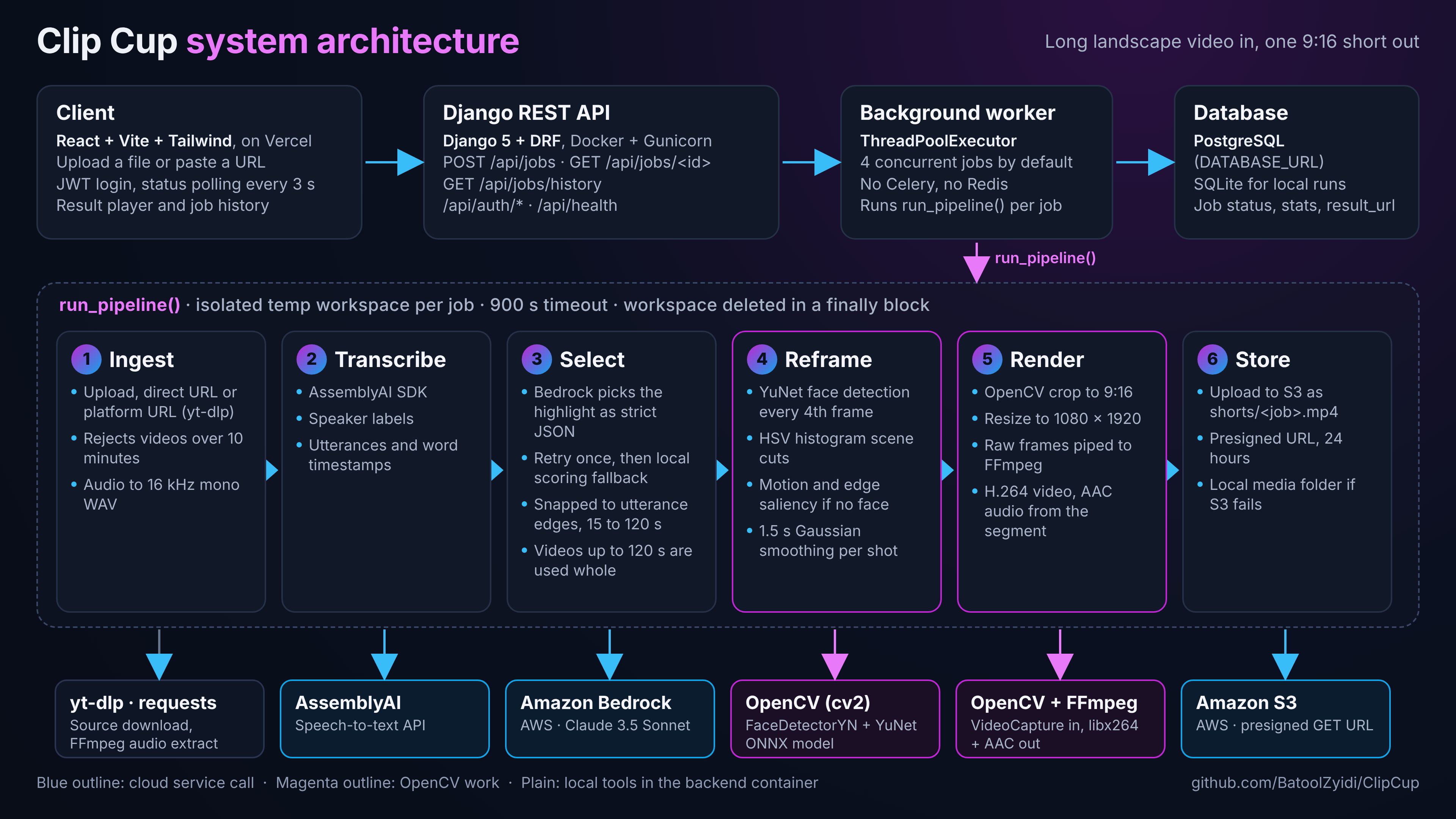
Clip Cup Architecture Diagram
-
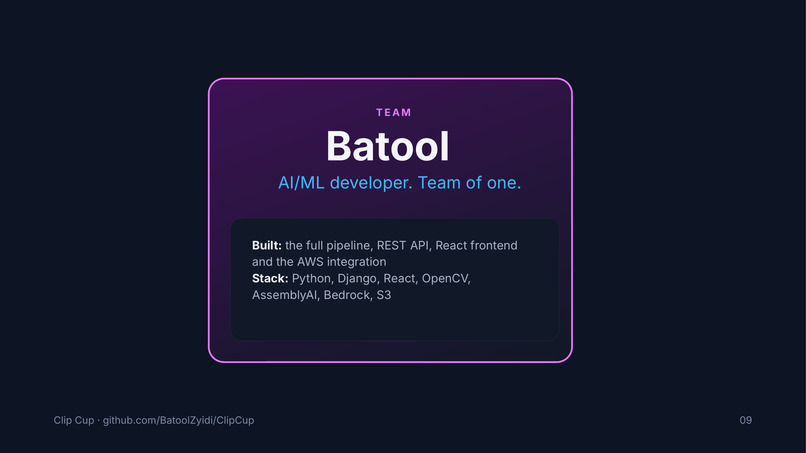
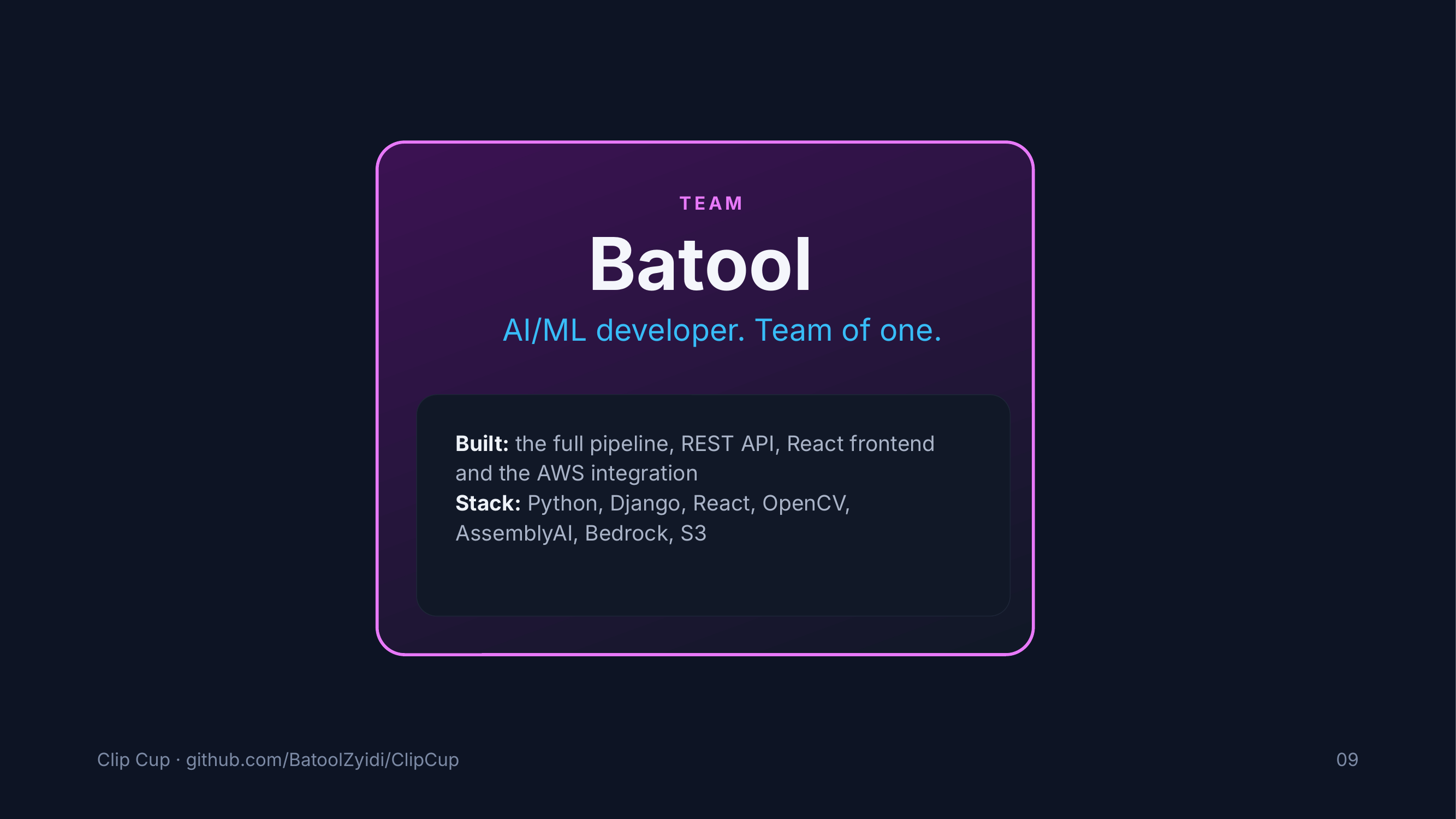
Team Intro

Inspiration
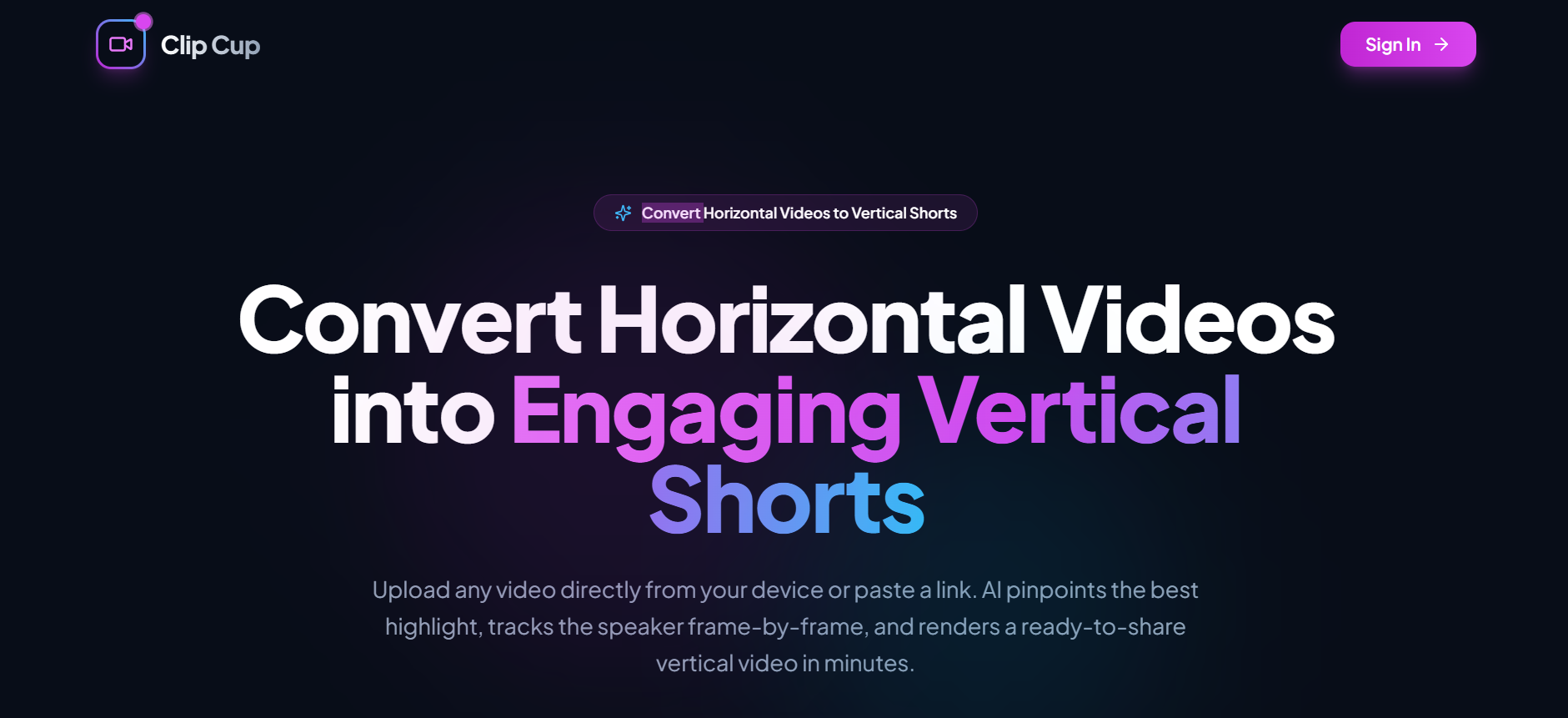
Short-form vertical video (TikTok, YouTube Shorts, Instagram Reels) has become the dominant medium for creator discovery and audience engagement. However, converting long-form horizontal content—such as podcasts, interviews, and keynote talks—into engaging 9:16 vertical clips remains an agonizing manual process.
Creators often spend hours scouring transcripts for the single best hook, manually setting keyframes to keep speakers in frame, and cutting around camera switches. Naive auto-cropping tools either stick to a rigid center crop (often slicing speakers completely out of frame) or jerk erratically with raw face detection boxes, causing visual fatigue and motion sickness.
We built ClipCup to automate this entire workflow: bringing together speech intelligence and OpenCV computer vision to detect the most captivating highlight and reframe it with the smooth, deliberate motion of a human camera operator in one click.
What it does
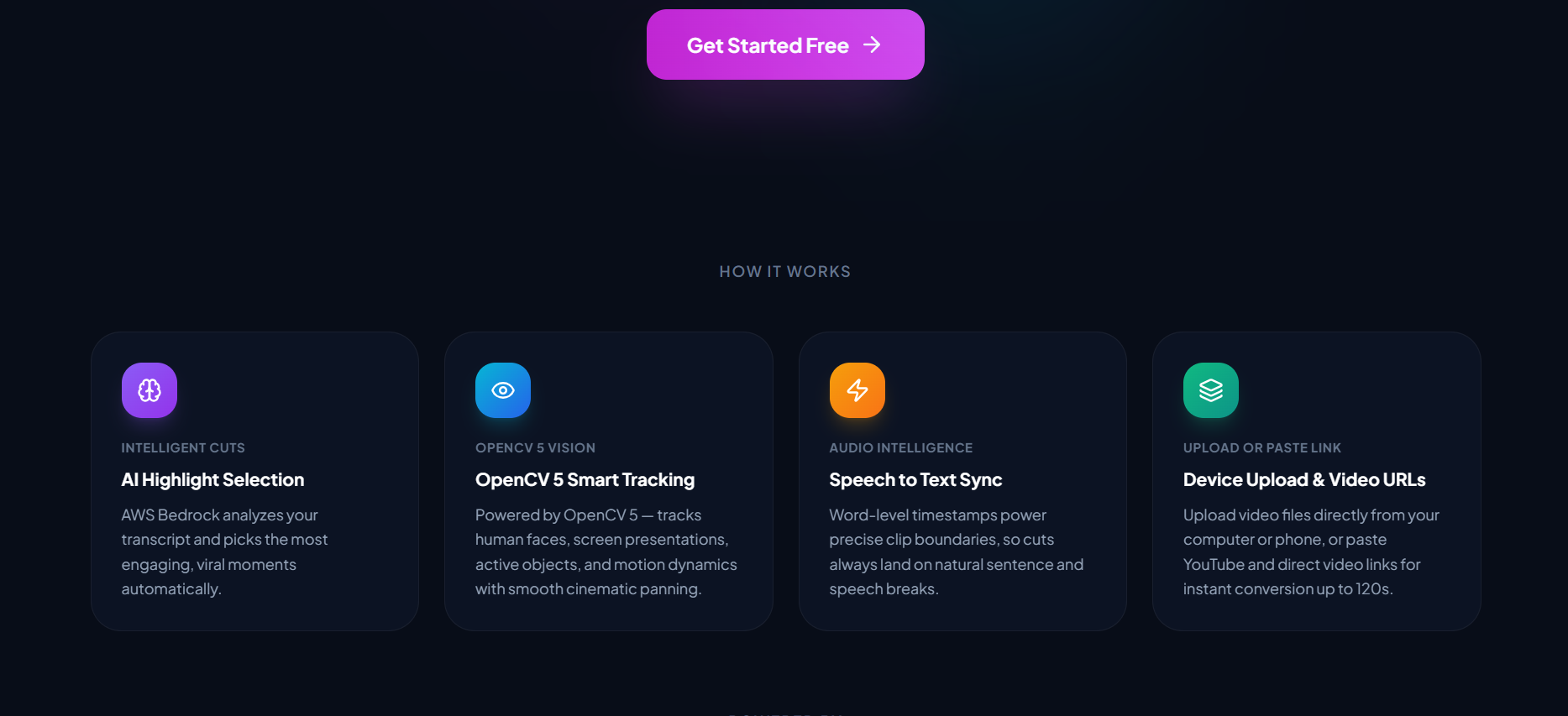
ClipCup is an automated video repurposing platform that turns landscape videos into ready-to-publish 9:16 vertical shorts (1080×1920 H.264):
- Flexible Ingestion: Accepts a direct video file upload or direct URL (
.mp4,.mov, up to 10 minutes). - Speech Intelligence & Semantic Discovery: Extracts audio, generates word-level timestamps using AssemblyAI, and prompts AWS Bedrock (Claude 3.5 Sonnet) to select the most cohesive, high-impact highlight under 90 seconds, snapping boundaries cleanly to spoken sentences.
- Intelligent OpenCV Reframing: Dynamically crops the 16:9 frame to 9:16 using OpenCV YuNet face detection, keeping the primary speaker naturally composed.
- Cinematic Camera Smoothing & Scene Reset: Utilizes Exponential Moving Average (EMA) smoothing and pan-speed clamping to eliminate jitter, coupled with real-time HSV histogram correlation to instantly reset the camera anchor during scene cuts.
- Fast Rendering & Ephemeral Delivery: Pipes cropped frames directly into FFmpeg to mux audio and encode high-bitrate video, pushes the output to AWS S3 with a 24-hour presigned download link, and immediately wipes all local temporary files.
- Real-Time Web Dashboard: A modern React web interface displays live stage tracking (
TRANSCRIBING→SELECTING→REFRAMING→RENDERING→DONE), a built-in 9:16 player, personal history, and computer vision diagnostic metrics (face hit rate, average jitter, fallback frames).
How we built it
ClipCup was engineered as a modular, production-ready pipeline combining computer vision, generative AI, and modern web technologies:
- Computer Vision Pipeline (OpenCV 4 & YuNet ONNX):
- Face Detection: Uses
cv2.FaceDetectorYNwith the lightweight, high-performance YuNet ONNX model. It samples frames periodically (every $N=5$ frames) with linear interpolation to maintain high throughput on standard hardware. - Speaker Prioritization: In multi-face shots, subjects are ranked dynamically by bounding box area $\times$ detection confidence to naturally track the dominant speaker without biometric identification.
- Motion Smoothing: Implements an Exponential Moving Average ($\alpha = 0.15$) with a hard pan-speed clamp ($\le 18\text{ px/frame}$) to simulate a steady, cinematic camera pan rather than robotic, jerky bounding-box tracking.
- Scene-Cut Detection: Calculates HSV color histogram correlation between consecutive frames via
cv2.compareHist(..., cv2.HISTCMP_CORREL). When correlation drops below 0.55, it flags an abrupt shot transition and immediately resets the EMA anchor to avoid awkward frame dragging across camera cuts. - Graceful Center-Crop Fallback: Automatically reverts to a centered crop when no faces are detected (e.g., slides, B-roll, landscape cutaways).
- Face Detection: Uses
- AI & Language Layer:
- AssemblyAI: Provides speech-to-text with word-level timestamps and speaker utterances.
- AWS Bedrock (Claude 3.5 Sonnet): Analyzes transcript sentiment and context to extract the single most viral $\le 90\text{s}$ segment via strict structured JSON output.
- Media Processing & Storage:
- FFmpeg Subprocess Pipe: Raw OpenCV NumPy frames are piped directly to FFmpeg in memory, eliminating intermediate disk thrashing.
- AWS S3: Secure output hosting with time-limited presigned URLs.
- Backend & API:
- Built with Python 3.12, Django 5, and Django REST Framework with JWT authentication (
djangorestframework-simplejwt), persistent database support (Supabase PostgreSQL / local SQLite), and a non-blockingThreadPoolExecutorworker pool.
- Built with Python 3.12, Django 5, and Django REST Framework with JWT authentication (
- Frontend:
- React (Vite) styled with Tailwind CSS, featuring responsive job polling, interactive 9:16 video playback, and metrics visualization.
Challenges we ran into
- The "Shaky-Cam" vs. "Lagging-Behind" Dilemma: Raw bounding box tracking resulted in nauseating frame vibration from minor head micro-movements. Conversely, heavy Gaussian or time-window smoothing caused the crop to lag behind fast-moving subjects. We solved this by pairing an EMA filter ($\alpha = 0.15$) with an adaptive displacement speed clamp ($\le 18\text{ px/frame}$), achieving buttery-smooth camera pans that stay locked onto the speaker.
- The "Cut Drag" Artifact: When a video cut between two different camera angles or speakers, a continuous smoothing filter would physically pan across the frame over several frames, ruining the cut. We resolved this by introducing HSV histogram correlation: instant detection of visual scene cuts triggers an immediate anchor reset, preserving sharp editorial cuts.
- Memory & I/O Overhead: Writing hundreds of uncompressed 1080×1920 frames to disk for every job caused severe I/O bottlenecks. We rewrote the renderer to pipe frames directly from OpenCV's in-memory buffers into FFmpeg's
stdinvia standard subprocess pipes. - Reliability in the Wild: Missing API keys or low-speech videos could easily stall an automated pipeline. We engineered defensive fallbacks at every stage: fallback from LLM selection to speech-density frequency clustering, and fallback from face tracking to stable geometric center-cropping.
Accomplishments that we're proud of
- Human-Quality Auto-Reframing: The combination of YuNet detection, EMA smoothing, and histogram-based scene-cut resets produces vertical videos that feel intentionally shot and edited by a professional videographer.
- Lightweight & CPU-Friendly: Leveraging OpenCV's YuNet ONNX runtime allows full-pipeline execution with fast inference without requiring expensive GPU instances.
- Privacy by Design:
- Zero Facial Recognition: Detection is strictly geometric (bounding box coordinates). No facial biometric embeddings, templates, or identities are calculated or retained.
- Zero Persistent Source Storage: Source videos are processed in isolated temporary workspaces that are strictly purged inside Python
finallyblocks upon job completion or failure.
- Full-Stack Polish: From the CLI management command (
python manage.py run_clip) to the interactive React web UI with live stage progress, ClipCup is a complete, working product.
What we learned
- How to combine classic computer vision techniques (histogram correlation, spatial math, motion smoothing) with modern deep-learning detectors (YuNet) to solve nuanced video editing challenges.
- The nuances of bidirectional video streaming between Python, OpenCV NumPy arrays, and FFmpeg encoding subprocesses without memory leaks.
- Practical prompt engineering and temporal alignment: ensuring LLM segment boundaries snap cleanly to natural spoken cadence and sentence boundaries to avoid mid-word audio clipping.
What's next for ClipCup
- Smart Split-Screen for Podcasts: When two distinct speakers are detected in conversation, dynamically generate a stacked 9:16 split screen showcasing both participants simultaneously.
- Dynamic Karaoke-Style Subtitles: Integrate animated, word-by-word highlighted captions rendered directly into the vertical video canvas.
- Direct Social Media Publishing: One-click direct publishing to YouTube Shorts, TikTok, and Instagram Reels APIs.
Built With
- amazon-web-services
- assemblyai
- aws-bedrock-(claude-3.5-sonnet)
- built-with:-python
- django-5
- ffmpeg
- opencv5
- react
- s3
- tailwind-css
- vite
- yunet-onnx

Log in or sign up for Devpost to join the conversation.