-
-
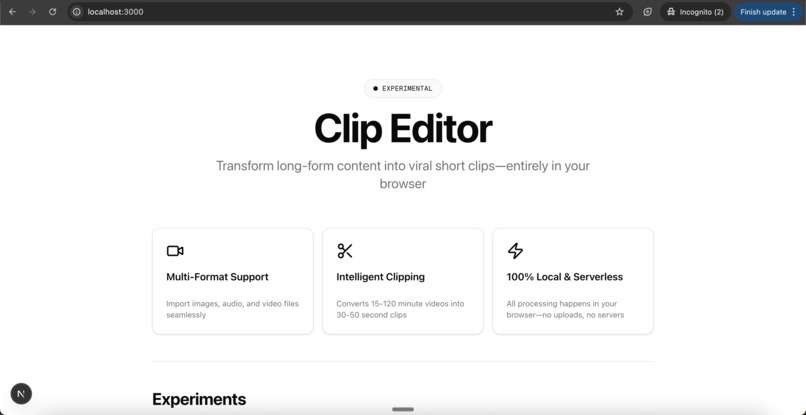
CLip eidotr
-
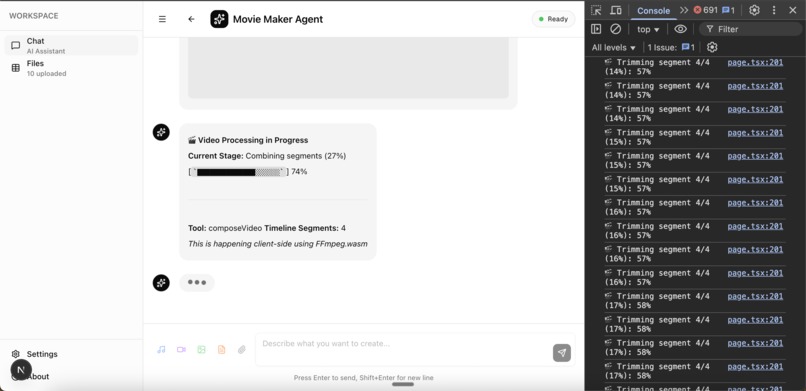
Mediabunny using wasm and processing the video
-
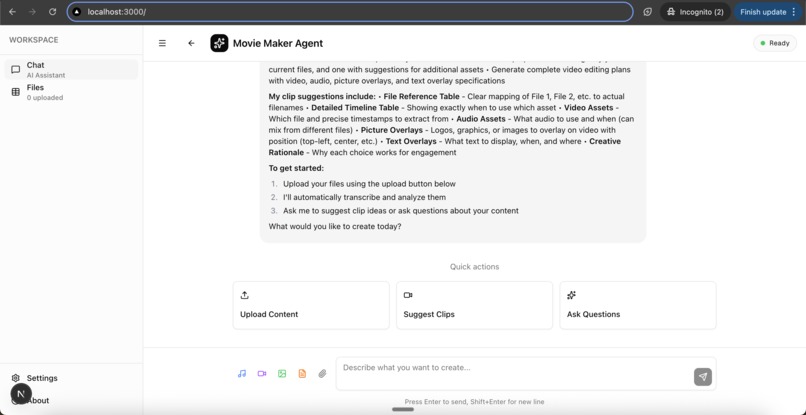
Agentic interface
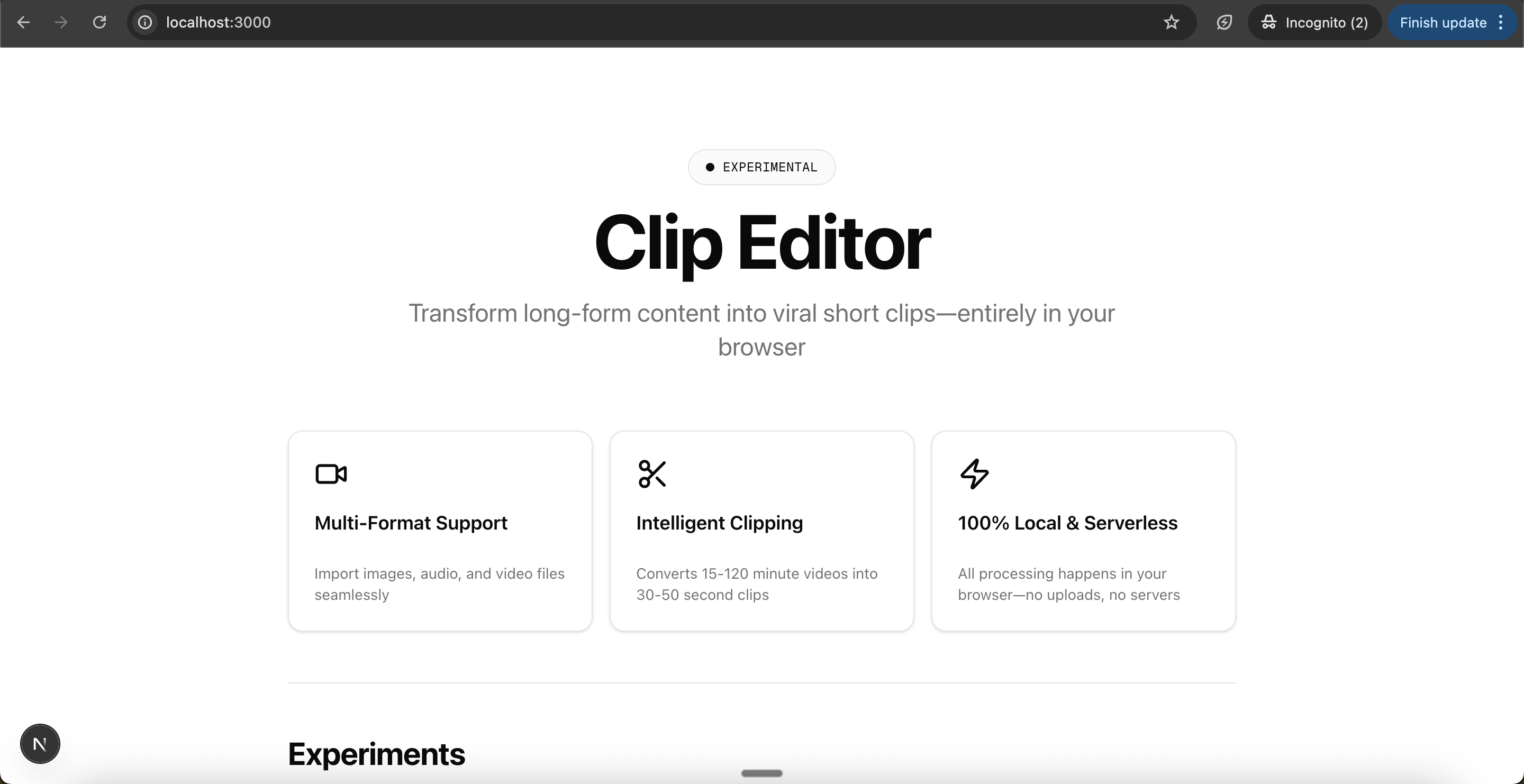
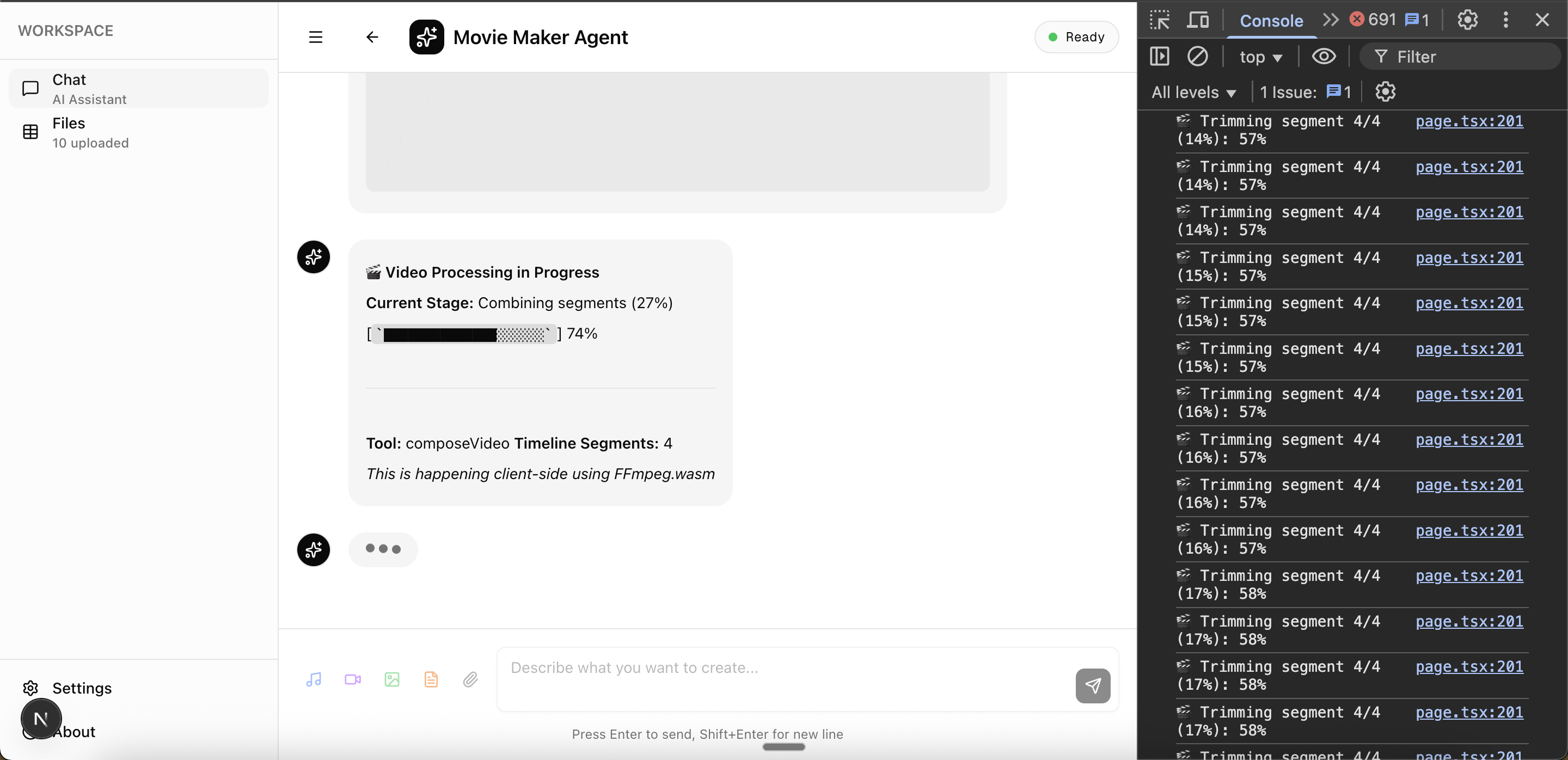
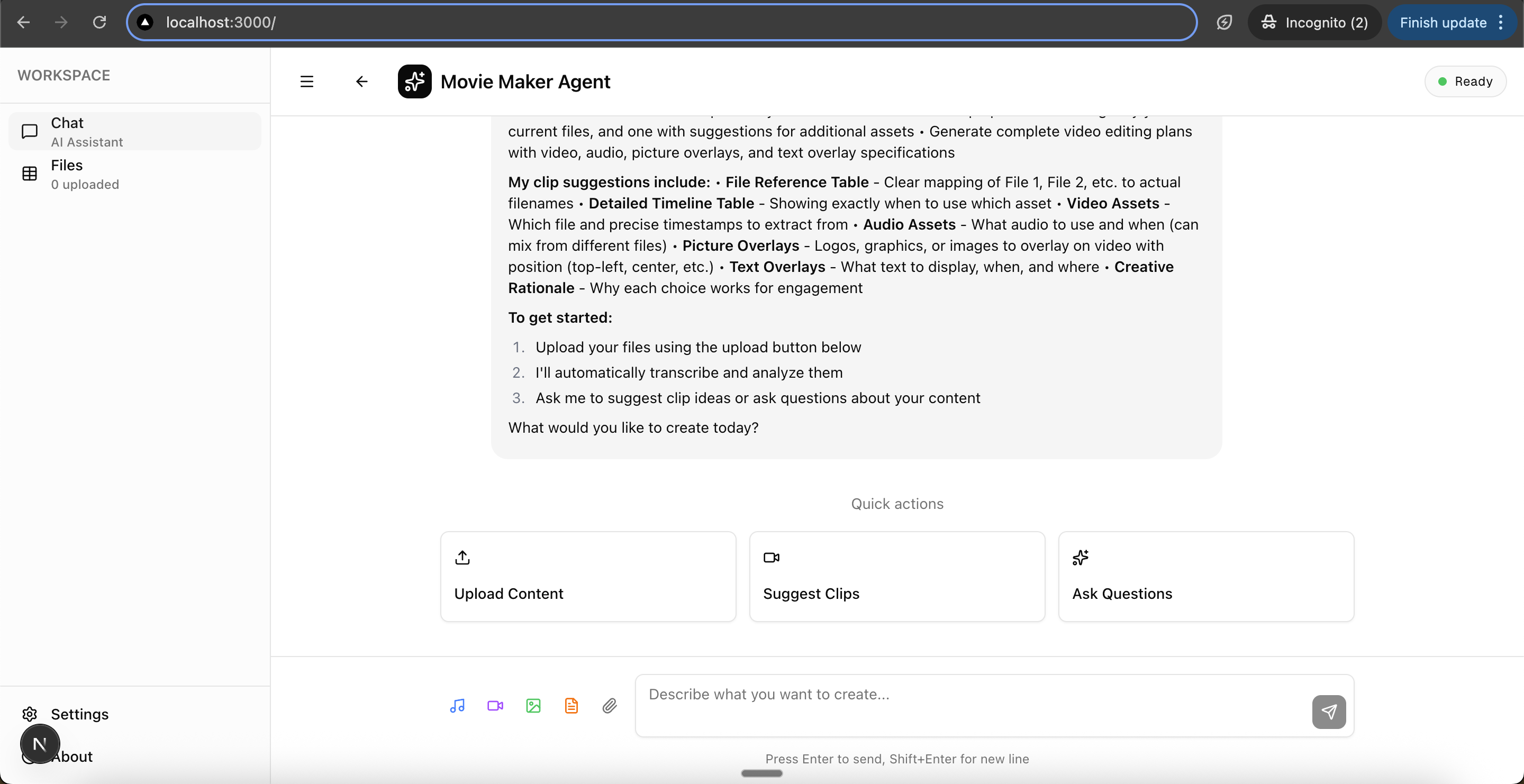
Clip Editor - AI-Powered Video Clipping
Transform long-form videos into viral short clips—entirely in your browser. Serverless, local, and powered by AI.
🎯 Overview
Clip Editor is an experimental video editing platform that converts 15-120 minute videos into optimized 30-50 second clips perfect for TikTok, Instagram Reels, and YouTube Shorts. Everything runs client-side—no uploads, no servers, complete privacy.
✨ Features
- 🎥 Multi-Format Support: Import images, audio, and video files seamlessly
- ✂️ Intelligent Clipping: AI-powered analysis to identify key moments and viral-worthy segments
- ⚡ 100% Local & Serverless: All processing happens in your browser using WebAssembly
- 🤖 Movie Maker Agent: Chat-based interface for intuitive video editing
- 🎨 Beautiful UI: Sleek black and white design using shadcn/ui
🚀 Getting Started
Prerequisites
- Node.js 18+
- npm or yarn
- API Keys (optional for full functionality):
GROQ_API_KEY- For audio transcriptionMOONDREAM_API_KEY- For image analysisFAL_AI_API_KEY- For video processing
Installation
# Install dependencies
npm install

# Create .env file with your API keys
echo "GROQ_API_KEY=your_groq_key_here" > .env
echo "MOONDREAM_API_KEY=your_moondream_key_here" >> .env
echo "FAL_AI_API_KEY=your_fal_key_here" >> .env

# Start development server
npm run dev
Open http://localhost:3000 to see the application.
Getting API Keys
- Groq API: Get your key at https://console.groq.com
- Moondream API: Get your key at https://moondream.ai
- Fal.ai API: Get your key at https://fal.ai
🏗️ Project Structure
clip-editor-anthropic-hackathon/
├── src/
│   ├── app/
│   │   ├── page.tsx                    # Main landing page
│   │   ├── moviemaker-agent/
│   │   │   └── page.tsx               # AI chat interface
│   │   ├── layout.tsx                 # Root layout
│   │   └── globals.css                # Global styles
│   ├── components/
│   │   └── ui/                        # shadcn/ui components
│   ├── hooks/                         # Custom React hooks
│   └── lib/
│       └── utils.ts                   # Utility functions
└── public/                            # Static assets
🎨 Tech Stack
- Framework: Next.js 15.5.4 (App Router)
- UI Library: shadcn/ui with Radix UI primitives
- Styling: Tailwind CSS 4.0
- Icons: Lucide React
- Fonts: Geist Sans & Geist Mono
- Type Safety: TypeScript
🧪 Experiments
Movie Maker Agent
An AI-powered video editing assistant that provides a Claude-like chat interface for:
- Uploading and analyzing video content
- Identifying key moments and highlights
- Generating optimized clips for different platforms
- Adding captions and effects (coming soon)
Access it at /moviemaker-agent
🎙️ Audio Transcription
The app includes powerful audio transcription powered by Groq's Whisper API:
Features
- ⚡ Ultra-fast transcription - 216x faster than real-time with
whisper-large-v3-turbo - 📊 Word-level timestamps - Precise timing for every word
- 🌍 Multilingual support - 99+ languages with automatic detection
- 📈 Quality metrics - Confidence scores, speech detection, and quality analysis
- 💾 Persistent storage - All transcripts saved in IndexedDB
How It Works
- Upload an audio or video file
- Transcription starts automatically
- Get real-time progress updates in chat
- View full transcript with timestamps in the Files tab
- Use transcript data for clip generation
API Endpoint
POST / api / groq / transcribe;
For detailed usage, see TRANSCRIPTION_USAGE.md
🎯 Roadmap
- [x] Audio transcription with Groq Whisper API
- [x] Word-level and segment-level timestamps
- [x] IndexedDB for persistent local storage
- [ ] Video upload and indexing
- [ ] AI-powered scene detection (with keyframe extraction)
- [ ] Image analysis with Moondream API
- [ ] Automatic clip generation based on transcripts
- [ ] Caption generation and subtitle export
- [ ] Multi-platform export
- [ ] Timeline editor
- [ ] Music sync and beat detection
- [ ] Template library
🤝 Contributing
This is an experimental project. Contributions, issues, and feature requests are welcome!
📝 License
This project is open source and available under the MIT License.
🙏 Acknowledgments
- Built with shadcn/ui
- Inspired by Opus Clips
- UI/UX inspired by Claude AI
Note: This project is in active development. Features are being added continuously as part of the Anthropic Hackathon.
Note 2: the API key for the Movie Maker Agent is stored in the .env file it cotnains the keys: GROQ_API_KEY , MOONDREAM_API_KEY, FAL_AI_API_KEY ,
so the steps are
It first parses the content and generates and Indepth summary fo each of the given Input videos. this means that as soon as a peice of text is uplaoded it generates a summary and stores the text as is. so it has 2 things the summary and raw text. If it is an audio its uses whisper API from openAI and then gets the exact transcript of the audio and stores as raw text and then stores the summary as well. if it is an image it uses groq API to generate a short 2 paragrapgh description of the image and then the super detialed understanding of the image with colorshceme , thype of characters etc, as the raw text. If it is a video then it first gets the transcriptiuon of the Audio. then figure sout which language and then transcribe everything as raw text and then uses keyframes that have been extracted by media-bunny ( or ffmpeg ) to understand what is going on in the video and then combine everything and stores it in raw text. basically it gets transcript from teh audio and then it goes throw screenshots int eh video and then it uses the keyframes to understand what is going on in the video and then combine everything into a single raw text document with trancrpt and and then video keyframe descriptions as is and then summarises all this and stores its summaries. The transcript is stored in such a way that we can see at whichc second and which second a person is saying something like a secondwise transcript for all of this, so we can easily cut the video into clips based on transcript.
So now all teh raw text is stored in the indexed db for each of the given inputs.
Then after that, user will give. Script or an Input query to generate a Video in a aspecifc format.
Now the agent has multiple options to generate videos, basically it needs to do a bunch of tool calls to generate videos.
Then the AI agent can Either cut the clips from the larger clips or it can generate a new images from scratch for the video.
Then it should arrange all teh clips together to get the final video.
then it hsould add subtitles and then add it to the video.
then finalyl render the video to the user.
http://localhost:3000/moviemaker-agent
image.png


Log in or sign up for Devpost to join the conversation.