Project Story
About the project
💡 The Inspiration
We've all experienced the frantic rush of scribbling notes while a professor races through complex concepts, only to look back at pages of illegible writing that makes no sense hours later. As students ourselves, we watched classmates struggle with the same problem: the gap between capturing information quickly and actually being able to learn from it later.
The breaking point came during a particularly dense Biology 110 lecture on cellular transport mechanisms. One team member walked out with notes that looked like this:
prok vs euk (??) membranes fluid mosaic… again
transport passive/active/bulk + examples rbc different tonicities
Na+/K+ ATPase 3 Na out 2 K in ATP hydrolysis maintains membrane potential
??? endosymbiosis shout-out
Sound familiar? We realized that traditional note-taking forces students into an impossible choice: focus on understanding OR focus on capturing. You simply can't do both well simultaneously.
🚀 What We Built
Clip Notes bridges this gap by transforming the entire note-taking workflow. Instead of choosing between comprehension and capture, students can now:
- Record and forget – Focus entirely on understanding during lectures while audio captures everything
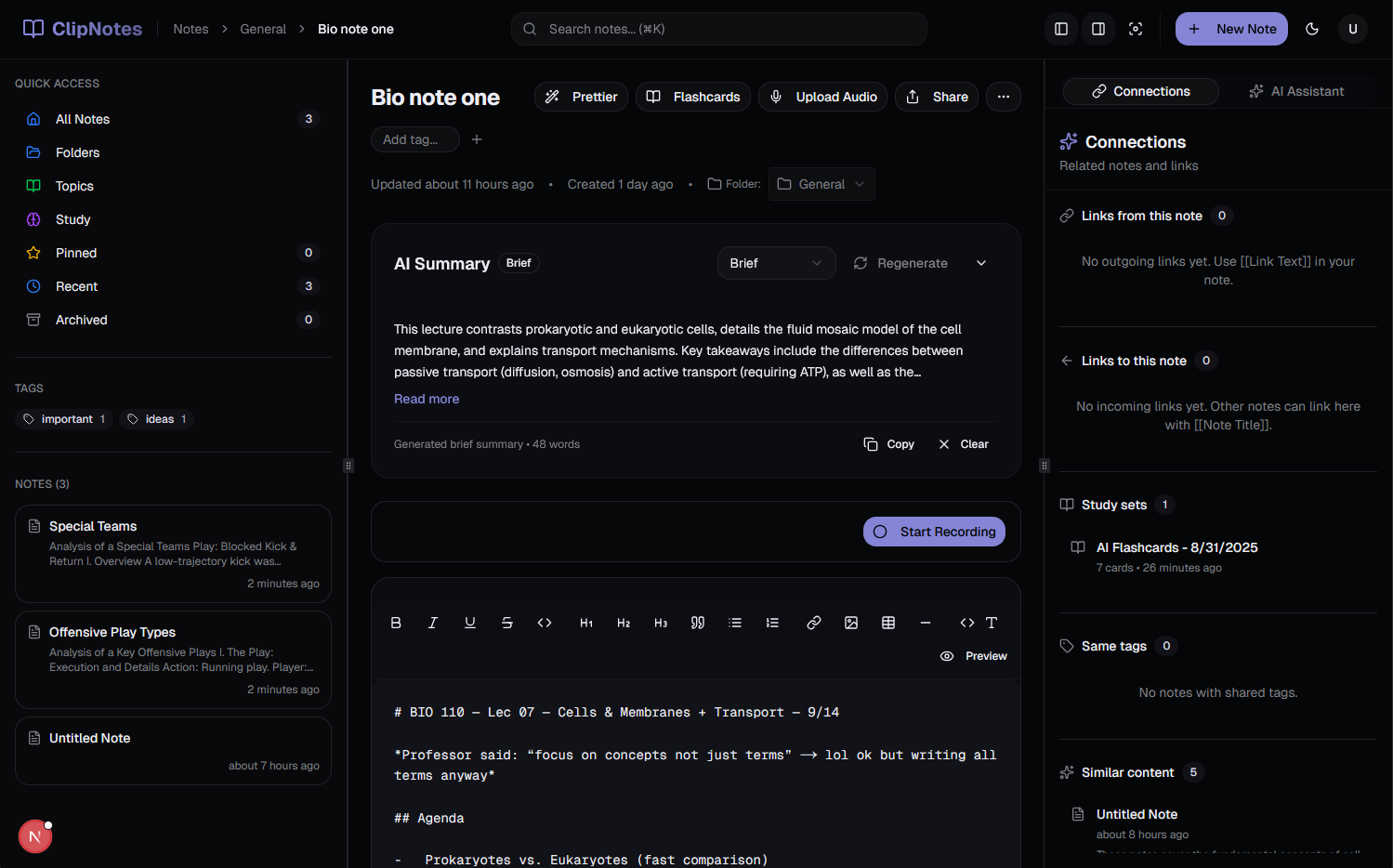
- AI-powered transcription – Convert recordings into clean, structured notes automatically
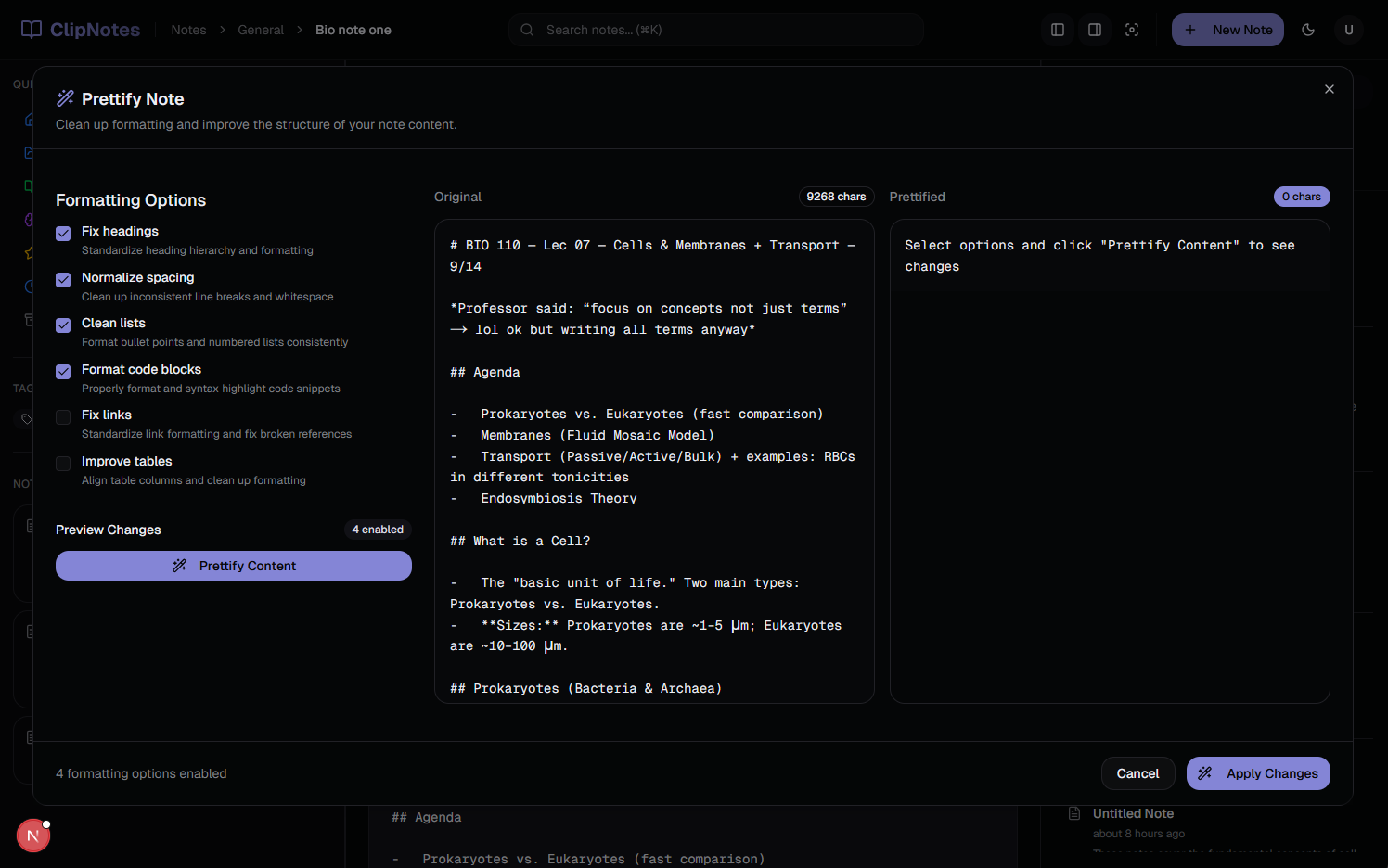
- Smart formatting – Transform messy real-time notes into organized, readable content
- Knowledge linking – Connect ideas across notes using wiki-style
[[linking]]syntax - Instant study materials – Generate flashcards and summaries from any content
The magic happens in our audio processing pipeline: recordings get transcribed using Groq's Whisper model, then restructured into proper academic notes using AI that understands how students actually study.
🔧 How We Built It
Frontend Architecture:
- Next.js 15 with TypeScript for a modern, type-safe foundation
- Supabase for real-time database and authentication
- shadcn/ui components for a polished, accessible interface
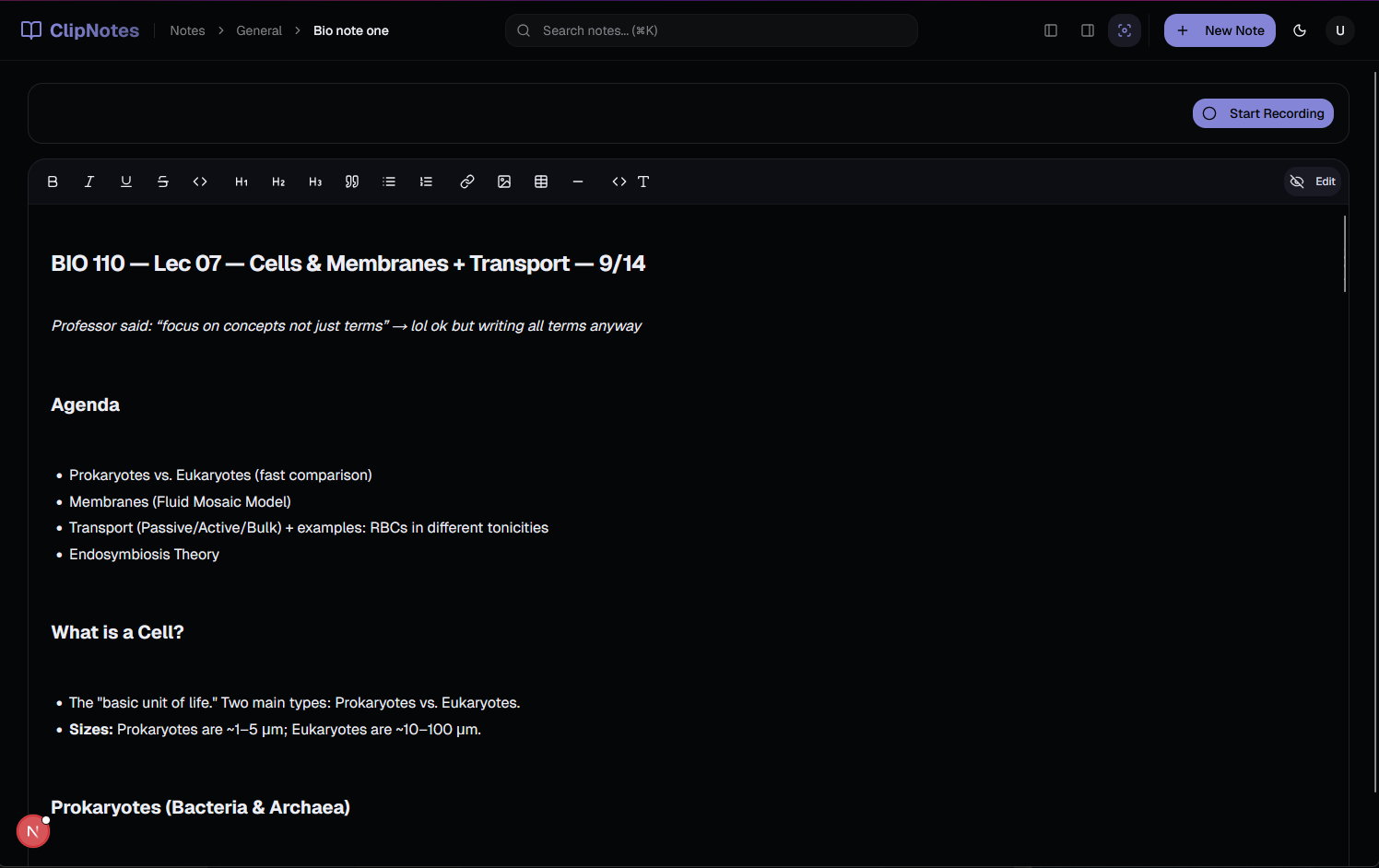
- Custom markdown editor with live wiki-link detection and auto-completion
AI Integration:
- Groq API for fast, accurate audio transcription using Whisper-large-v3
- Requesty AI Router with Gemini 2.5 Pro for intelligent note formatting and summarization
- Custom prompt engineering to generate study-optimized content
Audio Processing Pipeline:
Audio Upload → Groq Transcription → AI Note Generation → Structured Markdown → Database Storage
Key Features:
- Real-time collaboration with live note editing and auto-save
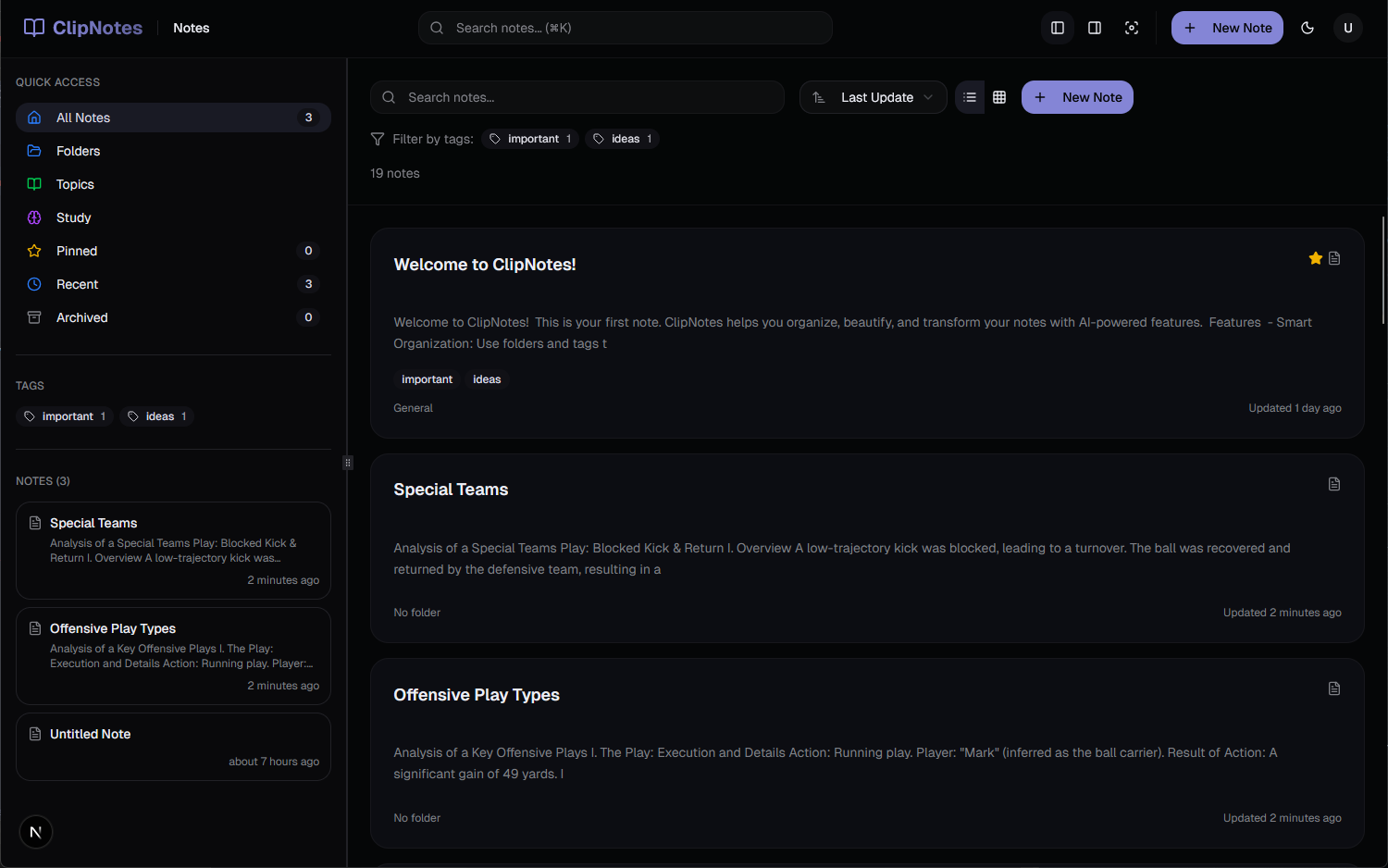
- Intelligent organization with folders, tags, and AI-powered categorization
- Study tools including flashcard generation and AI-powered summaries
- Knowledge graph visualization of note connections
- Focus mode for distraction-free writing
🧗 Challenges We Faced
1. Audio Quality vs. Processing Speed
Initially, our transcription was either fast but inaccurate, or accurate but painfully slow. We solved this by implementing a hybrid approach using Groq's optimized Whisper model, achieving both speed and accuracy.
2. AI Prompt Engineering for Academic Content
Getting AI to format notes in a way that actually helps students study was harder than expected. We went through dozens of prompt iterations, testing with real lecture content to find the sweet spot between structure and readability.
3. Real-time Collaboration Without Conflicts
Implementing live editing without data conflicts required careful state management and optimistic updates. We built a custom conflict resolution system that prioritizes the most recent meaningful changes.
4. Wiki-link Auto-completion Performance
As note collections grow, searching for linkable notes becomes computationally expensive. We implemented an efficient indexing system with fuzzy search that stays responsive even with hundreds of notes.
5. Mobile Audio Recording
Getting consistent audio quality across different devices and environments required implementing noise reduction and automatic gain control in our recording pipeline.
🎓 What We Learned
Technical Growth:
- Advanced React patterns for complex state management
- Real-time database synchronization strategies
- Audio processing and AI integration at scale
- Performance optimization for large datasets
Product Design:
- The importance of user testing with actual students
- How small UX improvements can dramatically impact learning outcomes
- Balancing feature richness with interface simplicity
AI Integration:
- Effective prompt engineering for educational content
- Managing AI service reliability and fallback strategies
- The nuanced difference between "technically correct" and "actually useful" AI outputs
🌟 The Impact
Clip Notes doesn't just solve a technical problem – it fundamentally changes how students can engage with learning. By removing the friction between capture and comprehension, we're enabling students to be fully present during lectures while still building comprehensive study materials.
Clip Notes represents our vision of education technology that amplifies human learning rather than replacing it – because the best study tool is one that gets out of your way and lets you focus on what matters: actually understanding the material.
Built With
- gemini
- nextjs
- requesty
- supabase
- whisper

Log in or sign up for Devpost to join the conversation.