-
-
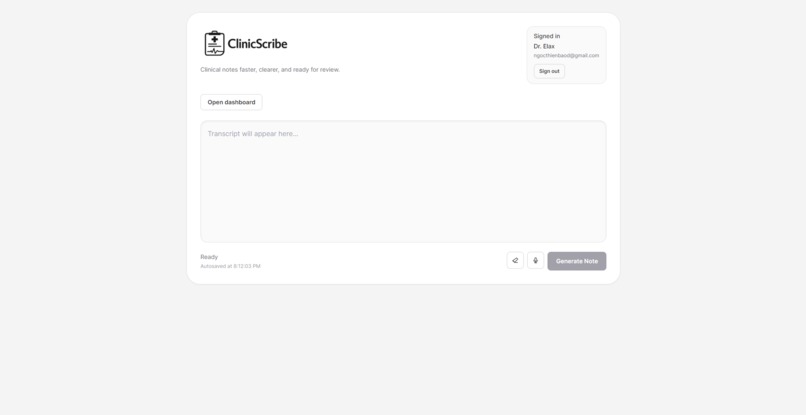
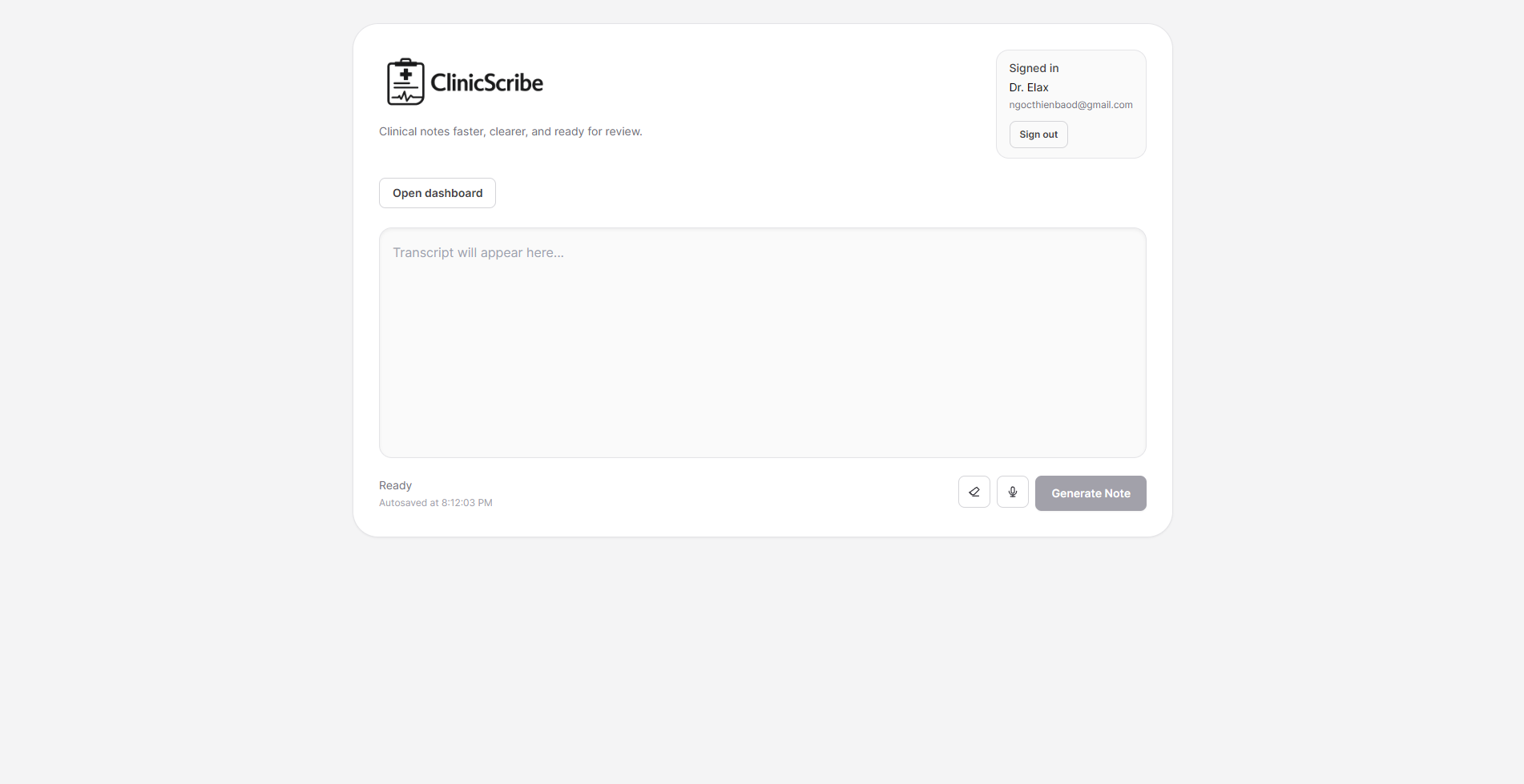
Landing page
-
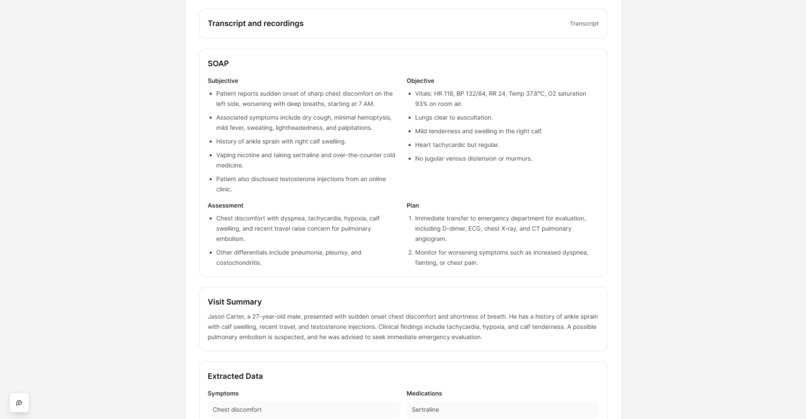
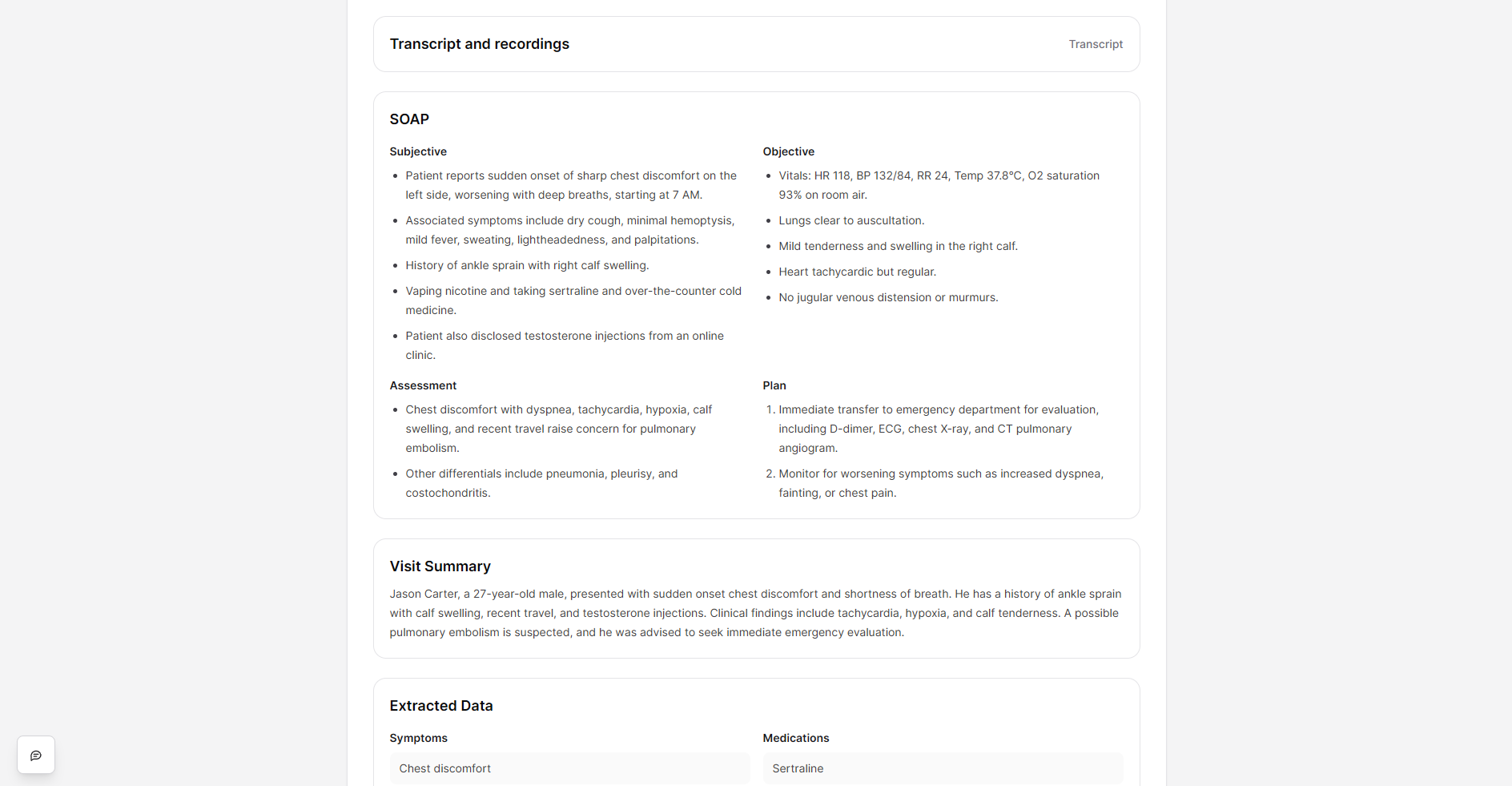
AI-generated note from recorded conversation(s)
-
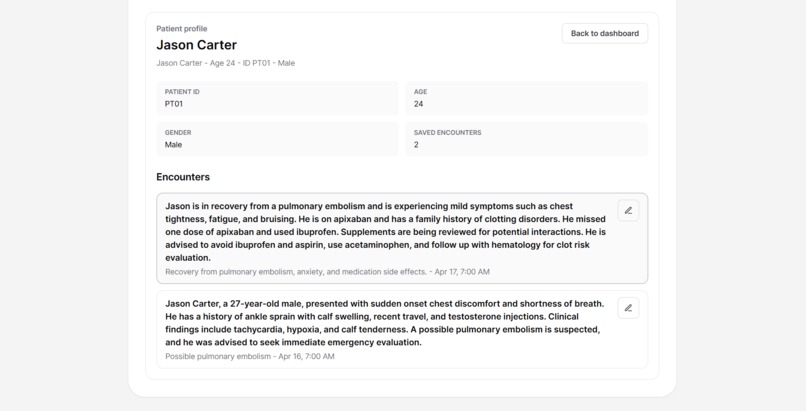
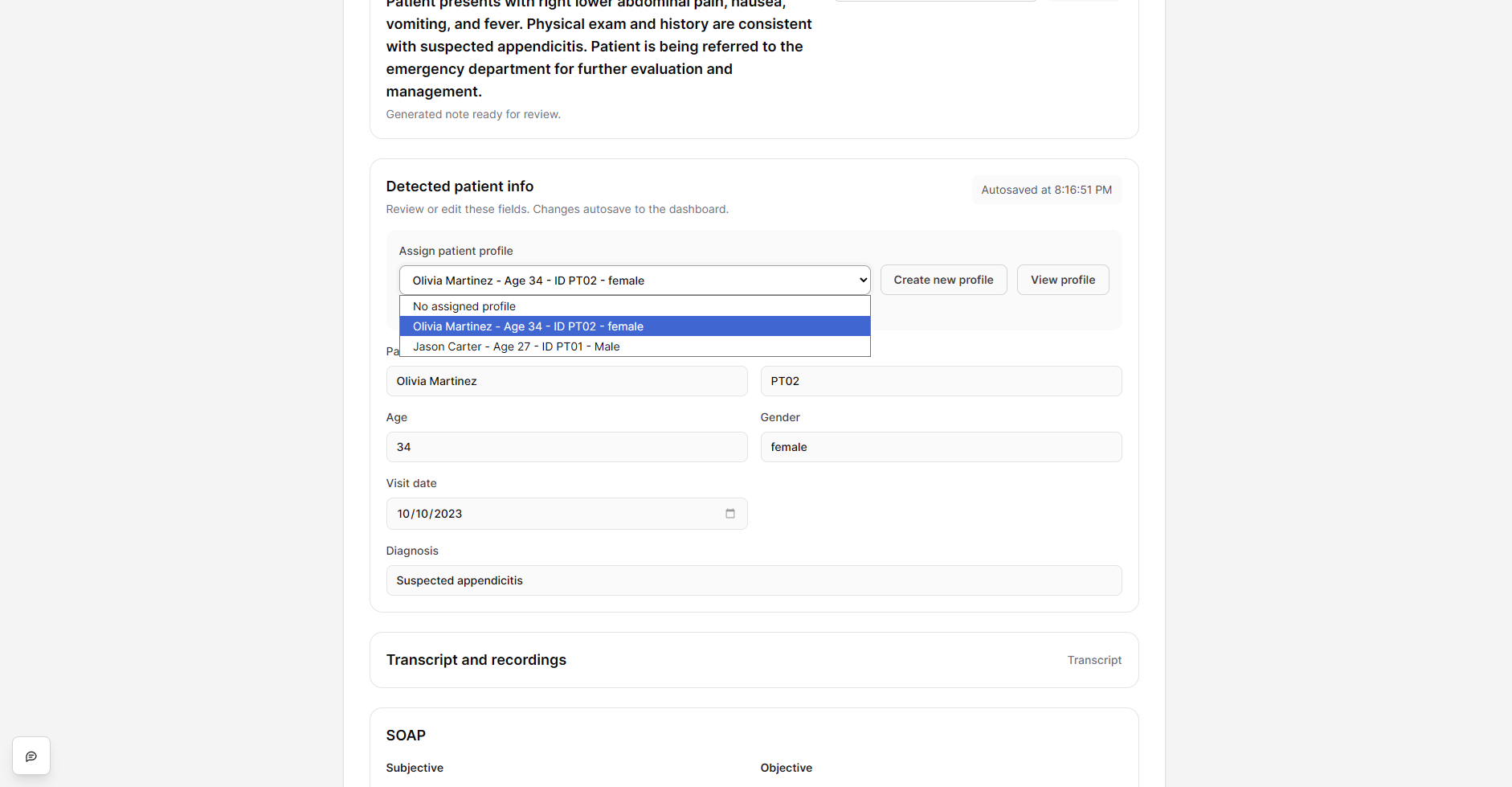
Patient's profile
-
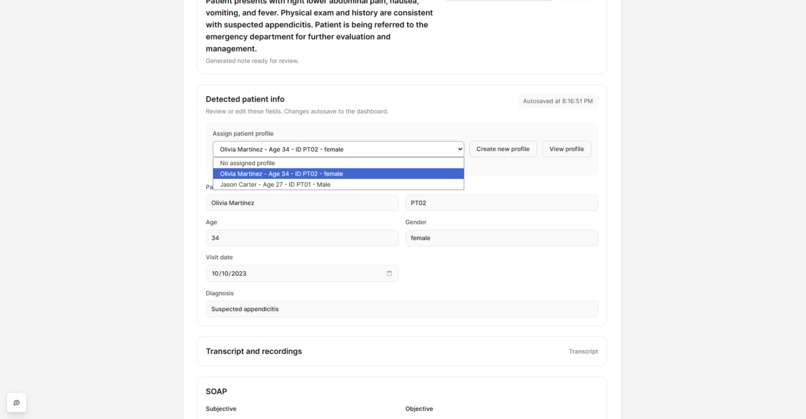
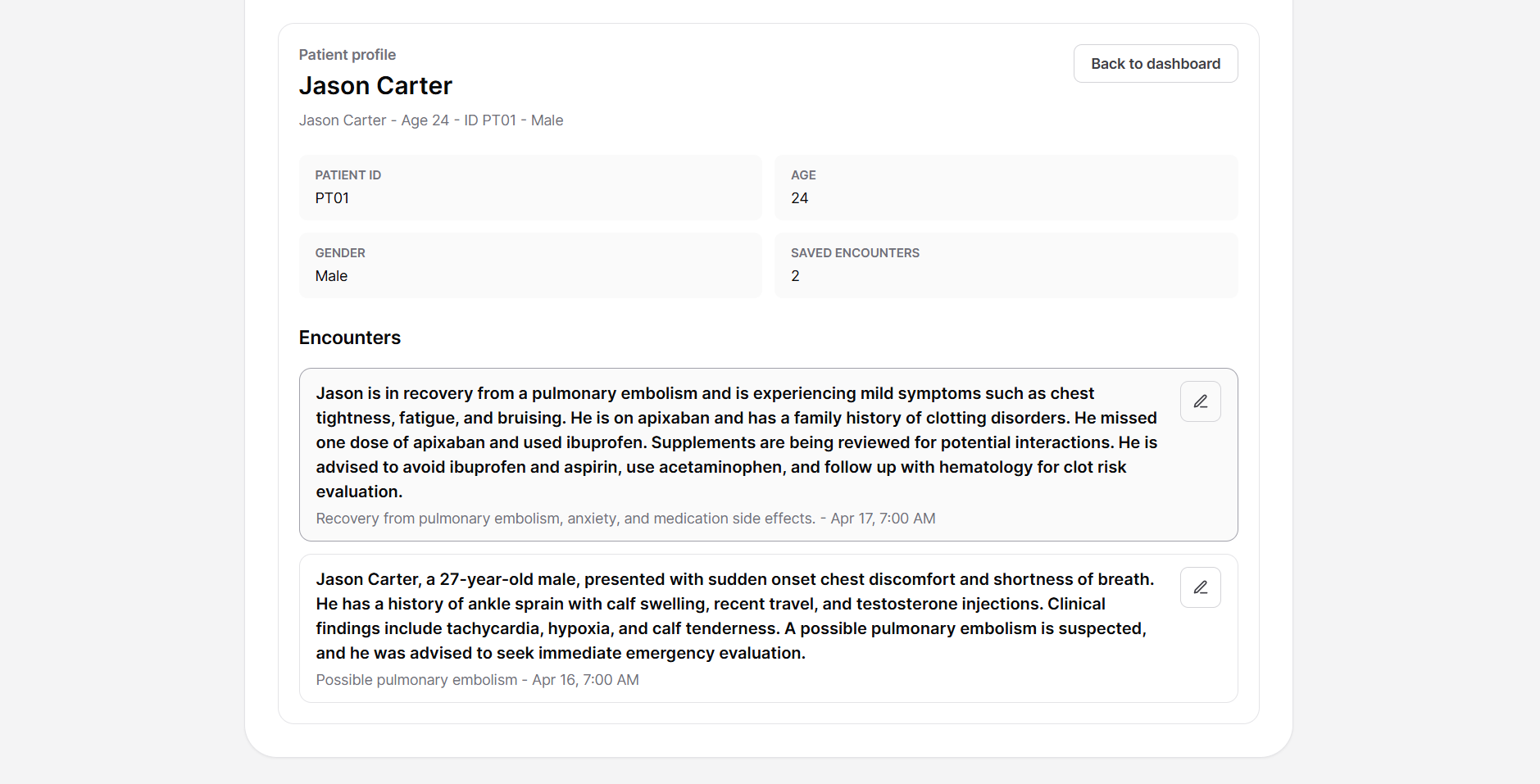
Save encounters under each patients profile!
-
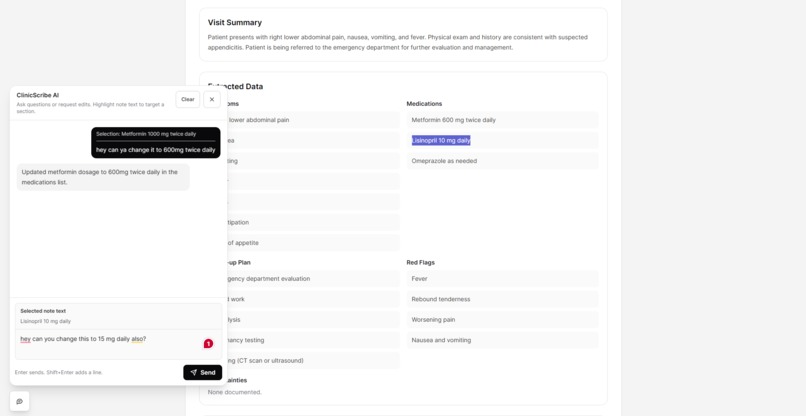
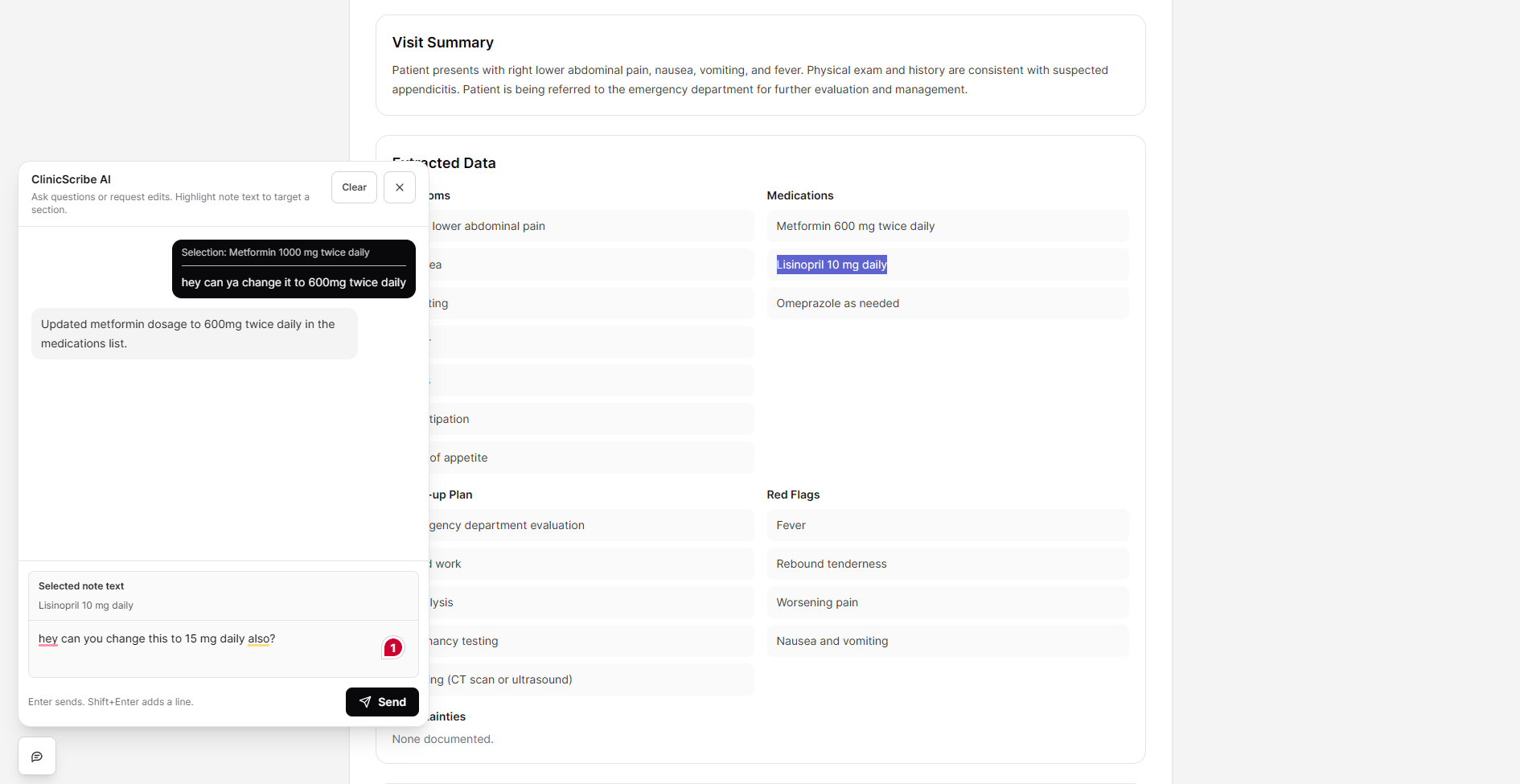
AI assistant for assisting with questions. It can also edit the note's content for you!
-
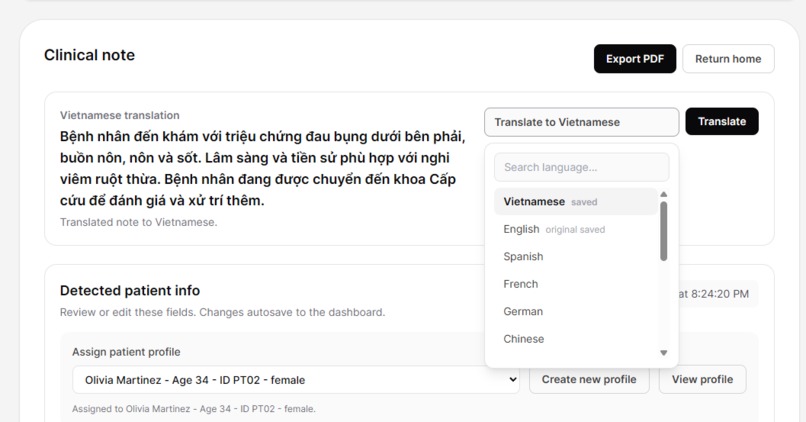
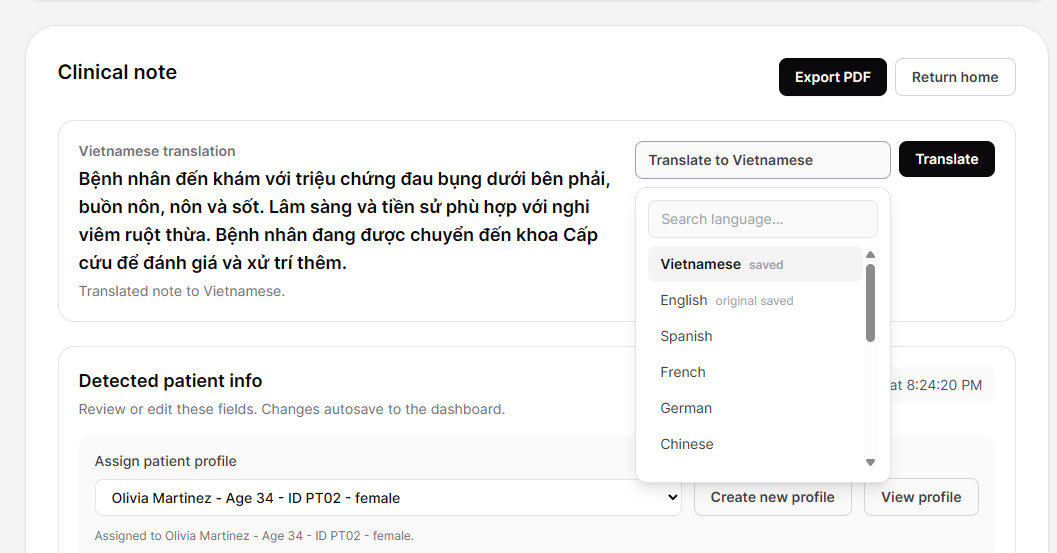
Don't understand a language? Not a problem! Note translation support across 15 languages!
Inspiration
Clinic visits move fast, but documentation often keeps going long after the patient leaves. We built ClinicScribe because clinicians should be able to focus on the conversation in front of them instead of constantly typing notes in the background.
What it does
ClinicScribe records doctor-patient conversations, sends the audio for transcription, and turns the transcript into structured clinical documentation.
It can generate:
- SOAP notes
- visit summaries
- extracted symptoms, medications, follow-up plans, and red flags
- patient-friendly discharge instructions
- translated notes
- saved patient encounter records
- searchable patient dashboards
The dashboard also supports filtering by patient name, Patient ID, gender, age range, diagnosis, and visit date.
How we built it
We built ClinicScribe as a React + TypeScript web app hosted on Cloudflare Pages. The frontend handles recording, note review, dashboard filtering, guest mode, and UI interactions.
Cloudflare Pages Functions power the backend API routes for authentication, transcription, note generation, translation, note editing, and saved note storage. Supabase handles signed-in user accounts and patient encounter records, while Upstash Redis stores temporary audio/note data and guest sessions.
For AI, ClinicScribe uses "Qwen/Qwen3-32B" on Featherless.ai as the primary note-generation provider and "Qwen3.5:cloud" Ollama Cloud as a fallback. Audio transcription runs through a transcription proxy using a diarized transcription model (gpt-4o-transcribe-diarize).
Model Details
ClinicScribe uses large language models (Qwen3-32B & Qwen3.5) and speech AI APIs (gpt-4o-transcribe-diarize) rather than a custom-trained model. The system applies prompt-based NLP workflows to convert transcripts into structured clinical notes, extract patient details, translate notes, and support note editing through a chat interface.
For evaluation, we tested the app using sample de-identified clinic conversations across English, Vietnamese, and mixed-language scenarios. We checked note completeness, patient detail extraction, formatting consistency, translation quality, and whether the model avoided inventing unsupported medical facts.
Challenges we ran into
One of the hardest parts was making the app feel smooth while still keeping the medical note data structured and safe. AI output can be messy, so we had to normalize model responses into a predictable JSON shape before showing them in the UI.
Guest mode was also tricky because guest records live in the browser, but API calls still need server-side protection. We solved that with short-lived guest sessions and rate limiting through Upstash.
Another challenge was making dashboard filters useful without turning the interface into a wall of checkboxes. Patient name search and a searchable Patient ID dropdown made the filter panel much cleaner.
Accomplishments that we're proud of
We’re proud that ClinicScribe feels like a real workflow, not just a demo prompt box. You can record audio, generate a clinical note, edit it with chat, save it to a dashboard, filter patient records, translate notes, and come back to previous encounters.
We’re also proud of the guest-to-account sync flow, because it lets someone try the app quickly and then keep their work if they decide to sign in.
What we learned
We learned a lot about building AI tools that need structure, not just text. Prompting was only part of the work. The bigger lesson was building guardrails around the model output, handling failures gracefully, and keeping the UI understandable when the data changes.
We also learned that small UX details matter: searchable filters, safe autosave behavior, clear error messages, and lightweight motion make the app feel much more usable.
What's next for ClinicScribe
Next, we want to improve the clinical workflow with:
- better note templates
- export options for PDFs and EHR-friendly formats
- more language support
- stronger audit/history tools
- improved real-time transcription
- team/clinic-level dashboards
- more testing with realistic visit scenarios
Built With
- cloudflare
- css3
- featherless.ai
- html5
- javascript
- ollama
- openai
- qwen
- qwen3-32b
- qwen3.5
- react
- redis
- supabase
- tailwind
- typescript
- vite


Log in or sign up for Devpost to join the conversation.