-
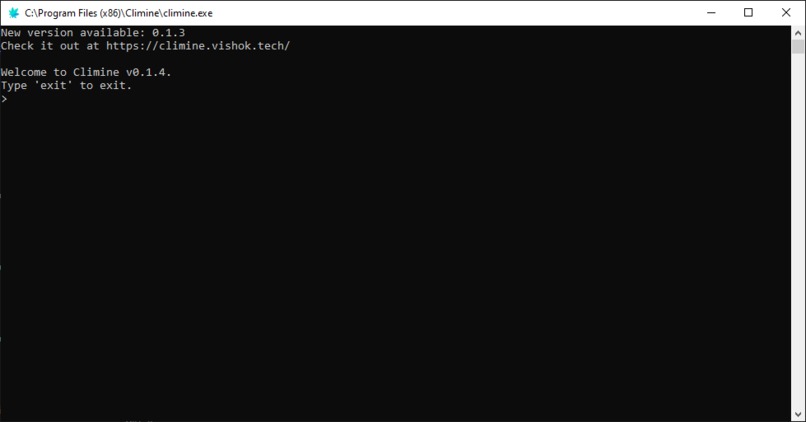
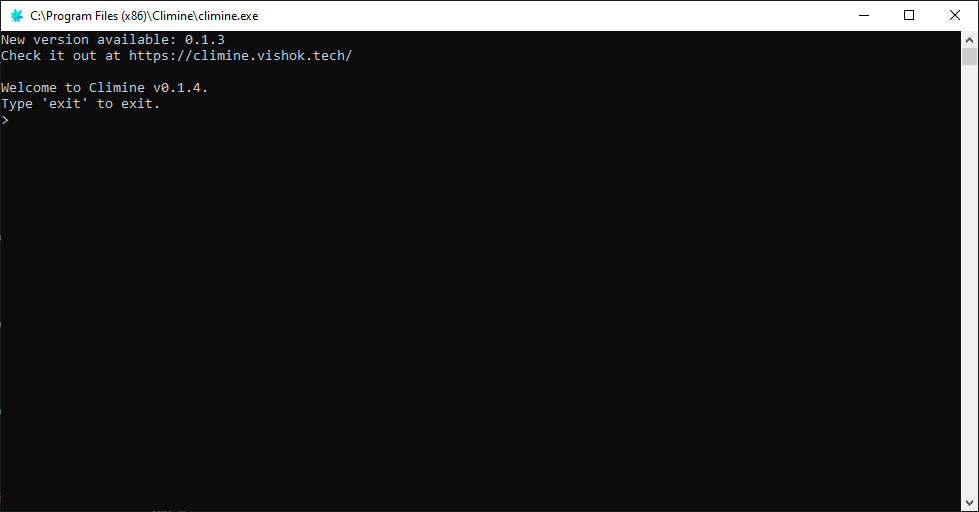
Climine Interpreter
-
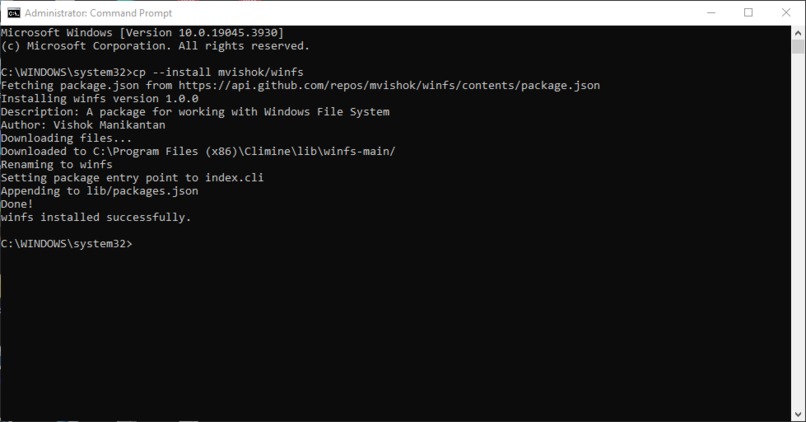
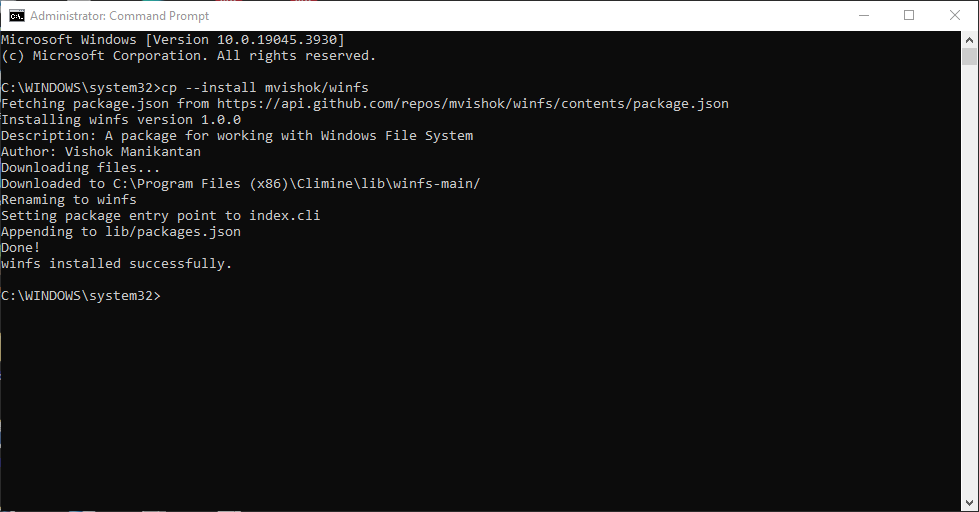
Climine Package Manager
Climine
Climine, a lightweight scripting language, prioritizes simplicity and customization. With a clear syntax for functions and input handling, it serves as an accessible tool for quick tasks and facilitates the understanding of fundamental scripting concepts.
Example
let age = input("Enter age:");

try{
    let age = num(age);
} handle {
    display(age & " is not a valid age");
    exit();
};

if (age>17){
    display("Eligible to vote");
} else {
    display("Ineligible to vote");
};

let count = 0;
until (age>17){
    let count = (count + 1);
    let age = (age + 1);
} else {
    display("Can vote in "&count&" years");
};
Demo
Climine in action

Features
- Variables (with eval)
- Operators
- Function Definition
- Input Handling
- Conditional Statements
- Looping (while, until)
- Error Handling
Installation
Binary Executable (Windows)
Download the latest release of Climine from the Releases page.
Extract the downloaded ZIP file to a location of your choice.
Open a command prompt in the extracted directory.
Run Climine using the following command:
.\climine.exe script.cli
Replace script.cli with the name of your Climine script.
Run from source
- Clone the repository:
git clone https://github.com/mvishok/climine.git
- Navigate to the project directory:
cd climine
Install dependencies
npm installRun Climine using the following command:
npm start
Support
For support, please use the issues channel of this repository.
License
Author
👤 Vishok Manikantan
- Website: https://vishok.tech/
- Instagram: @vishokmanikantan
- Github: @mvishok
- LinkedIn: @vishokmanikantan

Log in or sign up for Devpost to join the conversation.