-
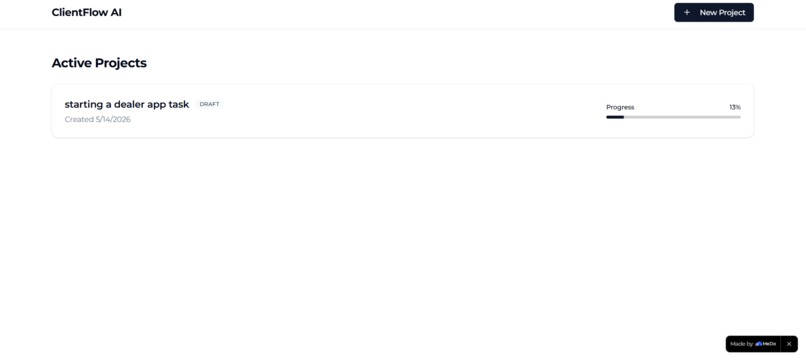
List of task
-
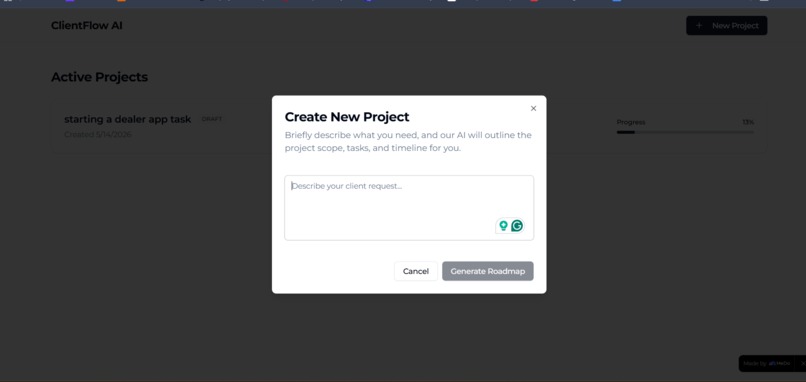
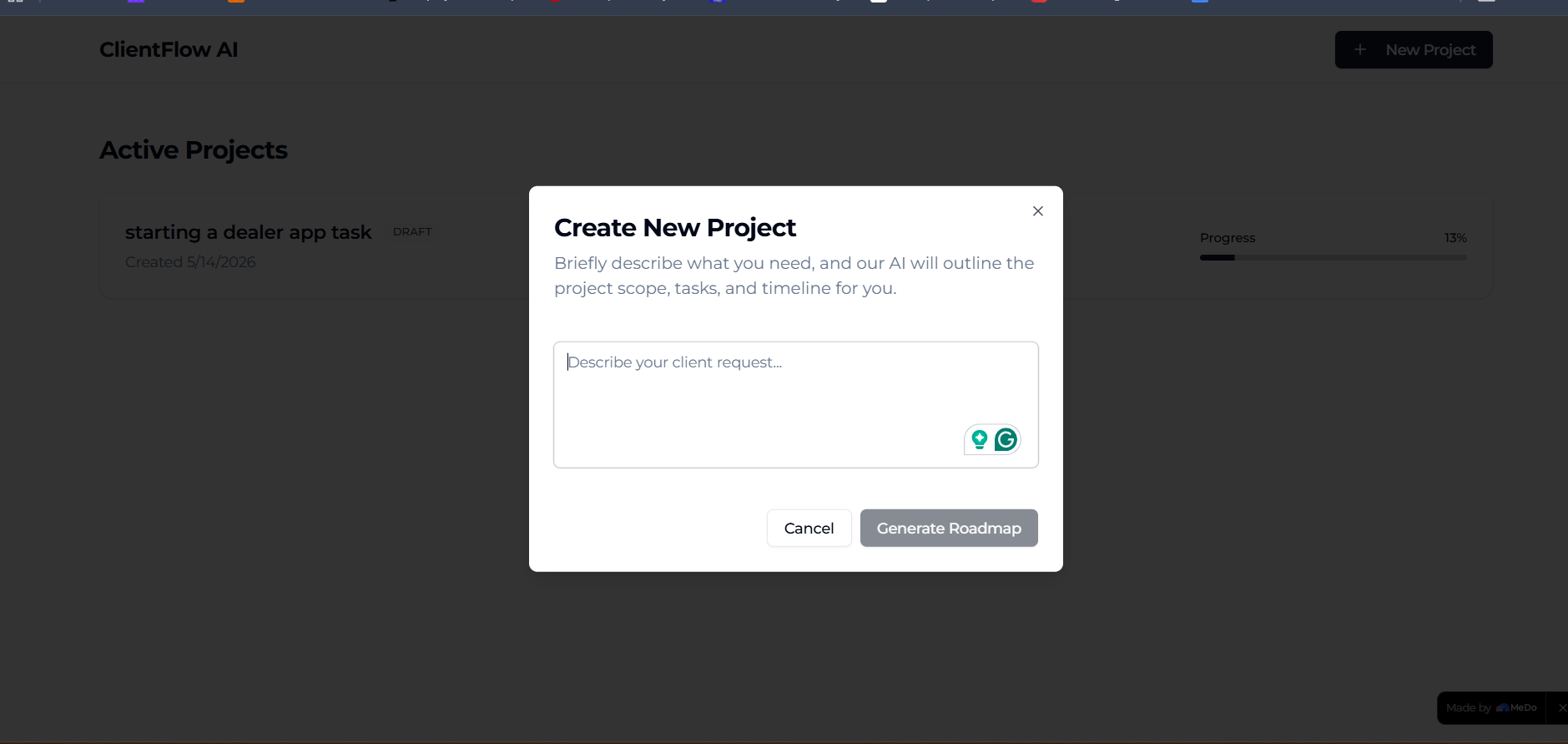
create a task
-
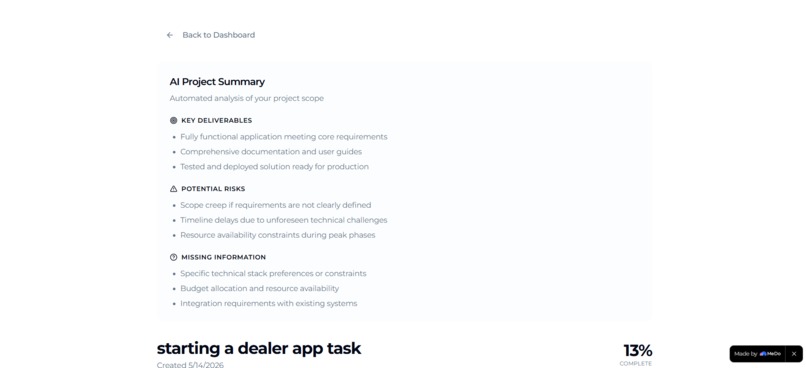
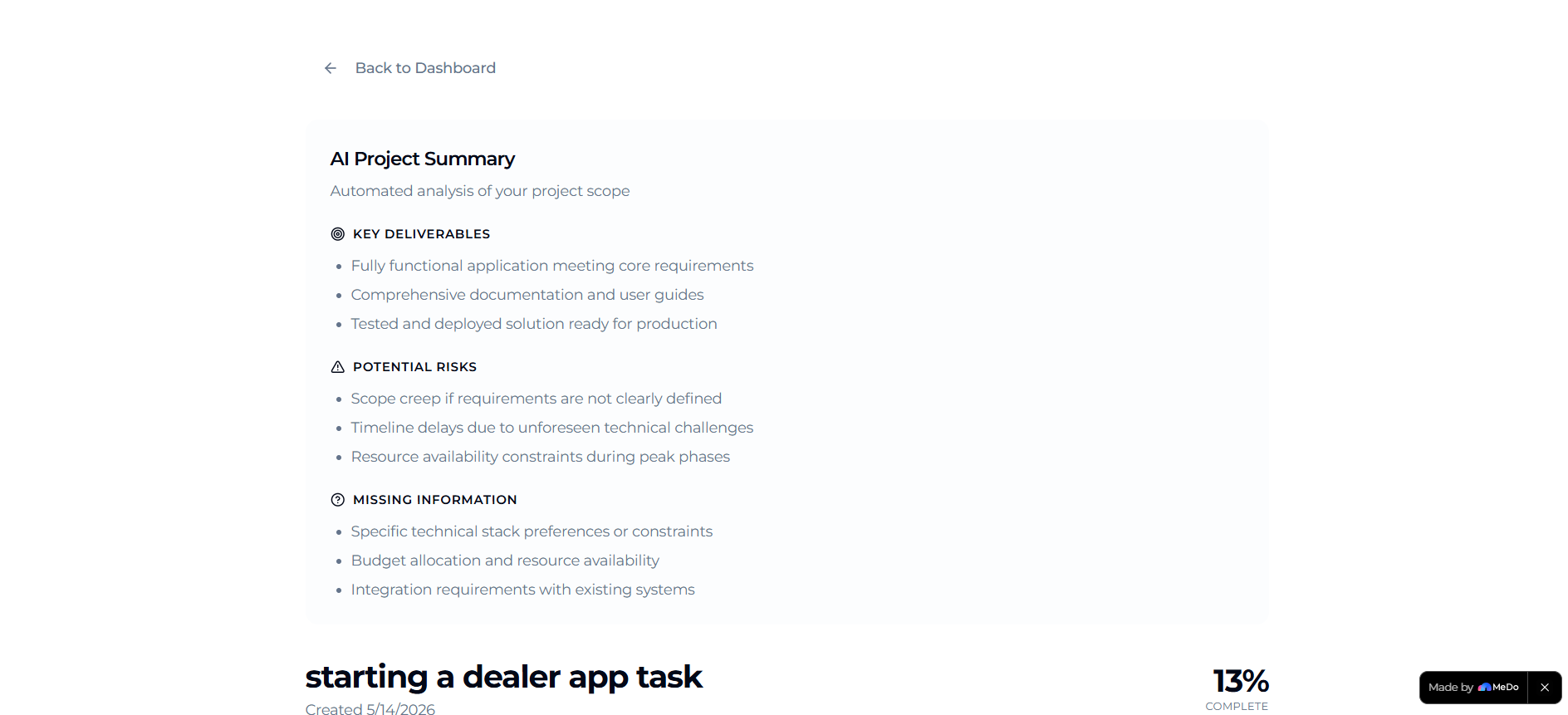
Detail page for task
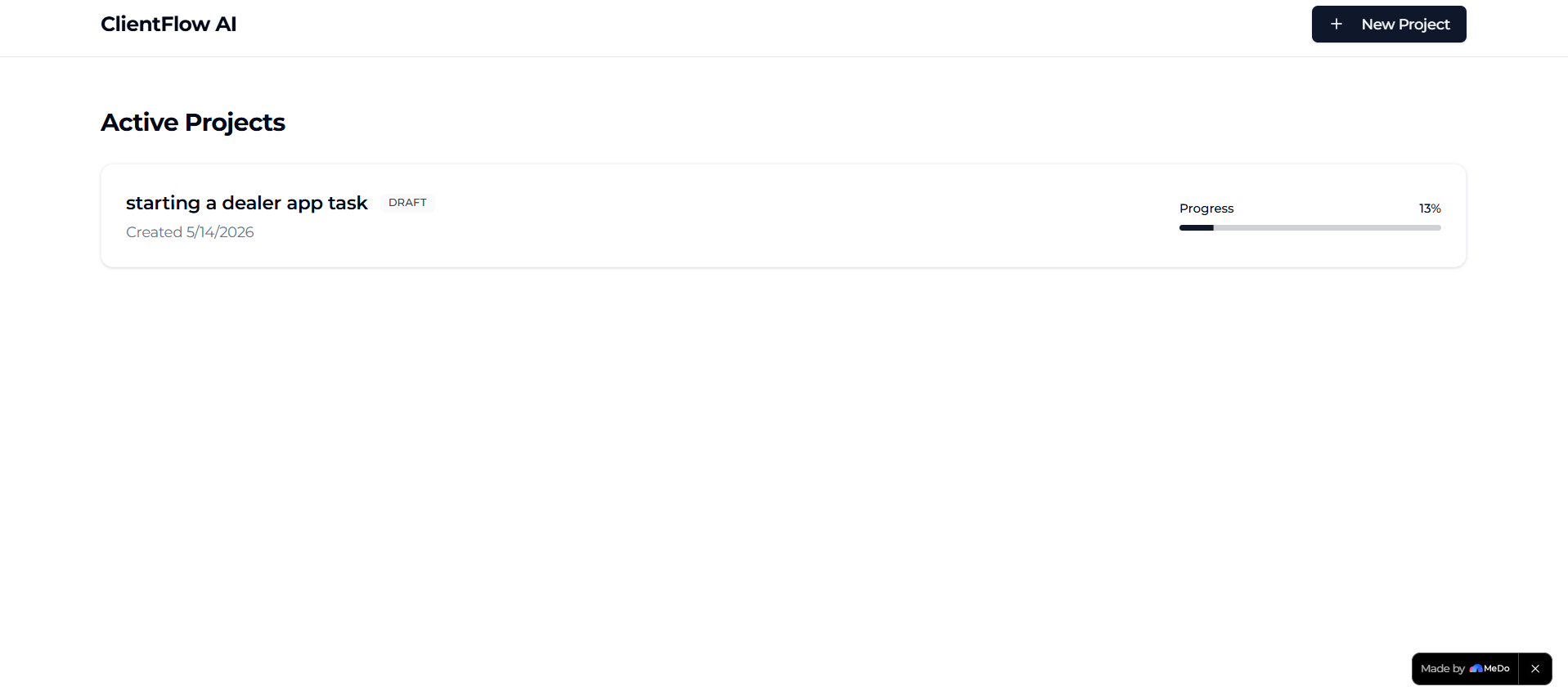
ClientFlow AI
Inspiration
Freelancers and small teams often start projects through scattered client conversations — messages, calls, voice notes, or quick briefs. Turning those unstructured discussions into a clear execution plan usually takes time and manual effort.
I wanted to build a tool that removes that friction by instantly transforming client requests into structured workflows, helping users move from conversation to execution much faster.
What it does
ClientFlow AI is an AI-powered workflow assistant that converts natural language project requests into organized project plans.
Users can describe a client request such as:
"Build a landing page, admin dashboard, and payment integration in 2 weeks."
The application then automatically generates:
- A project title
- Structured task lists
- Workflow phases
- Suggested timelines
- Project summaries and risk insights
Users can also:
- Track task progress
- Edit tasks dynamically
- Manage multiple projects from a central dashboard
How I built it
I built the application using MeDo’s AI-powered development workflow.
Using natural language prompts and iterative refinement, I generated:
- The dashboard interface
- Project creation flow
- Dynamic task generation system
- Interactive project detail views
- Persistent project management features
One of the most impressive aspects of MeDo was how quickly it transformed high-level instructions into connected frontend and backend functionality, allowing rapid iteration without traditional boilerplate setup.
Challenges I ran into
One of the biggest challenges was guiding the AI builder toward execution-focused outputs instead of requirement analysis or planning responses.
To solve this, I refined prompts to become more implementation-oriented and structured interactions around concrete UI behavior and workflows.
Another challenge was ensuring the generated task outputs felt realistic and useful instead of generic. I improved this by restructuring project generation into phases such as planning, development, and testing.
What I learned
This project showed me how powerful AI-assisted development can become when combined with clear product thinking and iterative prompting.
I also learned the importance of:
- Structuring prompts effectively
- Designing clear user flows
- Balancing AI automation with practical usability
Most importantly, I learned that AI tools are significantly more effective when treated as collaborative builders rather than simple text generators.
What’s next for ClientFlow AI
Future improvements could include:
- Team collaboration features
- Calendar and Slack integrations
- AI-generated project estimates
- Smart dependency tracking
- Real-time client communication summaries
The long-term vision is to evolve ClientFlow AI into a lightweight AI operating system for freelancers and small agencies.
Built With
- ai-powered
- application
- architecture
- automation
- css
- dashboard
- design
- dynamic
- full-stack
- generation
- interface
- language
- management
- medo
- natural
- node.js
- processing
- project
- react
- responsive
- state
- system
- tailwind
- task
- typescript
- ui
- web
- workflow

Log in or sign up for Devpost to join the conversation.