Inspiration
We all might have downloaded the Todo/Notes App on our phone, used it for a few days, then left it idle. I have done the same plenty of times. I realized the primary reason for it not being effective is that we are not reminded of its presence constantly. Be it a student or a working being, we spend most of our time on a web browser, writing emails and assignments. Therefore, I decided to build this application as a web-extension. If the application stays right in front of your eyes most of the time, you are likely to use it.
Another serious issue that I faced as a "learning developer" is- too many open tabs. While debugging or scanning StackOverflow, we tend to open dozens of tabs, thus, exhausting our system's RAM. With Clickify, you can close all the open tabs and store them as a list. Access them later individually as needed from the extension.
Online meetings have become the new normal. Sometimes we might miss out on some important information. The same implies to students attending online classes. You can activate the extension on your google meet as the meeting starts and later copy the transcript of the whole meeting on your clipboard, save it for later!
Are you frustrated by typing your email for every form that you fill? I never liked typing my complete name, email, and other details repetitively. As a bonus, Clickify will store your frequently used information so that you can use it when google won't autofill your details.
What it does
Clickify is a Chrome Extension built to make your life more structured and easy-
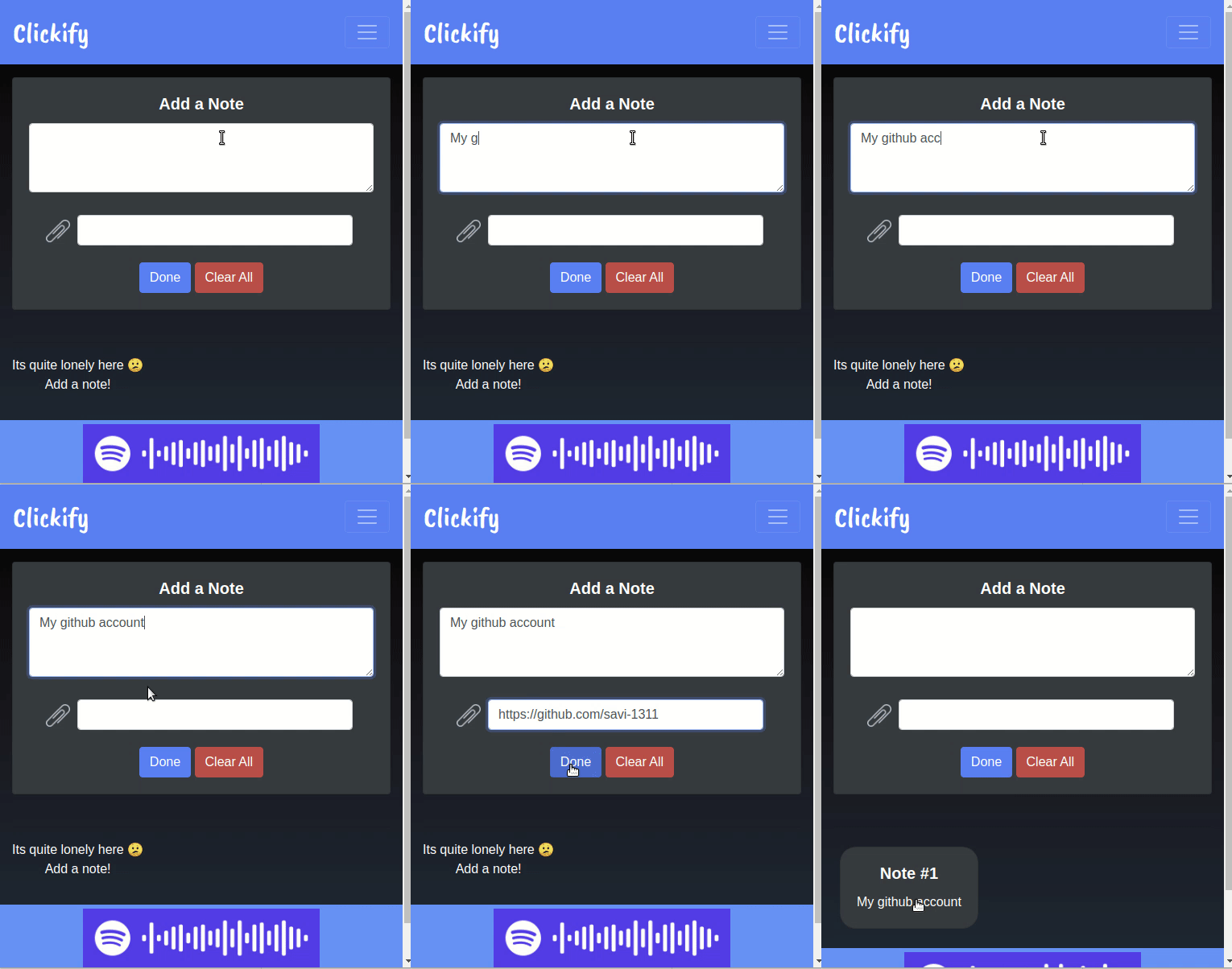
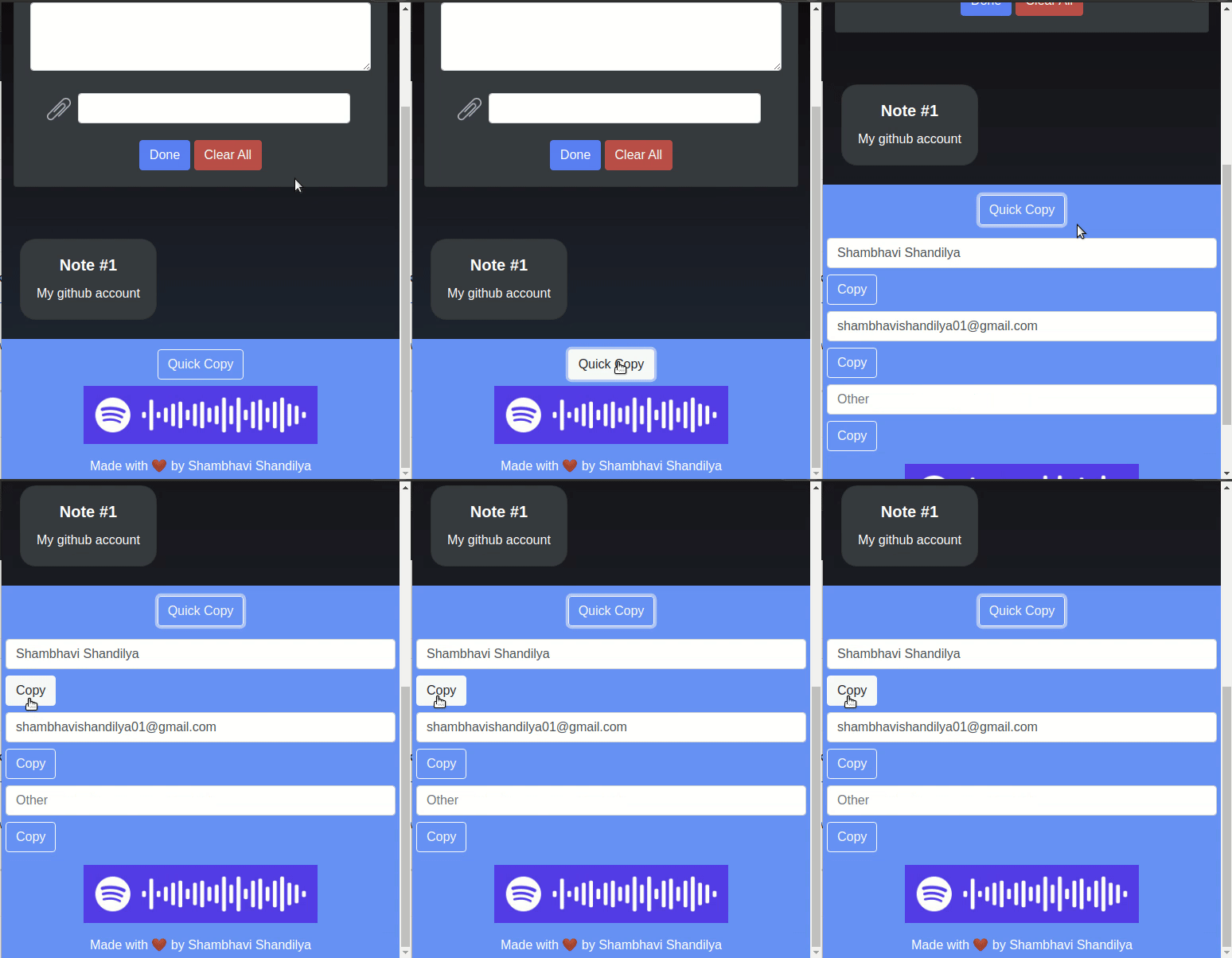
🗒Take Notes: We spend most of our time on the web browser. So, it's a great idea to keep all your notes in the browser itself. You can also add links with the notes created.
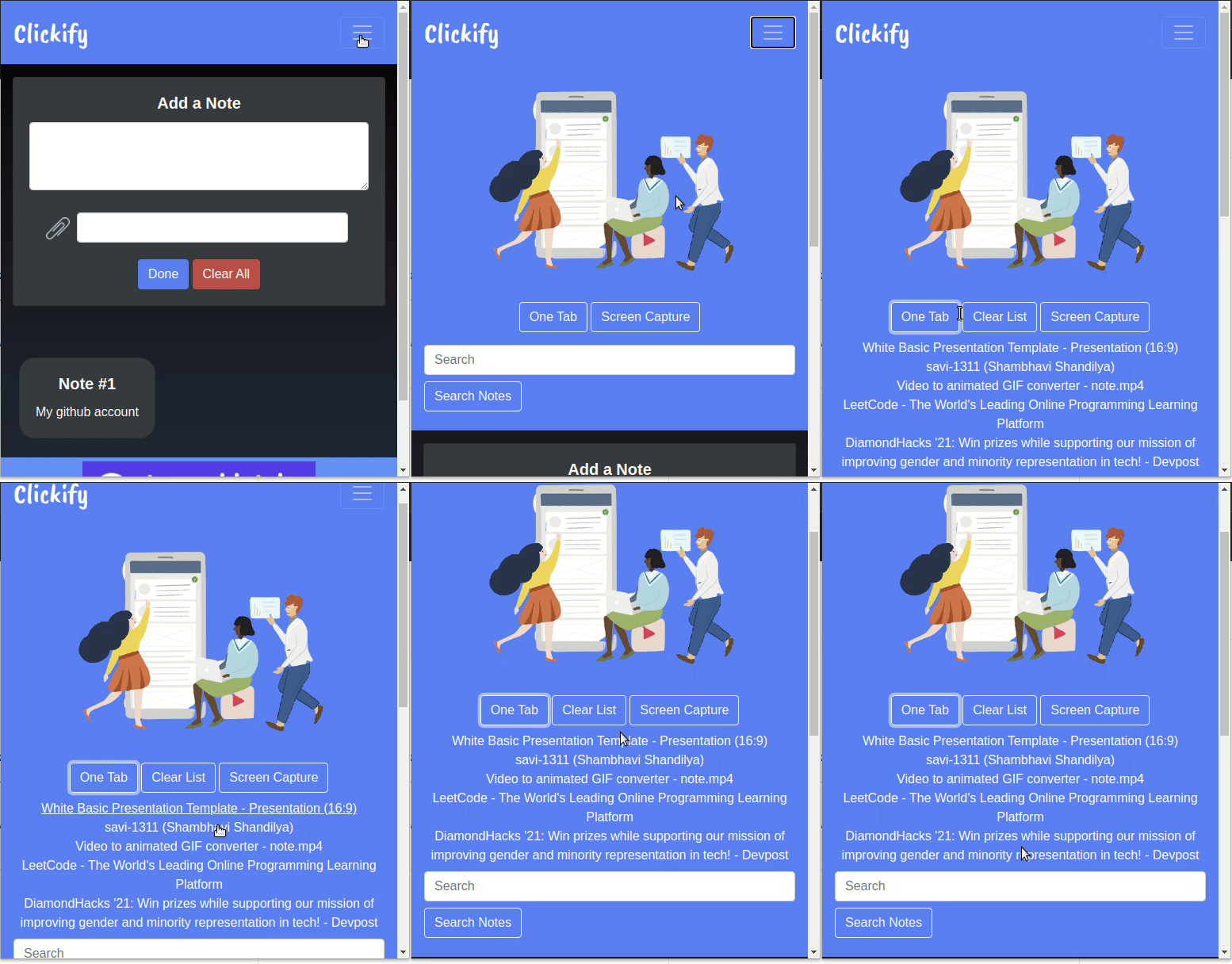
💻Group Tabs: Save up to 95% of memory. Click the OneTab to convert all of your tabs into a list. It closes all the non-active tabs. When you need to reaccess the tabs, you can restore them individually from the extension.
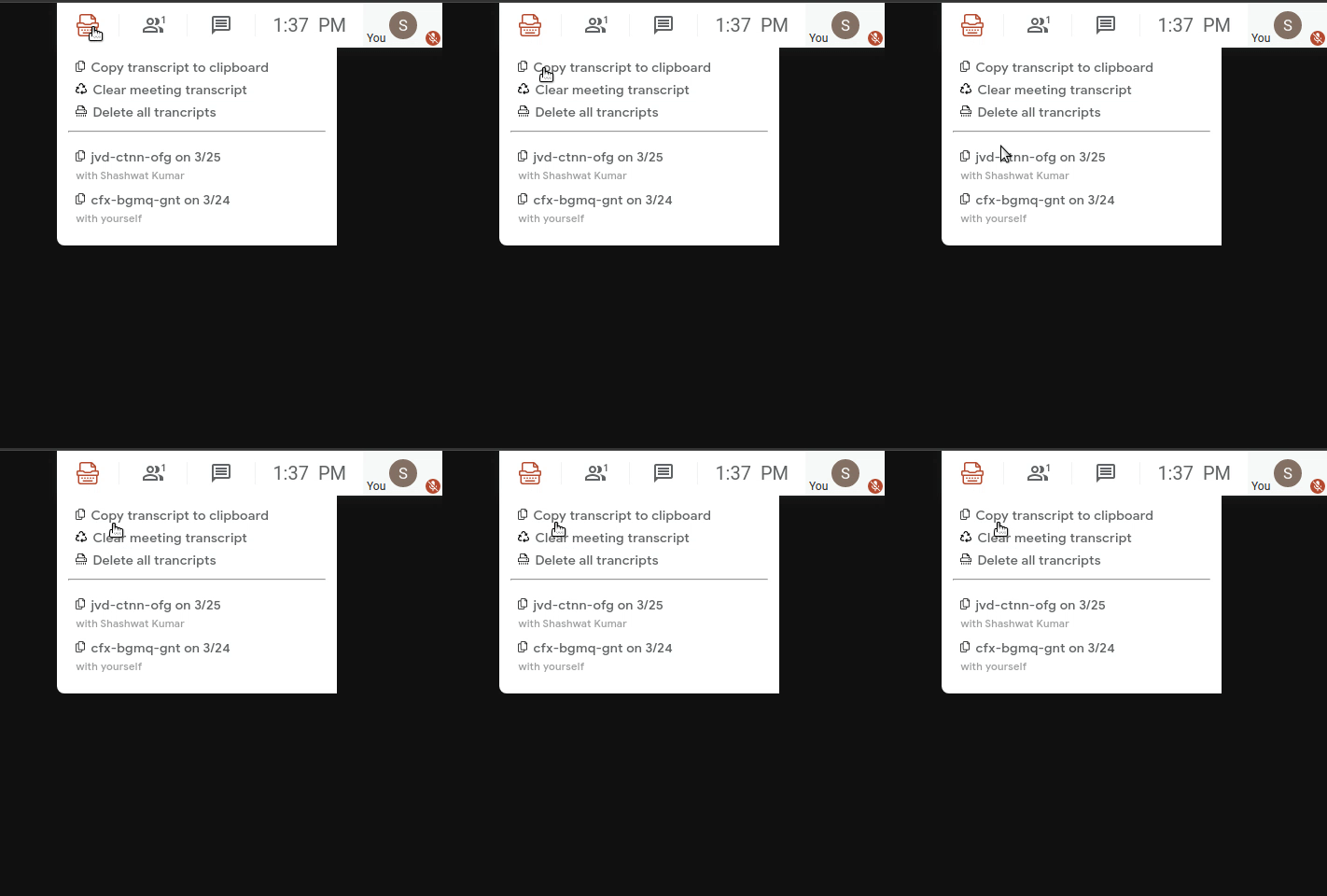
📹Meeting made easy: Get the complete transcript of your Google Meet meetings with a single click.
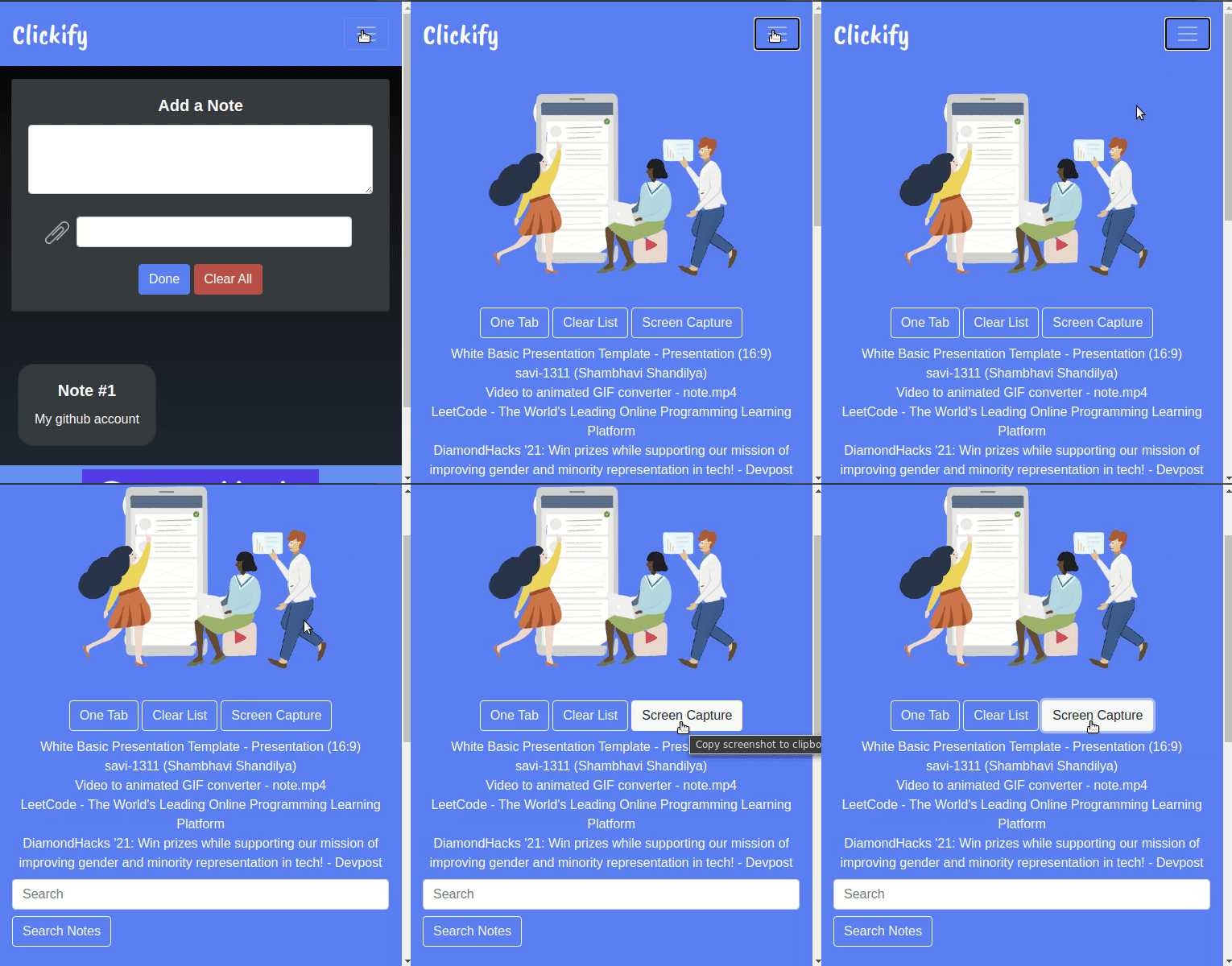
📷Take Screenshot: Avoid the hassle of opening a new application to snap the screen. One extension to do it all!
📎Fill Forms: Keep all the repetitive stuff, such as your full name, email, address, etc., in one place. So from next time, all you need to is Ctrl+C and Ctrl+V.
🎶Groove to Music: A Spotify scan code to keep you entertained. (Just wanted to make this extension less boring)
How I built it
I have used HTML, CSS, and Javascript to build this extension.
Challenges we ran into
Though the extension seems easy to use, it wasn't easy to build this using pure Javascript. **onclick() -> According to the security policy, we cannot use onclick() function in chrome extensions. This took away a lot of time debugging and finally changing the code.
Accessing the tabs -> There are not a lot of articles explaining how to use tabs.Tab. It was a hard time figuring out the documentation and implementing it.
Building the UI -> Since there were many functionalities, making the UI was challenging with the little area we get as a popup.
Using pure JavaScript -> With extensions, I could not use external libraries. So I had to write the code myself. It was a new learning experience as I have always worked with React.js and it was much easier there.
Usage
Steps to run the extension:
- Open chrome://extensions/ on your google chrome web browser.
- Download the zip file of the repository and extract it (or clone the repo).
- Switch to development mode in the extensions tab.
- Unpack the folder cloned.
That's it; now run the extension on any of your tabs.
Accomplishments that we're proud of
I could finish the project in a short span of time; it's, of course, an achievement for me. Despite participating solo, I could finish it in time using vanilla Javascript and not any libraries.
Also, I got to know a lot about the tabs.Tab API of Chrome and how powerful a Chrome extension is. Moreover, it is something that I will definitely use myself.
What's next for Clickify - One click for a productive life.
We can implement the autofill of forms instead of copy-paste. We can also derive a method to delete individual notes that don't use the onclick() function.


Log in or sign up for Devpost to join the conversation.