-
-
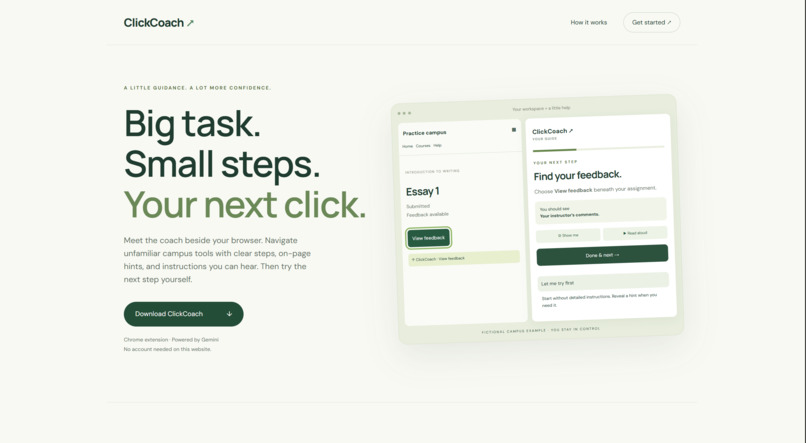
Website
-
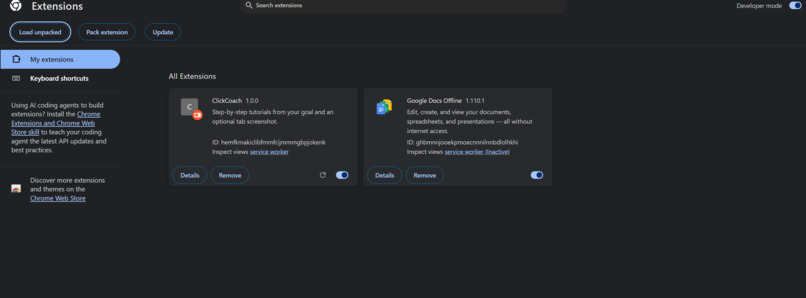
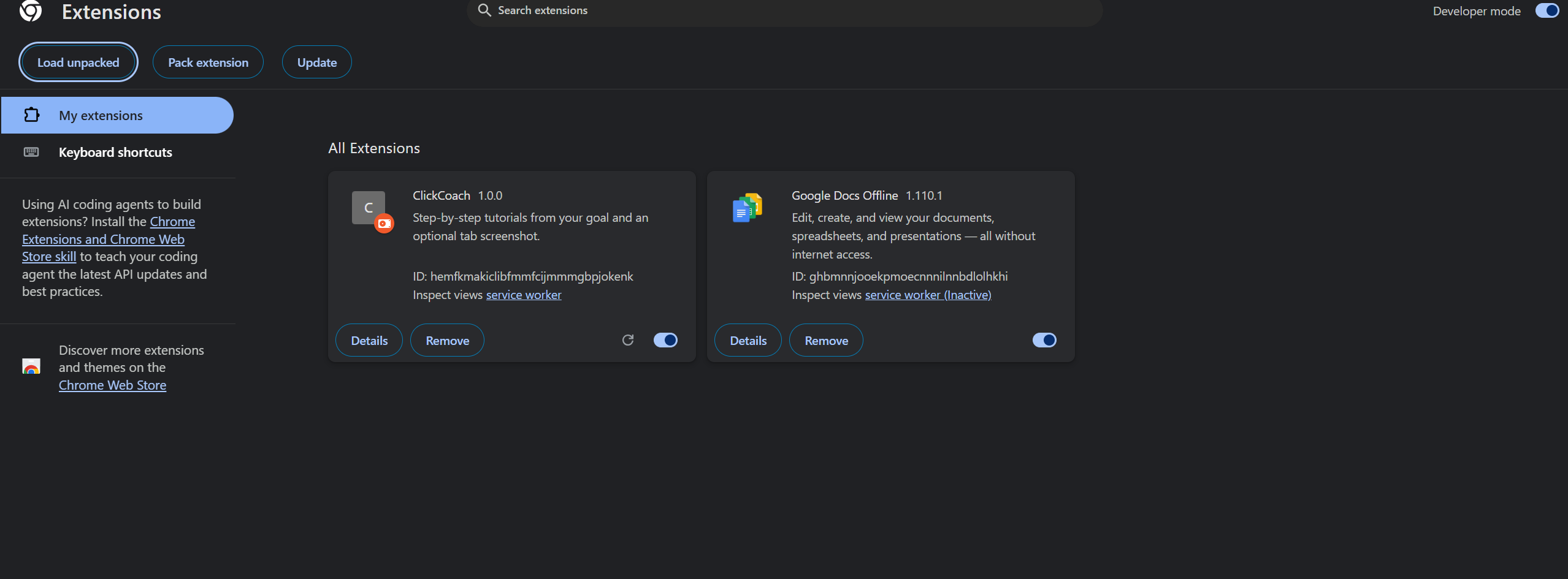
Added Extension
-
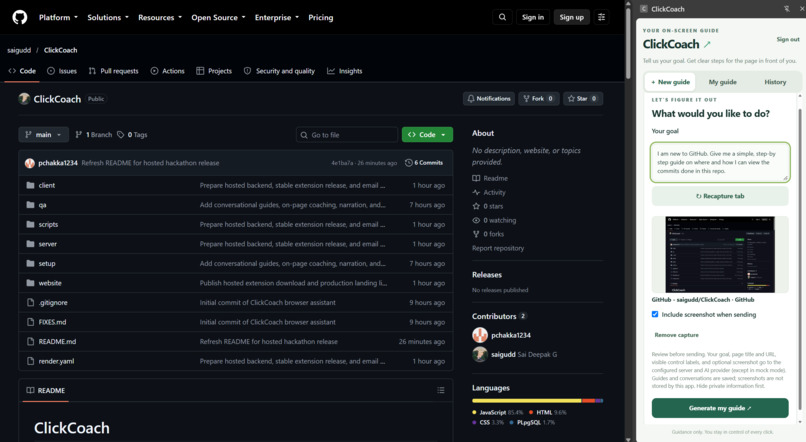
Prompt
-
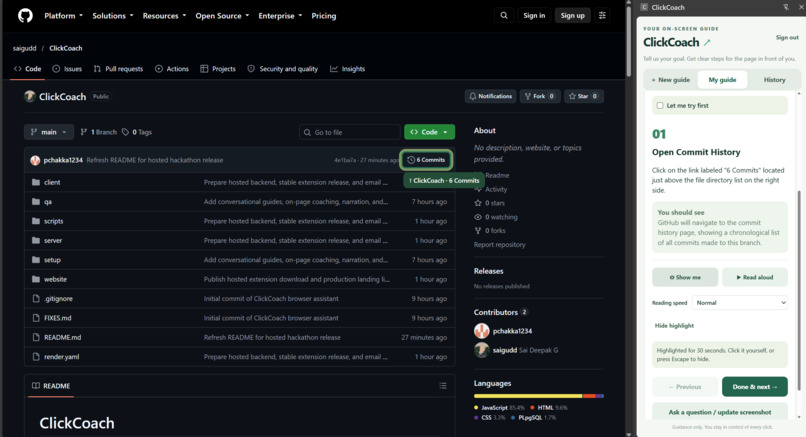
Answer
-
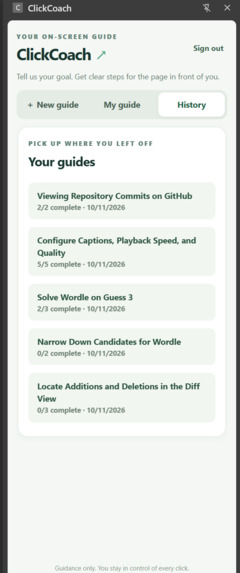
History
-
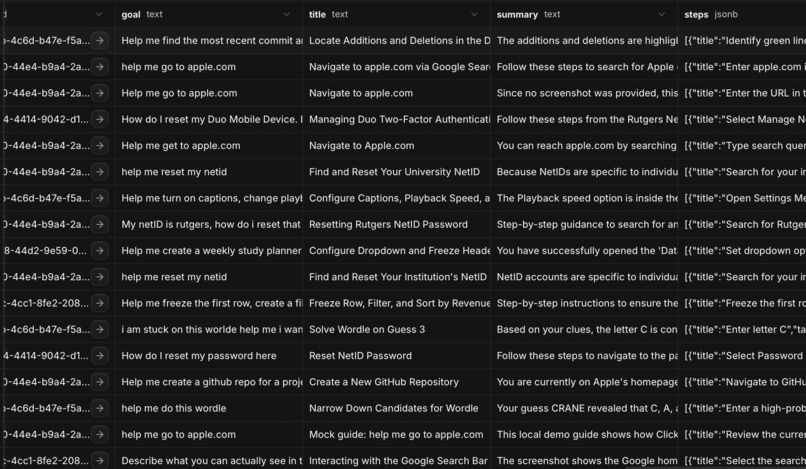
Database
Inspiration
Students use countless digital tools, but knowing what they want to accomplish does not always mean knowing where to click. A simple task can turn into a search through tutorials, outdated screenshots, and menus that look different from the instructions.
We built ClickCoach to bring guidance directly into the browser. Our goal is to help students learn unfamiliar tools by using them, with support that can adapt when they get stuck.
What it does
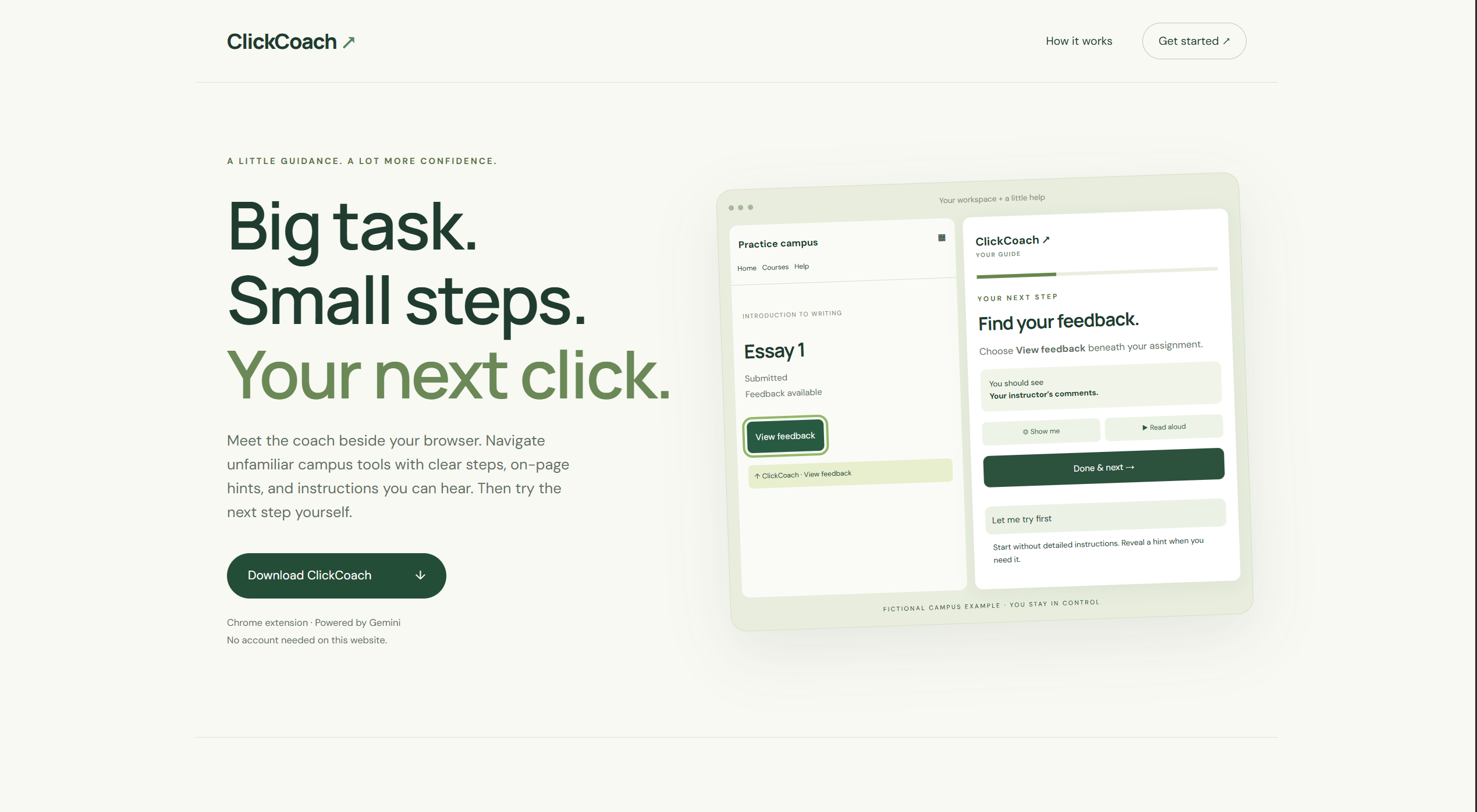
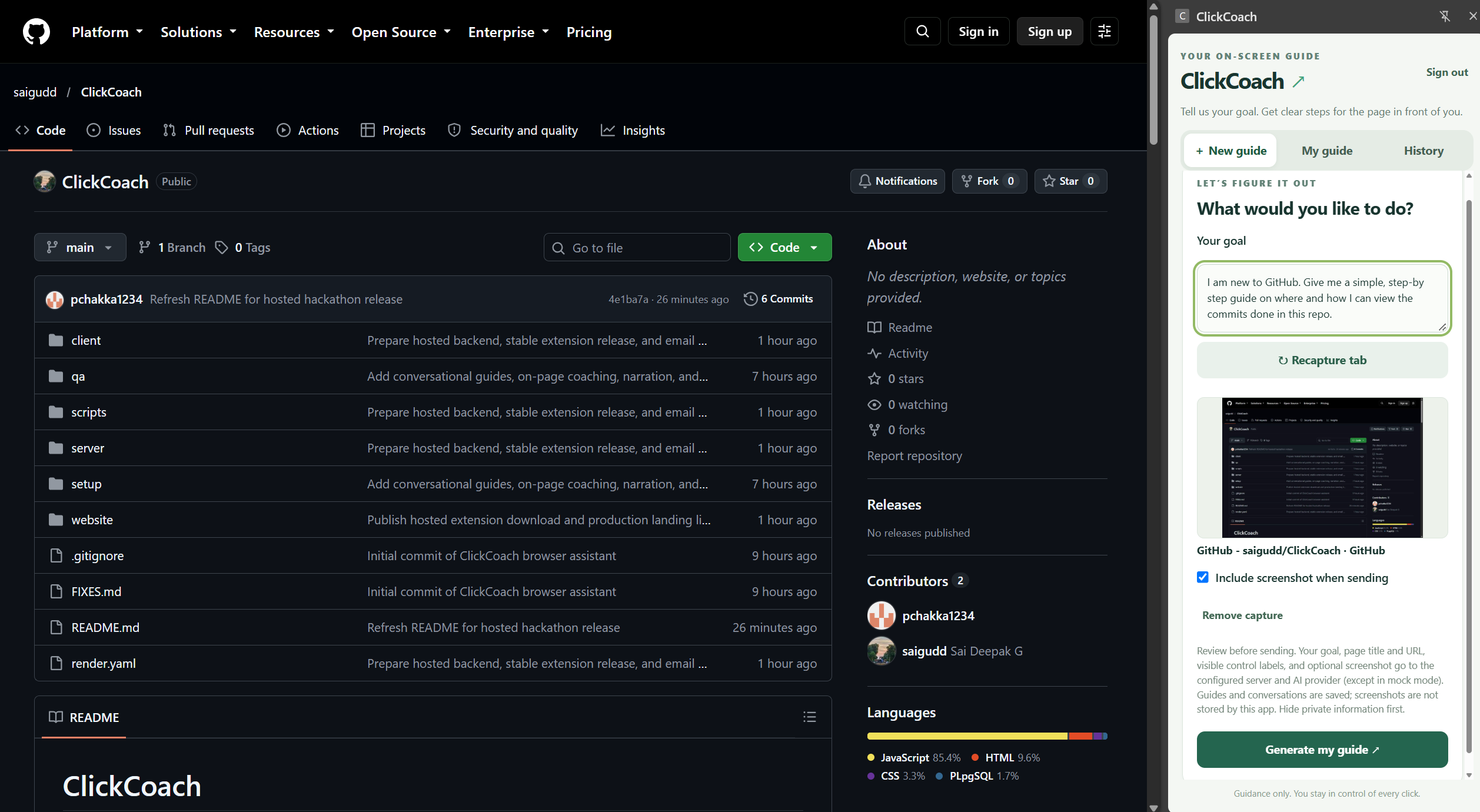
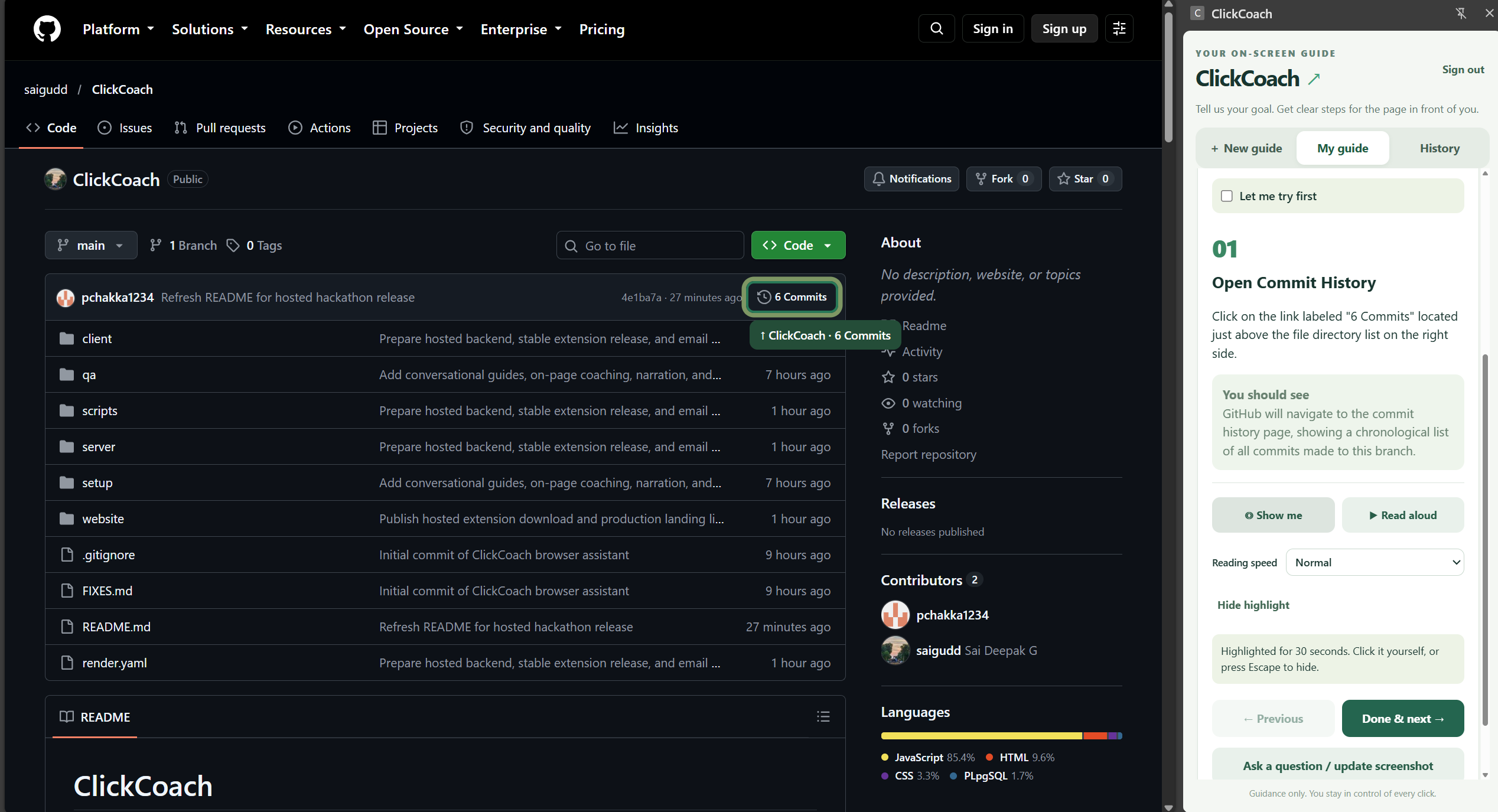
ClickCoach is a Gemini-powered Chrome extension that turns a user’s goal and a captured screenshot into an interactive, step-by-step guide inside the browser’s side panel.
Users can:
- Describe what they want to accomplish and capture the current page.
- Follow instructions one step at a time.
- Use “Show me” to highlight a matching visible control on the webpage.
- Listen to instructions with built-in voice narration.
- Ask follow-up questions or add a new screenshot without restarting the guide.
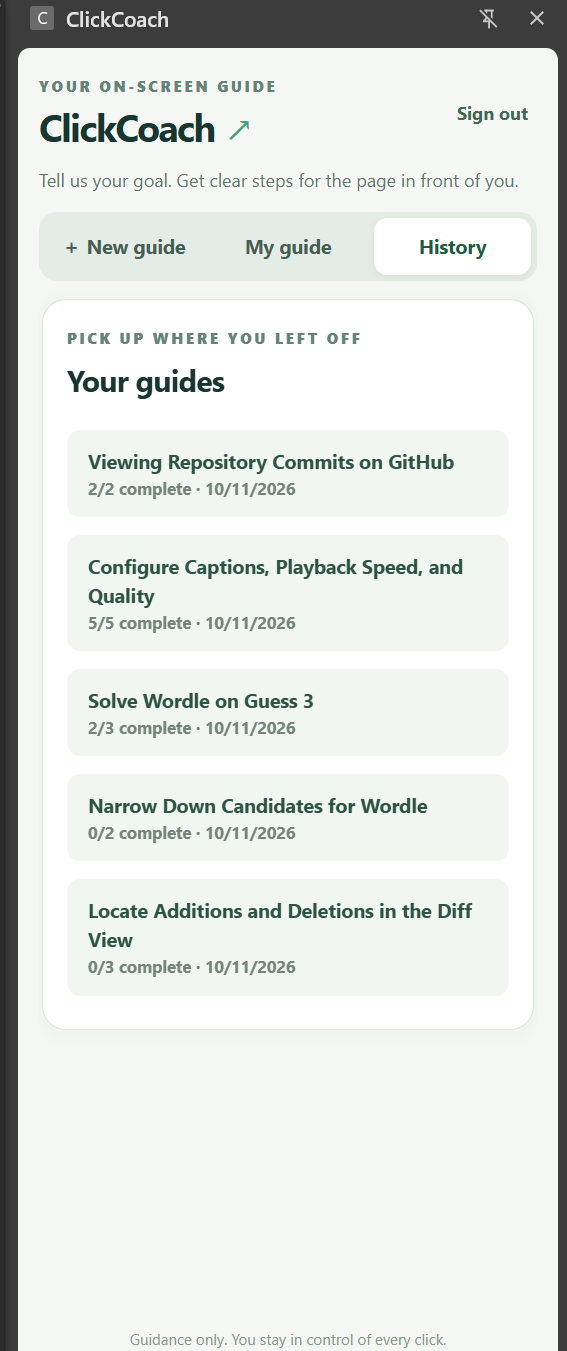
- Revisit saved guides and track their progress.
- Use “Let me try” to attempt a step before revealing the instructions.
For example, a student building a study planner can get help formatting a spreadsheet, locate the next control, and ask for revised instructions when their screen looks different.
ClickCoach keeps the user in control: it points and explains while the user performs the actions.
How we built it
We built the Chrome extension with React, Vite, and Chrome’s Manifest V3 APIs. The side panel keeps the guide beside the webpage, while content scripts identify visible controls and display highlights.
Our Node.js and Express backend sends the user’s request, captured screenshot, and relevant page context to Gemini. Gemini returns a structured guide that our backend validates before displaying it.
To make highlighting more reliable, we check model-generated targets against the controls collected from the page. A highlight is only shown when a matching control can be uniquely identified.
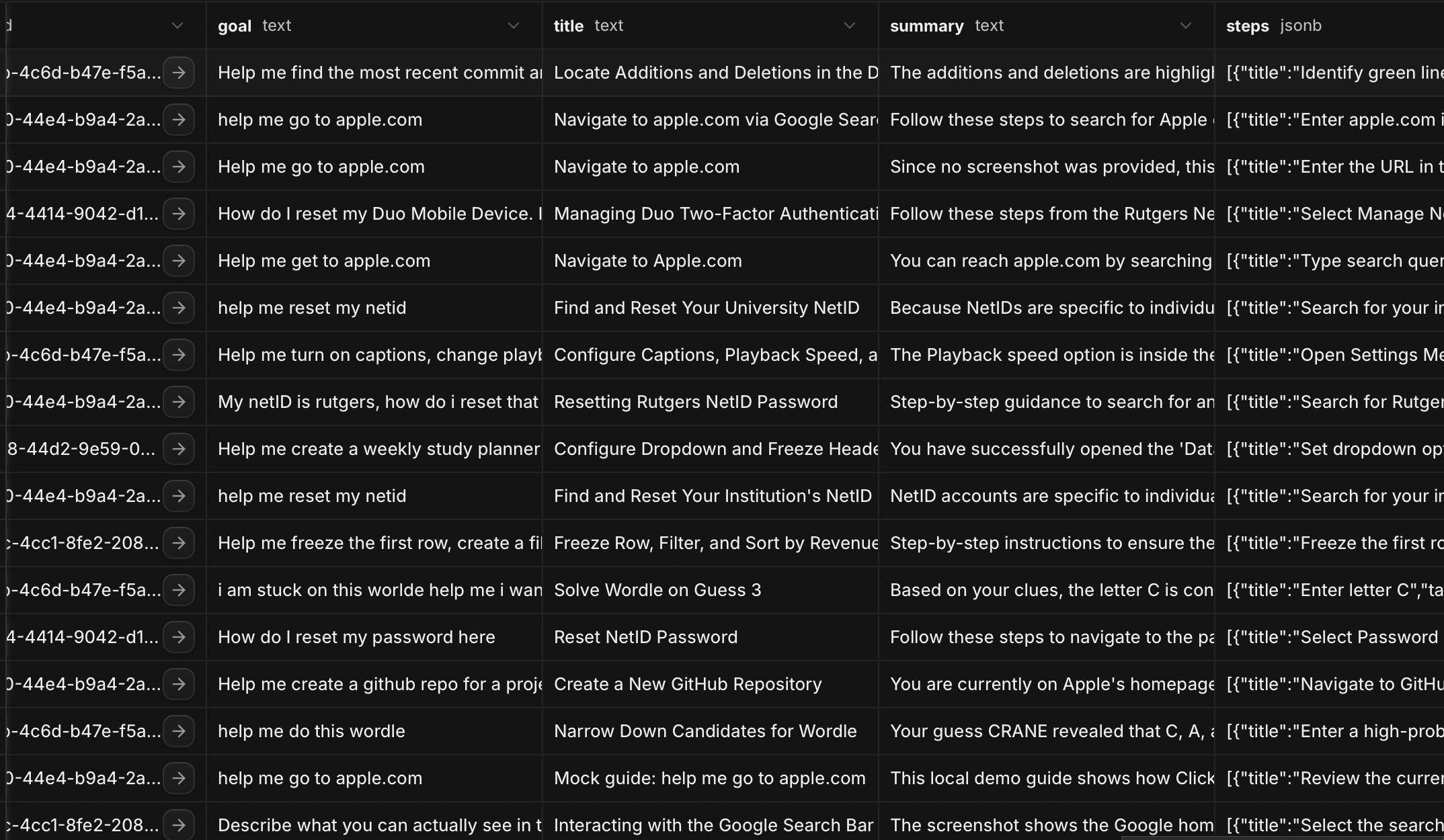
Supabase handles authentication and stores guides, conversation history, and progress. Render hosts the backend and our public landing page, which includes the extension download and installation instructions.
Voice narration uses locally available browser speech synthesis voices, so reading instructions aloud does not require another Gemini request.
Challenges we ran into
One major challenge was making a guide useful after the first response. Users may encounter a different menu, complete steps independently, or change their goal halfway through. We added ongoing conversations and fresh screenshot support so ClickCoach can revise the guide using the latest context.
Another challenge was connecting AI-generated instructions to actual webpage controls. Pages can contain duplicate labels, hidden elements, and changing layouts. We added checks that prevent ambiguous or missing targets from producing misleading highlights.
We also worked through Gemini rate limits, cross-platform voice differences, extension permissions, and the transition from local development to a hosted application. These constraints pushed us to keep requests focused and handle failures without losing the user’s work.
Accomplishments we're proud of
We built a complete flow from describing a goal to following a guide, highlighting controls, asking follow-up questions, and returning to saved progress.
We are especially proud of combining visual guidance, narration, and conversation in one browser side panel. The experience lets users choose the kind of help they need at each step.
Our 51 automated tests passed, covering areas such as authentication, guide updates, screenshot handling, highlight targeting, and narration behavior. We also checked the hosted backend and ran small live Gemini tests, including a change of goal midway through a guide.
What we learned
We learned that useful AI guidance depends on more than generating a good first answer. It needs to stay connected to the user’s context, acknowledge uncertainty, and recover when the original instructions no longer fit.
We also learned how to combine multimodal AI with browser APIs, validate structured model output, and manage the tradeoffs between response quality, latency, and token usage.
What's next for ClickCoach
We want to expand testing across more educational tools and websites, improve support for changing page layouts, and explore multilingual guidance.
We also want to develop richer learning features, such as optional understanding checks and guided practice, while keeping users actively involved.
Our vision is for ClickCoach to help students build the confidence to navigate unfamiliar digital tools on their own.
Built With
- api
- chrome
- css
- express.js
- extensions
- gemini
- github
- html
- javascript
- node.js
- postgresql
- react
- render
- speech
- supabase
- vite
- web

Log in or sign up for Devpost to join the conversation.