-
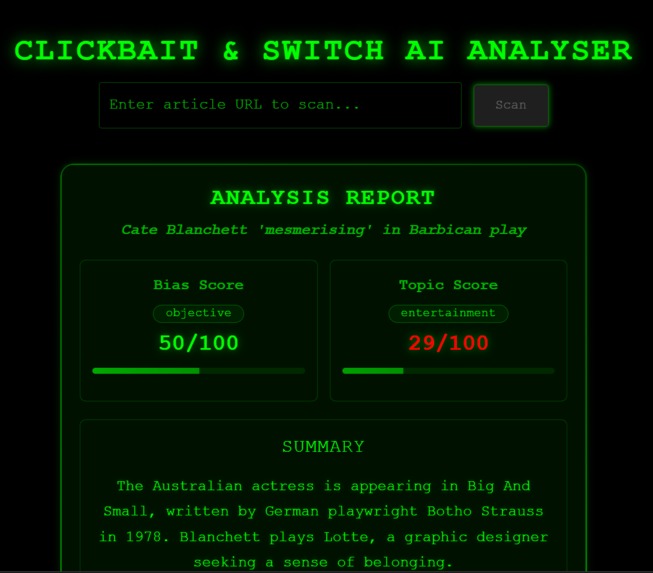
UI
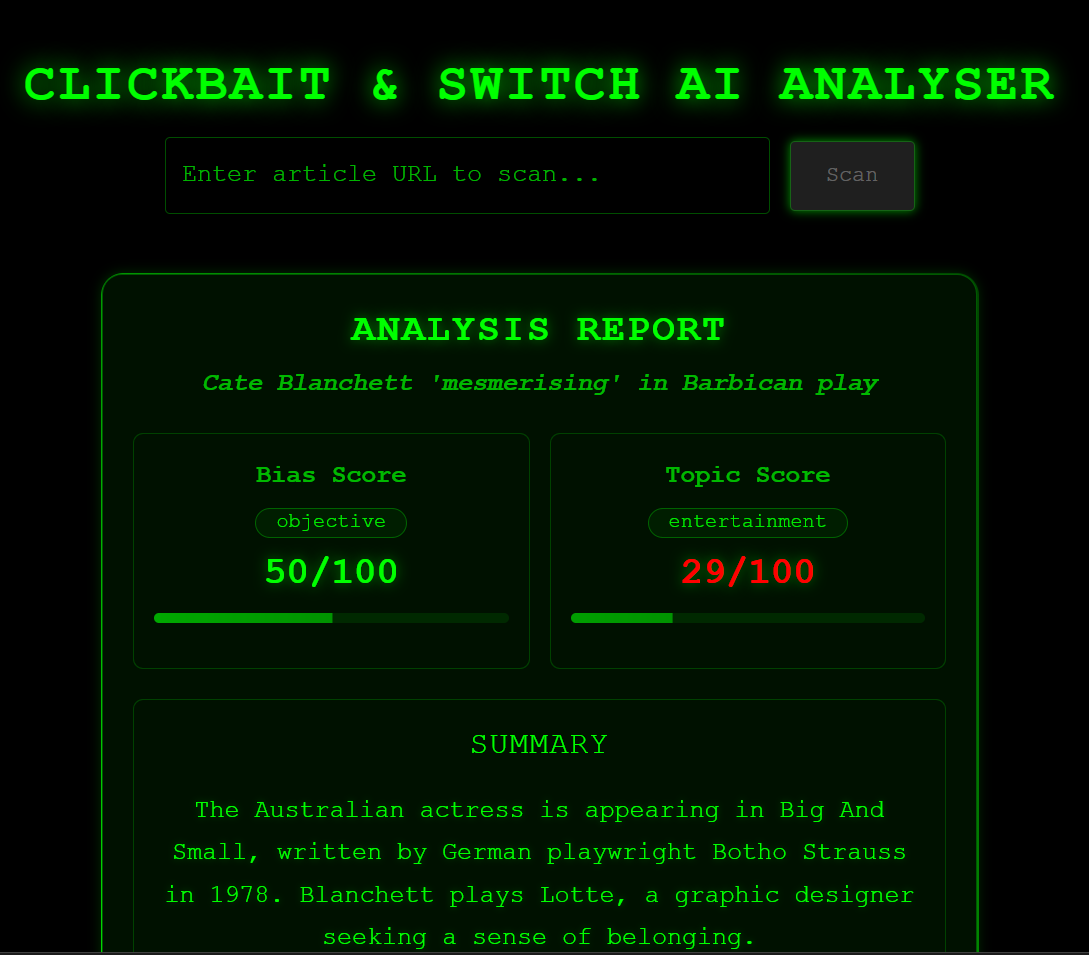
Clickbait & Switch AI
Clickbait & Switch AI is a fullstack service designed to analyse news articles from URLs. It leverages various Natural Language Processing (NLP) models to provide insights such as summarization, sentiment analysis, bias classification, topic identification, and named entity recognition.
Demo: https://drive.google.com/file/d/1vZyMiMuTljLZm5mR-yb-wBmrmMH6-FMh/view?usp=sharing
Features
- Article Fetching & Parsing: Downloads and extracts content from a given news article URL.
- Text Summarization: Generates a concise summary of the article content.
- Named Entity Recognition (NER): Identifies and extracts names of people mentioned in the article.
- Sentiment Analysis: Determines the overall sentiment (e.g., positive, negative, neutral) of the article.
- Bias Classification: Classifies the article's text based on potential bias (e.g., objective, biased).
- Topic Classification: Identifies the main topics of the article (e.g., politics, technology, health).
Technology Stack
Backend
- Python 3.x
- FastAPI: For building the asynchronous API.
- Uvicorn: ASGI server for FastAPI.
- Hugging Face Transformers: For state-of-the-art NLP models:
- Summarization:
facebook/bart-large-cnn - Zero-Shot Classification (for bias & topic):
facebook/bart-large-mnli - Sentiment Analysis: Default pipeline model
- Summarization:
- spaCy: For Named Entity Recognition (
en_core_web_sm). - Newspaper3k: For article downloading and parsing.
- Pytest: For running automated tests.
Frontend
- Language: JavaScript / TypeScript
- Framework/Library: React
- Build Tool: Vite
- Styling: Material UI
- API Client: Axios
- Test: Vitest, Reacting Testing Library
Project Structure
Clickbait-and-Switch-AI/
├── backend/
│   ├── app/
│   │   ├── routes/
│   │   │   └── analyse.py  # API endpoint definitions
│   │   └── __init__.py
│   ├── services/
│   │   └── nlp.py          # Core NLP processing logic
│   ├── tests/
│   │   ├── conftest.py     # Pytest fixtures
│   │   ├── test_api.py     # API endpoint tests
│   │   └── test_nlp_service.py # NLP service tests
│   ├── main.py             # FastAPI application entry point
│   ├── requirements.txt    # (Assumed) Python dependencies
│   └── ...                 # Other Python files
├── frontend/               # React + Vite Frontend application
│   ├── public/             # Static assets
│   ├── src/
│   │   ├── assets/         # Images, fonts, etc.
│   │   ├── components/     # Reusable React components
│   │   ├── pages/          # Page-level components
│   │   ├── services/       # API service calls (e.g., Axios instances)
│   │   ├── styles/         # Global styles, theme configurations (e.g., for Material UI)
│   │   ├── App.jsx         # Main App component
│   │   └── main.jsx        # Entry point for React application
│   ├── tests/              # Vitest/React Testing Library tests
│   ├── index.html          # Main HTML file for Vite
│   ├── package.json        # Project metadata and dependencies
│   ├── vite.config.js      # Vite configuration
│   └── ...                 # Other frontend files (e.g., .eslintrc.cjs, .prettierrc)
├── .gitignore              # Git ignore rules
└── README.md               # This file
Setup and Installation
Prerequisites
- Python 3.8+
-
pip(Python package installer) - Node.js and
npmoryarn(if a frontend is used)
Backend Setup
Clone the repository:
git clone <your-repository-url>
cd Clickbait-and-Switch-AI/backend
Create and activate a virtual environment:
python -m venv venv
# On Windows
venv\Scripts\activate
# On macOS/Linux
source venv/bin/activate
Install Python dependencies: (Assuming you have a
requirements.txtfile in thebackenddirectory)pip install -r requirements.txtNote: The first time you run the application, Hugging Face Transformers and spaCy may download the required NLP models. This might take some time and require an internet connection.
Frontend Setup
Navigate to the frontend directory (if it exists):
cd ../frontendInstall frontend dependencies:
npm install
# or
yarn install
Running the Application
Backend
From the Clickbait-and-Switch-AI/backend directory:
python main.py
The API will be accessible at http://localhost:8000.
Frontend
From the Clickbait-and-Switch-AI/frontend directory (if it exists):
npm run dev
# or
yarn dev
The frontend will typically be accessible at http://localhost:5173.
API Usage
The primary endpoint for analysis is:
- Endpoint:
POST /analyse/ - Request Body (JSON):
json { "url": "https://www.example-news.com/article-link" } - Response: A JSON object containing the analysis results (title, summary, named people, sentiment, bias classification, topic classification).
Running Tests (Backend)
From the Clickbait-and-Switch-AI/backend directory:
pytest
Running Tests (Frontend)
From the Clickbait-and-Switch-AI/frontend directory:
npm test

Log in or sign up for Devpost to join the conversation.