-
-
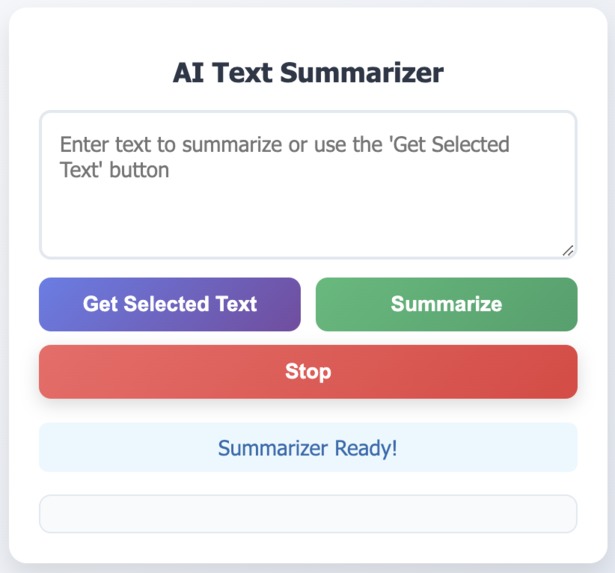
Intro Screen with text fields and buttons
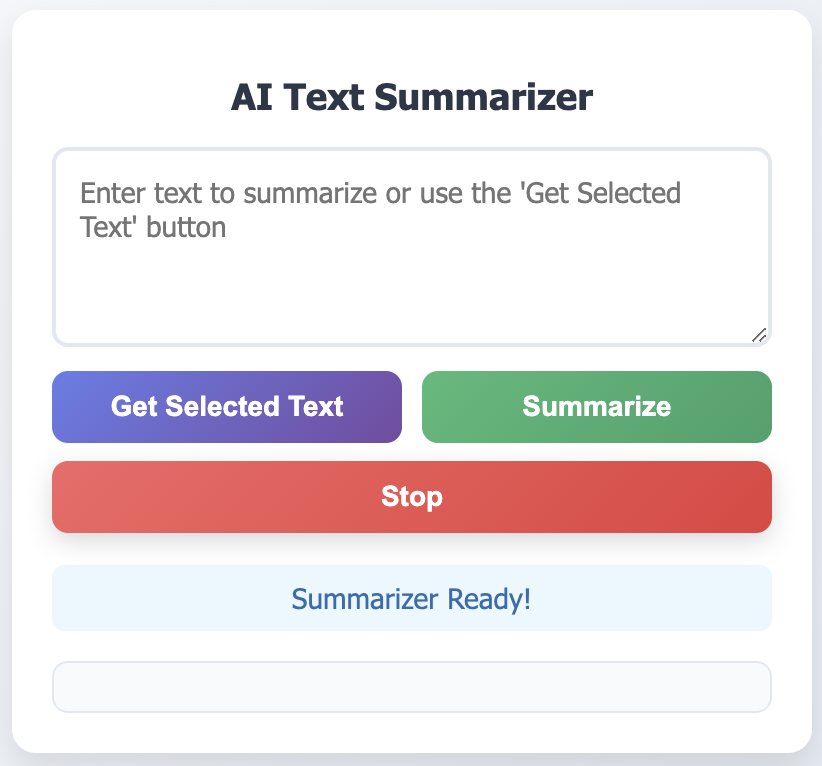
About "Click and Summarize" 🚀
Inspiration 💡
The idea for "Click and Summarize" was born from the growing need to process vast amounts of information quickly. With so much content available online, it’s easy to feel overwhelmed by lengthy articles, reports, and web pages. Inspired by the potential of AI to simplify tasks, I envisioned a tool that could instantly extract key points from content, making it easier for users to grasp essential information in a matter of seconds.
What I Learned 📘
Throughout this project, I gained valuable insights into:
- Chrome Extension Development 🖥️: Understanding how to structure and build a functional Chrome extension with manifest files and JavaScript.
- AI Integration 🤖: Leveraging summarization APIs to dynamically process content in real time.
- Frontend Design 🎨: Creating a user-friendly interface that seamlessly integrates with Chrome’s ecosystem.
- Problem-Solving 🛠️: Tackling issues like handling dynamic content, improving API response times, and ensuring accurate summarizations.
How I Built It 🏗️
Extension Framework 🛒:
- Started with the Chrome extension manifest and structured the project with content scripts, background scripts, and a popup interface.
AI Summarization Integration 🤝:
- Integrated an AI summarization API to process and condense web content dynamically.
Frontend UI 🖌️:
- Designed an intuitive popup interface using HTML, CSS, and JavaScript to allow users to activate the summarization with one click.
Content Handling 📄:
- Used DOM manipulation to extract and summarize web page content seamlessly without interrupting the user experience.
Challenges Faced ⚙️
- Content Extraction 🔍: Managing dynamic and inconsistent webpage structures made content extraction tricky. I had to refine the DOM parsing logic to ensure accurate data input for summarization.
- API Limitations 🚦: Handling API rate limits and response times required optimizing the extension to work efficiently even under constraints.
- Cross-Origin Restrictions 🔐: Encountered challenges with Chrome’s security policies when accessing web page data, which required adhering to strict permissions and CSP rules.
- UI Design 📱: Ensuring the interface remained clean, responsive, and easy to use within the limited popup space.
"Click and Summarize" reflects my passion for simplifying digital experiences and leveraging technology to solve everyday problems. It’s a tool designed to save time, boost productivity, and make browsing the web more efficient for everyone. 🌟

Log in or sign up for Devpost to join the conversation.