Inspiration
The idea came from a classic internet game — the “Click Speed Test” — where users test how fast they can click in a set amount of time. I wanted to recreate that in a minimal, beautiful, and fast React app without any login, backend, or database — something lightweight but satisfying. It was a perfect fit for Bolt’s One Prompt Challenge and a great way to practice state management and user interactions in React.
What it does
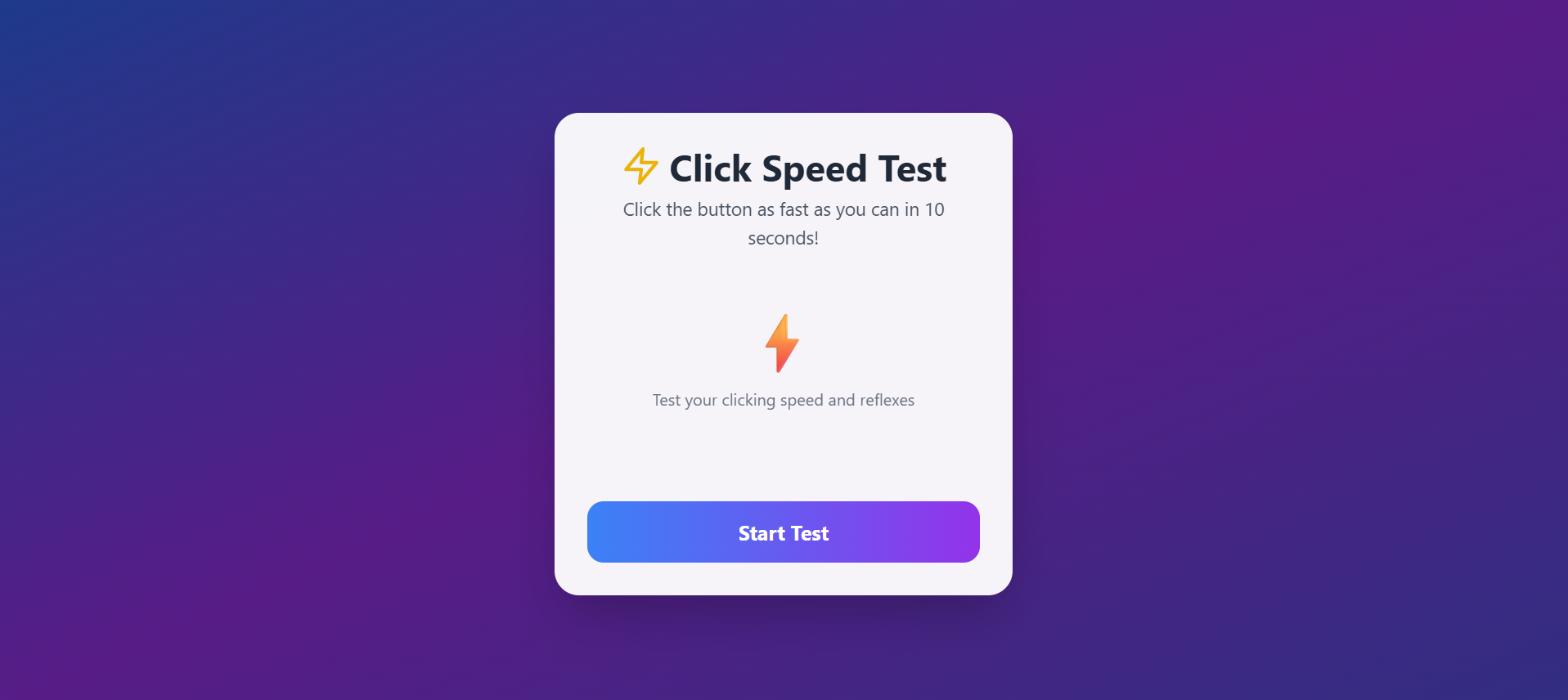
This project is a 10-second speed challenge where users try to click a button as many times as possible. At the end, it calculates their CPS (Clicks Per Second) and gives a fun emoji + message based on performance. It also includes sound effects, animated transitions, and a "Play Again" button to retry and beat your own score.
How we built it
The project is built using:
React with Hooks (useState, useEffect, useRef, useCallback)
Tailwind CSS for styling and animation
Vanilla JavaScript logic for timer and game state
Audio API for feedback sounds
No authentication or database is used — everything runs on the front end. The timer runs using setInterval, and a ref tracks clicks accurately in real-time to avoid stale state issues during CPS calculation.
Challenges we ran into
Initially, the timer was tied to clicks and paused unexpectedly when not interacting — fixed by restructuring the useEffect logic.
CPS always showed 0 at the end due to closure over a stale clickCount value — solved using a useRef to store real-time click data.
Getting sound effects to play without browser restrictions required handling .catch() on audio playbacks gracefully.
Accomplishments that we're proud of
Built a complete and polished game without using any backend
Achieved accurate CPS calculation using functional React logic
Designed a responsive, animated UI with gradients and motion
All logic fits inside one prompt, qualifying for the One Prompt Challenge
What we learned
How to manage game state, timers, and side effects in React cleanly
Proper use of useRef to avoid stale closures
Combining performance logic with UI polish like animations and sound
Keeping everything stateless and frontend-only for minimal builds
What's next for Click Speed Test Mini-Game
Adding a leaderboard using localStorage or share-to-social option
Supporting different time modes (5s, 15s, 30s)
Mobile haptic feedback support
Turning this into a collection of mini-games
Built With
- and-vanilla-javascript
- database
- javascript
- react
- tailwind
- tailwind-css
- with-no-backend

Log in or sign up for Devpost to join the conversation.