-
-
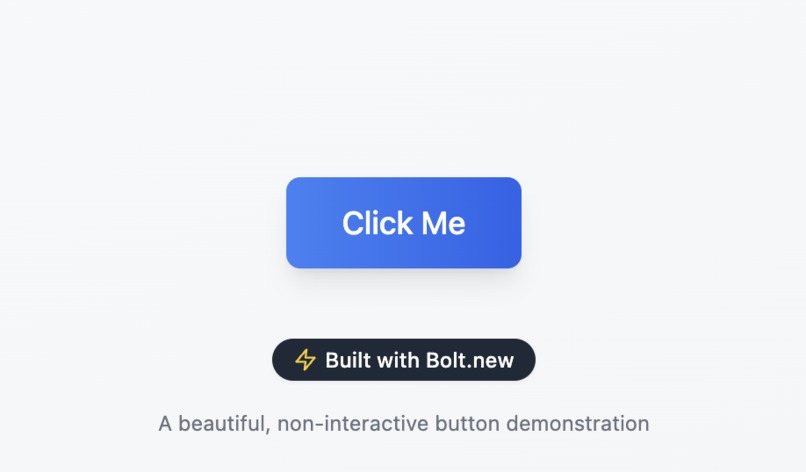
Click Me
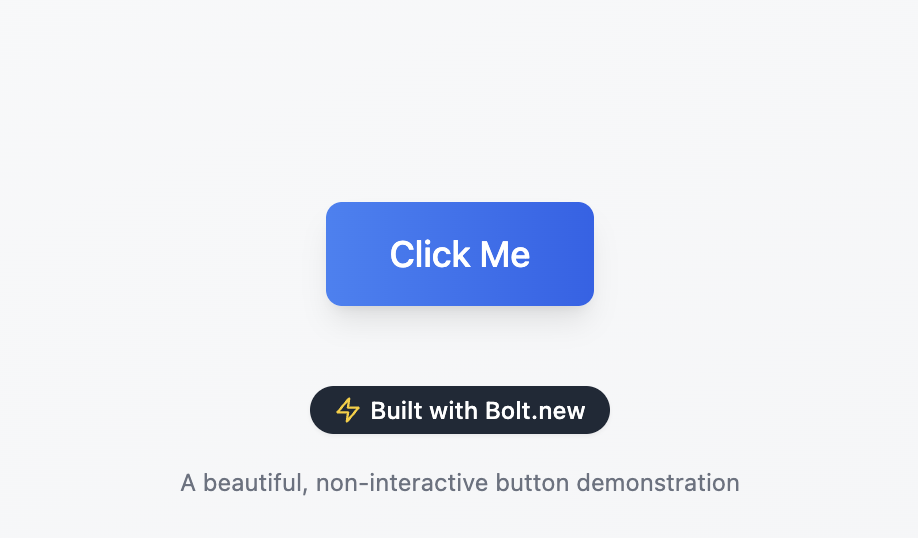
Centered Button-Style Element Webpage
🔍 Overview
This project is a minimalistic, responsive webpage that displays a non-interactive button-like element centered perfectly on the screen. The element is implemented as a semantic <div> and styled entirely with modern CSS to look like a button without being clickable.
💡 Key Features
- Center Alignment: The element is horizontally and vertically centered using flexbox, ensuring consistent placement on all screen sizes.
- Accessible and Semantic HTML: Uses semantic tags like
<main>and avoids non-semantic wrappers. CSS-Only Button Styling:
- Rounded corners
- Clean background color
- Readable font and adequate padding
- Hover/active states can be added for visual enhancement (optional)
Non-Interactive: Unlike a traditional
<button>, this is a<div>purely for visual presentation.
🛠️ Technologies Used
- HTML5 — Semantic and accessible structure
- CSS3 — Flexbox layout and modern styling practices
🎯 Use Cases
- UI/UX prototyping
- Visual mockups for static components
- Educational examples for layout and styling techniques
📱 Responsive Design
The layout remains centered and visually consistent across all devices and screen sizes using modern responsive design principles.
Let me know if you want the actual code snippet or a live preview version.

Log in or sign up for Devpost to join the conversation.