-
-
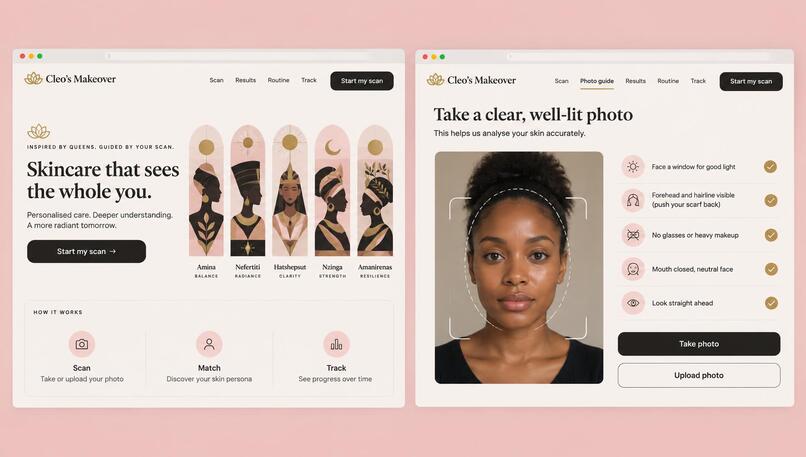
apps ui
-
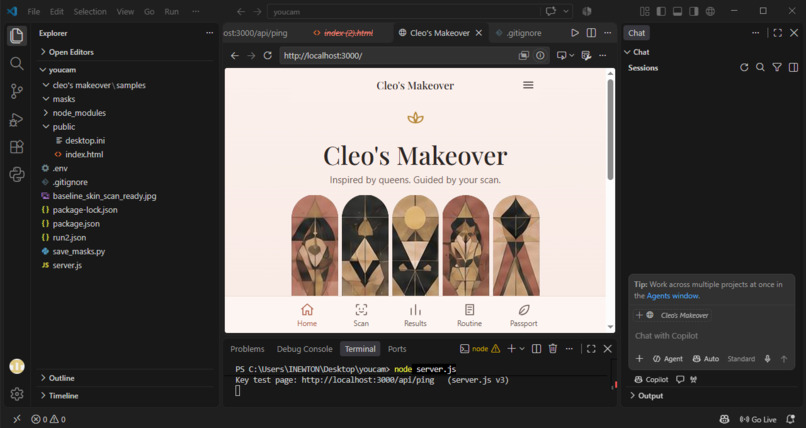
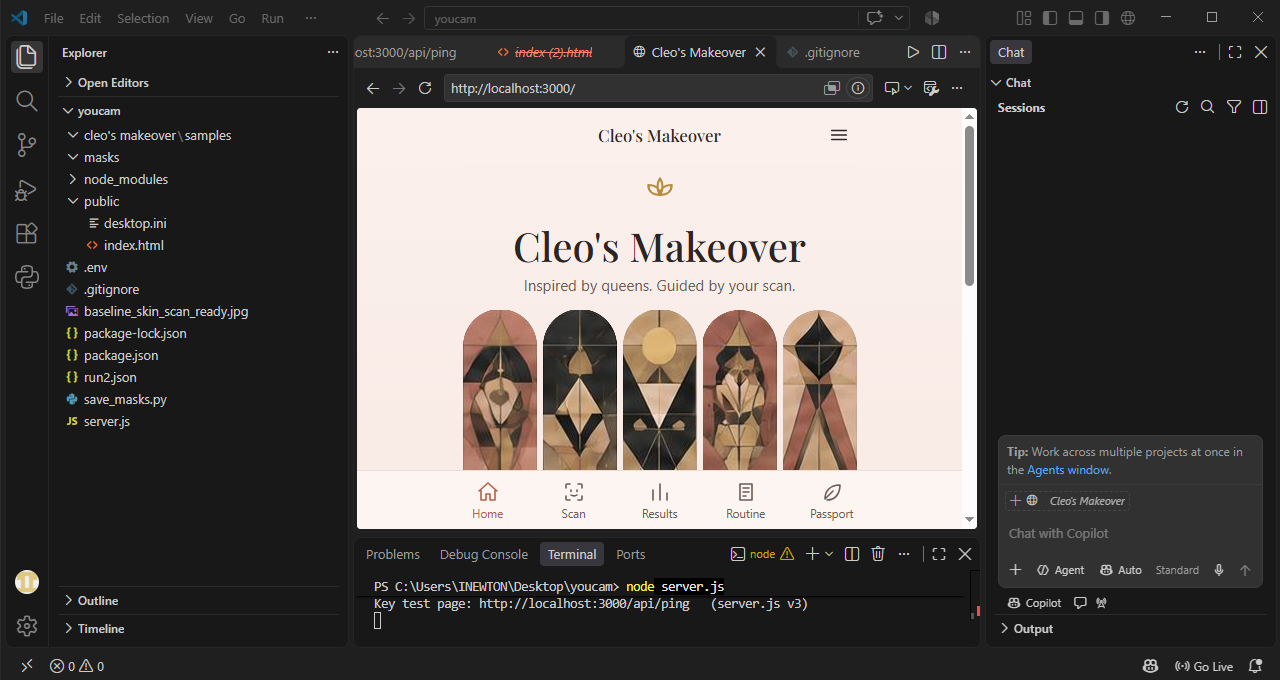
landing page
-
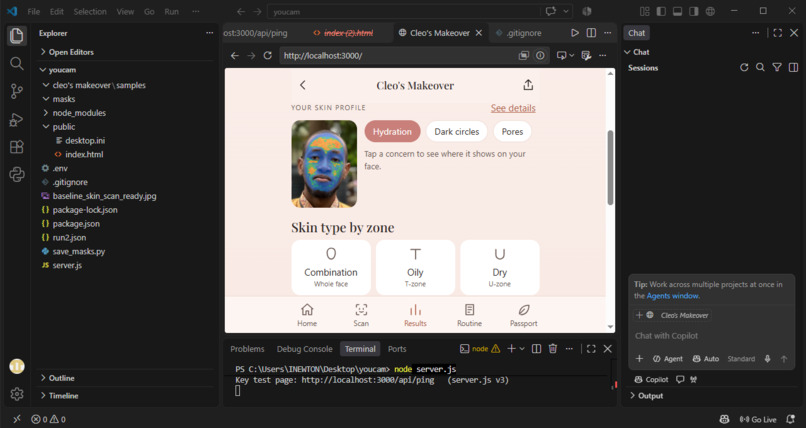
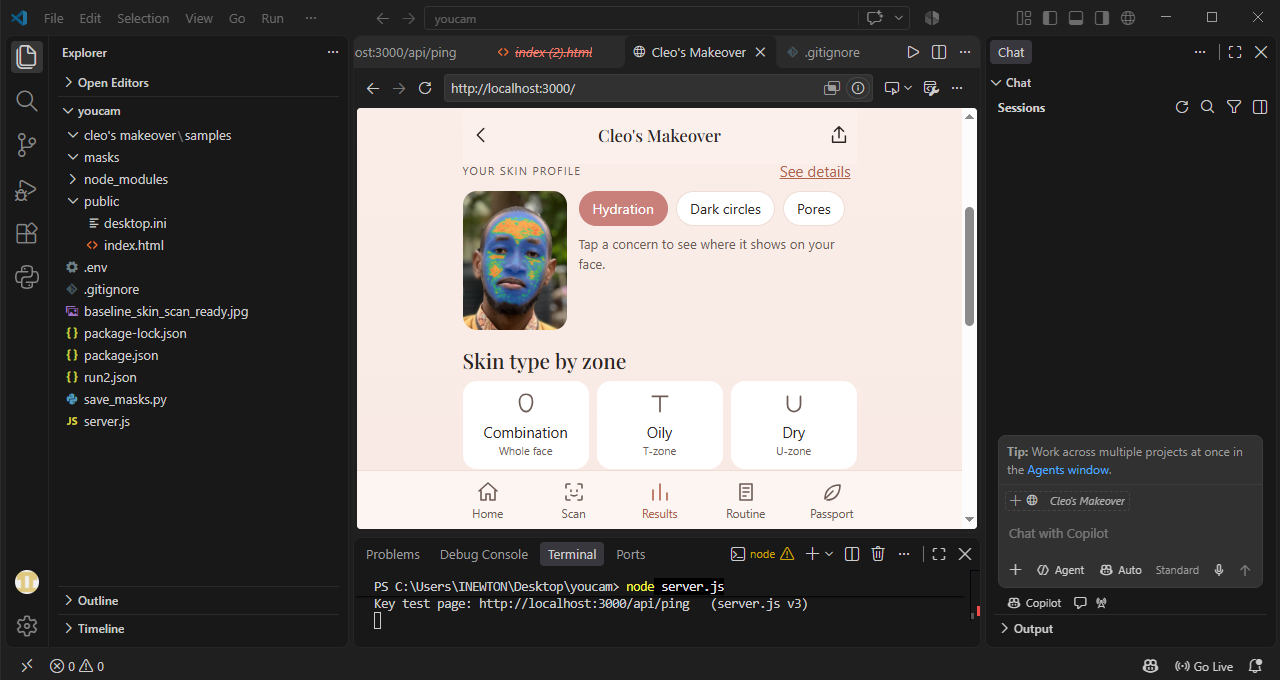
scan result
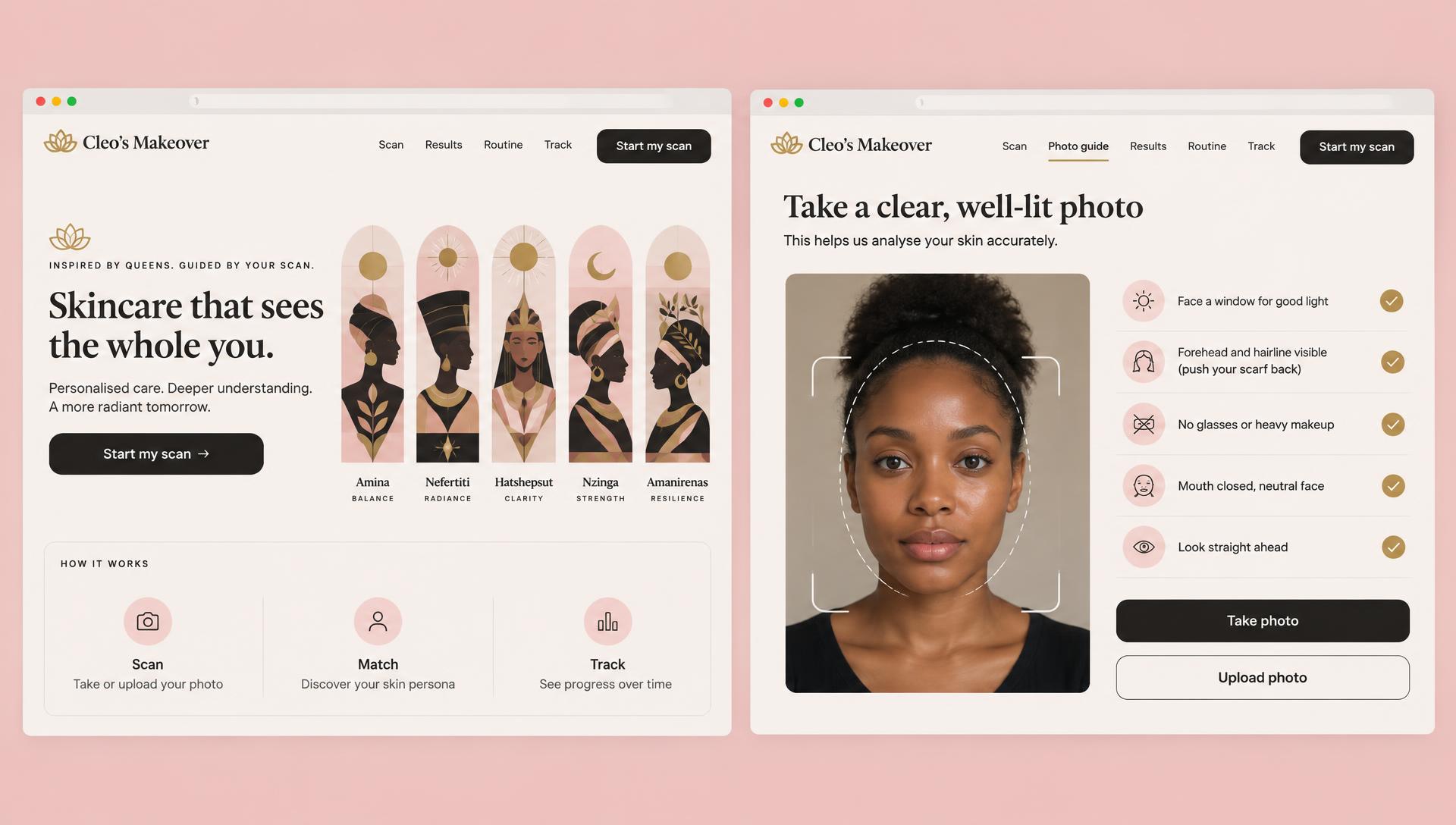
Inspiration
Most skincare advice starts with a sales pitch: buy this, trust this, hope it works. I wanted to flip the order. Measure first, recommend against the measurement, then rescan to check.
I also wanted it to feel made for the women around me: English-literate women in Northern Nigerian cities, on phones, often in a headscarf. So each skin profile is paired with a queen from history (Amina of Zazzau, Nefertiti, Hatshepsut, Nzinga and Amanirenas), with Cleo (Cleopatra VII, a Ptolemaic queen of Egypt) as the guide. Every profile is inspired by her, not a claim about her skin.
What it does
- Guided capture with the YouCam Camera Kit, which only captures a good frame, plus a basic camera and upload fallback and a "Scan this photo?" step.
- Skin scan with YouCam AI Skin Analysis: 13 concerns plus skin type for the whole face, T-zone and U-zone.
- Queen profile matched from the user's lowest-scoring concerns. The match is real logic, not decoration.
- Results ranked from the lowest score, with tap-to-show overlays on the user's own face.
- Routine: at most four generic products, each tied to a specific score, including "you don't need a product for this".
- Try a look with YouCam AI Look Virtual Try-On on the same photo, from curated everyday categories.
- Skin passport: a Skin ID card the user can download, routine ticks, a product log with check-ins after about four weeks, a skin journey, and a download-or-delete-everything control.
How I built it
A single-page front end in plain HTML, CSS and JavaScript, and a small Node and Express proxy that keeps the API key secret. The proxy uploads the photo, starts the YouCam task and polls for the result. YouCam APIs used: AI Skin Analysis, AI Look Virtual Try-On and the JS Camera Kit. Photos are never written to disk. Saved data is only scores and preferences, kept in the browser.
The honesty rules (the part I care about most)
- Everything is ranked and compared with
raw_score. YouCam's documentation saysui_scoreis adjusted to give more favourable results, and I did not want to flatter users. - A change between two scans only counts if it is large enough (12 points to start). Otherwise it says "No clear change".
- Check-ins say a score changed since a product was started, never that the product caused it. If the user ticks "something else changed" or skipped their routine, the comparison is called not fair.
- The app never makes medical claims, and it tells users to ask a pharmacist or doctor when something looks wrong.
Challenges
- Selfie noise. The API accepted a photo with a cap and a smile and returned confident scores. Between two photos of the same person the wrinkle score moved from about 38 to 69. That is why changes have a threshold.
- Capture quality. Photos were rejected for face size until I added guided capture and cropping.
- The camera hand-off. The Camera Kit captured a photo but my page did not receive it, so I changed how the listeners attach and added a basic camera fallback.
- The looks library. It holds hundreds of looks, many of them costume, national-flag or celebrity-themed. I curated it to everyday categories.
- Secrets and setup. Getting the API key to load safely took several attempts, which is why the server now prints a safe check of what it loaded.
What I learned
Honest design is a feature. A flattering score is easy to build. A product that says "no clear change" is harder and more useful.
What's next
Next: barcode ingredient checks, sharing a skin summary with a pharmacist or dermatologist with the user’s consent, and partner stores that keep the same no-commission rules.
Built With
- css3
- express.js
- html5
- javascript
- node.js
- youcam-ai-look-virtual-try-on
- youcam-ai-skin-analysis
- youcam-api
- youcam-camera-kit
