-
-
For Humans...
-
& For Robots.
-
-
-
-
Problem Statement
Most of what you know how to do with your hands, you learned by watching someone do it first.
Unfortunately, a YouTube video can't see your table, and a manual can't tell you that you grabbed a flathead screwdriver instead of a Phillips.
At the same time, robots powered by Video Action Models (VAMs) require vast amounts of human demonstration data to learn how to perform tasks, including hand movements, object interactions, and the intent behind each action. Collecting this data is slow and expensive. Furthermore, each demonstration must accurately align the intended task with the corresponding video and physical actions, adding another layer of complexity to the data collection process.
We realized these are one problem seen from two sides.
A tutor that watches you closely enough to teach you is already capturing what a robot needs to learn the same task. This is where we find Cleo.
Meet Cleo
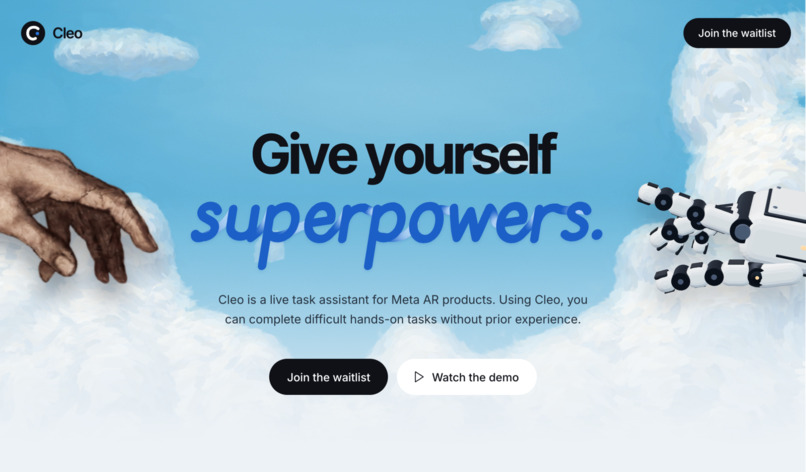
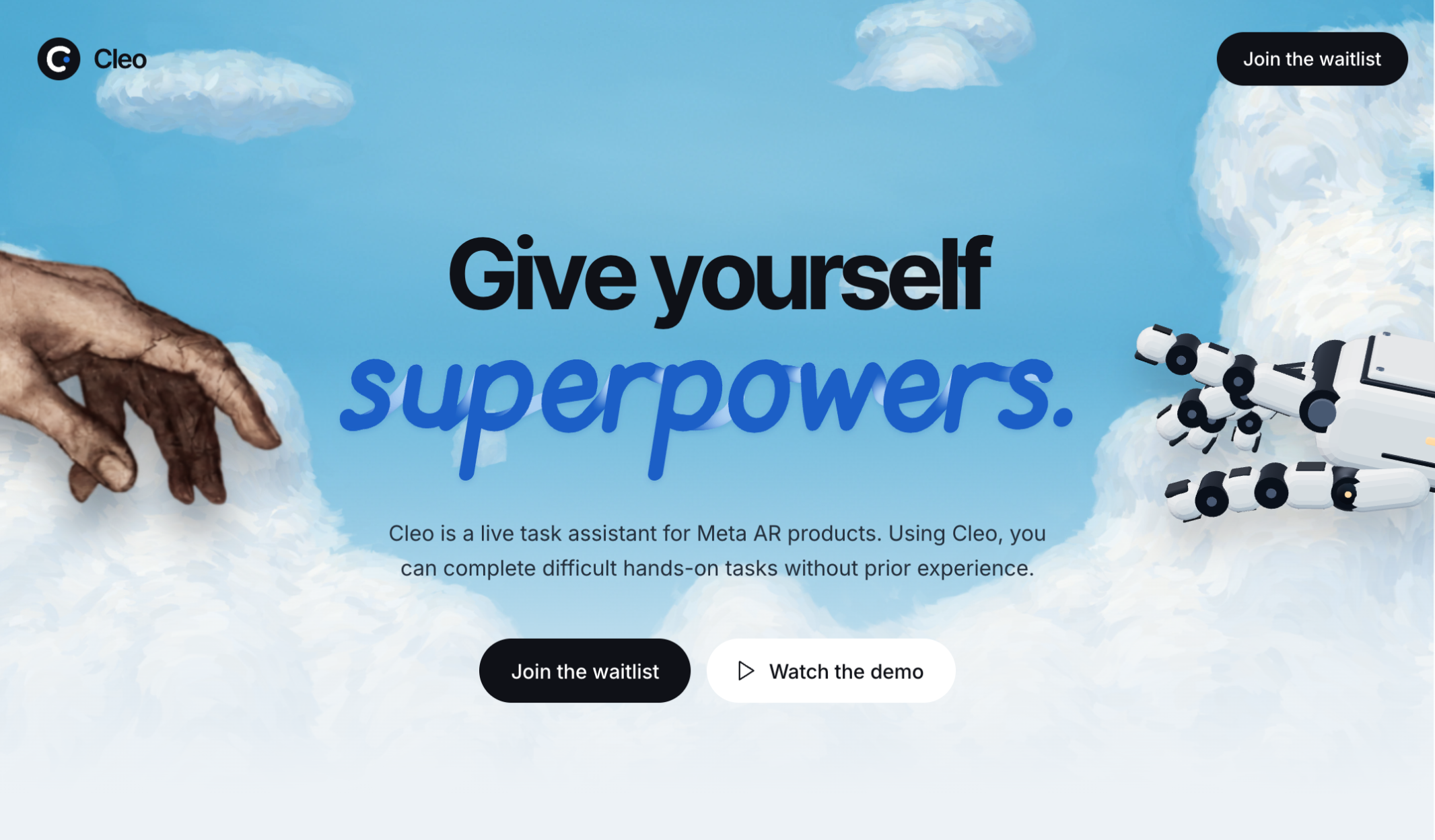
Cleo is an AR tutor for Meta Quest 3 that can teach you almost any hands-on task.
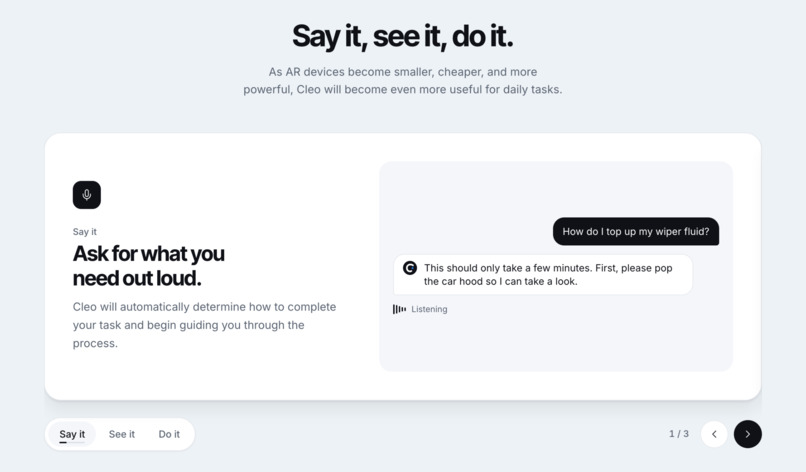
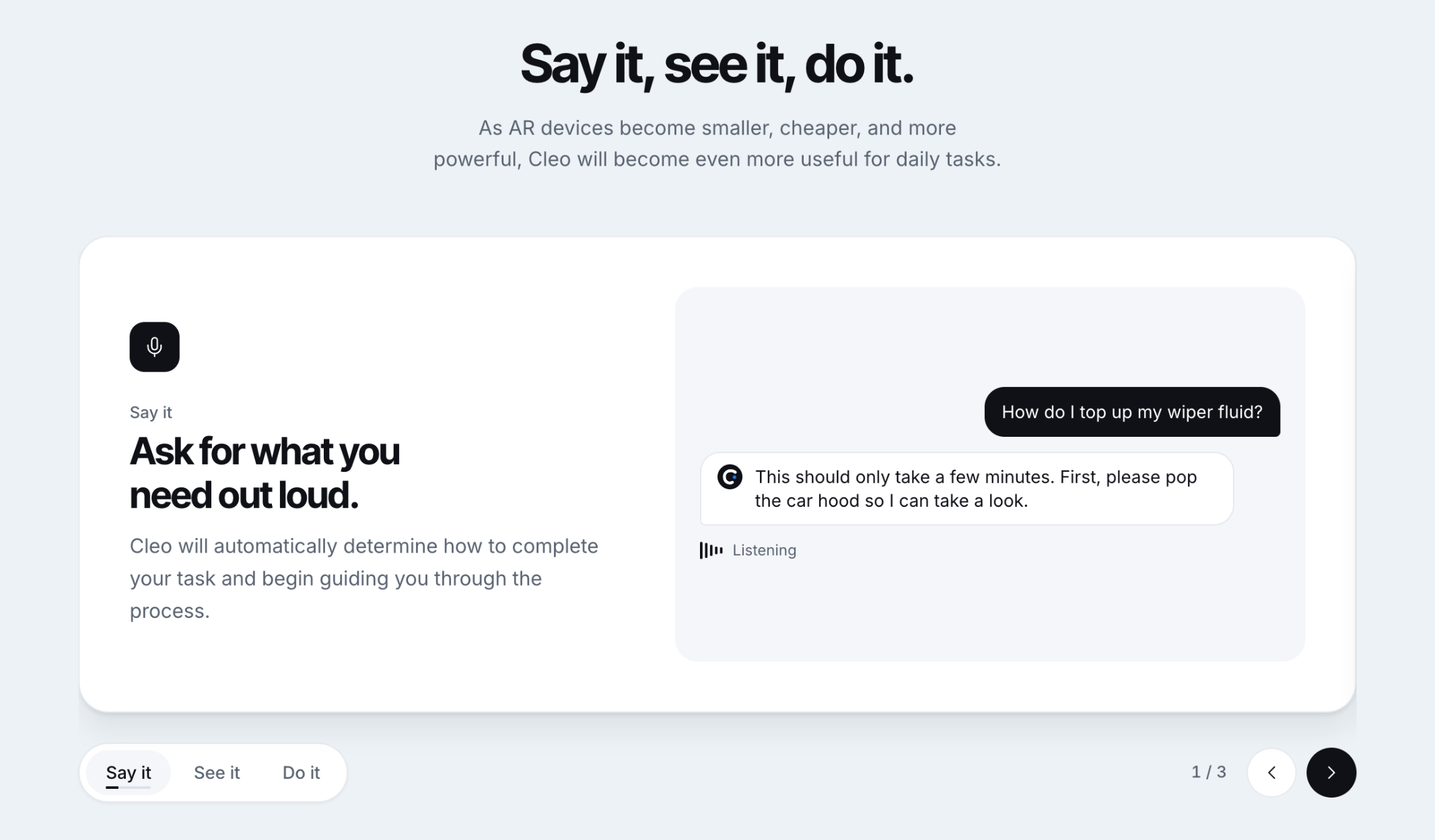
Put on the headset and say what you want to learn: "refill the windshield washer fluid," "test an acid and a base with red-cabbage indicator," "Teach me to cook a fancy dish."
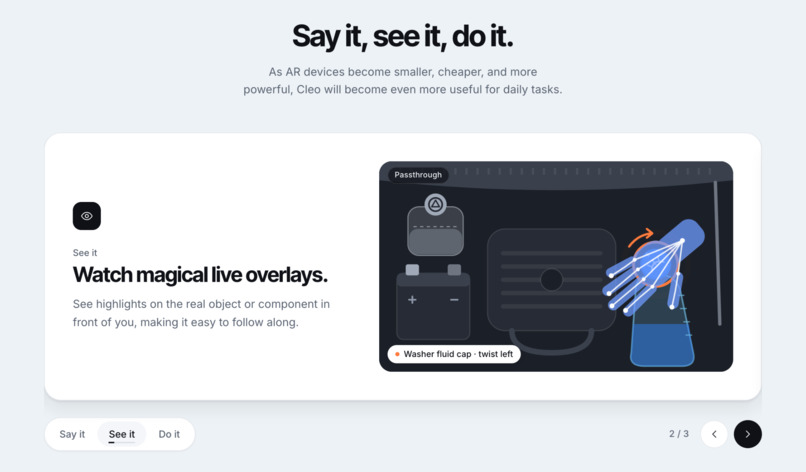
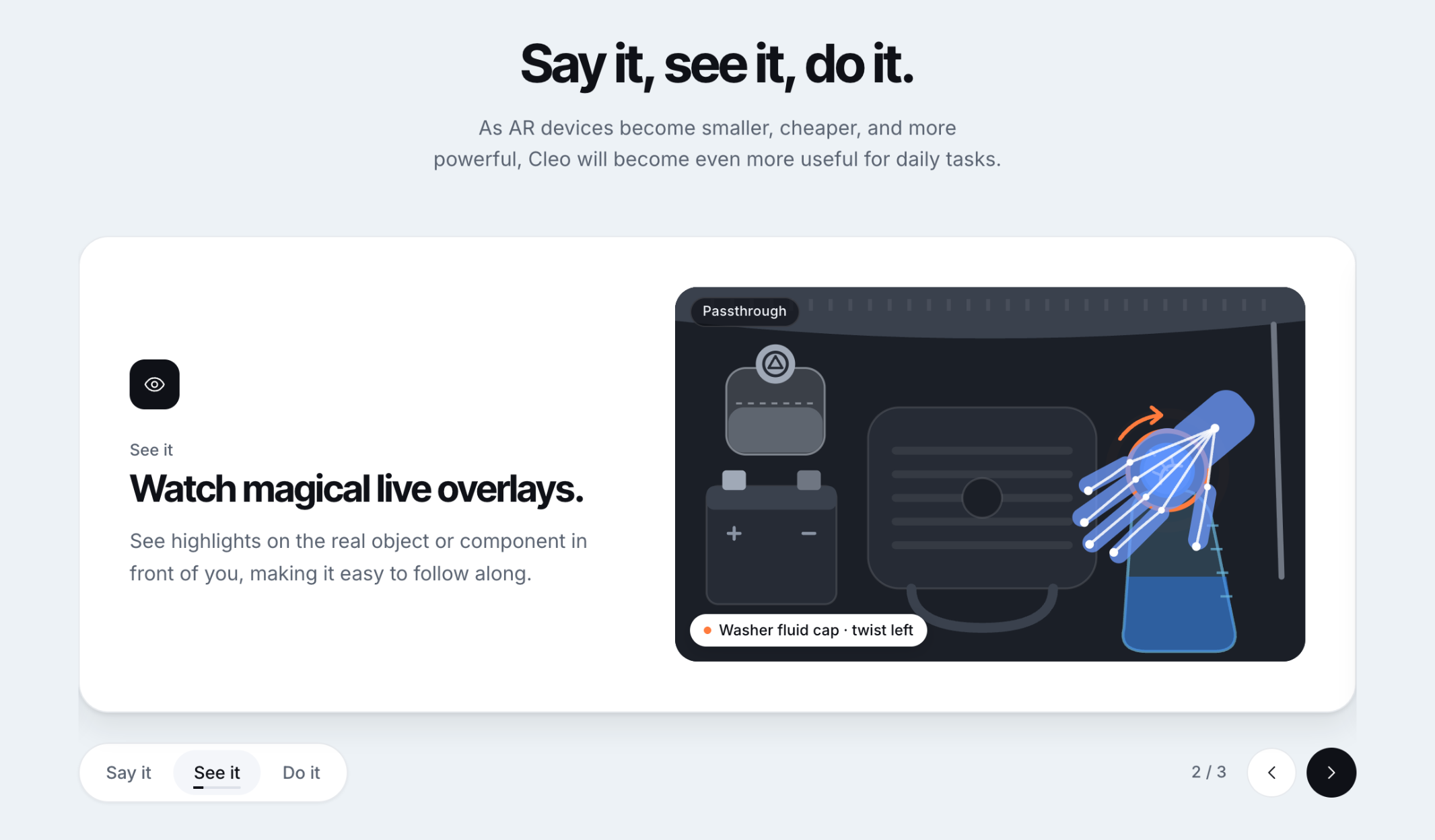
Cleo looks at your space through the headset's cameras, understands what you'll need to do, and shows you how to do it in augmented reality: Cleo finds the objects each step needs and makes them glow in your view.
Translucent ghost hands then demonstrate the motion on the real objects, like gripping a cap and twisting it, or tilting a bottle over a cup. These effects appear are rendered in real time, appearing just as if they physically exist in the real world.
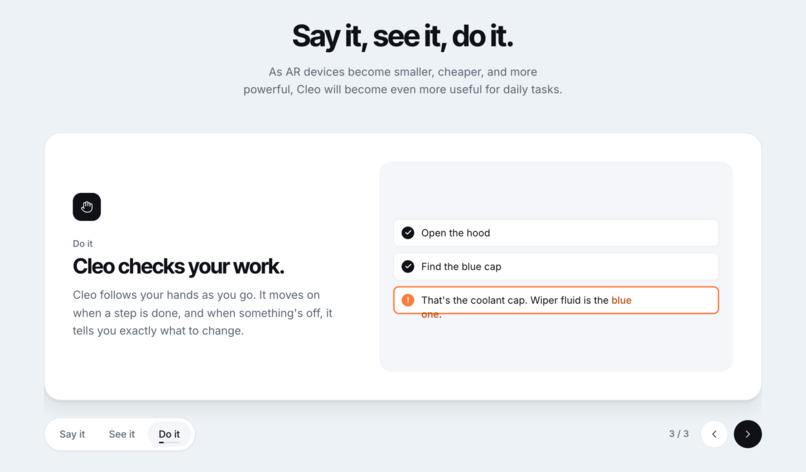
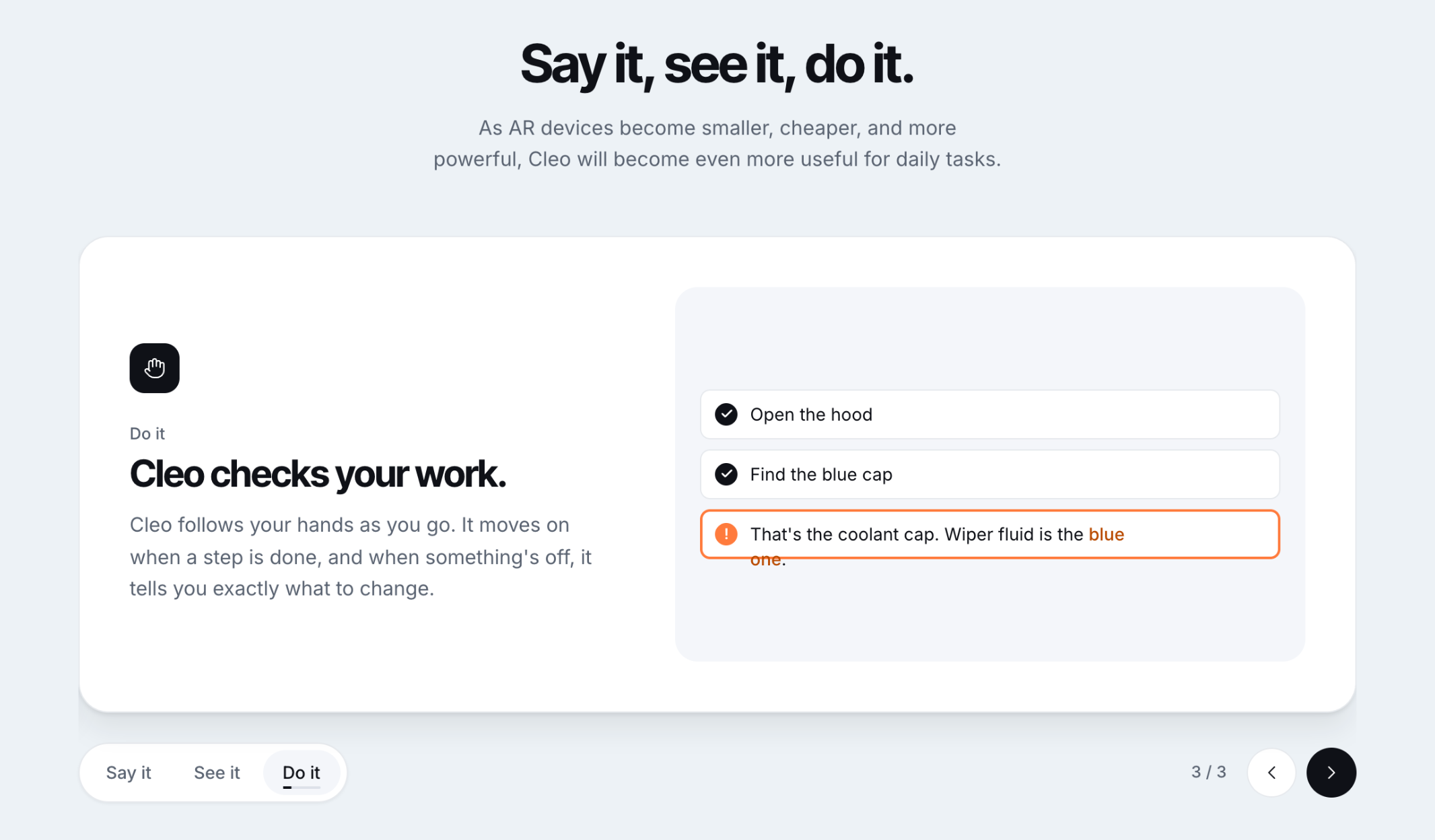
You can also interact with Cleo with your voice live: it notices when you finish a step and catches mistakes, like reaching for the wrong wire, and will correct you and only move on when you've done it right.
Under the hood
Cleo is a WebXR app that runs in the Quest Browser, written in TypeScript with three.js. We chose WebXR over Unity for three reasons: deploying is just opening a URL, hot reload works over USB, and the rest of the team could keep building in a desktop emulator while our one headset was in use.
The headset connects to a Node server on the laptop. The server relays the headset’s traffic to Gemini so the API key never sits on the device, and it also runs the lesson planner and stores every recorded session. Next to it runs our object tracker, which follows every object the lesson names.
This is how the highlights are made. The headset streams small passthrough camera frames to the tracker. On every frame, a custom vision encoder only YOLOE-26 finds and outlines each object and ByteTrack keeps track of which object is which from one frame to the next. In the background, TypeSafe AI’s Jev checks which object each description actually means: every 0.15 seconds while an object moves, and once a second while it sits still. The outlines come back as flat 2D shapes, so the headset places them in the room. It looks up where the head was when the frame was taken, sends rays out through the outline, and reads the distance from the Quest’s depth sensor. That way even a long object is lit at its real depth along its whole length. A smoothing filter removes jitter and makes up for the round-trip delay. The glow itself is drawn by a shader as a soft layer of light shaped like the object’s outline, cyan for the thing to use and yellow for where it goes. Your hands and anything real in front of the object block it, so the light looks like it comes from the object instead of floating on top of it.
Cleo runs two Gemini models side by side. The voice coach is a Gemini Live model that listens, talks and keeps the camera in view. Gemini Robotics-ER 2, a model built for embodied reasoning, plans lessons, judges whether a step is done, and answers the harder questions the voice hands it. Every five seconds it also looks at a sharper camera frame, boxes the step’s objects, and picks what the learner should touch next. Its boxes override Jev’s for a few seconds, and its descriptions become the words Jev searches with from then on, which pulls the tracker back when it has locked onto the wrong object. The voice never waits on Robotics-ER 2. It hands work off through tools that return immediately, and Robotics-ER 2 reports back when it has a plan, a verdict on a step or an answer.
Trials & Tribulations
The first prototypes for Planner wrote the whole lesson in one call rather than step by step, leading to excessive latency. We optimized this with chunked lessons: Stage two (after the first step) plans the remaining steps with more time to think and swaps them in without losing your progress.
Tracking has been a problem since the very earliest stages of development all the way through the final hours. We switched from various segmentation and bounding models in an attempt to optimize our real-time detection. Our experience in CV from our previous projects did help us with intuition on which approaches might be strongest.
Specialties
Clio shows rather than tells., and can teach you anything. The objects you need glow in the room, the light stays on them as they move, and your hands block it like they would real light. A voice coach talks you through each step while a second model plans and checks your work, so the coach never stops to wait. Recordings stay on your own machine unless you choose to share them.
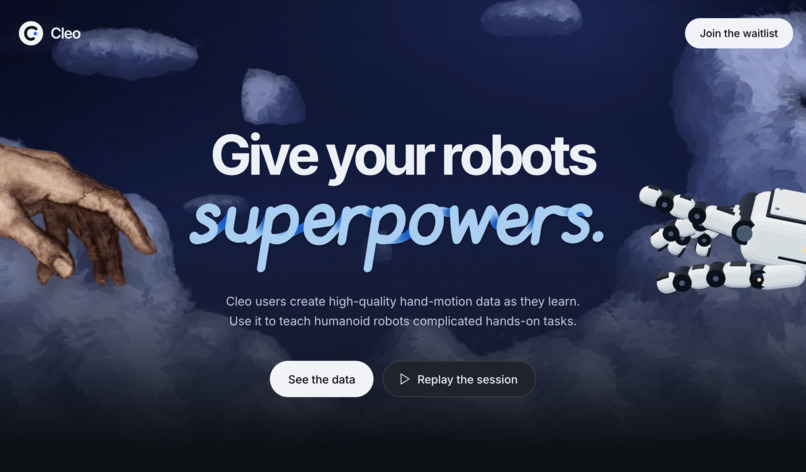
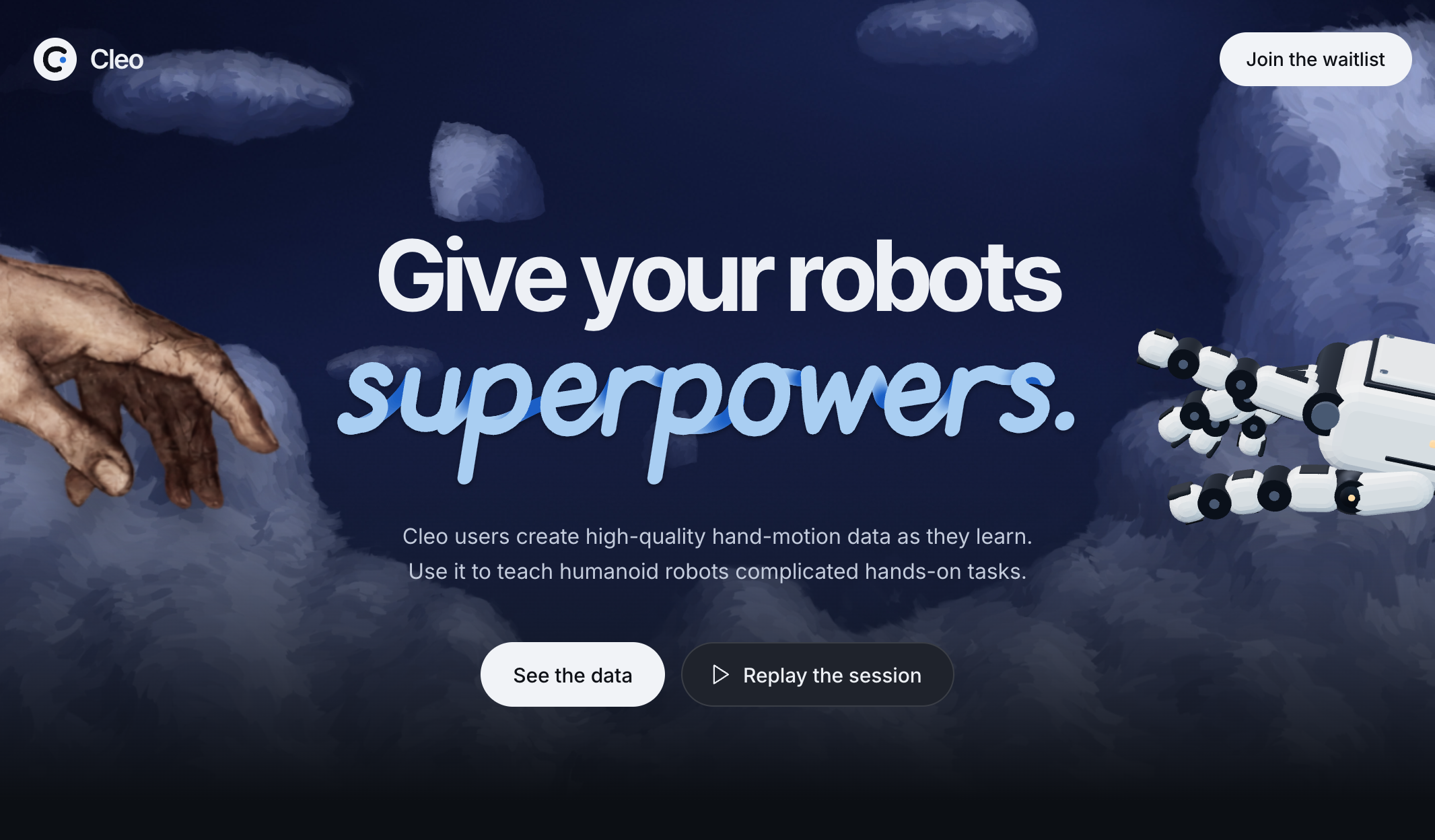
It’s a B2B business disguised as a B2C product. Learners get a free tutor, and every lesson they finish becomes robot training data. That data is hand and head motion, tracked objects, and each step’s goal in plain language, all on one clock and in one coordinate frame, mapped onto robot arms and exported as LeRobot datasets. The people who pay are robotics companies, which need large amounts of real-world demonstrations of everyday tasks and currently pay to have them collected.
Takeaways
More thinking wasn't better for most of our calls: pointing, yes/no questions and counting were as accurate at minimal thinking as at high, and much faster.
Latency is part of the user experience, so slow work and fast work belong in separate places.
Separation of tasks must be deliberate. Cleo's coach model never hears raw positions or detections, so a confident but wrong detection can't make it mark a step done or point at something that isn't there.
Finally, the usual for live demos and short deadlines: shit goes wrong.
2027 Roadmap
We love the concept of Cleo and intend to continue working on this project outside of CalHacks. We are interested in talking to more people in the industry and get it in the hands of as many people as possible in the near future.
If you're interested in our work outside of CalHacks, feel free to find us before we head out or send us an email.
Built With
- bytetrack
- fastapi
- jev
- lerobot
- nextjs
- node.js
- python
- quest
- robotics-er
- three.js
- typescript
- vite
- webxr
- yoloe-26


Log in or sign up for Devpost to join the conversation.