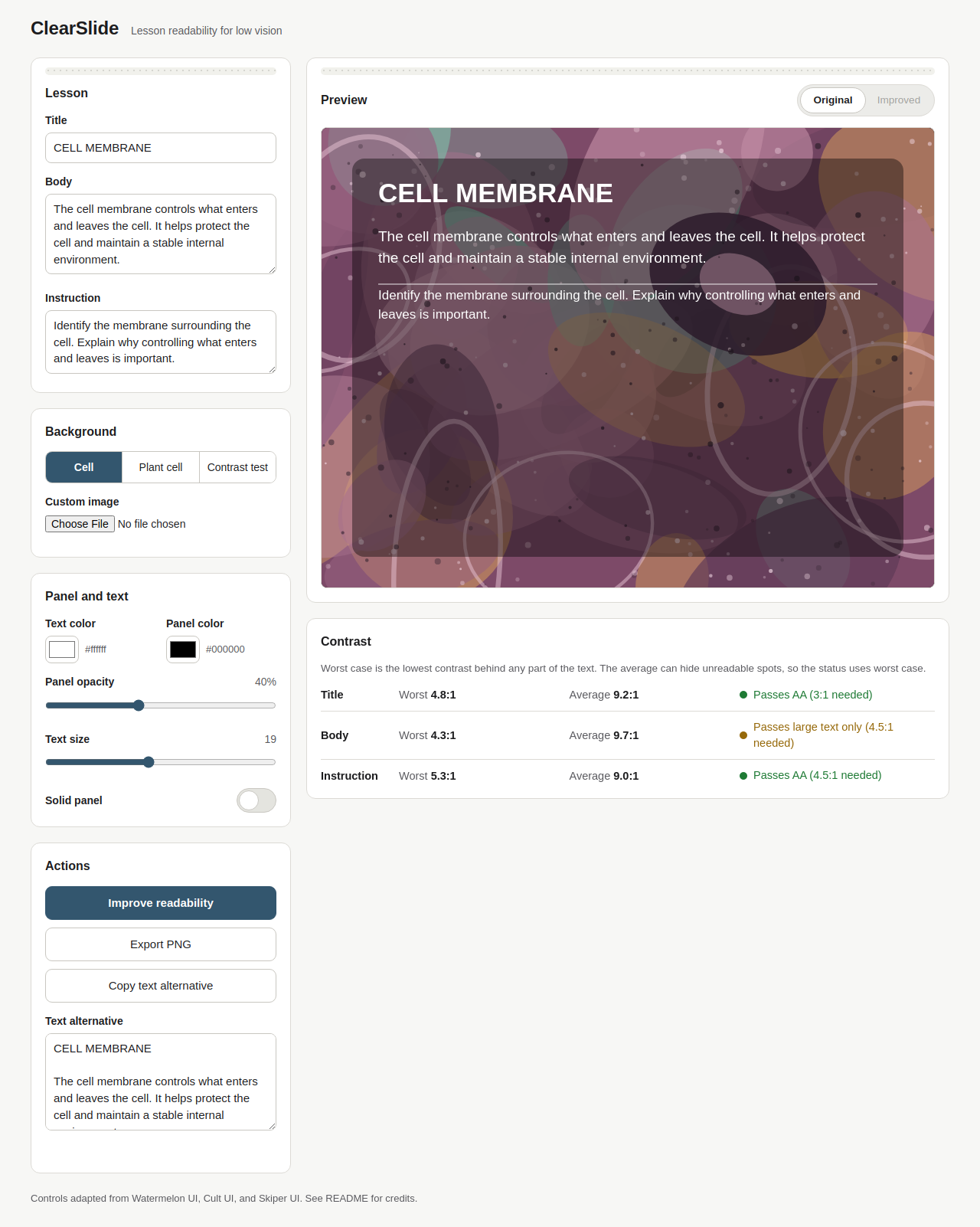
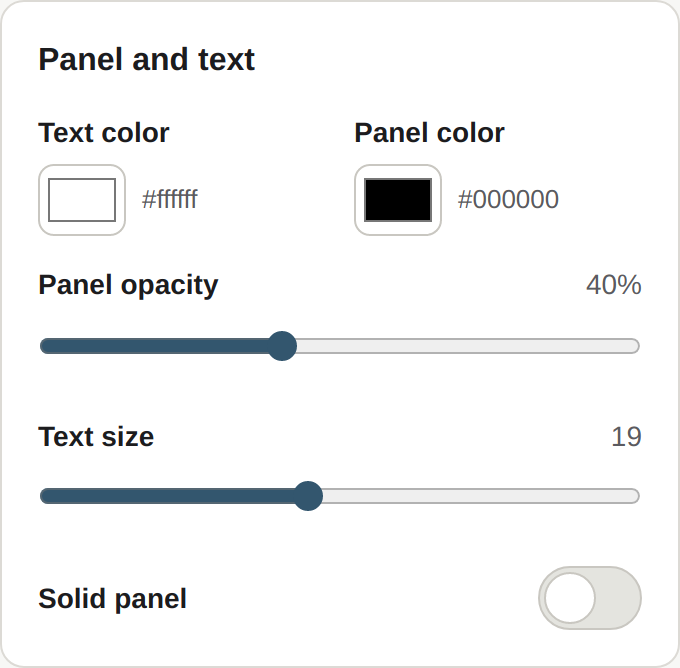
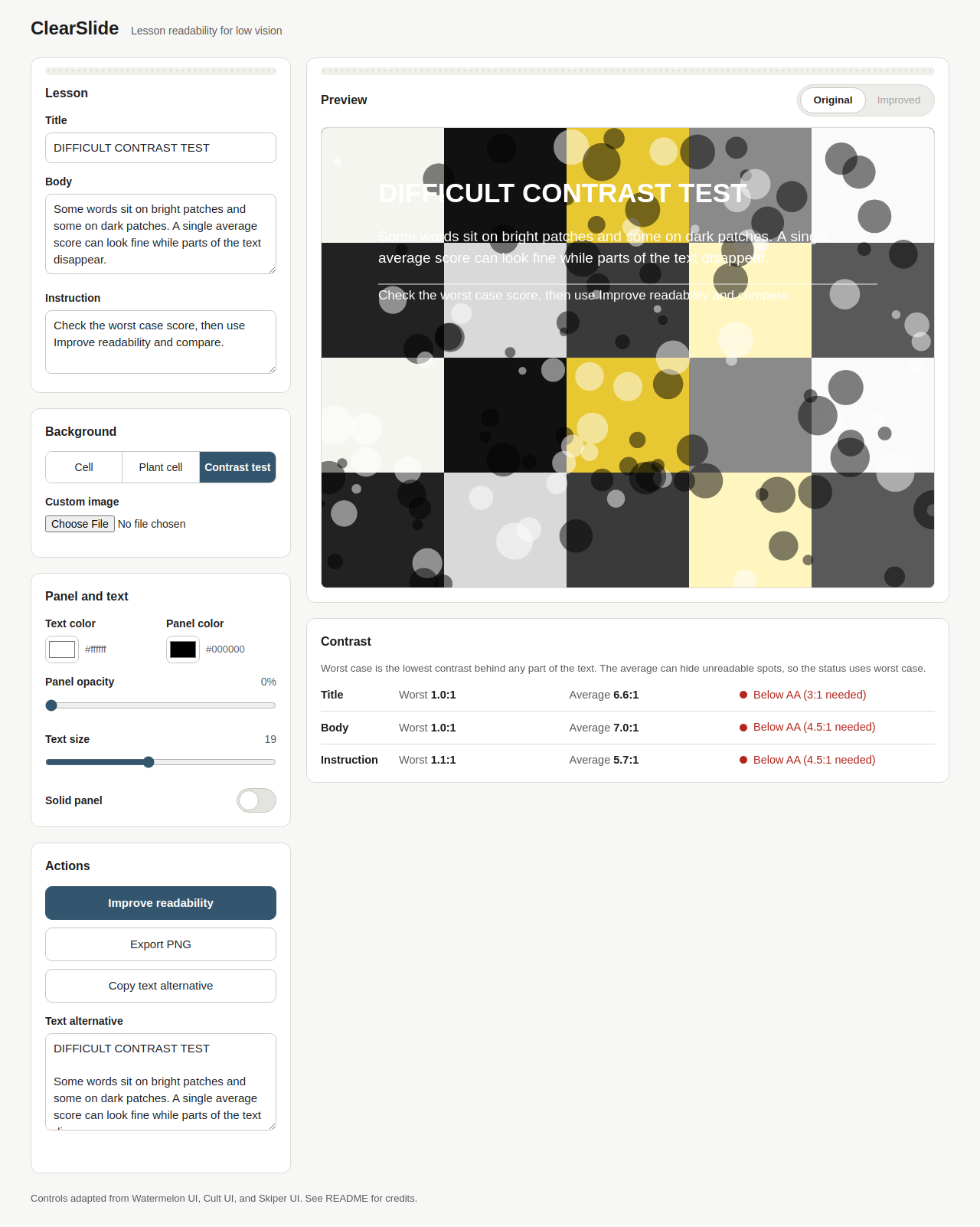
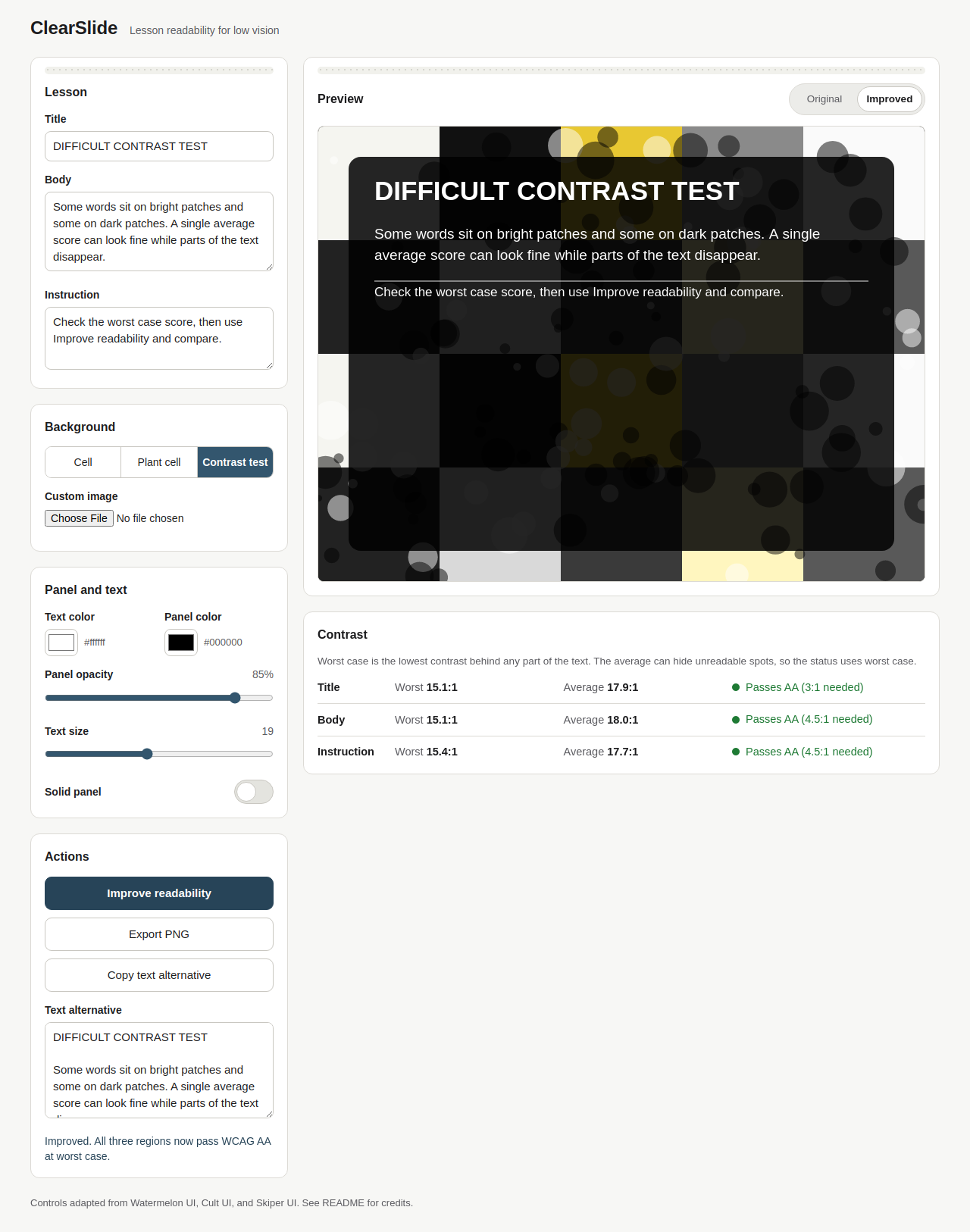
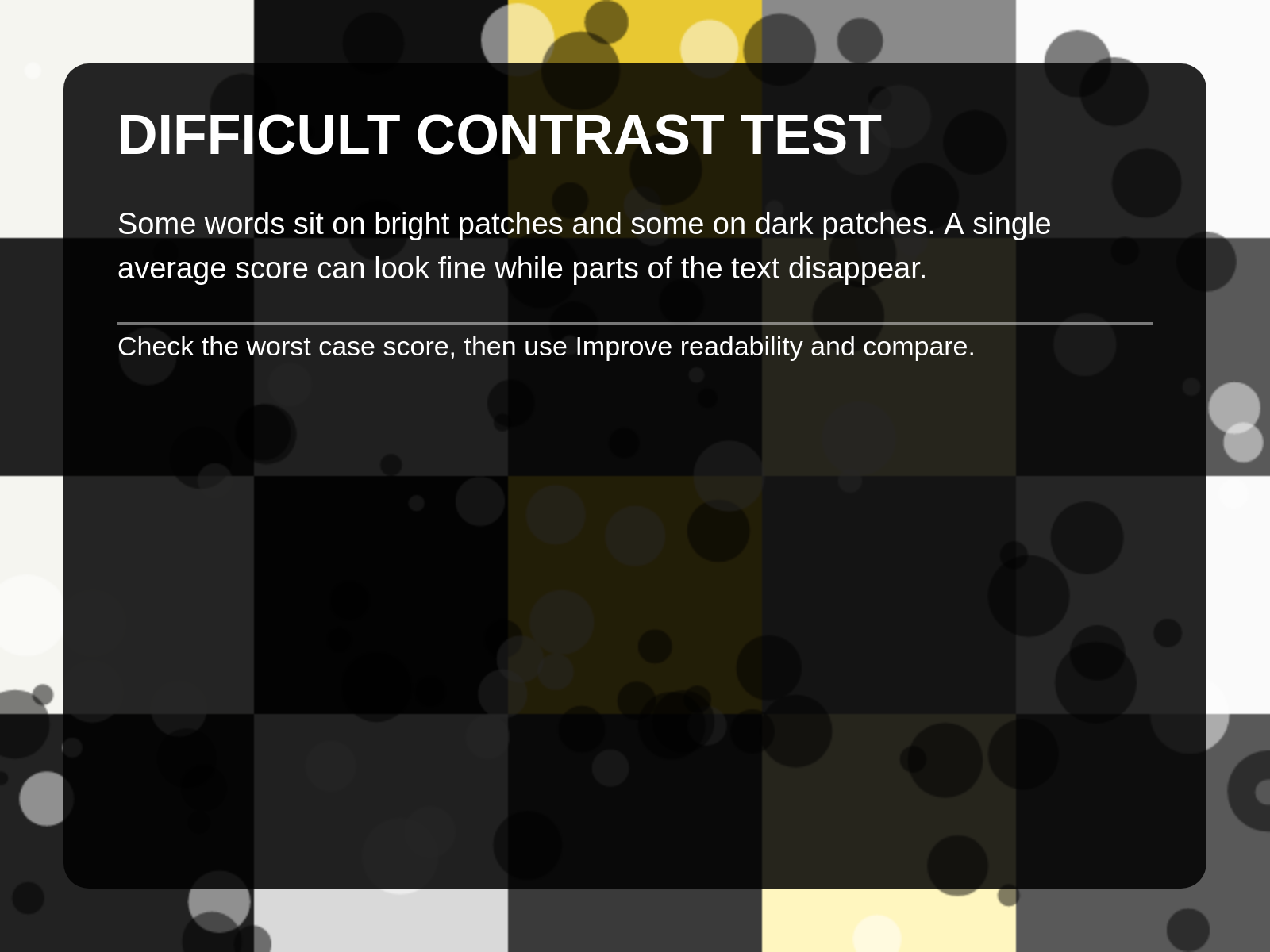

A teacher builds a short lesson card over a detailed scientific photograph. ClearSlide measures the real contrast behind the title, body, and instruction text, reports the worst case and the average for each region against WCAG AA, and can apply a computed fix in one click. The teacher compares the original and improved versions, then exports the finished card as a PNG with a plain text alternative.
Problem
Students with low vision can struggle to read instructional text placed directly over detailed photographs in educational slides. The background is not one color. It is bright in one place and dark in another, so a single foreground and background color comparison says nothing about the spot where a word actually sits. Text can pass on average and still disappear for the student in the exact place they are trying to read.
Intended users
A Grade 7 student with low vision who uses a school Chromebook or an older tablet, and the teacher preparing that student's learning materials. The learning task in the built-in example is reading and understanding a biology lesson about the function of the cell membrane.
Solution
ClearSlide is a small, focused tool for this one barrier. The teacher edits the lesson text, picks a background (three procedural presets or their own image), and sees the slide preview update live. The app samples the pixels behind each text region, blends the panel color and opacity over them, and computes WCAG contrast per region. It reports worst case and average, with AA status decided by worst case. Improve readability tests combinations of text color, panel color, and panel opacity against the real samples and applies a passing combination when one exists, preferring a translucent panel and using a solid panel when translucency cannot pass. Original and improved versions sit side by side in a comparison toggle. The finished card exports as a PNG, with the lesson text available separately as a text alternative.
Challenges
Measuring contrast against a photograph is the hard part. The measurement has to use the actual rendered text positions, account for the panel color blended at partial opacity over every different pixel behind the text, and resist the easy wrong answer, which is reporting an average that looks fine while individual words fail. The app itself also had to practice what it teaches: labeled controls, keyboard access, visible focus, and status that is never carried by color alone.
What I learned
Worst case contrast is the number that matters for readability over images. An average can hide the one bright patch that makes a sentence unreadable, and enlarging text does not fix a contrast failure. Measuring the pixels behind the text, region by region, turns a guess into a check a teacher can act on.
Before and after example
Before ClearSlide, a student with low vision might struggle to read a biology explanation placed directly over a detailed cell photograph. Enlarging the text alone does not necessarily fix the problem. After ClearSlide, the teacher can evaluate the contrast behind the text, apply a readable background treatment, and export an improved version of the same lesson. The scientific photograph and educational content remain intact, but the instructional text becomes easier to distinguish.
No students or teachers have tested this application yet.
How to try it
Live demo at https://theagencymge.github.io/clearslide/ or open index.html from the repo locally, no install, no build step. Load the Contrast test preset to see failing scores, click Improve readability to see all regions pass AA, click Export PNG to download the card.
Transparent credits
Source code is published at https://github.com/TheAgencyMGE/clearslide . Libraries: none. Frameworks: none. Datasets: none. External images: none, all sample backgrounds are procedurally generated in code at runtime, custom backgrounds are processed locally and never uploaded. Component design sources: Watermelon UI Switch, Cult UI TextureCard, and Skiper UI Skiper4, adapted from scratch in vanilla HTML, CSS, and JavaScript using their published design values, no library code included. Pre-existing foundation: none, the application is newly created for AccessED Hacks. Testing: unit tests for the contrast math and headless browser end to end tests were run on this build. No user testing has taken place.
