-
-
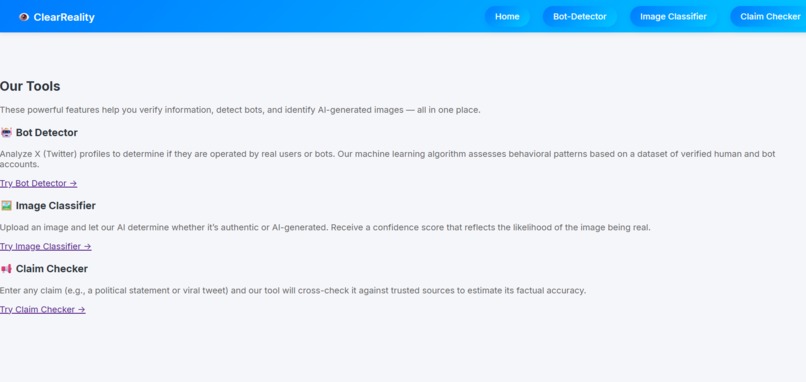
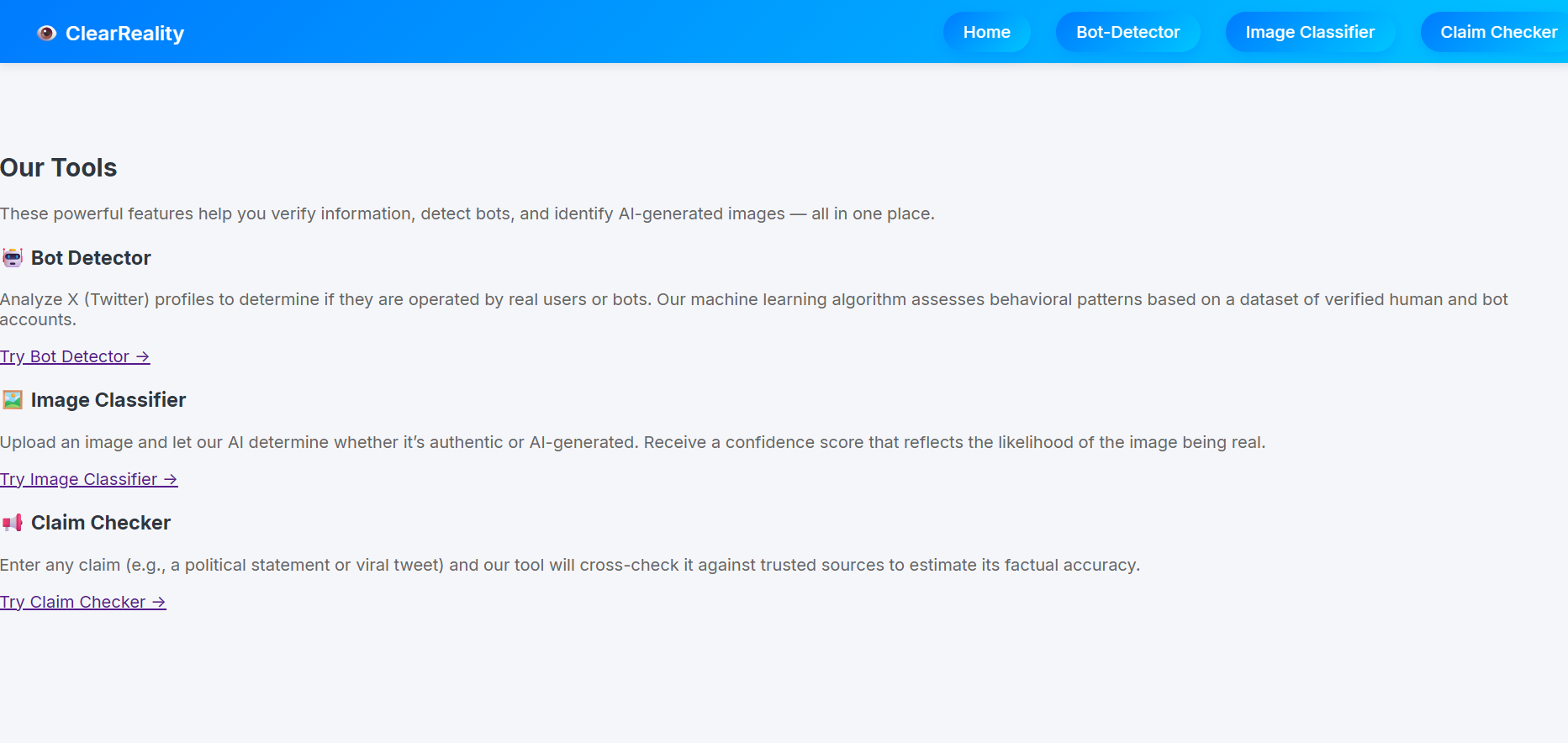
Home Page
-
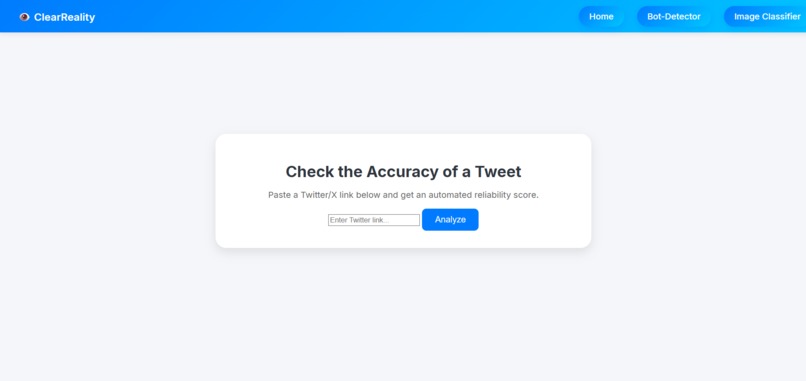
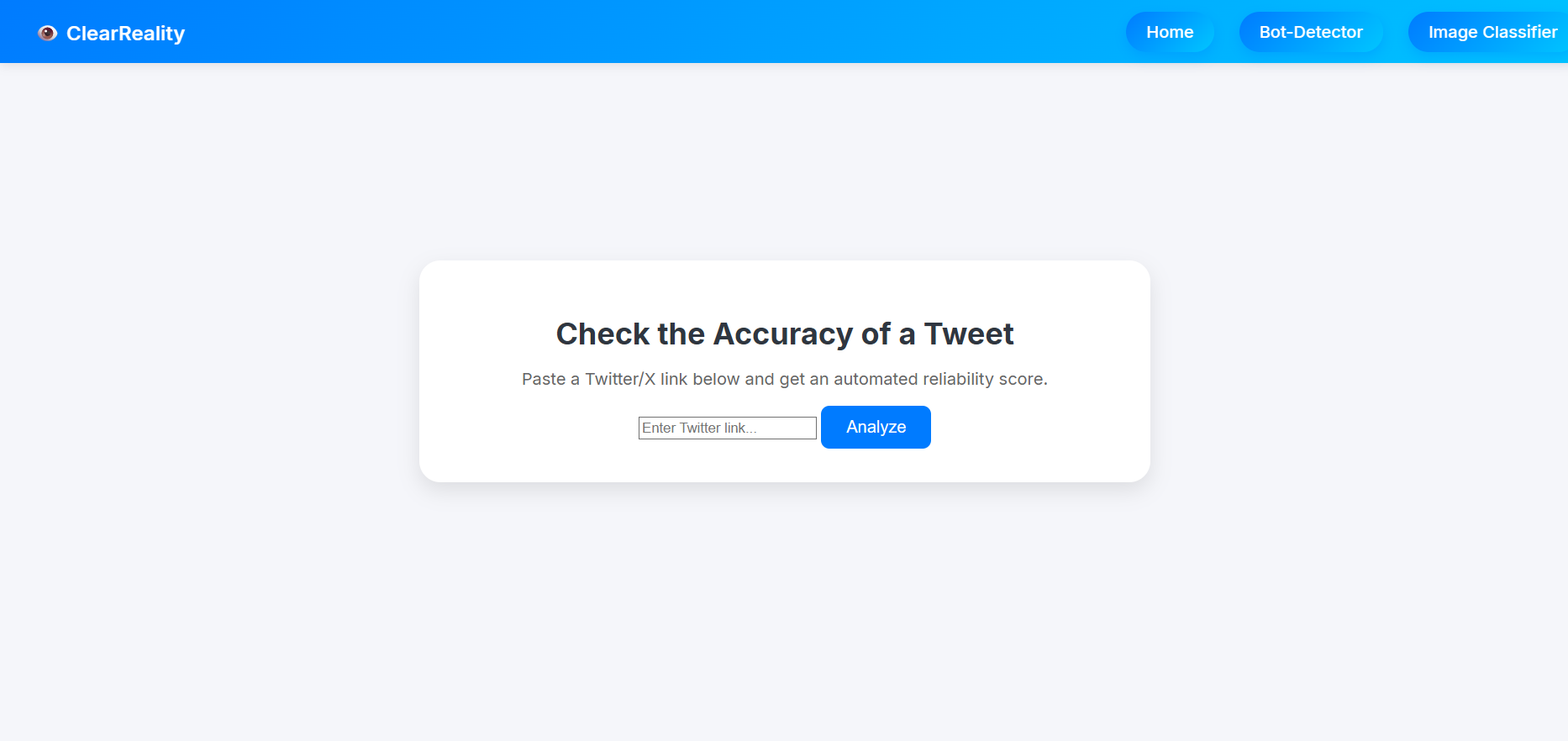
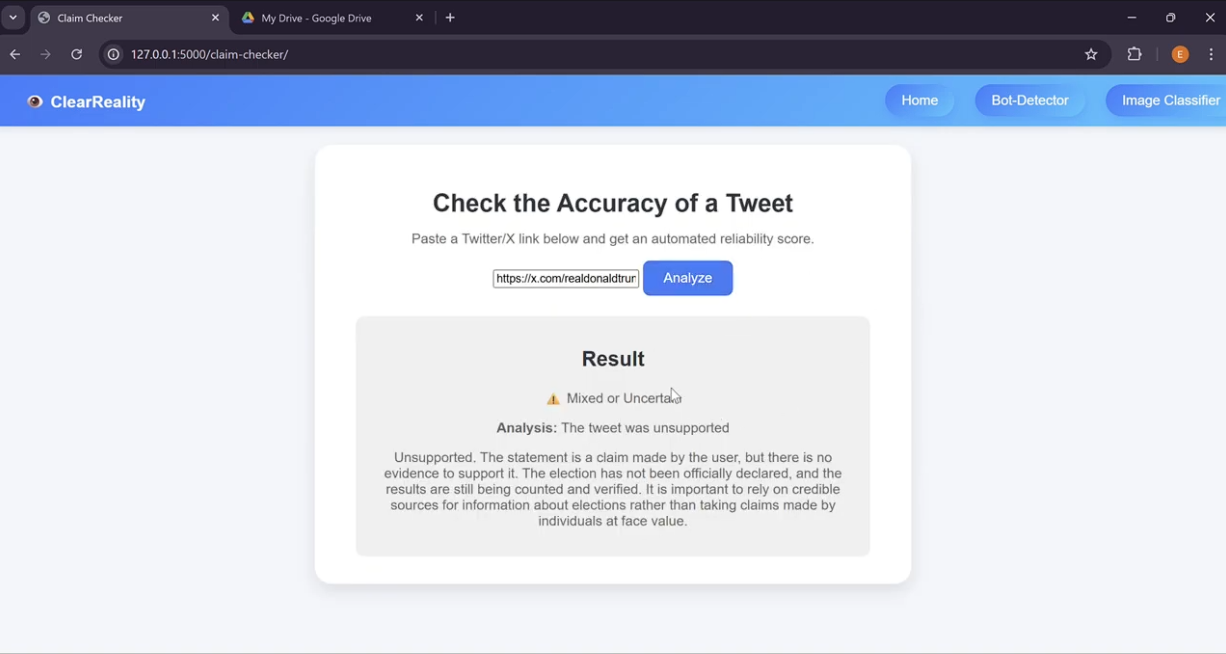
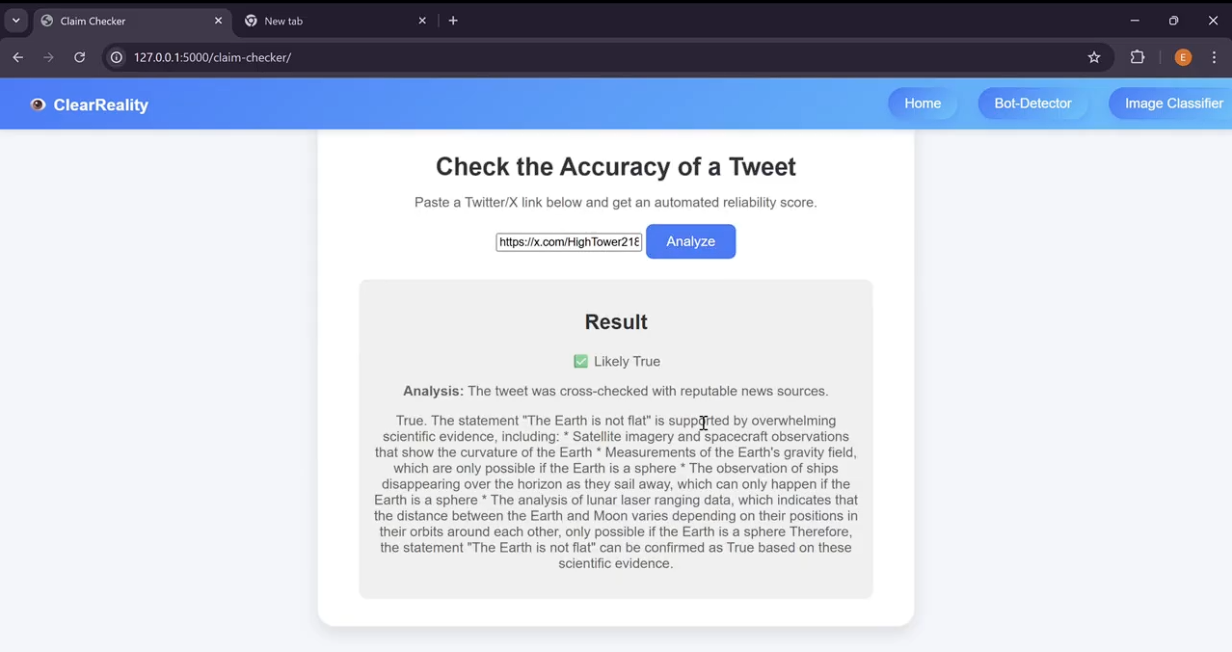
Tweet Accuracy Checker
-
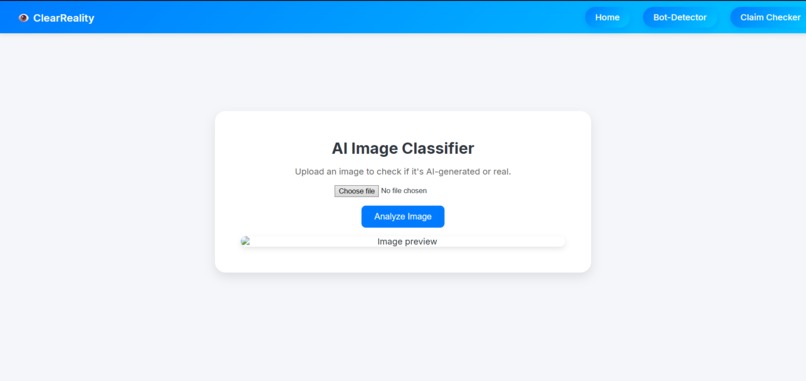
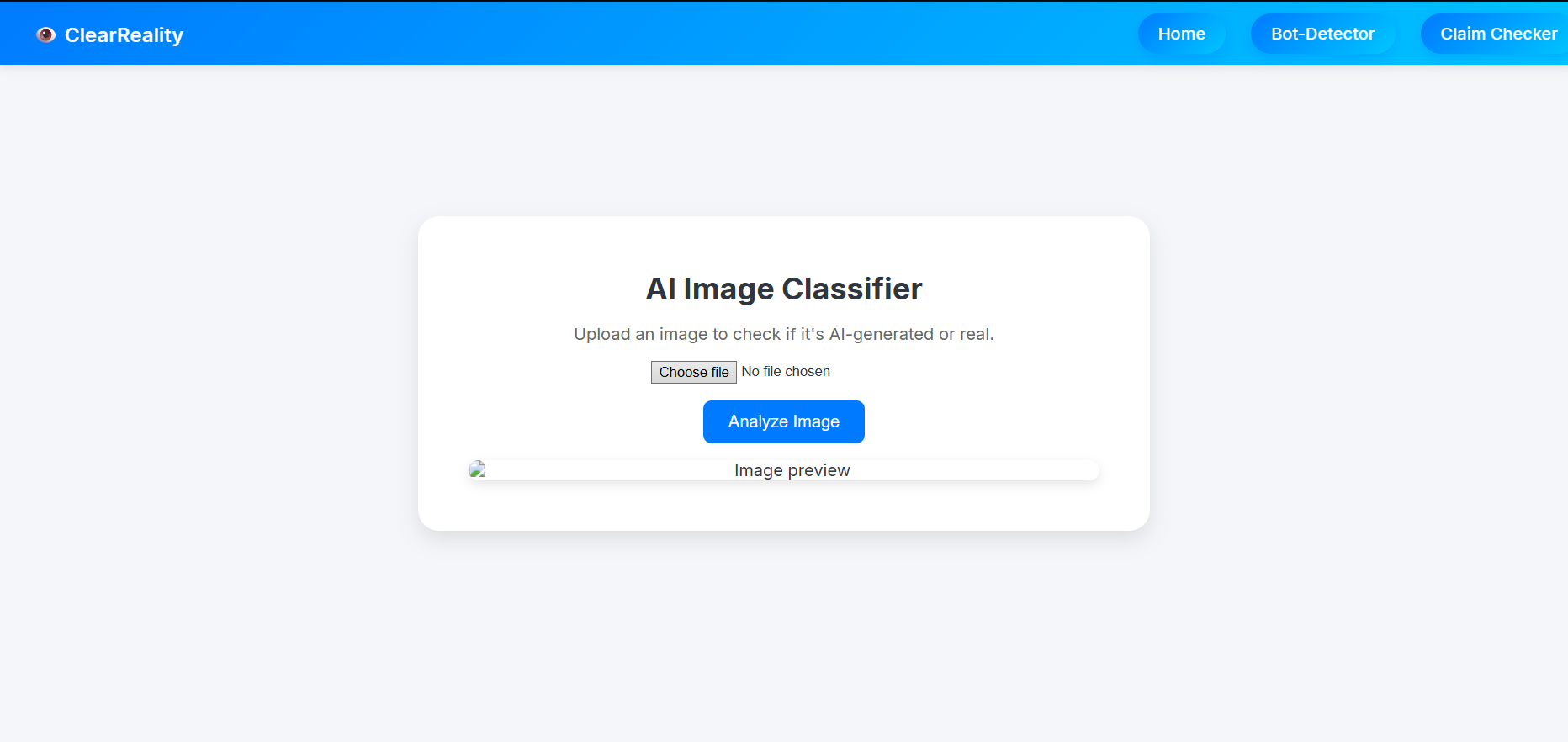
AI Image Classifier
-
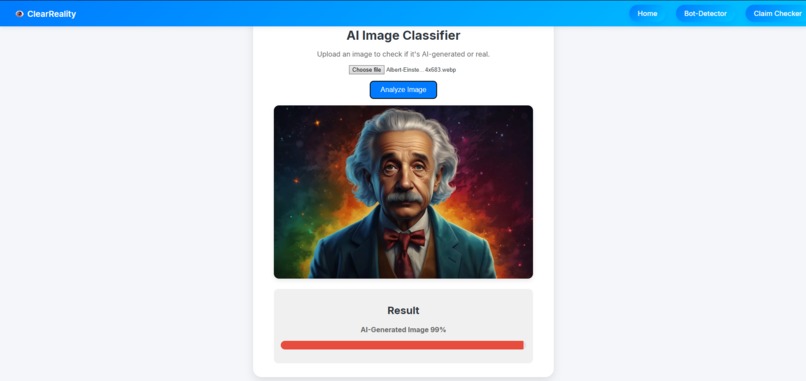
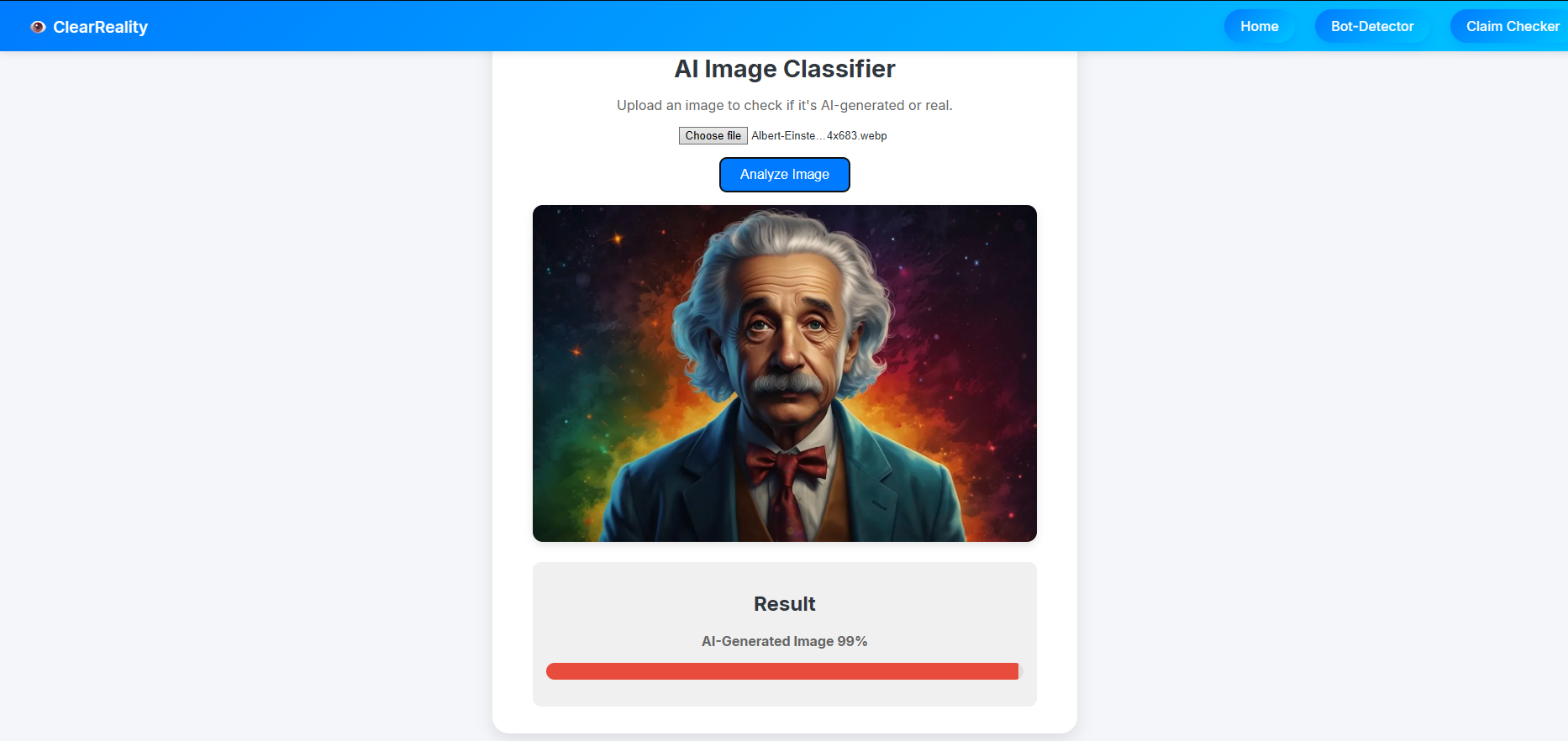
AI Image Detected by AI Image Detector
-
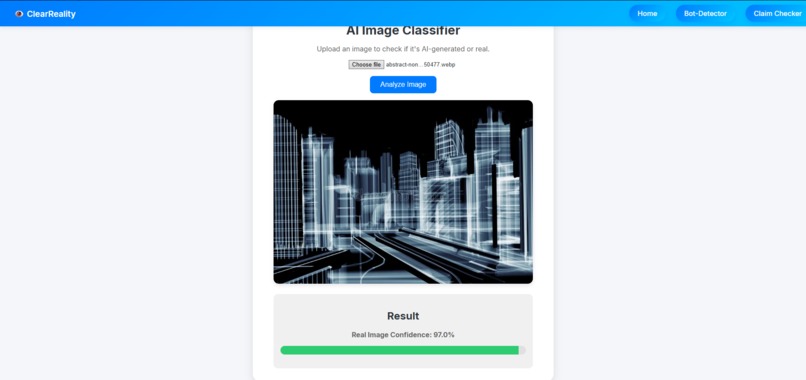
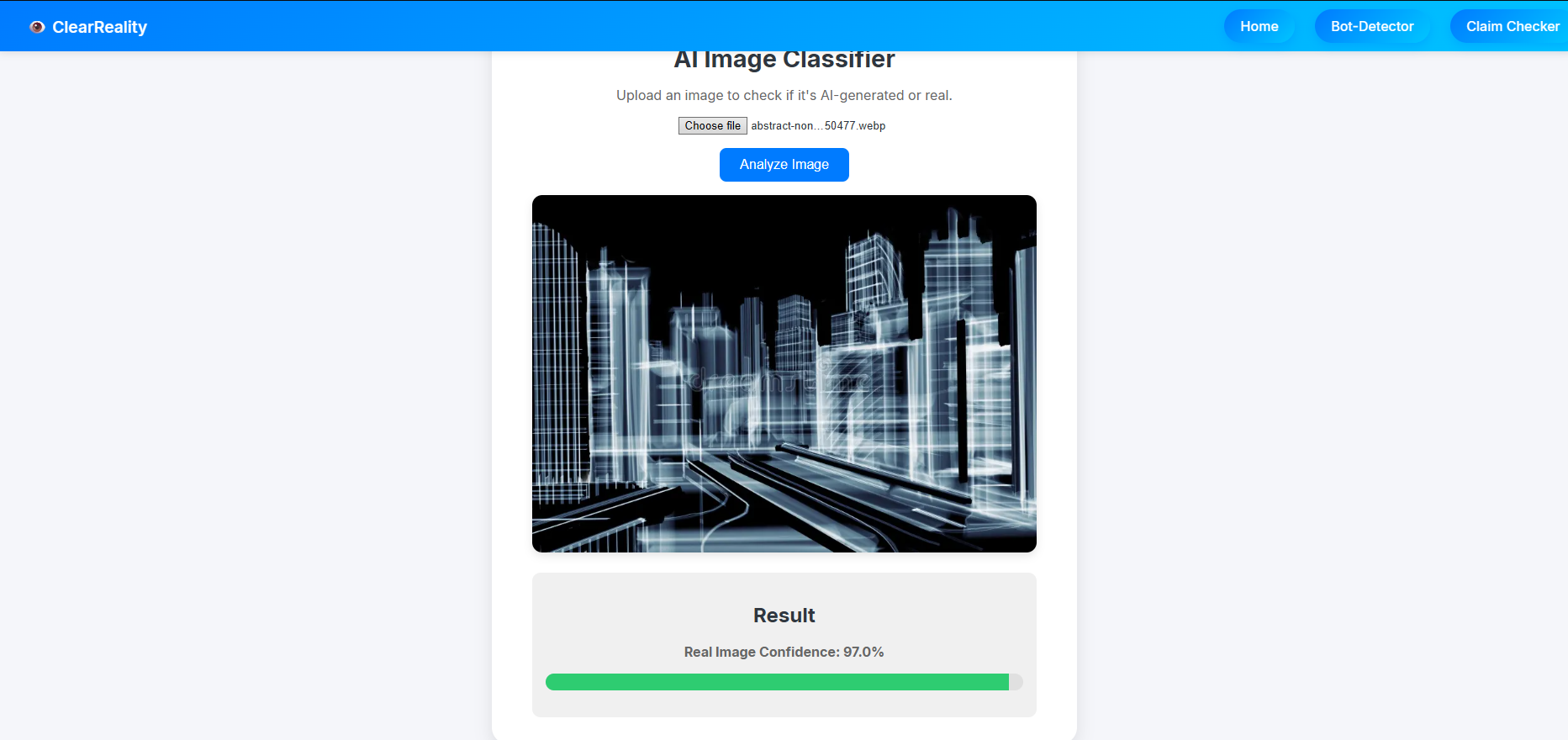
Non-AI Image Detected by AI Image Detector
-
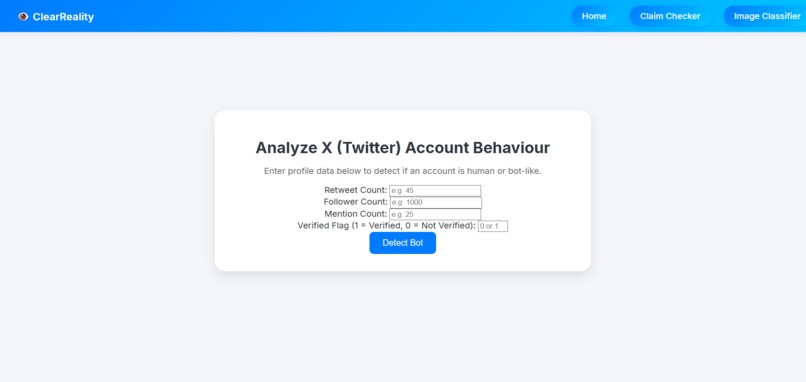
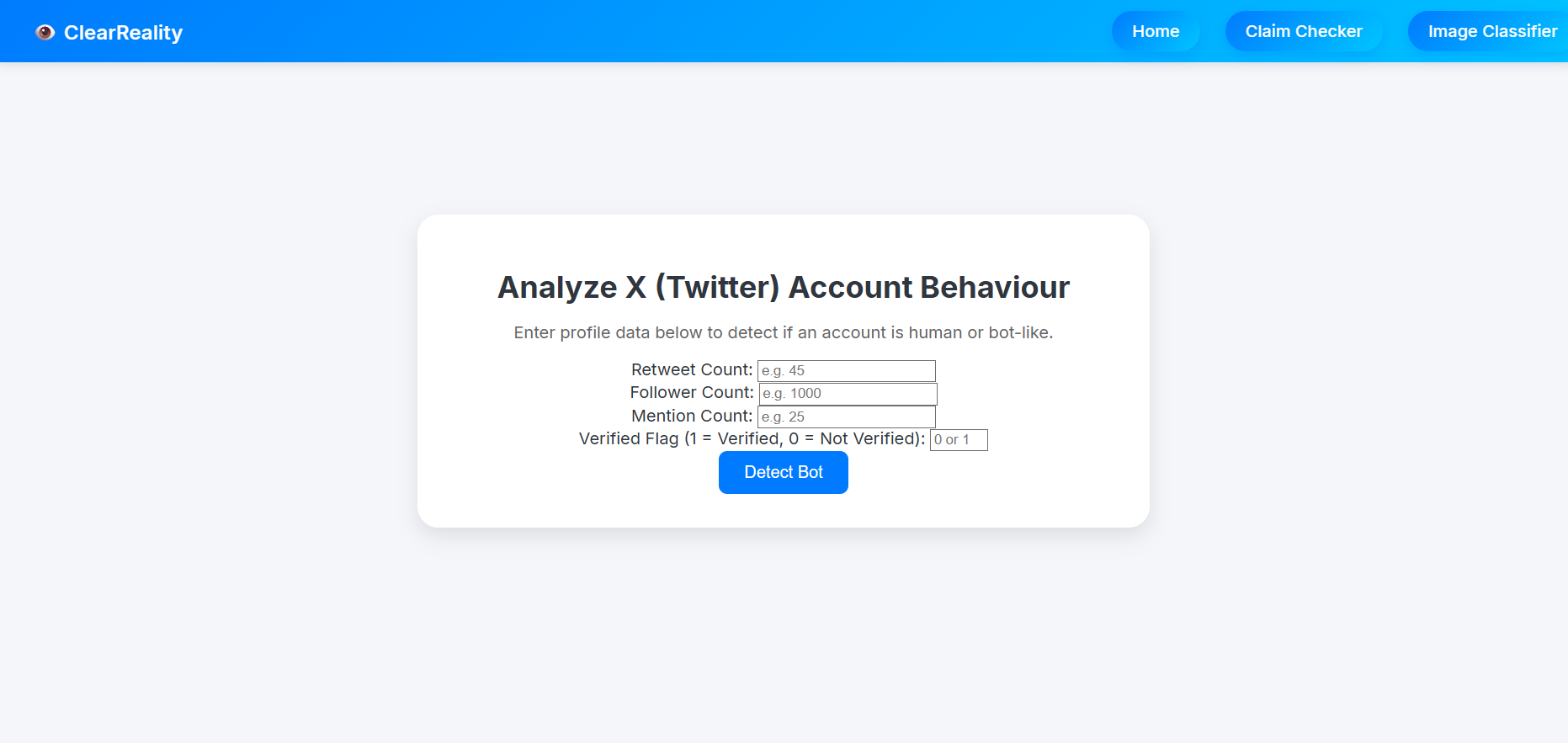
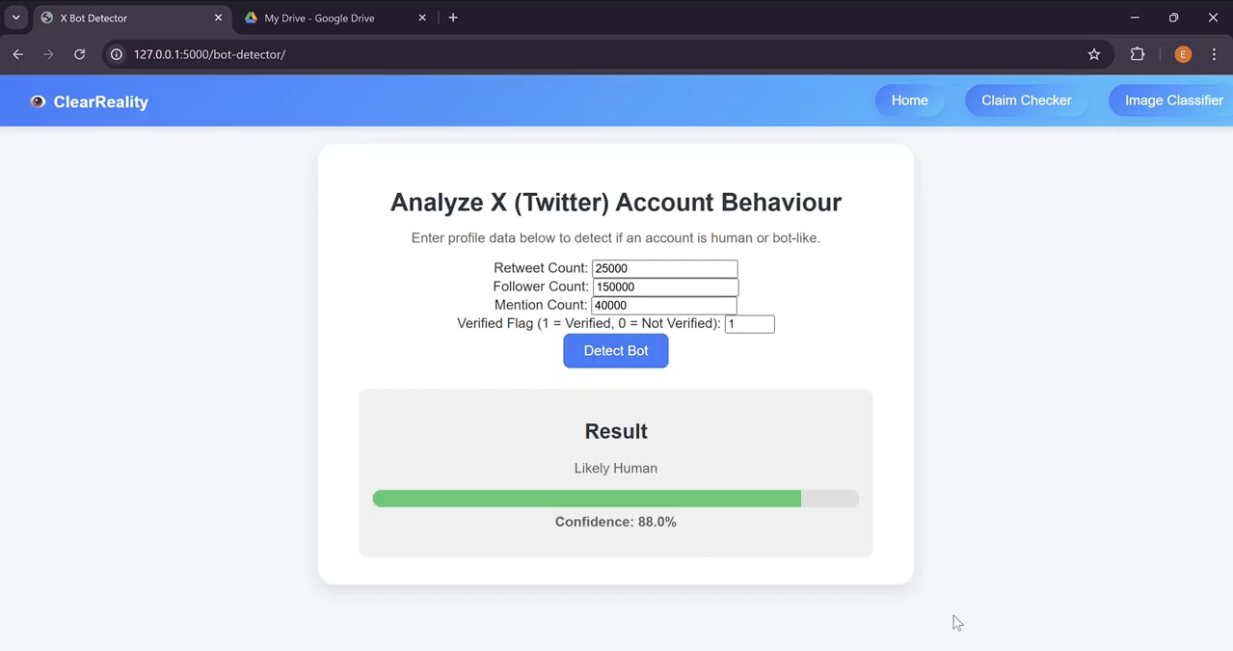
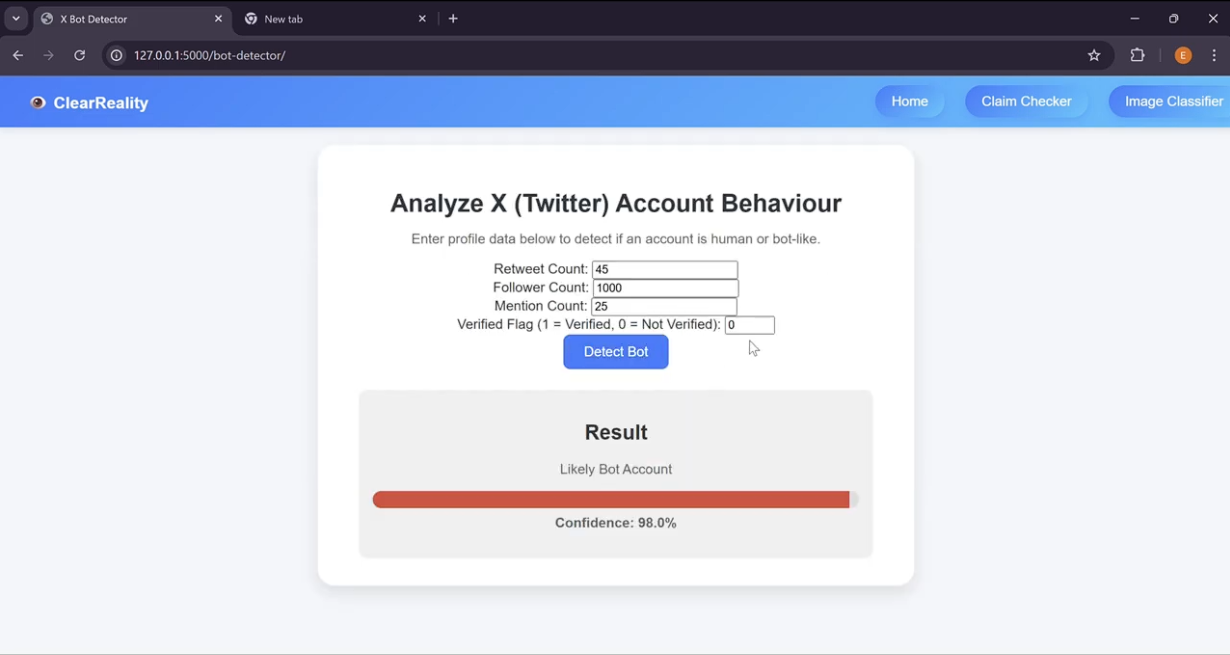
Twitter Account Behaviour Analyzer (Bot Detector)
-
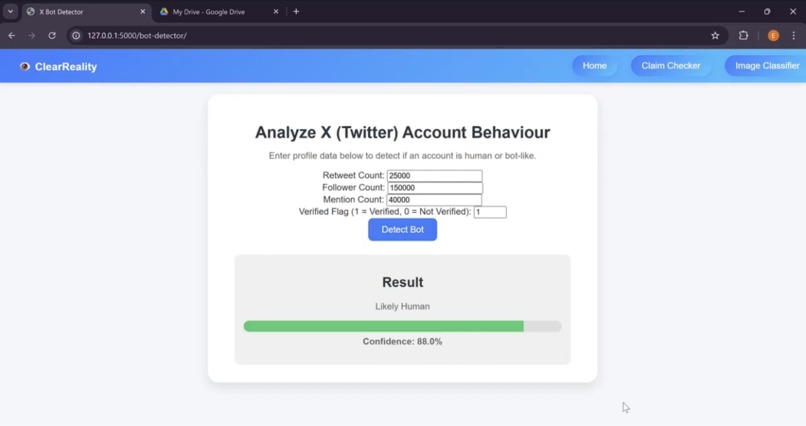
Real User Detected by Account Behaviour Analyzer
-
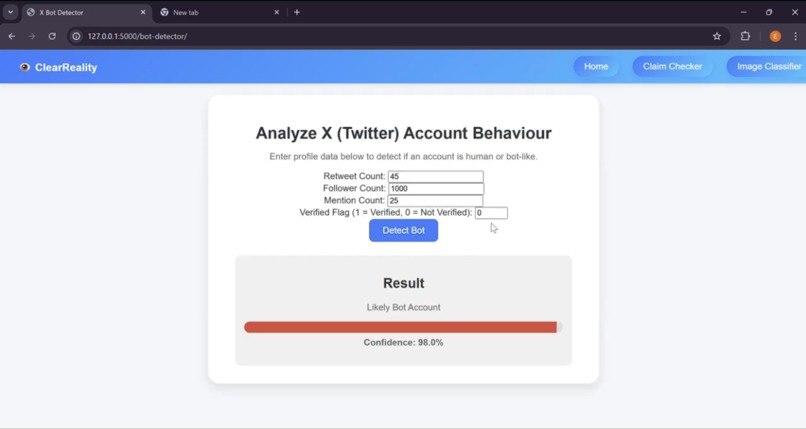
Bot Detected by Account Behaviour Analyzer
-
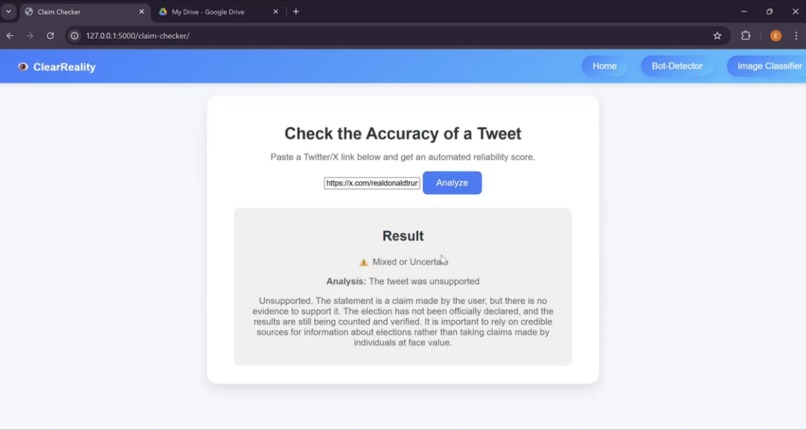
Unsupported Tweet Claim Detected by Tweet Accuracy Checker
-
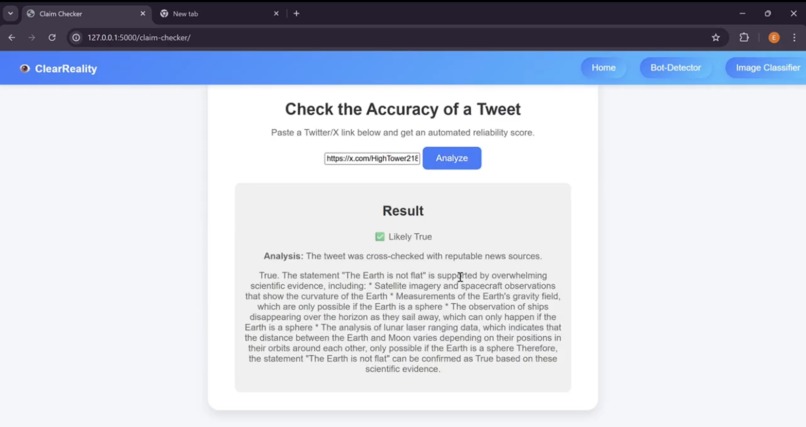
True Tweet Claim Detected by Tweet Accuracy Checker
Inspiration
The main inspiration came from the prompt:
"Accurate Information is really important for making decisions. Create something that helps understand information accuracy — for example, social media posts, news headlines, economic predictions, AI responses, etc."
For this, we were inspired by the various aspects of the prompt and decided to create a website that collates tools to detect and assess the accuracy of information sources such as:
- Images
- Twitter/X accounts
- Twitter posts verification
What It Does
The project was split into various applications which were connected via a Flask back end to a unified website.
The project consisted of three major parts:
- Image Classification — Detect whether an image is AI-generated or not.
- Twitter Account Identification — Determine if a Twitter/X account is operated by a bot or a human.
- Claim Checker — Verify the factual accuracy of a post or claim using data and API-based analysis.
These parts were integrated into a Python Flask back end to create a cohesive web application.
The front end was built using HTML, CSS, and JavaScript for interactivity and responsiveness.
How We Built It
Claim Checker: The development of the Claim Checker's program code was done entirely in Python. Initially, the plan was to query Google's Fact Check API for the keywords from each tweet provided. However, Google's Fact Check API often does not include new and recent sources and facts due to how thoroughly it reviews each fact, which makes the API difficult to use for trending social media posts, which is likely to be a primary use of the tool. Therefore, the Claim Checker now uses Ollama's llama2 model to perform research on the information it is provided from a tweet and uses these findings to classify the information as True, False or Unsupported. This tool can take up to a few minutes to respond due to the multi-step checking performed, as well as due to the amount of processing power required to run this model of llama2. Tweets are converted into text from their URL as part of the claim checker using a tiered fallback method including the official Twitter OEmbed API, Nitter Mirrors (Twitter Frontends), or Direct Webpage scraping.
Image Classifier This started with the idea of classifiying if an image was AI generated or not. This allows people to understand the context and intention behind the image. In order to build it, I first set up a way to upload photos to and from the checker. Then I started considering different models. The first idea was to use a local model from hugging face and use a api to access more accurate rankings before aggregating and averaging results. However, over testing, this method seemed to be more inaccurate due to the various model types on hugging face being mostly more inaccurate than the API. Therefore, I changed to using just an API to create the classifier model which was the sight engine api. This I converted the image and uploaded before waiting on the request and returning it to the flask and through to the webpage.
Twitter Bot Detection The development of the Twitter Bot Detection started with trying to find a database of bot account already on the platform that contained various analytics that these accounts had. This included things such as follower count, following count, repost count etc. I found this data in the form a csv file but it still needed to be cleaned. I did this by removing irrelevant fields such as time created and removed any accounts with missing data. This left me with a csv conatining approximately 5000 bot accounts. Next, I had to use libraries such as pandas and sklearn to turn this csv file into a dataset that could be trained on. After this step, a range of training techniques and parameters were tried until a final training technique was chosen. This technique was Histogram-based Gradient Boosting Regression Tree as this had the best r2 score on the dataset. Next, we decided to use polynomial features on our dataset and started training. After our model was trained, we integrated it into the web app using flask.
What We Learned
As a team, we gained valuable experience in:
- Integrating machine learning systems and web technologies into a unified product.
- Designing API-driven workflows for seamless data exchange between front end and back end systems.
- Using Flask for scalable back-end development and fetch-based asynchronous communication.
- Building intuitive and consistent UI/UX for multi-tool applications.
- Managing teamwork and version control across multiple components using Git and GitHub.
What's Next for ClearReality
Moving forward, we plan to:
- Integrate real-time data APIs for improved claim verification accuracy.
- Expand the platform to assess news articles and AI-generated text.
- Improve our models using larger, labeled datasets for better detection performance.
- Deploy the site publicly and add user accounts and reporting features for broader impact.
Our goal is to evolve this into a robust, AI-powered misinformation detection suite that helps people make informed, data-driven decisions online.

Log in or sign up for Devpost to join the conversation.