-
-
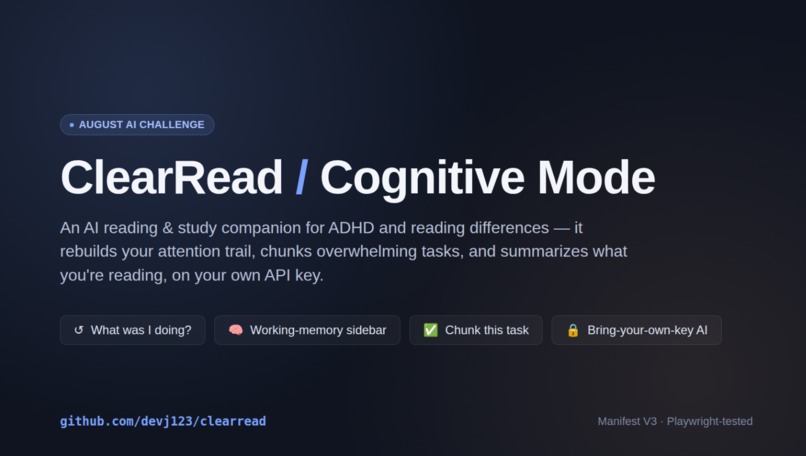
Cover Card
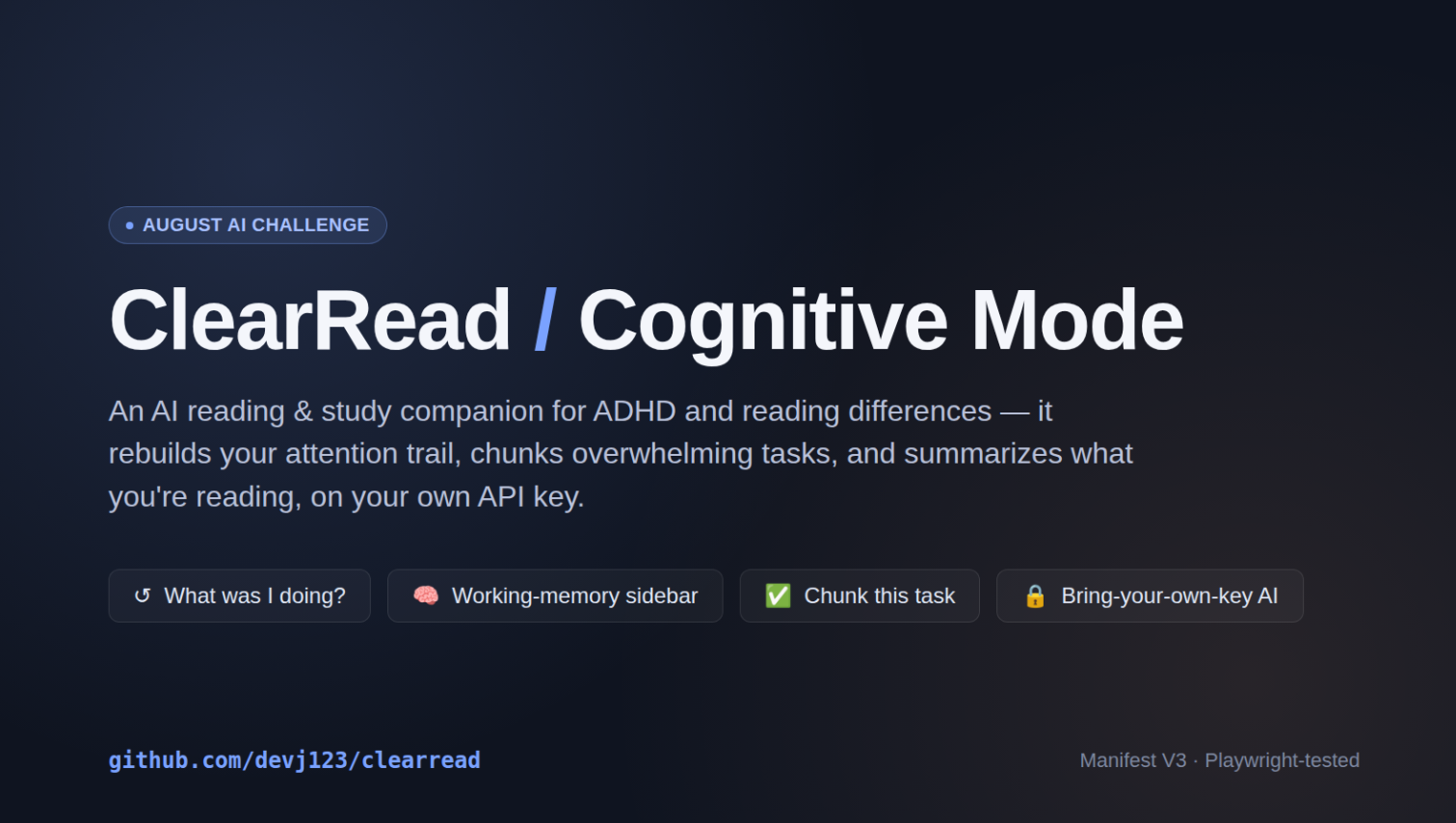
Inspiration
Reading tools for ADHD and dyslexia typically treat the issue as simply "slow reading" and address it through methods like font adjustments and spacing. The real problem, however, is losing your place while reading or working. You open another tab to check something, and twenty minutes later, you have six tabs open, without even remembering how you got there. We wanted to create something specifically for that moment, rather than just changing how the text looks.
What it does
ClearRead reformats text for easier reading: syllable breaks, read-aloud with word tracking, and an optional "bionic reading" mode (optional because the evidence supporting bionic reading is far weaker than its popularity suggests, we didn't want to provide an unproven default setting).
"Cognitive Mode" is a Manifest V3 browser extension built upon this foundation, adding the following features:
"What was I doing?" Reconstructs your actual browsing path (e.g., "Canvas → Physics assignment → This article → Searched for centripetal force → Here") and lets you return to the task with a single click. Working-Memory Sidebar: A persistent panel that tracks key ideas, recently introduced terms, and context from earlier paragraphs, ensuring you don't lose your place or have to reread everything. Break down the task : Converts a cluttered assignment prompt into a checklist of concrete steps. Attention-aware summary: Summarizes long or dense pages while preserving context. Cross-tab Mission Control: An always-on dashboard showing your status relative to your actual work across different tabs. Visual complexity detection and a calm reading mode for pages that appear visually cluttered.
How we built it
Base ClearRead is essentially vanilla JavaScript, HTML, and CSS; its core reading features, such as heuristic syllable segmentation, the Web Speech API for text-to-speech, and CSS-based bionic reading formatting, require no external dependencies.
Cognitive Mode is a Manifest V3 Chrome extension: a background service worker manages the storage schema, trail reconstruction, and "mission-control" state; content scripts handle the dock, distraction-free reading mode, sidebar, and checklist UI; and there are popup and options pages for configuration. "Chunk-this-task" and "attention-aware summaries" are the only features that utilize language models; these employ a "bring-your-own-API-key" setup to ensure that ClearRead’s promise—that no data leaves your browser, remains intact by default, rather than being quietly compromised by the integration of AI.
We tested this by running the unpacked extension in actual Chromium via Playwright, including verifying the activeTab permission gate using real OS-level keyboard shortcuts (via xdotool) rather than synthetic messages, as Chrome correctly blocks synthetic inputs and we wanted to demonstrate that the genuine method works.
Challenges we ran into
Balancing the "no data leaves the browser" principle with features that genuinely require language understanding, tasks like chunking and summarizing, which heuristics don't handle well—was the core design challenge. "Bring-your-own-key" was the solution: it enabled true AI capabilities without ClearRead ever holding or routing a user's reading material through servers under our control.
Accomplishments that we're proud of
This is a fully functional Manifest V3 extension, not a mockup, it includes an automated test suite demonstrating that security-critical components (permissions) work in a real browser, rather than a fake or simulated one. And the decision regarding Bionic Reading: opting to make it an 'opt-in' feature, dependent on user choice, rather than quietly enabling it by default, despite its popularity and the lack of robust evidence supporting it.
What we learned
We learned, about the comprises you have to make while coding, and how to leverage AI tools, for optimal efficiency in your project.
What's next for ClearRead Cognitive Mode
Real pilot feedback from students (outreach materials for school resource rooms and Washington State accessibility organizations are ready), upgrading the syllable-segmentation tool from a heuristic to a dictionary-based approach (CMUdict), and saving data to localStorage so the state persists even after the tab is closed.
Built With
- chromeextension(manifestv3)
- chromestorageapi
- css
- html
- javascript
- playwright
- webspeechapi
