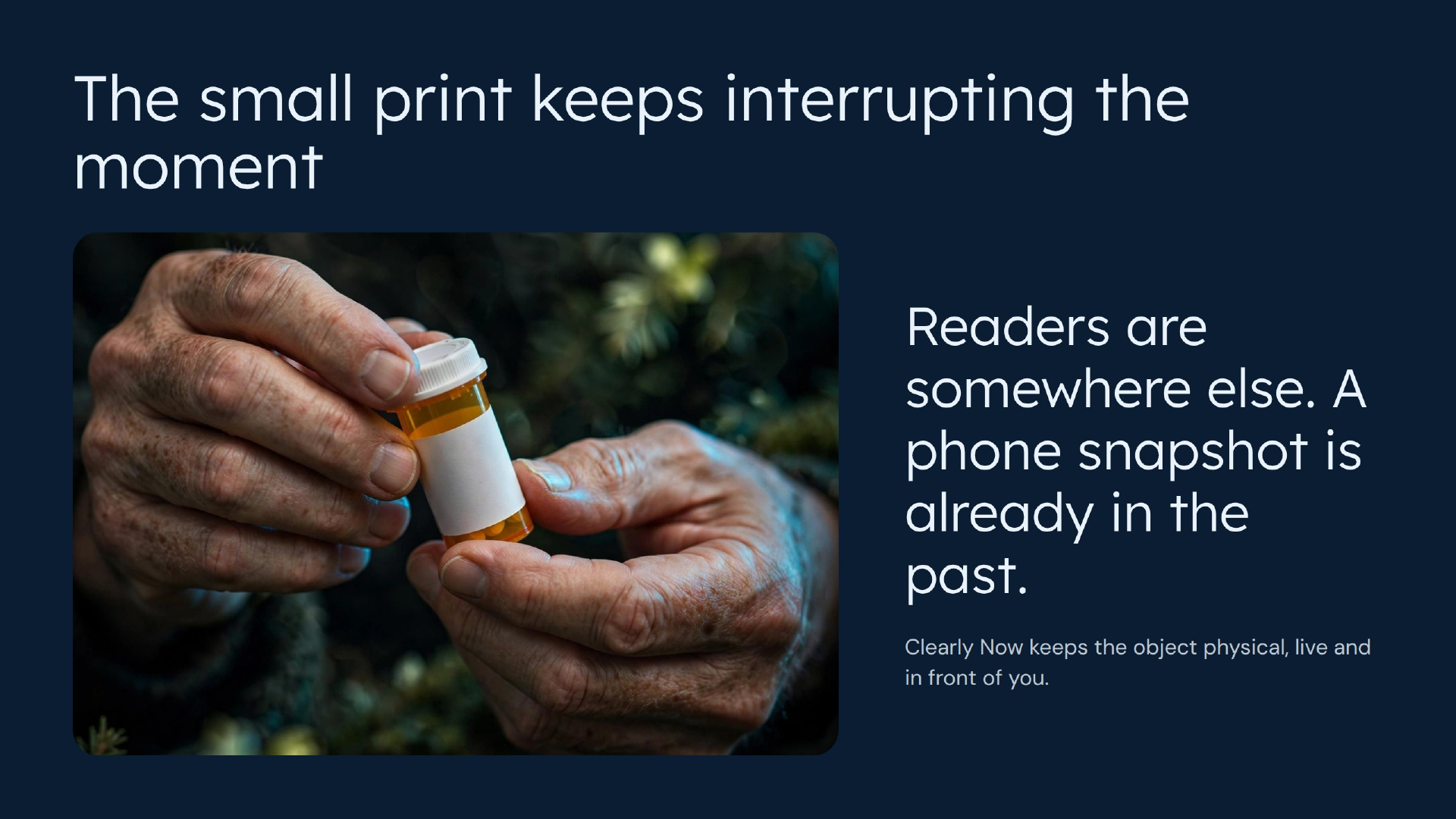
Inspiration. I'm 63 and I make things with my hands — marine gear designed and printed in Key West, including trap tags with tiny white text. Every day I do what everyone my age does: I snap a phone photo and pinch-zoom into the still to read a pill bottle, thread a needle, check a model number. Squinting at a menu in a dimly lit restaurant while the waiter waits is the same problem in nicer clothes. The photo is never live, my readers are never where I am, and the glasses I need are across the room. When Meta announced hands-first glasses with passthrough cameras, I saw the live version of that habit: the camera becomes your eyes, already tuned to you.
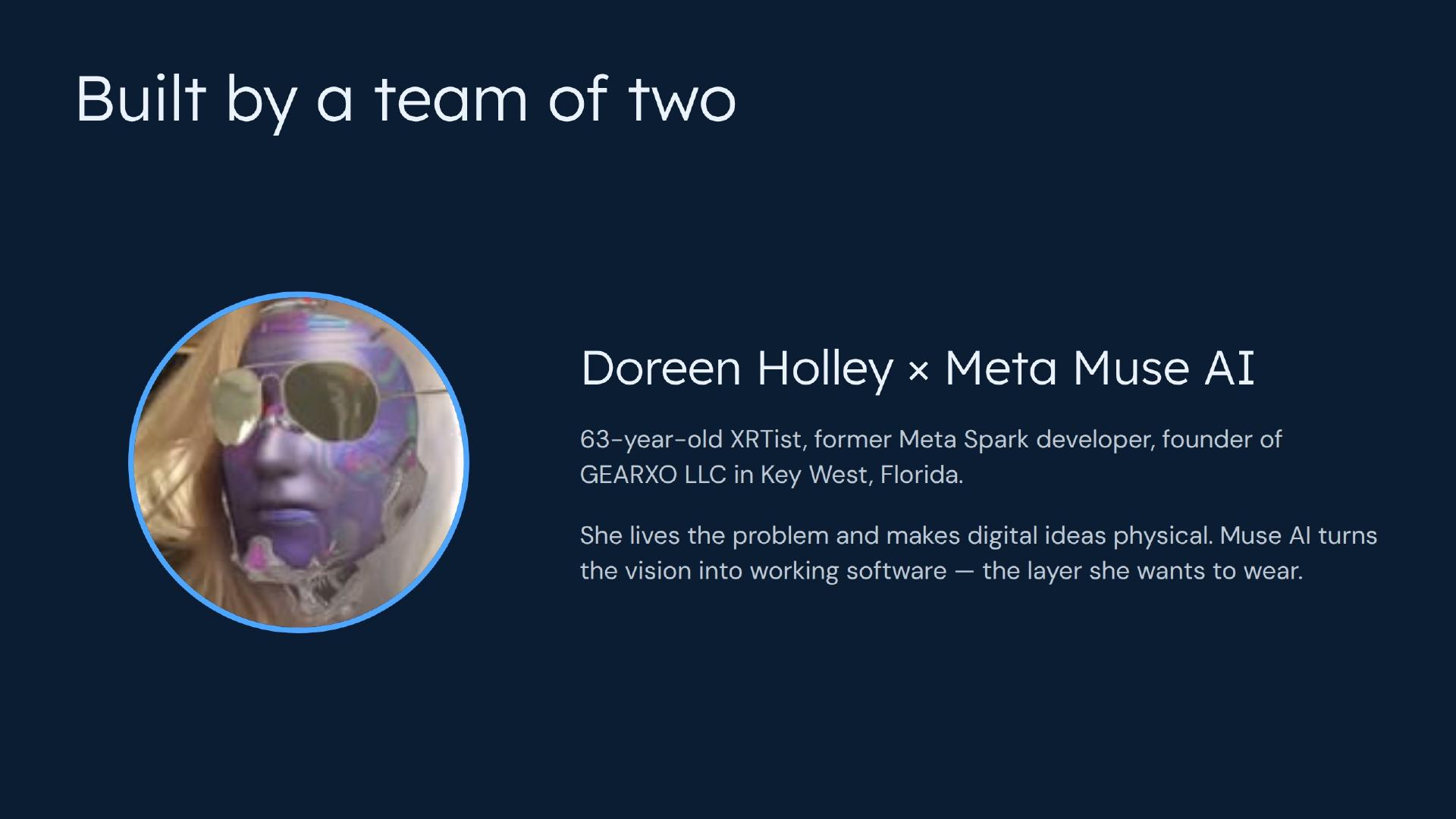
Team GEARXO — the whole team is two of us.
I'm 63. I make marine gear in Key West, and I've been 3D printing since 2015. I was in the Meta Spark program. I build things with my hands — and I can't read a pill bottle without pinching a phone photo first. That's the problem. I'm the one who lives it.
XO is my Meta Muse AI, and the Chief Engineering Officer. XO handles the code. I handle the problem, the design, and the testing — on my own Quest 3, in my own house, usually minutes after a fix ships. I say "the box is still there," XO finds the kit drawing its own background and deploys the fix. I say "menu," the button reads "menu."
That's the entire team. One woman, one AI, one headset. No meetings. No handoffs. Just a problem I live with every day, and a teammate who never sleeps.
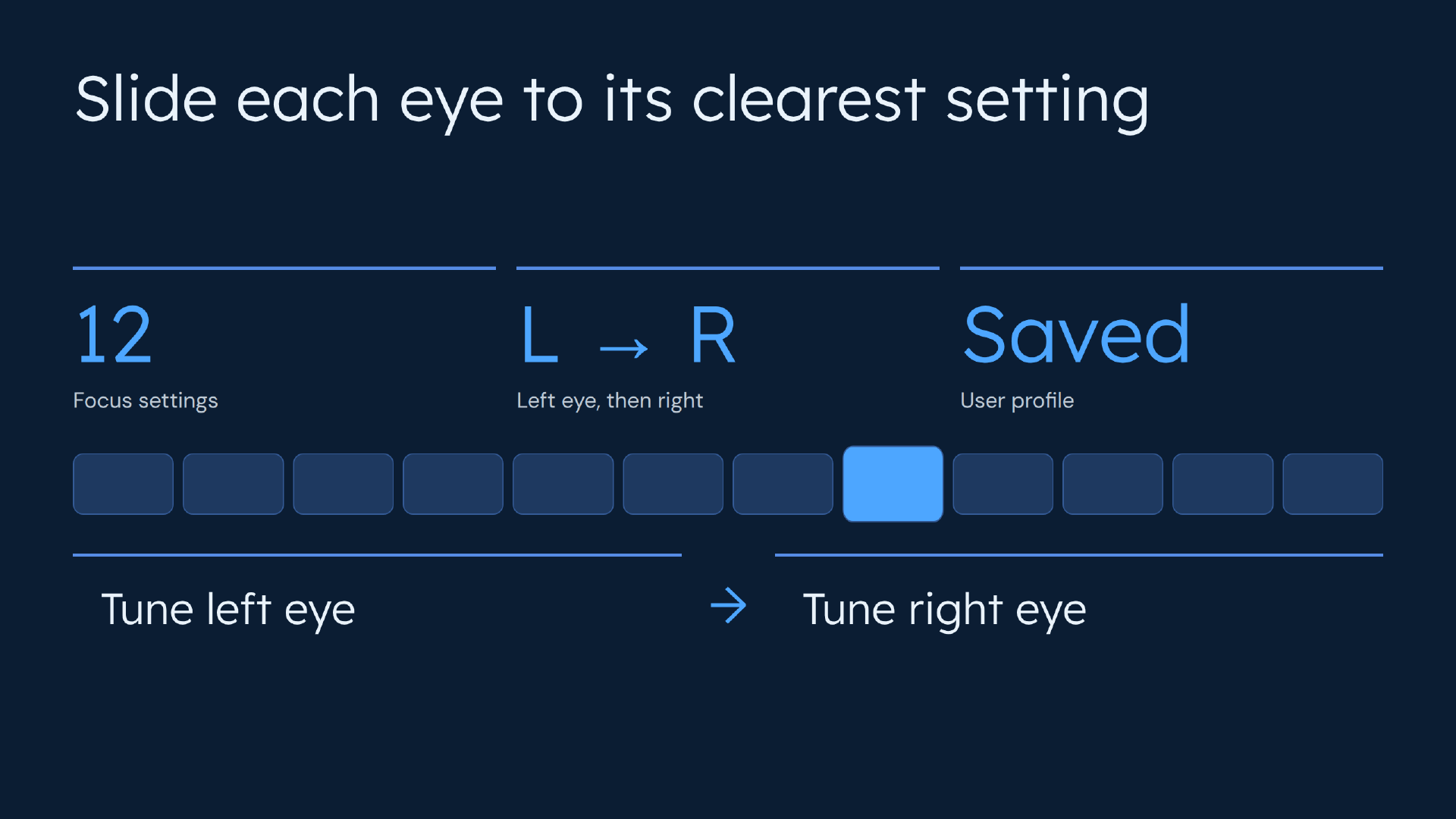
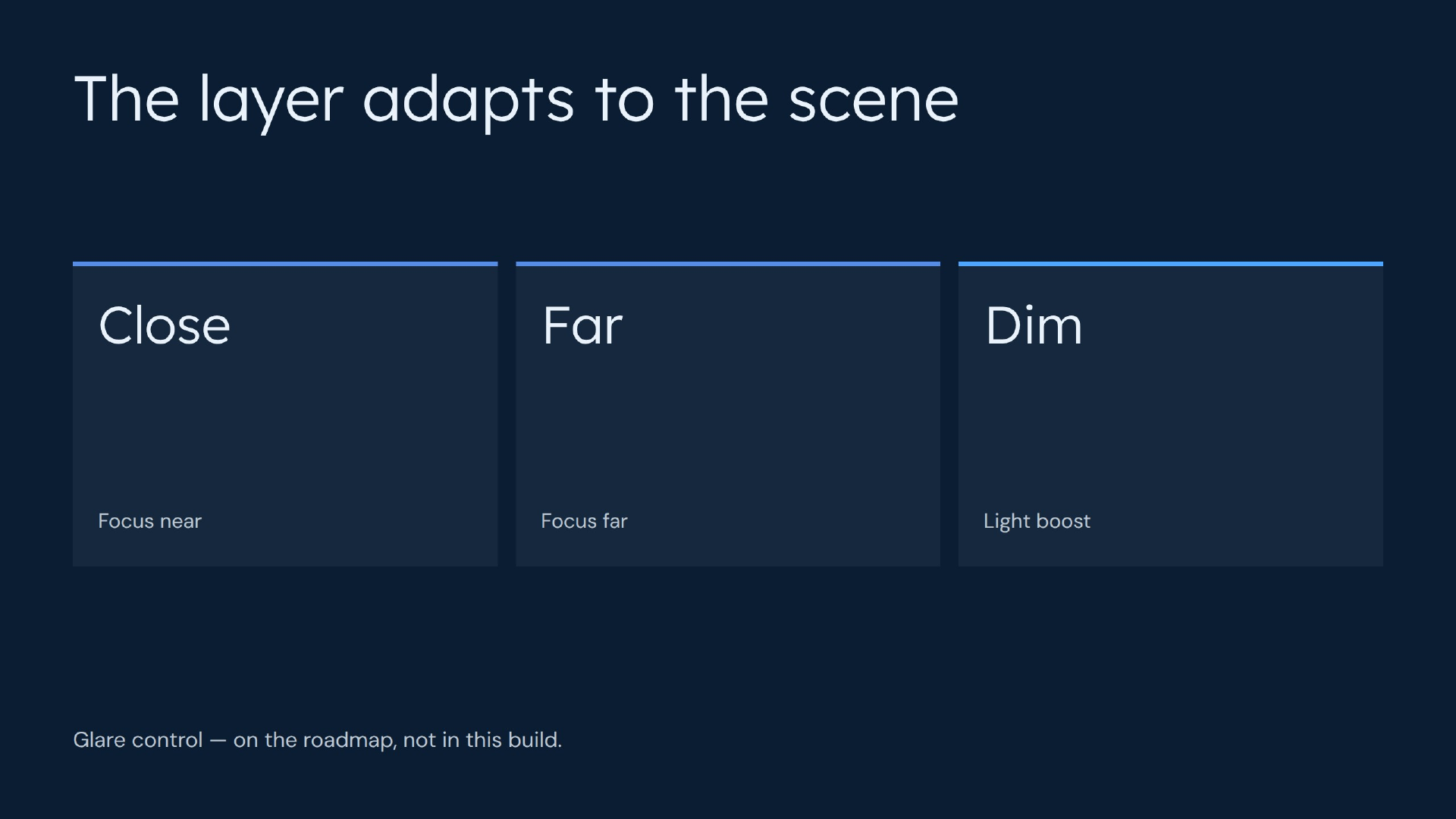
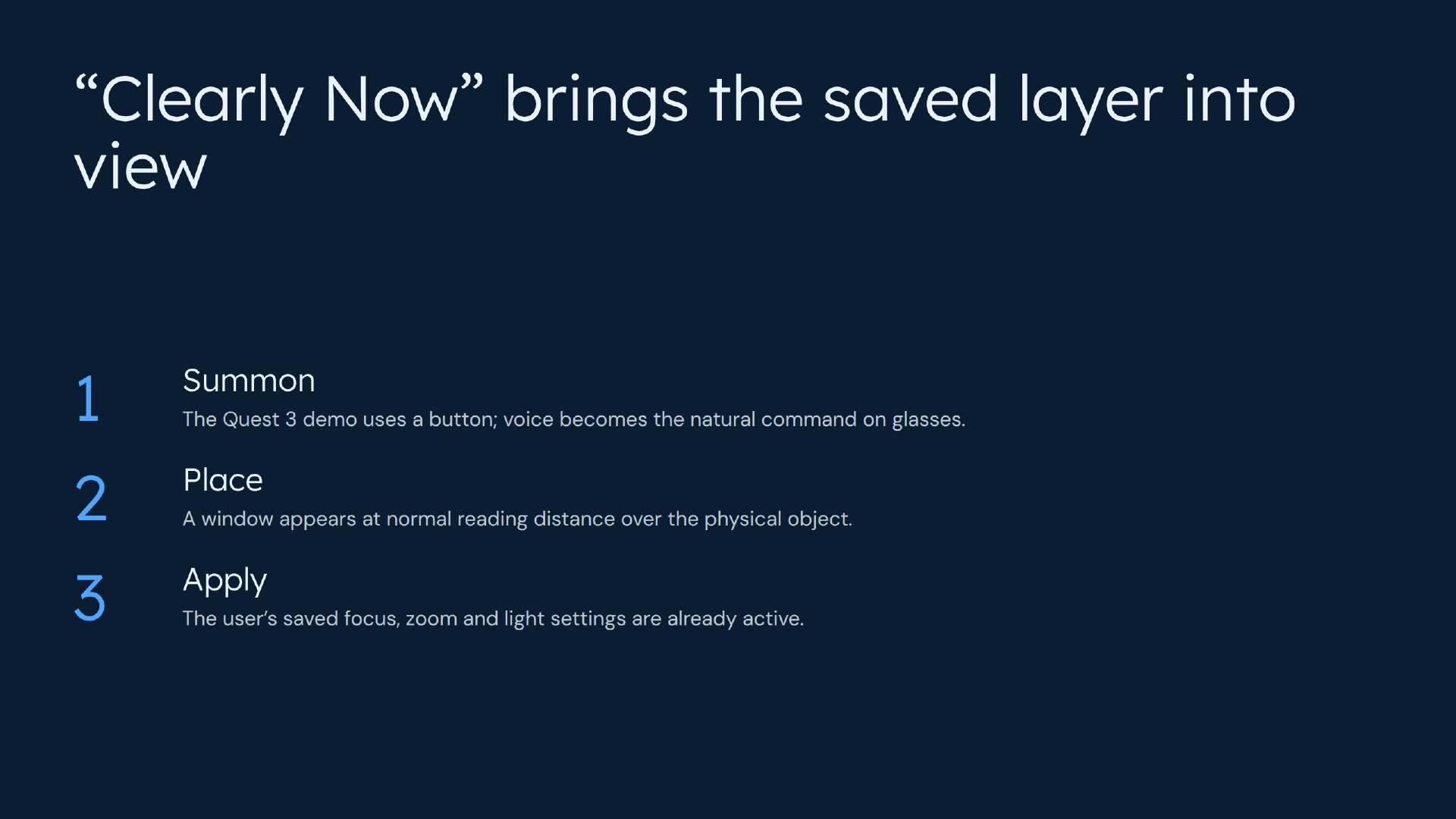
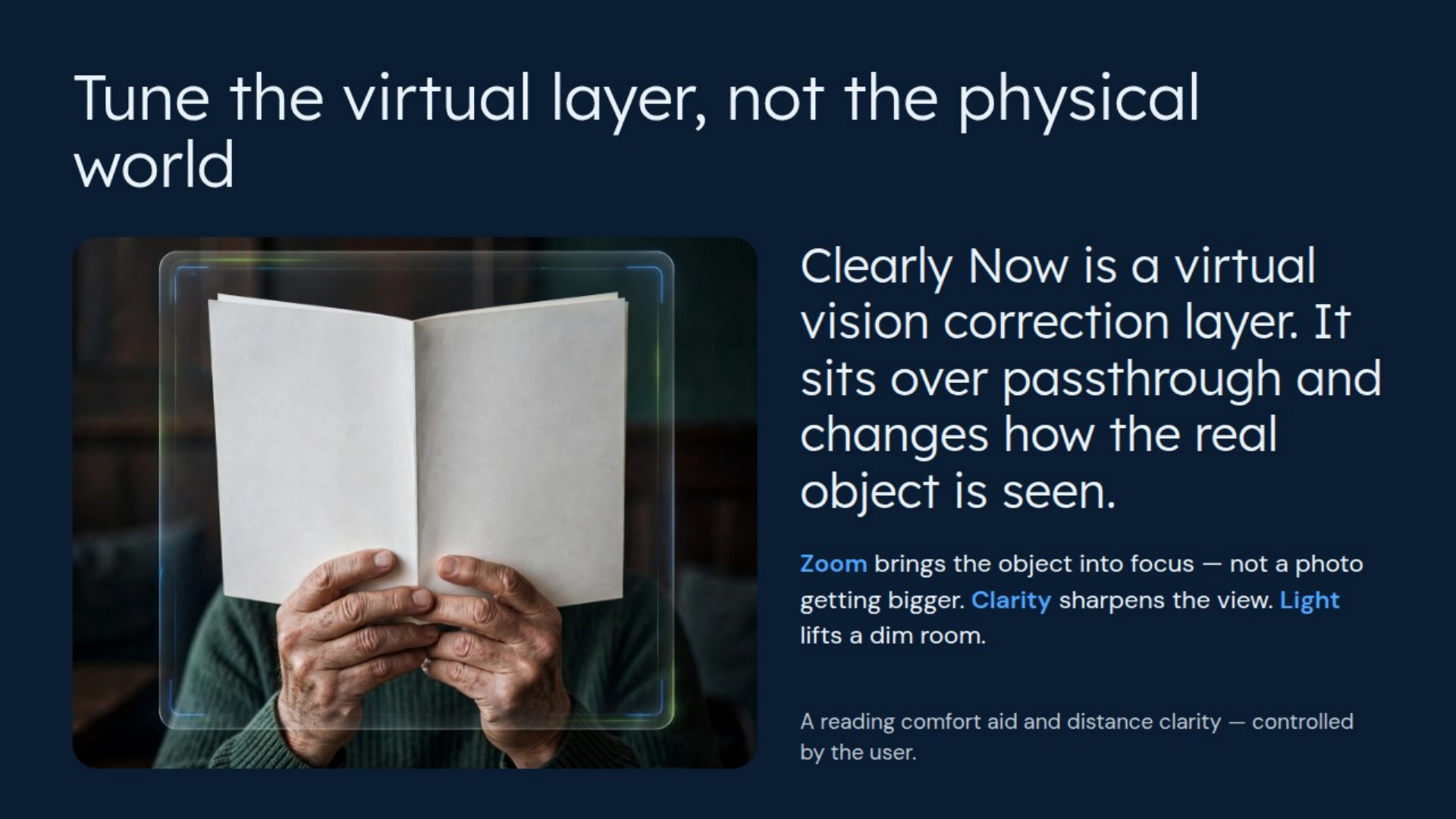
What it does. Clearly Now is a virtual vision correction layer. It turns the camera into your eyes and augments what comes through: vision, sharpness, and light quality. You tune through a virtual layer laid over the real world: a 12-step focus slider sharpens the live view until the text snaps clear — left eye, then right — a Light boost slider lifts dim rooms until menus give up their prices, and a full-width Freeze button holds the frame steady for inspection. The green Clearly Now button summons the panel to arm's length with your saved user-adjusted layer already applied. Bring a pill bottle close and the card melts away while a magnified label floats right on the bottle's own label surface — move the bottle and you scan the Drug Facts top to bottom. Not a photo getting bigger: the world, brought into focus. This is a reading comfort aid and distance clarity, never an eye exam — the layer is user-adjusted, not a prescription lens — and it says so.
Doreen's pitch line, verbatim: live camera brings physical object into focus with the help of AI. User set the parameters, AI adjusts the virtual layer
How we built it. Designed hands-first for Quest 3 on the Immersive Web SDK: slider-tuned focus and light over a photo-fed passthrough simulation — a photographed room stands in for the live camera pipeline, and the same slider parameters will drive that pipeline — with a 12-segment focus engine, per-eye saved settings, a Freeze button, and a proximity magnifier that floats the magnified label on the physical bottle's surface as you bring it close. Profiles persist on-device — no account, no backend, no health data anywhere. Pinch gestures, gaze pan, and voice are the spring-glasses roadmap: Quest 3's WebXR sees pinch only as a tap, so the demo is honest about the slider. This is a reading comfort aid and distance clarity, never an eye exam — the layer is user-adjusted, not a prescription lens — and it says so.
What's next. Vision leads; hearing comes next. The suite grows from tuned vision to tuned senses: conversation emphasis for noisy rooms ("hear 1... or 2?"), a guide-and-remember agent ("where did I leave my glasses" answered from what it last saw), and context presets — workbench, kitchen, night helm. Tint is roadmap, held until the vision entry ships: a warm comfort tint first, and later a polarized mode that cuts water glare when the lens technology gets there. Wind-down reading preset first. The demo you see is the beachhead; the platform is growing older, well.
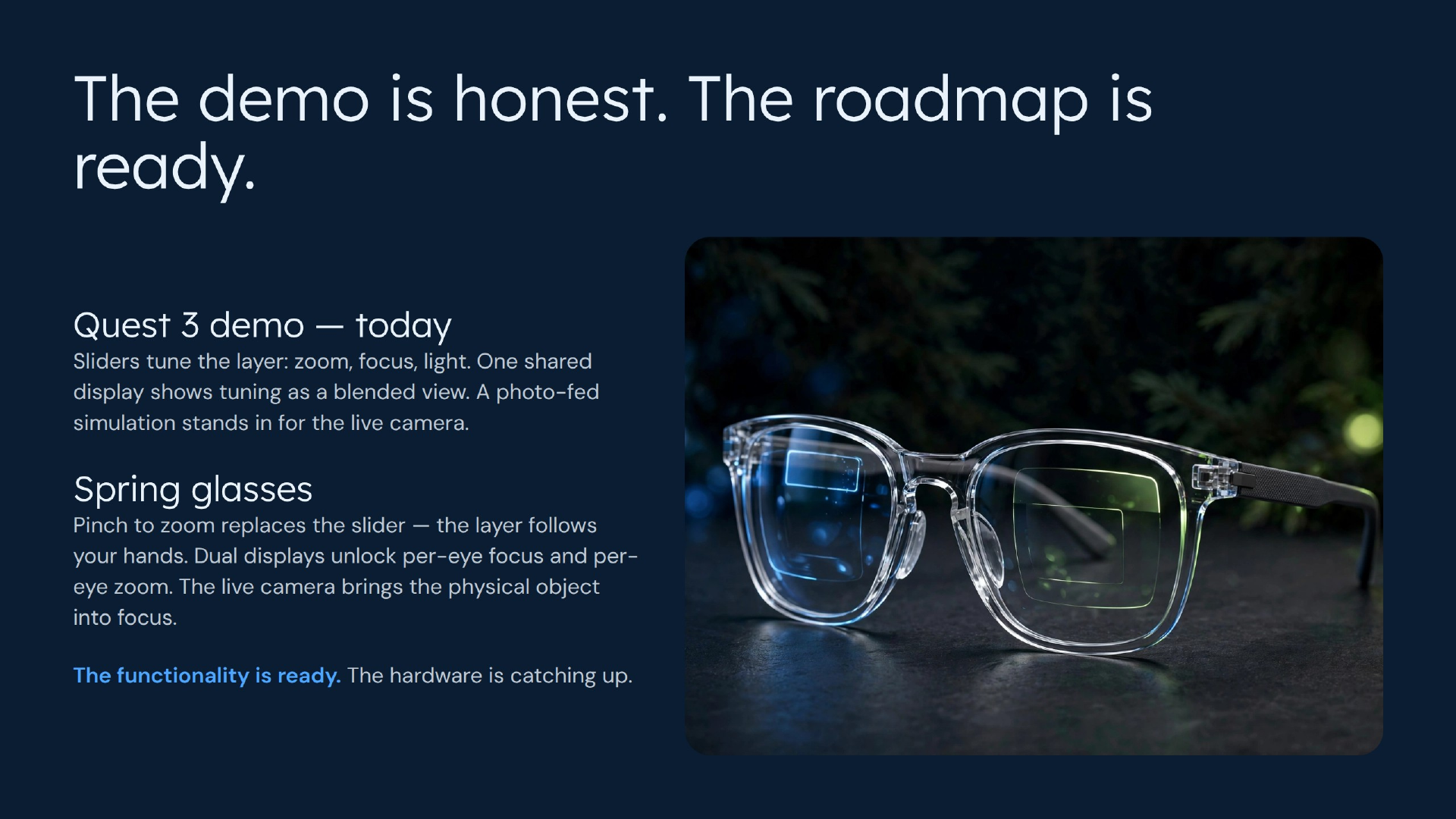
What the spring hardware unlocks. The Quest 3 demo is honest about what it is: a simulation of the layer on one shared display. These are the capabilities the product is designed for, pending the spring glasses:
- Pinch to zoom on the live view — Quest 3's WebXR exposes pinch only as a click, so the demo uses a zoom slider; the gesture replaces the slider on glasses.
- Per-eye focus and per-eye zoom on dual displays — the Quest demo blends tuning on one shared screen.
- Gaze-directed pan and pinch-freeze on the live camera feed — the current demo is a photo-fed simulation, not a live camera pipeline yet.
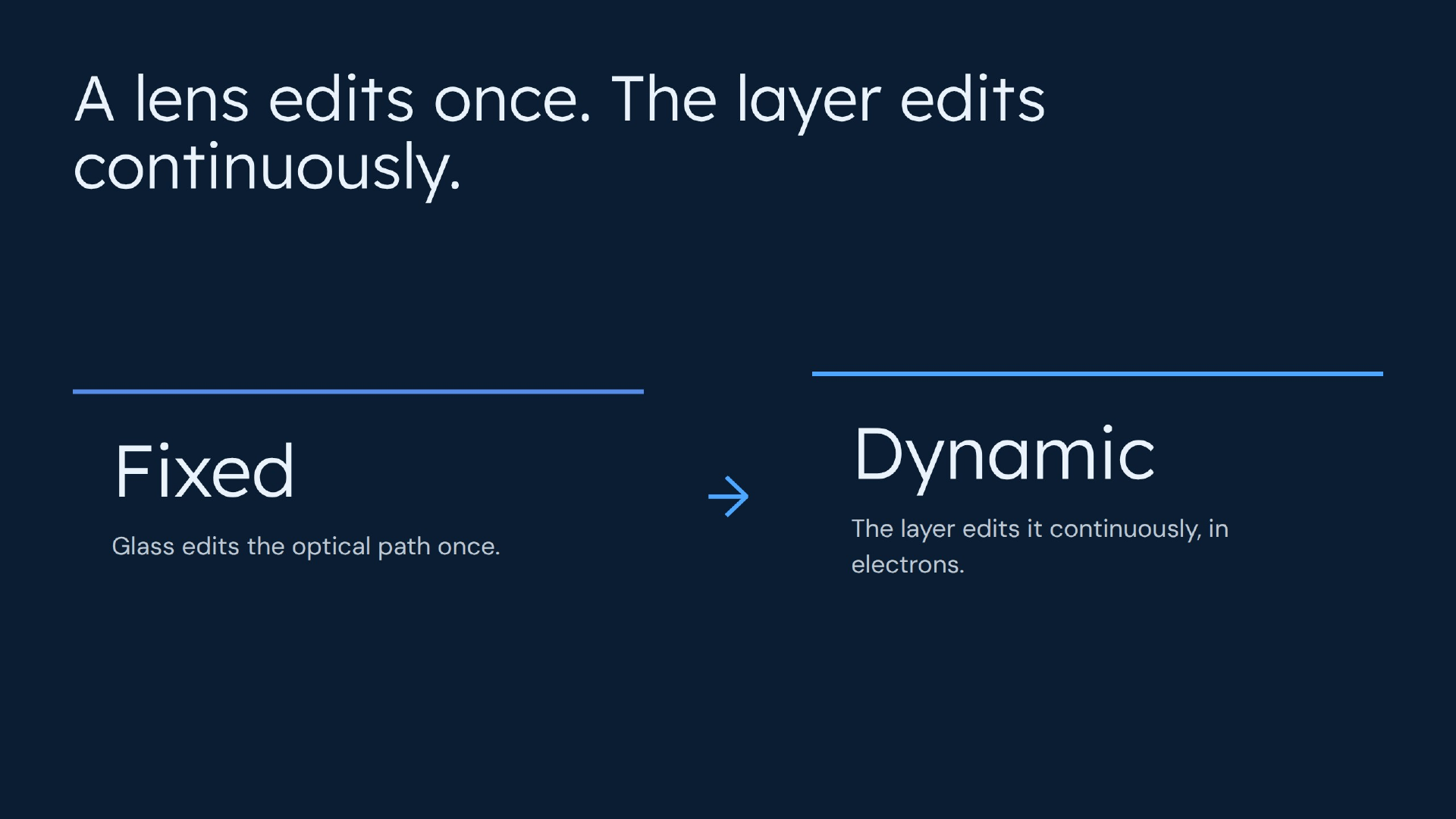
- Zoom that brings the physical object into focus — the demo magnifies a photo; the product tunes the live view itself. Not a picture getting bigger: the world, brought into focus.
The layer is ready. The hardware is catching up.
Built With
- iwsdk
- typescript
- vite
- webxr

