Inspiration
My sister used to get really annoyed at me for walking in her room while she was in a meeting. Even when she closed her door and told me beforehand, I would somehow forget and walk into her room and suddenly, I'm live. This tool fixes that problem.
What it does
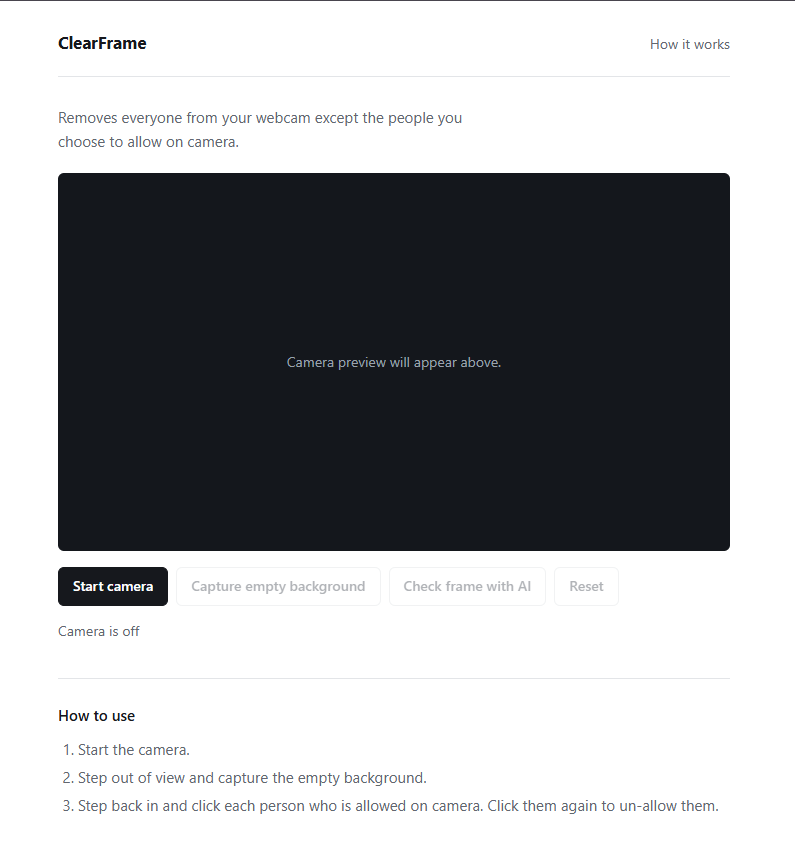
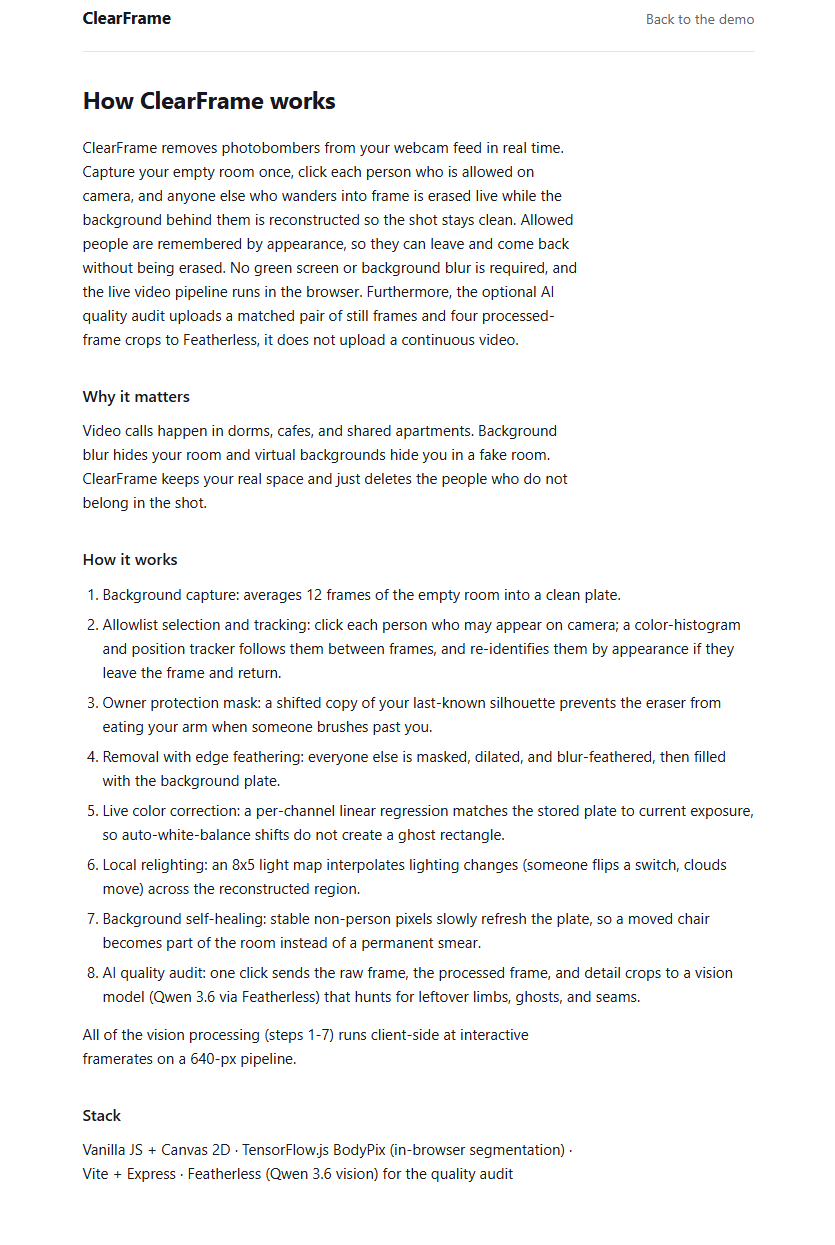
ClearFrame is a tool that actively removes people from the background while keeping the actual background live. The user first captures an empty view of the room and selects themselves in the camera feed. ClearFrame then tracks that person, detects anyone else who enters, and replaces unwanted people with the stored view of the background. The background continues updating over time, so background activities like writing on a whiteboard can remain visible without allowing a passerby to become part of the saved scene. ClearFrame also includes an optional AI frame check powered by Featherless.ai, which compares the raw and processed frames and looks for visible people or removal artifacts.
How we built it
We built ClearFrame with plain HTML and JavaScript. TensorFlow.js and BodyPix run in the browser to detect and segment multiple people in the webcam. The user clicks themselves to create an identity reference based on their position, appearance, and silhouette. Each frame is drawn onto a canvas, unwanted person masks are expanded and feathered, and those areas are replaced with pixels from the background model. We added temporal mask stabilization to reduce flickering, local color correction to handle automatic webcam exposure and white-balance changes, and continuous background learning for persistent changes in the room. A small Express server keeps the Featherless API key out of the browser and sends manually requested frame checks to the vision-capable Qwen/Qwen3.6-35B-A3B model.
Challenges we ran into
The hardest part was that webcam video changes even when the laptop does not move. Laptop cameras constantly adjust exposure, white balance, contrast, and noise reduction, which made a saved background look noticeably different from the current frame. Person masks also changed slightly between frames, causing flickering, visible outlines, and partial silhouettes. Another problem was when someone walked directly behind or in front of the selected user, because the segmentation model sometimes combined both people into one shape or confused their identities. We did our best to fix these problems with averaged background capture, per-channel and local lighting correction, short-term mask memory, stricter identity matching, and a stable owner silhouette that detects sudden growth caused by overlapping people.
Accomplishments that we're proud of
We managed to get it working and the project does not require any specialized hardware, as it runs directly in your browser. We also developed solutions for several problems that were not obvious when we started, including camera color drift, mask flicker, identity switching, overlapping people, and keeping the background responsive to real changes. Most importantly, we turned a simple and relatable problem into a working real-time prototype.
What we learned
We learned that every improvement creates a tradeoff: stronger temporal smoothing can leave trails, wider masks can affect the selected user, and faster background updates can accidentally save a passerby.
What's next for ClearFrame
I want to implement shadow removal and also the main thing, which is turning this into an actual camera you can select in Zoom. Right now, you can achieve this by using OBS and setting your webcam capture to this website but making the actual camera you can choose would be the next step for actual distribution to the public.
Built With
- bodypix
- canvas
- html
- javascript
- node.js
- qwen
- tensorflow
- vite


Log in or sign up for Devpost to join the conversation.