
Inspiration
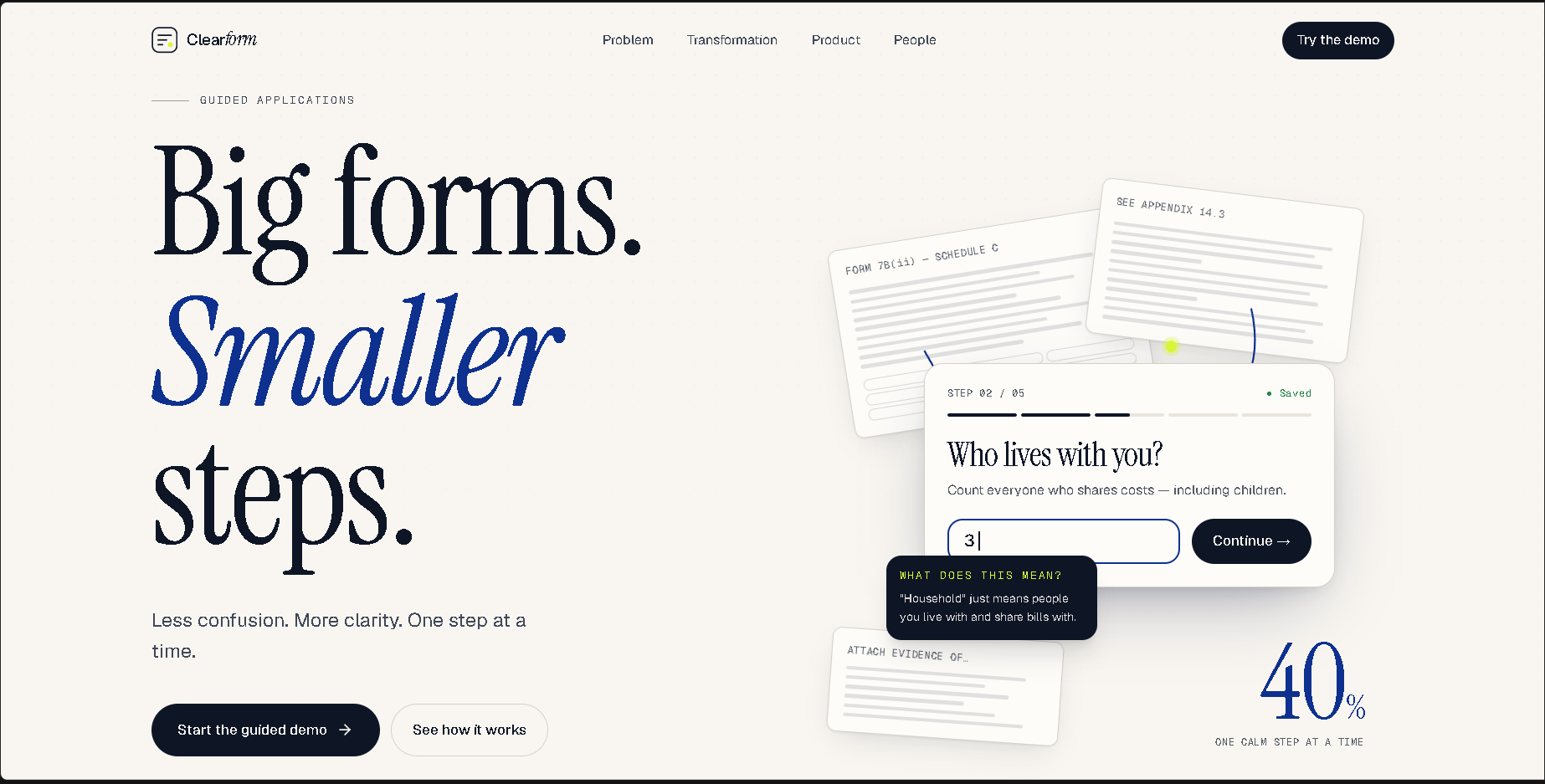
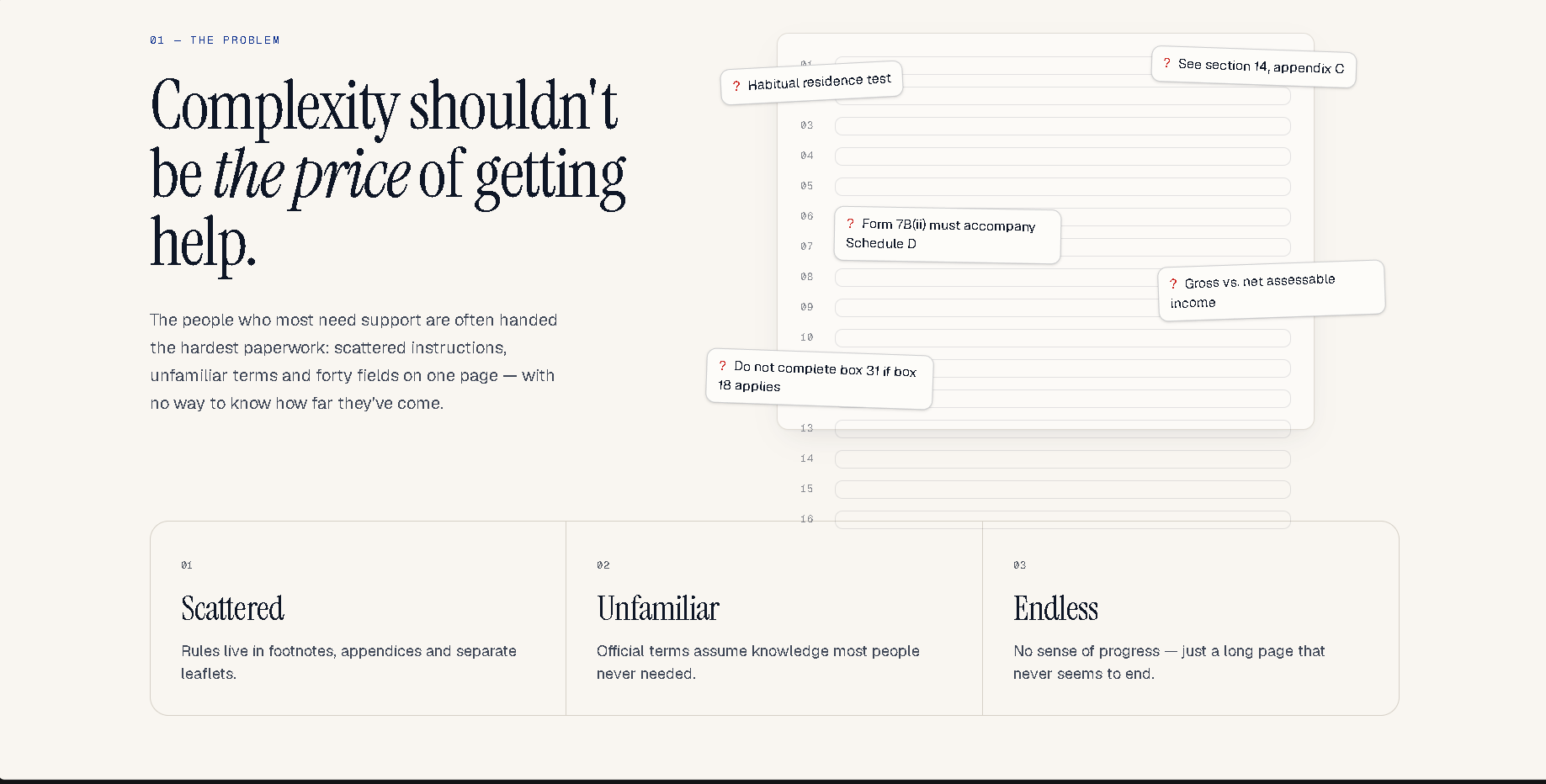
We built ClearForm — Big forms. Smaller steps. around one simple idea: getting help shouldn't mean struggling with confusing paperwork. Long forms, unfamiliar terminology, and unclear instructions can make applications stressful, especially for first-time applicants.
What It Does
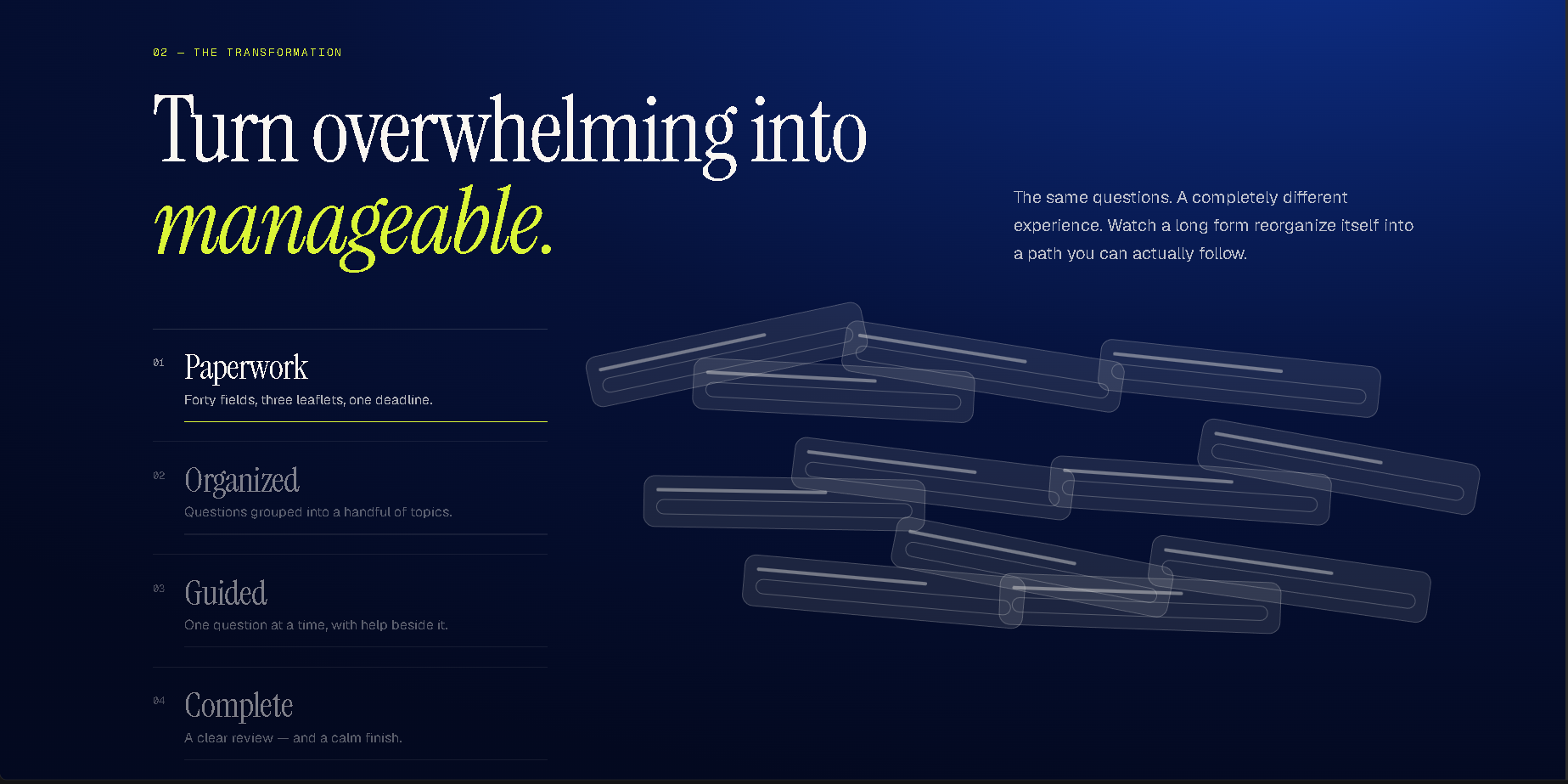
ClearForm transforms overwhelming application forms into guided, accessible experiences through:
- Step-by-step guidance to simplify complex application journeys.
- Plain-language explanations to make unfamiliar terms easier to understand.
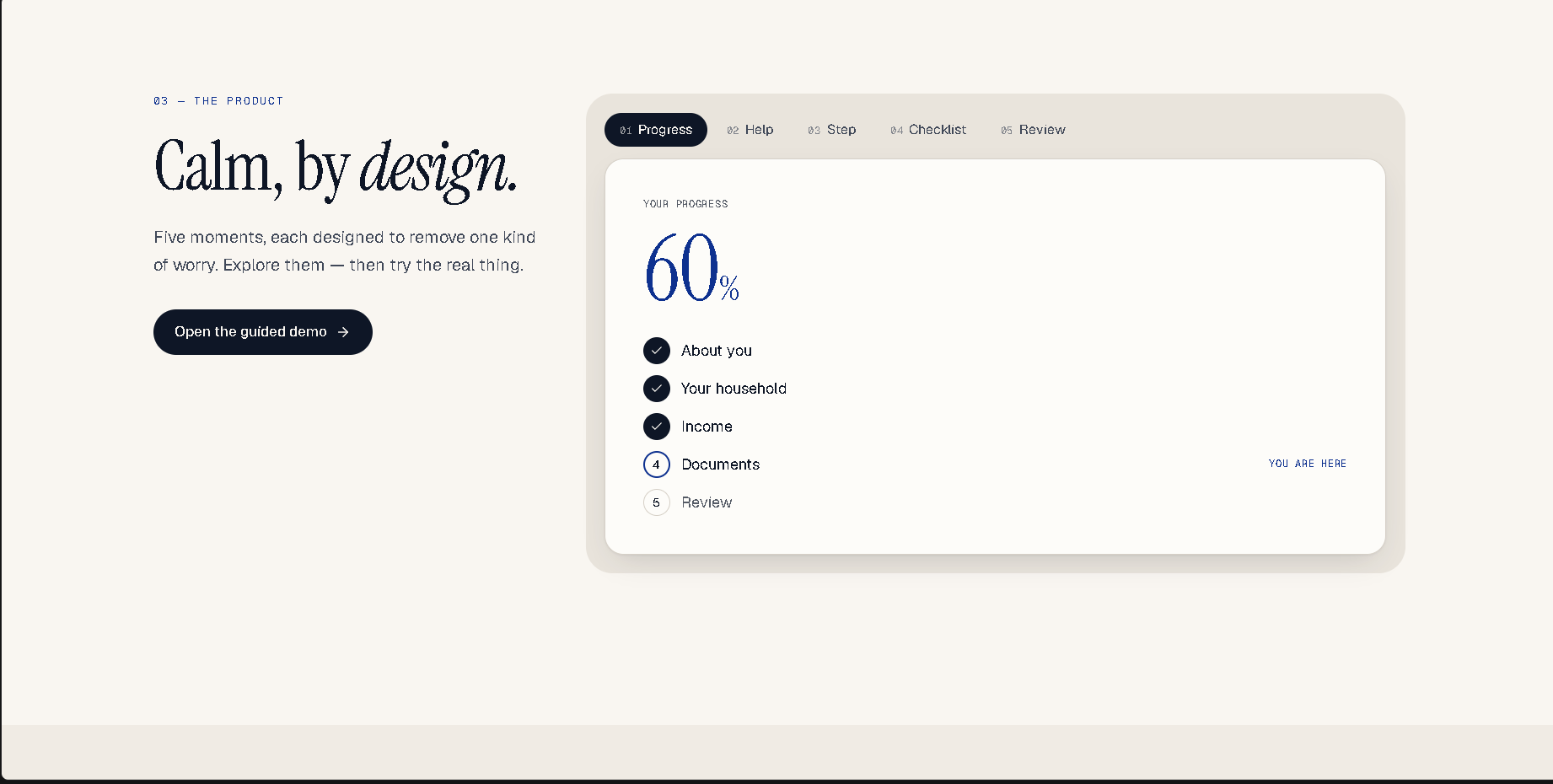
- Progress tracking to show users what they have completed and what remains.
- Document checklists to organize supporting requirements.
- Review before completion to help users check their information.
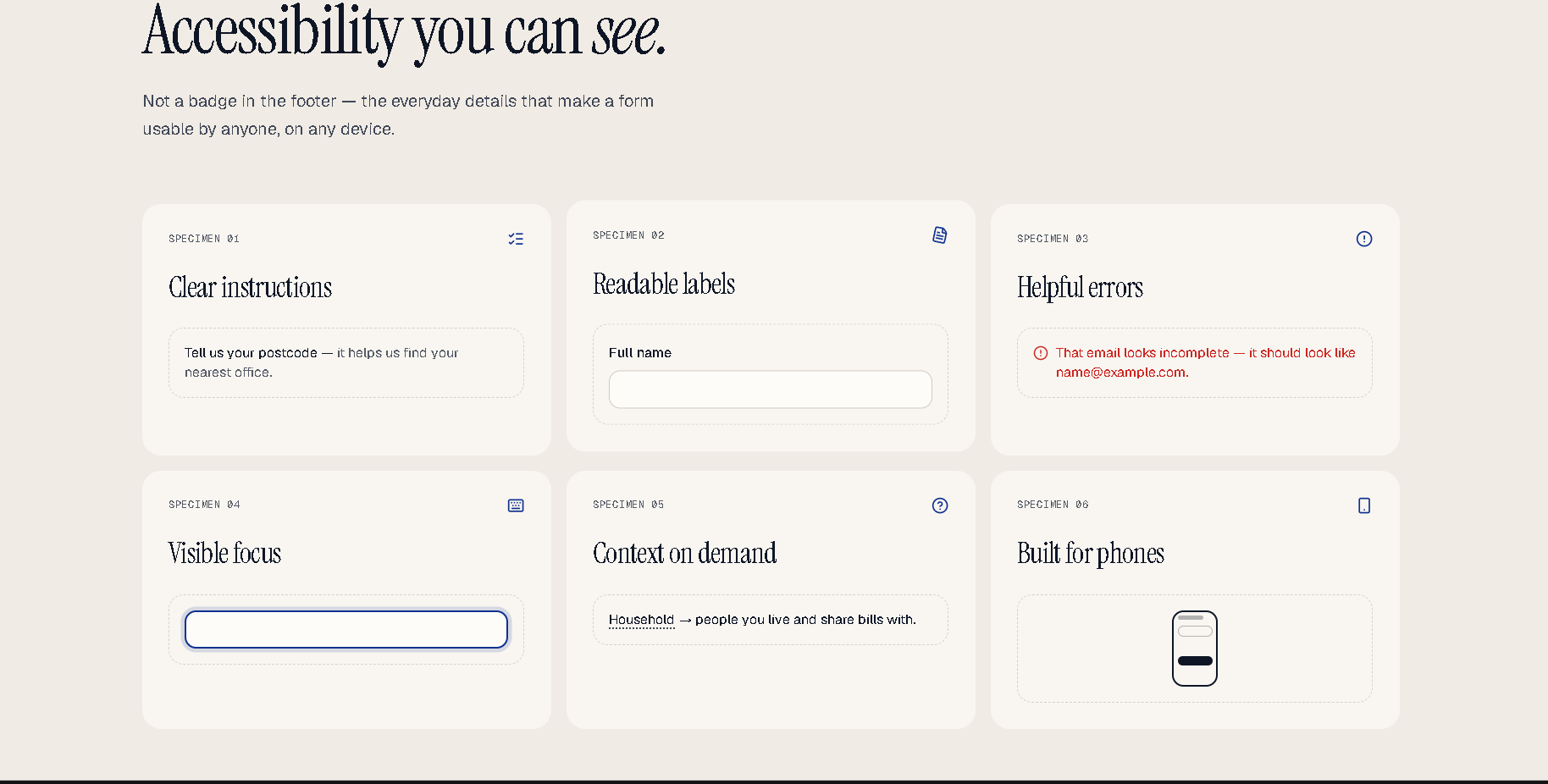
- Accessibility-focused UI with readable content, clear feedback, and responsive layouts.
The project demonstrates these concepts through a fictional student support grant application.
How We Built It
We approached ClearForm as a UI/UX-first web application, focusing on visual hierarchy, typography, spacing, intuitive navigation, and meaningful interactions. We used vibe-coding tools to accelerate development and turn the concept into an interactive web experience.
Challenges We Faced
Our biggest challenge was balancing premium visual design with practical usability. Animations needed to enhance the experience without distracting users, while the interface had to remain clear, consistent, and responsive across different screen sizes.
What We Learned
We learned that great design is not just about appearance. Clear instructions, visible progress, useful feedback, and predictable navigation can reduce friction and help people complete tasks with greater confidence.
What's Next
We envision expanding ClearForm with customizable application templates, multilingual guidance, deeper accessibility testing, and optional intelligent explanations while prioritizing privacy and user control.

Log in or sign up for Devpost to join the conversation.