-
-
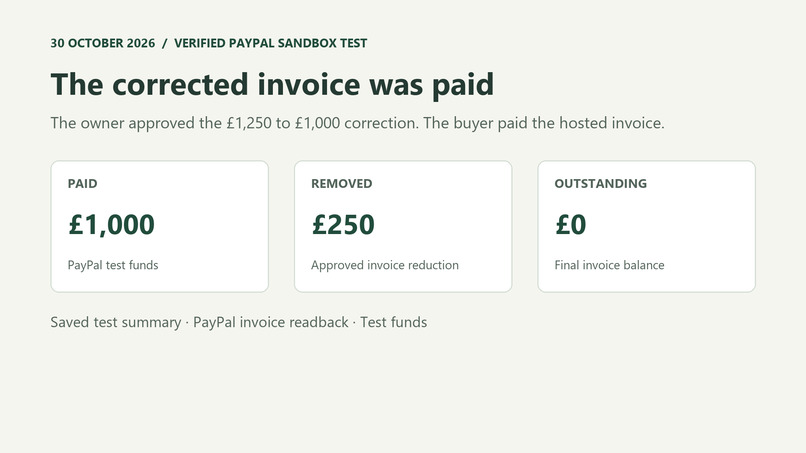
Verified PayPal sandbox result: £250 removed, £1,000 paid in test funds, and £0 due.
-
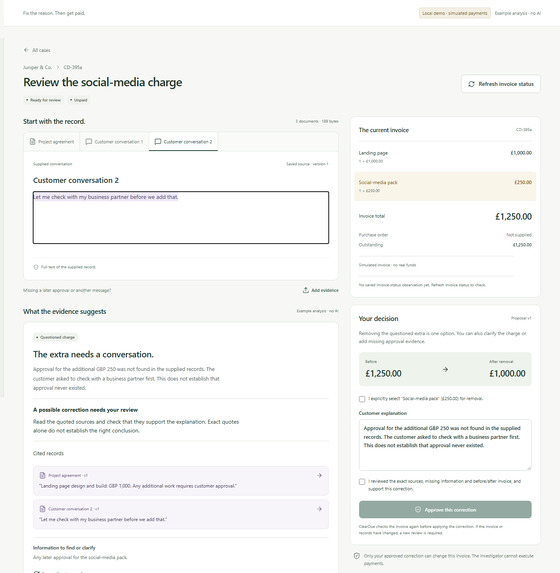
The source quote and proposed £250 invoice correction shown together in the simulated workspace.
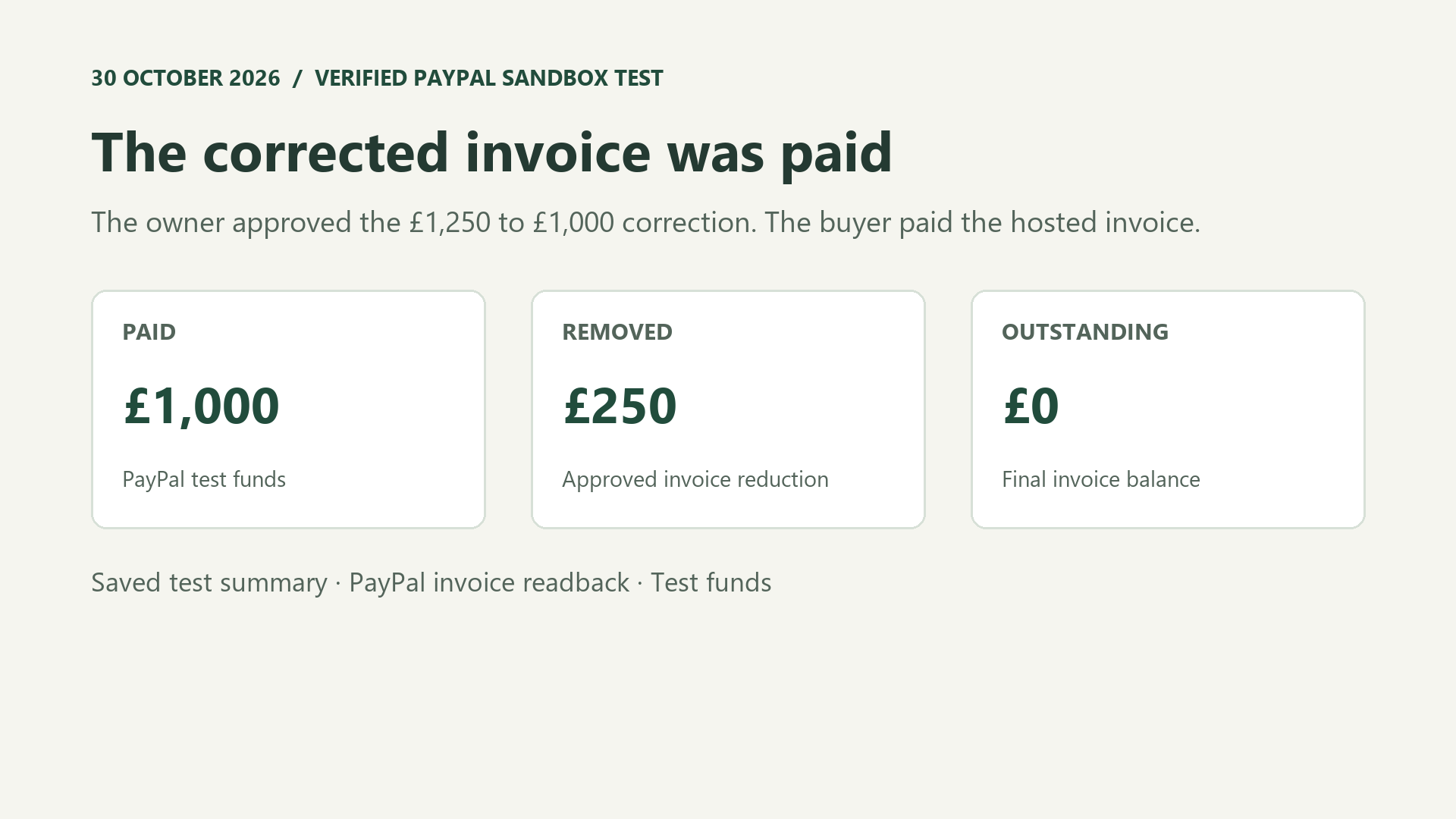
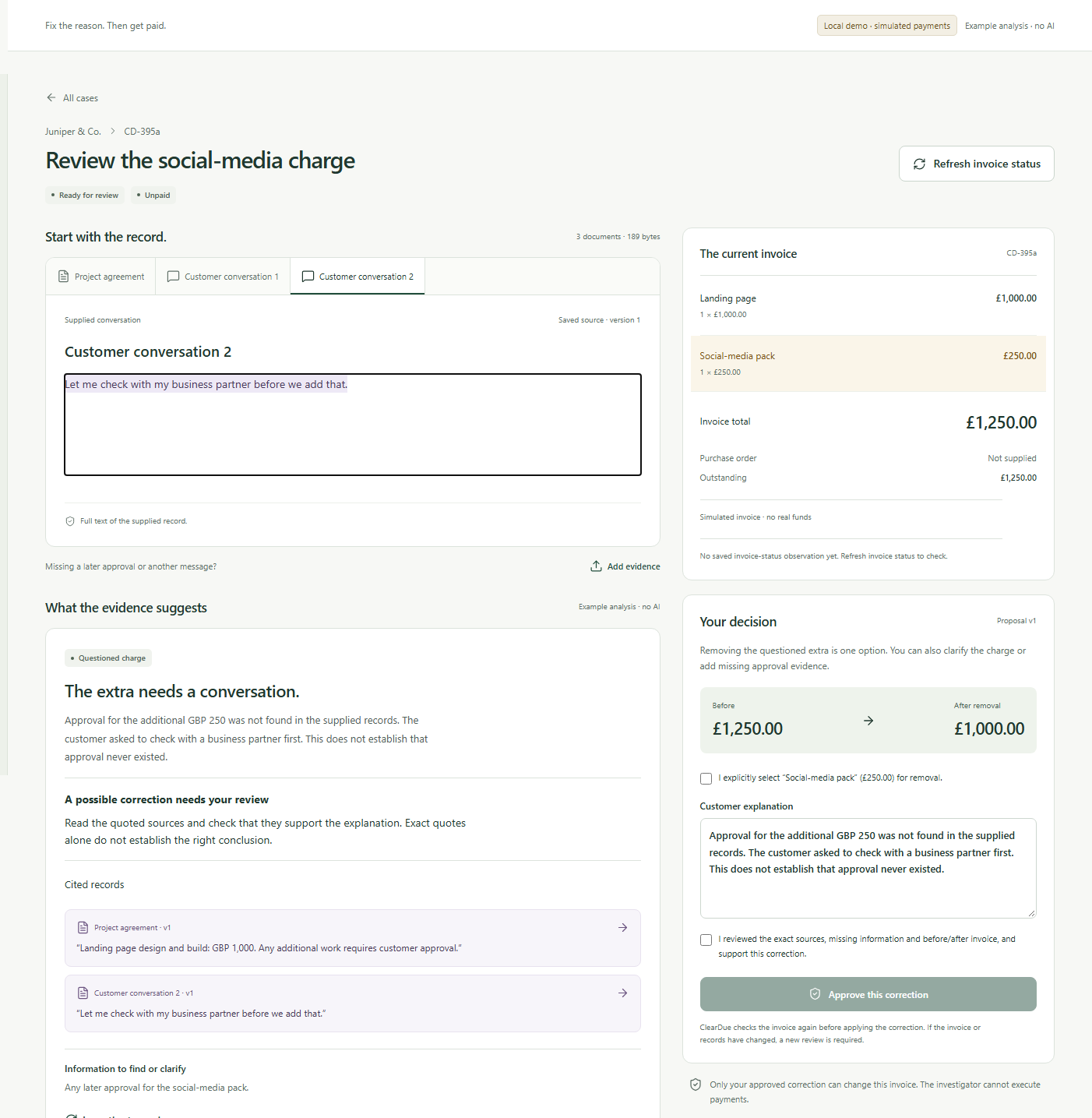
A disputed £250 add-on, resolved before payment
ClearDue helps freelancers and small creative agencies resolve disagreements on existing PayPal invoices using the agreements and messages they already have. In a verified PayPal sandbox run, the owner approved removing one £250 line, the buyer paid £1,000 on PayPal, and the invoice showed £0 outstanding.
Inspiration
A client questions a £250 social media add-on to a £1,000 landing page. Before chasing payment, the studio needs to know what the client actually agreed to and whether the invoice reflects it. ClearDue gives small creative agencies and freelancers one place to review the agreement, the customer’s messages and the PayPal invoice together.
What it does
ClearDue compares the supplied records and links each finding to the exact source text. In the example, the client asked to check with a partner first. The owner can add evidence, ask for clarification or review a specific correction. Try both examples. In one, the client asks to check with a partner first, so the owner needs to clarify or review a correction. In the other, the records explicitly approve the extra, so ClearDue keeps the original charge.
The owner sees the current amount, proposed amount and exact invoice line before approving. ClearDue checks that the evidence and invoice still match the approval before applying the supported change. The customer receives an explanation and can flag anything that still looks wrong. Owners can find new replies in the case queue and mark each reviewed. ClearDue keeps the amounts paid, removed and outstanding separate.
How we built it
- PayPal Invoicing v2 sandbox supplies invoice state, receives approved corrections and hosts the buyer payment page. ClearDue reads the invoice back to verify its final state. It also verifies webhook signatures and deduplicates deliveries.
- Astropods AI Gateway and the OpenAI SDK connect ClearDue to GPT-5.6 Luna for source-linked investigation and Studio conversations. ClearDue checks each citation against the supplied records. Financial changes require explicit owner approval and use separate application logic.
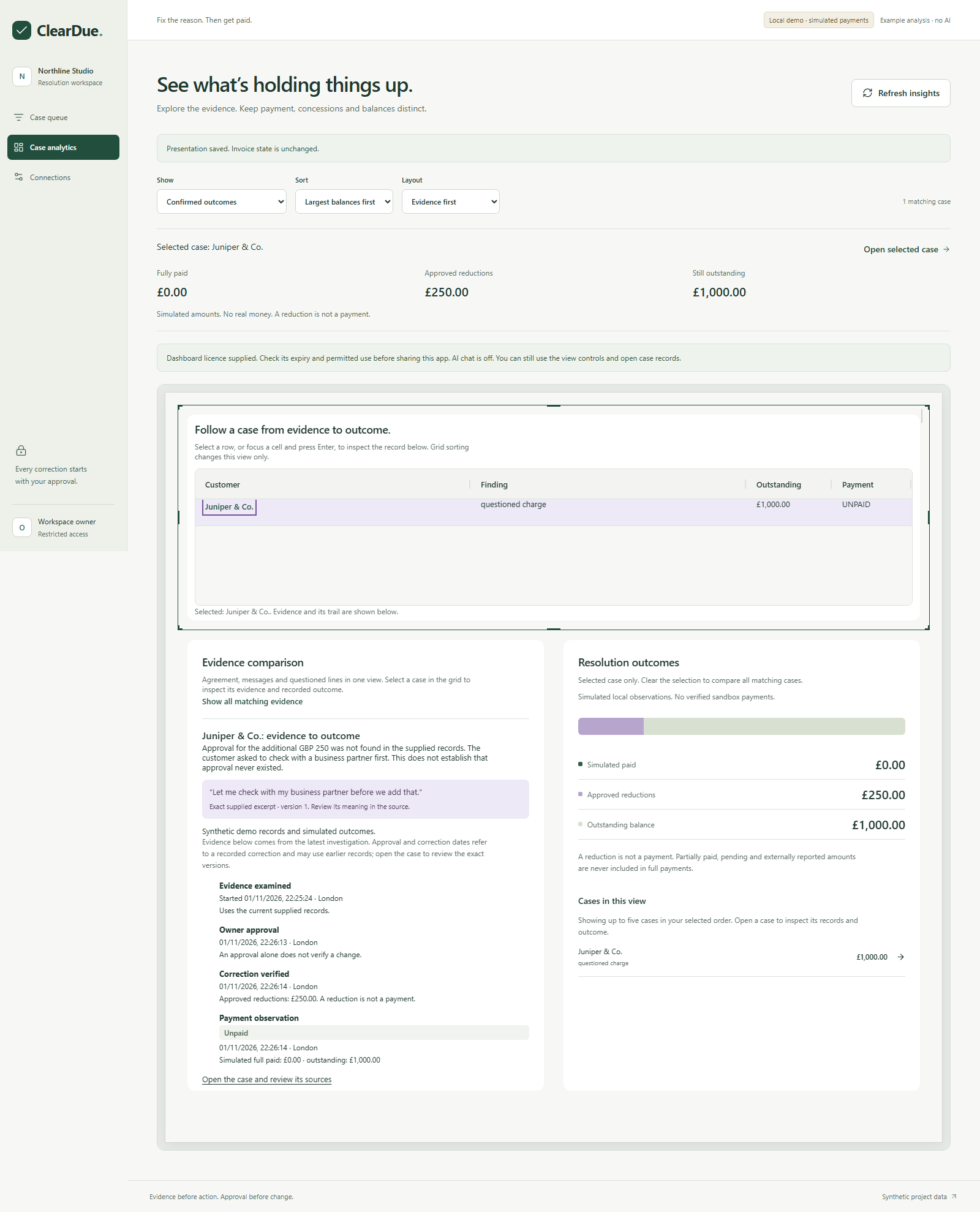
- AG Studio and AG Grid Community power three themed custom widgets for the case explorer, evidence trail and resolution ledger. The Studio Agent Framework can filter cases, sort them and rearrange those widgets. A verified hosted prompt kept all cases visible, sorted them by largest balance and put outcomes first.
- Next.js, PostgreSQL and pg-boss run the app and worker. ClearDue saves the approval and its queued instruction together. If the outcome of a request is uncertain, the worker reads the invoice again before deciding what happened.
What we demonstrated
- A PayPal sandbox invoice correction from £1,250 to £1,000, a buyer payment on the hosted invoice and PayPal readback showing £1,000 paid, £250 removed and £0 outstanding. These were test funds. A separate verified invoice-created event exercised signature verification and duplicate handling.
- A licensed hosted Studio agent conversation changed the dashboard presentation and confirmed that the payments were simulated. The video shows a fresh local Studio agent conversation changing the dashboard with simulated invoices, a separate dated PayPal sandbox result, and the linked widgets and source navigation.
- The hosted judge workspace provides saved AI findings, source review and Studio. Its invoices and payments are simulated.
What we learned
A source quote can be exact and still fail to support a correction. ClearDue shows the source in context and leaves the owner in control of the decision. The supplied examples are synthetic.
See the evidence and outcome
Open the source review and invoice comparison. In the AG Studio view below, the selected case links its evidence to the amounts reduced and outstanding. These screenshots show simulated invoices.
Built With
- ag-grid
- ag-studio
- astropods
- next.js
- paypal
- paypal-invoicing-api
- postgresql