Inspiration
Software delivery produces a lot of information: issues, code reviews, test results, approvals and monitoring signals. Understanding a single change often means piecing together its story across several screens.
Clearance started with a simple question: what if software delivery could be understood as clearly as an aircraft approaching a runway?
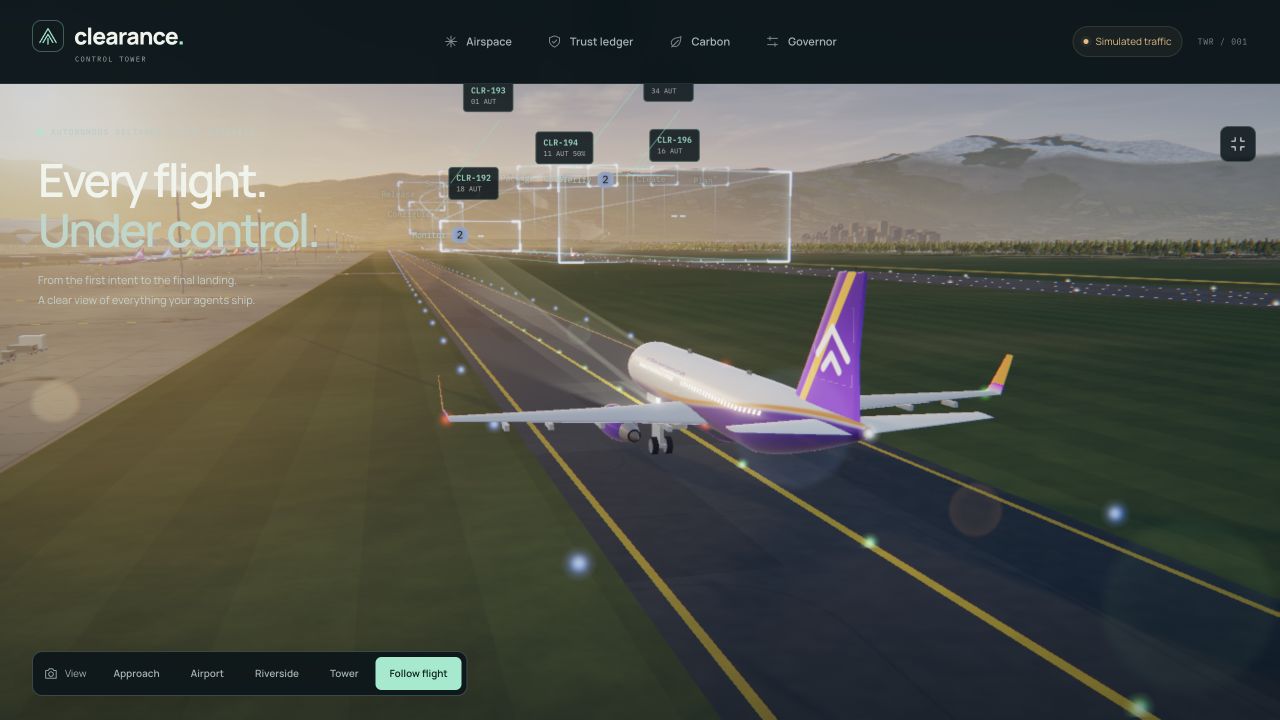
Air traffic control provided a consistent visual language. Every change becomes a flight. Its author becomes the pilot. Delivery stages become gates along an approach. A successful release lands, a blocked change holds, and a failed canary goes around.
That idea shaped the entire experience—from the scrolling introduction to the flight board and the explanations behind each decision.
What it does
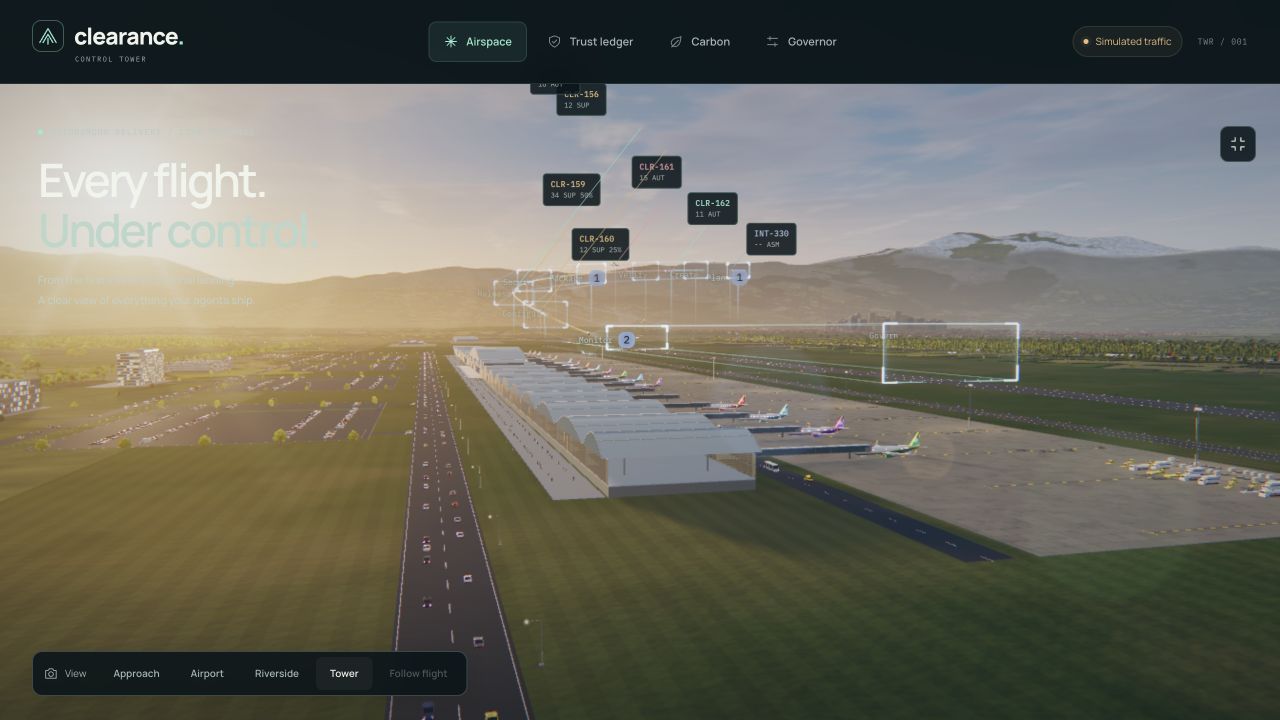
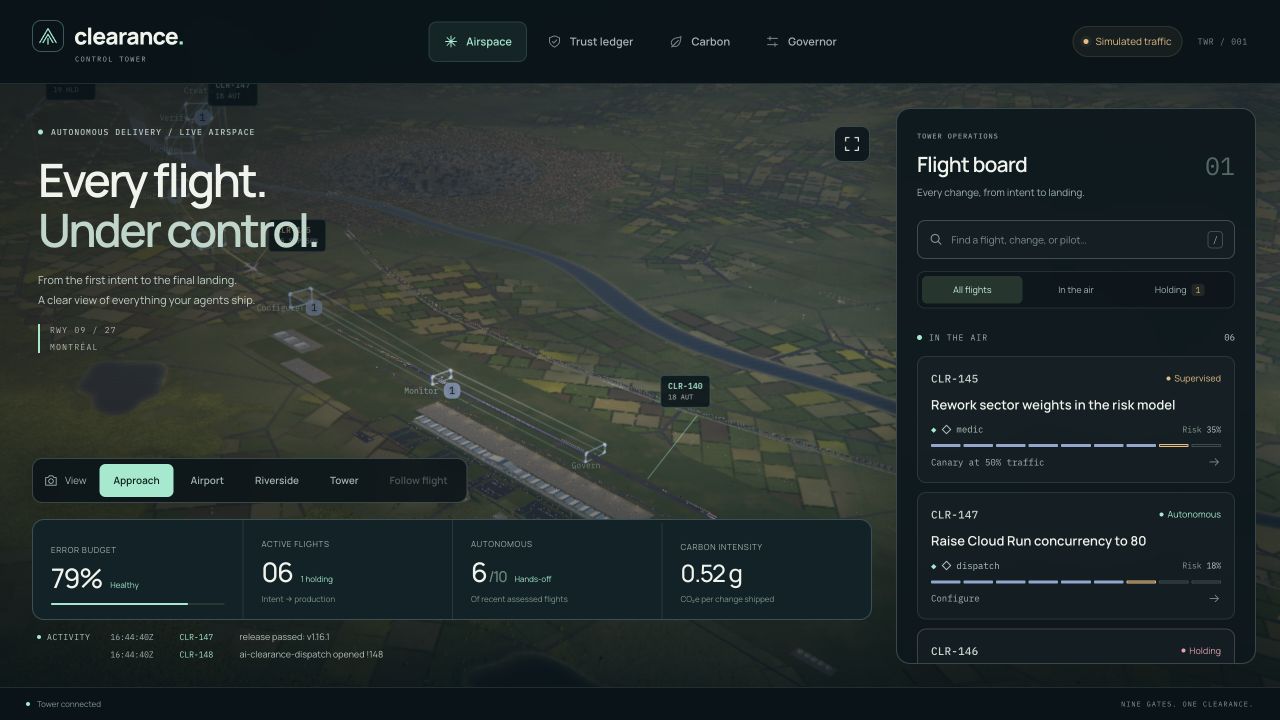
Clearance is an immersive 3D control tower for software delivery. It brings progress, risk and trust into one interactive workspace.
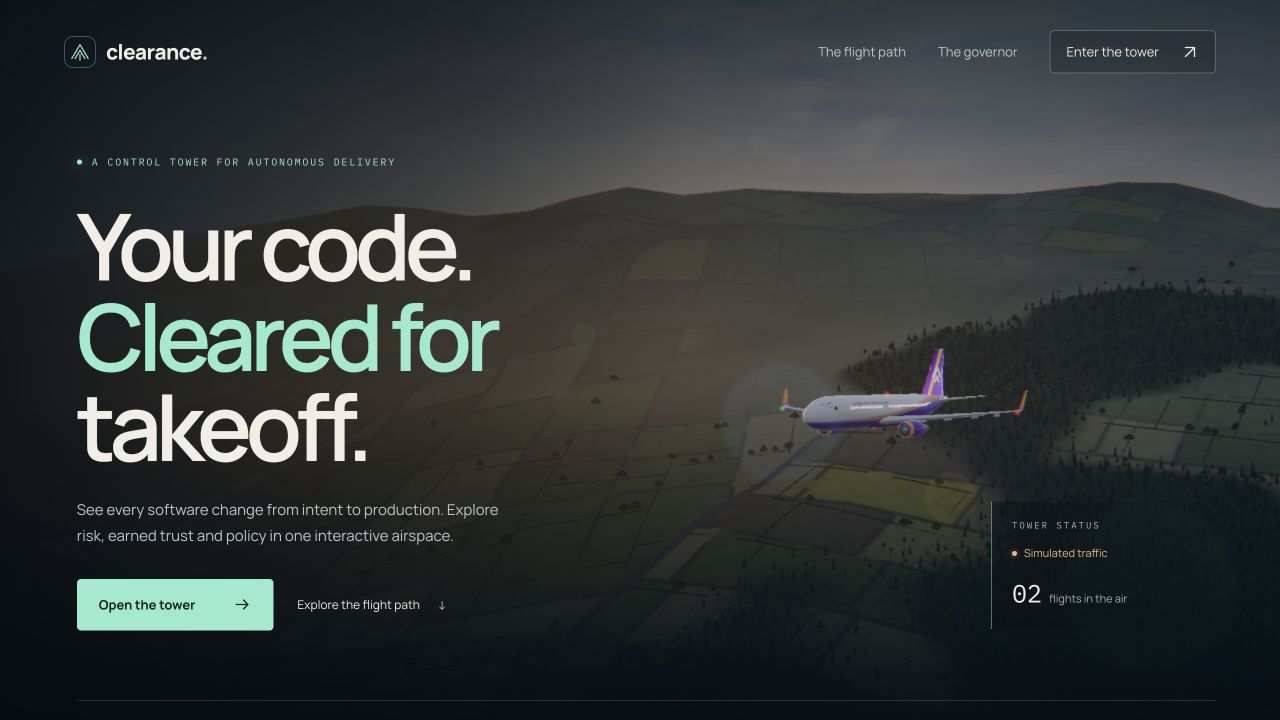
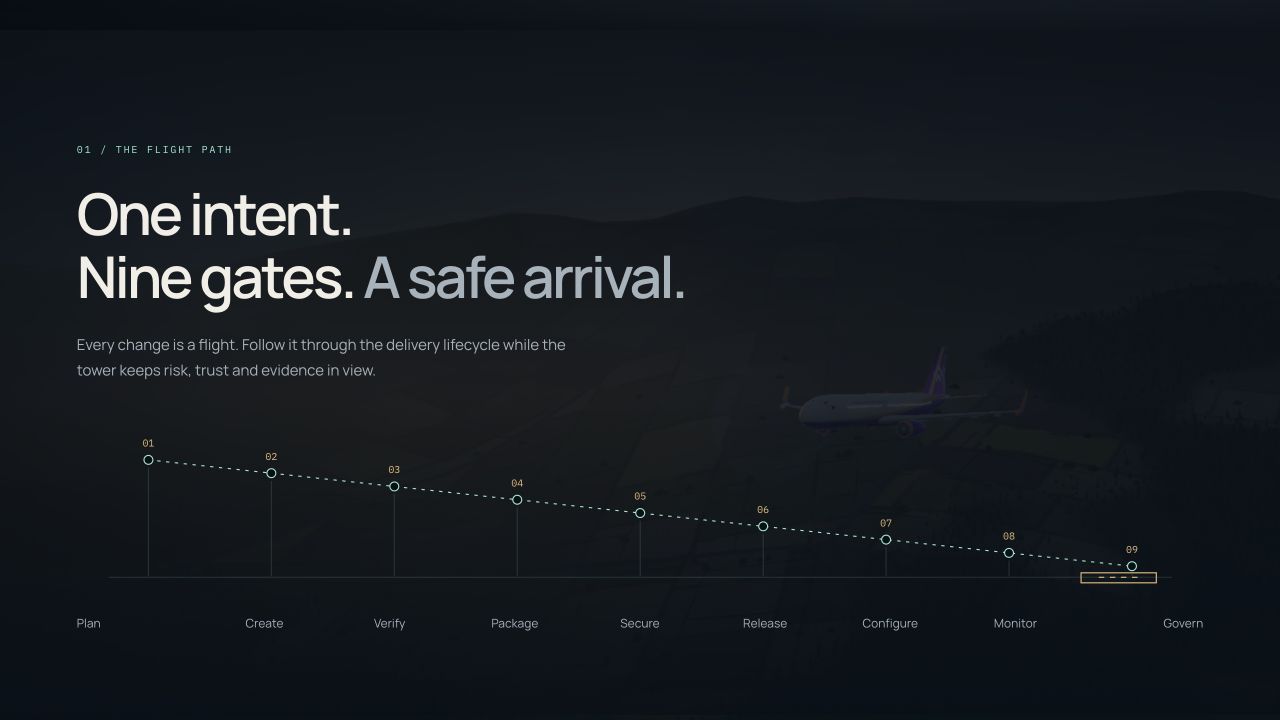
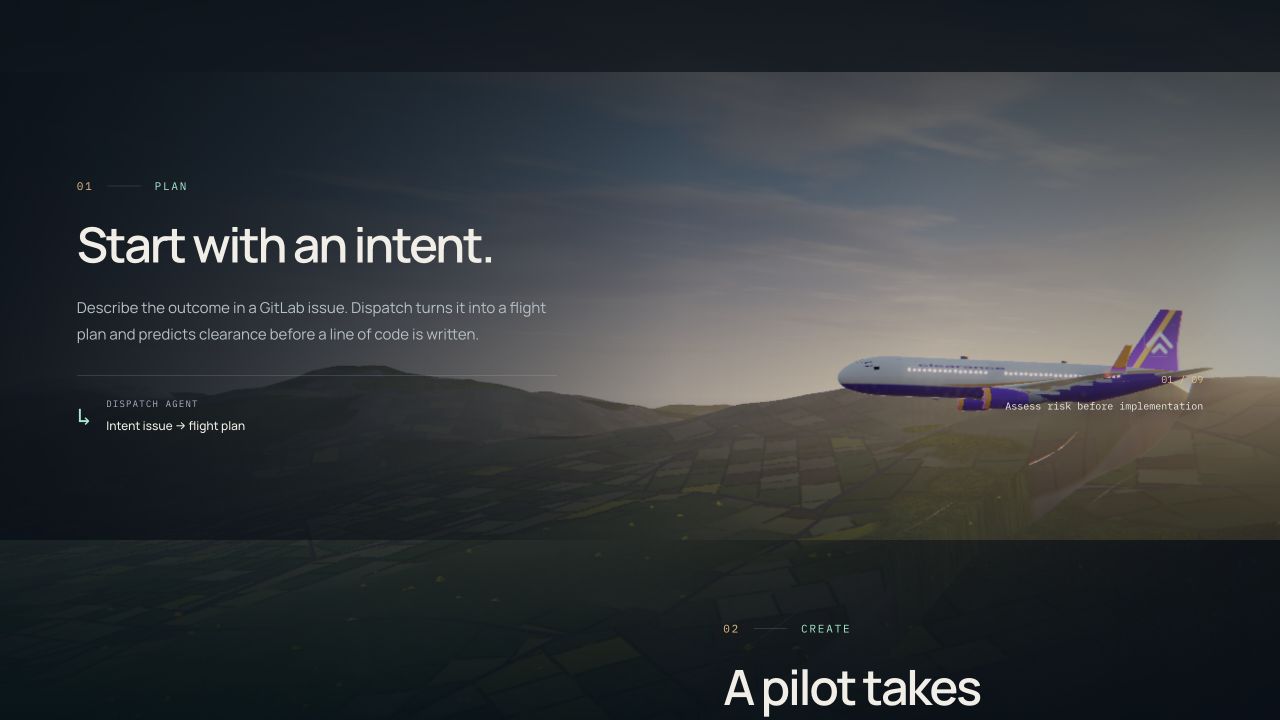
The experience begins with a cinematic landing page. As visitors scroll, the camera follows an aircraft through nine delivery stages: Plan, Create, Verify, Package, Secure, Release, Configure, Monitor and Govern.
Inside the tower, visitors can:
- Find a change quickly: search flights by identifier, title or pilot, then filter for airborne or holding traffic.
- Understand a decision: open a flight inspector to explore its clearance, risk signals, stage history and available delivery evidence.
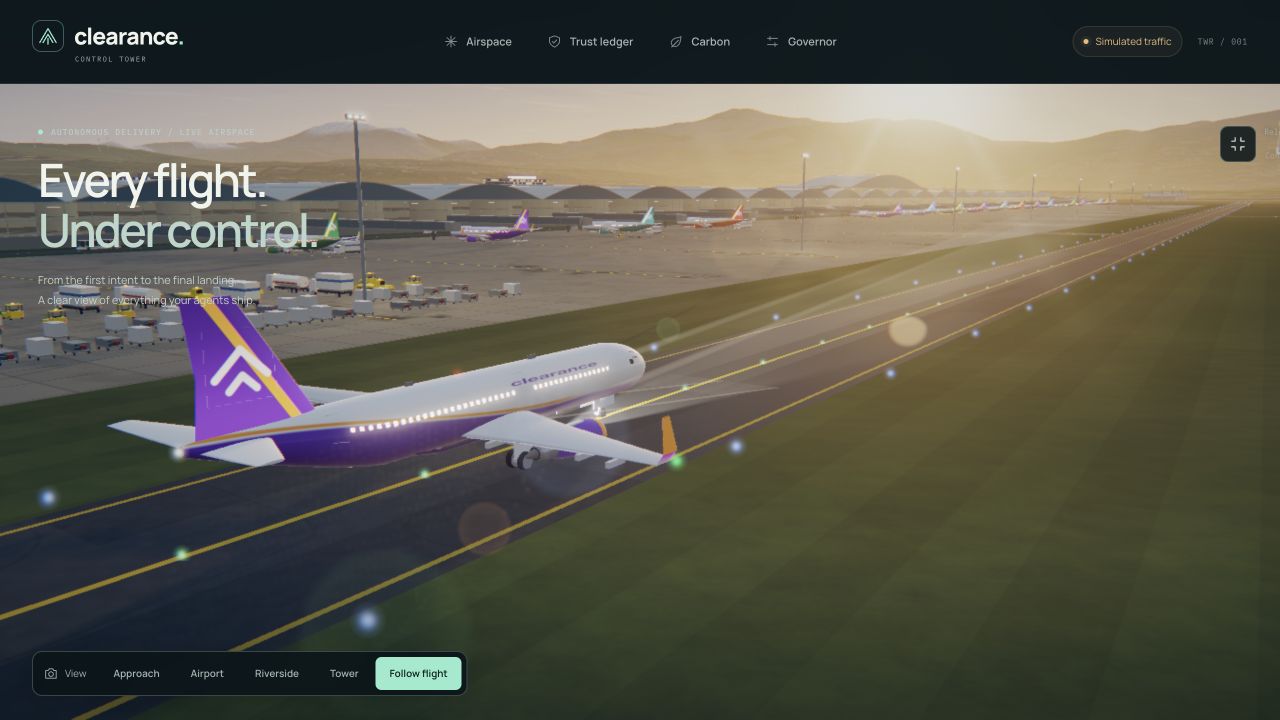
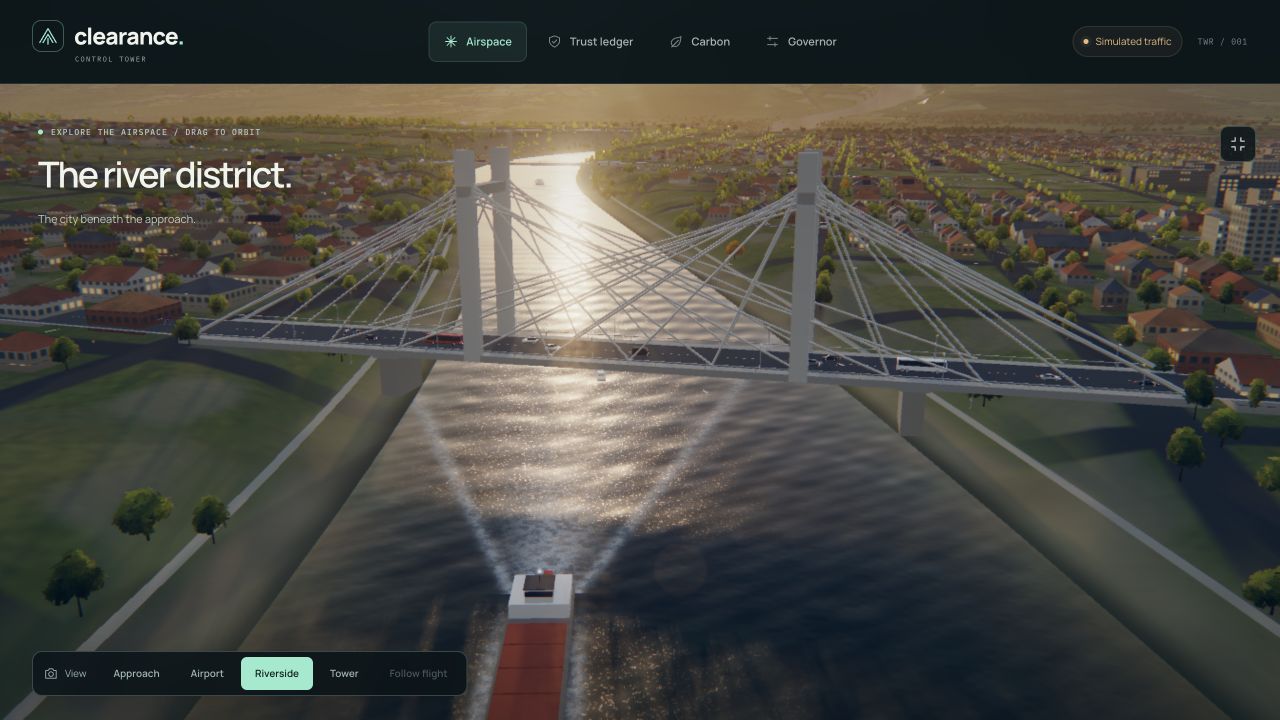
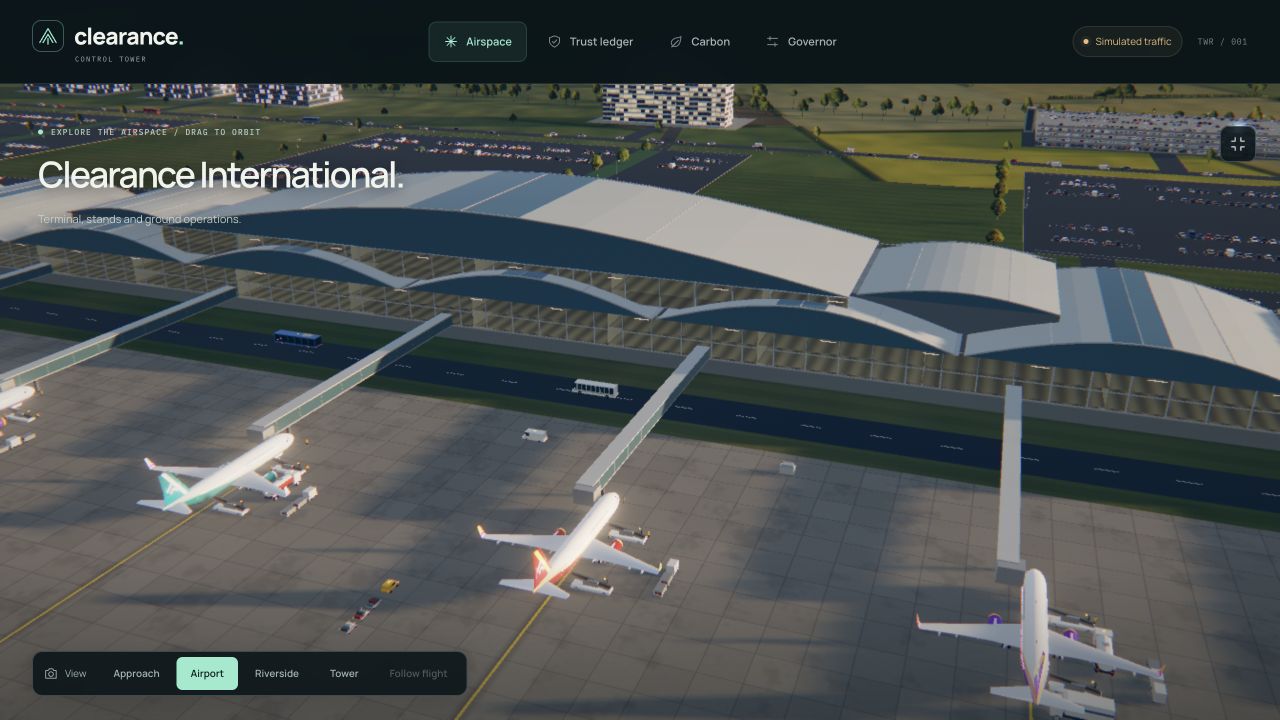
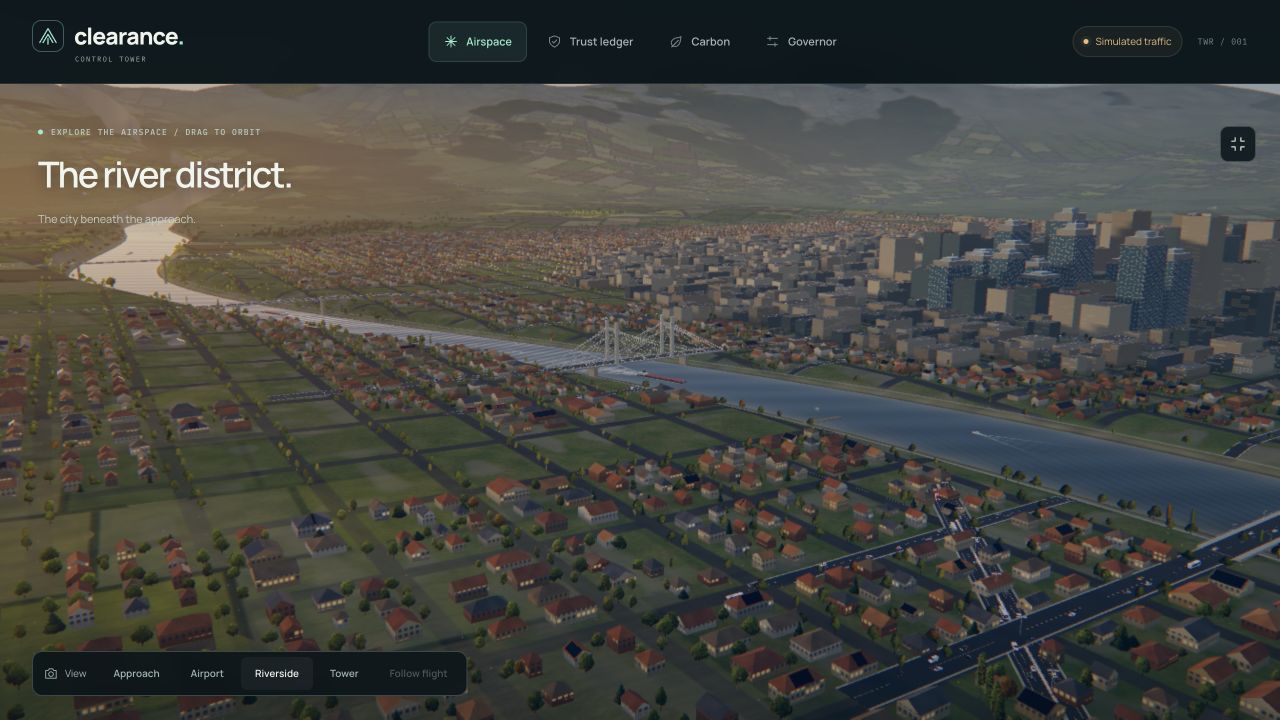
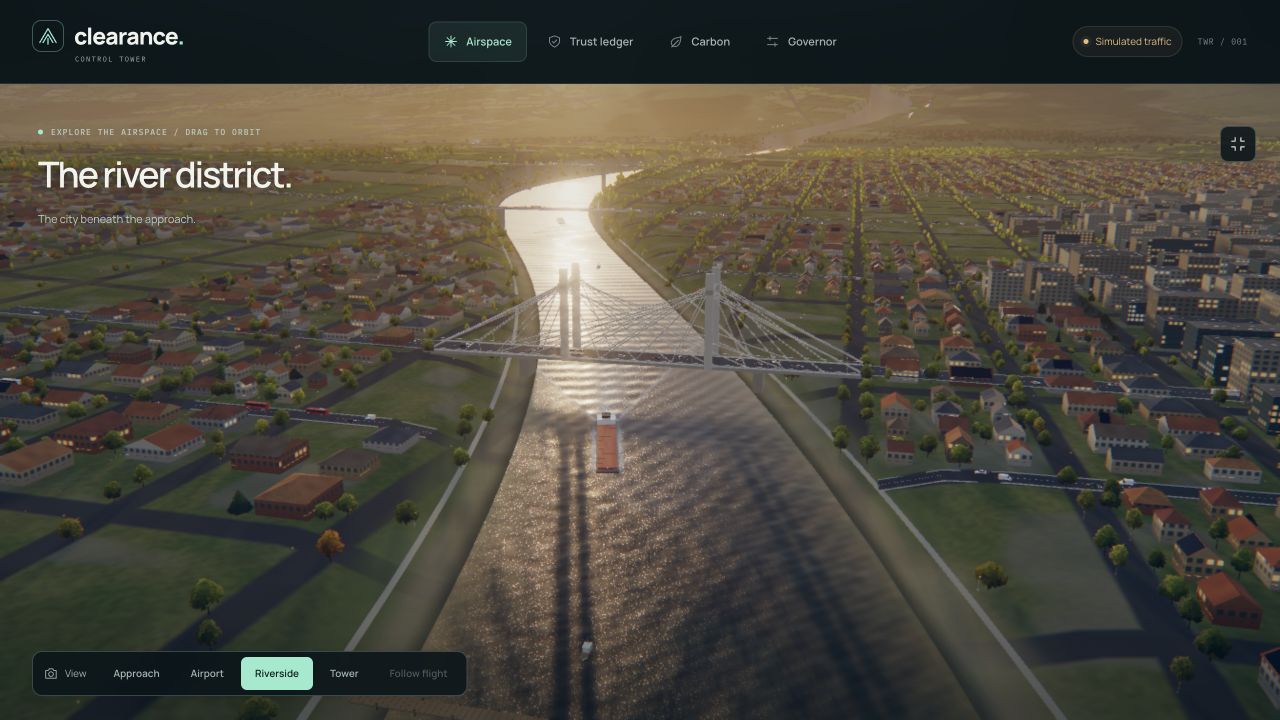
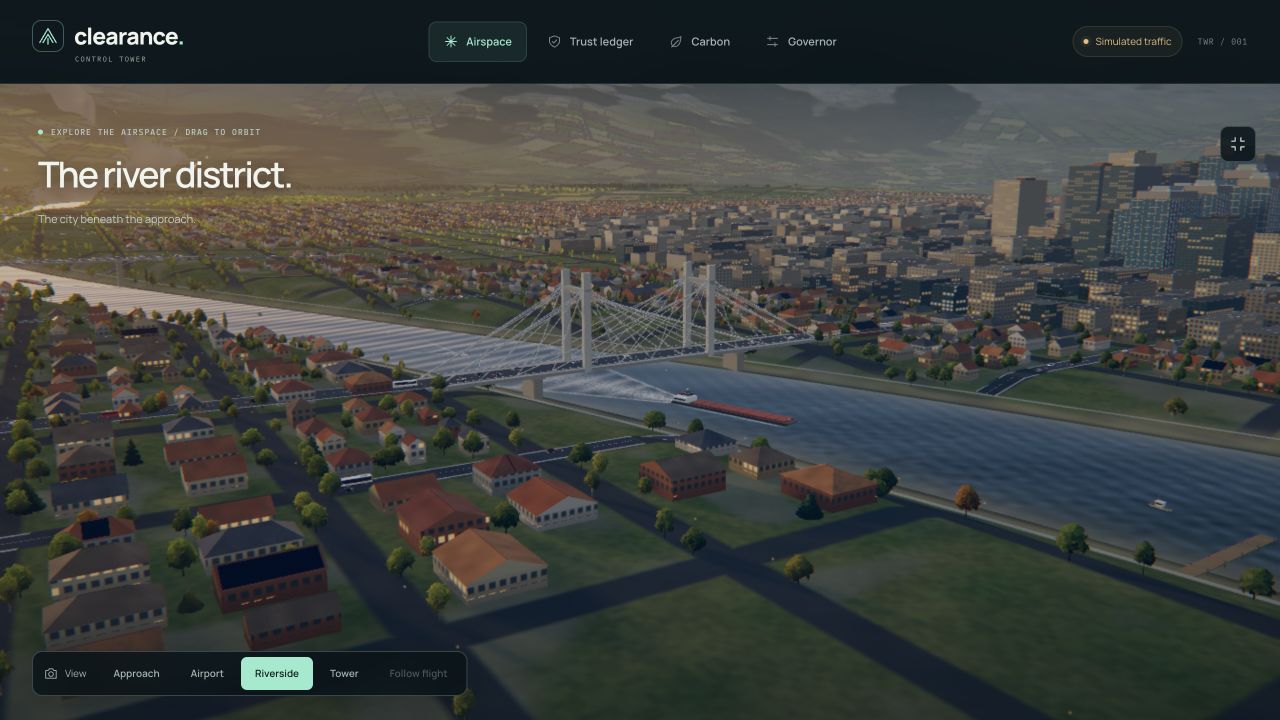
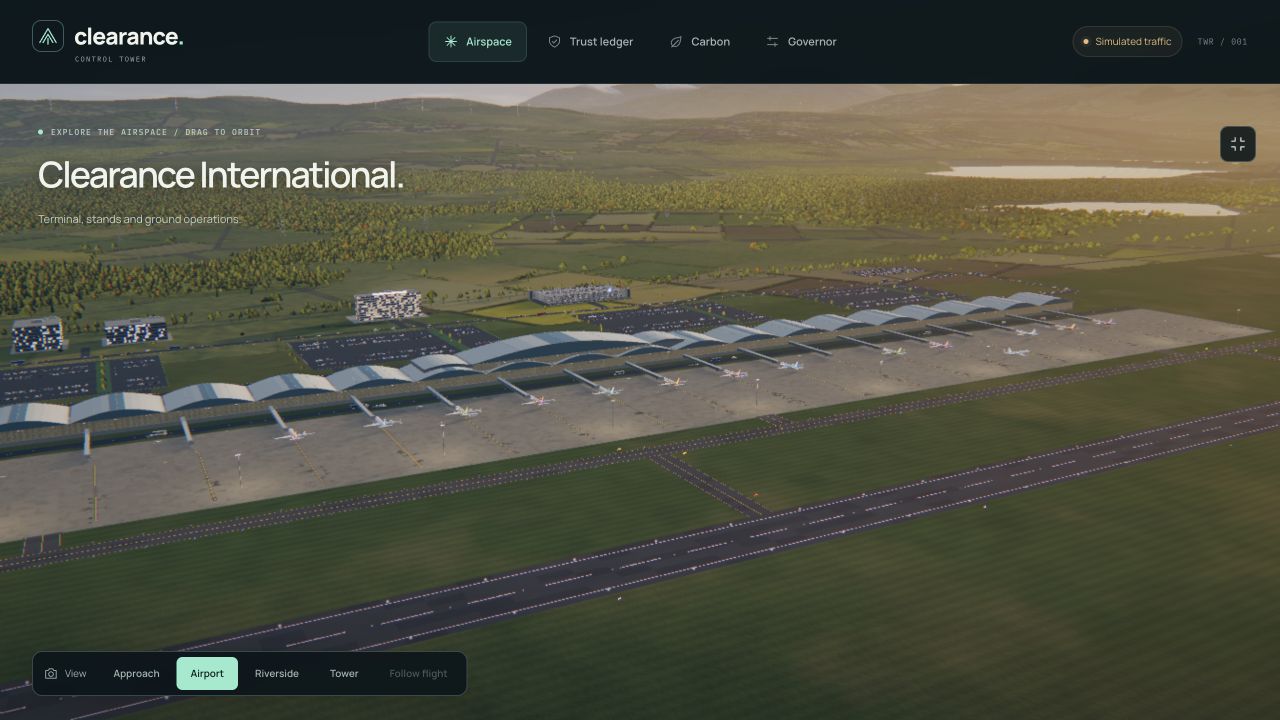
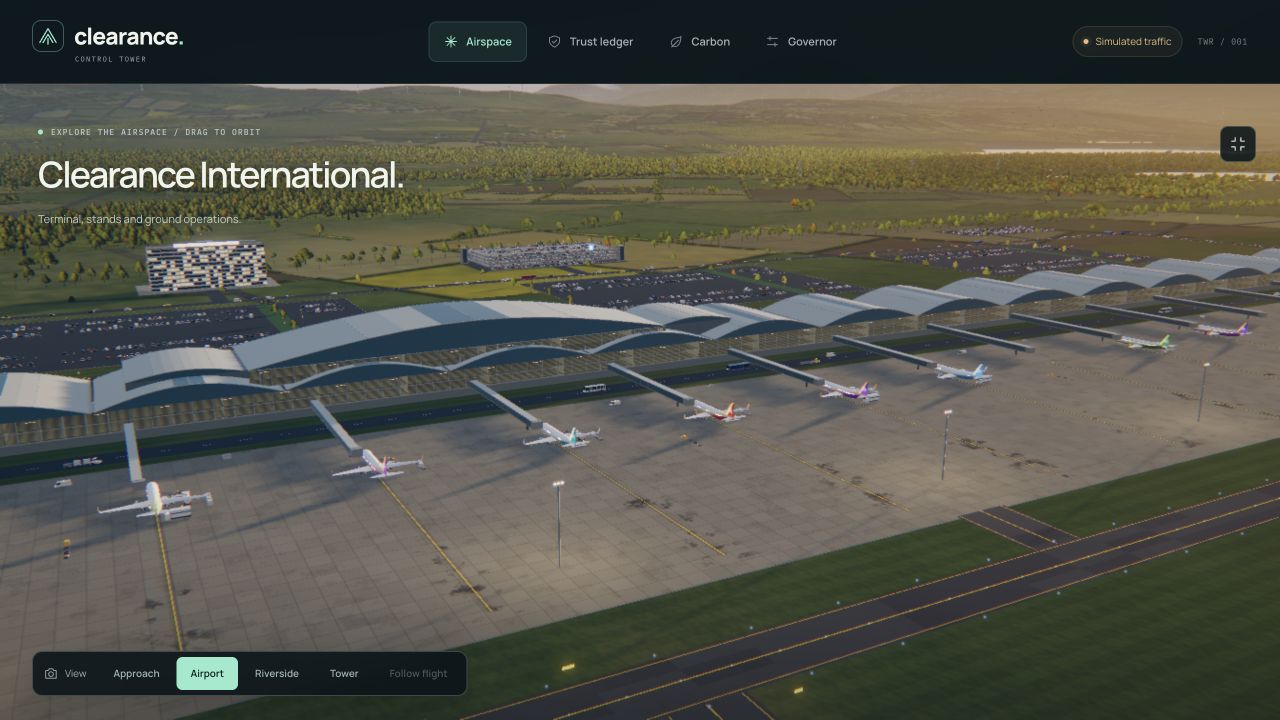
- Explore the environment: switch between Approach, Airport, Riverside and Tower cameras, or follow a selected flight.
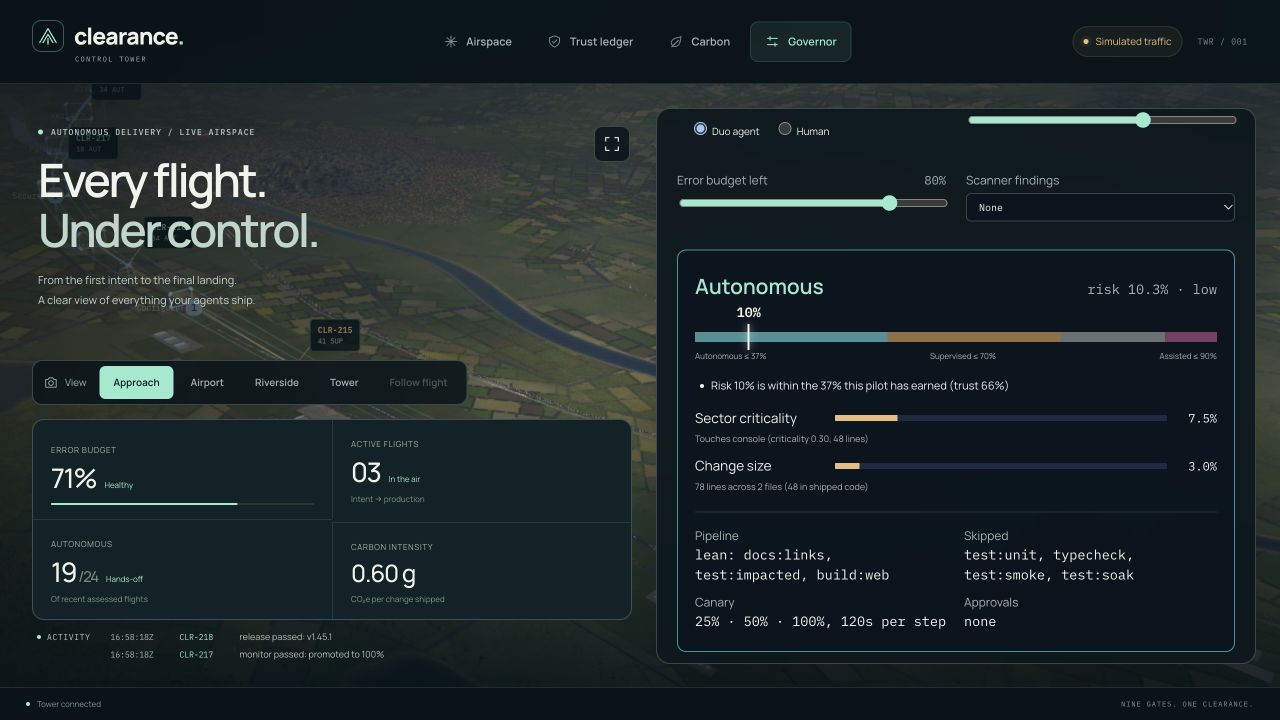
- Experiment with policy: use the Governor playground to change proposed files, trust, error budget and scanner findings, with immediate explanations.
- Explore pilot trust: view the track records and thresholds that inform autonomy.
- Understand delivery footprint: examine modelled Software Carbon Intensity and the assumptions behind it.
The public demo uses simulated delivery traffic with the implemented decision engine, making the interface immediately explorable without an account.
How we built it
The interface uses TypeScript, React-compatible components rendered by Preact, and CSS. A lightweight router connects the main views while preserving the surrounding airspace.
The world runs on a custom WebGL2 renderer with GLSL shaders. Its procedural environment includes an airport terminal, runway markings, approach lights, aircraft, service vehicles, roads, city buildings, vegetation, terrain, a river, a lake and ponds.
Shadows, water reflections, atmospheric effects and animated traffic give the setting depth. Instancing, visibility culling and adaptive rendering effects help balance detail with performance.
A Node.js server supplies snapshots and server-sent events to the browser. The deterministic decision engine evaluates change risk, pilot trust and the service’s error budget, then returns a clearance level with reasons. The same engine powers the console, Governor playground and command-line tools.
The repository also includes GitLab CI/CD integration, workflow definitions, evidence-chain utilities and deployment infrastructure. The public application runs on Google Cloud Run, with container builds handled by Cloud Build and images stored in Artifact Registry.
Challenges we ran into
Balancing immersion with readability
A detailed, moving world needs a stable place for operational information. We used persistent HTML panels, structured flight strips and clear typography. Independent expansion controls let visitors give more space to either the scene or the flight board.
Making a complex decision understandable
Risk, trust and error budget influence different parts of a clearance decision. The Governor playground makes those relationships tangible: visitors change an input and immediately see the resulting clearance and explanation.
Keeping the metaphor consistent
The aviation language needed to connect with actual software concepts. Flight strips retain recognizable identifiers, titles and status labels, while the inspector explains the underlying delivery stages and policy decisions.
Managing rendering and transfer costs
The world combines many objects and effects. Procedural assets, instancing, culling and adaptive effects support that detail, while CI enforces a 160 KiB gzip budget for production JavaScript, CSS and HTML.
Accomplishments that we're proud of
- A cohesive experience connecting a guided landing page, interactive world and operational dashboard.
- A detailed procedural airport and surrounding landscape built directly into the web application.
- Searchable flight boards, readable inspectors and consistent navigation across analytical views.
- An interactive playground that explains policy through editable examples.
- Labelled controls, visible keyboard focus, text status indicators, responsive panels and reduced-motion support.
- A production build of approximately 146 KiB gzipped for JavaScript, CSS and HTML.
- 135 passing automated tests, supported by type checks, build verification, documentation checks and server smoke tests.
What we learned
A visual metaphor becomes useful when it helps someone understand the next action. Consistent vocabulary, predictable navigation and clear explanations give the 3D world its purpose.
We also learned the value of progressive detail. The airspace provides context, flight strips summarize individual changes, and the inspector reveals the reasoning. Each layer answers a different question.
Finally, performance and accessibility belong in the design process. Transfer budgets, responsive reading space, keyboard controls and motion preferences all influence how an interface feels.
What's next for Clearance
The next chapter is personalization: saved views, team-specific workspaces, custom camera presets and richer historical journeys through delivery activity.
Clearance’s longer-term direction is a shared spatial workspace where teams can follow changes, understand decisions and learn from delivery outcomes—flight by flight.
Built With
- artifact-registry
- cloud-build
- cloud-run
- css3
- docker
- esbuild
- github-actions
- gitlab-ci/cd
- glsl
- google-cloud
- html5
- javascript
- model-context-protocol
- node.js
- preact
- server-sent-events
- terraform
- typescript
- webgl2

Log in or sign up for Devpost to join the conversation.