Inspiration
As students, we constantly encounter "digital barriers" in our academic lives, whether its professors uploading grainy, unreadable scanned PDFs, research papers in languages we don't speak, or simply the inability to study while commuting. We wanted to build a "universal accessibility layer" for the browser that could unlock any document, fixing the formatting, breaking language barriers, and transforming text into audio so we can learn on the go.
What it does
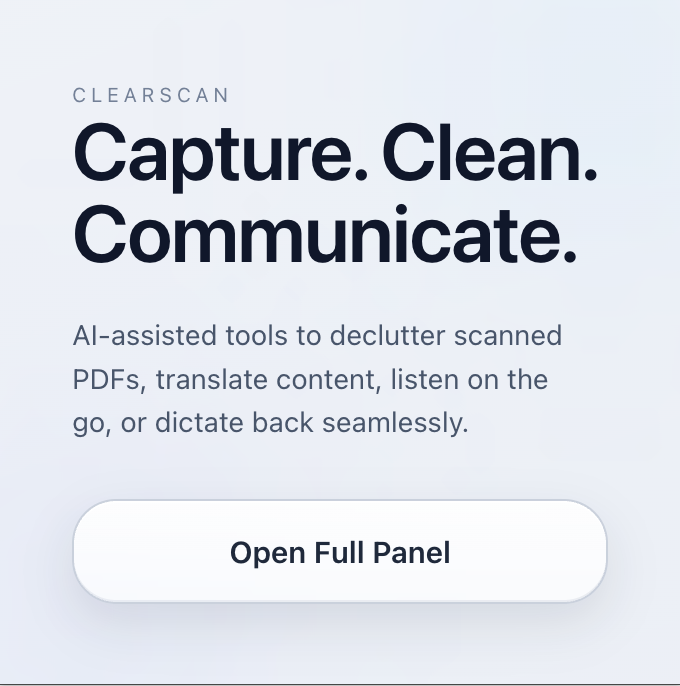
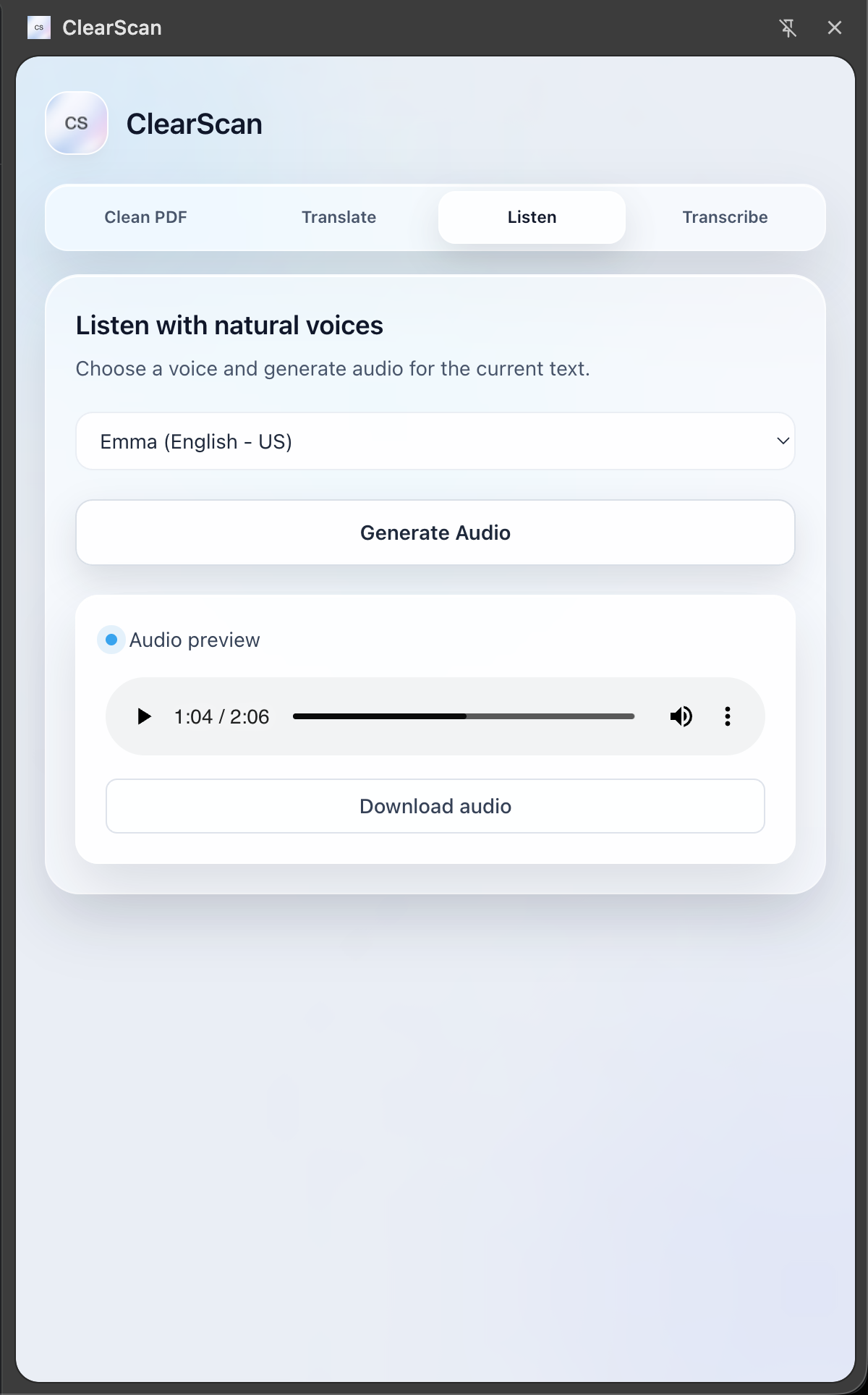
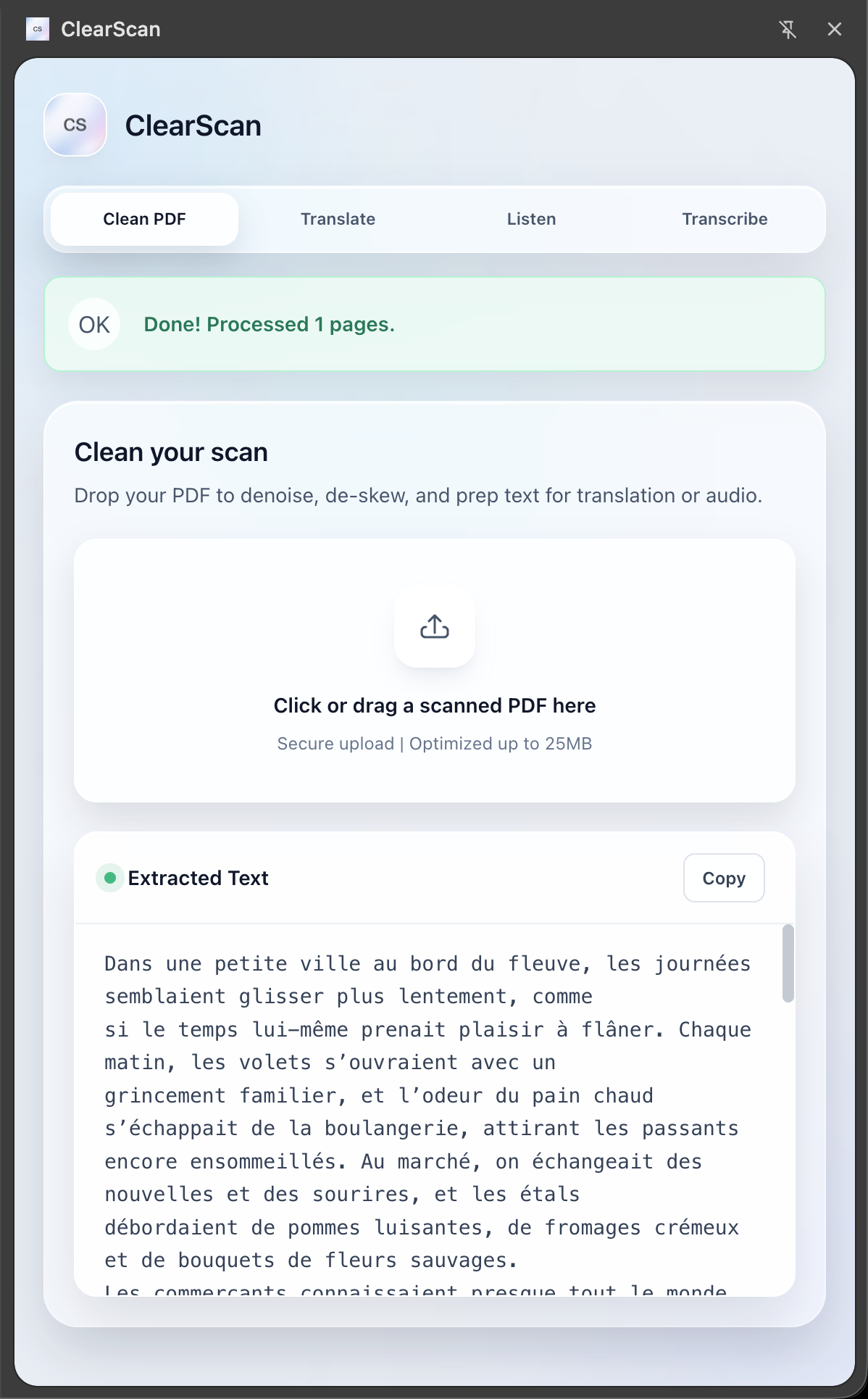
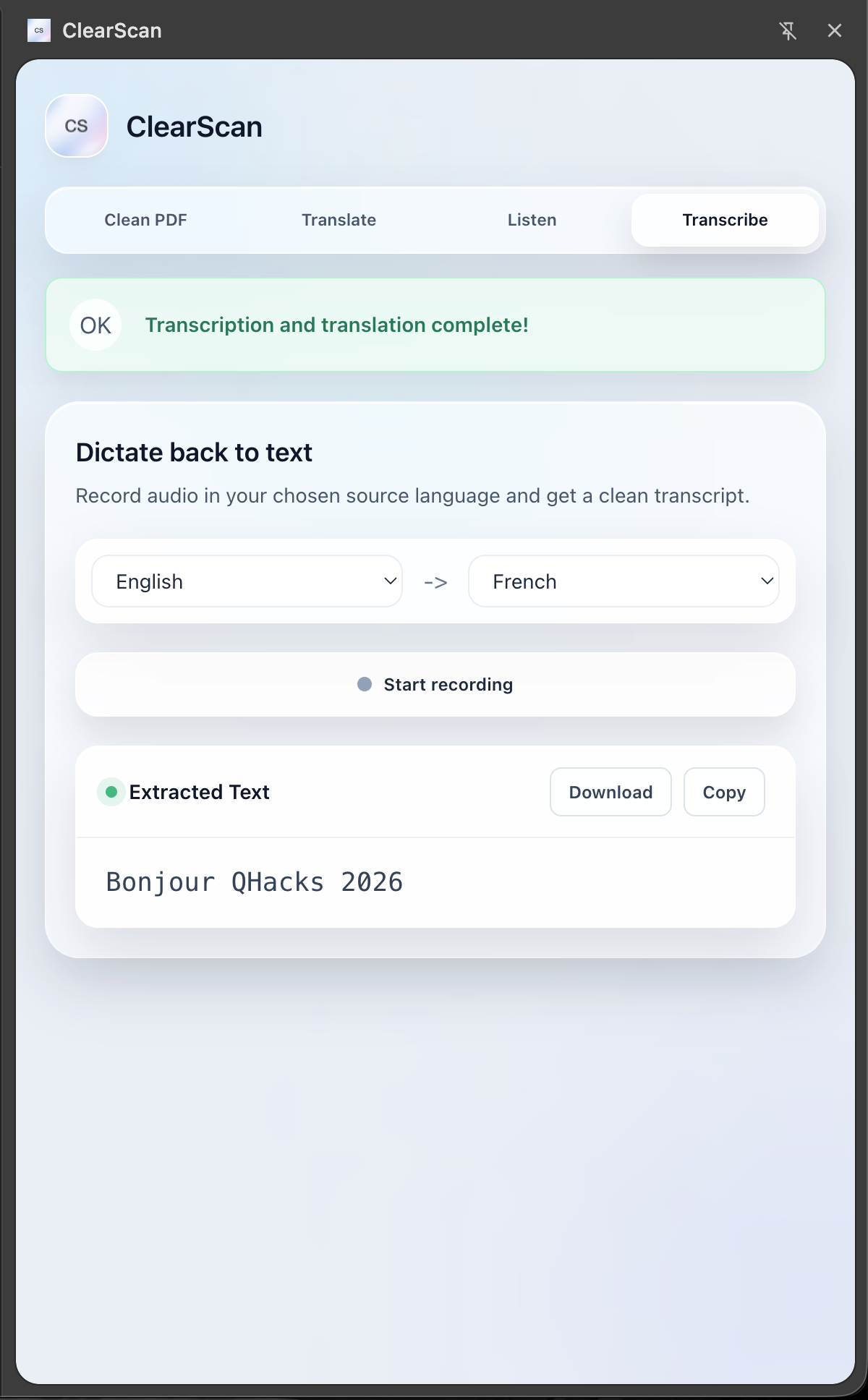
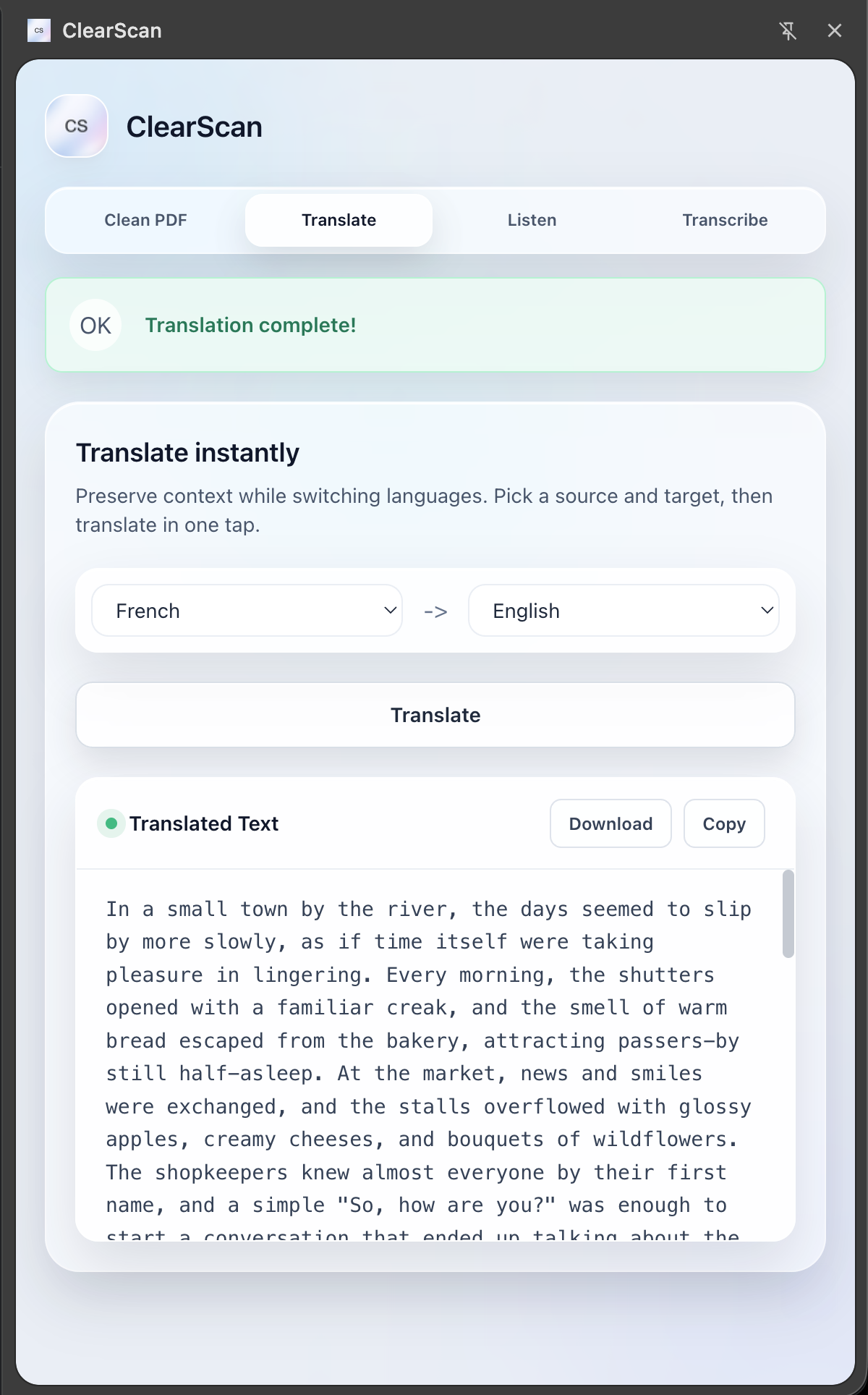
ClearScan is a powerful Chrome Extension that acts as mutli-tool for document accessibility: Restoration: It takes poorly scanned, pixelated PDFs and uses generative AI, in our case, Gemini, to "clean" them—reconstructing them into perfectly formatted, searchable, and selectable documents. Universal Translation: It instantly translates documents into different languages while preserving the original layout. Text-to-Speech (TTS): Using Gradium, it converts articles and PDFs into high-quality audio (MP3), effectively turning your reading list into a podcast. Speech-to-Text (STT): It listens to audio notes or lectures and transcribes them into text, which can then be translated or summarized.
How we built it
Frontend: A Chrome Extension (Manifest V3) built with React and TypeScript for a responsive side-panel experience. PDF parsing: We utilized Google Gemini 3.0 Flash for the heavy lifting of OCR, document restoration, and translation. Voice Engine: We integrated Gradium for its ultra-low latency TTS and STT capabilities. Prompting: Claude and Codex
Challenges we ran into
Backend Communication: Since Gradium’s SDK is Python-native but our API gateway was Node.js/Express, we built a specialized Python (FastAPI) worker service. The Node server handles file uploads and formatting (using fluent-ffmpeg and sharp), then proxies requests to the Python worker to handle the WebSocket streams with Gradium. Audio: Gradium requires very specific audio input (24kHz PCM). We had to build a pipeline using ffmpeg to transcode user microphone input and uploaded files on the fly before sending them to the API. PDF Structure Preservation: Extracting text is easy, but reconstructing a messy PDF while keeping the headers, tables, and images in the exact right place required cacheing PDF object structure and replacing smartly with Gemini.
Accomplishments that we're proud of
UI/UX: Creating a modern and user-friendly interface. Seamless Audio Streaming: Getting the chunked audio transfer to work between the frontend, the Node gateway, and the Python worker resulted in a near-instant response time for Text-to-Speech. Manifest V3 Compliance: Navigating the strict security protocols of the new Chrome Extension architecture (especially regarding file handling and side-panel permissions) was a steep learning curve that we conquered.
What we learned
Multimodal AI Power: We learned how to push Gemini 3.0 beyond simple chat and use it for visual document understanding and structural reconstruction. Microservices: We gained a deep appreciation for microservice architecture—specifically, how to split heavy processing tasks (AI/Audio) from general request handling. Accessibility First: We learned that "cleaning" data is just as important as generating it. Good AI output requires pristine input, which is why our cleaning pipeline became the heart of the project.
What's next for Clear Scan
Voice Cloning: We plan to implement Gradium's "Instant Voice Cloning" so users can have their documents read to them in a voice that feels familiar (or even their own). Live Meeting Integration: Expanding the Speech-to-Text feature to handle real-time transcription of browser-based meetings (Zoom/Google Meet). Mobile App: Taking the "scan and clean" functionality to iOS/Android so students can snap a photo of a whiteboard and instantly get a digital, searchable PDF.

Log in or sign up for Devpost to join the conversation.