Inspiration
Inspiration
Every day, people hand over deeply personal paperwork — a hospital discharge note, a loan agreement, a government form — to someone else just to have it explained to them. Not because they aren't capable, but because the document was never written for them. It's written in dense, formal language that assumes a reading level and a native fluency the reader may not have.
That gap is invisible to most of us until we watch someone struggle with it — a parent squinting at a clinic note, a grandmother asking a neighbor to read a letter, a student staring at a scholarship form full of words they've never seen. I wanted to build something that gives that independence back, instantly, for free, with nothing to install.
What it does
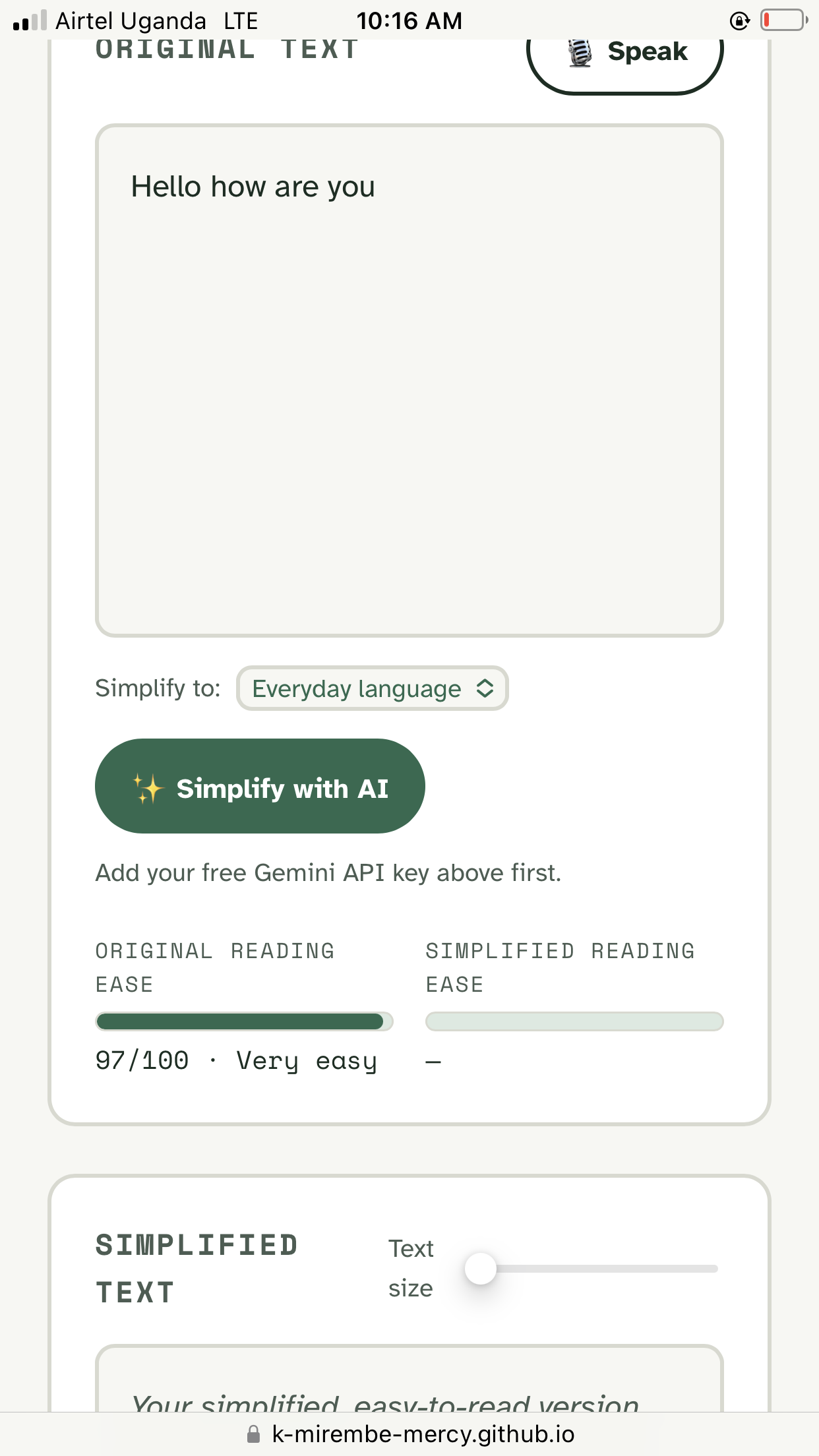
ClearRead AI takes any pasted text and:
- Simplifies it into plain language at a reading level you choose, using Gemini
- Reads it aloud at an adjustable speed
- Listens instead of making you type, using your voice
- Shows you the difference with a live reading-ease score, so the improvement isn't just claimed — it's measurable
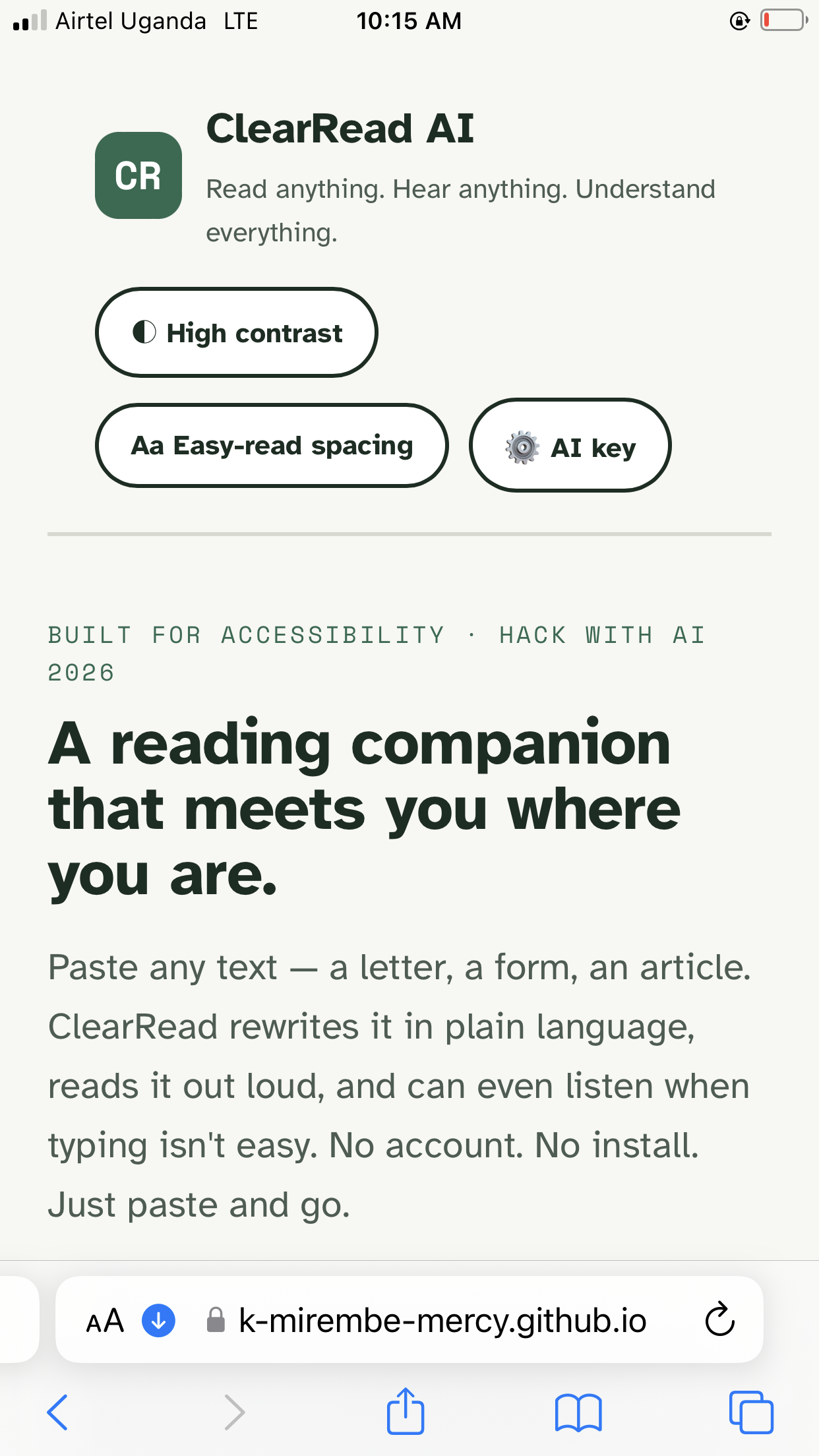
It's wrapped in an accessibility-first interface: high-contrast mode, adjustable text size, easy-read spacing, and full keyboard navigation from the start, not bolted on at the end.
How I built it
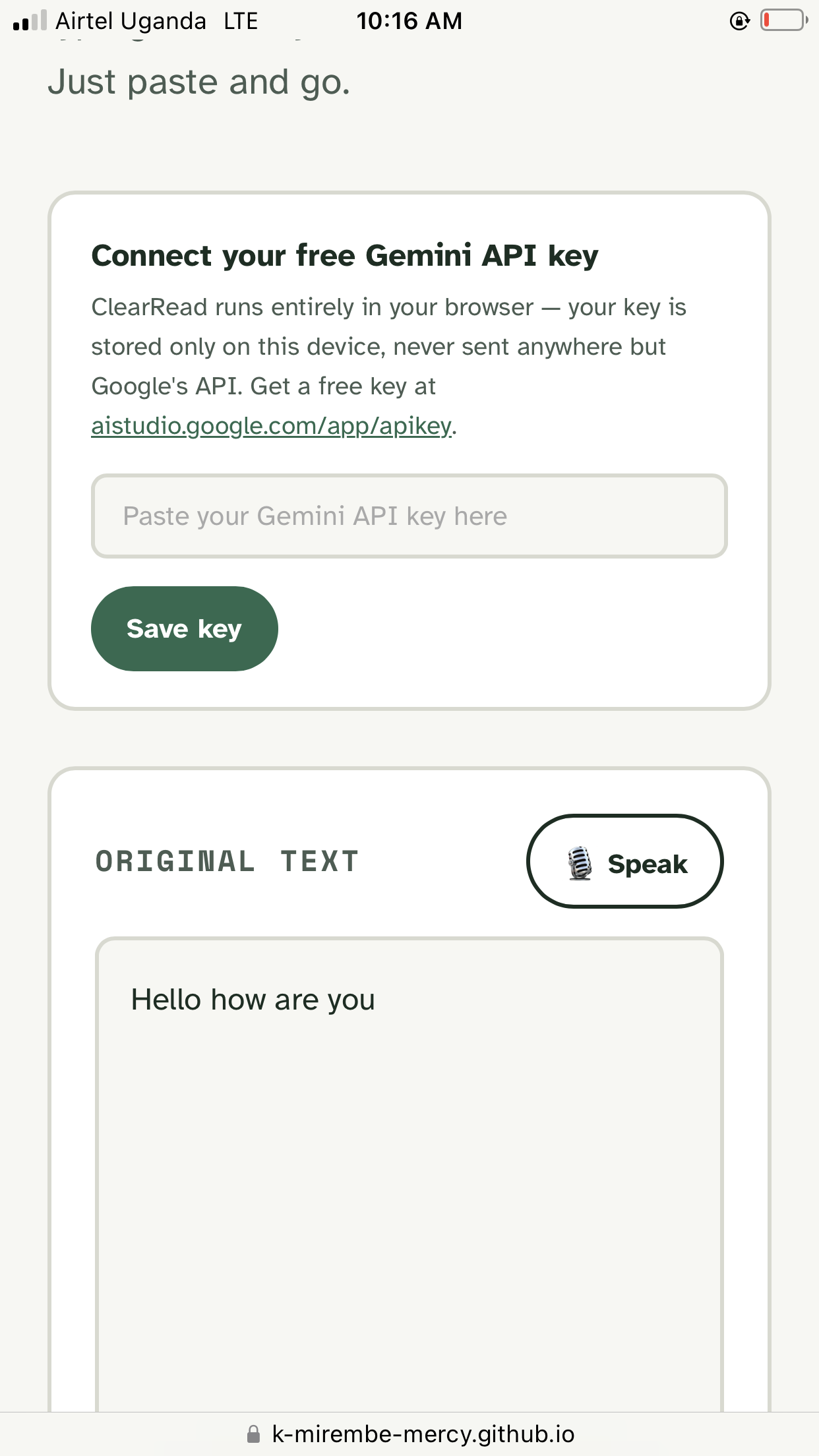
I kept the stack deliberately small so it could ship in hours, not weeks: a single HTML file, vanilla JavaScript, and no build step. Text simplification runs through the Gemini API, called directly from the browser. Read-aloud and voice input both use the Web Speech API that's already built into modern browsers, so there's zero extra cost and zero extra infrastructure. The whole thing deploys as a static site on GitHub Pages — no server to maintain, no database, nothing that can go down.
The one piece of "real" computation I built myself is the reading-ease meter: a Flesch Reading Ease approximation computed client-side, so users see a concrete before/after score rather than just trusting that the AI "made it simpler."
Challenges I ran into
- Keeping it truly zero-install. It was tempting to reach for a framework, but the moment I add a build step, I lose the person who just wants to open a file and have it work. Sticking to vanilla HTML/JS meant being disciplined about not over-engineering.
- Making accessibility the design, not a feature. It's easy to add an "accessibility toggle" as an afterthought. I had to keep asking whether contrast, spacing, and focus states were actually usable by someone who needed them — not just present.
- Handling the API key safely in a public repo. Since this is a static site with no backend, there's no safe place to hide a key. I settled on having each user paste in their own free key, stored only in their browser's local storage — never committed to the repo, never sent anywhere but Google's API.
- Making the AI's impact visible. "Simplified with AI" is a claim; a reading-ease score going from Difficult to Easy in front of your eyes is proof.
What I learned
That some of the most useful accessibility tools don't need new AI models — they need existing ones (LLMs, speech APIs) stitched together thoughtfully, with the person who needs them kept at the center of every design decision. I also learned how much unnecessary friction a login screen or a required backend adds for someone in a moment of needing to understand a document *right now.

Log in or sign up for Devpost to join the conversation.