-
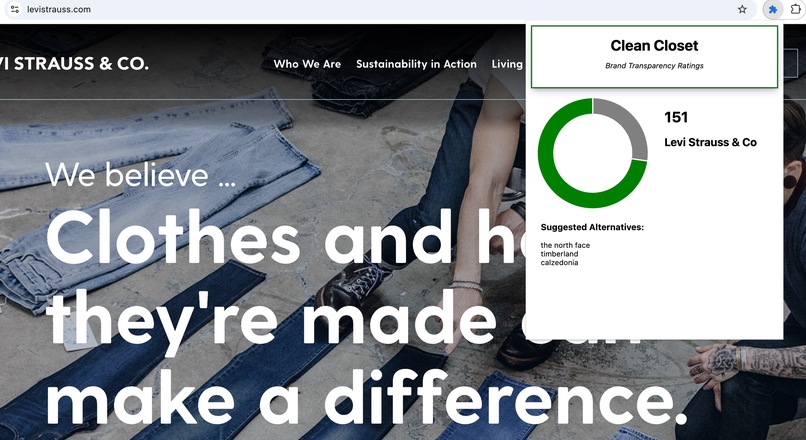
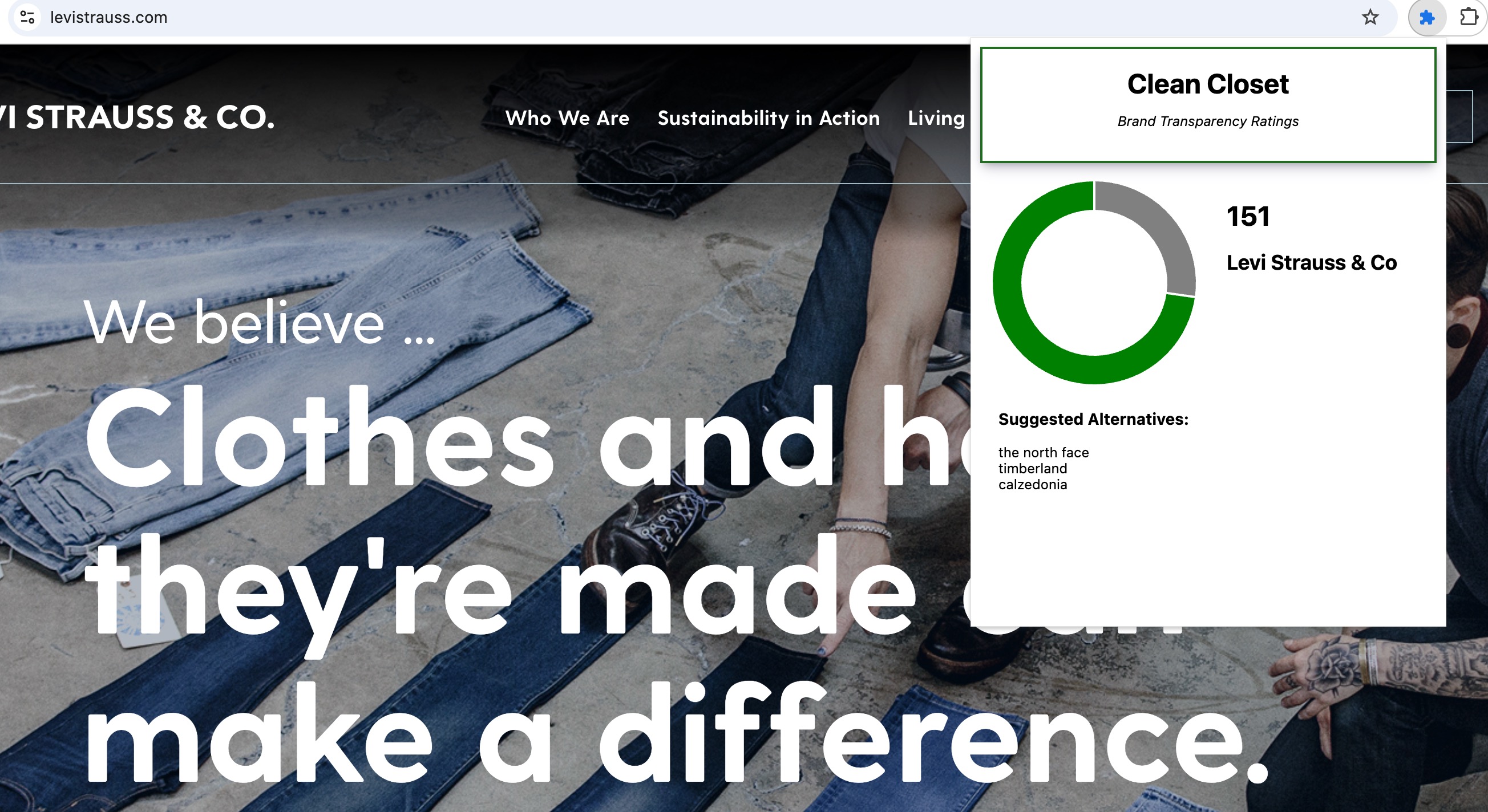
Good brand example
-
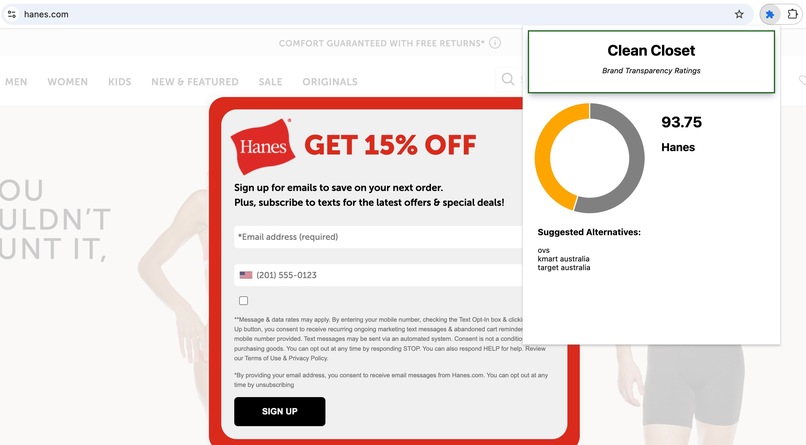
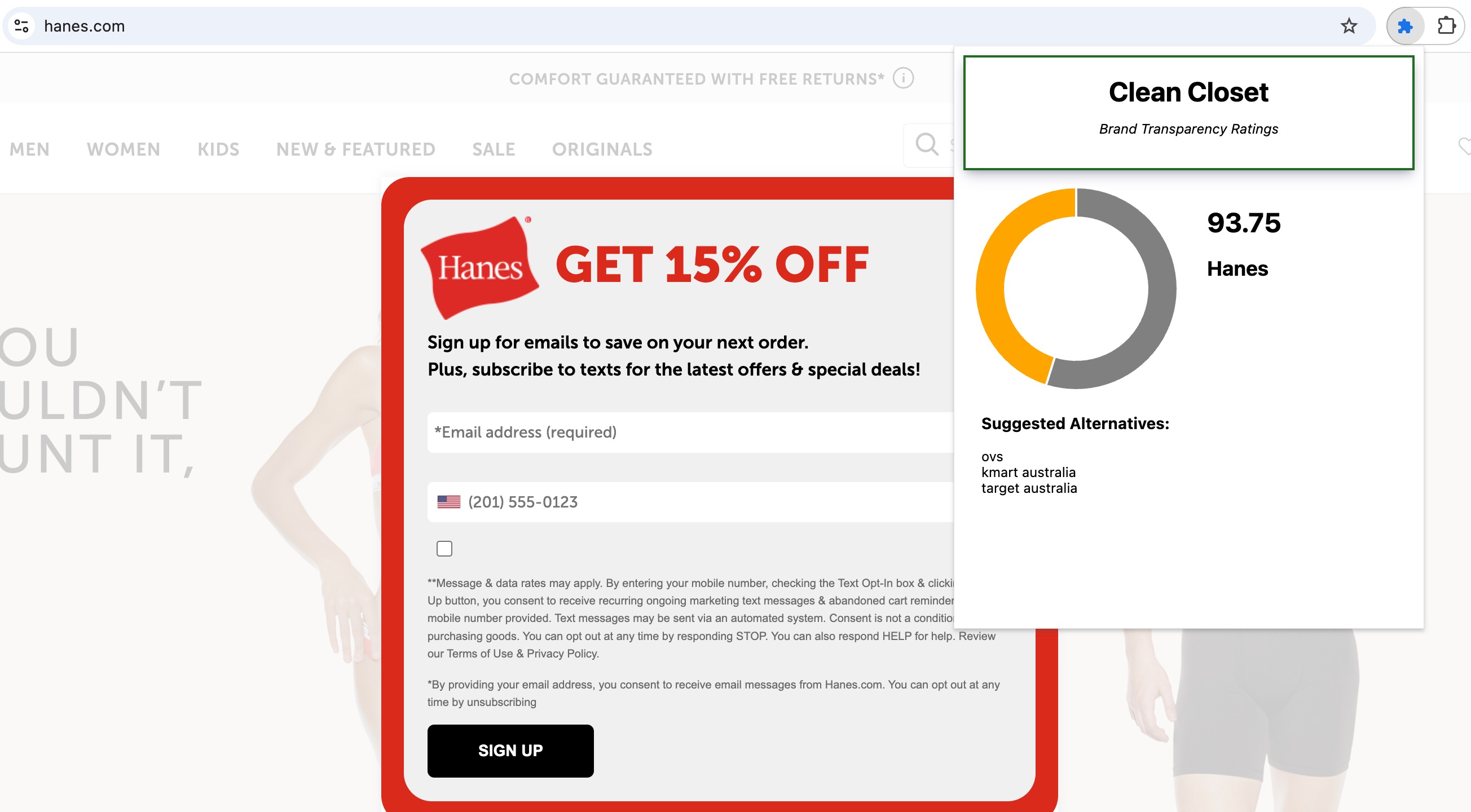
So-so brand example
-
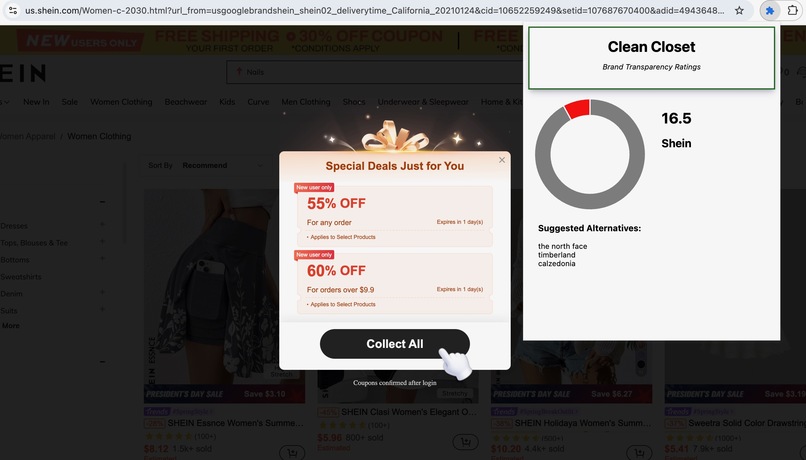
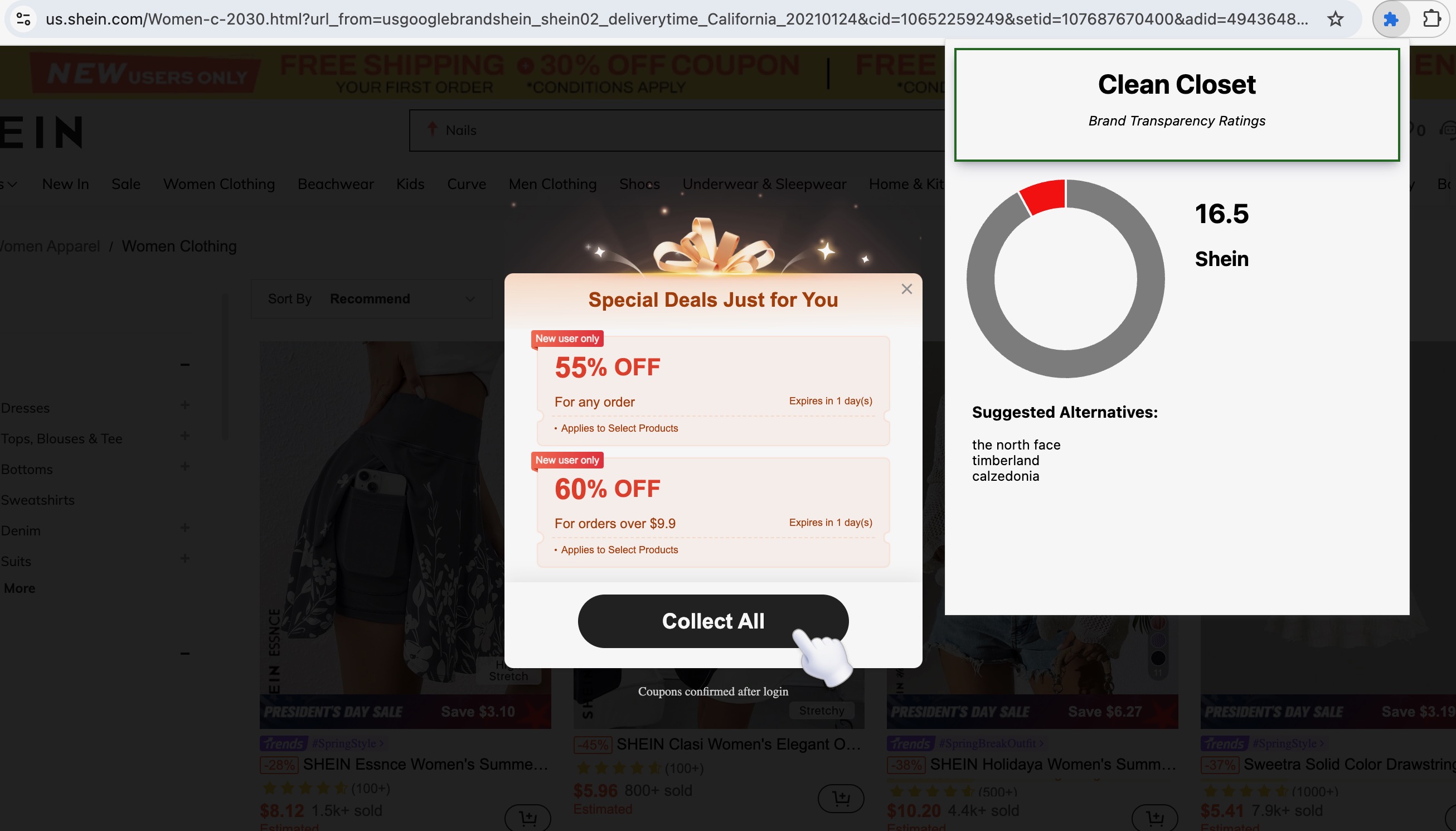
Bad brand example
-
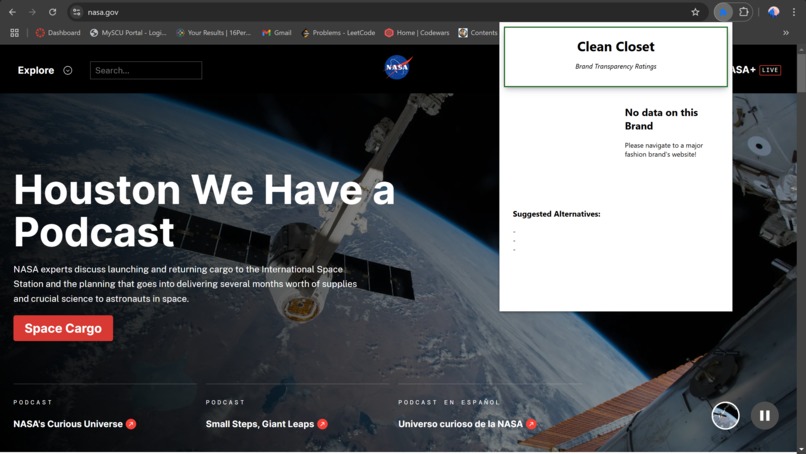
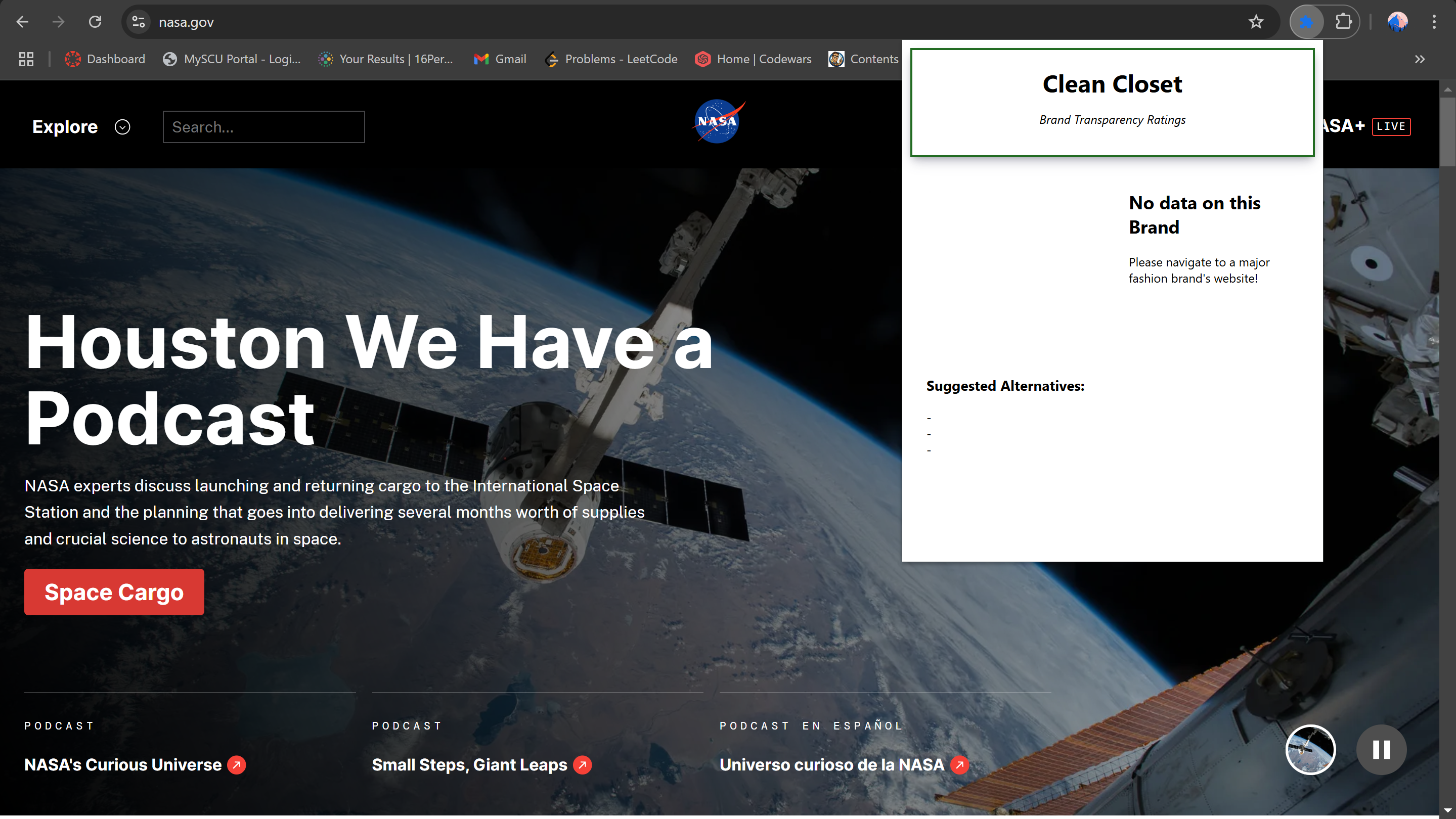
Extension does not work on non-fashion websites
-
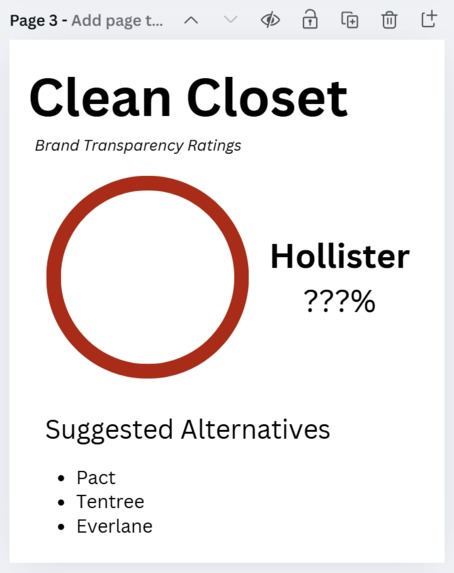
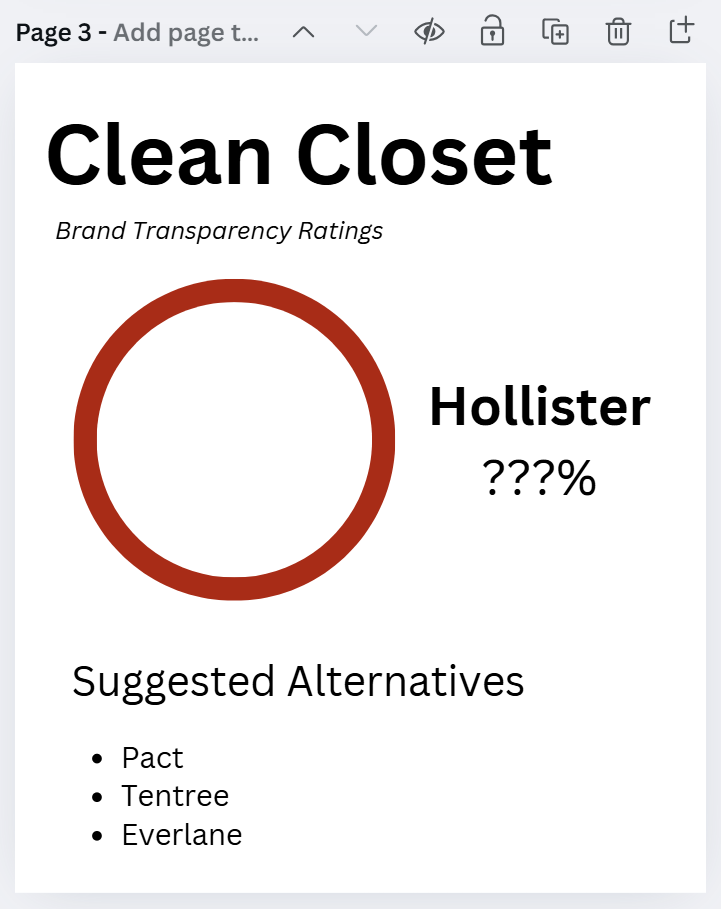
UI Mockup #1
Inspiration
This project was inspired by Good on You, a website/mobile app that provides ratings for thousands of fashion and beauty brands based on their labor practices and their policies for responsibly using animal and environmental resources. They do not yet have a Google Chrome extension that conveniently checks brands when on their website. However, they use publicly-available data, so we were able to make a Chrome extension that provides a similar yet more seamless experience to Good On You.
What it does
When on a fashion brand's website, if that brand is listed in our database, the user can view the brand's transparency score. In addition, we recommend brands within a similar price range but with a higher transparency score. (Our project requires Flask to be run.)
How we built it
Using the 2023 Fashion Transparency Index database with data on about 250 brands, we interpreted the transparency scores for each brand. We stored the brand name, transparency score, and price category (one to three dollar signs) in a Python dictionary.
We parsed the brand strategies because it was not easy to take in a website URL and find the correct brand it corresponded to; for example, Abercrombie & Fitch's website is abercrombie.com. At first, we were using JavaScript for this but then we considered switching to Python. This was a difficult decision because we already had JavaScript set up. Additionally, we would use Flask with Python, which most of us were unfamiliar with.
Our frontend was built using HTML, CSS, and JavaScript. We experimented with using a donut chart, which added a nice visual element to our extension. We had experience making HTML and CSS web apps before but hadn't used a lot of JavaScript.
Challenges we ran into
Centering and aligning elements in CSS, reading in and parsing website URLs with special characters (e.g. Abercrombie & Fitch, Bloomingdale's), fixing merge conflicts in Git, working with Chart.js, and implementing our project before using Flask. We also ran into certain brands overlapping names with one another (e.g. Gu, and Gucci) since Gu and Gucci are both brands, Gucci was being misinterpreted as Gu.
Accomplishments that we're proud of
We had to self-create a price classification so that we could offer users a reasonable suggestion; for example, if they are searching for a brand for casual clothing, it doesn't make sense to suggest a luxury brand (e.g. Gucci) even if that brand has a higher transparency rating.
What we learned
Throughout this project, we had to learn Javascript as we all were a bit unfamiliar with the language. In addition, we learned that lesser-known brands often had higher transparency ratings compared to the big-name fashion brands that people more frequently purchase from.
What's next for Clean Closet
In the future, we could expand our dataset to include far more brands in our dataset; the current dataset we used only. Good on You uses publicly available knowledge, such as certifications earned by certain brands, and we could attempt to use this to display even more data about brands and offer more suggestions.
One idea we would be open to exploring is creating an interactive map allowing the user to search for brands with physical locations nearby so they can shop and try on clothing in person without having to deal with shipping and return policies. Another cool idea would be having a central location to search for specific items of clothing from brands with high sustainability ratings.

Log in or sign up for Devpost to join the conversation.