-
-
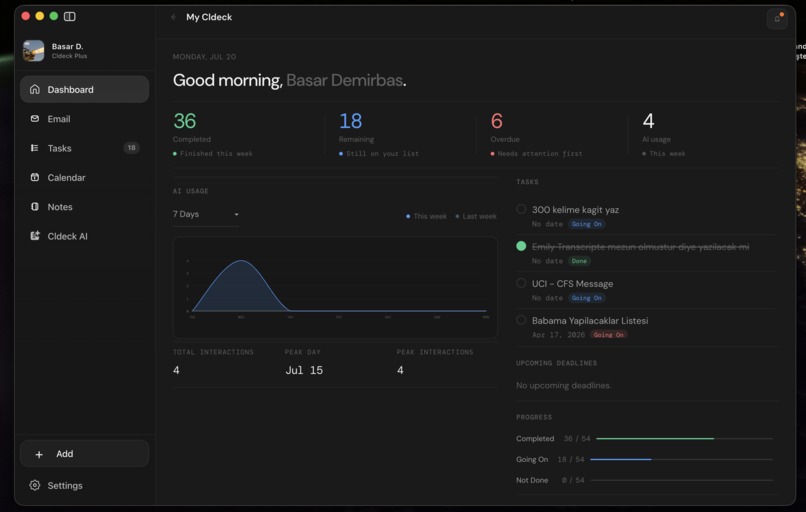
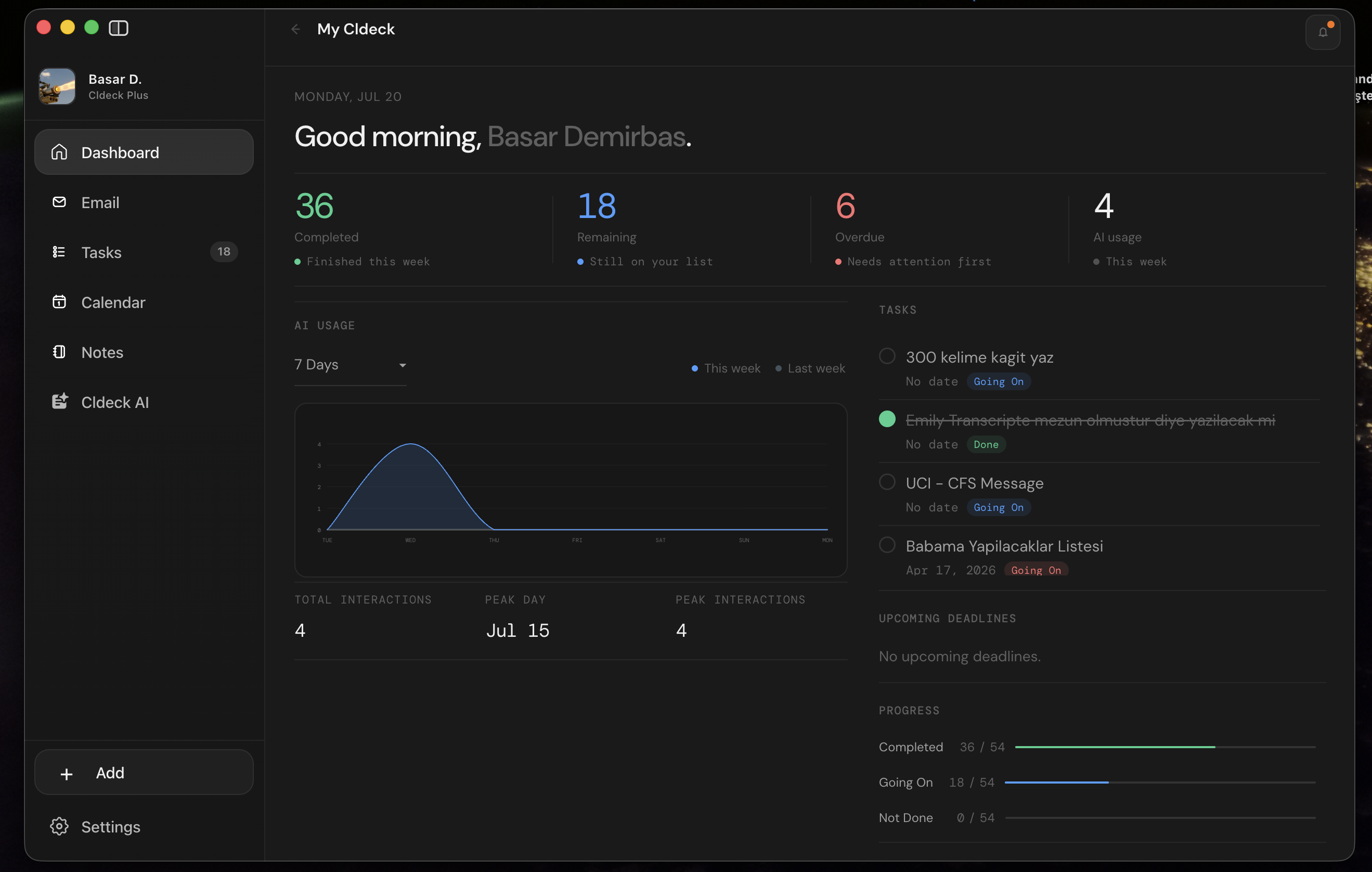
Cldeck Dashboard
-
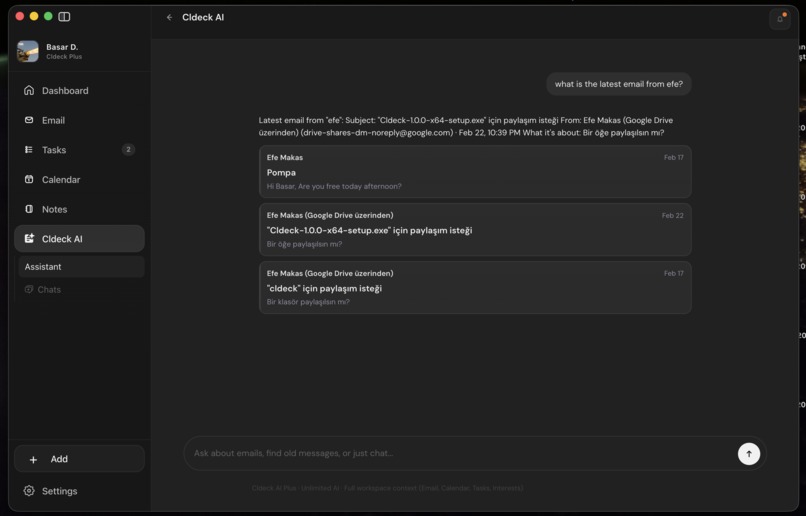
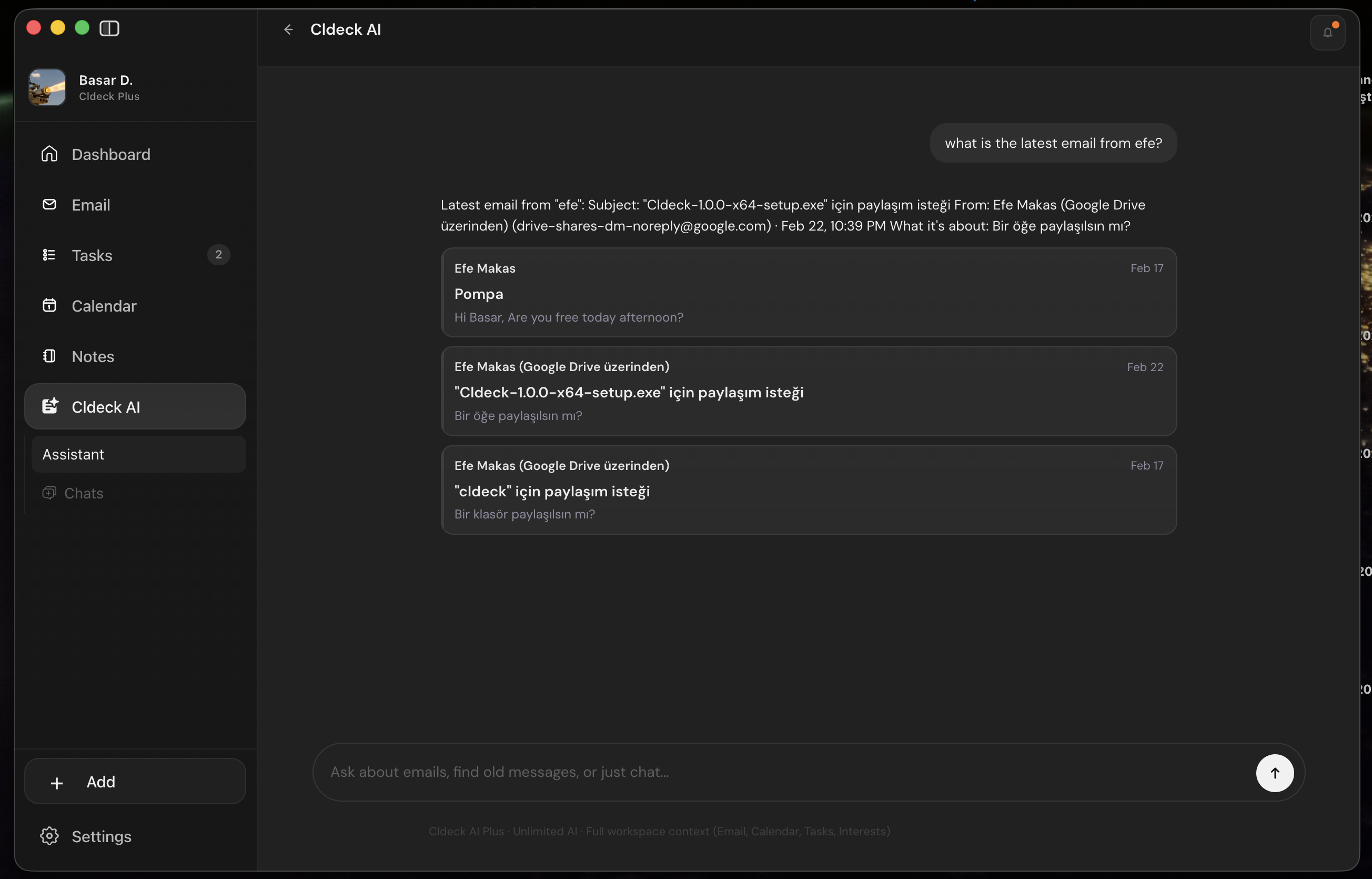
Cldeck AI
-
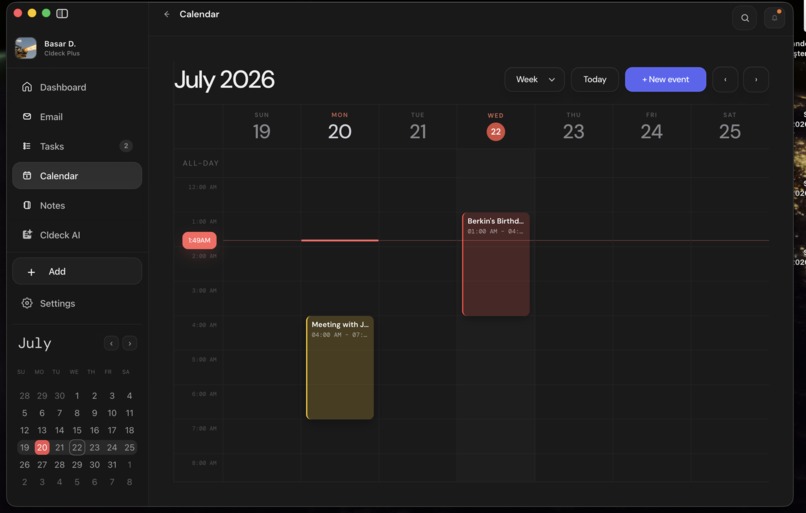
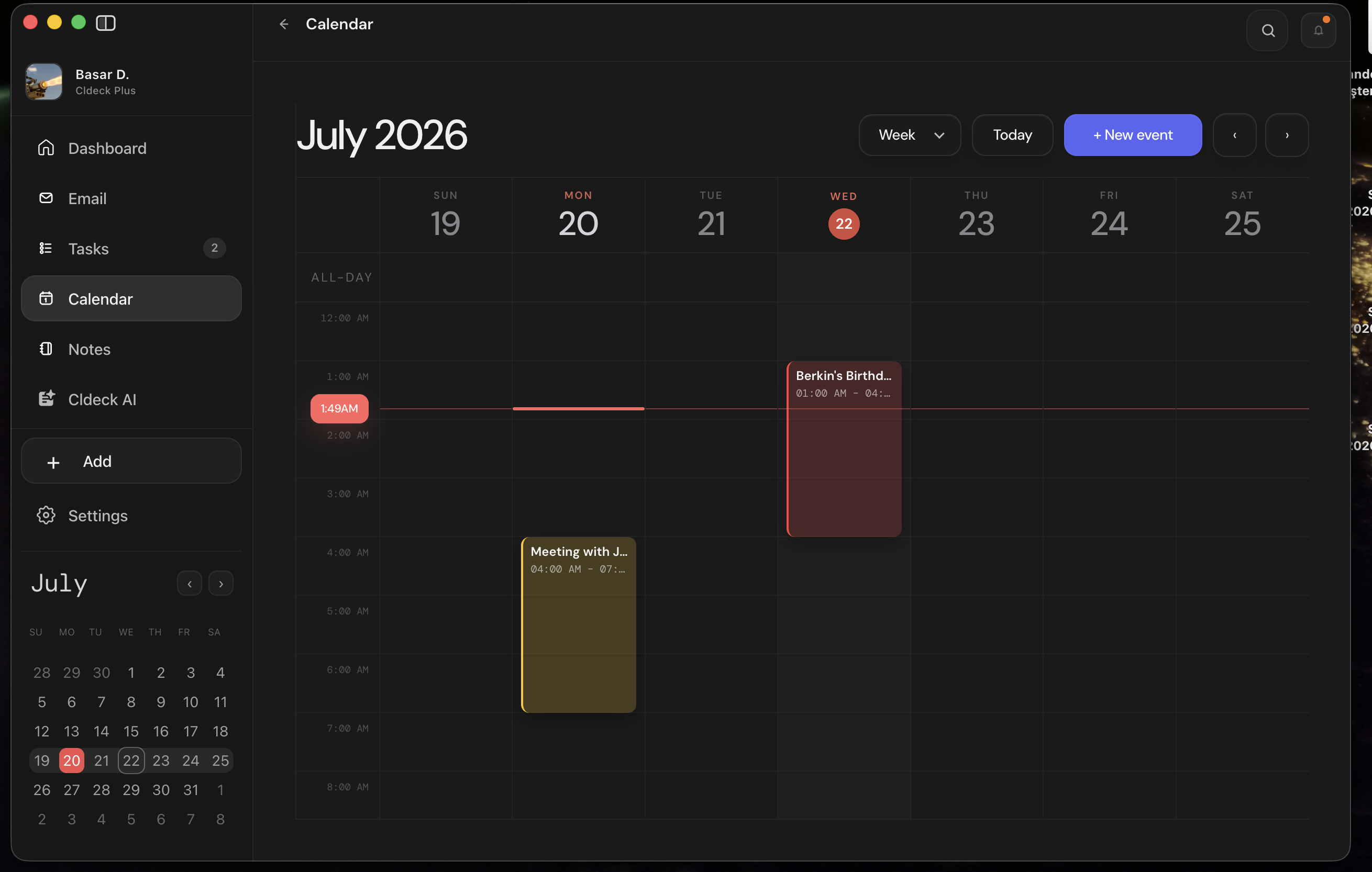
Cldeck Calendar
-
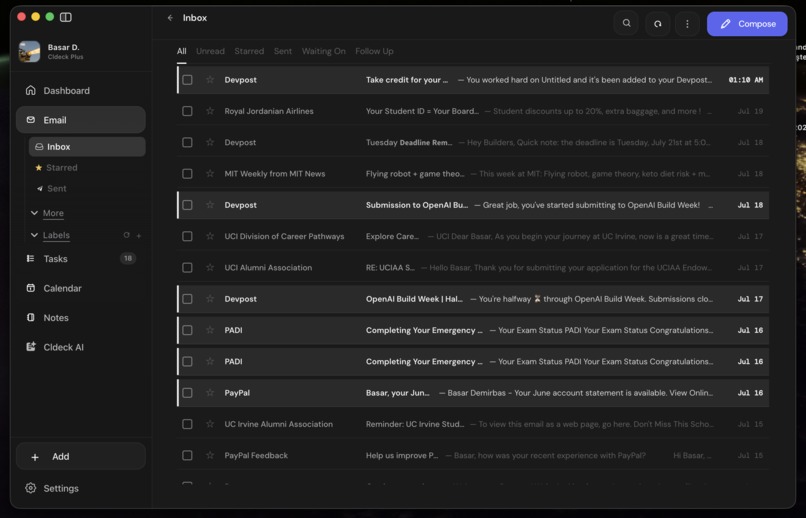
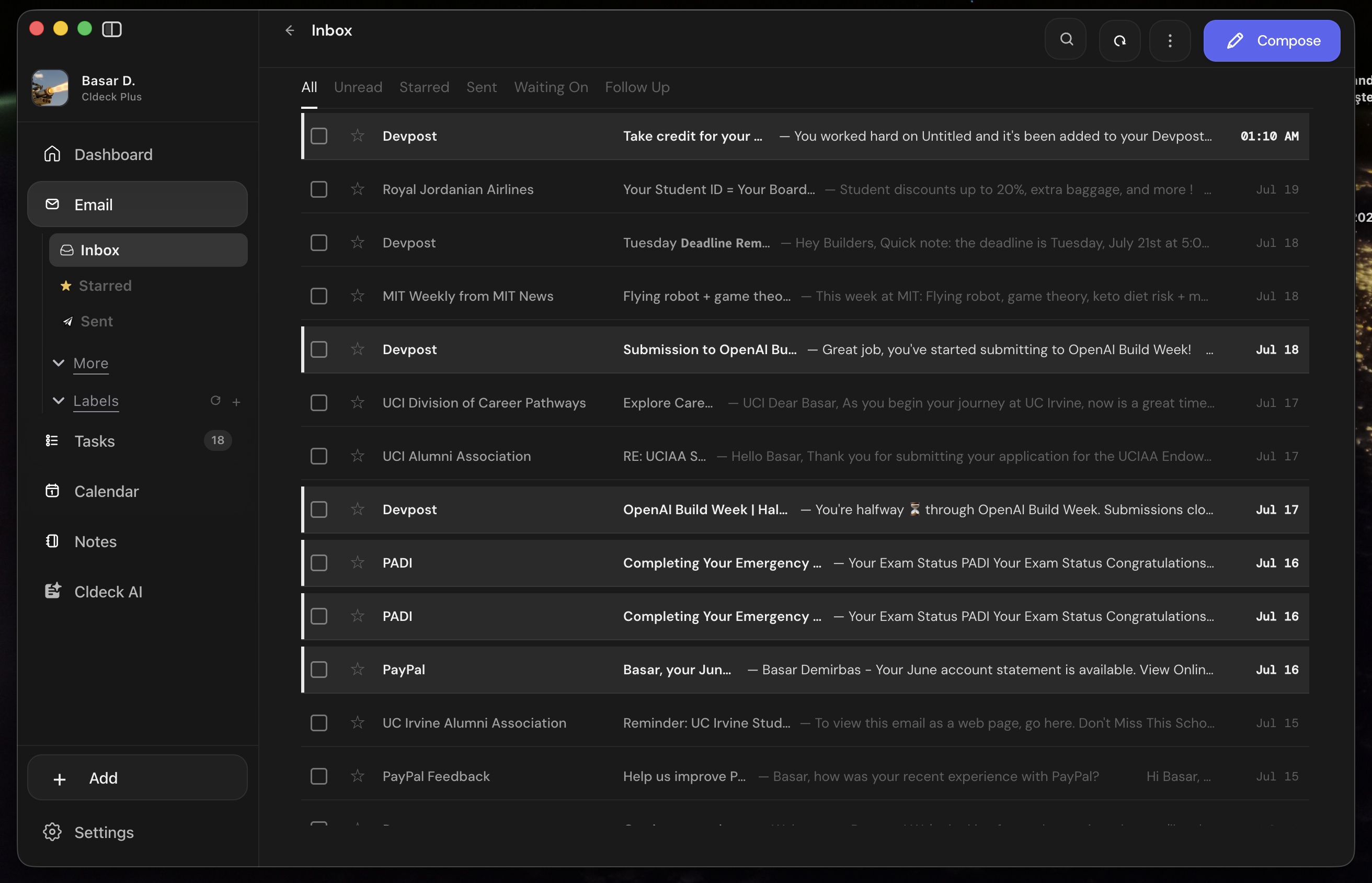
Cldeck Emails
-
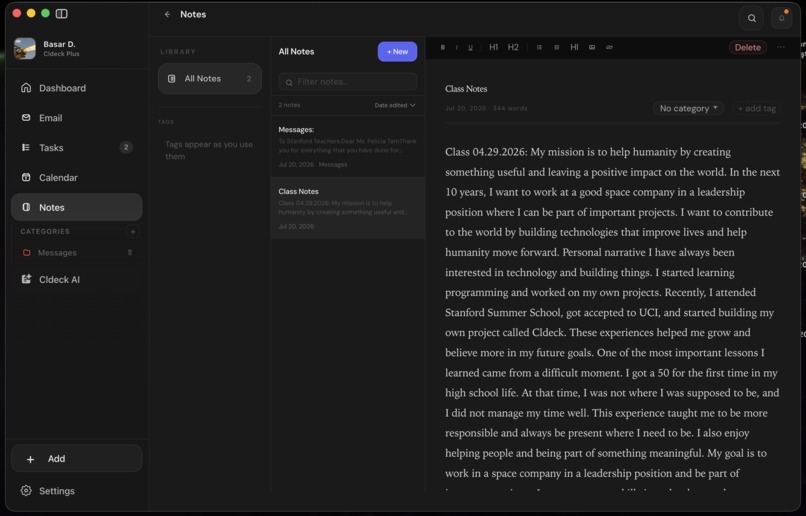
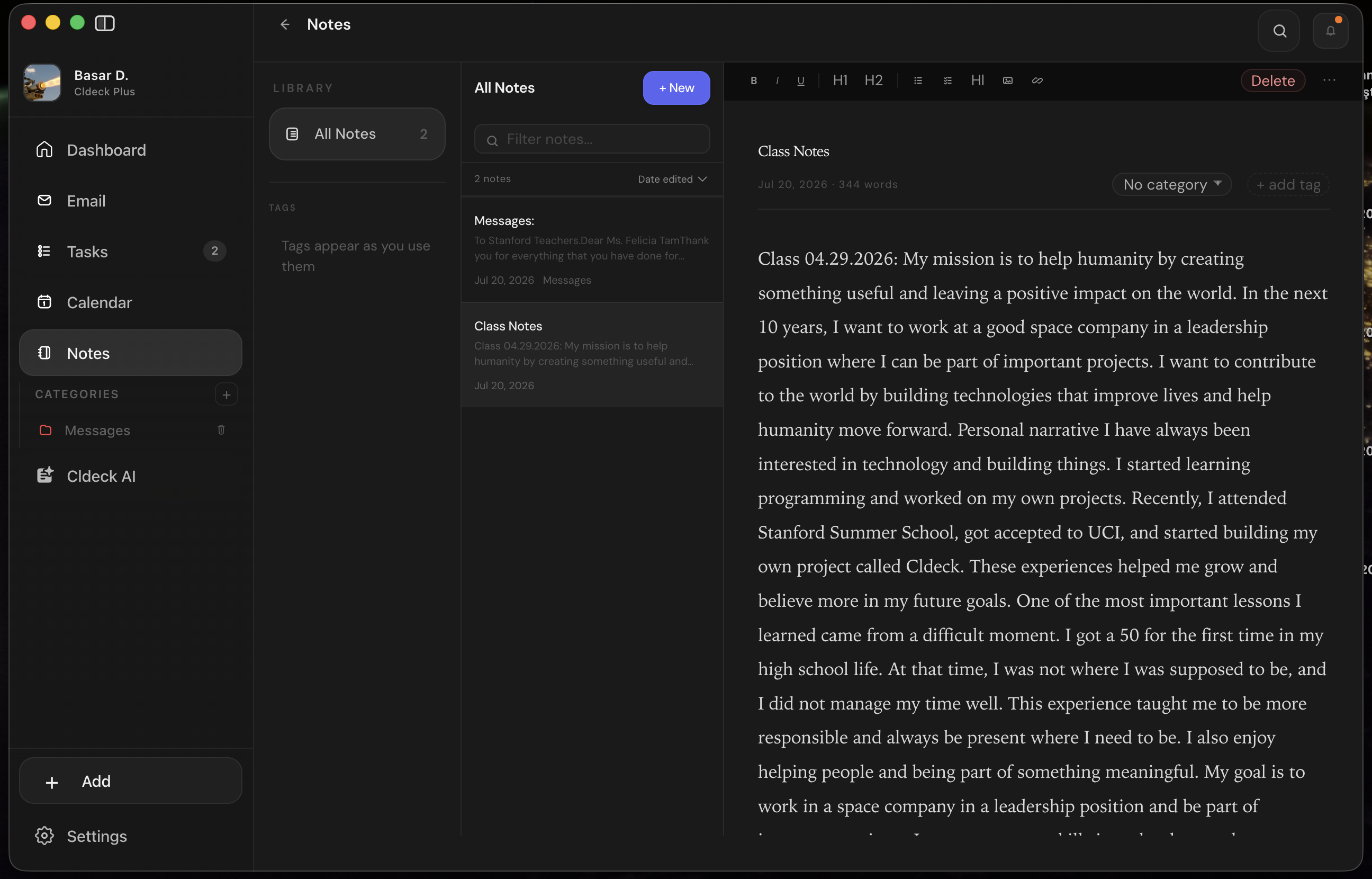
Cldeck Notes
-
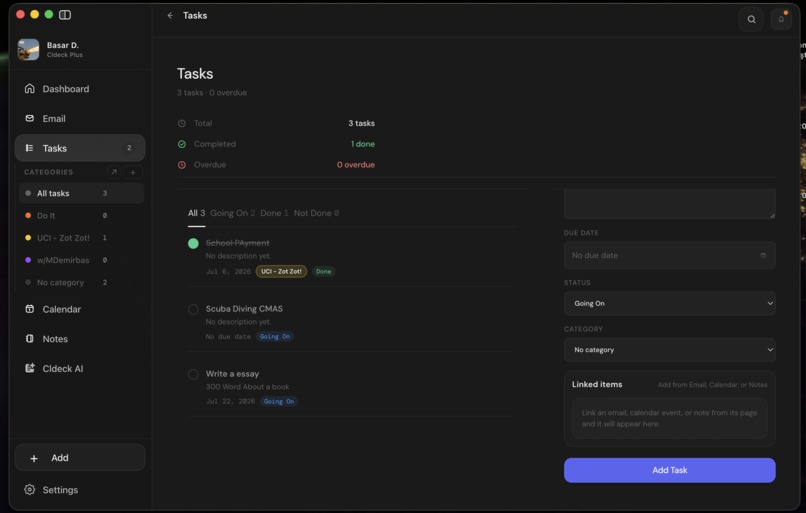
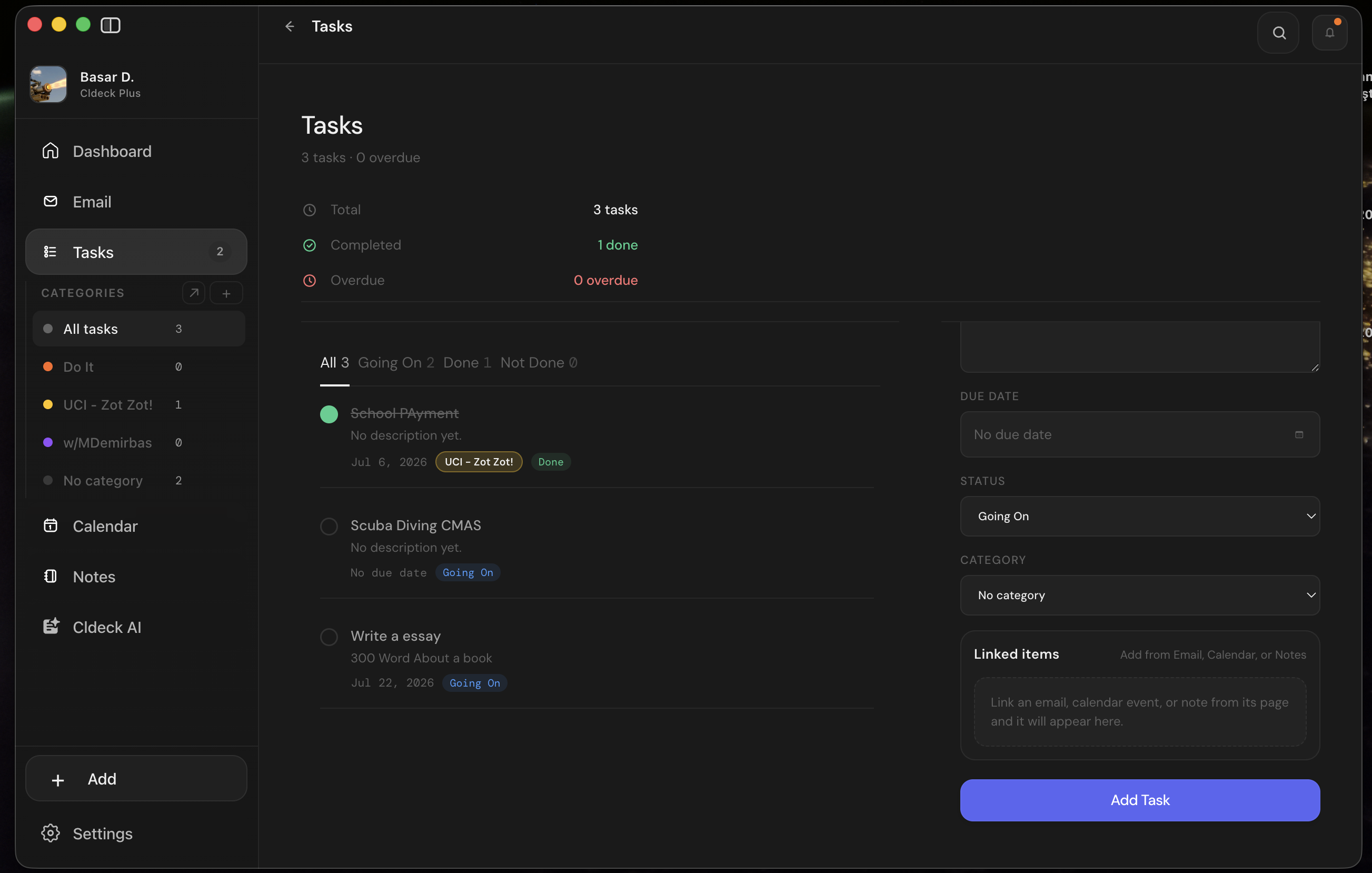
Cldeck Tasks
-
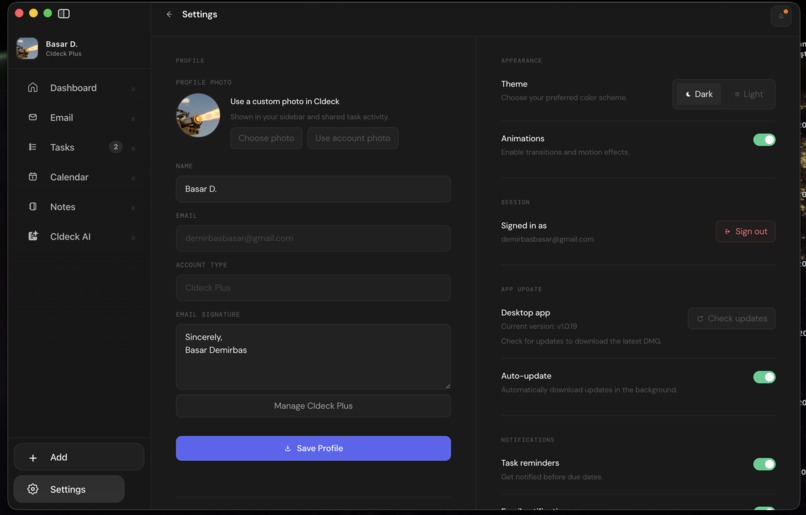
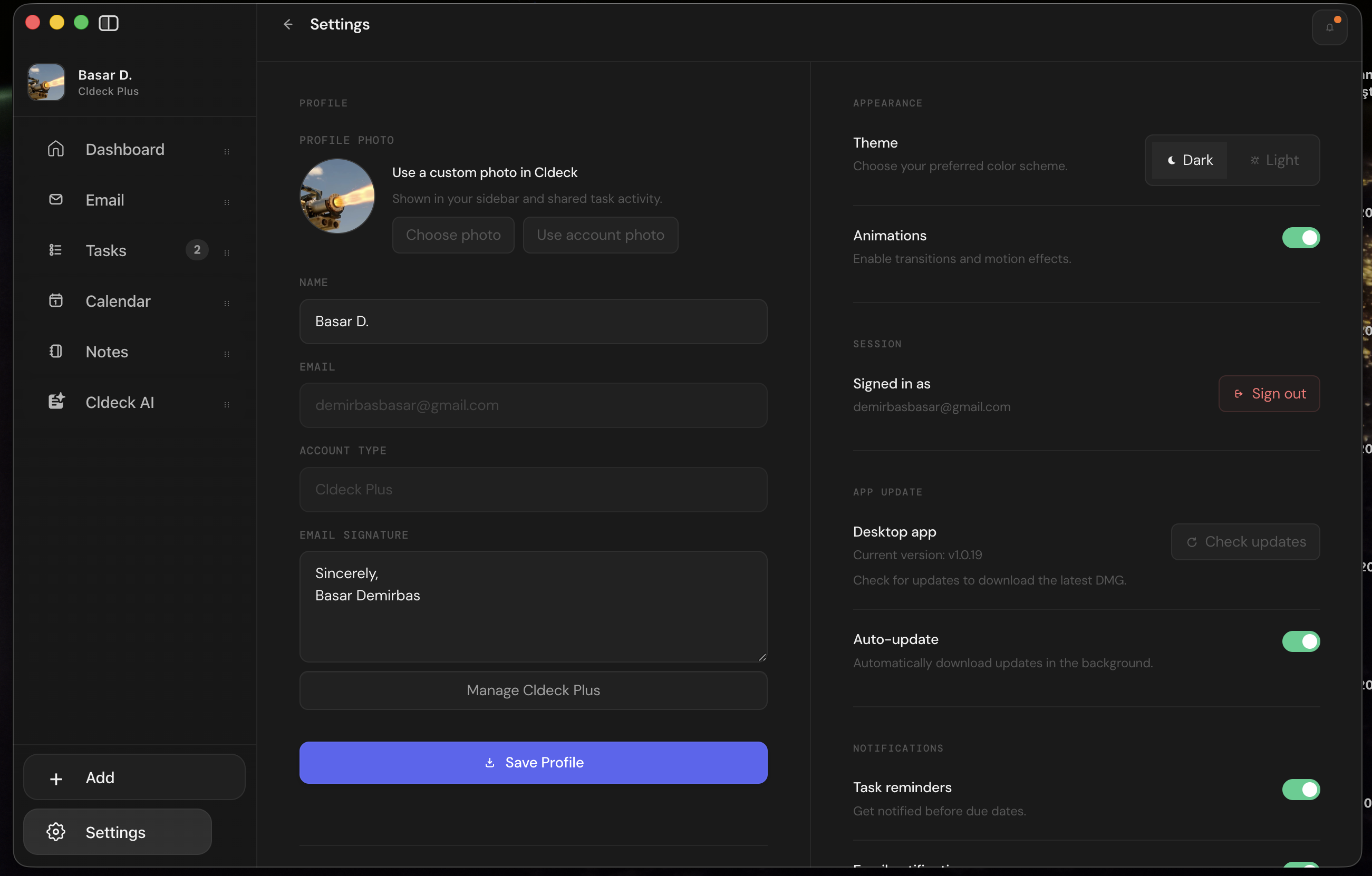
Cldeck Settings
Inspiration
I noticed that everyday work is spread across too many different apps. Email is in one place, calendars are in another, tasks are somewhere else, and notes are usually separate from all of them. Even AI tools are often disconnected from the apps where people actually work.
I wanted to build one place where all of these tools work together. That idea became Cldeck.
What it does
Cldeck brings email, calendar, tasks, notes, and AI together in one workspace.
With Cldeck, users can:
- Read and organize emails
- Manage calendar events
- Create and track tasks
- Save notes
- Ask Cldeck AI questions about their workspace
- Summarize emails and find follow-up actions
- Generate spreadsheet drafts
- Use the same application on the web or desktop
For Build Week, I also created a secure public demo that uses synthetic data. Judges can explore the application without signing in with Google or changing any real data.
How I built it
Cldeck uses a Node.js and Express backend with a frontend built using HTML, CSS, and JavaScript.
The backend handles authentication, Gmail, Google Calendar, AI features, tasks, notes, spreadsheet generation, billing, and other workspace features.
The project also includes:
- Google OAuth
- Gmail and Google Calendar APIs
- OpenAI and Gemini integrations
- Electron desktop support
- A Swift macOS wrapper prototype
- Render deployment
- Spreadsheet generation with xlsx
The public demo runs in a separate Judge Demo Mode. It loads sample emails, calendar events, tasks, and notes while preventing access to real accounts.
How I used Codex and GPT-5.6
I developed Cldeck over many Codex sessions.
Codex and GPT-5.6 helped me build new features, fix bugs, improve the interface, organize the project, test different parts of the application, write documentation, and prepare the final deployment.
For the Build Week submission, Codex also helped me:
- Review the entire repository
- Create a secure demo mode
- Prepare documentation for judges
- Test the demo
- Create and merge GitHub pull requests
- Deploy the application to Render
- Make sure no private files or secrets were exposed
GPT-5.6 was especially helpful for solving more complex problems, planning new features, debugging, and improving the overall structure of the project.
Challenges
One of the biggest challenges was building a public demo that still showed how the application really works.
Since Cldeck connects to services like Gmail and Google Calendar, I needed a way for judges to test the app without exposing personal accounts or allowing real actions.
To solve this, I created a separate demo mode with synthetic emails, events, tasks, and notes.
Other challenges included:
- Working with Google OAuth
- Keeping user data secure
- Connecting emails, tasks, notes, and calendar events together
- Supporting both web and desktop versions
- Cleaning old files before deployment
- Testing everything before making the demo public
Accomplishments
I'm proud that Cldeck has grown into a complete productivity workspace instead of just another email or task app.
The final project includes:
- A public web demo
- A unified dashboard
- Email and calendar features
- Tasks and notes
- Workspace-aware AI
- Secure demo mode
- Spreadsheet generation
- Electron desktop support
- A Swift macOS wrapper prototype
- Documentation for setup, testing, and deployment
What I learned
I learned that building a productivity app is not only about adding more features.
The most important part is making those features work well together so users don't have to constantly switch between different apps.
I also learned a lot about OAuth, deployment, security, testing, and preparing a real project for public release.
What's next
Next, I want to continue improving Cldeck by:
- Adding more automated tests
- Moving more data to a production database
- Expanding the AI features
- Improving team collaboration
- Adding group chats
- Supporting shared tasks
- Creating shared workspaces
- Improving task management
- Adding better monitoring
- Releasing a signed desktop application
My long-term goal is to make Cldeck more than a personal productivity app. I want it to become a workspace where teams can communicate, organize projects, and manage their work together without constantly switching between different tools.


Log in or sign up for Devpost to join the conversation.