Inspiration
We wanted an experience where a user can sit comfortable anywhere to engage in a calming activity. Couple of ideas came to mind but we decided to go with sculpting, it's a fun idea to sit and carve your way though a lump of clay in a soothing musical ambience.
What it does
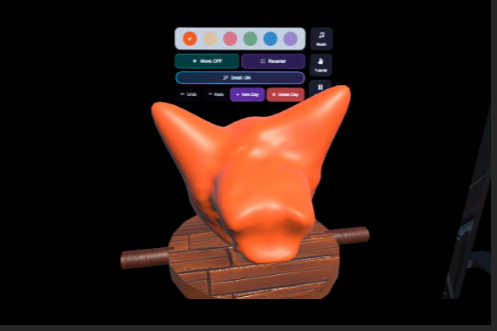
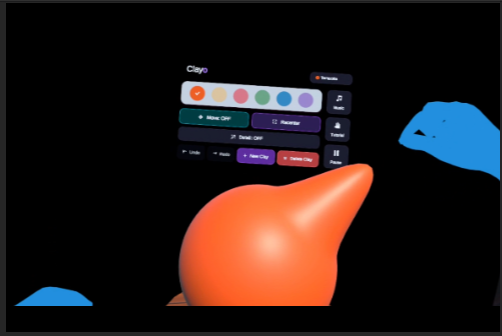
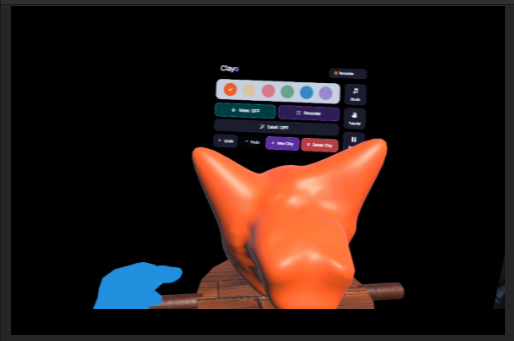
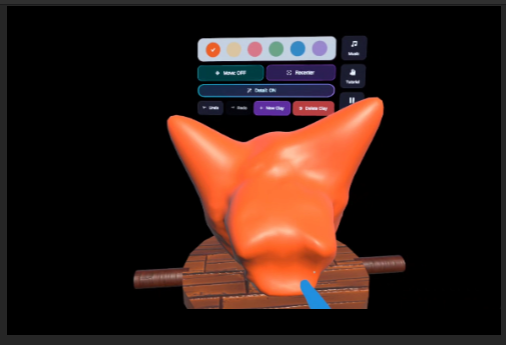
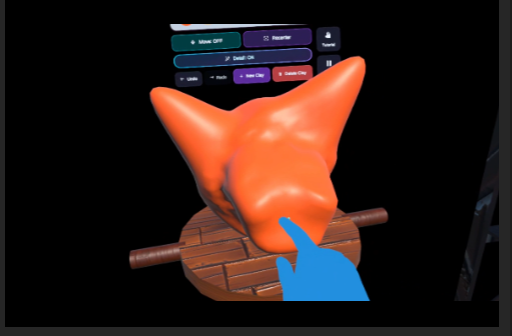
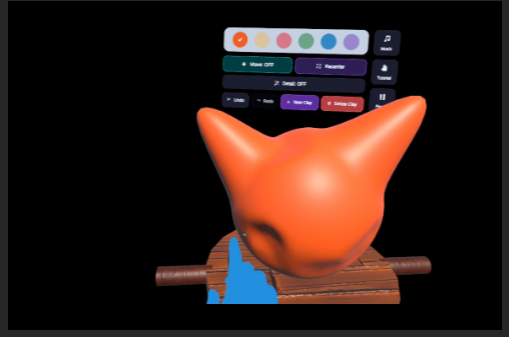
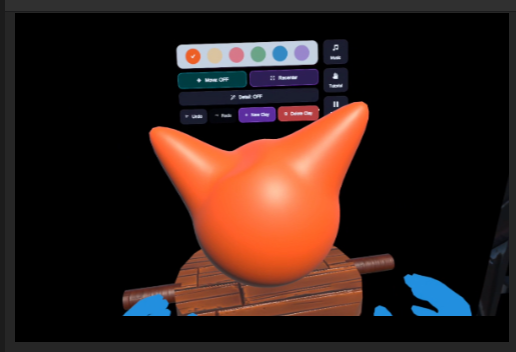
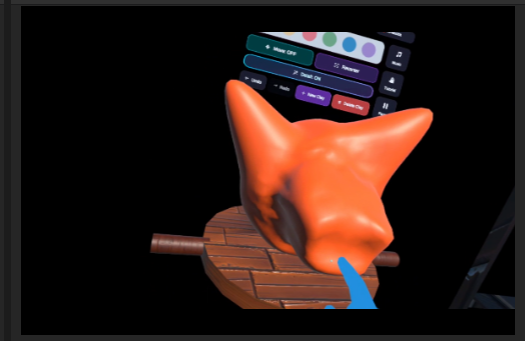
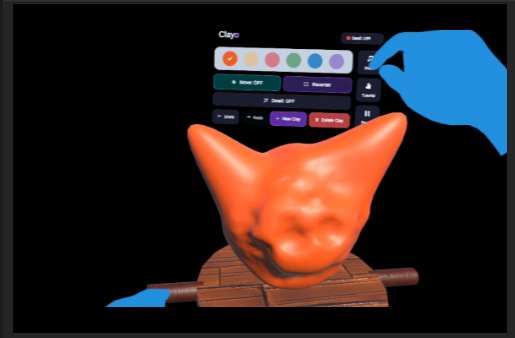
Clayo, a simple sculpting game, allows the user to mold a ball of clay with their hands, unlike a vast majority of other sculpting VR games, it's a hand's first experience.
How we built it
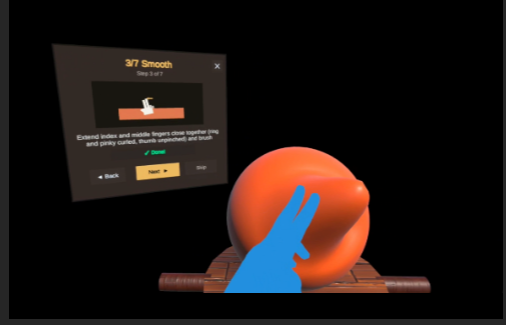
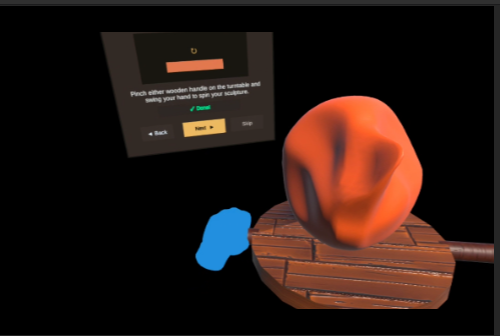
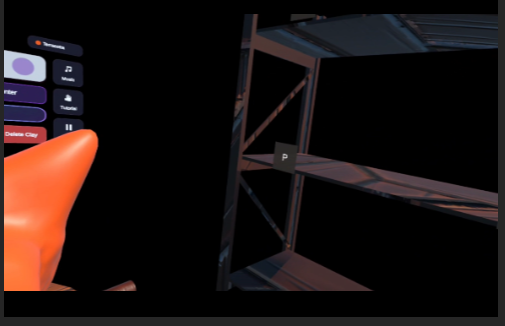
We built Clayo in Unity with C#, using the Meta XR SDK for hand tracking and passthrough. We modelled the wooden turntable slab and our initial shelf in Blender, then assembled the workspace in Unity. We wired the turntable handles so players could rotate the clay and work on it from different angles.
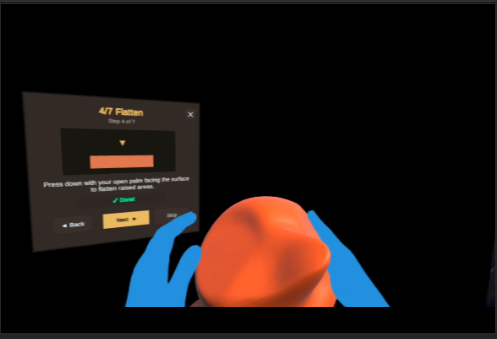
The sculpting code has two main parts. HandClaySculptingAdapter reads tracked fingertip and palm positions to recognise gestures such as pressing, pinching, and flattening. It sends the contact point and movement to ClayDeformer, which moves the vertices around the contact area in real time. The effect tapers off toward the edge of that area so a pinch can pull a small patch without moving the whole sculpture. Before applying a change, the code checks for problems such as collapsed or flipped triangles. If a change stretches the mesh too far, the code tries a smaller step.
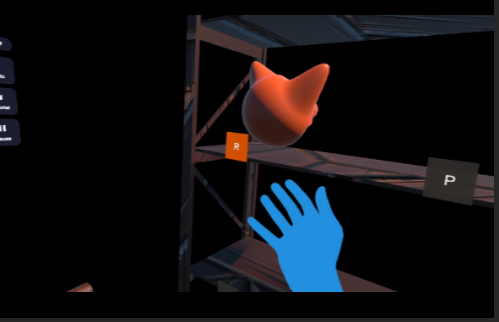
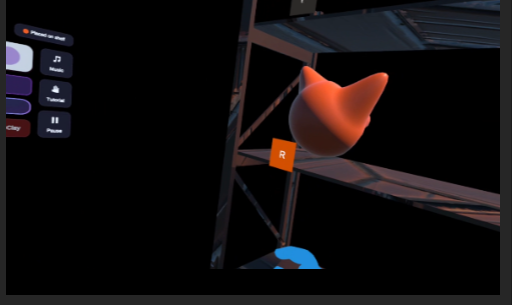
We also wrote code to group a continuous stroke into one undoable edit and save each sculpture’s vertex positions and colour. The eight-slot rack uses that saved data to restore the piece to the turntable so players can keep sculpting. We tested builds on a Quest 2 and used what we saw in the headset to refine fingertip detection, gesture transitions, and the floating controls.
Challenges we ran into
Our biggest challenge was making virtual clay respond the way players expect it to. Gestures that worked in Unity sometimes behaved differently on the Quest 2. Early builds could register a press or pull from the wrong finger, and thin edges were harder to grab than broad surfaces. We refined fingertip detection and added checks to keep the mesh stable when players pushed or stretched it.
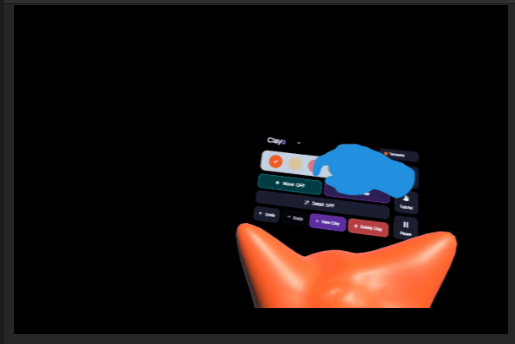
We also had to make the workspace comfortable to use in mixed reality. The controls needed to be readable and easy to reach without getting in the way of sculpting. Some UI elements overlapped or rendered differently in Play Mode, and the shelf could register a saved sculpture without displaying it. Testing on the headset helped us catch problems we couldn’t see in the editor.
Accomplishments that we're proud of
We’re proudest of the moment we first pinched the clay on the Quest 2 and saw it stretch with our fingers. That was when Clayo started to feel like a little sculpting studio in the room with us. We could shape the clay with our hands, turn it to see it from another angle, and keep working on the same piece.
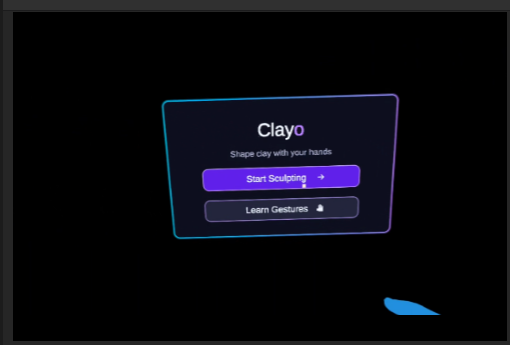
We’re also proud that we built more than a single sculpting interaction. The gesture tutorial gives new players a place to practise, undo and redo give them room to experiment, and the shelf lets them put a piece away and come back to it later. As a two-person team, taking that whole experience from an idea to a build we could try in the headset was a milestone for us.
What we learned
Clayo was my first VR project, and I learned how much the design changes once you put on the headset. A button that looked fine on my monitor could be hard to reach while seated. A pinch that felt obvious to me could mean two different things to the game, depending on whether I was reaching for the clay or pointing at a menu.
Working with my teammate taught me to test those details early. We’d try a gesture on the Quest 2, see where it felt awkward, and go back into Unity to adjust it. That changed how I think about building for VR. Now I pay as much attention to where the player is looking and reaching as I do to what happens when the input registers.
What's next for Clayo
Our next priority is making sculpting more predictable. We want small finger movements to give players finer control, especially around thin edges and details.
After that, we’d like to add clay types that feel different to work with, from soft clay that stretches easily to firmer clay that holds fine details. We’re also interested in short, optional sculpting challenges to give beginners something to try, and a way for players to share the pieces they’re proud of.


