-
-
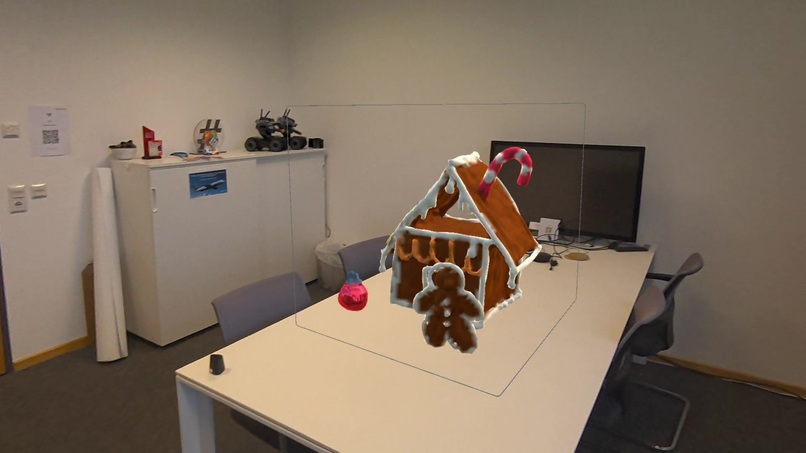
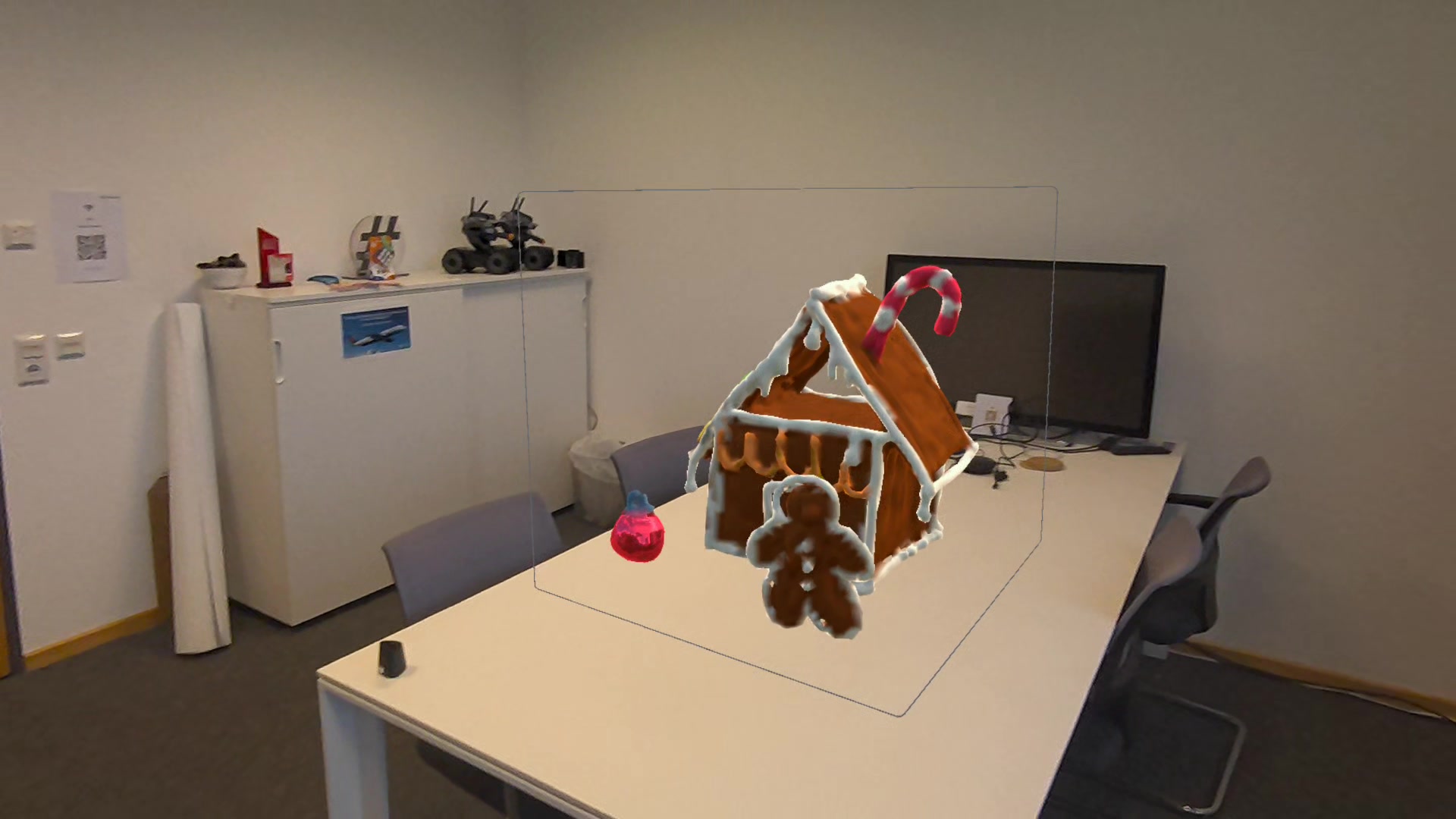
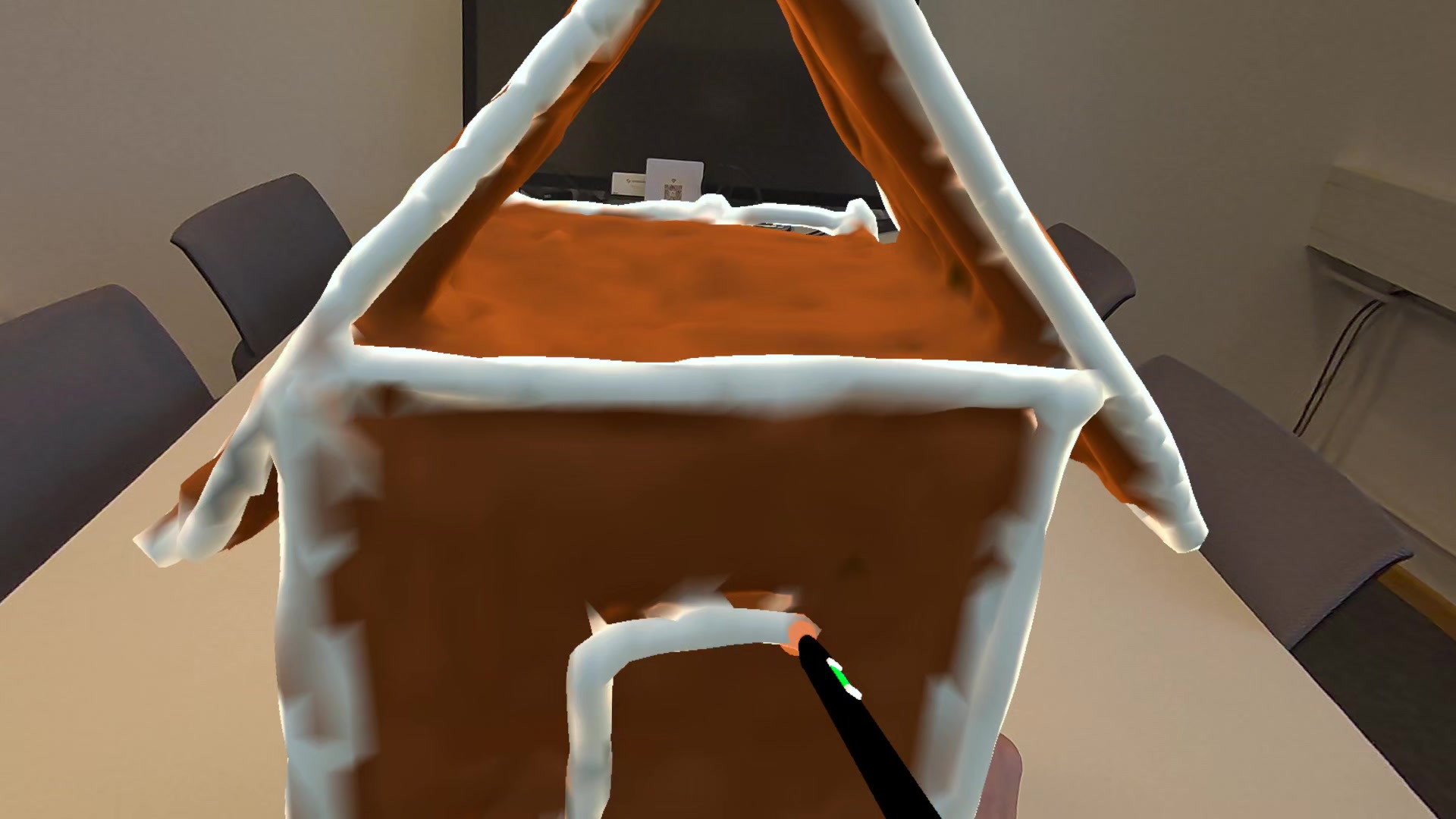
A gingerbread house sculpted and decorated in ClayBox Touch. Quest POV capture.
-
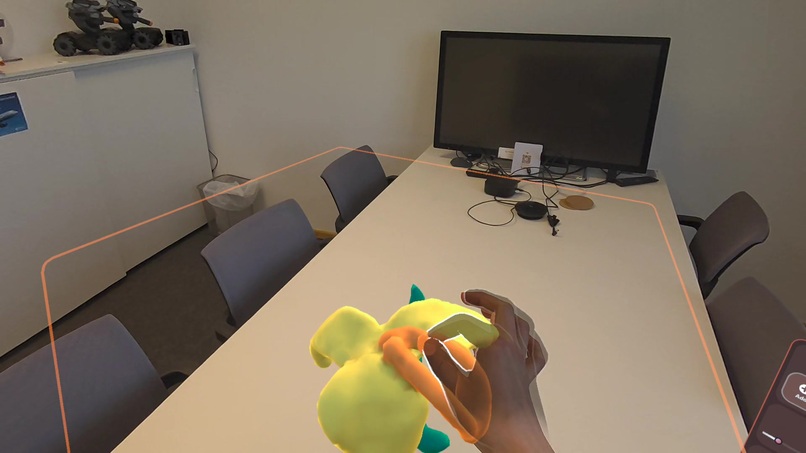
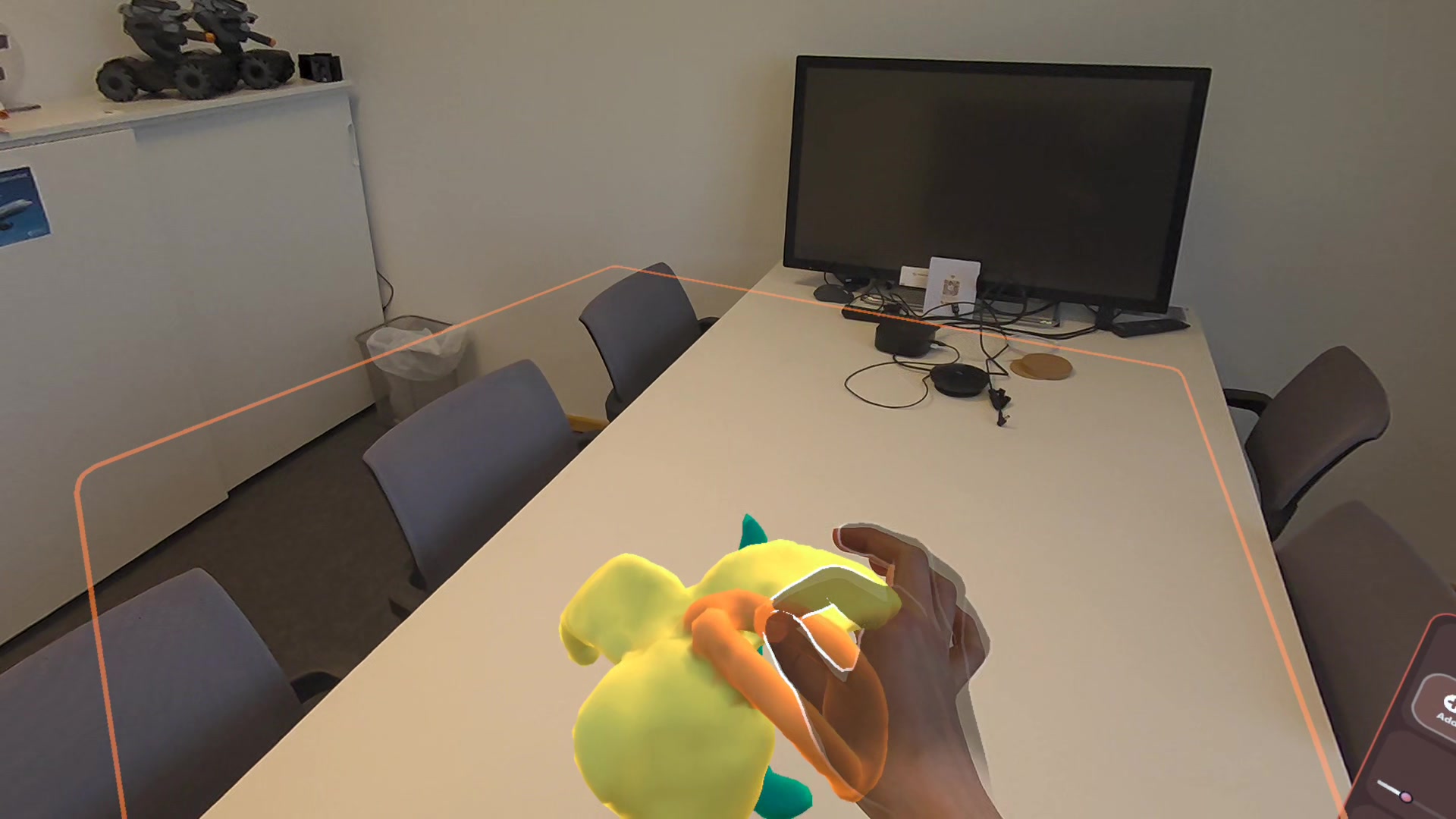
Hands-first sculpting: shaping a flower directly with a fingertip. Quest POV capture.
-
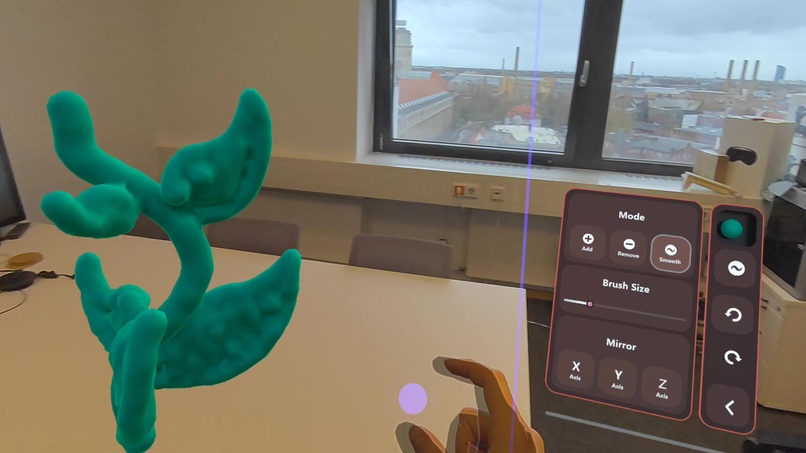
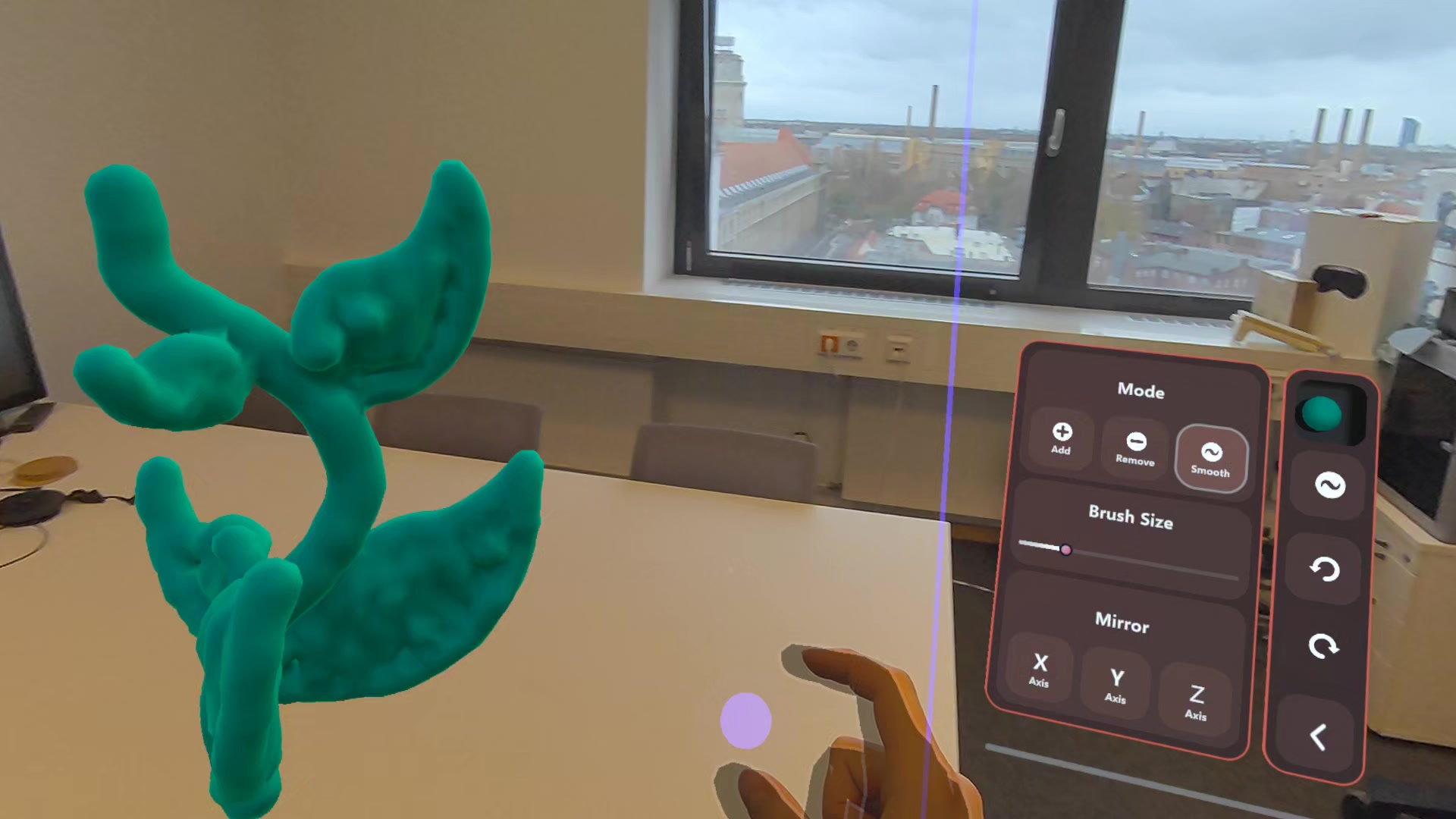
A clear icon-based tool menu within hand reach beside the sculpture. Quest POV capture.
-
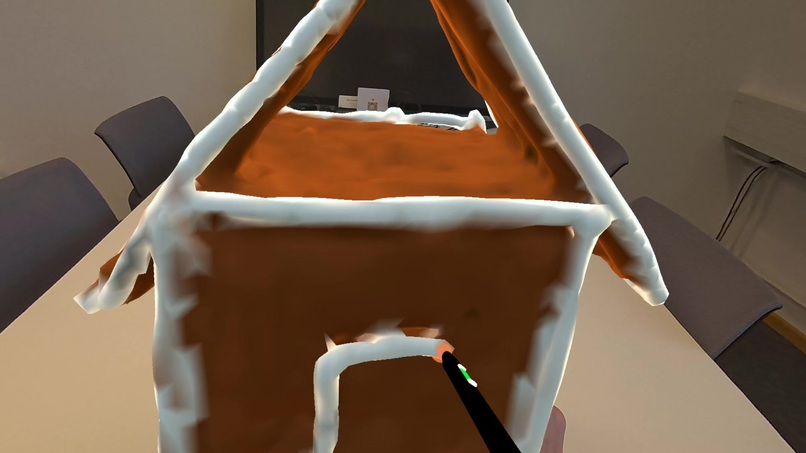
Adding icing details with Logitech MX Ink. Hands, controllers and pen can be combined. Quest POV capture.
-
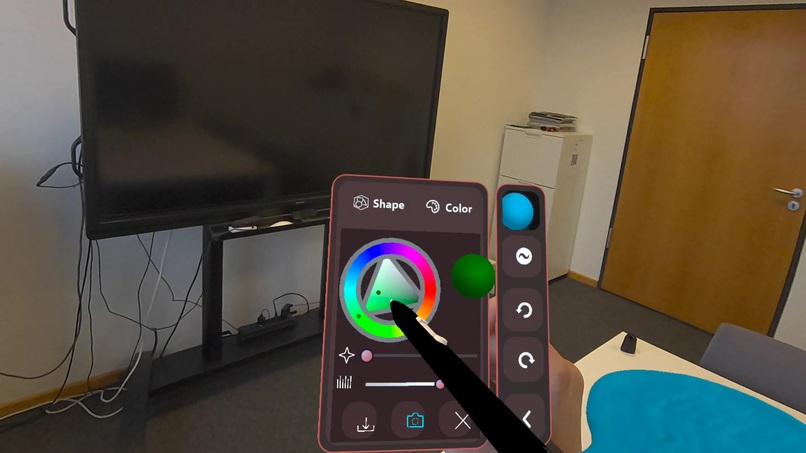
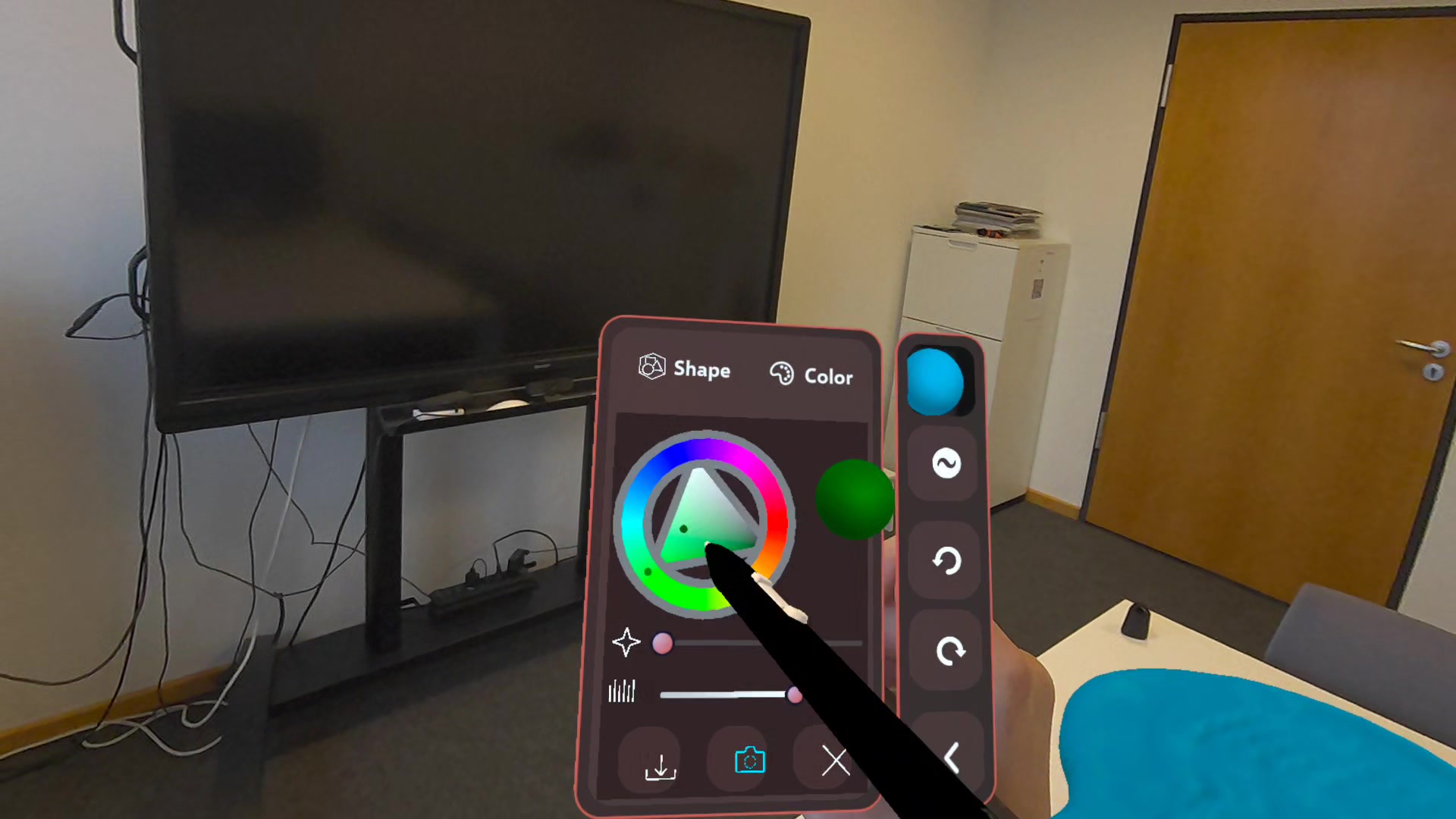
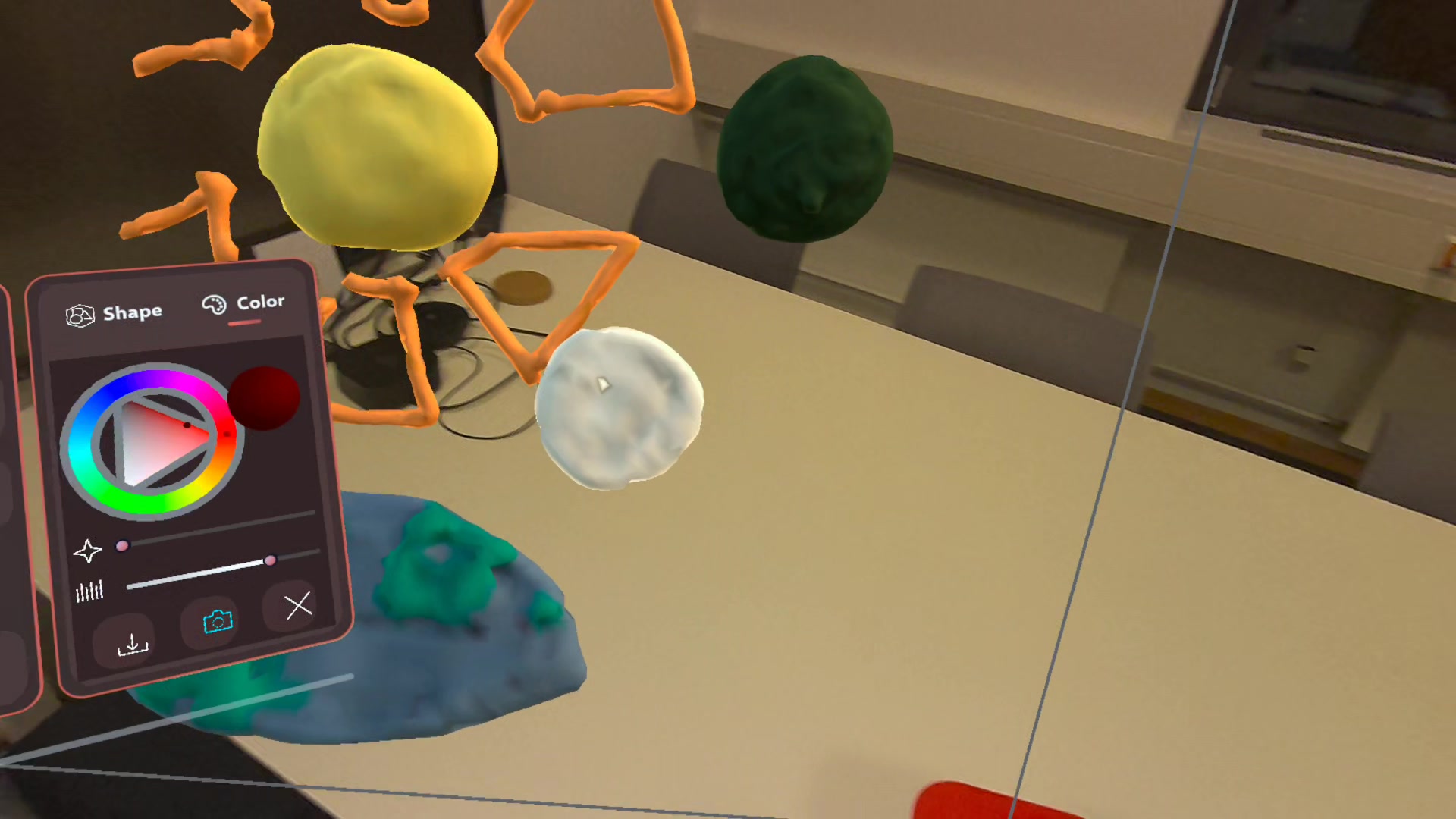
Custom color editing with metallic and roughness controls. Quest POV capture.
-
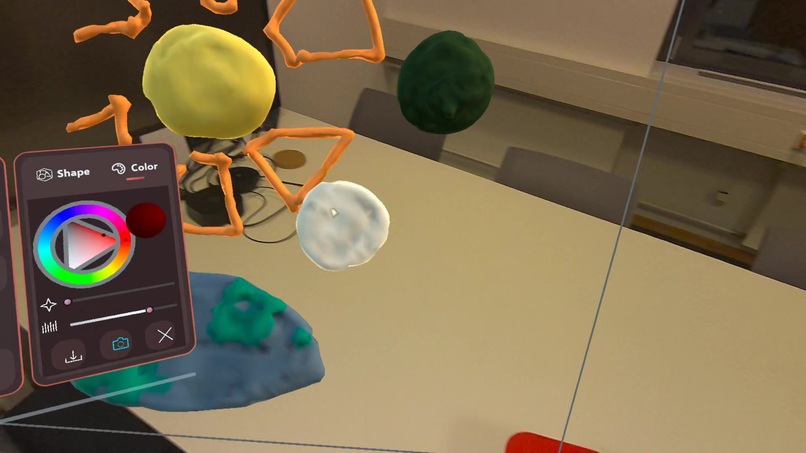
A red sampled from a real surface returns to the custom color editor. Quest POV capture.
-
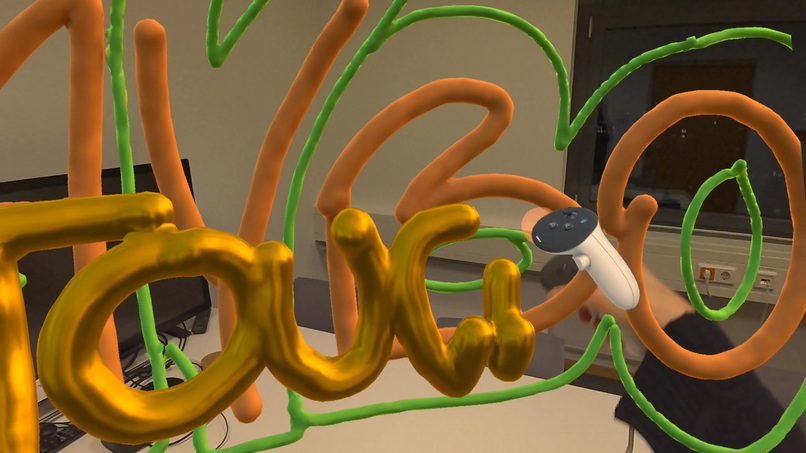
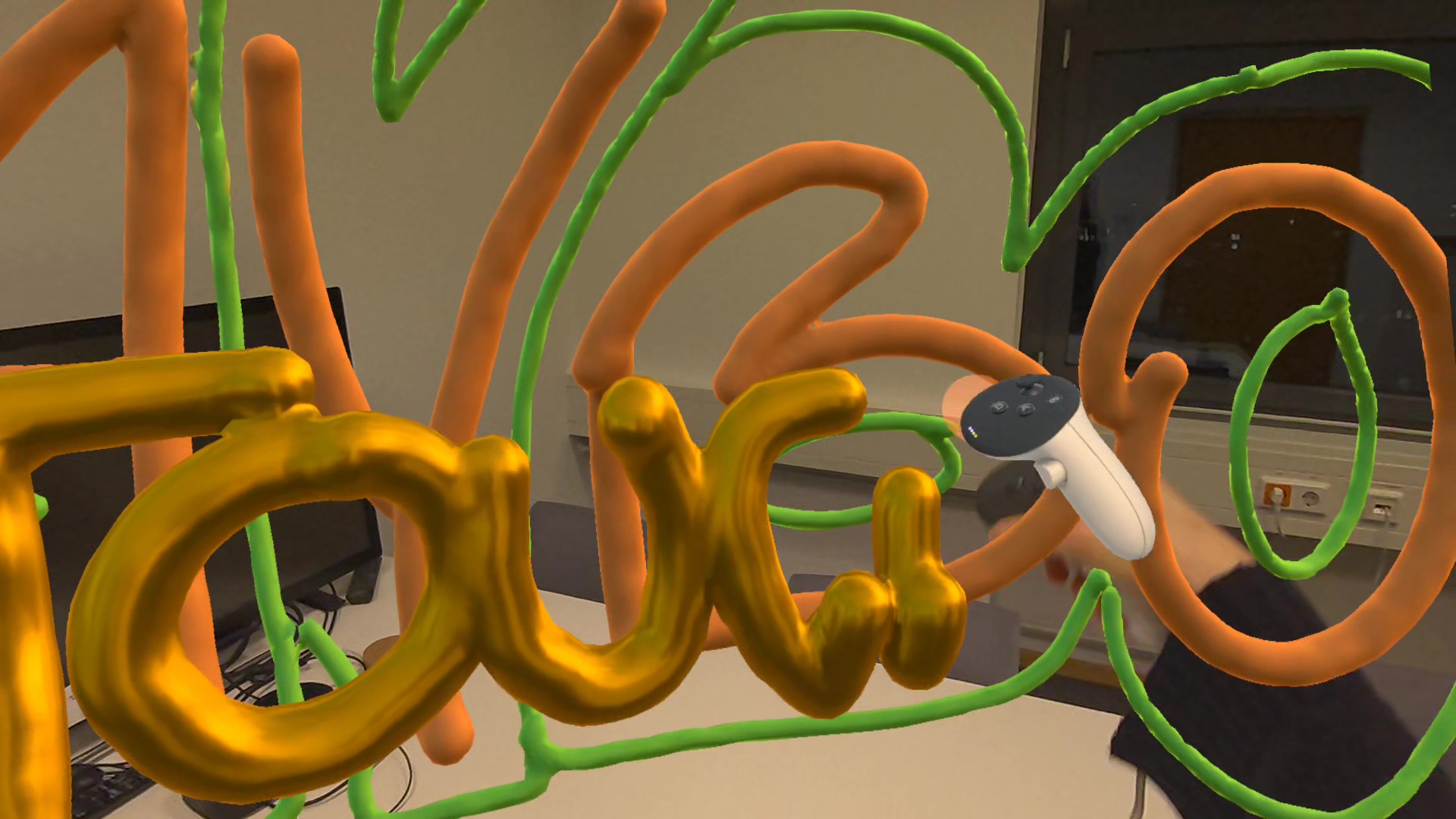
Metallic clay lettering with a controller in World mode. Quest POV capture.
-
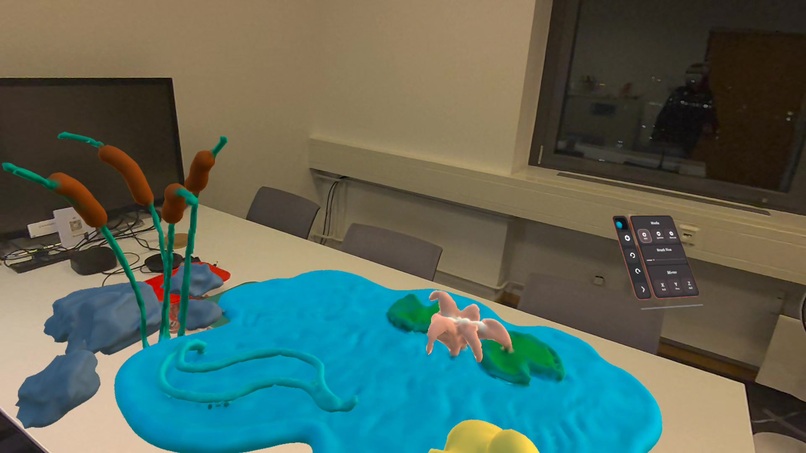
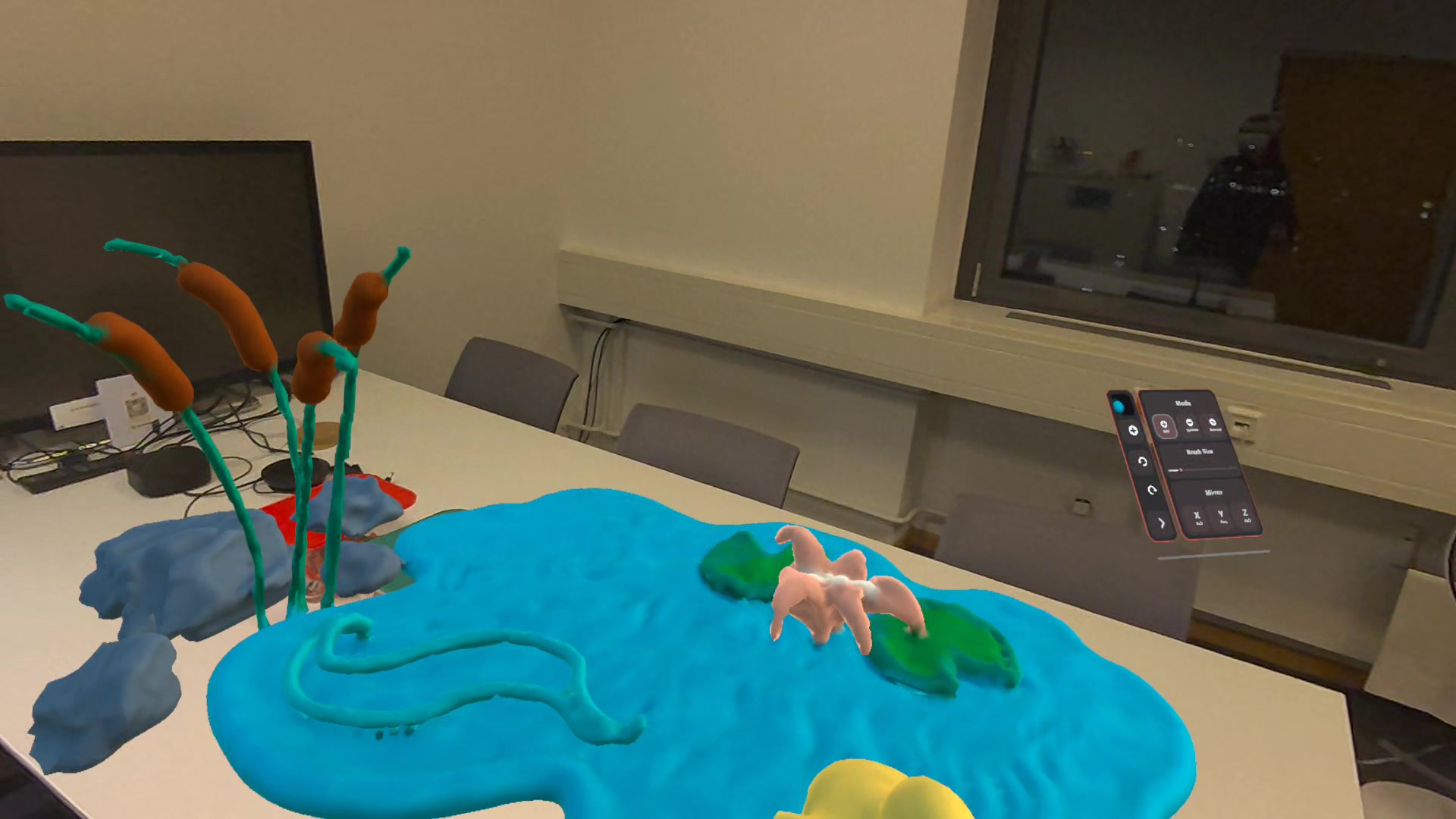
World mode turns a real table into a canvas for a clay pond. Quest POV capture.
-
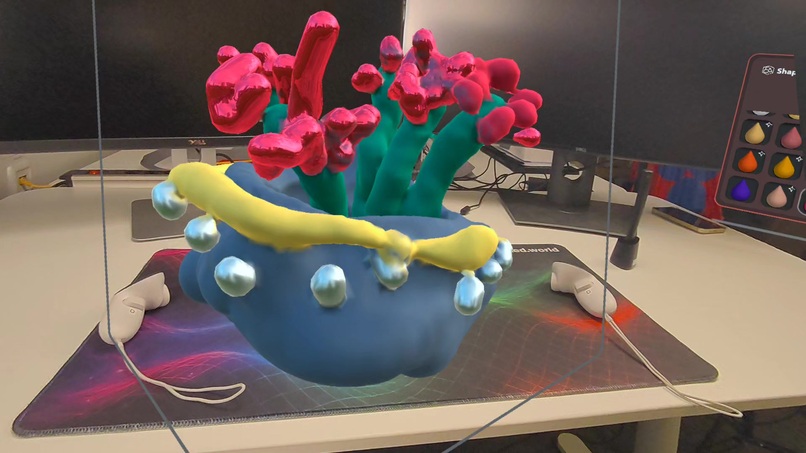
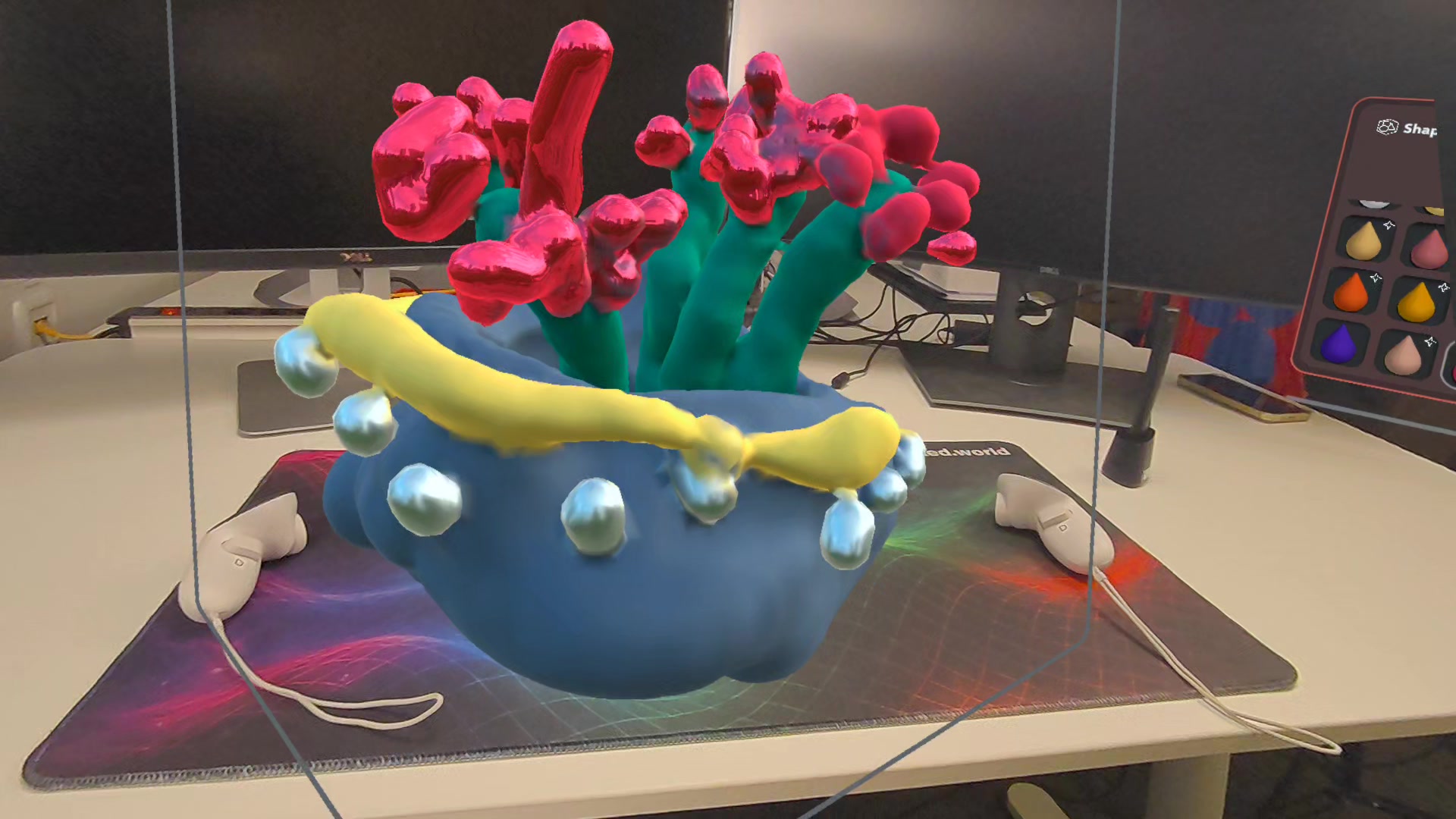
A colorful clay flower arrangement. Quest POV capture.
-
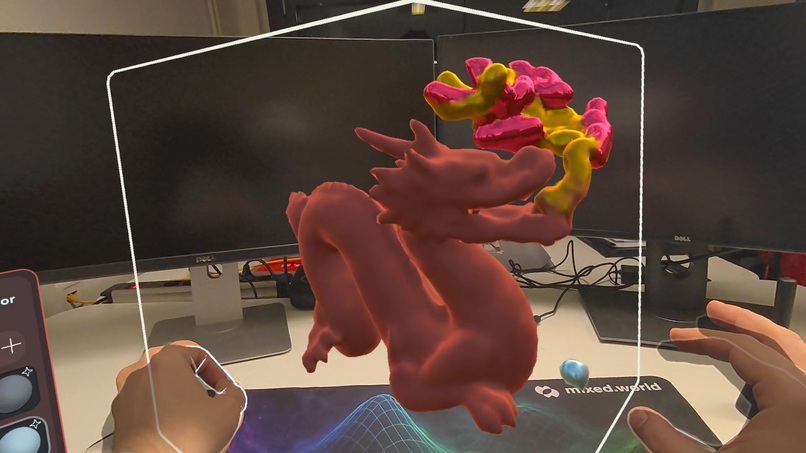
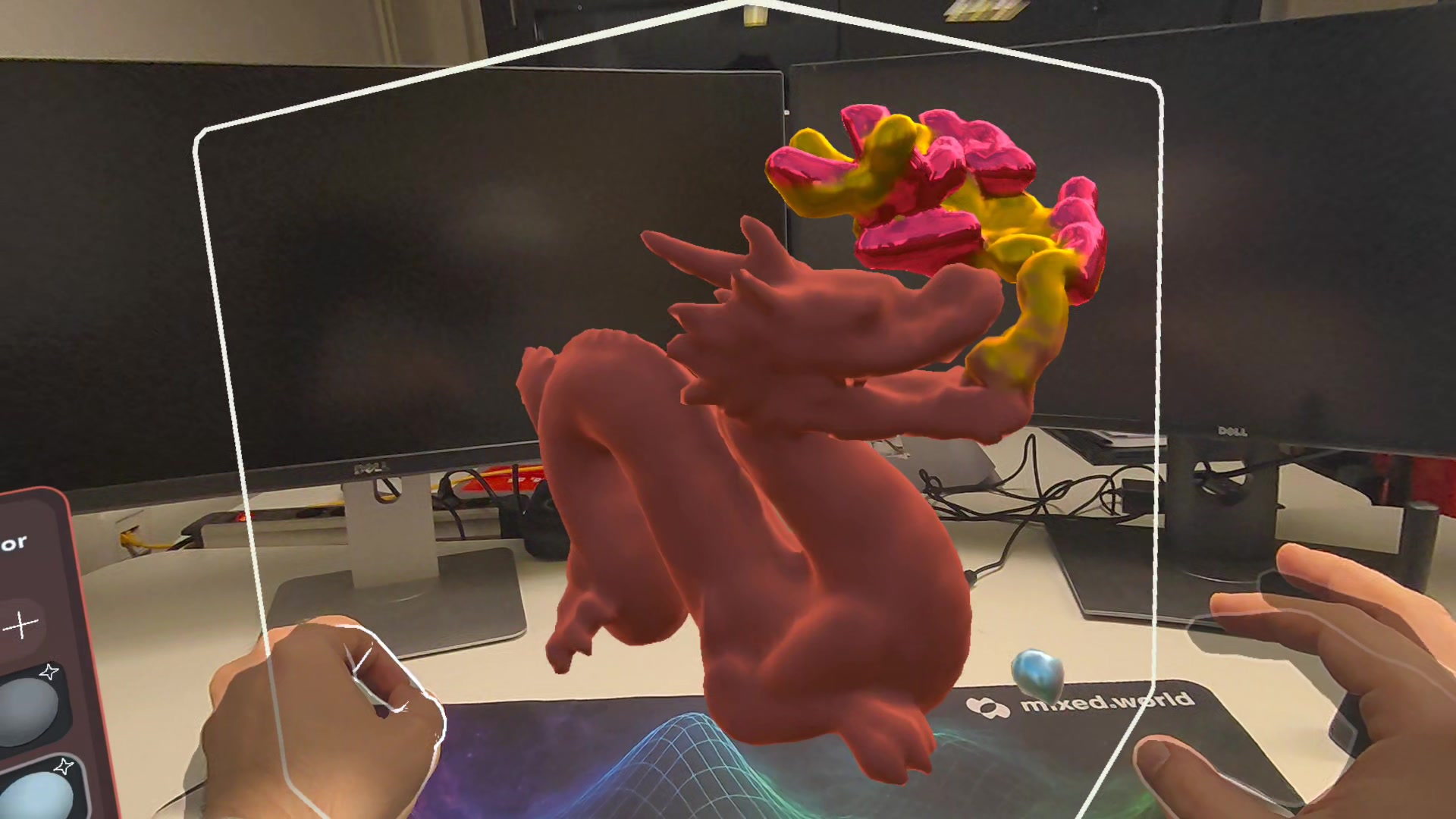
A decorated dragon template in the movable clay box. Quest POV capture.
-
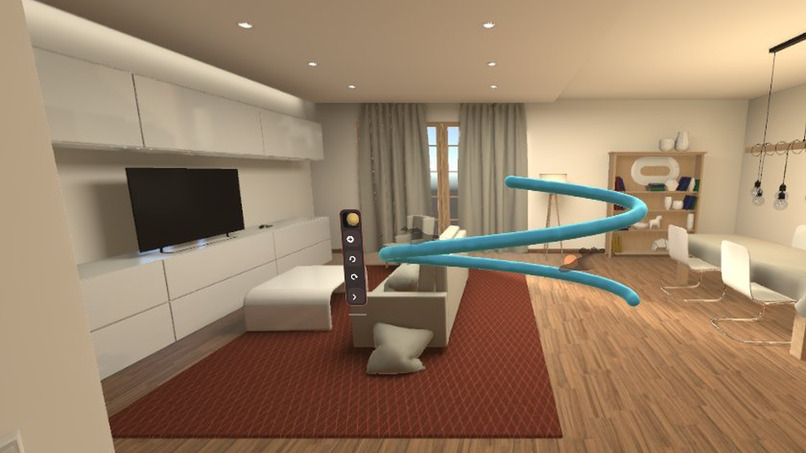
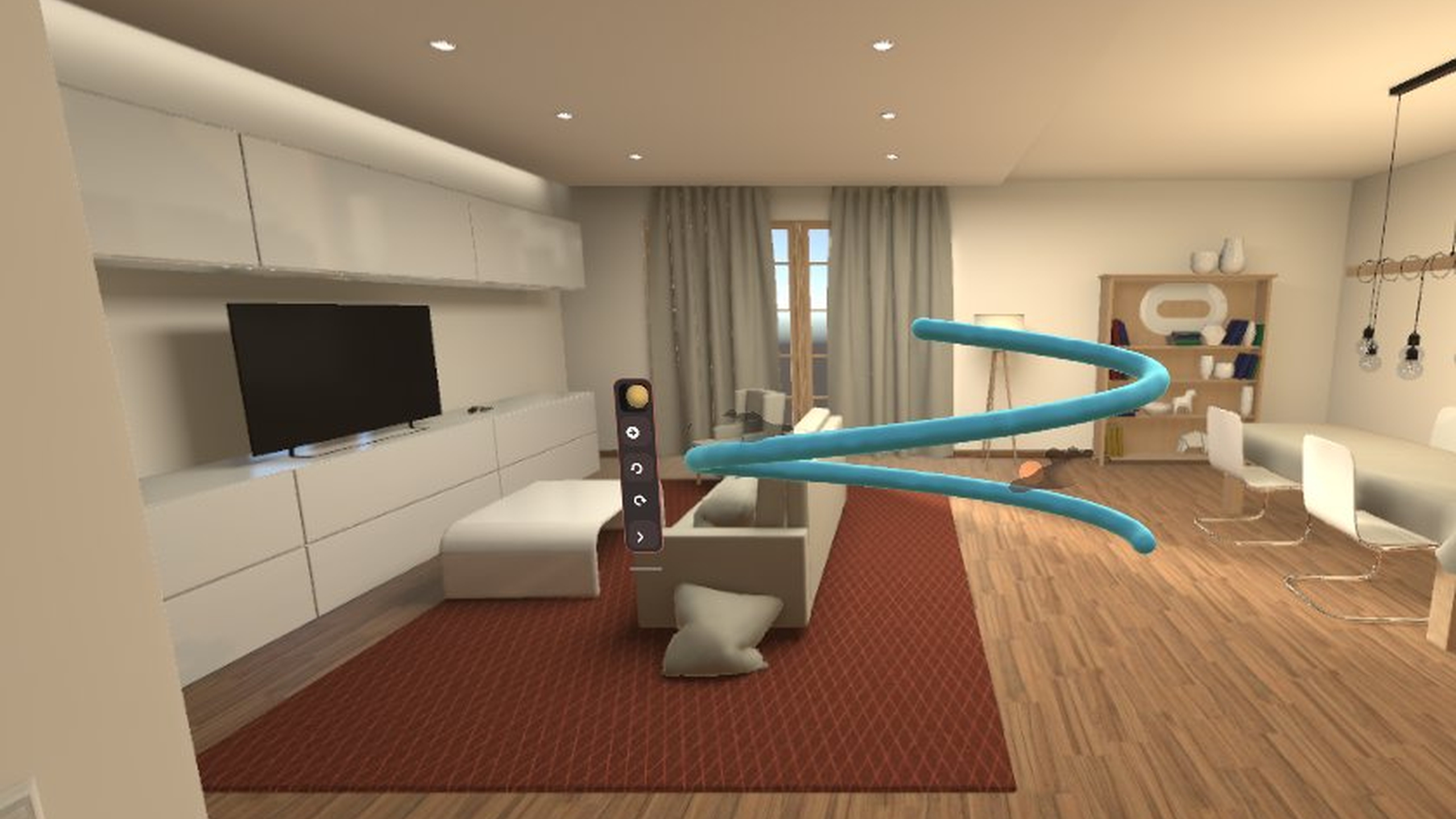
World mode: a ribbon drawing in the room, with the clay box hidden. XR Simulator capture.
-
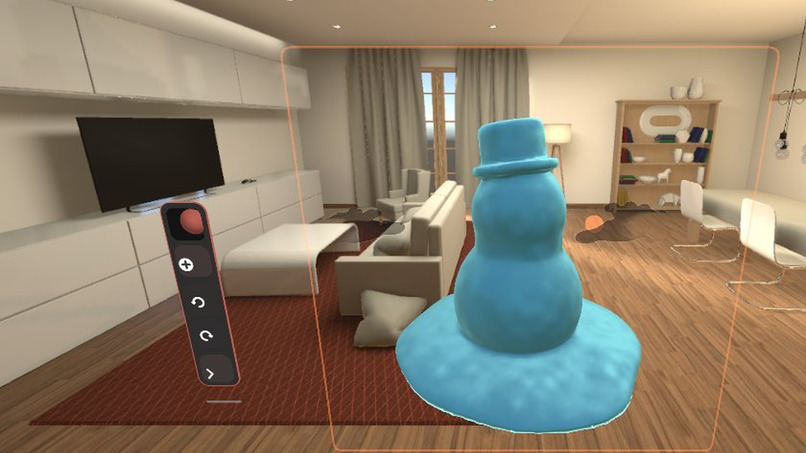
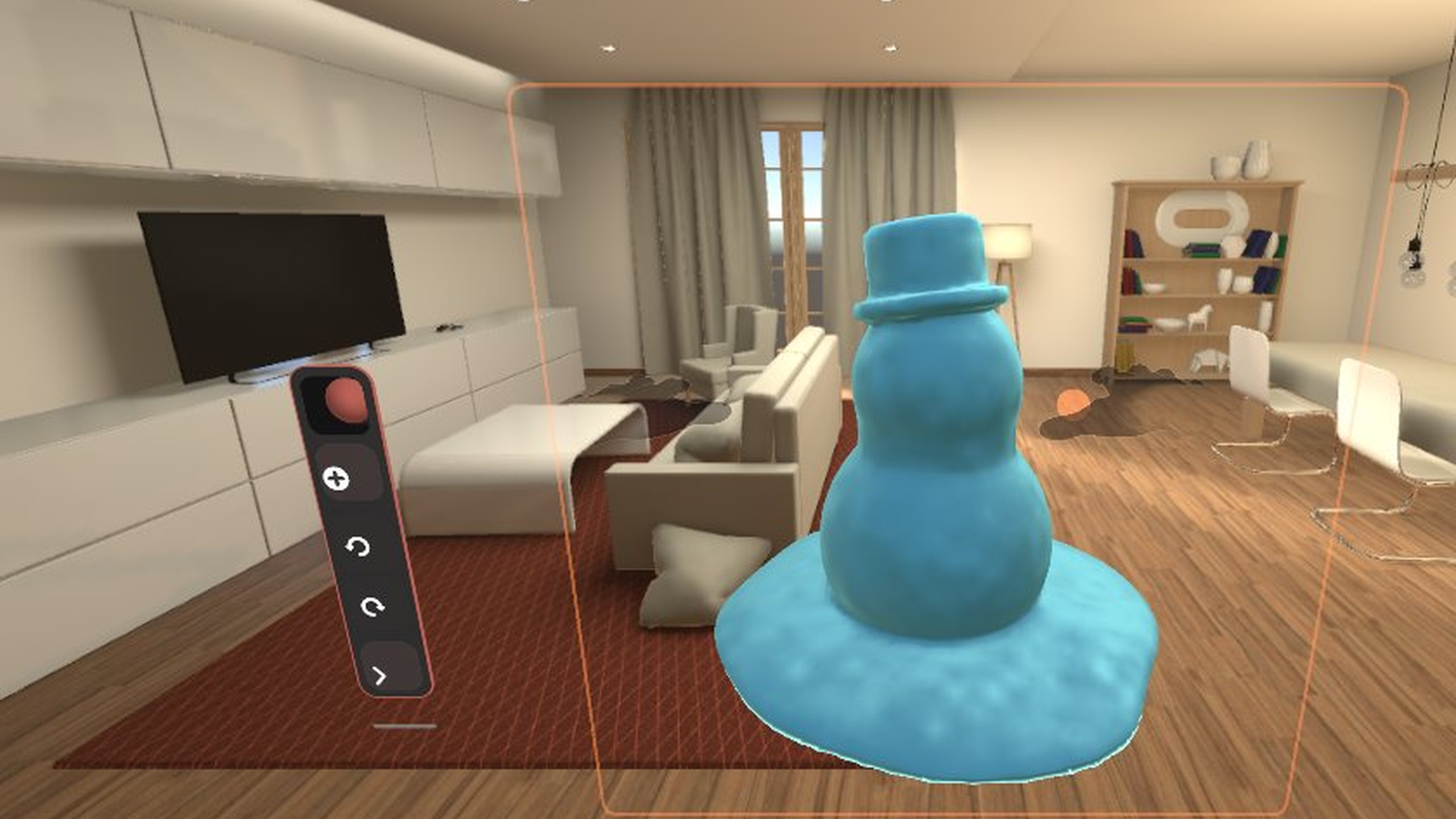
Matte clay sculpture with tools beside the drawing area. XR Simulator capture.
-
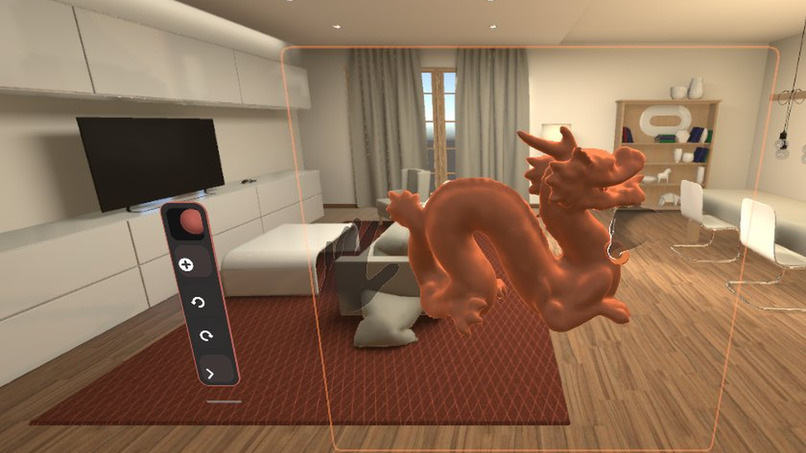
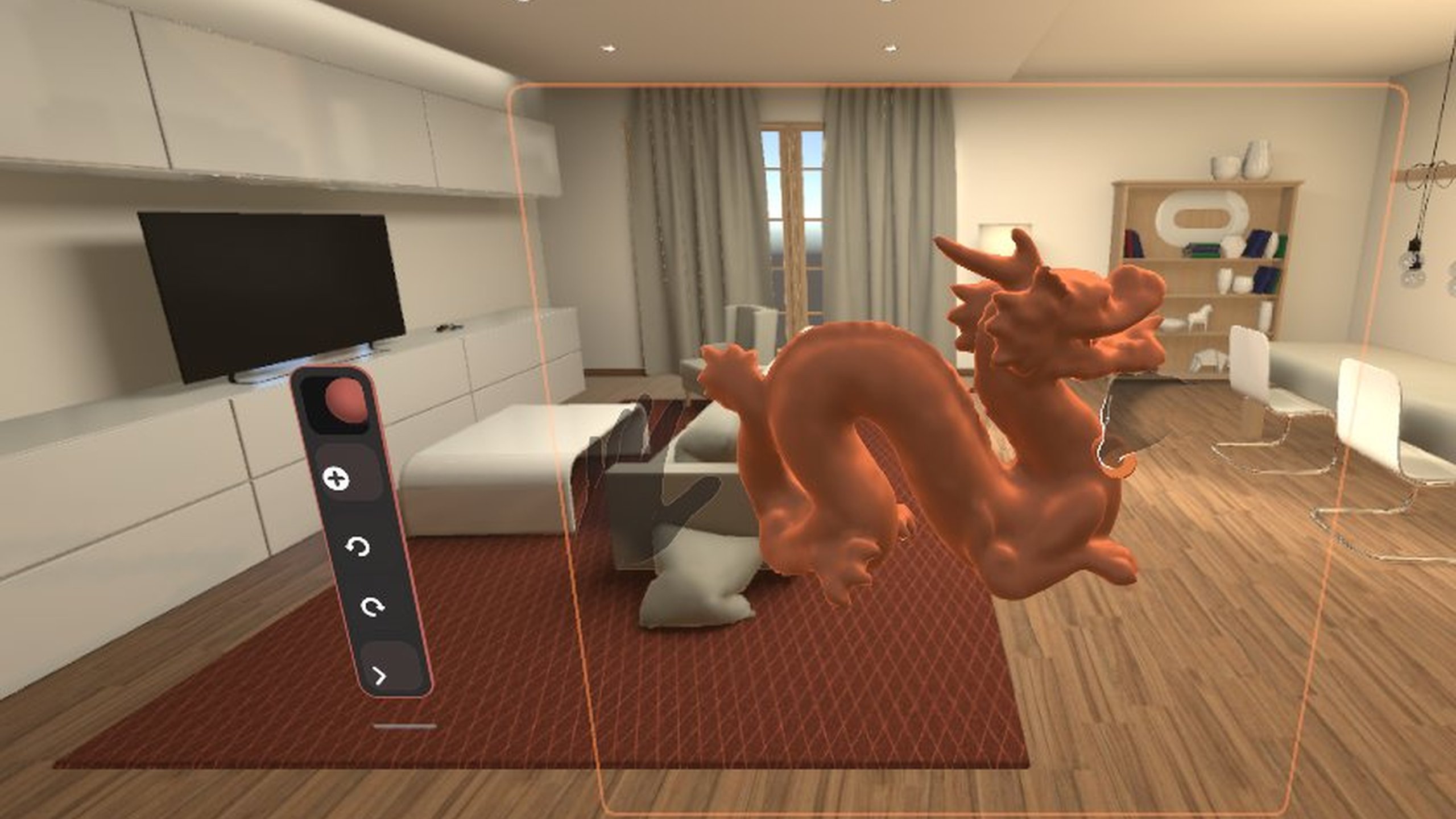
Dragon template in the movable clay box. XR Simulator capture.
-
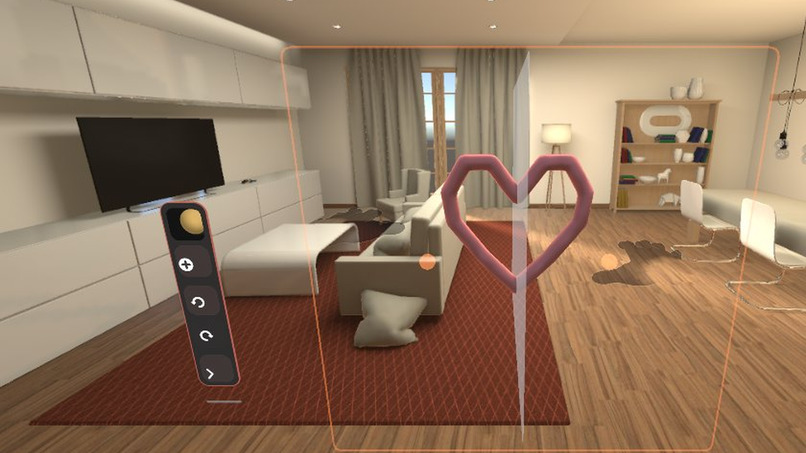
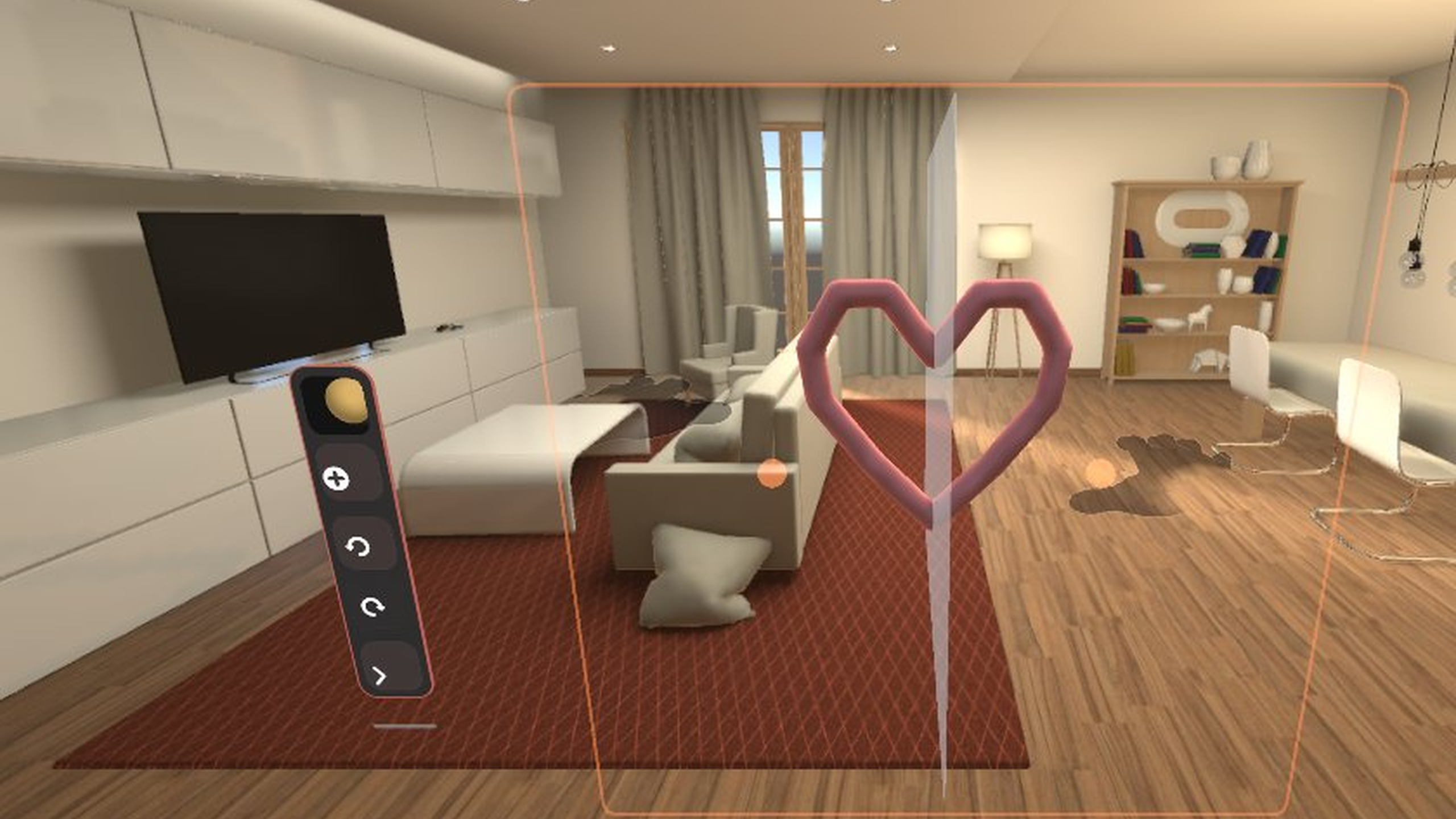
Mirrored heart strokes across the symmetry plane. XR Simulator capture.
-
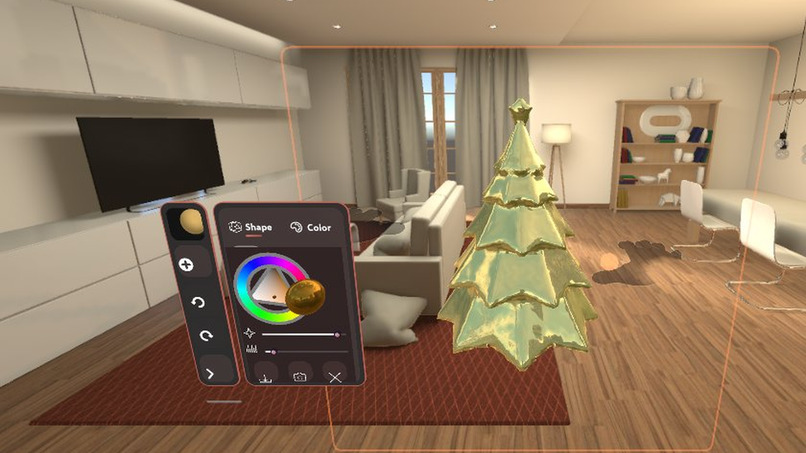
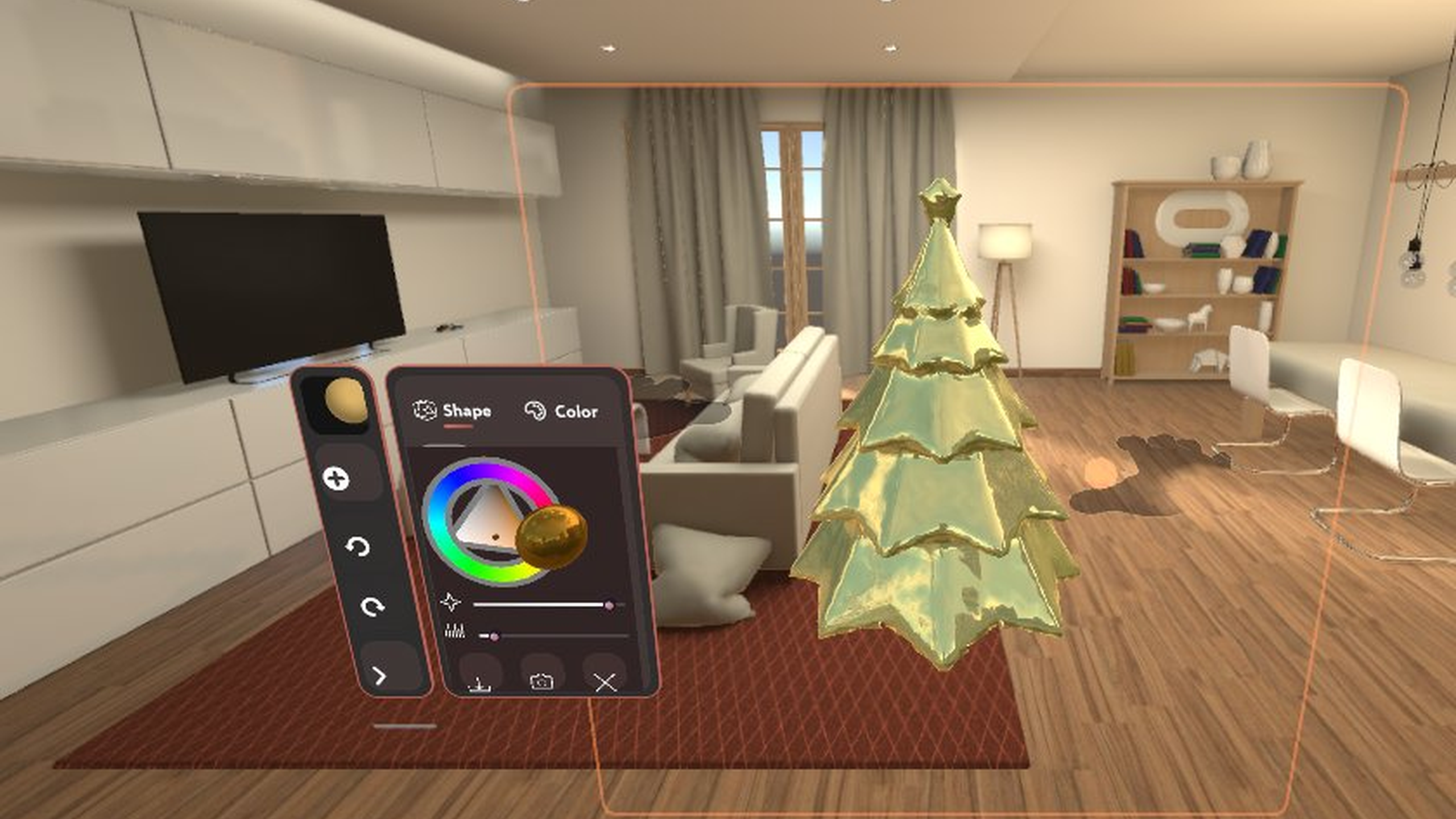
Metallic materials and the custom color editor. XR Simulator capture.
Competition representative and project creator: Fabian Quosdorf, representing mixed world GmbH.
Inspiration
The original ClayBox was released on the Meta Horizon Store in December 2024. It reached a small audience, but its positive user ratings encouraged us to take it further. The original was controller-only, with a compact, lower-resolution interface designed around controller pointers. ClayBox Touch is a full overhaul for a new era of hands-first, seated creativity.
What changed
Hands are now the starting point. Reach out to sculpt, press a tool button, or recall the menu by looking at your palm. Controllers and Logitech MX Ink remain available alongside hand tracking. Pick up either device and continue; hands, controllers and pen can be mixed independently on either side, without a separate setup flow.
The interface has been rebuilt with crisp, high-resolution panels and tools within comfortable hand reach. The palm menu can be recalled, grabbed and placed nearby. A movable tutorial and a box-reset button keep the workspace accessible while seated. Move the box with the off hand while continuing to sculpt, or use both hands to scale it. Palm recall is available only on an active free hand.
Make the world your canvas
The volumetric rendering engine has been extensively reworked to handle much larger clay chunks. That opens up World mode: hide the box and draw clay on and around your surroundings. Trace real objects by hand, decorate a familiar surface, or build something that belongs in your room.
World drawings are saved with persistent local spatial anchors. When you return to the same space and the headset recognizes the anchor, your work returns to its saved physical position. Box and world drawings have separate, clearly marked saves, so a portable sculpture and a room-based creation remain distinct.
Colors from your surroundings
Start with a soft pastel palette, then create a color that is entirely your own. Grab the preview ball, move it toward a visible real-world surface, and sample its color through the permitted camera image. Release it to bring the color back to the palette. PBR sliders let you refine metallic and roughness properties, from matte clay to metallic finishes, and save your custom material.
Sound that follows the clay
Adding, removing and smoothing have distinct procedural sound profiles. Sound responds to confirmed geometry changes, with intensity shaped by the amount of clay edited and smooth volume fades between changes. Pinching in empty air or adding inside solid clay does not trigger a new editing sound.
How I built it and what I learned
I evolved the existing project on Unity 6.6 with Meta XR SDK 209, OpenXR, URP, C# and GPU compute shaders. Direct touch, grabbing, volume editing, scene understanding and spatial anchors work together.
The hardest part was making that combination feel intentional: reliable first-launch touch, fingertips that meet UI surfaces, off-hand box movement while drawing, two-hand scaling, and saves that protect the user's work. Repeated headset feedback and XR Simulator checks guided the overhaul.
What's next
The aim is a creative tool that is easy to enter, leave and return to, with comfortable seated use at home or in the office and, as a design goal, during passenger travel. Early Access is planned for December 2026 through a separate ClayBox Touch store entry, subject to final validation and store review. Next come broader performance and device testing and gaze-and-pinch UI validation.


