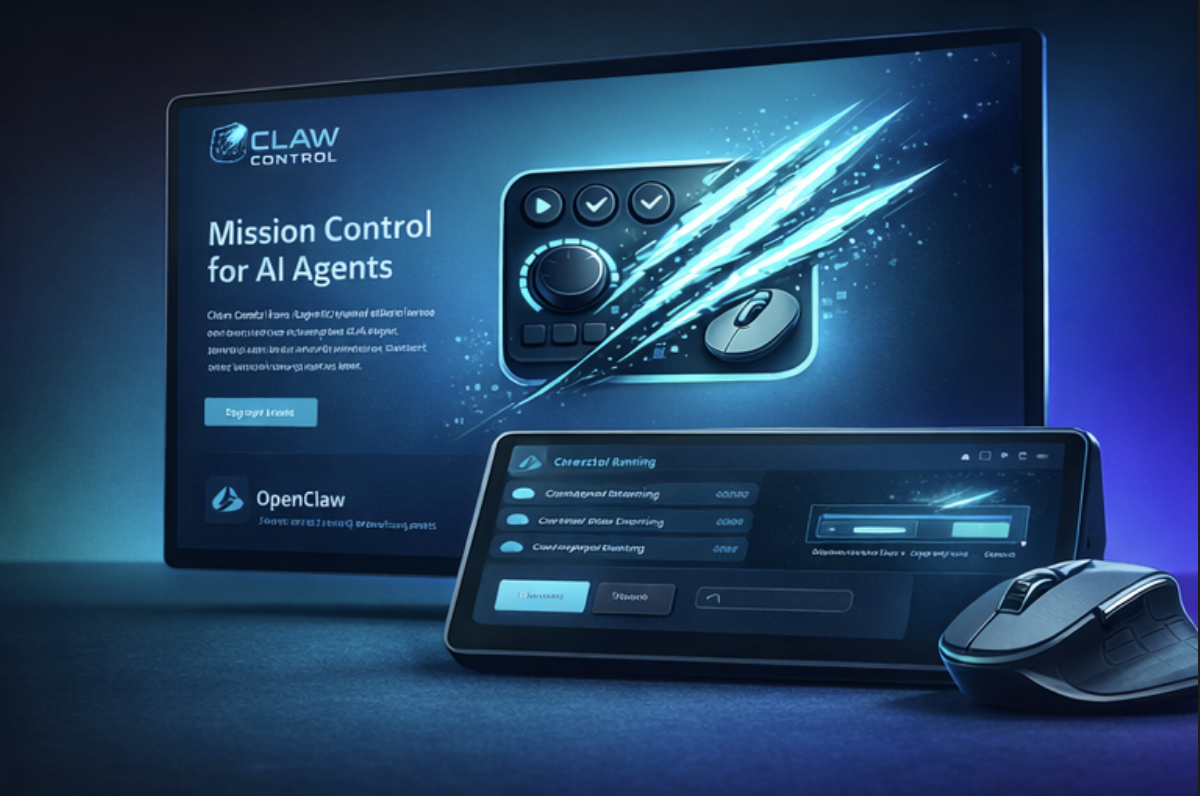
🧠 Claw Control: Mission Control for Autonomous AI Agents
🚨 The Problem
AI agents are no longer just chatbots. They can write code, research markets, reply to emails, monitor systems, and run workflows autonomously.
But controlling them still feels primitive.
You have to open dashboards, switch tabs, check logs, and constantly interrupt your flow. There is no instant, tactile, real time control layer for autonomous agents.
As agents become persistent and autonomous, we need a new interface paradigm.
Not another app. A physical control surface.
💡 The Solution
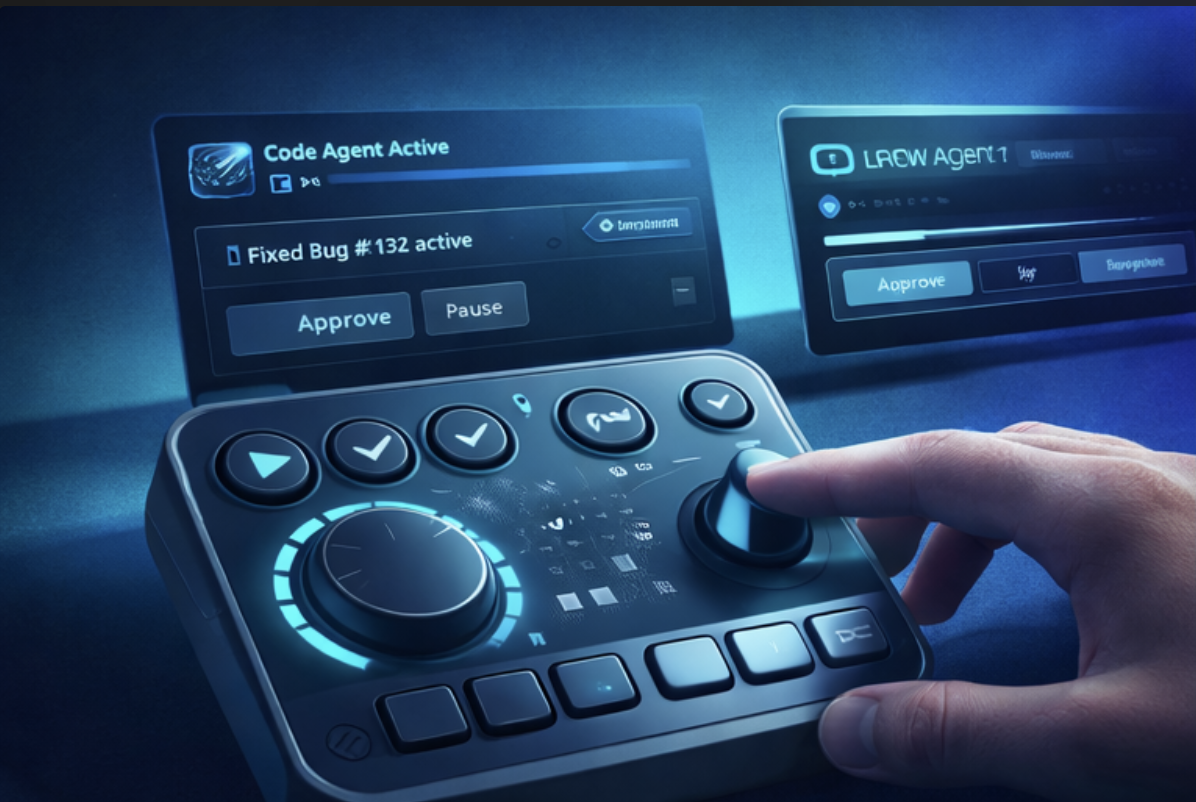
Claw Control transforms Logitech MX Creative Console and MX Master Actions Ring into a physical mission control center for AI agents powered by OpenClaw and other agent runtimes.
Each button, dial, and ring becomes a direct interface to your agents.
Instead of opening apps, you simply:
🖲️ Press a button to launch a coding agent 🎛️ Rotate the dial to increase autonomy level ✅ Tap approve to allow an agent to commit code 🔄 Switch instantly between multiple agents
AI moves from the screen into your hands.
⚡ Real World Use Cases
👨💻 Developer: Autonomous Coding Agent
Your OpenClaw coding agent is fixing bugs in your repository.
The Logitech console shows: 🟡 "Fix ready for review"
You press:
✅ Approve button
The agent commits and pushes the fix instantly.
No GitHub. No tab switching. No interruption.
📧 Founder: Inbox Management Agent
An email agent monitors your inbox continuously.
Console alert appears: 📩 "5 emails ready for response"
Press:
🖲️ Reply Agent button
The agent drafts and inserts replies immediately.
🔎 Researcher: Persistent Research Agent
A research agent runs in the background gathering competitor intelligence.
Press:
📊 Summarize button
Instant summary appears.
Rotate dial to request deeper analysis.
🚀 DevOps: Monitoring Agent
A monitoring agent detects a production issue.
Console flashes red:
🔴 Server anomaly detected
Press:
⏸️ Pause agent or ▶️ Launch investigation agent
Immediate intervention.
🧑🎨 Creator: Content Agent
Press a button and your content agent:
• generates posts • drafts blogs • prepares social media content
All instantly.
🎛️ Powerful Mode System
Claw Control introduces multiple hardware control modes:
Mission Control Mode 🛰️ Monitor and control all running agents.
Invoke Mode ⚡ Assign agents like Code Agent, Research Agent, or Email Agent to buttons.
Approval Mode ✅ Approve sensitive actions like commits, deployments, or emails.
Creation Mode 🧩 Create and assign entirely new agents dynamically.
Autonomy Mode 🤖 Use the dial to control how autonomous agents behave.
🧩 Fully Extensible. Create Any Agent
Claw Control includes an extensible Agent SDK that allows developers to create and control any type of agent:
• coding agents • research agents • crypto and trading agents • productivity agents • monitoring agents • design agents • custom enterprise agents
These agents can run locally or remotely and be controlled instantly through Logitech hardware.
This enables a future Logitech Agent Marketplace.
🔗 OpenClaw Integration
Claw Control integrates directly with OpenClaw, enabling:
• real time agent monitoring • task assignment • execution control • multi agent orchestration
Persistent agents run in the background while Logitech hardware becomes the real time control interface.
🌍 Why This Matters
Claw Control introduces a completely new interaction paradigm.
Hardware becomes the interface for autonomous computing.
Instead of opening software to interact with AI, users interact directly through physical controls.
This transforms Logitech devices into:
🧠 AI command centers ⚡ productivity accelerators 🚀 mission control for autonomous workflows
🔮 Vision
As autonomous agents become part of everyday workflows, Claw Control positions Logitech hardware as the physical operating layer for the AI native future.
Just as the keyboard enabled personal computing, Claw Control enables physical interaction with autonomous intelligence.
Built With
- actionssdk

Log in or sign up for Devpost to join the conversation.