-
-

Info
-
WEB

Inspiration
Every hackathon, app signup, and gym membership ends the same way for most of us: scroll, click “I agree,” and hope for the best. I wanted to build something that fits real life—especially for students and beginners who don’t have time to read 40 pages of legal text.
I researched tools like ToS;DR, which is great for well-known services in a curated database. But I kept thinking: what about the Terms on the page in front of me right now?—Devpost, a small startup, a gym contract, an internship offer. ClauseSpot is my answer: paste any text and get instant, plain-English highlights—without sending your data to the cloud or paying for an AI API.
What it does
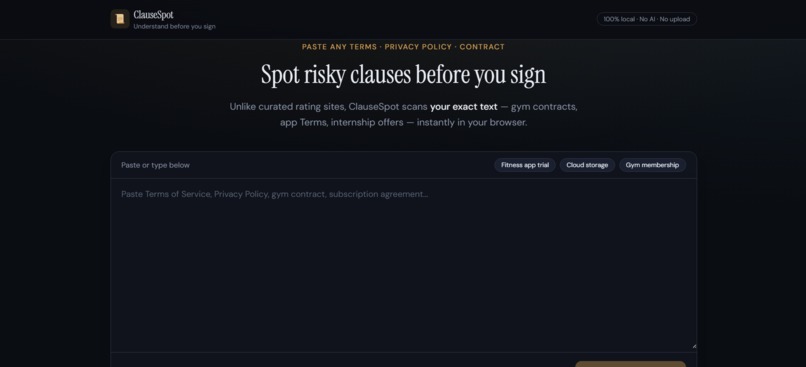
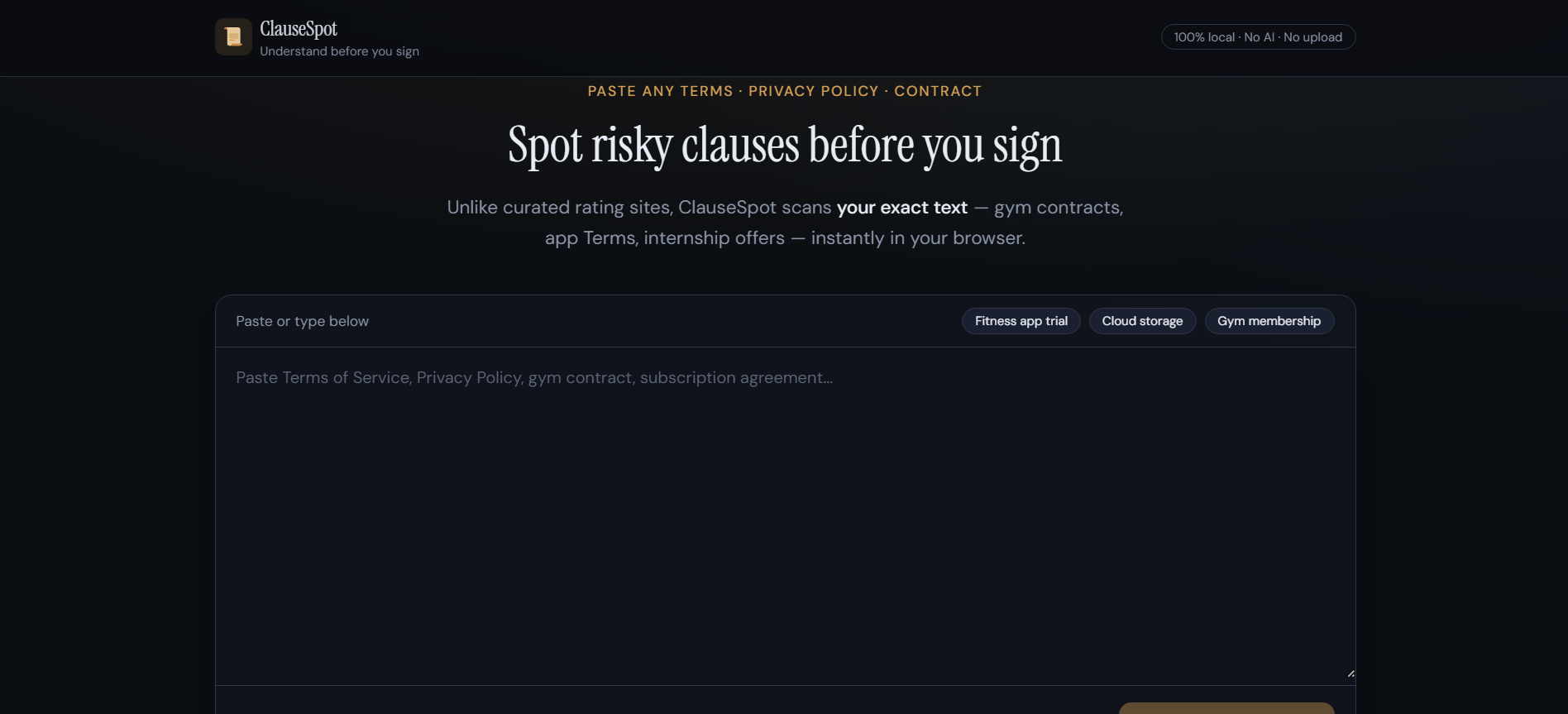
ClauseSpot is a privacy-first web app that scans pasted Terms of Service, Privacy Policies, or contracts and:
- Highlights risky phrases (arbitration, auto-renewal, data sharing, liability limits, and more)
- Explains each flag in simple language with a practical tip
- Shows a risk score, estimated read time, and breakdown by category
- Runs 100% in the browser—no account, no upload, no AI
Disclaimer: ClauseSpot is an educational pattern highlighter, not legal advice. For important contracts, talk to a qualified professional.
How I built it
I built ClauseSpot as a single-page web app focused on speed and clarity:
| Layer | Tech |
|---|---|
| UI | React 19 + TypeScript |
| Build | Vite 8 |
| Styling | Tailwind CSS 4 |
| Analysis | Custom rule engine (regex patterns) |
Architecture (client-only):
- User pastes text into the editor.
- A rule engine runs 25+ patterns (e.g. binding arbitration, auto-renewal, non-refundable, data selling, unilateral term changes).
- Matches are merged for clean highlights in the document view.
- A sidebar lists unique findings; clicking a card scrolls to the matching highlight.
I included three sample documents (fitness app trial, cloud storage, gym membership) so demos work even without live legal pages. For my video, I pasted Devpost’s own Terms to show it works on real-world text.
What I learned
- Shipping beats scope: A focused paste-and-scan flow is more useful than a bloated “legal platform.”
- Regex is enough for an MVP: Many scary clauses use predictable wording; pattern matching can surface them without LLMs.
- Privacy is a feature: “Your text never leaves the browser” is a strong story for users and judges, and it kept the project free to run.
- UX matters for trust: Color-coded severity (high / medium / low), readable typography, and click-to-jump findings make abstract legal text feel approachable.
- Positioning matters: ClauseSpot complements curated rating sites by handling arbitrary pasted documents, not replacing lawyers or databases like ToS;DR.
Challenges I faced
- Overlapping matches: The same sentence can trigger multiple rules. I had to merge highlight spans so the document view stays readable while still listing each finding in the sidebar.
- False positives / negatives: Legal writing varies a lot. Some flags are informational, not always “bad”—I added clear explanations and tips so users can judge context.
- Staying original: After discovering ToS;DR, I reframed the project around paste-any-text and local analysis instead of cloning a ratings site.
- Solo + beginner scope: No backend and no AI API meant fewer moving parts, but I still had to learn React state, TypeScript types, and safe HTML highlighting (escaping user text to avoid XSS).
Impact
ClauseSpot helps people notice what they’re agreeing to before they sign—faster and more privately than reading raw legalese. It’s especially relevant for:
- Students signing up for apps, hackathons, and edtech tools
- Anyone comparing subscriptions or memberships
- Privacy-conscious users who don’t want to upload contracts to third-party AI tools
What’s next
- Side-by-side compare two policies (e.g. two gym offers)
- Optional PDF import (still client-side)
- More rules and languages
- Export a one-page summary PDF for personal records
Links
- Live demo: https://clausespot.vercel.app/
- Source code: https://github.com/babayevjavid/ClauseSpotFor_NextByteHacksV2


Log in or sign up for Devpost to join the conversation.