Inspiration
I vibe code a lot. And honestly I kept hitting the same wall: I'd build something fast with AI and then have no idea how my own code worked. This started creating real issues, like Claude or Codex making a feature, design change, or refactor I didn't want. And when I asked it to explain, I'd just get a wall of text I'd read and forget. I wanted something visual I could actually go back to, since I'm naturally a visual learner in the first place.
What it does
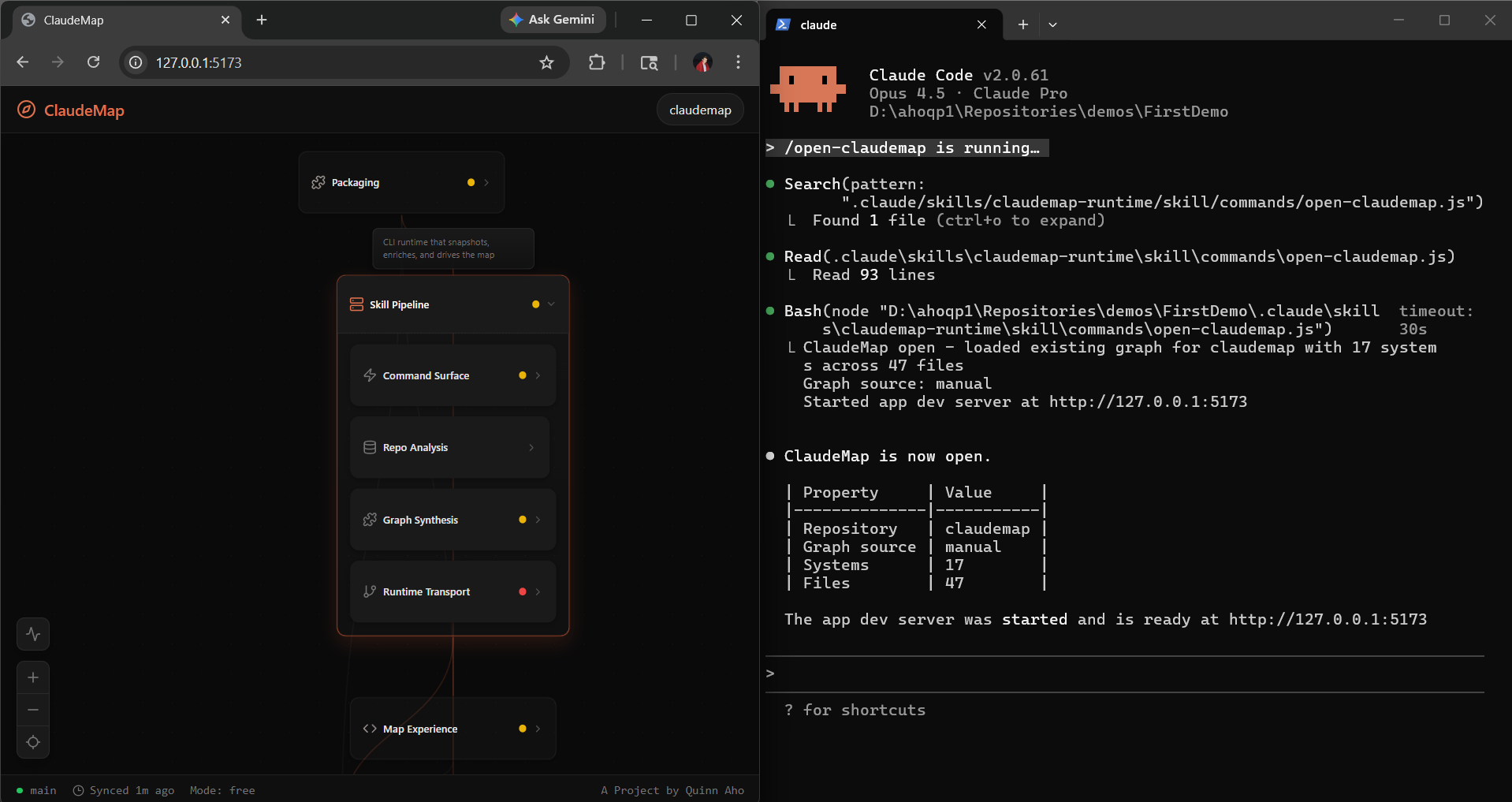
ClaudeMap is Google Maps for your codebase. Zoom out to see the big picture, zoom in to see individual files and functions. Colors tell you what's healthy and what's broken. Click anything and Claude explains it. It lives right in your Claude Code workflow as a skill.
Challenges
Making it intuitive was way harder than building it. My first version just scattered file nodes near their parent systems and it looked like a mess. Figuring out how to show containment, hierarchy, and health in a way that clicks instantly without explanation took most of my iteration time.
What I learned
The irony is I literally needed my own tool while building it. I vibe coded ClaudeMap with Claude Code and Codex and kept losing track of my own project structure.


Log in or sign up for Devpost to join the conversation.