Inspiration
Anthropic's Claude certifications are new and the study material is thin. We were preparing for them ourselves — and passed the Architect and Developer exams — so we built the trainer we wanted: one that covers all four tracks and is honest about whether it is actually teaching you anything.
What it does
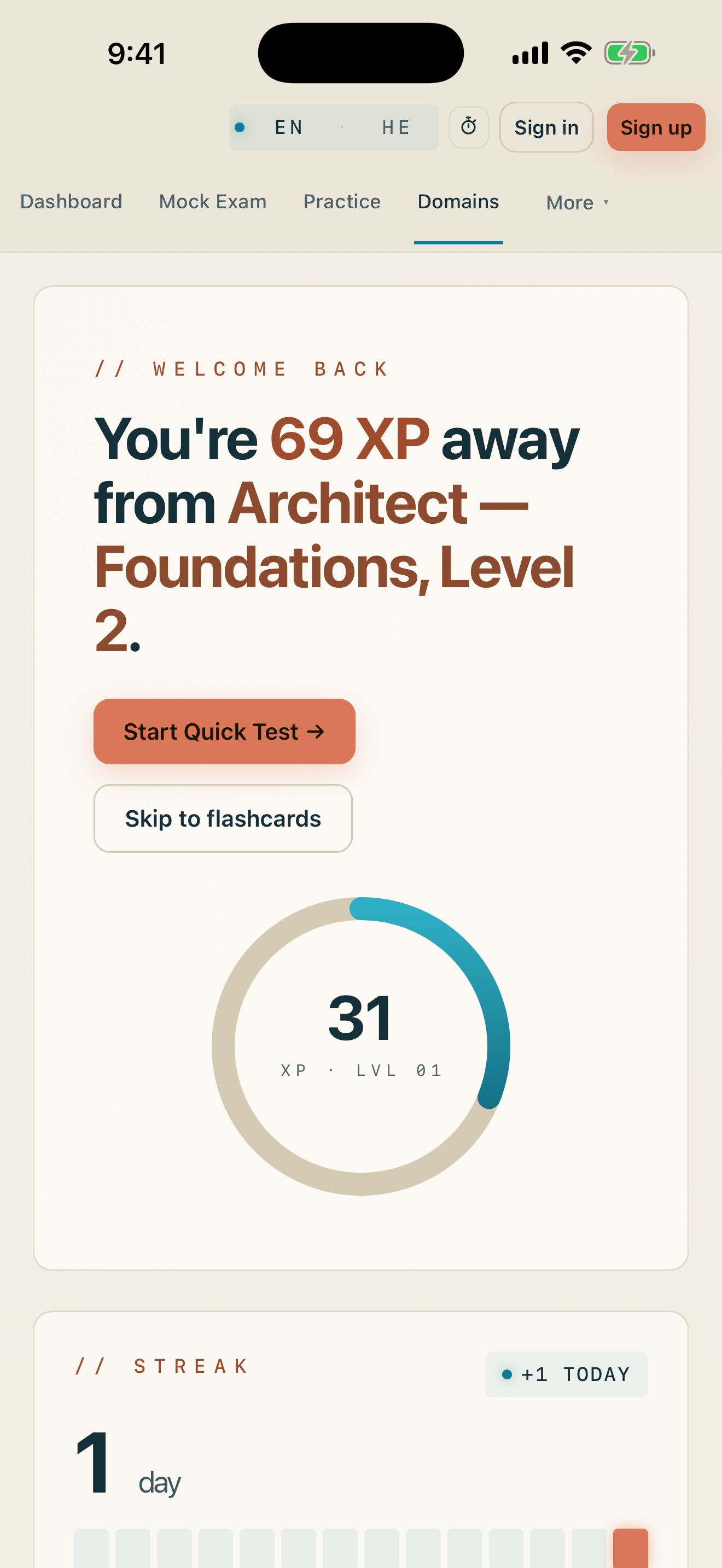
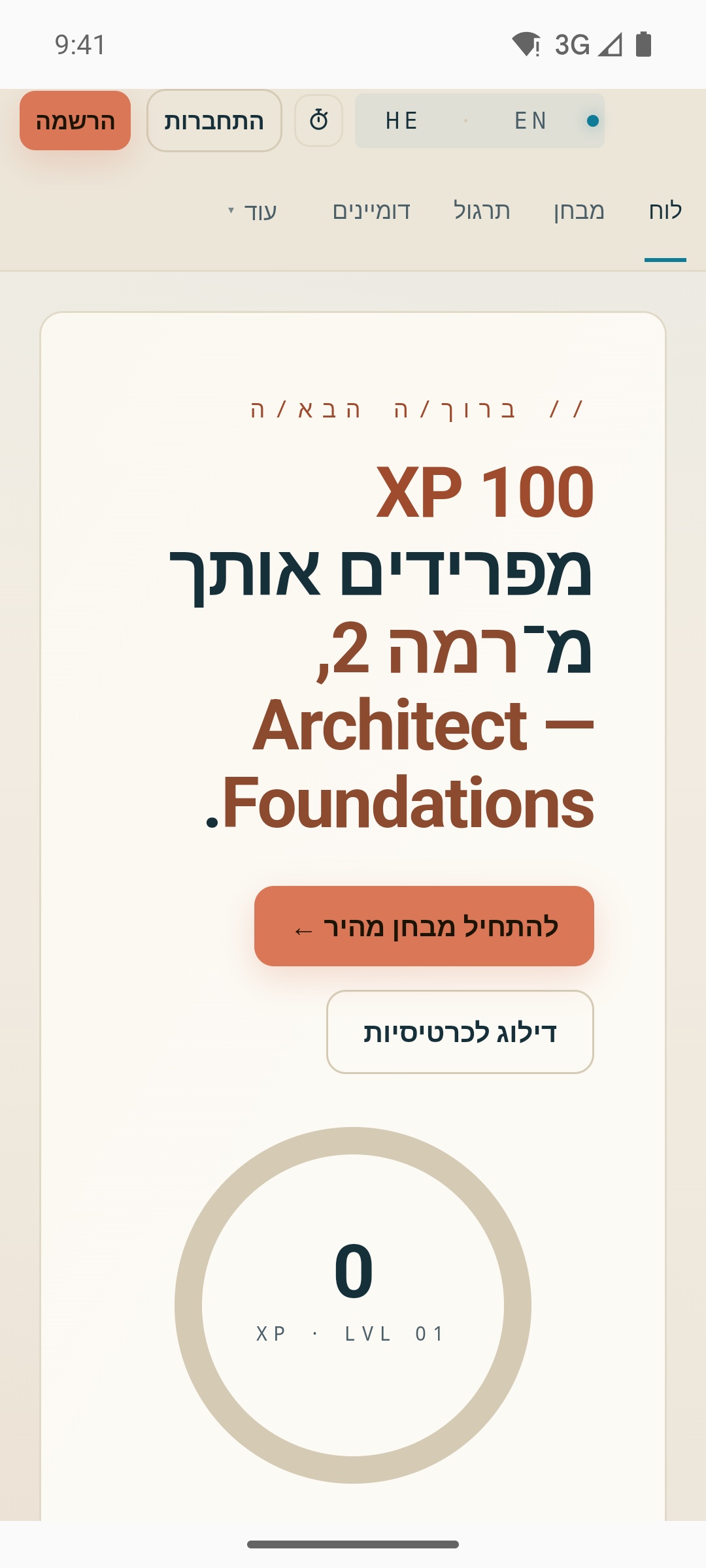
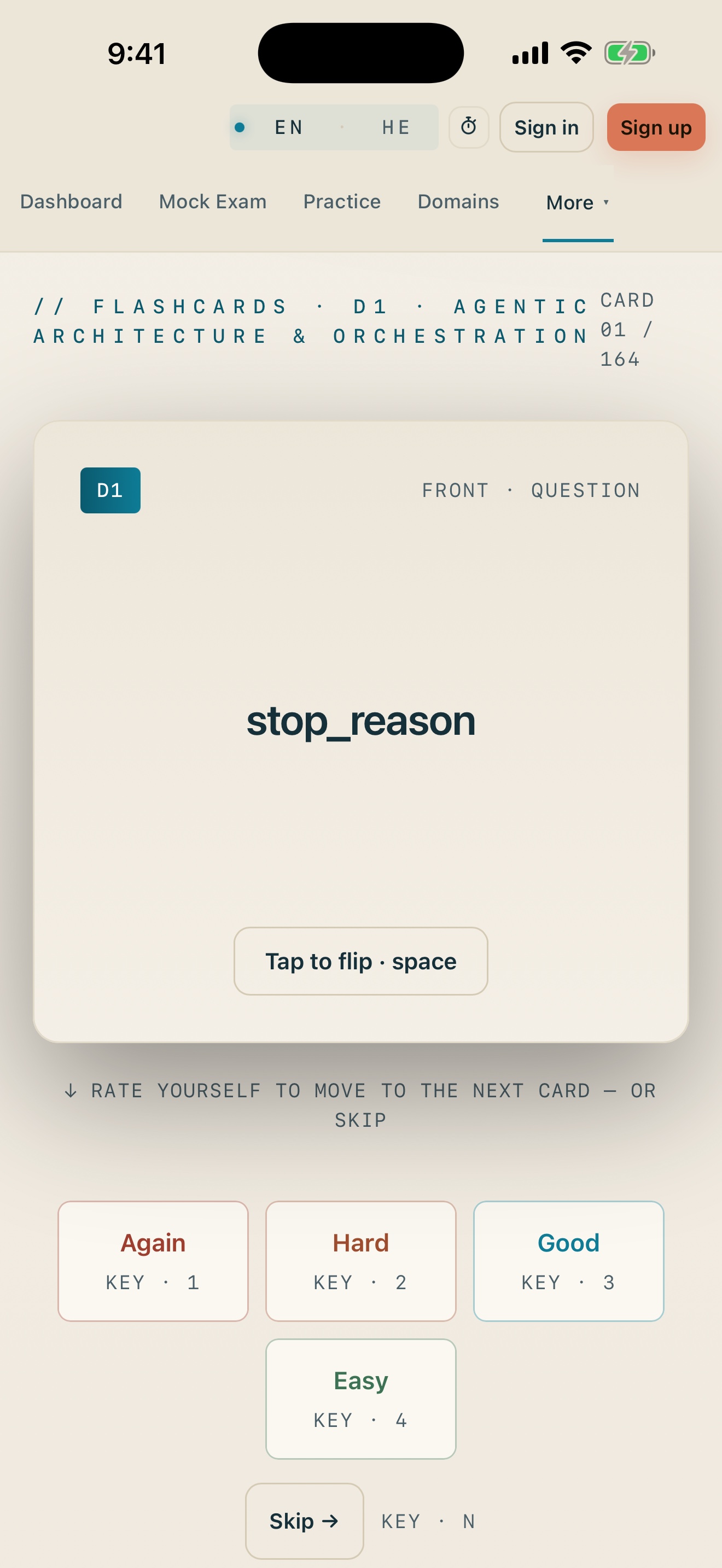
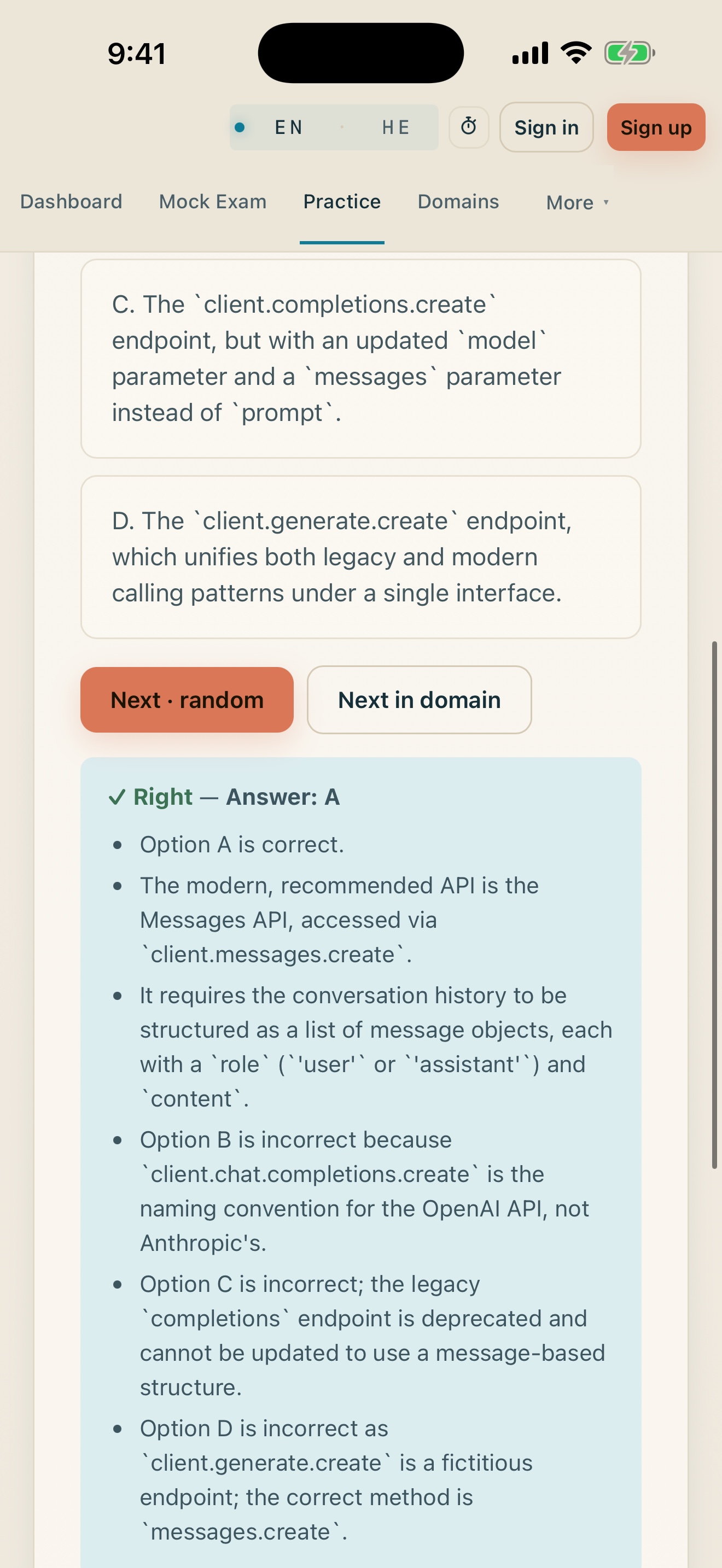
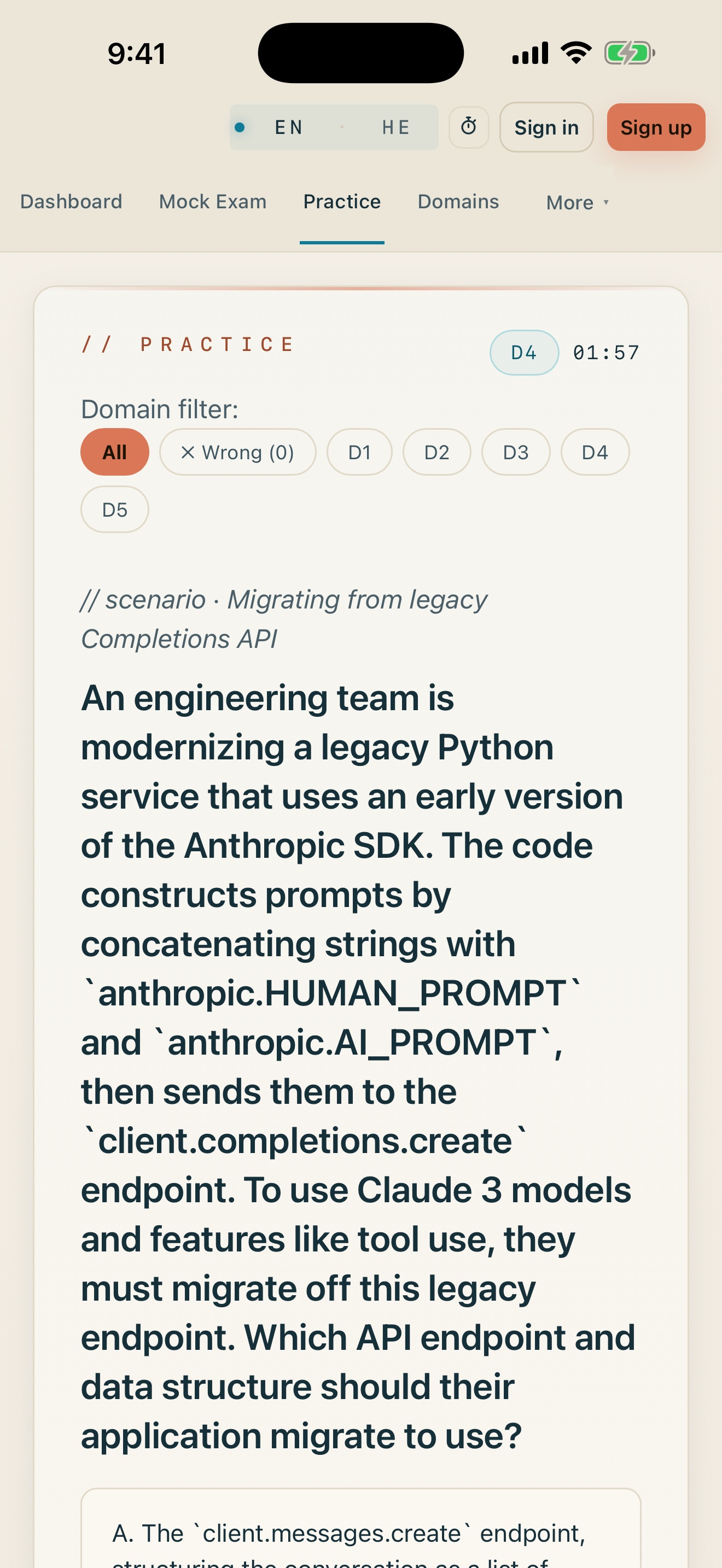
A practice trainer for the four Claude certification tracks — CCA-F (Architect Foundations), CCAO-F, CCDV-F (Developer Foundations) and CCAR-P (Architect Professional). Practice mode, timed mock exams, per-domain mastery tracking and a course deck. Fully bilingual: every question exists in English and Hebrew, RTL included.
How we built it
- Capacitor shell over a single-file web app, shipping iOS and Android from one codebase.
- Firebase for Hosting, Auth and Firestore; Cloud Functions on Cloud Run for the API.
- Grading never happens on the client. The correct-answer index and the explanation live only server-side and come back from
POST /api/gradeafter you answer — the public question bank ships with no answer key in it at all. That is a written architecture decision, enforced by a CI guard. - RevenueCat for in-app purchases in the native shell — the same four one-time products as the web (one per track, plus lifetime), under a single entitlement model.
Challenges we ran into
The one worth telling: we audited our own Professional bank and found the correct answer was the strictly longest option in all 63 questions, in both languages. Someone who never read a stem would have scored 63/63 on our most expensive track.
What let it survive review is that the check everyone runs — answer position distribution — was clean: 16/15/16/16 across A/B/C/D. We were measuring the wrong axis. After rebalancing, picking the longest answer scores 30.2% (EN) / 31.0% (HE) — about chance on four options. That guessability check now runs in CI against every bank.
Accomplishments that we're proud of
Catching that defect in our own product, and building the measurement into the pipeline so it cannot come back quietly. A practice bank that teaches the tell instead of the material is worse than no practice bank at all.
What we learned
A green audit is only as good as the axis it measures. Position was balanced and the bank was still 100% guessable.
What's next for Cert Trainer by OpsAgents AI
Shipping the native apps to both stores, and extending the explanation-quality bar — every option should be addressed in the explanation, not only the correct one — across all four banks.
How judges can unlock Pro
Sign up in the app with your own email first.
Android — Google Play promo code (production build 1.0.1 / 172 on Google Play: https://play.google.com/store/apps/details?id=agency.opsagents.architect.trainer)
Option 1 — inside the app (recommended):
- Dashboard → Real Exam → Upgrade → "Lifetime, all live tracks".
- On the Google Play sheet, tap the payment method → Redeem code → paste the code → confirm ($0).
Option 2 — in the Play Store app:
- Play Store → profile icon → Payments & subscriptions → Redeem code → paste the code.
- Open Cert Trainer → sign in → Upgrade → Restore purchases.
iOS — App Store build 1.0.1 + offer code SHIPATON26
- Install Cert Trainer by OpsAgents AI from the App Store: https://apps.apple.com/us/app/cert-trainer-by-opsagents-ai/id6812078968 (version 1.0.1 or later — 1.0.1 is the build with in-app purchases enabled).
- Sign up → Dashboard → Real Exam → Upgrade → "Lifetime, all live tracks".
- On the App Store payment sheet, choose Redeem Code and enter SHIPATON26 ($0). Or redeem it first at https://apps.apple.com/redeem?ctx=offercodes&id=6812078968&code=SHIPATON26, then open the app → Upgrade → Restore purchases.
- The code is priced for the US storefront; if your Apple ID is on another storefront, use the TestFlight fallback below.
Fallback — TestFlight (no code needed): join https://testflight.apple.com/join/uPJtVuuW, install Cert Trainer 1.0.1, and buy any track or Lifetime — purchases are free in TestFlight.
Sign-in notes for judges: the app opens without an account; sign up with an email and password (Google / Zoho sign-in buttons are hidden in the native apps on purpose). Pro is tied to your account.
Pro stays unlocked across restarts and devices — it is tied to your account.
Built With
- capacitor
- cloud-functions
- cloud-run
- firebase
- firestore
- google-cloud
- javascript
- revenuecat


Log in or sign up for Devpost to join the conversation.